«Generative AI systems can simulate complex visual styles with high technical fidelity, but synthetic media pipelines require rigorous governance, explicit rights validation, and human decision ownership.» Marcus Hale, AI Governance & Model Risk Editorial Lead
Executive Summary
- What is possible today Diffusion and video transformer models generate short Pixar-style clips (5 to 10 seconds), character concept sheets, storyboards, posters, and stylized portraits. No public model produces a feature-length animated film from a single prompt.
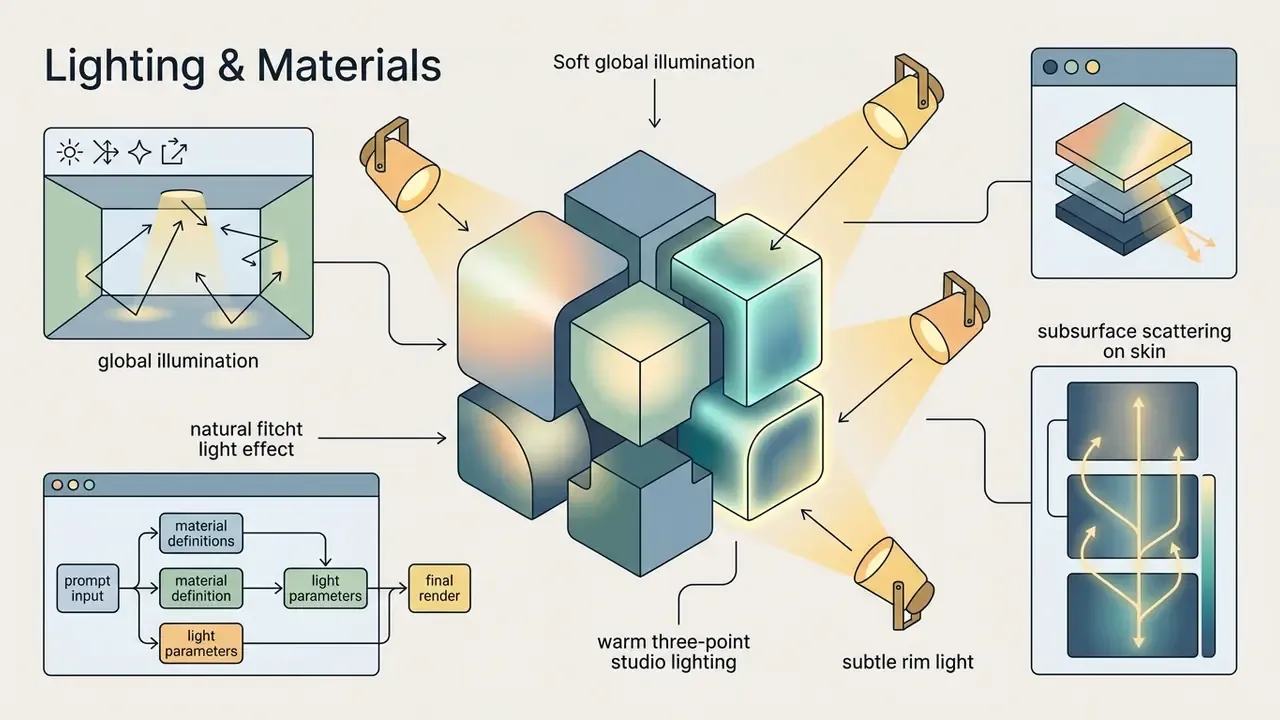
- What the style actually is A cluster of rendering cues, namely rounded proportions, oversized expressive eyes, soft global illumination, subsurface scattering, and warm three-point lighting, reproduced through prompt engineering and LoRA fine-tunes rather than official Pixar tooling such as RenderMan.
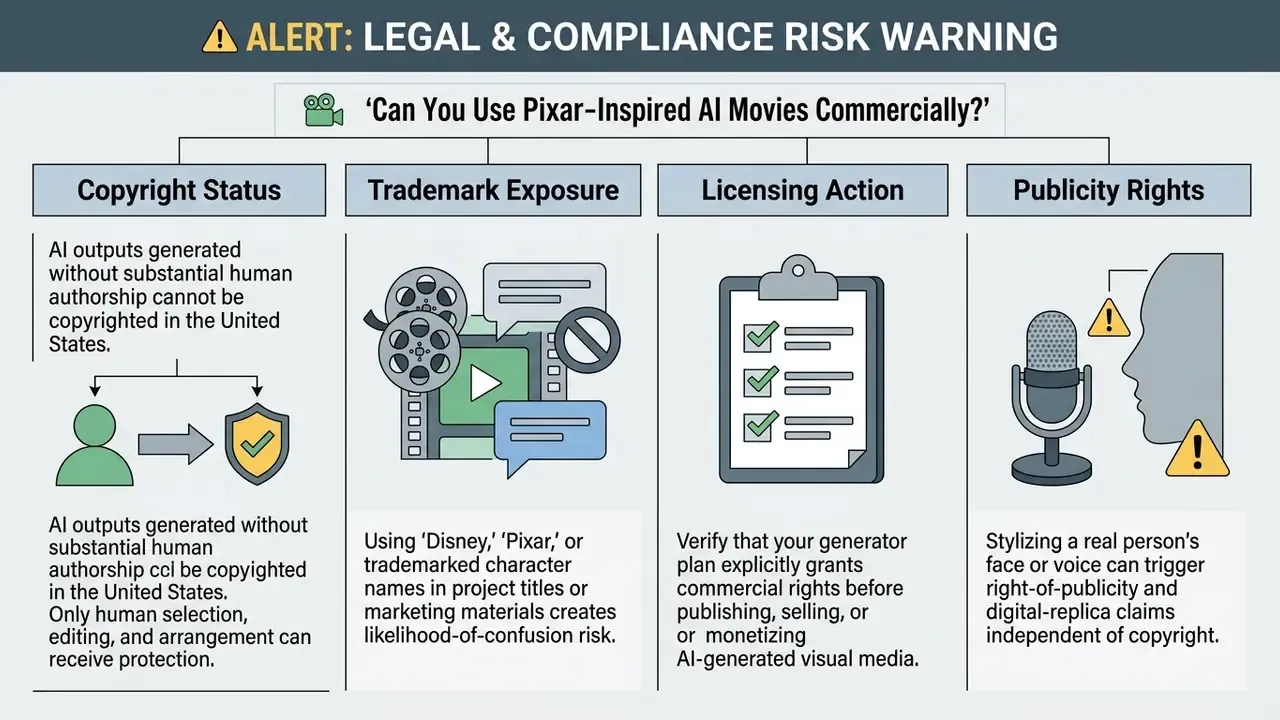
- Legal position first, pricing second Purely AI-generated visuals lack human authorship for U.S. copyright registration, and trademarked terms like "Disney" or "Pixar" in titles, metadata, or ads create likelihood-of-confusion exposure under the Lanham Act.
- Operational risk Uploading customer photos, employee selfies, or confidential storyboards into unvetted public generators is a Shadow AI event. Vendor data-retention terms, not model quality, should drive tool approval.
- Cost reality Subscription fees ($10 to $30 per month is typical) are a minority of total cost. Rejected generations, refinement cycles, and legal review dominate the total cost of ownership.
Pre-Publication Risk Checklist
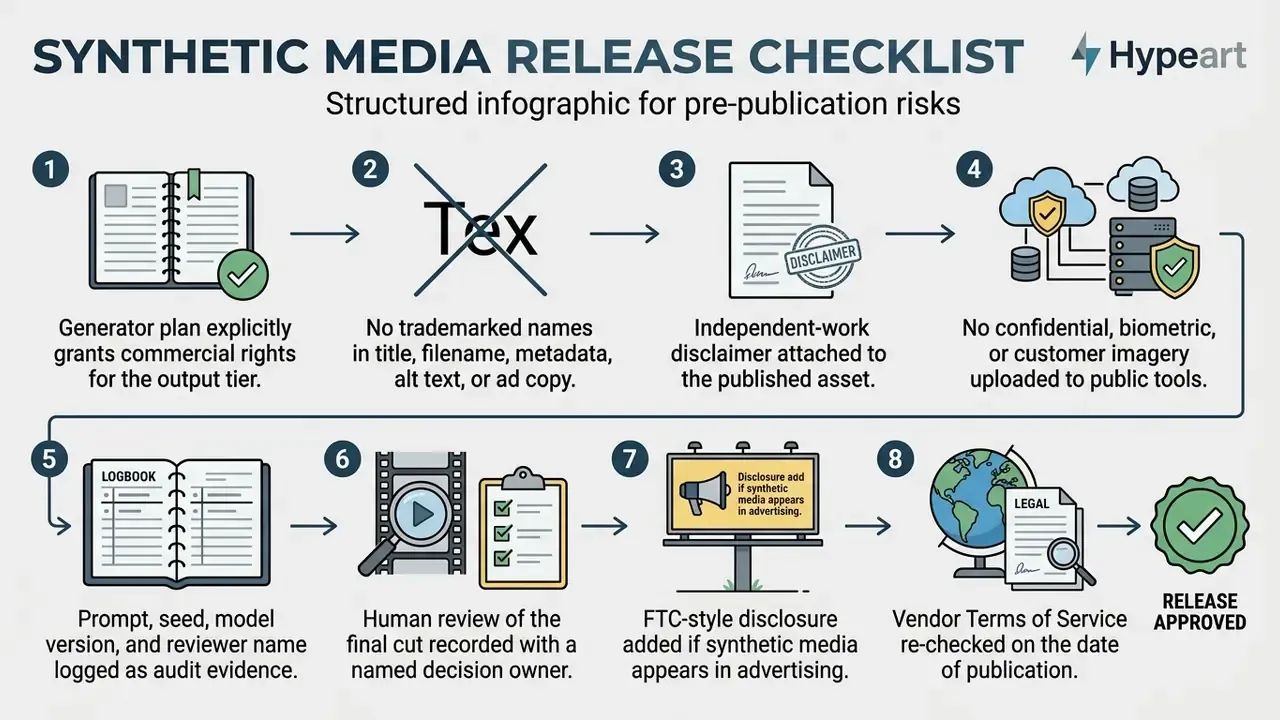
Who This Guide Is Written For
Two very different readers land on the phrase "ai generated pixar movies". One wants a cute stylized portrait of a dog by dinner time. The other signs off on tool approvals for a marketing team of two hundred people and needs to know what happens when someone uploads a customer photo into an unverified generator.
This guide serves both, in that order of practicality. Creators get prompt formulas, aspect ratios, and a working photo-to-Pixar pipeline. Governance, brand, and legal owners get the control layer: vendor verification, decision ownership per stage, retained audit evidence, and a risk-adjusted cost model. The through-line is simple. No evidence, no publication.
One caution up front. Every capability statement here has a boundary, and the boundaries move quickly. Where evidence is thin, the text says so instead of guessing.
What Are AI Generated Pixar Movies?
AI generated Pixar movies are synthetic digital videos and images created by deep learning diffusion models that mimic the recognizable 3D visual language of modern animated feature films. These outputs lean on high-grade rendering cues such as rounded character proportions, expressive oversized eyes, soft global illumination, and subsurface scattering to simulate a feature-length production aesthetic.
Generative AI models do not output complete, feature-length motion pictures from a single prompt. Current systems produce short video clips, character concepts, and visual storyboards that creators then assemble into longer animated concepts.
That capability ceiling explains the practical workflow. Creators generate a bank of short shots, then edit them into a two-to-three-minute animated concept trailer instead of a feature film. Search interest in ai generated disney pixar movies keeps outrunning what the models can actually deliver, and that gap is where most disappointment lives.
Shadow AI Warning: Unverified Generators and Data Exposure
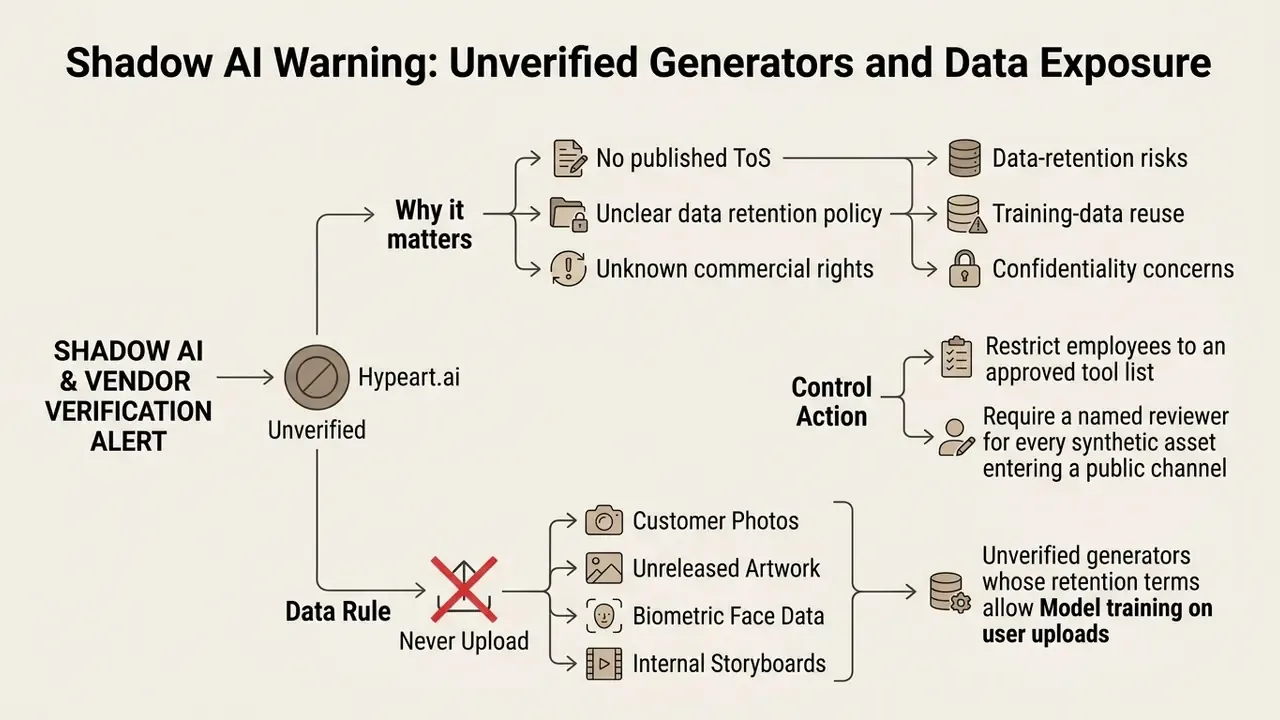
Shadow AI in creative teams rarely looks dramatic. It looks like a designer pasting an unreleased character sheet into a free pixar generator at 11 p.m. because the licensed tool queue was slow. One upload, no log, no owner. That single event is what an auditor will ask about later, and "we could not reproduce it" is the worst possible answer.
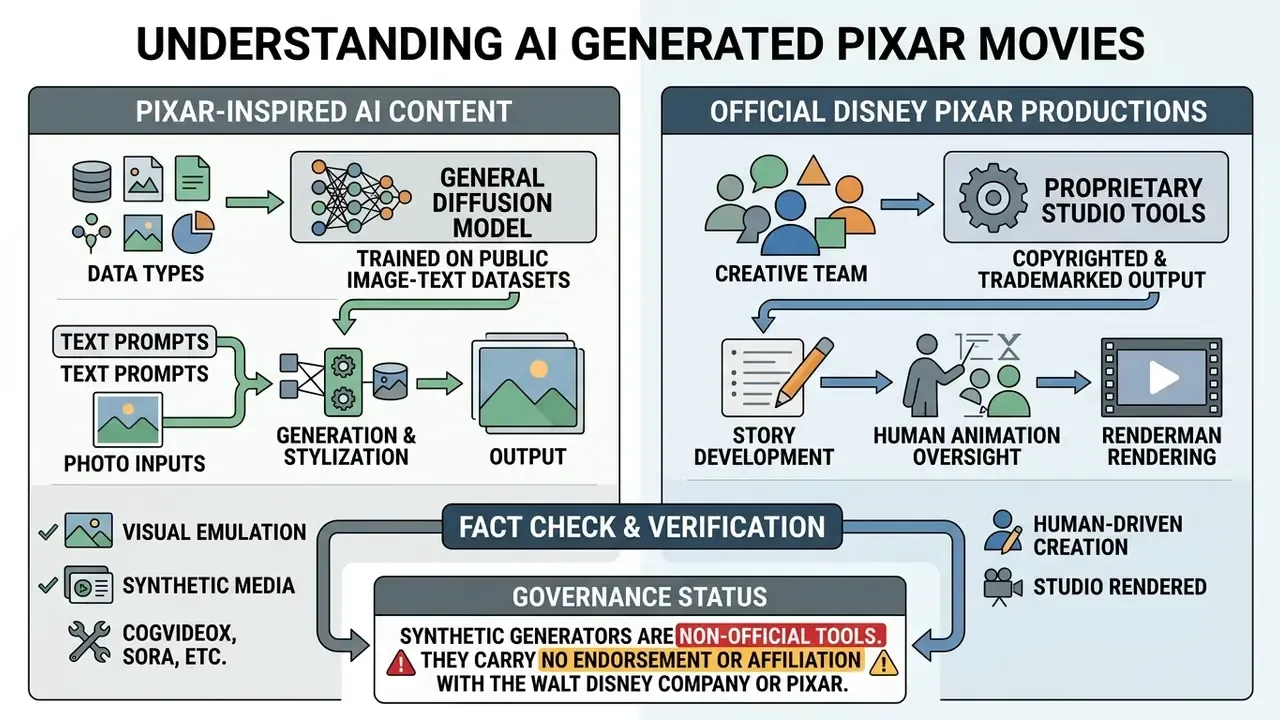
Pixar-Inspired Style vs. Official Disney Pixar Content
Pixar-inspired art is synthetic visual material generated by public AI models that imitate general 3D animation aesthetics. Official Disney Pixar content, by contrast, is protected intellectual property owned by The Walt Disney Company. According to guidance from the World Intellectual Property Organization (WIPO, Generative AI: Navigating Intellectual Property, 2026), artistic style itself is generally not protected by copyright law, yet specific expressive character designs, trade dress, and brand marks remain strictly enforceable.
«Style, understood as a constellation of expressive choices, may be protectable, yet courts struggle to apply the substantial similarity test to visual art.»
Creating fan art or movie concepts in a disney pixar style relies on prompt engineering and fine-tuned LoRA models, not authorized studio software. An AI generator can replicate visual cues like warm three-point lighting or exaggerated facial expressions convincingly enough to fool a casual viewer. Using trademarked terms or recognizable character designs in commercial projects, though, introduces legal liability and brand exposure risk.
There is also direct platform evidence on this point. Microsoft confirmed it blocked Bing Image Creator prompts generating Disney and Pixar logos after a request from Disney. Public generators are not official studio products, and the platforms themselves behave accordingly.
What AI Can Generate for an Animated Movie Concept
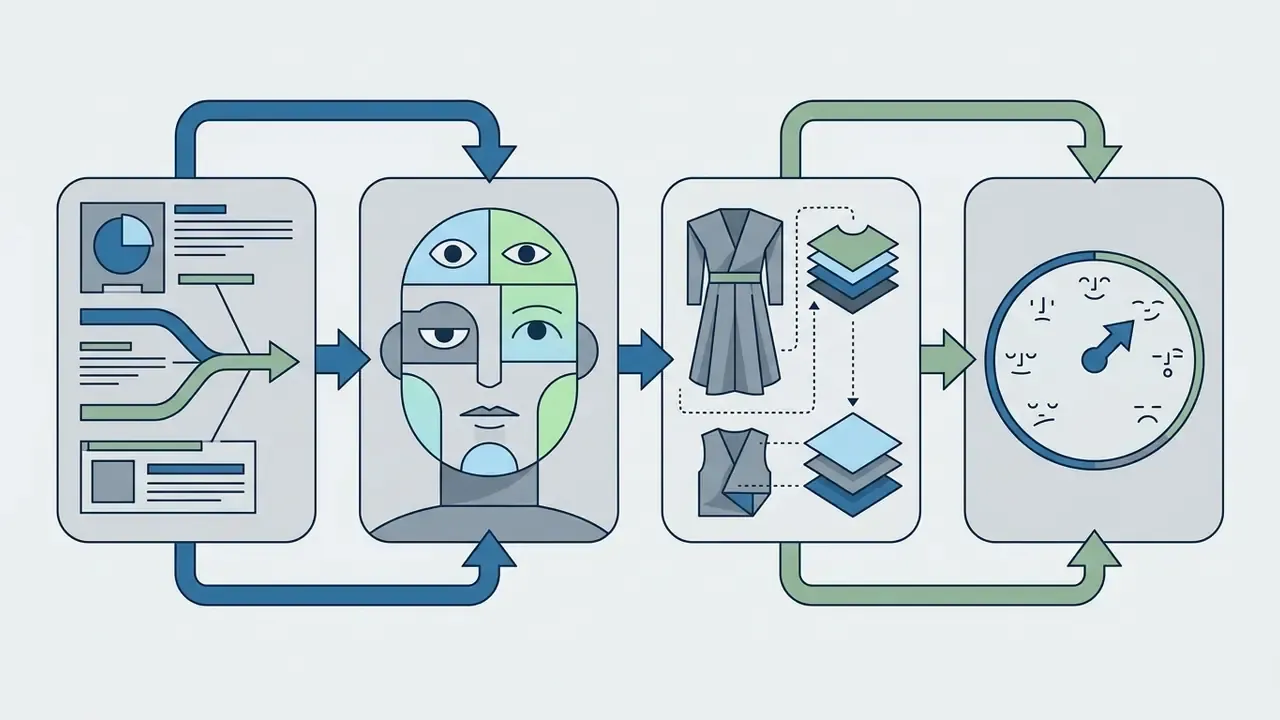
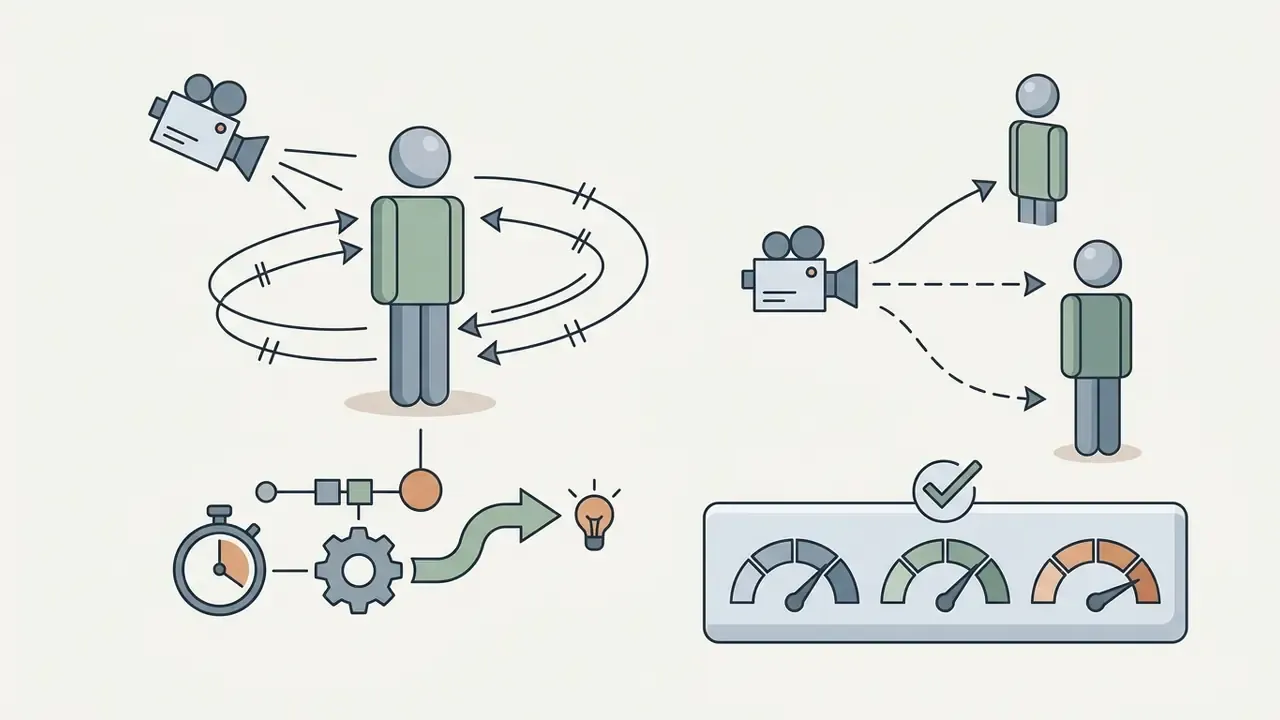
Modern generative frameworks produce four core pre-production assets for an animated movie concept: character design sheets, multi-panel storyboards, 3D pre-visualization frames, and short animated video clips. The National Institute of Standards and Technology (NIST Generative AI Profile, 2024) classifies these deliverables as synthetic content outputs derived from multimodal foundation models.
«AniSora processed over 10 million high-quality animation clips and achieved leading character- and motion-consistency scores on the VBench benchmark.»
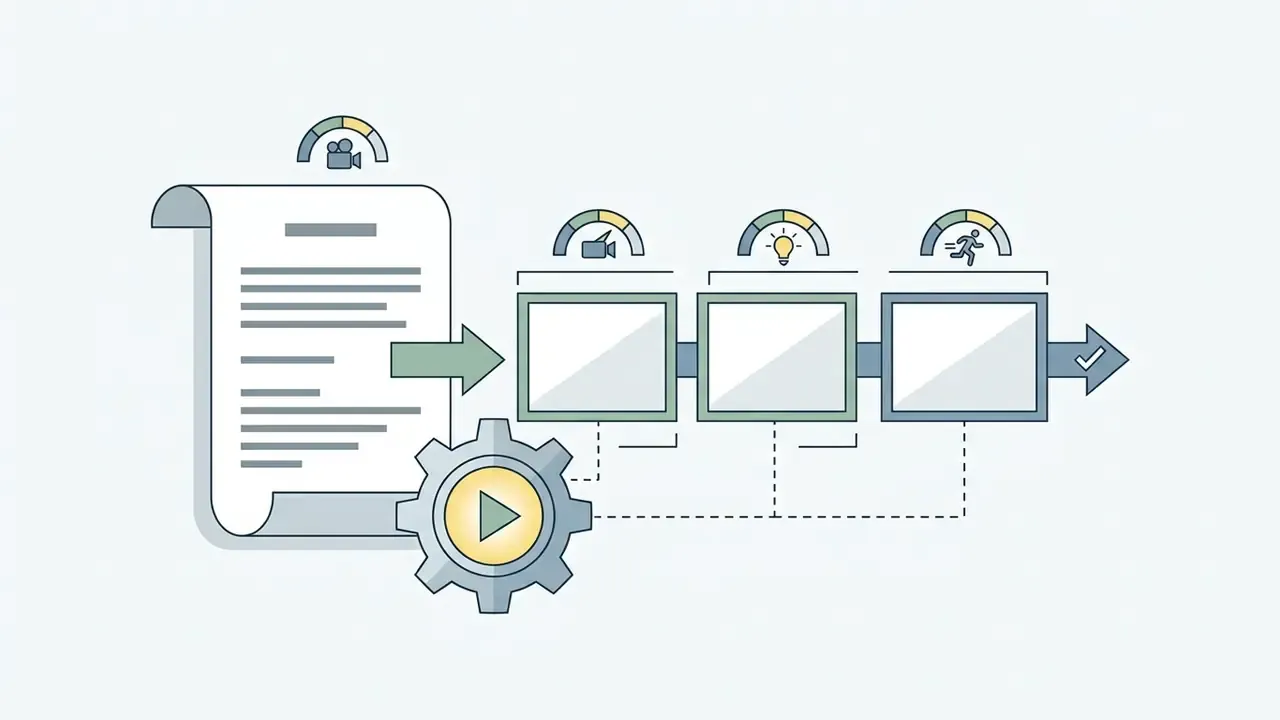
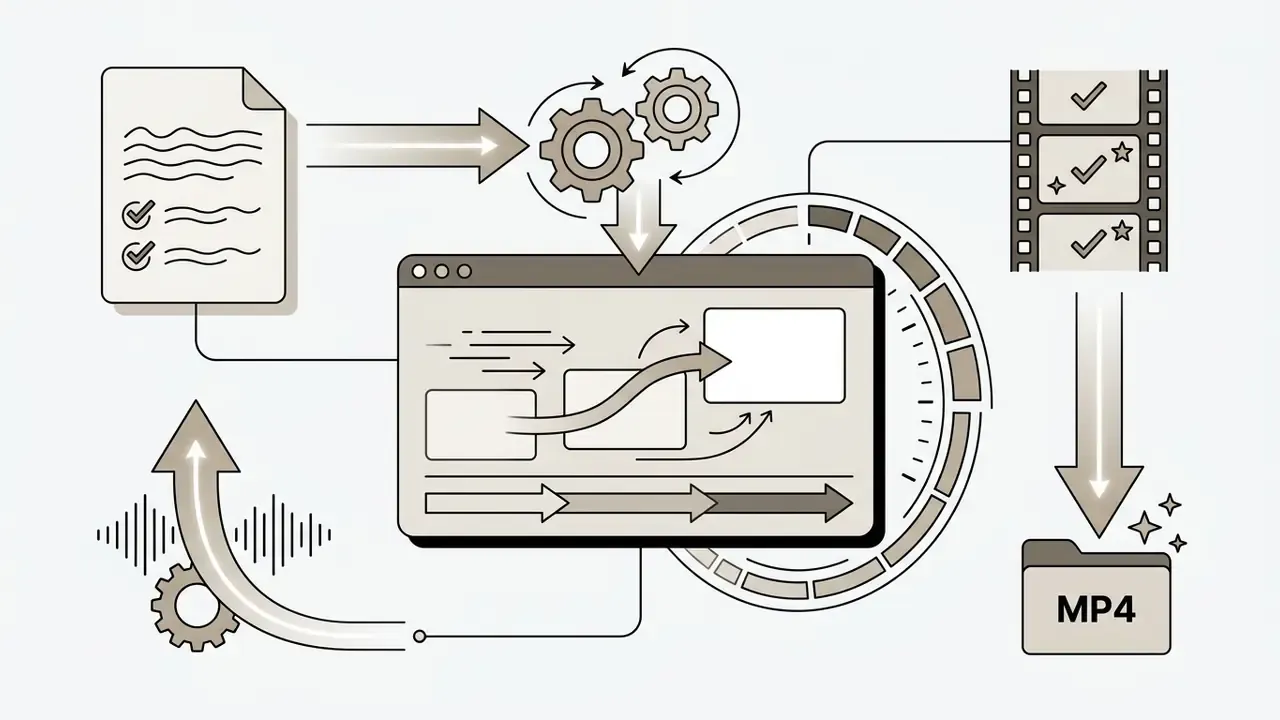
Teams comparing dedicated pipelines for these deliverables can review the landscape of animation makers before committing to a subscription. Creators building structured storyboards often map scene transitions with an ai flowchart generator first, then run video synthesis only on approved beats. Cheaper that way, and the reject log stays short.
AI Pixar Generator: Images, Characters and Video
An AI Pixar generator uses text-to-image, image-to-image, or text-to-video diffusion architectures to turn descriptive prompts into vibrant 3D animated visual content. These platforms let creators design consistent characters, compose atmospheric backgrounds, and render high-resolution 3D video clips without touching traditional modeling software.
Which engines actually deliver the look matters as much as the interface. For stills and posters, high-parameter image models such as FLUX.2, Midjourney v6/v7, DALL·E 3 (accessible through Bing Image Creator and ChatGPT), and Google Imagen reproduce stylized 3D geometry and subsurface-scattering skin most reliably. For motion, the practical shortlist is Runway Gen-4, Kling, Luma Dream Machine, Pika, Google Veo 3.1 (8-second clips at 720p, 1080p, or 4K with up to three reference images), and the open-source CogVideoX for self-hosted pipelines.
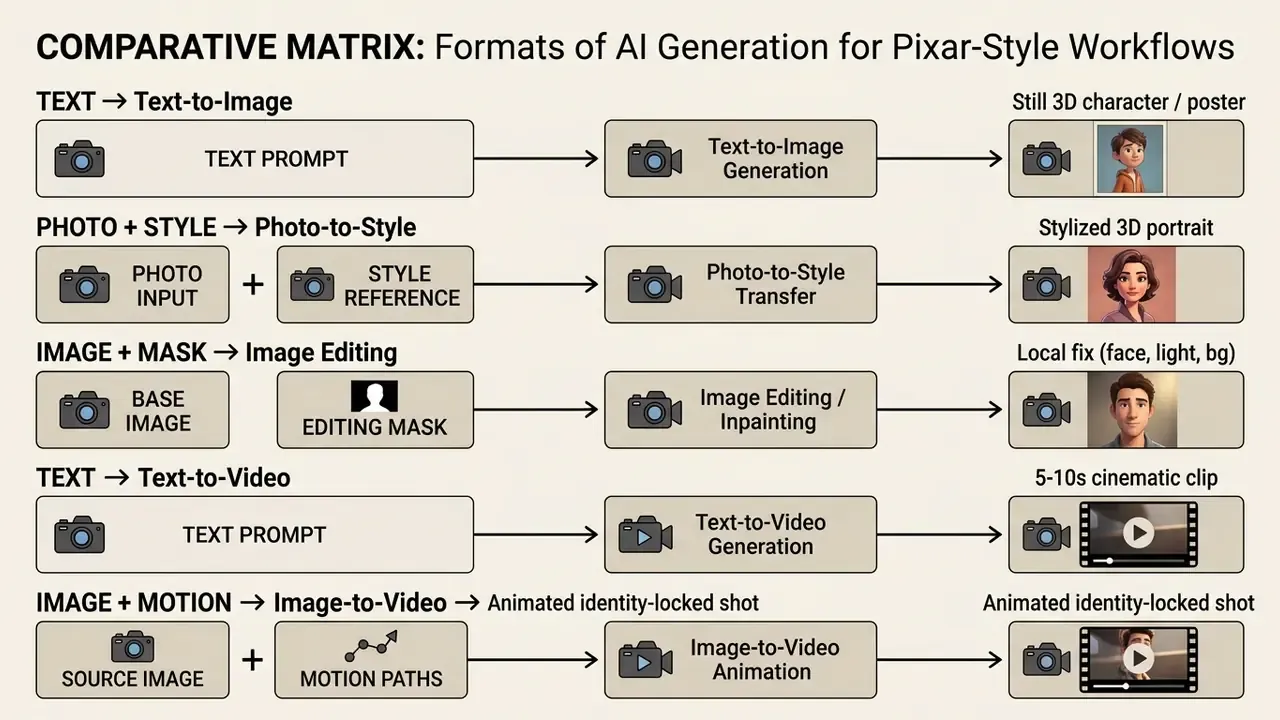
Table: Comparison of AI Generation Formats for Pixar-Style Visual Workflows
| Generation Format | Primary Input Data | Output Delivered | Optimal Operational Task |
|---|---|---|---|
| Text-to-Image | Descriptive text prompt | High-resolution 3D still image | Establishing character design and environment art |
| Photo-to-Style | Reference photo plus style prompt | Restyled 3D animated portrait | Transforming real-world photos into 3D animated characters |
| Image Editing | Source image plus regional mask | Modified image section | Adjusting facial expressions, lighting, or background elements |
| Text-to-Video | Textual scene breakdown | Short animated video clip (5 to 10s) | Creating dynamic camera movement and cinematic motion |
| Animated Video | Still reference image plus motion prompt | Temporal 3D video sequence | Animating static character concepts with persistent identity |
Read the table as a decision path, not a feature list. If character identity must survive across shots, you start in the photo-to-style or text-to-image column and only then move to motion. Starting with text-to-video and hoping the face stays put is how credit budgets evaporate.
Generate Pixar-Style Images from Text Prompts
Generating pixar style images from text prompts requires structured descriptions that combine character geometry, lighting parameters, and surface material attributes.
«A 13-participant study showed users progressively enrich prompts, adding material, lighting, and perspective attributes as they learn model capabilities.»
To generate a vibrant 3D character, ask explicitly for soft global illumination, subsurface scattering on skin, expressive eyes, and a shallow depth of field. Combining character traits with a named color palette lets models trained on datasets like LAION-5B pull accurate lighting and texture correlations, which produces the polished render most people picture when they say pixar ai. Creators weighing engines for still output can compare feature sets across leading AI image generators and stylistic benchmarks in the best AI art generator roundup before locking in a workflow.
Turn an Idea into a Pixar-Inspired AI Video
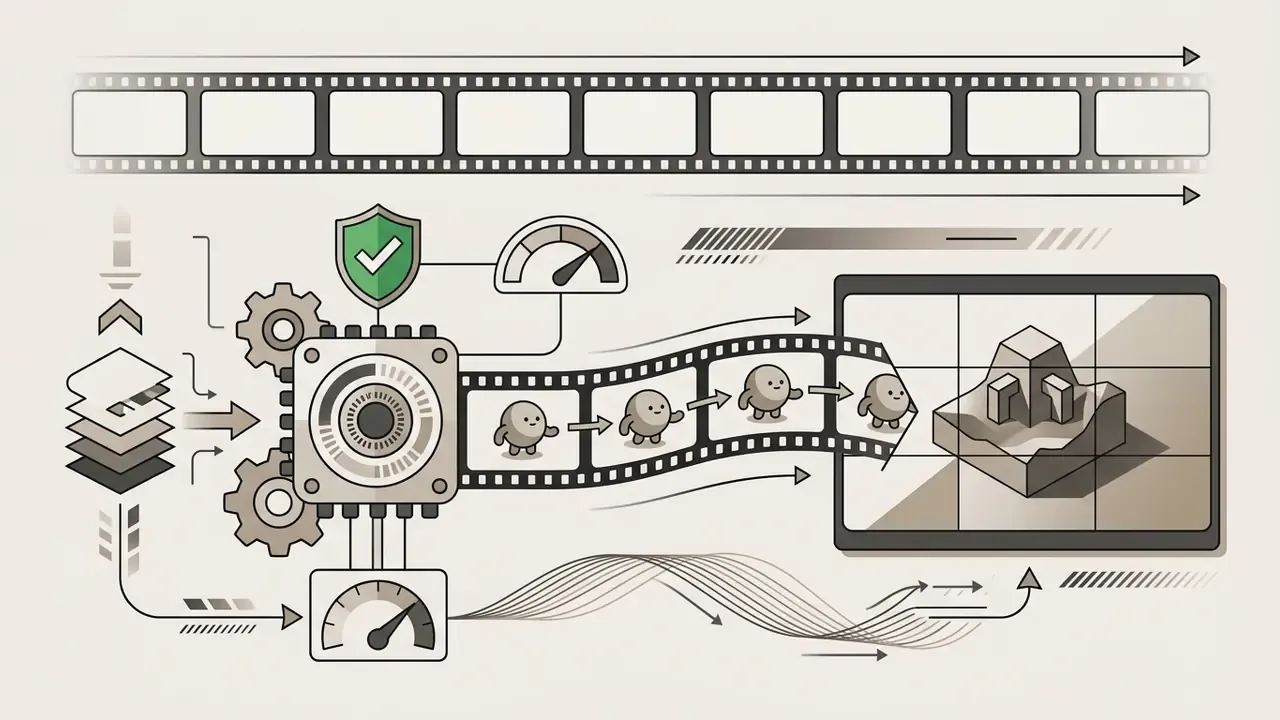
Converting a narrative idea into an animated video clip requires text-to-video or image-to-video diffusion transformers capable of holding temporal consistency across frames. Open-source research models like CogVideoX (ICLR 2025) generate 10-second continuous clips at 16 frames per second, which lets creators translate textual scene descriptions directly into dynamic camera sequences. A structured overview of the category sits in the guide to text-to-video AI tools.
To preserve character identity across motion clips, creators frequently pair static reference images with pose guidance frameworks.
«CharacterShot uses a dataset of 13,115 unique characters, each rendered from 21 viewpoints, and outperforms comparable methods on CharacterBench consistency metrics.»
The technique keeps facial structures and costume details stable while the diffusion model computes smooth character movement, camera pans, and environmental shifts. Identity drift still happens. It just happens less, and it fails in ways you can see and log.
How to Turn Personal Photos and Pet Pictures into Pixar-Style Characters
Transforming real-world photos, whether selfies, family portraits, or pet pictures, into stylized 3D animated characters requires image-to-image (Img2Img) conditioning or adapter frameworks such as IP-Adapter and ControlNet. Unlike a filter, these pipelines re-render the subject with new geometry and shading while keeping the face recognizable.
Step-by-step photo transformation workflow:
- For human selfies: "A 3D animated feature-film character version of the person in the photo, large expressive eyes, smooth stylized skin with subsurface scattering, soft studio lighting, vibrant colors, shallow depth of field."
- For pets: "A cute 3D animated character version of the dog in the photo, fluffy stylized fur texture, oversized expressive eyes, cheerful expression, soft global illumination, warm rim light."
- Upload the reference photo.Pick a well-lit, high-resolution source with clear facial features or clean subject contours. Front-facing images with minimal motion blur produce the most stable identity transfer.
- Configure image strength (denoising weight).Set the image control weight between
0.55and0.70. Higher values preserve the exact photo layout; lower values give the model more freedom to exaggerate proportions into cartoon geometry. - Apply the style prompt.Combine subject details with 3D animation design tokens:
- Lock geometry with ControlNet (optional).Apply a
DepthorOpenPoseconditioner to hold the exact body pose and head angle of the original photo. Essential for matched-pair before and after posts. - Render and refine.Generate three to four variants and pick the output that best balances subject recognition with 3D animation aesthetics. Use masked image editing to fix hands, glasses, or hairline artifacts instead of regenerating the whole frame.
Glasses, by the way, are the usual failure point. Frames melt into the cheekbone around weight 0.45 and below.
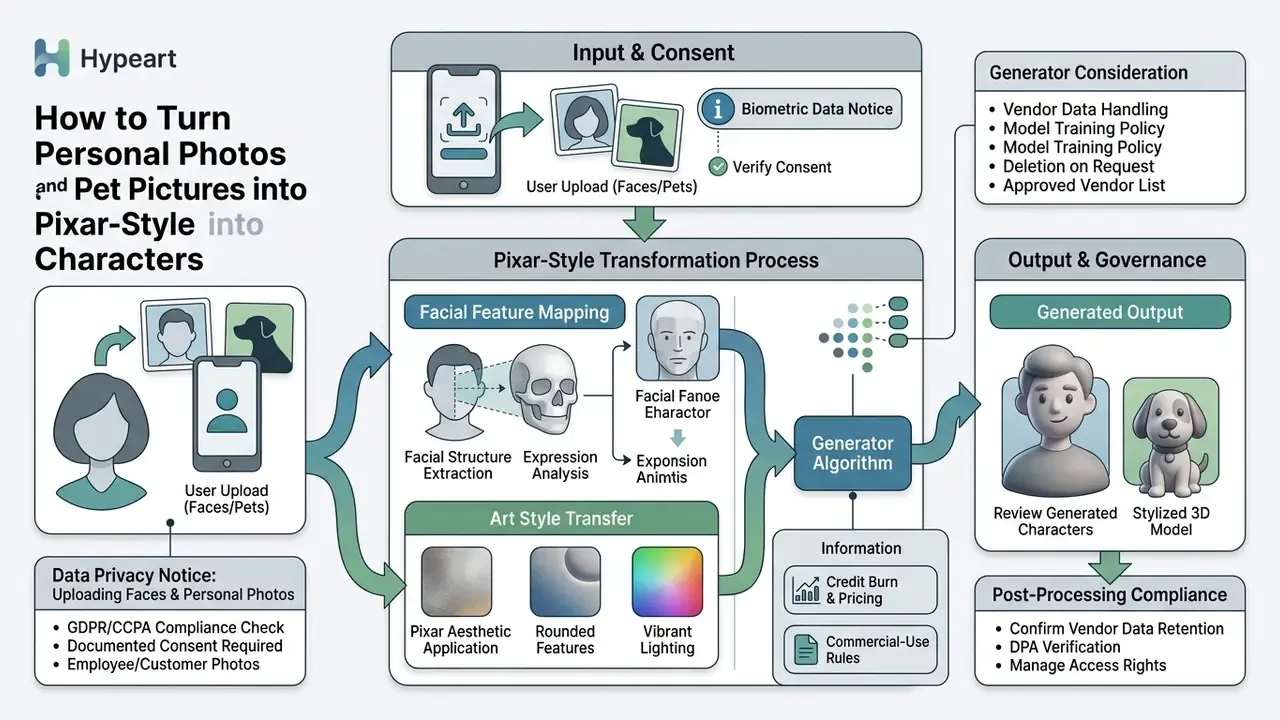
Consent risk scales with the novelty of the tool. Face-swap and intimacy-themed novelty apps, including anything in the category of an ai french kiss generator, sit at the far end of that scale: they process identifiable faces, often store them, and almost never carry an enterprise data-processing agreement. Keep them off the approved list for any asset touching customers or employees.
For portrait-grade output beyond stylization, creators can also compare dedicated AI headshot generators that specialize in identity preservation, and use a standard photo editor for final retouching of exported frames.
How to Create a Pixar-Inspired AI Movie Step by Step
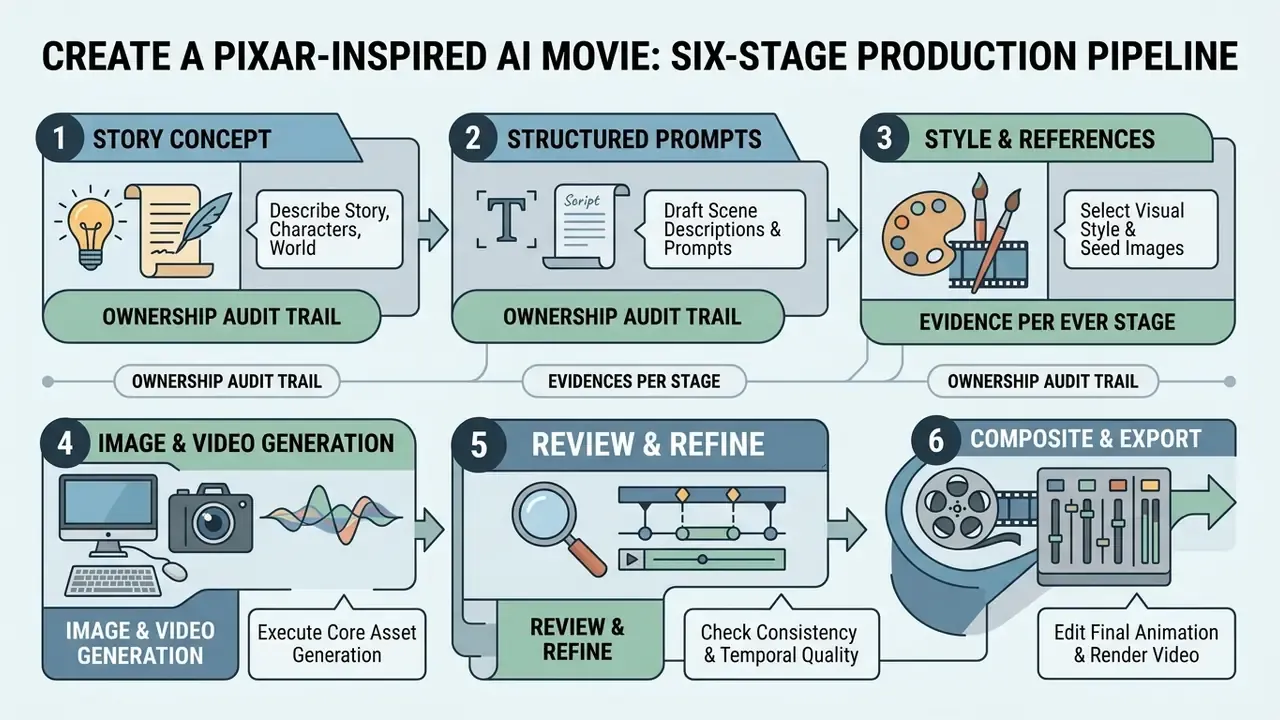
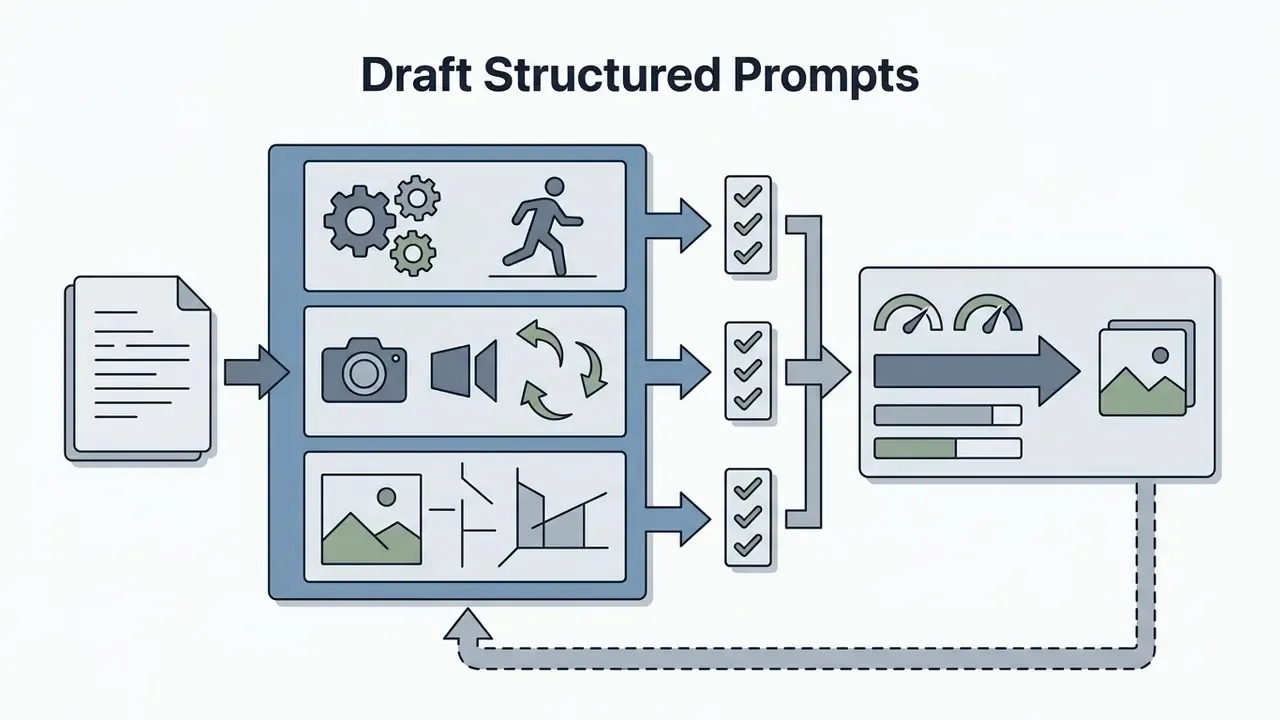
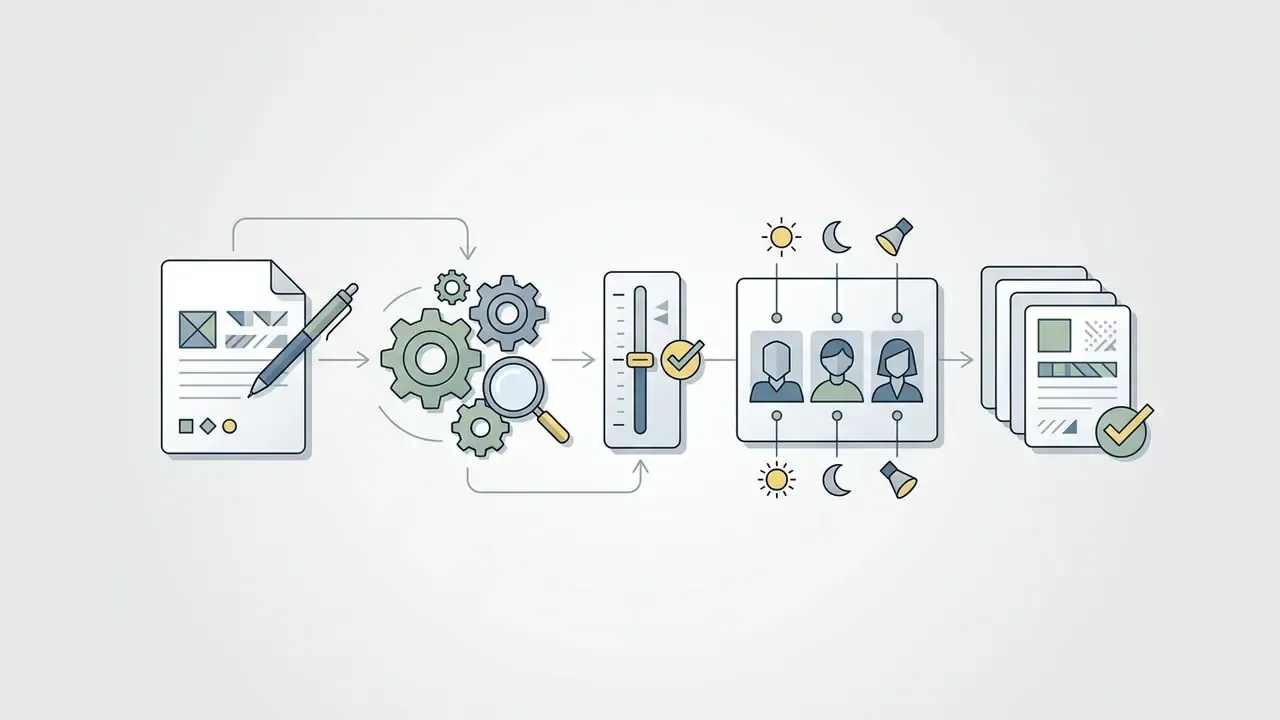
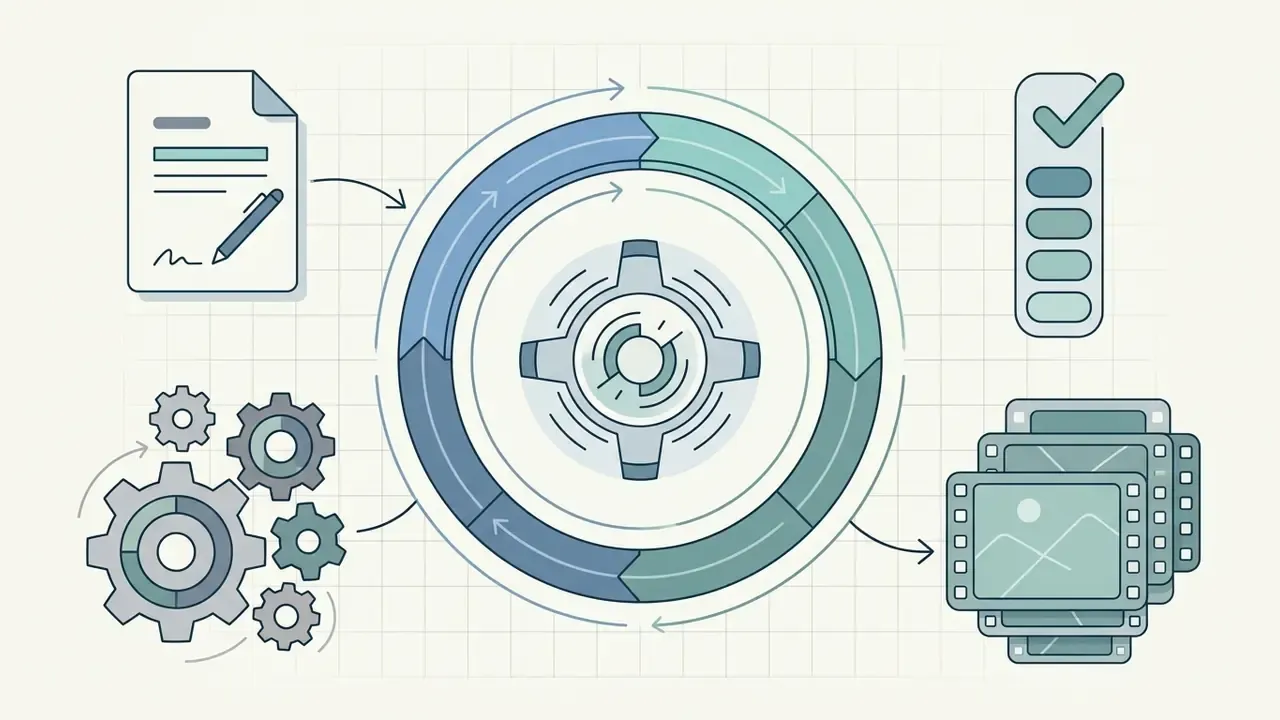
Creating an AI generated pixar movie runs through a six-stage production pipeline that turns a story concept into an edited, exported animated short. The workflow mirrors traditional film production, with manual rendering swapped for controlled generative models.
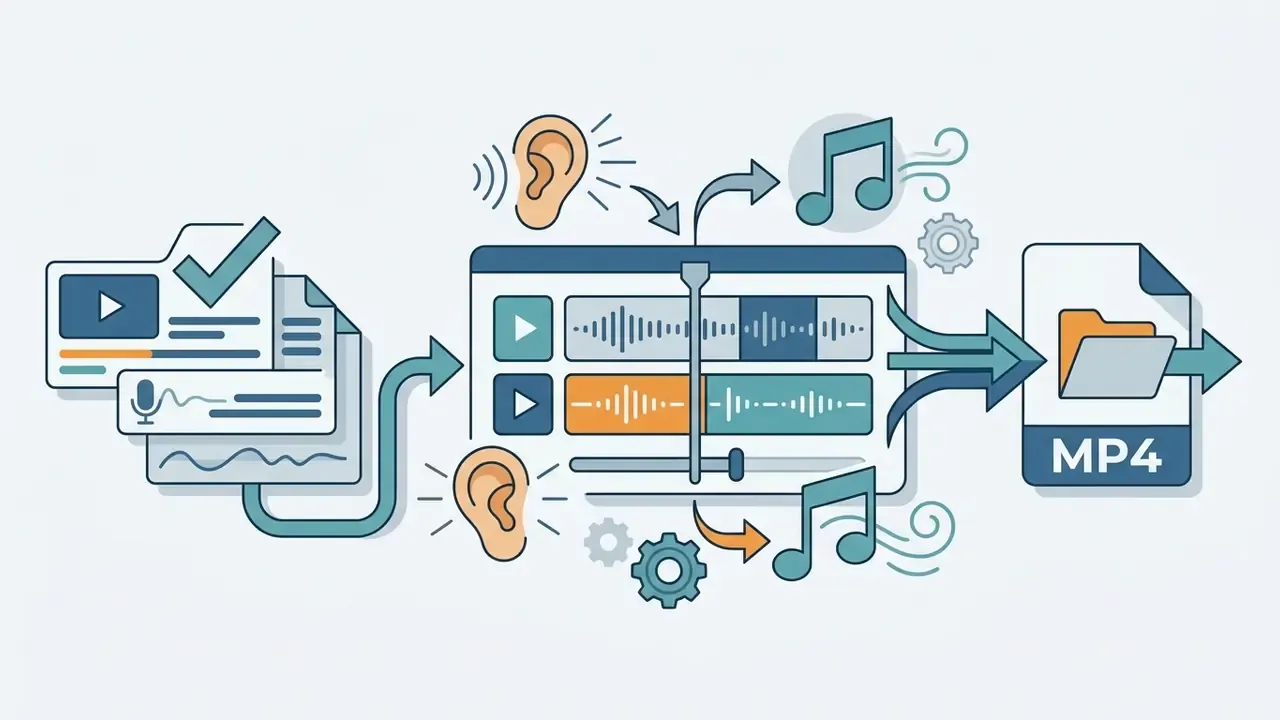
Decision Ownership and Audit Evidence per Stage
| Stage | Decision Owner | Primary Control | Audit Evidence to Retain | Escalation Trigger |
|---|---|---|---|---|
| 1. Concept and script | Creative lead | Human authorship of narrative elements | Dated script file with named author | Concept references a protected franchise character |
| 2. Prompt drafting | Prompt engineer | Trademark term screening | Versioned prompt library entry | Prompt requires a brand name to work |
| 3. Style and reference seeds | Art director | Reference-image provenance check | Source of every reference image, consent records | Reference derived from copyrighted studio frames |
| 4. Generation | Production operator | Approved-vendor list, no confidential uploads | Model version, seed, resolution, timestamp | Unapproved or unverified tool used |
| 5. Review and refinement | Quality reviewer | Temporal quality thresholds (flicker, identity drift) | Scored review sheet per clip, reject log | Identity drift persists after three re-runs |
| 6. Composite and export | Publishing owner | License verification plus disclaimer attachment | ToS screenshot with date, final disclaimer text | Commercial rights not granted by the account tier |
Note the pattern in the escalation column. Almost every trigger is a brand or rights event, not a technical one. Quality problems cost credits; rights problems cost far more.
Describe the Story, Characters and Animated World
A cohesive animated world needs explicit descriptions of environment lighting, architectural style, and character emotional arcs at the pre-production stage, before a single clip is paid for.
«Prompt engineering recommends structuring requests as a combination of instructions, input data, questions, and examples, especially for complex visual tasks.»
In practice that means separating prompt inputs into distinct blocks: character attributes, world environment, emotional tone, camera framing. When describing characters, define physical traits such as rounded face geometry, vibrant color schemes, and expressive eye movement. For the surrounding world, specify atmospheric elements like volumetric sunset lighting, soft shadows, or glowing ambient textures. Organizations that need story inputs gathered consistently across production teams can standardize creative briefs with an ai form generator, which also gives the art director a dated record of what was requested.
Generate, Review and Refine the Video Result
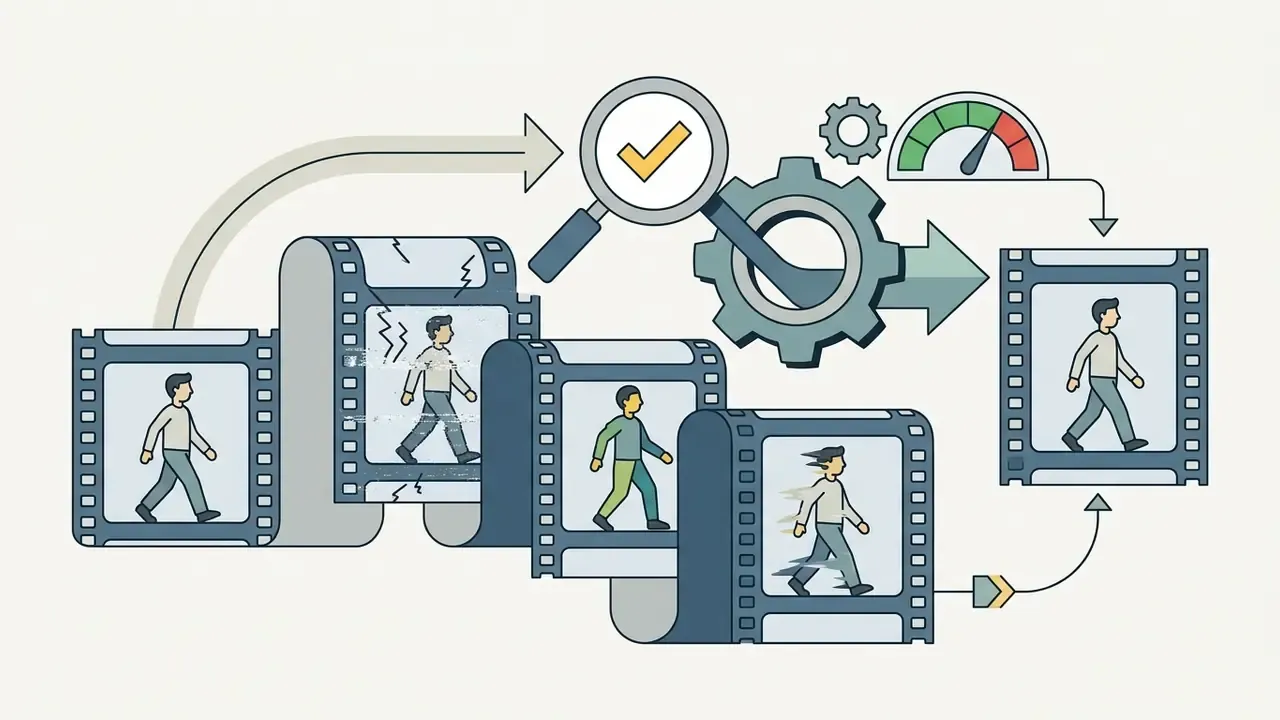
Iterative refinement means scoring generated clips against standardized benchmarks for motion smoothness, subject consistency, and prompt fidelity.
«VBench++ spans 16 dimensions, from subject identity consistency to spatial relationships, and includes human-preference annotations for text-to-video and image-to-video.»
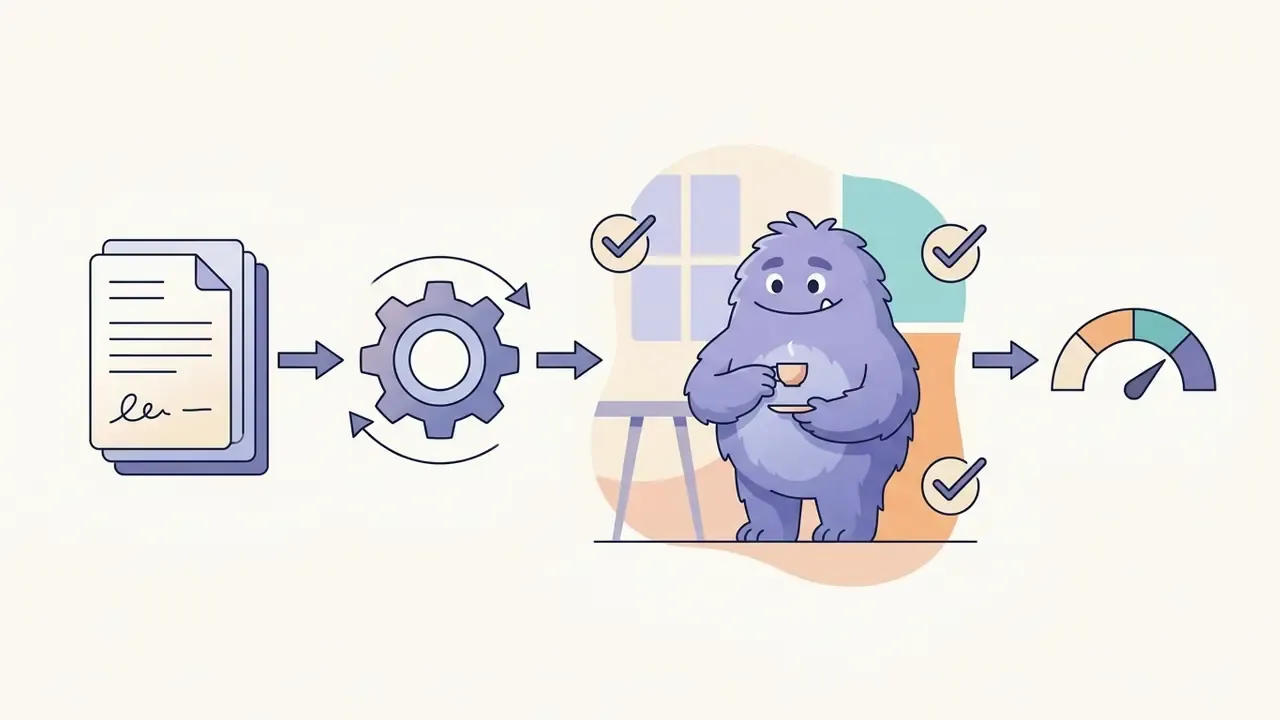
In a corporate review setting, those dimensions collapse into a simple pass/fail scorecard. Does the character keep the same face? Does the background stop shimmering? Does the motion match the prompt, and does the lighting stay continuous across cuts?
If a clip shows visual artifacts or character morphing, apply localized image editing or use temporal mask modules like AniSora to adjust specific frames. Techniques documented in the research literature, such as temporal layers in the U-Net and flow-guided recurrent latent propagation used by Upscale-A-Video, address flicker during upscaling, while object-aware editing methods stabilize backgrounds during montage. Refining camera motion cues and pinning generation seeds removes most jitter, so the exported animated video holds visual continuity end to end.
For assembly, color matching, and audio sync, creators can choose from free video editing software, route publishing through a YouTube video editor workflow, and compress final deliverables with a video compressor before distribution. Teams modelling throughput and credit burn per accepted second can browse the hub for the relevant calculators.
How to Write Prompts for Pixar-Style Images and Videos
Effective prompts for disney pixar style visuals depend on precise technical terms that control geometry, surface materials, lighting setups, and camera perspective. Branded keywords do less work than people assume. Structured prompts describe the exact visual elements that constitute high-end 3D animation, and they survive moderation filters.
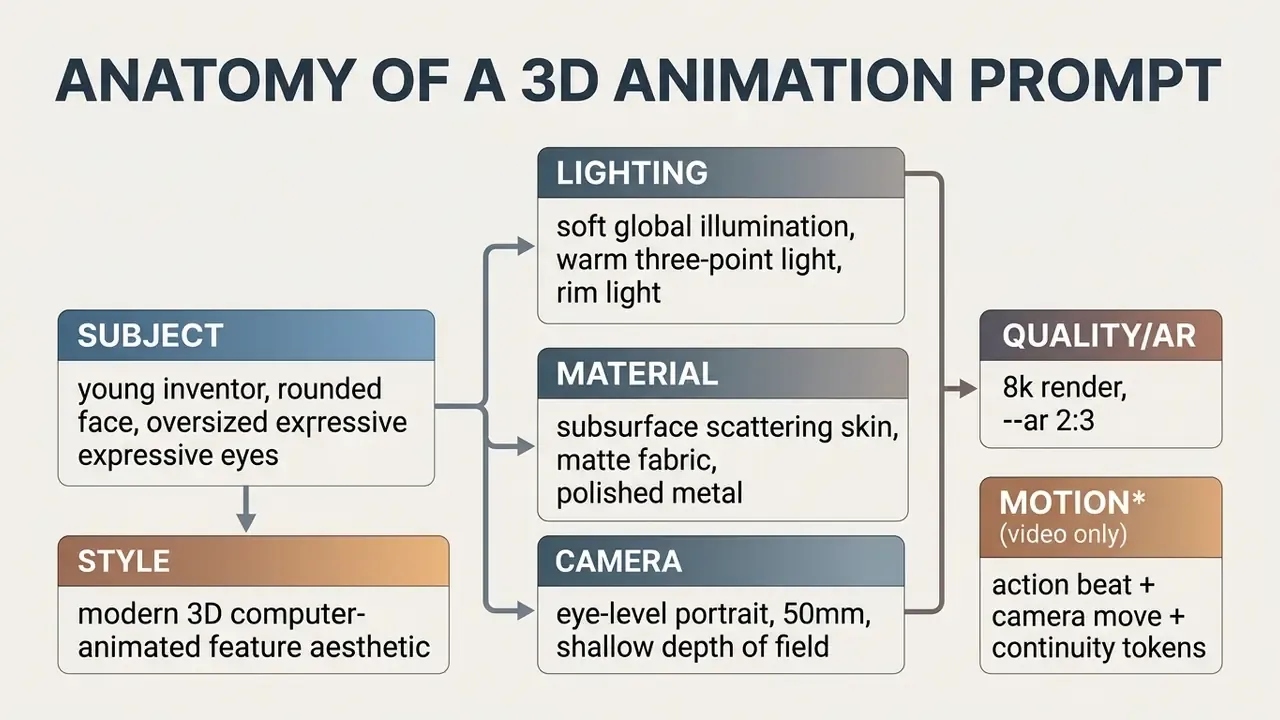
Prompt Elements for 3D Characters and Images
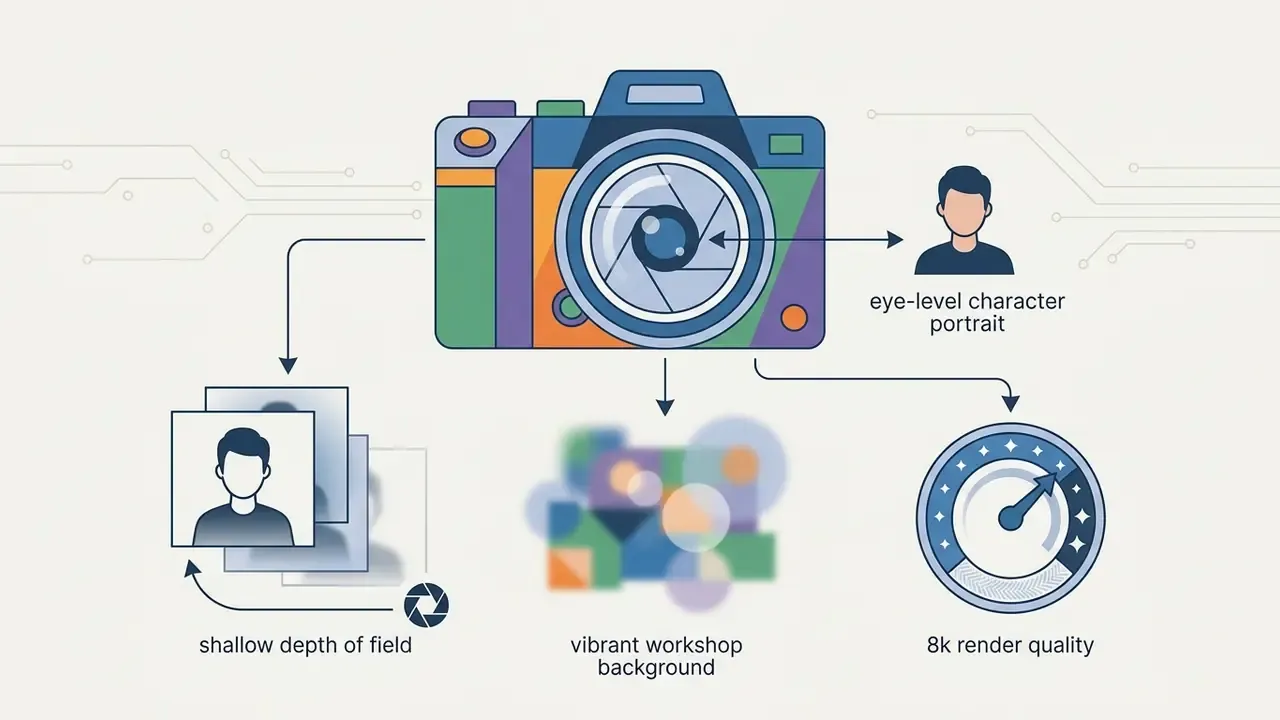
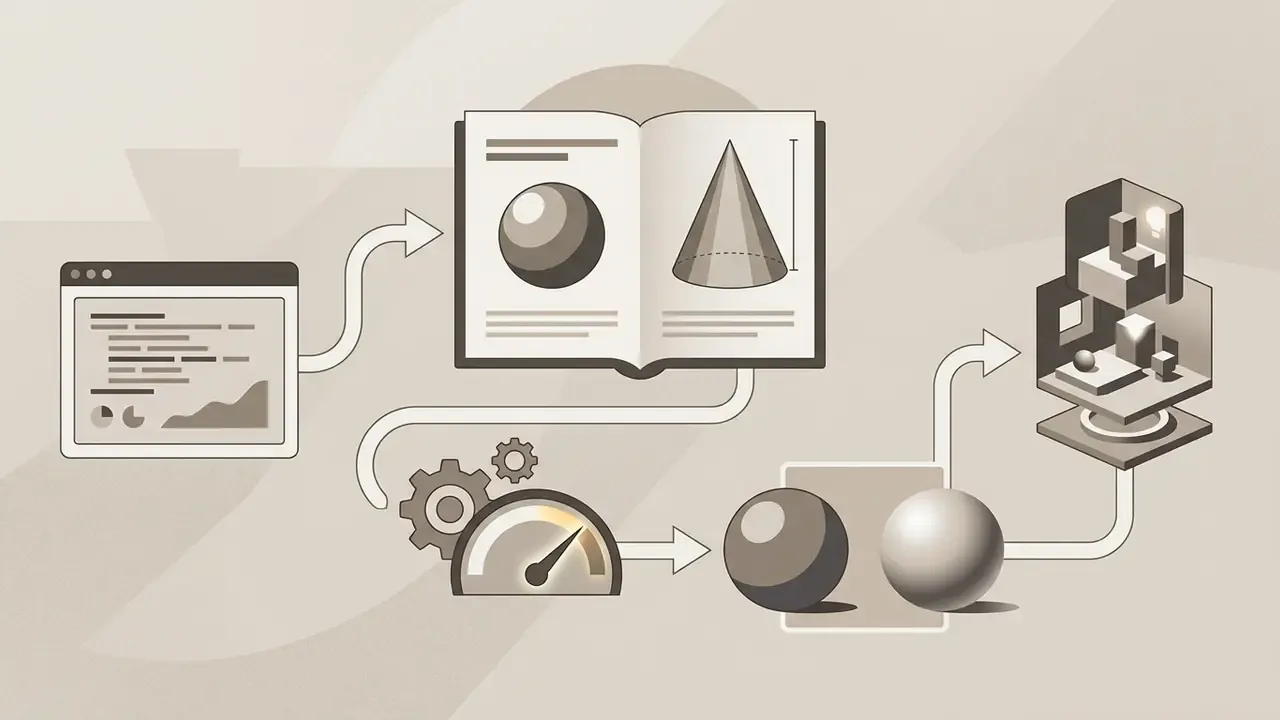
High-quality 3D character prompts pair descriptive subject details with explicit rendering parameters that steer the diffusion model's latent space. Updated: shape-aware prompting research presented at CVPR 2025 formalizes the target 3D shape as an explicit input variable alongside the text prompt, and vendor prompting guides recommend the pattern {quantifier} + {subject} + {detailed description} + {style}, where the description covers shape, color, and material. Read together, both sources point the same way: naming material textures and light distribution improves render clarity more reliably than stacking style keywords.
«Users studying prompt strategies naturally progress to specifying viewpoint, lighting, and level of detail once they realize generic style tags are insufficient.»
Creators who need stylized typography for title cards can build lettering with an ai font generator to match the character palette.
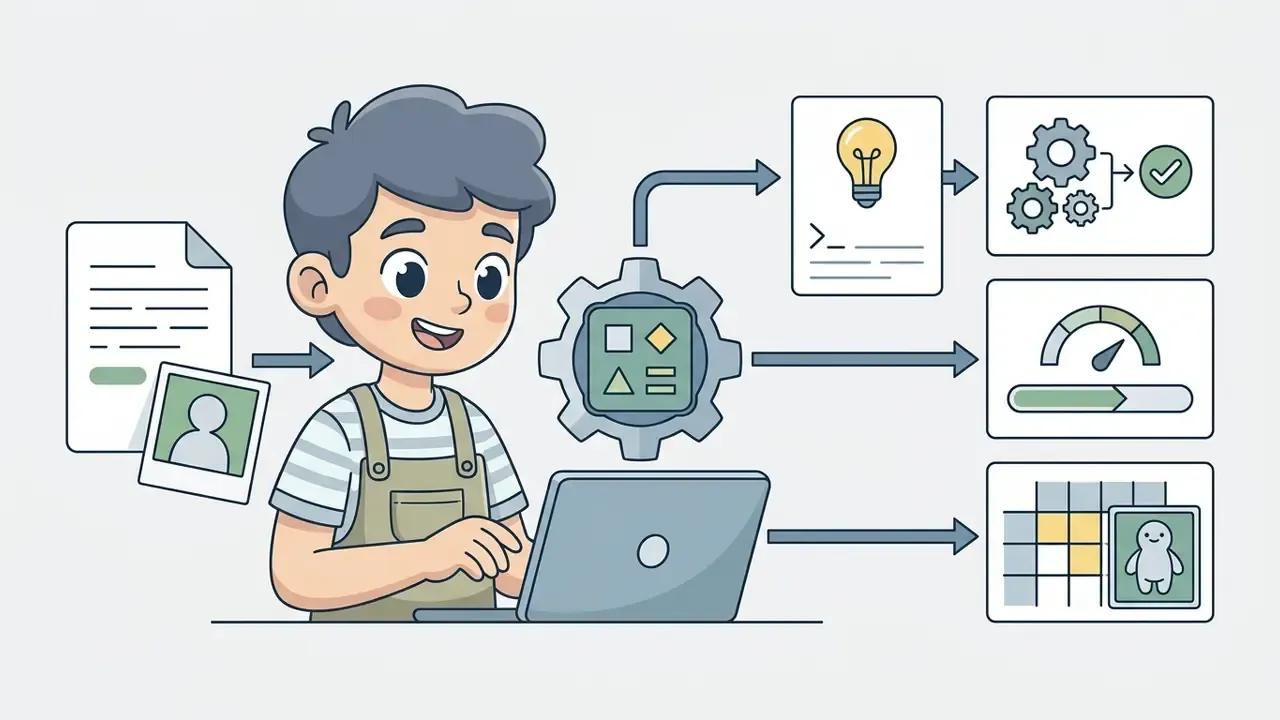

Prompt Elements for Animated Video Scenes
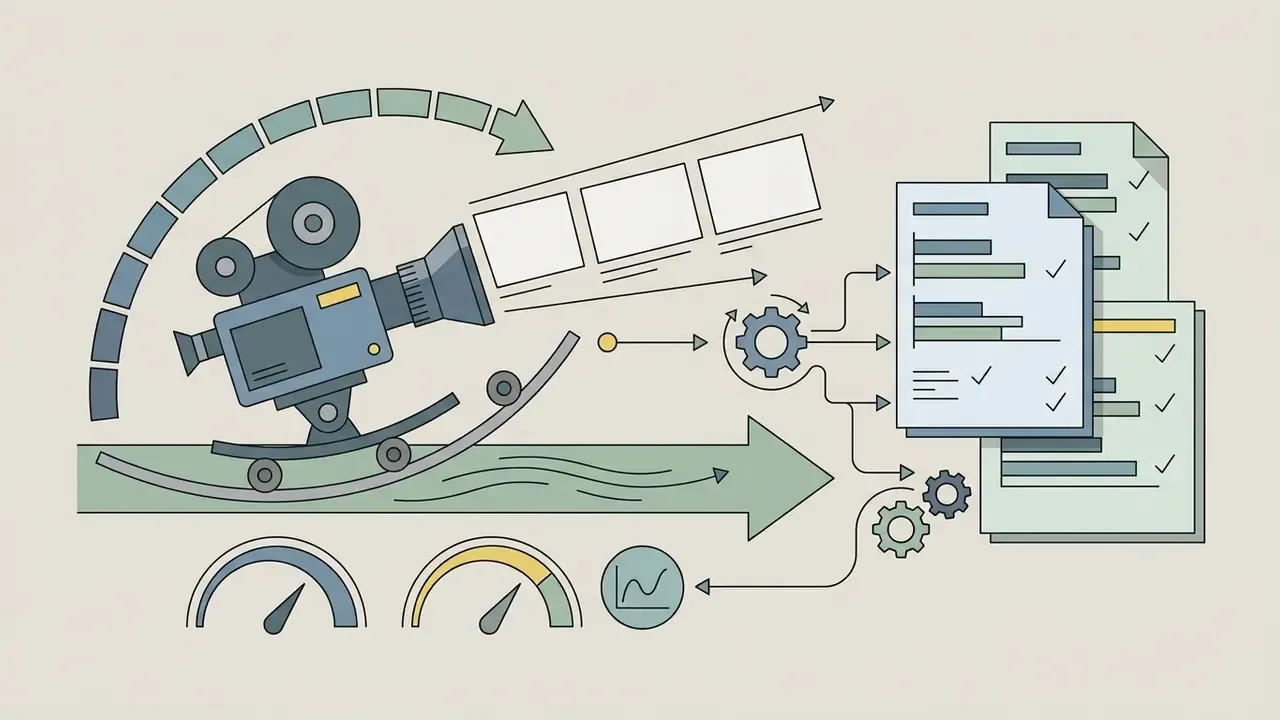
Prompts for dynamic video scenes need camera movement, temporal action, and continuity tokens, otherwise motion across frames drifts. Updated: compositional video benchmarks now show which prompt dimensions actually control output.
«T2V-CompBench systematically tests compositional video generation across attribute binding, spatial relationships, motion binding, and object interaction.»
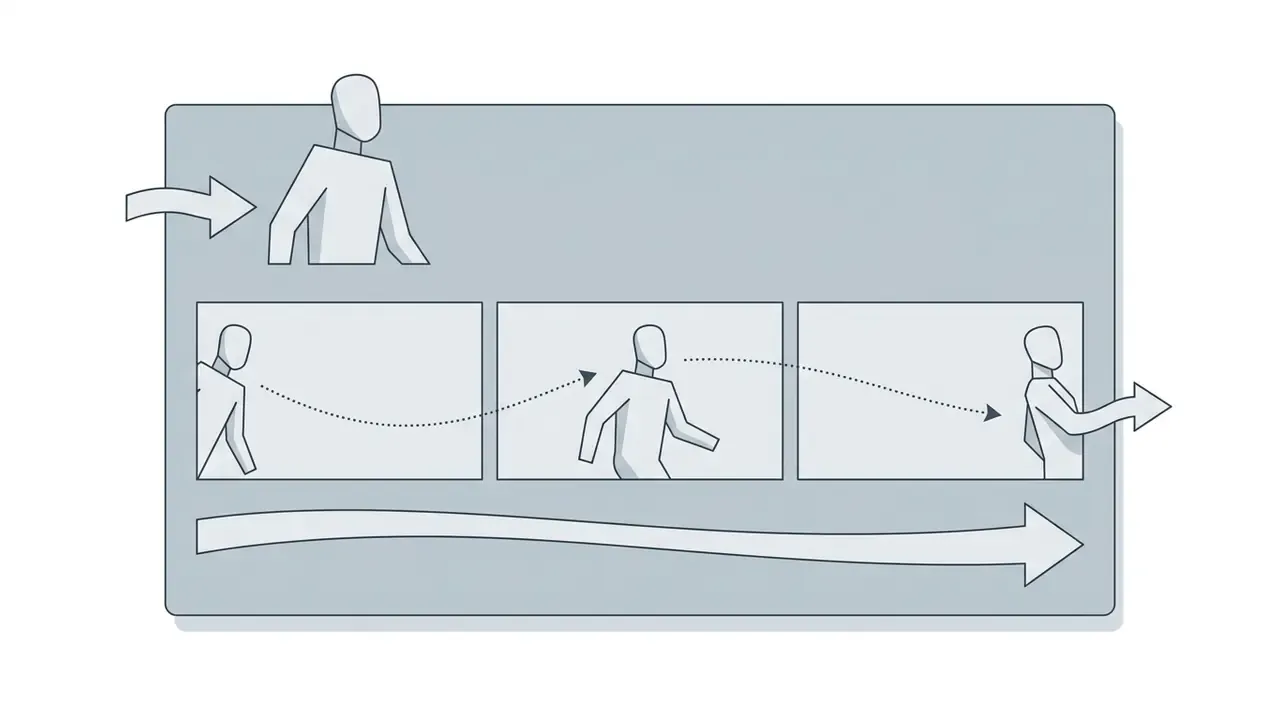
Applied cinematography reinforces the same logic. Clear screen direction, consistent movement direction between edits, and stable lighting are what make two separately generated clips read as one scene. Break the 180-degree rule and the audience feels the seam even if they cannot name it.
Creators producing promotional materials for animated projects can lay out print and social assets with an ai flyer generator once the key art is approved.

Ready-to-Use Pixar Scene Prompts for Image and Video Generators
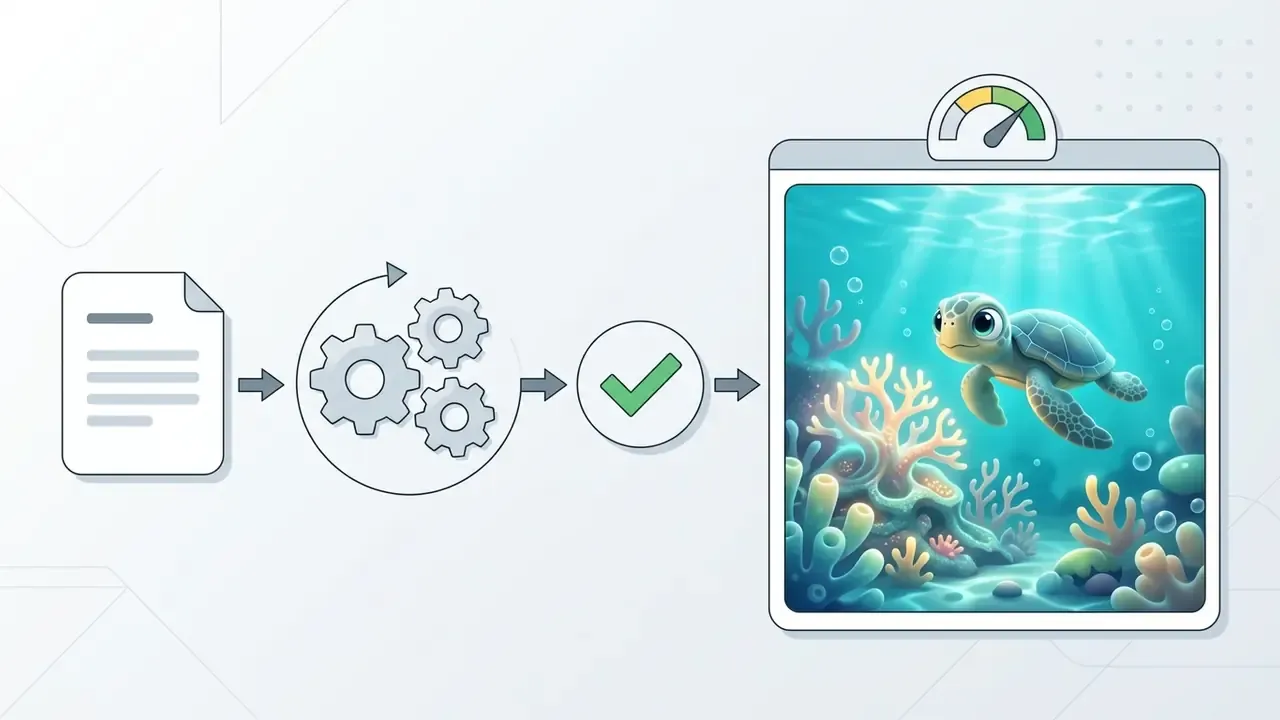
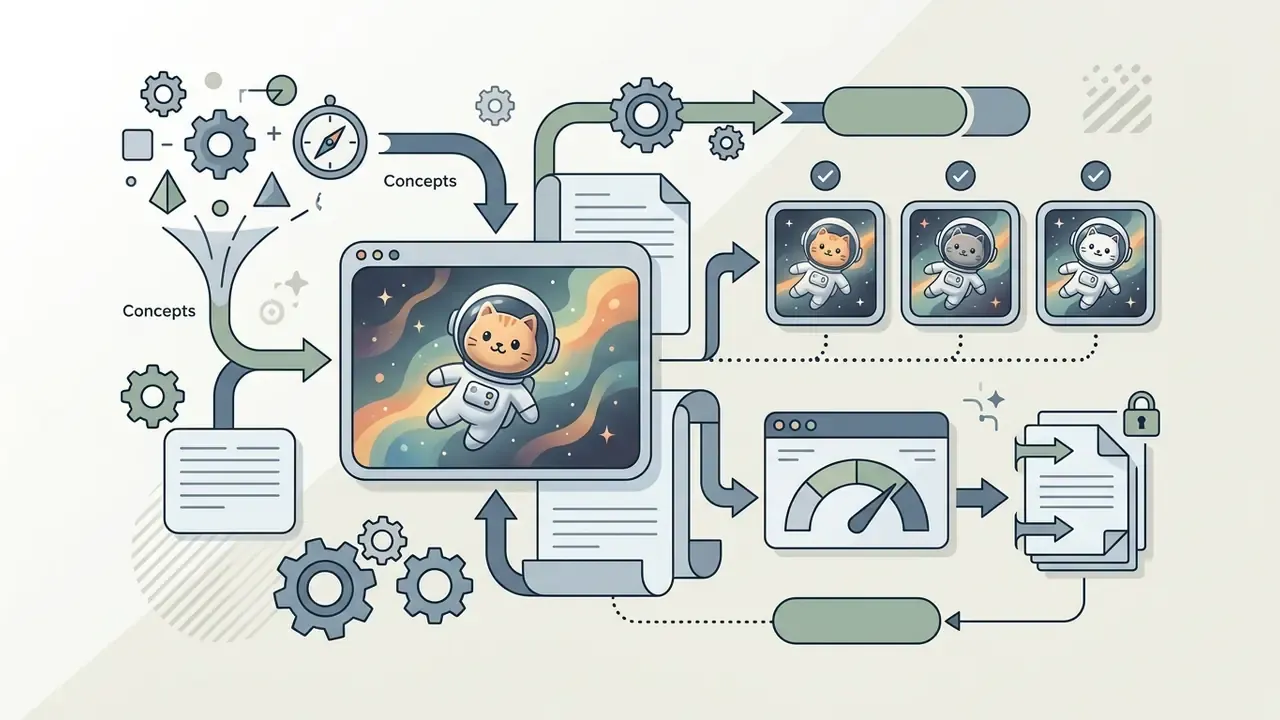
Copy and adapt these production-tested prompts across diffusion models such as FLUX.2, Midjourney v6, DALL·E 3, and image-to-video engines:
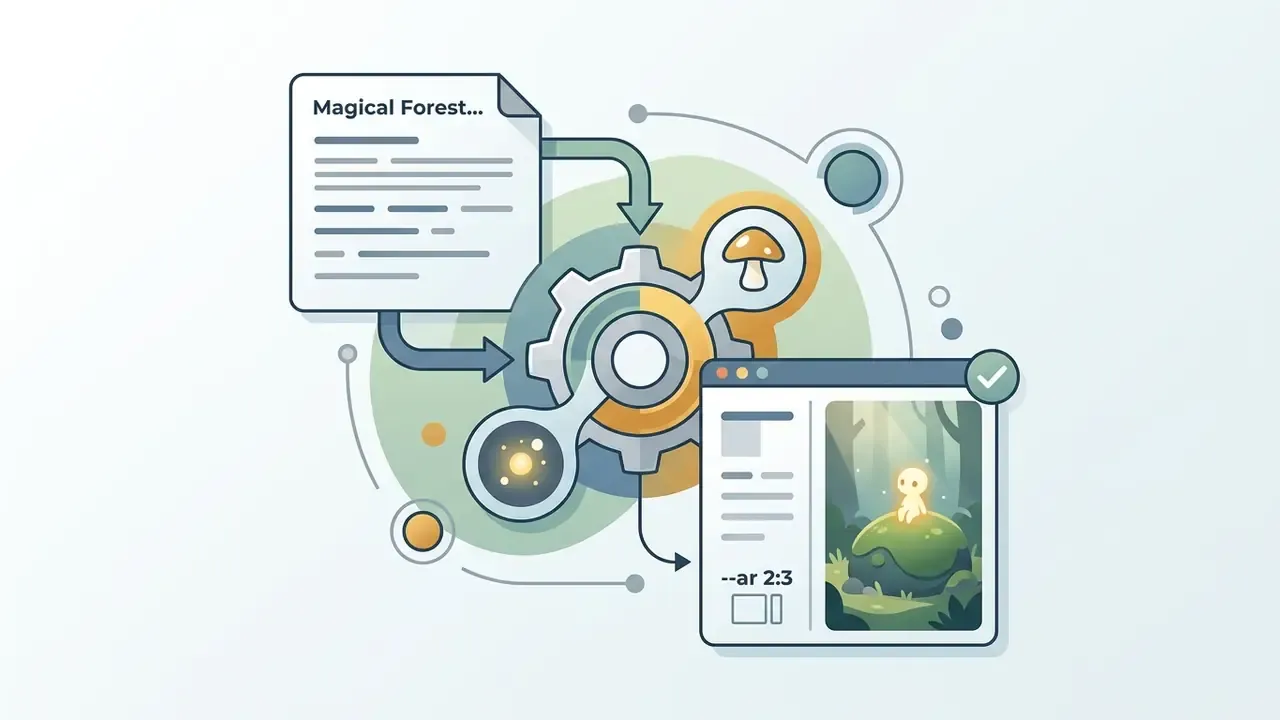
Bonus poster formula (front-and-center composition): "Brave young knight and his loyal steed front and center, medieval castle and rolling hills in the background, dynamic and colorful, 3D animated movie poster composition, title space at the bottom --ar 2:3"
Motion upgrade: to convert any of the eight prompts into a clip, append a motion and continuity block, for example "slow dolly-in on the subject, gentle idle animation, consistent character appearance, 24 fps, no temporal flickering."


Troubleshooting: Overcoming Prompt Moderation Blocks and Brand Filters
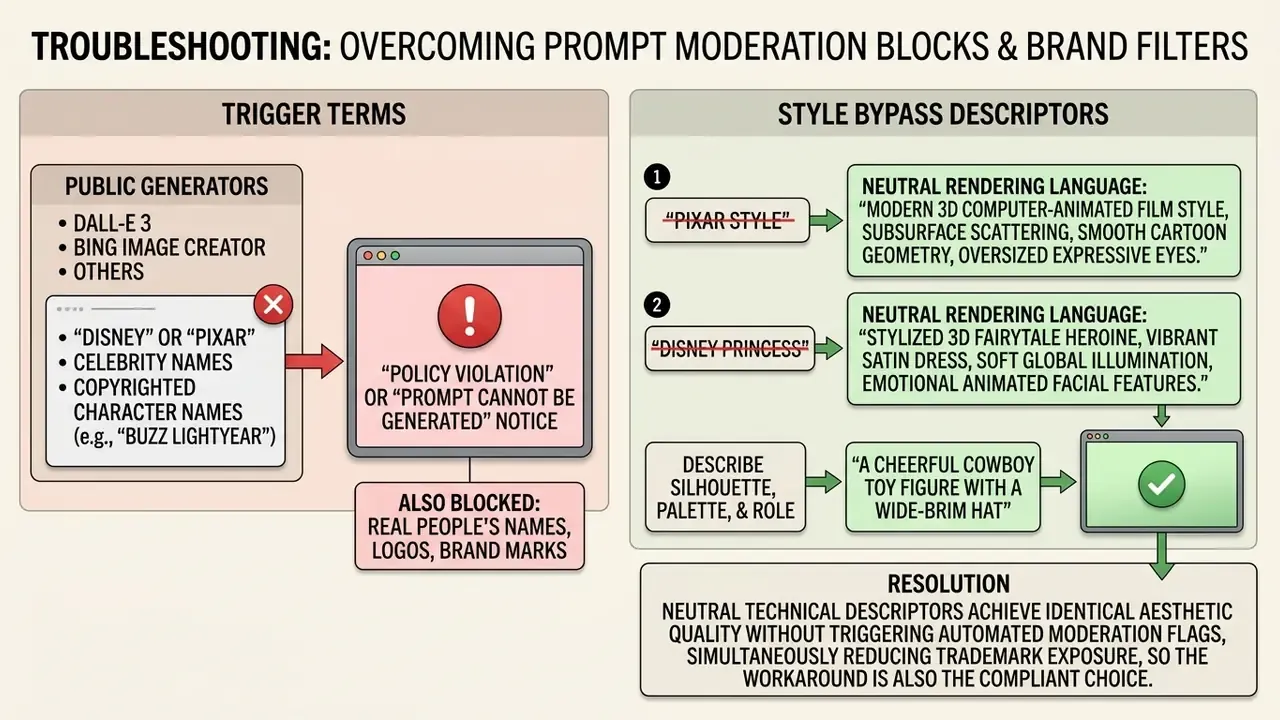
That last line deserves emphasis. The prompt that passes moderation is usually the prompt legal would have approved anyway.
Can You Use Pixar-Inspired AI Movies Commercially?
In practice, the Office requires applicants to disclose AI-generated material that is more than de minimis and to identify the human contributions being claimed: the screenplay, the selection and arrangement of shots, the edit, the score.
Check the Generator's License Before Publishing Content
Before publishing or monetizing synthetic media, review the Terms of Service tied to your specific account tier, not the marketing page. Most major AI platforms restrict free-tier outputs to personal, non-commercial evaluation and reserve commercial exploitation rights for active paid subscribers. Midjourney, for instance, grants broad usage rights to subscribers and requires a higher tier for companies above a revenue threshold, while Luma's free and Lite tiers are non-commercial and watermarked.
Copyright protection for commercial projects then applies only to the human-authored layers: the screenplay, custom audio composition, the edit. The Federal Trade Commission (FTC Endorsement Rules, 2025) also requires clear disclosure when synthetic media or AI influencers appear in commercial advertising.
«The Copyright Office AI initiative received more than 10,000 public comments and continues to examine transparency, disclosure, and the legal status of AI content.»
For complex technical integrations or enterprise API deployments, organizations can explore the hub for developer documentation, and teams budgeting model calls can review the Google Veo API implementation guide for per-second video costs.
Avoid Presenting Pixar-Inspired Work as Official Disney Pixar Material
Marketing synthetic projects with trademarked brand identifiers creates substantial exposure under false designation of origin and trademark infringement law. Under the U.S. Lanham Act, using protected marks like "Disney" or "Pixar" in movie titles, metadata, or advertising can induce consumer confusion about sponsorship or endorsement. The USPTO applies the same likelihood-of-confusion standard when refusing registration of marks for related goods and services.
«Generative AI reproduces stylistic constellations that are the hardest to analyze legally, creating exposure under both copyright and trademark doctrines.»
To reduce brand risk, label projects clearly as independent, fan-inspired creations. A workable disclaimer reads: "This project is an independent AI-generated work inspired by 3D animation aesthetics. It is not affiliated with, authorized by, or endorsed by The Walt Disney Company or Pixar Animation Studios."
Put it in the asset, not only in the caption. Captions get stripped when content is reposted.
Commercial teams assessing exposure can review detailed analysis on litigation risks, examine rights frameworks for commercial use of AI image generators, study a comparable stylization case in the review of Ghibli-style AI image generators, or view the guide on enterprise licensing compliance.
Free Plans, Credits and Pricing for Pixar AI Video Generators
Evaluating AI video generators means reading four things at once: tier structure, monthly credit allowance, export limits, and licensing restrictions. Most commercial platforms, surveyed in the overview of AI video generators, reserve high-resolution rendering and commercial usage rights for paid tiers.
Table: Overview of Pricing Structures and Usage Limits for Major AI Media Platforms
| Platform Provider | Free Tier Allowance | Paid Subscription Baseline | Export and Resolution Limits | Commercial Use Terms |
|---|---|---|---|---|
| Runway | 125 one-time credits (approx. 25s video) | Standard: about $12/month (625 credits) | Free: 720p with watermark; Paid: 4K | Restricted on free tier; included on paid plans |
| Pika Labs | 80 monthly recurring credits | Standard: about $10/month (700 credits) | Free: 480p generation; Paid: 1080p and above | Personal use only on free tier; commercial on paid |
| Midjourney | No official free trial tier available | Basic: about $10/month (3.3 hrs Fast GPU) | High-resolution grid exports | Commercial rights included for paid subscribers; Pro/Mega required above $1M revenue |
| Kling AI | Daily check-in credit bonus | Standard: about $10/month | Free: 720p standard motion; Paid: 1080p | Non-commercial free; commercial rights on paid |
| Luma Dream Machine | Limited monthly generation quota | Standard: about $30/month | Free: watermarked exports; Paid: clean HD | Personal evaluation free; commercial license paid |
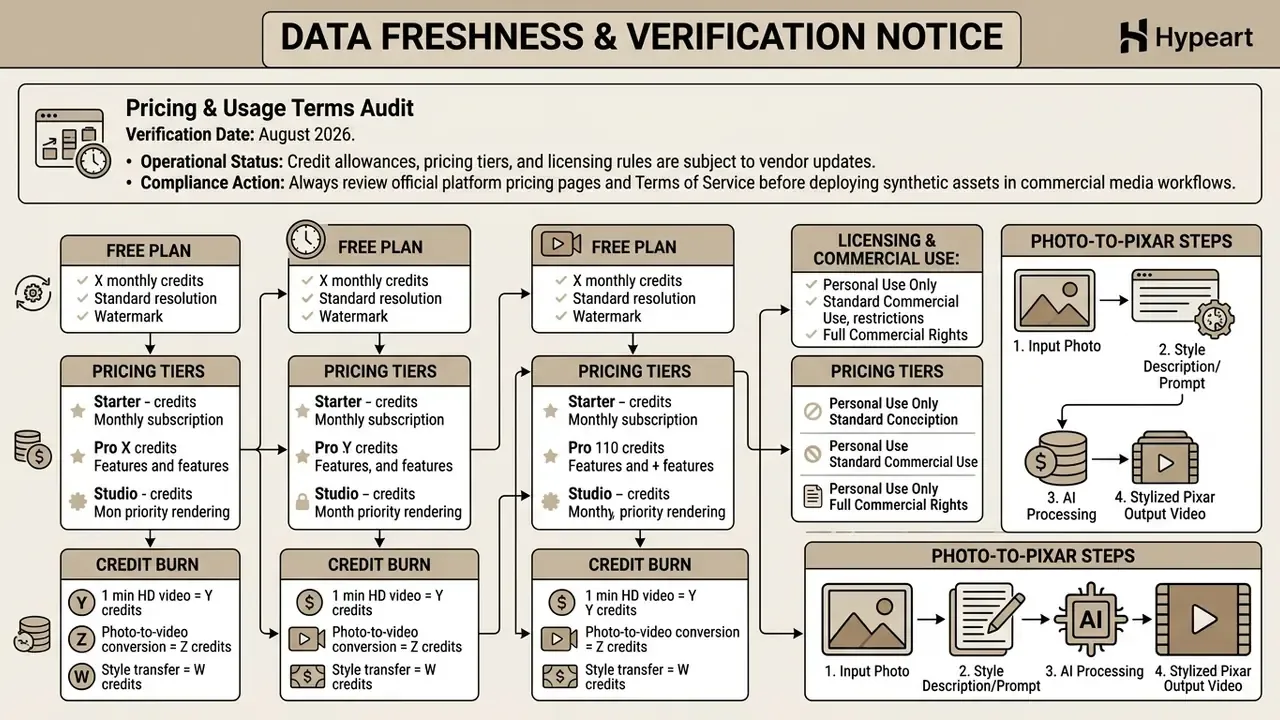
Readers who need the mechanics behind quotas, meaning one-time credits versus daily refreshes versus monthly pools, can consult the breakdown of free AI video generators and the comparison of free AI art generators for still-image limits.
Risk-Adjusted Total Cost of Ownership (TCO)
Subscription price is the smallest line item in a governed synthetic media project. A realistic cost model has four components:
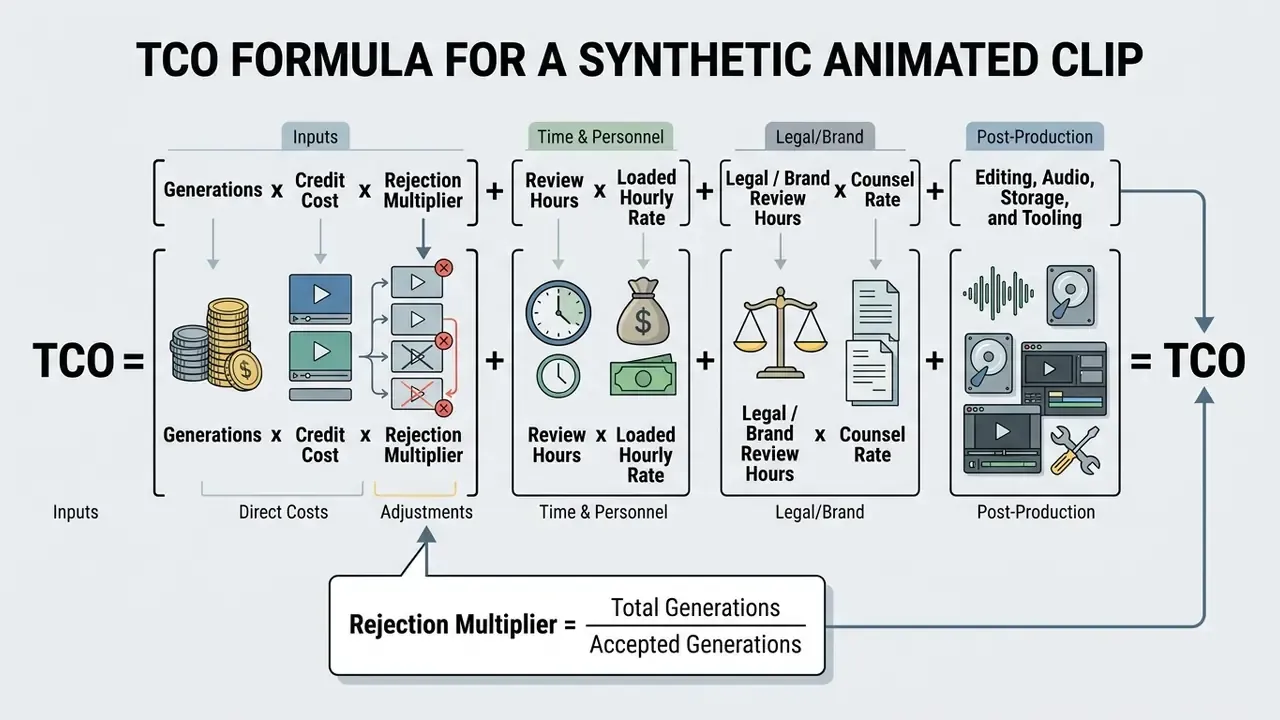
Table: Illustrative Cost Structure for a 60-Second Pixar-Style Concept Trailer
| Cost Component | Driver | Typical Share of Total | Control Lever |
|---|---|---|---|
| Subscription / credits | Clips generated times rejection multiplier | 10 to 20% | Lock seeds and reference images to cut re-runs |
| Creative review and refinement | Reviewer hours per clip | 30 to 40% | Standardized pass/fail scorecard |
| Legal and brand clearance | Trademark screening, license verification | 20 to 30% | Pre-approved prompt library without brand terms |
| Editing, audio, storage | Timeline assembly, voiceover, archiving | 15 to 25% | Reusable templates and compressed masters |
Treat those shares as an illustrative model, not a benchmark. They come from a hypothetical 60-second brief, and your reject rate will differ.
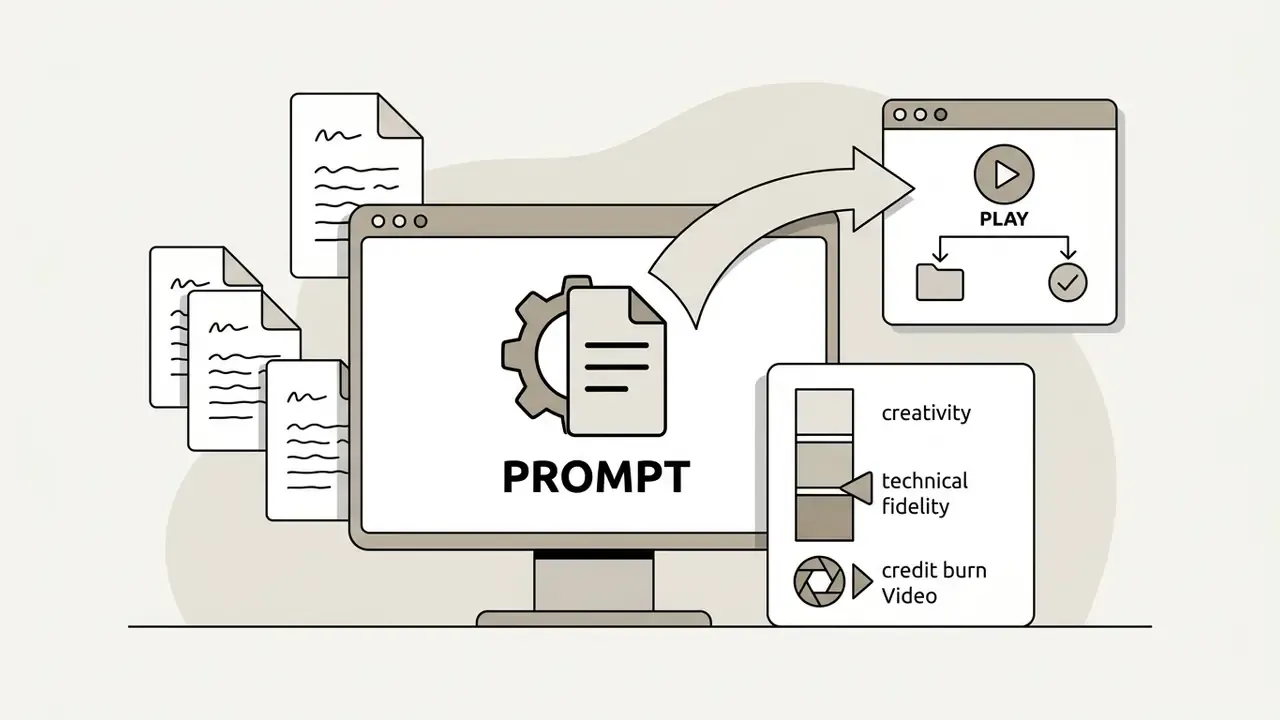
Run the arithmetic anyway. A 60-second trailer at 8 seconds per clip needs roughly 8 accepted shots. With a realistic rejection multiplier of 3 to 5 times, that is 24 to 40 paid generations, which is why credit burn rather than sticker price sets the budget. Teams comparing engines on cost per accepted second can weigh the field of best AI video generators alongside the free-tier options.
Users comparing platform capabilities and generation features can see the overview for structured tool breakdowns, or view the guide to sanity-check budget allocations against tier limits.
FAQ About AI Generated Pixar Movies
Do You Need Reference Images to Create Pixar-Inspired Art?
Reference images are not strictly required for pixar style stills. They become essential the moment you need consistent character identity across animated video sequences. Updated: research on fully automated text-to-image consistency shows a single prompt can produce a coherent character across generations, yet subtle details still fluctuate without conditioning.
«Sprite Sheet Diffusion uses 619 (reference, pose, target) triplets across 75 action sequences: without a reference image, characters lose visual consistency between frames.» Sprite Sheet Diffusion: Generate Game Character for Animation (2024). https://arxiv.org/abs/2412.03685 Image conditioning methods like ControlNet or IP-Adapter let creators lock facial structure, hair, and costume details. Feed a clean 3D character render as an input reference and the video generator can synthesize new poses and camera angles while appearance holds across shots; the mechanics are covered in the guide to image-to-video AI tools. For teaching materials built from those same character sheets, an ai flashcard maker turns approved frames into educational asset decks.
Can You Customize Colors, Characters and Story Mood?
Yes, and more precisely than most users expect. Visual parameters, color saturation, and emotional mood all respond to targeted prompt construction plus post-processing. Updated: character-animation research documents how emotional expression is learned and steered.
«The MEAD dataset includes 60 actors performing eight emotions at three intensity levels (approximately 40 hours per person), enabling models to generate expressions from emotional prompt cues.» Generative AI for Character Animation: A Comprehensive Survey (2025). https://arxiv.org/abs/2501.05901 Emotion-aligned palette studies go further and show mood can be encoded as a palette output rather than only as a text instruction. That is why naming warmth, contrast, and harmony terms changes the emotional read of a scene so predictably.
- Color Palettes: Specify temperature terms such as "warm pastel tones," "vibrant saturated primaries," or "cool moody blues," plus harmony terms like complementary or analogous.
- Character Customization: Adjust prompt descriptors to alter outfits, age, facial expressions, and physical proportions.
- Story Mood: Control ambiance with lighting keywords like "cheerful golden hour lighting" or "dramatic high-contrast shadows." Creators who hit platform errors or generation failures mid-workflow can reach AI Media Support and Troubleshooting for assistance.
What Aspect Ratios and Formats Work Best for Pixar AI Assets?
Match the ratio to the destination, not to habit:
- Movie posters and concept art: use 2:3 (
--ar 2:3or832×1216) to emulate standard theatrical posters. - Cinematic video sequences: use 16:9 (
--ar 16:9,1920×1080or3840×2160) for widescreen animation workflows. - Social avatars and memes: use 1:1 square (
1024×1024), or 9:16 vertical (1080×1920) for short-form video. - Character design sheets: use 4:3 or 3:2 to fit multiple poses and expressions in one frame. Generating printable Pixar-style coloring pages. Interactive educational materials and coloring books come from a small prompt change:
- Coloring book prompt formula: "Clean black and white line art vector of a cute 3D-animation-style dragon, thick outlines, white background, no shading, no color, printable coloring page style --ar 3:4"
- Print tip: request "thick uniform outlines" and "no gradients" so the file stays legible at A4 after scaling.
Which AI Models Deliver the Best Pixar-Style Results?
For stills and posters, FLUX.2, Midjourney, DALL·E 3 (via Bing Image Creator or ChatGPT), and Google Imagen handle rounded geometry and subsurface-scattering skin most convincingly. For motion, Runway Gen-4, Kling, Luma Dream Machine, Pika, and Google Veo 3.1 produce short clips with usable temporal stability, while CogVideoX serves self-hosted pipelines. Mind the documented boundaries: Midjourney's video model animates a starting frame into short clips rather than building rigged 3D characters, and Runway's Lip Sync targets forward-facing faces with limited movement. Neither performs true volumetric rigging or studio-grade facial performance.
Can AI Make a Full-Length Pixar-Style Movie Today?
No. Current public models generate clips measured in seconds, not features. Claims that a major studio has released a fully AI-generated animated film, including satirical posts circulating on parody news sites, are not supported by verifiable evidence. The realistic 2026 output is a stitched concept trailer or animated short assembled from many short generations under human editorial control.
Appendix A: Superseded Source Attributions
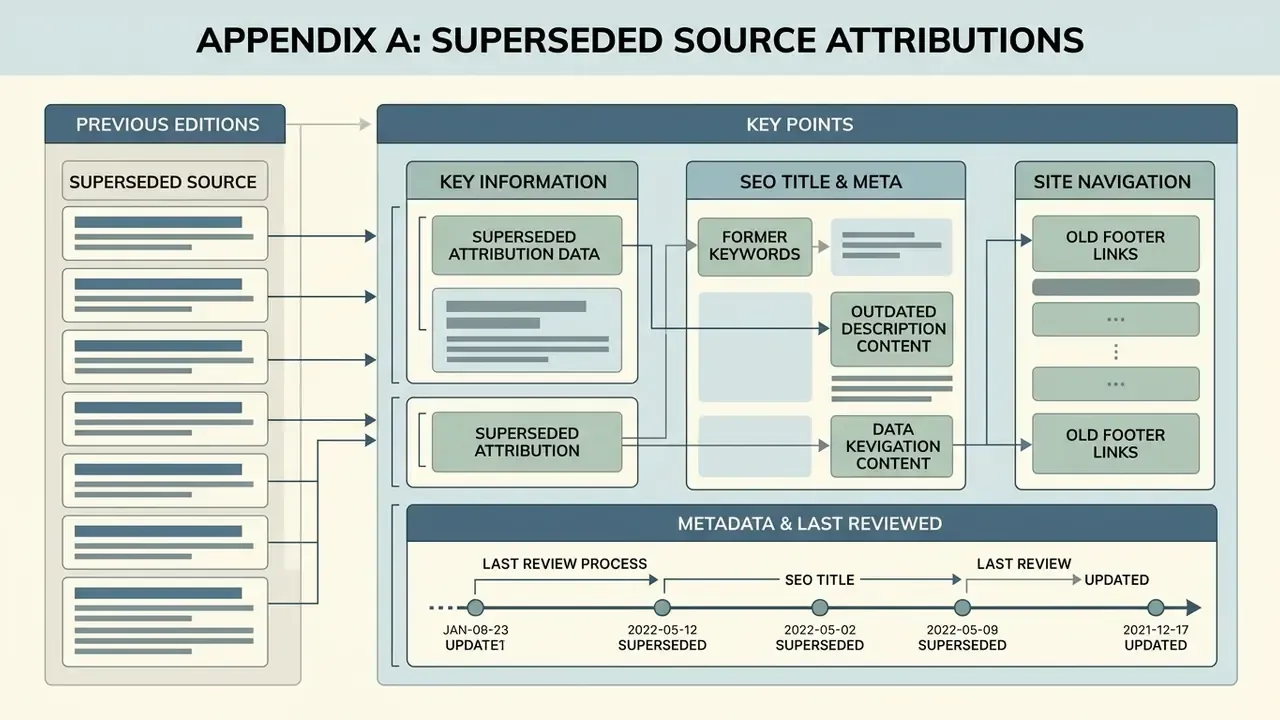
Earlier editions of this article cited the attributions below. They are retained for transparency and have been replaced in the main text with verifiable primary sources:
- Prompt-engineering guidance previously attributed to Anthropic Documentation (2026), superseded by Prompt Design and Engineering: Introduction and Advanced Methods (2024).
- Video quality evaluation previously attributed to CVPR Research (2024) without methodology detail, superseded by VBench++ (2024) with its 16-dimension scope.
- Character consistency previously attributed to CharacterBench Report (2025), superseded by CharacterShot: Controllable and Consistent 4D Character Animation (2025).
- Reference-image necessity previously attributed to Consistent Characters in Diffusion Models, arXiv (2023), supplemented and superseded by Sprite Sheet Diffusion (2024) for quantitative support.
- Emotion and palette control previously attributed to Color Semantics in Character Design (2025), a source that could not be verified, superseded by Generative AI for Character Animation: A Comprehensive Survey (2025).
- Cinematography guidance previously attributed to Berklee Online Guidance (2026), which is not a verifiable academic source, superseded by T2V-CompBench (2024) plus general cinematography practice on screen direction and the 180-degree rule.
- Shape-aware prompting previously stated as a general CVPR 2025 claim, reformulated in the main text as a combination of shape-aware prompt research and vendor prompt-format guidance.
- Copyright registration guidance previously cited without a Federal Register locator, superseded by 88 Fed. Reg. 16,190 (March 16, 2023).
- The
hypeart.aiverification note previously appeared inside the opening definition; it has been relocated to the Shadow AI vendor-verification callout.
General disclaimer: this article covers intellectual property, trademark, advertising disclosure, and data protection topics for informational purposes only and does not constitute legal advice. Consult qualified counsel before commercializing synthetic media.
Key Information & Metadata
- SEO Title AI Generated Pixar Movies: Create Pixar-Style AI Videos & Images
- Meta Description Explore AI generated Pixar movies, images and video tools. Get ready-to-use prompts, photo-to-Pixar steps, aspect ratios, pricing and commercial-use rules.
Footer / Hub Navigation
- Explore more resources in the AI Media Glossary.
- Compare voice and audio layers for animated shorts in the guide to AI voice generators.