Executive Summary for Content Owners and Risk Functions
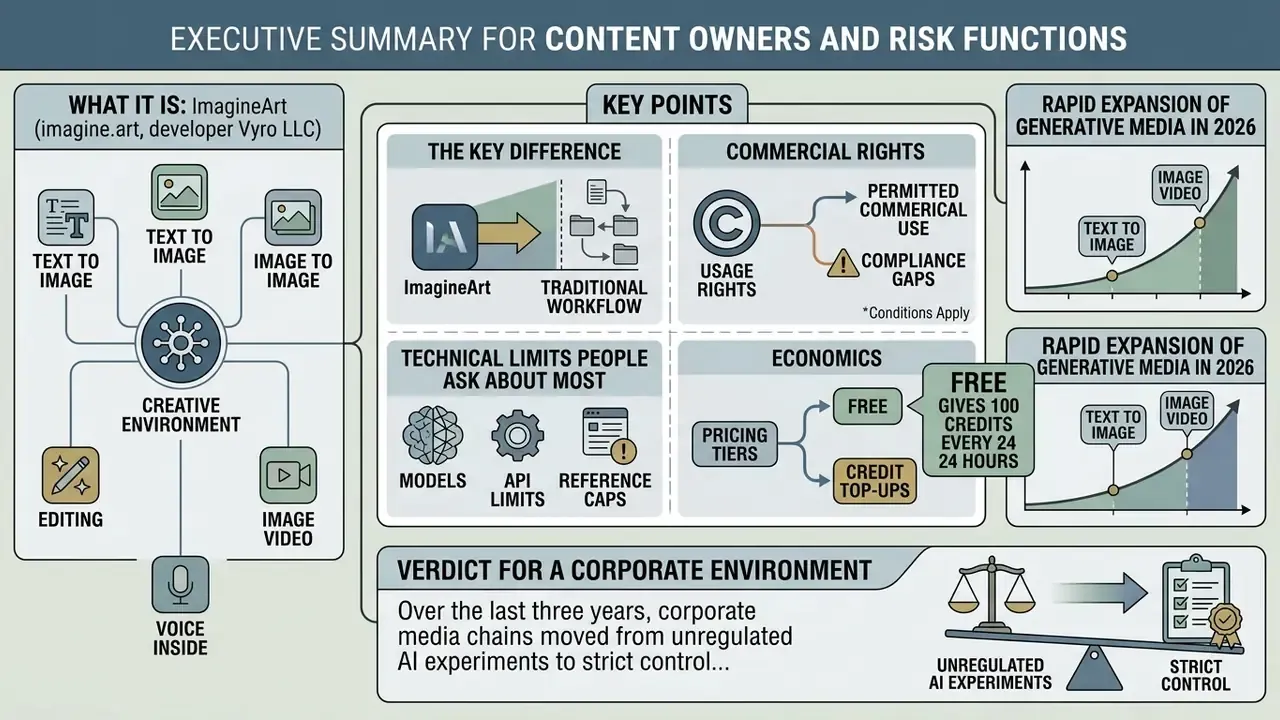
- What it is. ImagineArt (
imagine.art, developer Vyro LLC) is a multimodal, all-in-one creative environment: text to image, image to image, editing, image video, and voice inside one account with a shared credit balance. - The key difference. Not a single proprietary model, but an aggregated stack: ImagineArt 2.0 / 1.5 Pro, Flux 2 (Black Forest Labs), Grok Imagine / Aurora (xAI), Nano Banana Pro (Gemini 3 Pro Image), GPT Image, plus Seedance, Kling, and Google Veo for video.
- Commercial rights. Free and trial tiers allow personal, non-commercial use only, and outputs carry watermarks. Commercial use unlocks on an active paid subscription (ImagineArt Terms and Conditions, 2026).
- The technical limits people ask about most. Up to 5 input references per generation (multi-ref editing), 9 fixed aspect ratios, PNG/JPEG/WebP export, and Low/Medium/High/Native 4K quality settings.
- Economics. Free gives 100 credits every 24 hours. Paid plans run from roughly $9 to $250-$350 per month, and exhausted balances can be topped up with credit packs (market benchmark: about 1¢ for a standard generation up to about 25¢ for 4K).
- Verdict for a corporate environment. For marketing, e-commerce, and social production, the platform covers the full cycle. For regulated industries (banking, insurance, healthcare) an entry in the AI inventory requires separate diligence: training policy on user data, a DPA, independent security audit status, IP indemnity, provenance metadata (C2PA), and audit-log export. Those items are unpacked in the section on data security and the audit trail.
The rapid expansion of generative media in 2026 has turned text to image and image video platforms into operational tooling rather than novelty. ImagineArt bundles several multimodal AI models for images, video, and digital art into one interface. This review gives a sober read on what the Imagine AI Art Generator actually does, how pricing works, which mobile builds are official, and what legal conditions apply before generated assets reach a paid channel.
What Imagine AI Art Generator Is and How ImagineArt Works
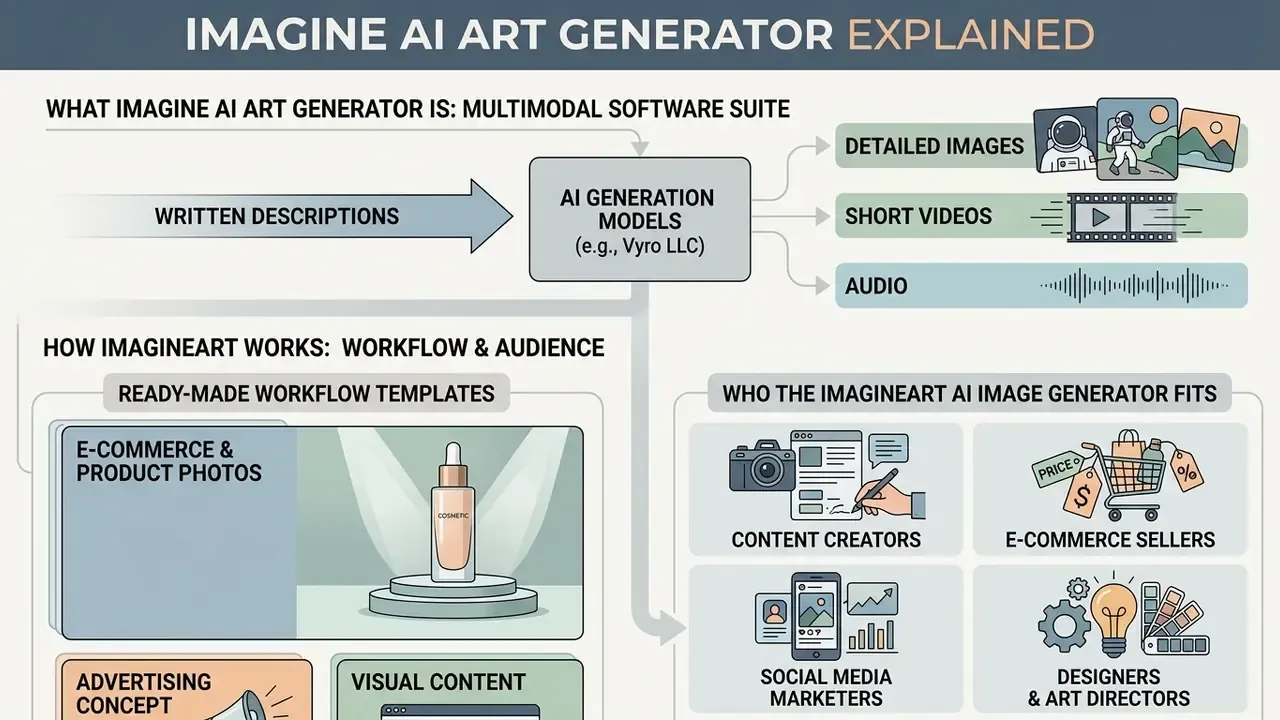
ImagineArt AI is a multimodal software suite from Vyro LLC that converts written descriptions into detailed images, short videos, and audio. Unlike narrow single-purpose tools, this ai image generator: imagineart gathers several diffusion architectures and transformer models into one web workspace. Category context sits in our roundup of the best AI art generators.
Users work through a single control panel where the text to image tool turns prompts into stylised or photoreal artwork. The service acts as a generation hub: it combines an image generator, local editing tools (inpainting, outpainting, upscaling), and modules that convert stills into short image video clips. In practice that means moving from a rough sketch to a finished ad layout without hopping between three separate subscriptions.
What Images and Artwork You Can Create
The image art ai side supports a wide spread of visual assets, from commercial product photography to stylised illustration. The base effects catalogue lists 16 specialised styles, among them:
- 3D Render and Cinematic;
- Photorealism and Product Design;
- Anime, Comic, and Japanese art styling;
- Watercolour, Oil Painting, and Sketch;
- Dark Sci-Fi, Pixel Art, and Retro.
The ImagineArt 1.5 Pro and ImagineArt 2.0 models handle texture depth, plausible lighting, and, according to vendor documentation, native resolution up to 4K (3840x2160 pixels and above). Updated: these specifications come from vendor materials (ImagineArt Features, 2026) and should be re-checked on the date of generation, because model versions and resolution caps shift. Either way, the output is good enough to generate images for print, e-commerce catalogues, and digital campaigns.
«Models with larger capacity generally produce higher image quality, particularly when measured by FID on the MS-COCO dataset.»
Who the ImagineArt AI Image Generator Fits
Based on public ImagineArt materials (creator program, business, and marketing-team pages, 2026), the platform targets four professional groups:
- Content creators fast illustrations, covers, and social assets with a consistent look.
- E-commerce sellers SKU catalogue shots, background swaps, in-context product mockups, and ad creatives.
- Social media marketers branded visuals adapted to the aspect ratios of every major platform.
- Designers and art directors concept art, storyboards, reference boards, and interface prototypes.
Adjacent use cases overlap with dedicated tools such as an ai person generator for synthetic models, an ai pfp generator for avatars, and even an ai pet portrait generator free tier for low-stakes personal work.
Ready-Made Workflow Templates
Preset configurations exist for repeatable jobs. Instead of tuning a prompt by hand, you drop in the input and collect the result:
- E-Commerce & Product Photos automatic subject isolation, shadow generation, and background swaps that fit marketplace requirements. A separate Product Color Change scenario produces SKU colourways.
- UGC Photos & Professional Headshots realistic portraits and "user-shot" content that keeps skin texture (skin pores) instead of plastic sheen. Specialised alternatives are compared in our review of AI headshot generators.
- Mascot Maker & Character Sprite one character across multiple angles for games and branding, holding character consistency.
- Props & UI Kit, Icon Maker icon sets, interface elements, and game items on a transparent background.
- Editorial Product Poster, Merch Maker, Emoji Creator ad posters, merch mockups, and sticker packs for streaming and social.
- Photo Edit, Reimagine, Photo Collage, BG Removal & Change utility presets for retouching photos you already own.
How to Create an Image in Imagine AI Image Generator
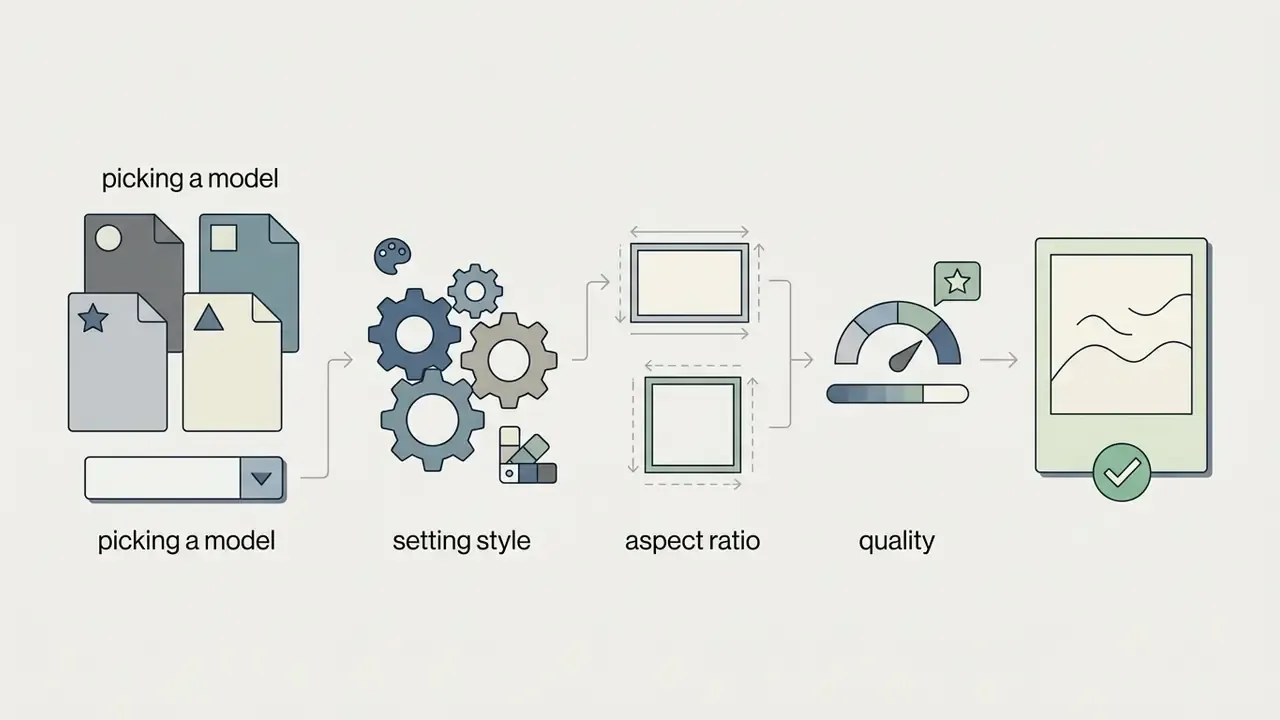
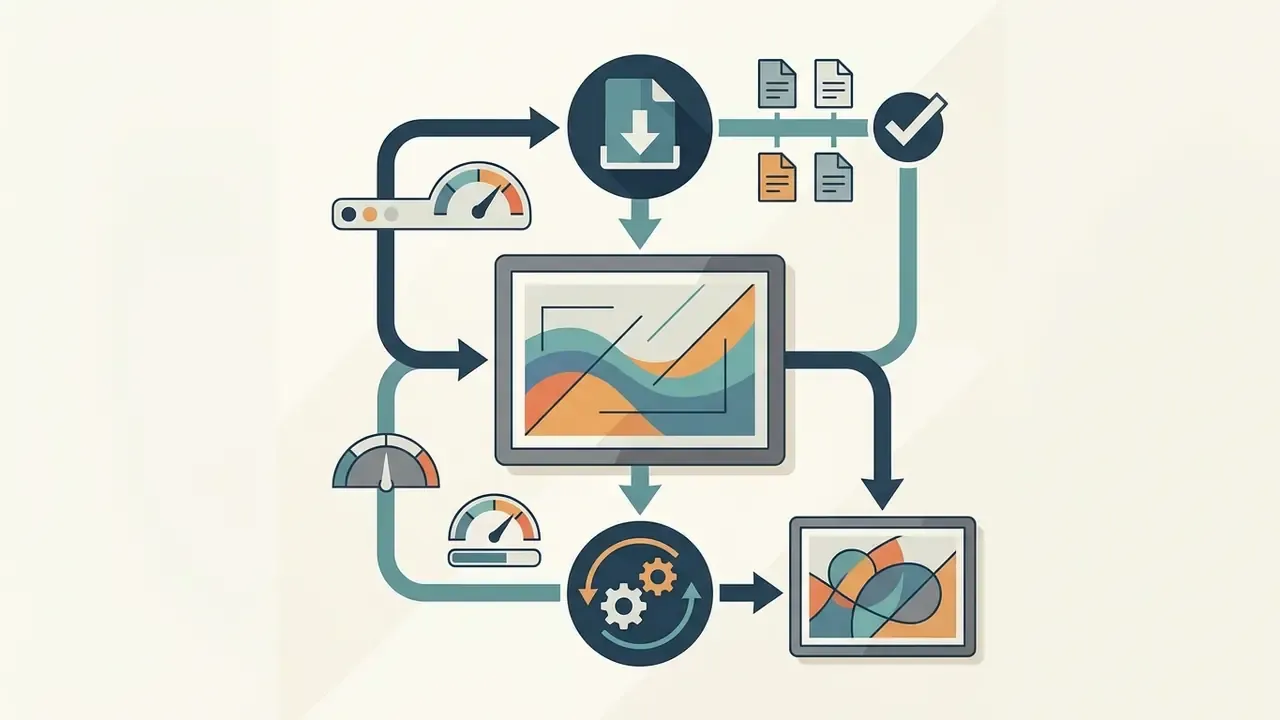
Generating a visual in this ai imagine image generator is a chain of choices: model, prompt, parameters, export. The flow works for first-timers and for people who write prompts for a living.
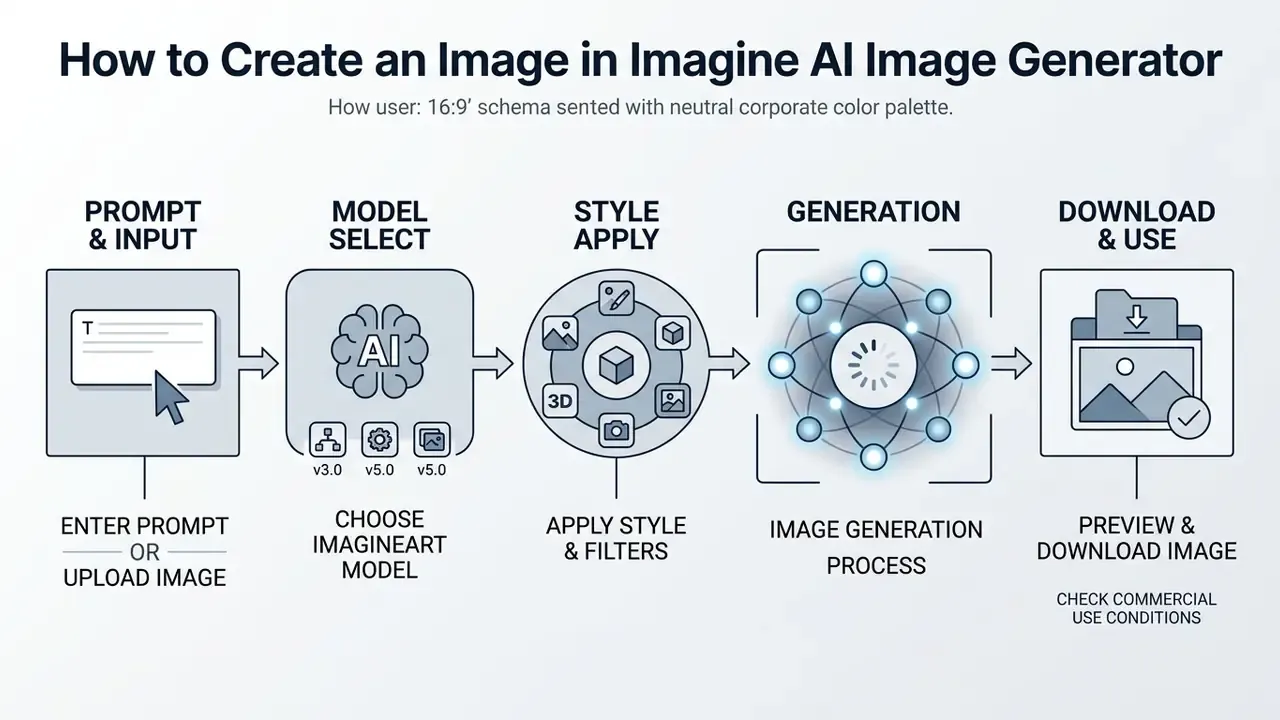
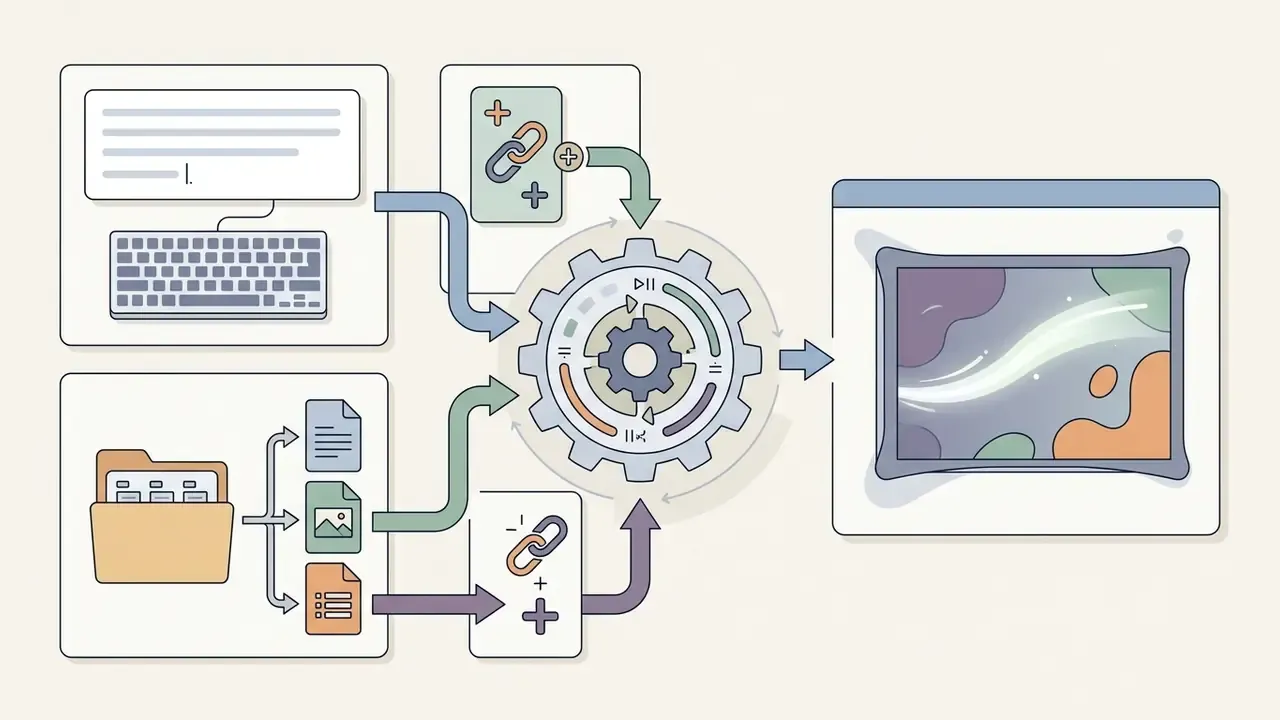
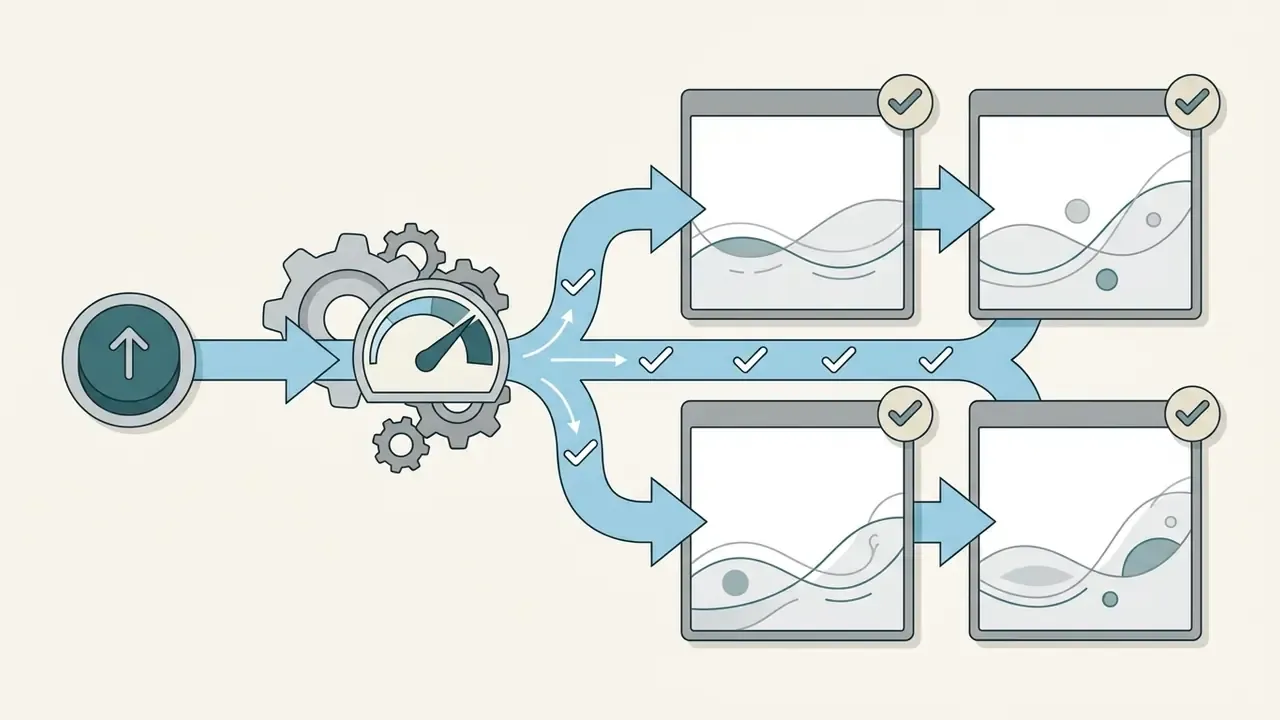
Step by step, the working cycle looks like this:
How to Write a Prompt for Text to Image
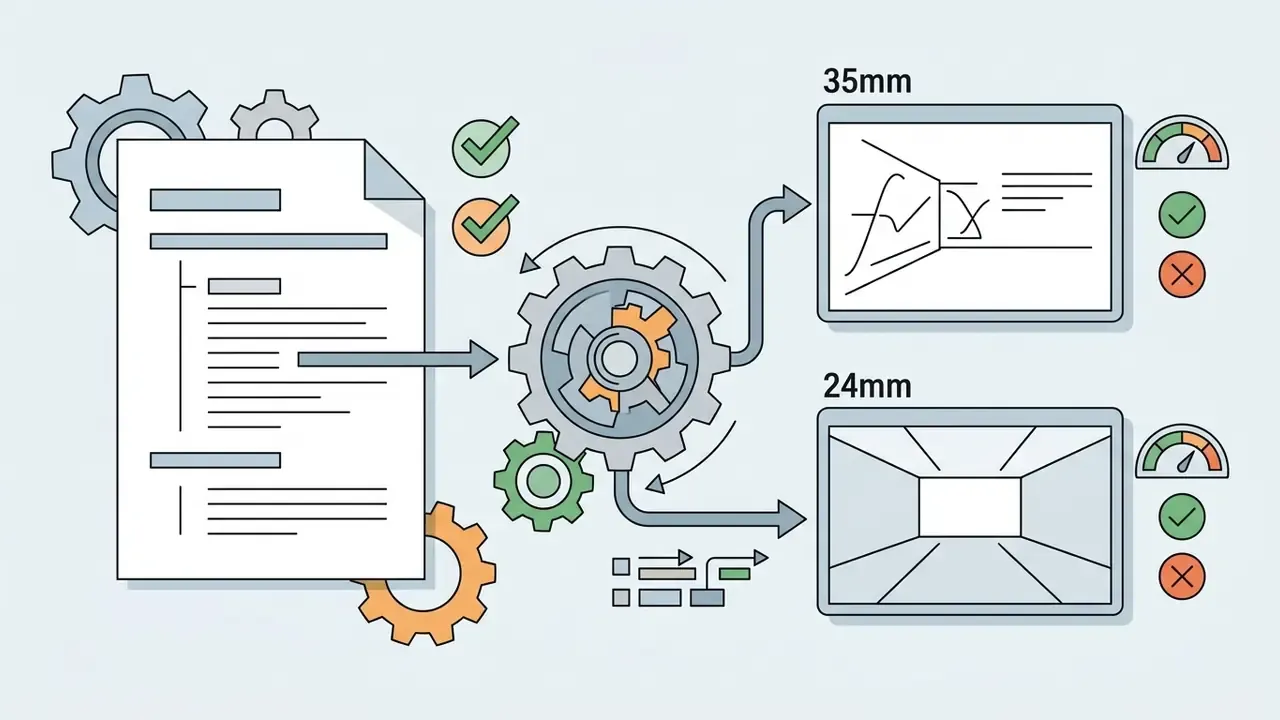
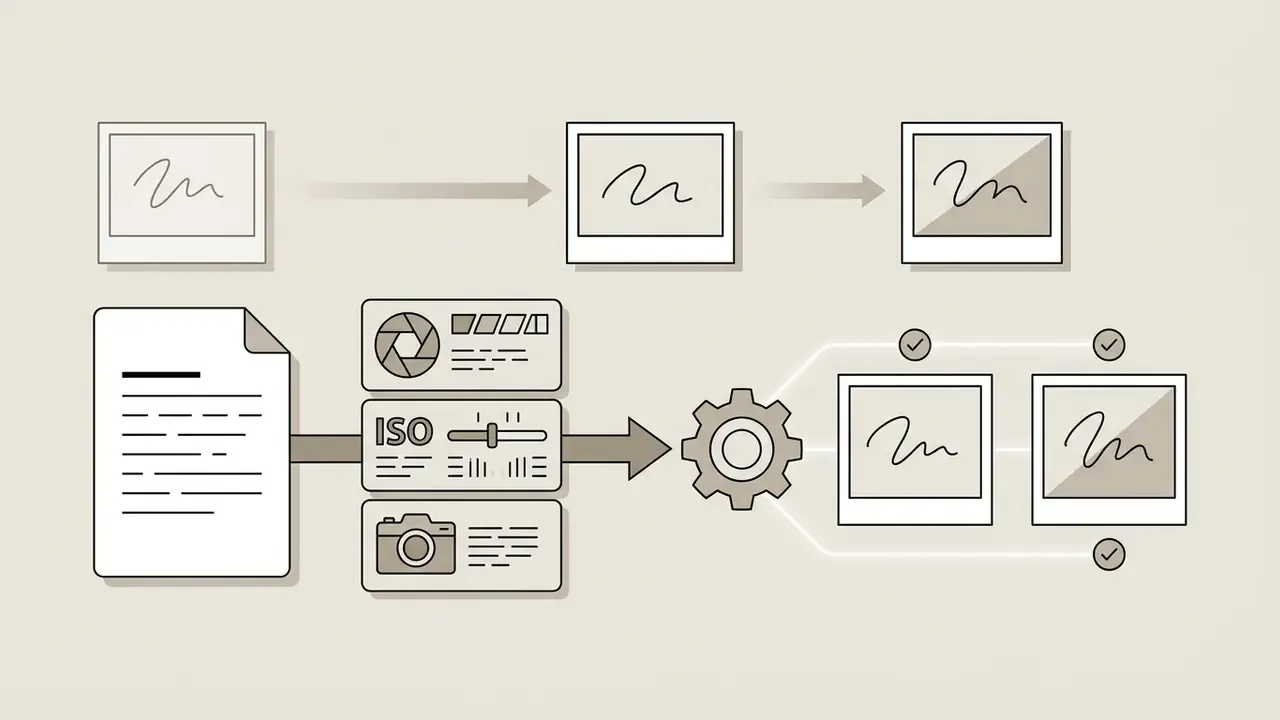
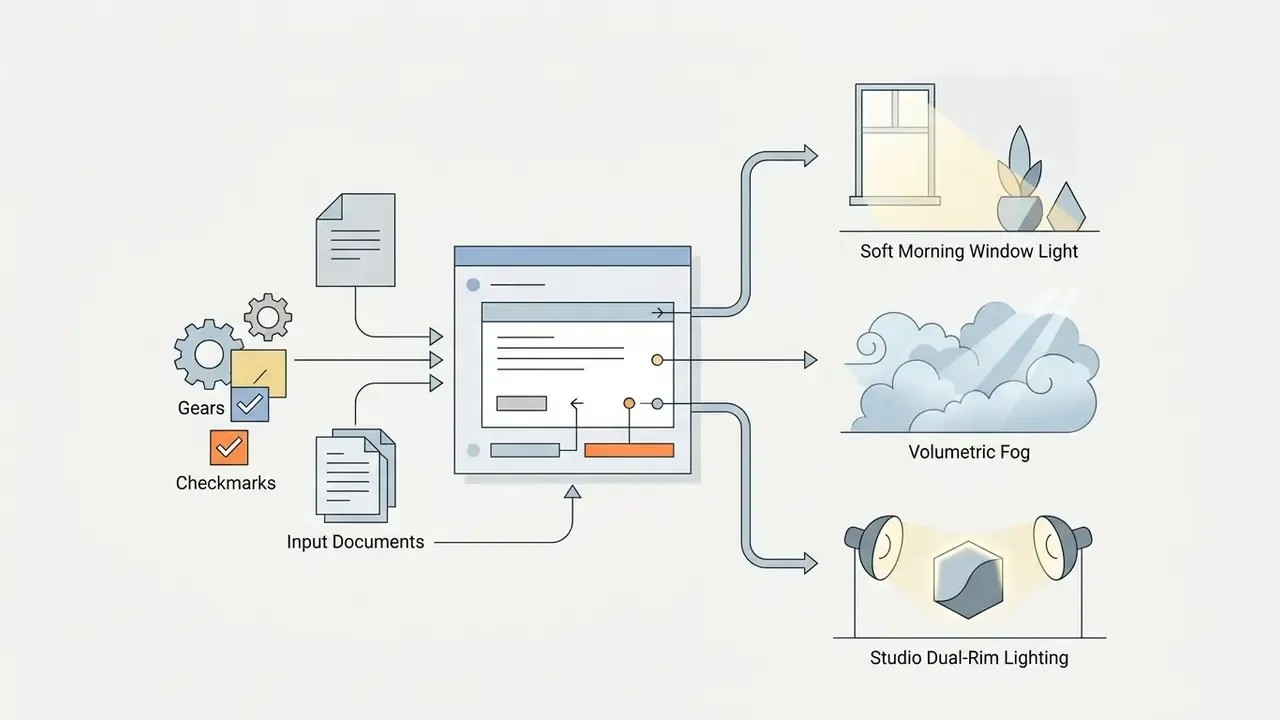
An effective prompt for imagine : ai image generator follows a structured formula: [Main subject] + [Environment] + [Lighting] + [Style] + [Camera or lens parameters] + [Mood or colour grade].
Per the official ImagineArt Prompt Guides (2026):
- Texture detail responds to keywords such as skin pores, fabric weave, surface roughness, depth of field.
«Compositional quality, the degree of alignment between the text description and the generated image, is a critical dimension of overall quality alongside realism.»
How to Use Photos and a Reference Image
The image to image mode accepts source photos in JPEG, PNG, and WEBP to steer composition, pose, palette, or style.
Multi-reference mode and canvas proportions (updated):
The service accepts up to 5 source references (multi-ref editing) inside a single generation, which lets you carry style identity, subject, and environment across without manual compositing in a raster editor.
Nine fixed aspect ratios are supported: 1:2, 9:16, 2:3, 3:4, 1:1, 4:3, 3:2, 16:9, 2:1. The model fills the frame out to whichever proportion you select.
The Background Changer isolates the main subject and replaces the backdrop from a text description or an uploaded picture. A dedicated model, Imagine You, preserves visual identity (character consistency), producing the same person across angles, outfits, and locations from one reference photo (ImagineArt Help Center, 2026).
- ImagineArt Help Center, 2026
How to Download the Finished AI Image
Once generation completes, the AI Image Downloader module offers export options for your ai artwork imagine output. Users choose format (PNG, JPEG, WebP) and quality level (Low, Medium, High, Native 4K). In the API layer, outputQuality takes a number between 20 and 99 with a default of 95, while outputFormat accepts JPG, PNG, and WEBP. Paid plans allow high-resolution downloads without watermarks, and some tiers advertise unlimited 4K export across formats.
Models, Styles, and Generation Tools in ImagineArt AI
The core advantage of imagineart ai is access to a multi-model stack behind one login. You are not buying five separate subscriptions to reach five different rendering behaviours.
How to Choose an AI Model for Style and Image Quality
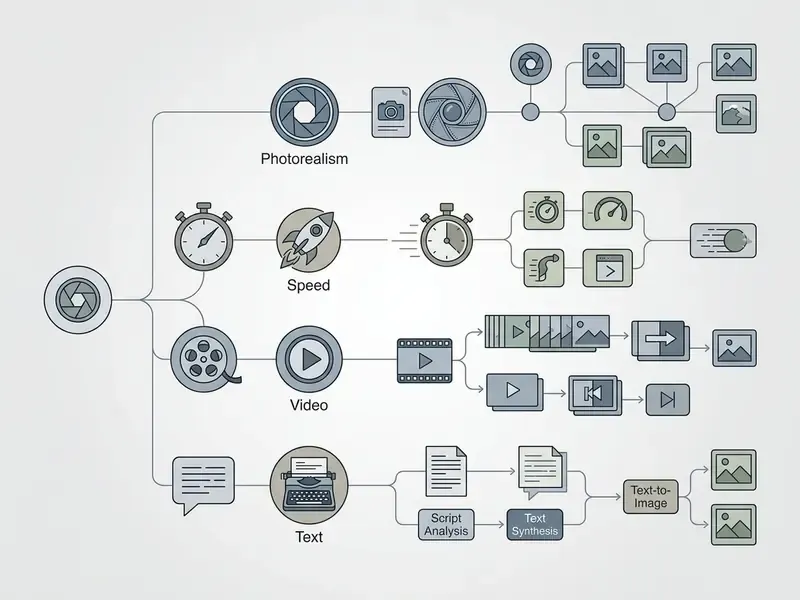
Each built-in model has a specialisation:
- ImagineArt 2.0 / 1.5 Pro flagship models for deep photorealism, accurate skin texture, and natural lighting. Vendor documentation describes 2.0 as "best photorealism" with higher detail retention.
- Flux 2 (Black Forest Labs) per the developer's own description, the model targets photoreal output with tight control and reliable text rendering, which makes it convenient for infographics, UI mockups, and marketing collateral (Black Forest Labs, 2026).
- Grok Imagine / Aurora (xAI) claims high fidelity on real-world objects, brand logos, embedded text, and realistic portraits, with strict instruction following.
- Nano Banana Pro (Gemini 3 Pro Image) a fast model with strong compositional control and studio-grade legible text.
- GPT Image tuned toward general artistic stylisation and creative illustration. No primary technical description of its photorealism or text rendering appears in vendor documentation, so those parameters need empirical testing on a small generation series.
ImagineArt API Integration for Developers
The platform exposes a REST API and SDKs for automating image ai generation inside third-party apps and internal services. API access sits on the upper plans (Studio/Creator). A minimal Python SDK call looks like this:
import imagineart_sdk
# Initialise the client with your API key
client = imagineart_sdk.Client(api_key="YOUR_API_KEY")
# Launch a generation with an explicit model and parameters
response = client.image.generate(
    prompt="Editorial product photo of a luxury watch, studio dual-rim lighting, 8k",
    model="imagineart-2.0-pro",
    aspect_ratio="16:9",
    quality="native_4k"
)
print("Generated image URL:", response.url)
For comparison, xAI stack models are called through the vendor's own SDK with the identifier grok-imagine-image-2.0, and Google video models run on a separate circuit. Economics and quotas there are unpacked in our Google Veo API guide, with broader reference material in the AI Media API Guides. One design note worth fixing early: store prompt, seed, model_id, and the model version on your side. A platform log is not a substitute for your own audit trail.
Editing Tools: Upscale, Inpaint, Background, and Relight
The suite includes a built-in AI Image Editor:
«Leading diffusion models, including SD3, SDXL, Flux, and DeepFloyd IF, are vulnerable to generating NSFW text inside images, and existing visual filters do not remove this threat.»
Integration with external editors and converters. The Edit in Photopea helper pushes generated art into a full raster editor for layer-level work in one click. The built-in AI Image Converter moves finished files between JPG, PNG, and WebP without visible quality loss. If you want the classic comparison, see our guides to the ai photo editor category, the online photo editor landscape, and free alternatives for animating stills with an ai photo animator.
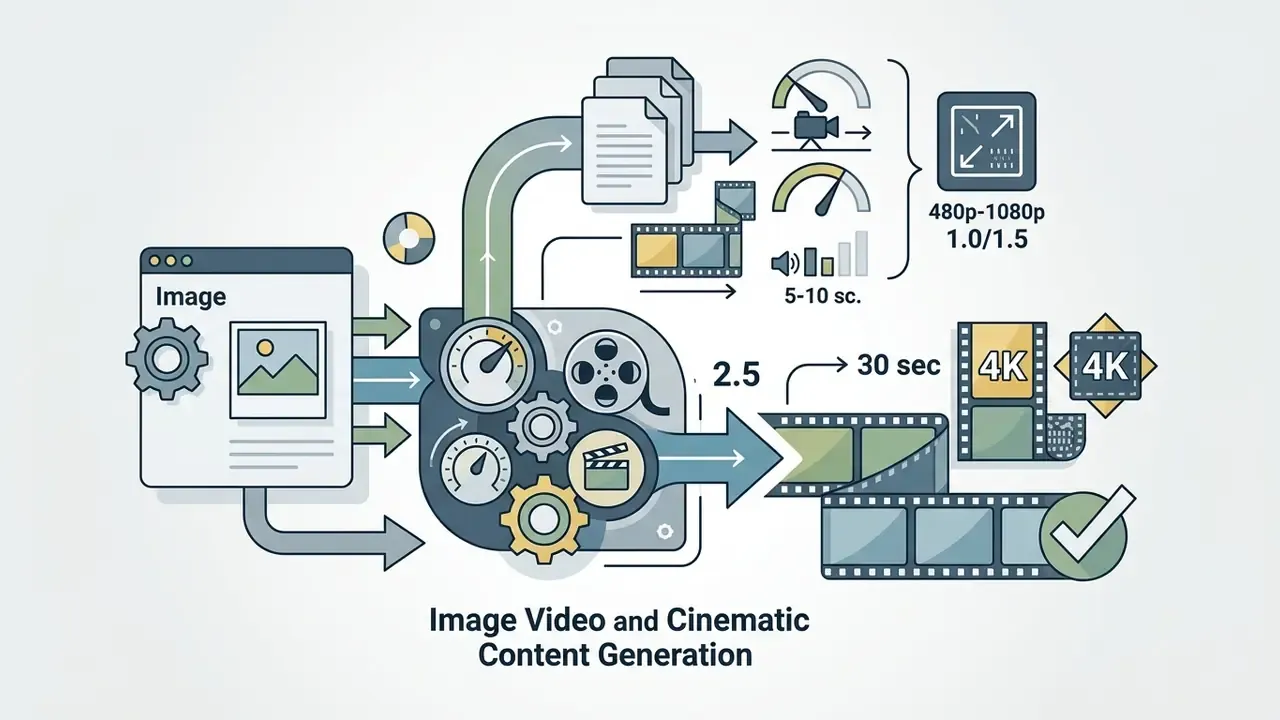
Image Video and Cinematic Content Generation
To bring stills to life, this imagine ai art generator plugs into third-party video models:
For frame-by-frame animation and motion graphics without neural generation, classic tooling still wins. Our animation maker breakdown covers that path.
Data Security, Compliance, and the ImagineArt Audit Trail
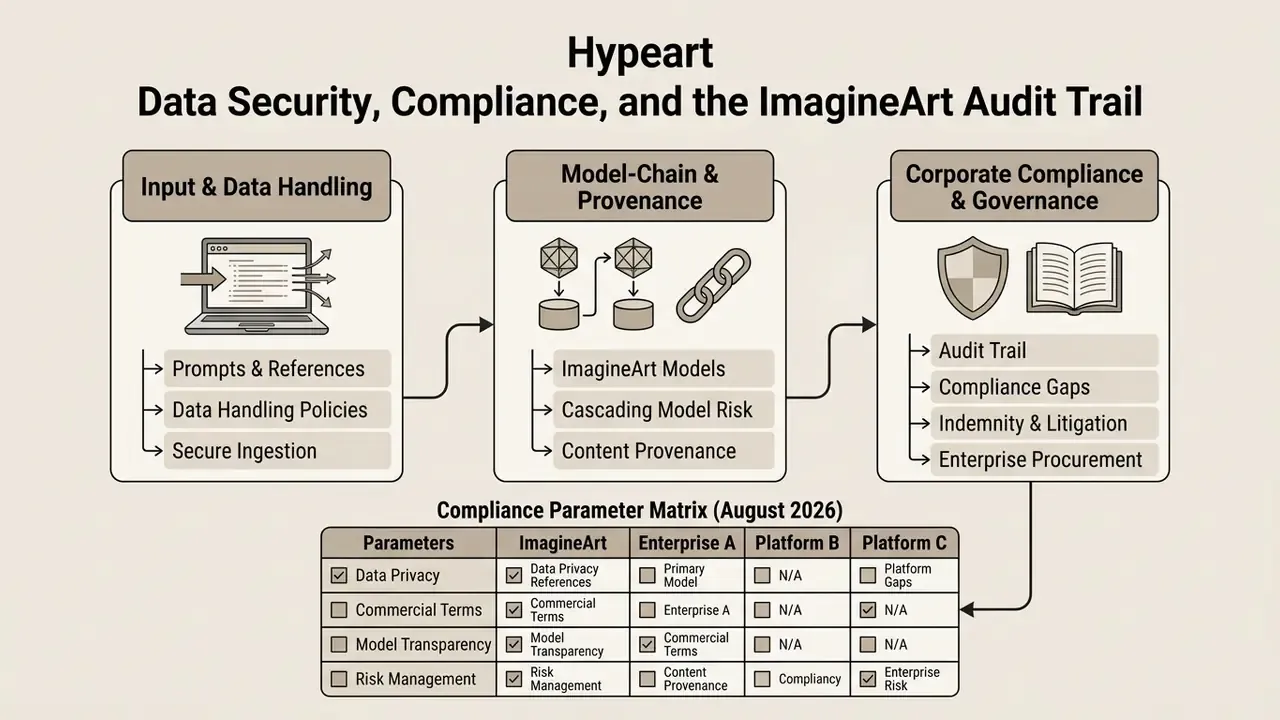
This section is written for the people who have to put the platform into a corporate AI inventory: content operations leads, compliance, and model risk management. Below are the parameters to request from the vendor before purchase, and why each one matters.
1. Handling of prompts and uploaded references. ImagineArt's terms state plainly that the user confirms rights to any uploaded Contributions and grants the platform broad rights to use graphic and voice material. Practical reading: before uploading corporate photo assets, unreleased layouts, or employee personal data, get written confirmation on retention and on whether user inputs feed model fine-tuning (a no-train policy). The public terms do not give an unambiguous "no", so the status needs to be pinned down in the DPA.
2. Cascading model-chain risk (TPRM). Here is the architectural catch of any aggregator: generation runs not only on Vyro LLC infrastructure but also on subprocessor infrastructure, including xAI (Grok/Aurora), Black Forest Labs (Flux), Google (Veo, Gemini/Nano Banana), plus the Kling and Seedance providers. When you pick a model, the prompt and the uploaded reference are effectively handed to an external API. The consequence for a risk function: you are not registering "one system", you are registering a supplier map with a separate assessment per vendor. Ask for the current sub-processor list and the data routing per model.
3. Content provenance and audit trail. Evidence for a regulator has to be reproducible: prompt, seed, model identifier and version, generation date, the plan active at that moment, and provenance metadata under C2PA / Content Credentials. Public ImagineArt documentation describes generation history and a gallery synchronised between web and mobile, but it does not declare machine-readable audit-log export or C2PA signing. Until the vendor confirms otherwise, keep your own generation register (CSV or database) and store a screenshot of parameters alongside the source file.
4. Indemnity and litigation exposure. Banks and insurers rarely allow production use of a service that offers no cover for rightsholder legal costs. ImagineArt's terms grant a commercial licence to paying subscribers, yet publicly they contain no explicit IP indemnity comparable to the Adobe or Shutterstock model. Log this as an open risk and close it either through a contractual addendum or by narrowing scope: internal material, draft concepts, and storyboards rather than final paid creative. Case-level context is tracked in our AI Litigation and Case Timelines.
5. Enterprise procurement features. For a centralised rollout, verify: SSO/SAML, a role model (RBAC) and content-deletion rights, centralised billing with dedicated credit pools, priority SLA, data residency, independent audit status (SOC 2 Type II, ISO 27001), and DLP compatibility. Upper plans (Studio/Creator) advertise team collaboration, generation priority, and API access. Everything else is confirmed contract by contract.
Compliance parameter matrix (what to compare across platforms)
| Parameter | ImagineArt | Midjourney (Pro/Mega) | Adobe Firefly |
|---|---|---|---|
| Commercial rights | Paid plans only (Terms, 2026) | On subscription; Stealth mode on upper plans | On paid plans; model positioned around clean training data |
| No-train on user data | Needs confirmation in the DPA | Needs verification against current terms | States no training on customer content; verify by contract |
| C2PA / Content Credentials | Not publicly declared, clarify | Not publicly declared, clarify | Content Credentials support stated |
| IP indemnity | Not publicly declared, clarify | Not publicly declared, clarify | Available for Adobe enterprise customers |
| SSO / RBAC | On enterprise terms (Studio/Creator, contract) | Limited | Via Adobe Admin Console |
| Audit-log export | Generation history in account; machine export unclear | History in account or Discord | Via Adobe enterprise tooling |
ImagineArt Pricing: Free Access, Credits, and Paid Plans
Billing in imagine art ai runs on credits consumed per generation. The cost per run depends on the chosen model, the resolution, and whether video tools are involved.
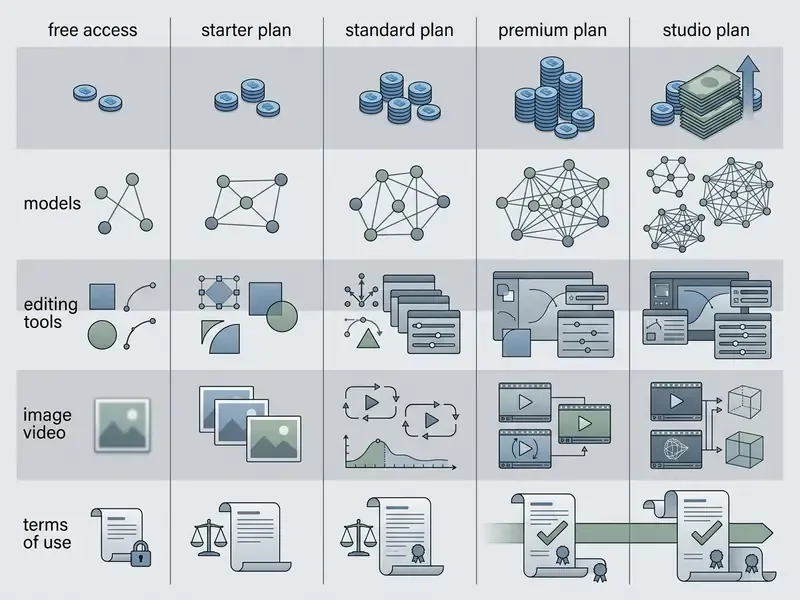
| Plan | Price per month | Monthly credits | Available models | Editing tools | Commercial rights |
|---|---|---|---|---|---|
| Free | $0 | 100 credits/day | Base models | Basic set | ❌ Personal use only |
| Basic / Starter | ~$9 - $13 | ~2,500 - 3,000 | All standard models | Upscale, Inpaint, Background | ✅ Paid licence |
| Standard | $25 - $30 | 8,000 - 24,000 | All models plus Pro | Full set plus Relight | ✅ Full commercial rights |
| Premium / Ultimate | $50 - $55 | 16,000 - 50,000 | Priority access plus Pro | Full set plus Magic Text | ✅ Full commercial rights |
| Studio / Creator | $250 - $350 | 100,000+ | Maximum priority | Extended batch, API access | ✅ Full corporate rights |
Figures verified as of August 2026 against official subscription pages and help documentation. Plan names differ between the web dashboard and the app stores, and App Store listings sometimes still show outdated names and in-app purchase prices. Unused credits on paid plans refresh on the monthly anniversary of the payment and do not roll over, meaning they expire. If a charge fails, the credit refresh is paused.
Buying extra credits (pay as you go).
If the monthly subscription allowance runs dry, paid users can buy credit packs without changing plan. Indicative cost per generation when topping up (market benchmark across comparable services):
One small operational habit worth adopting: enable auto top-up if generation sits inside a production pipeline. When credits hit zero, queued jobs simply stop, usually at the least convenient moment.
What the Free Version of ImagineArt Includes
Can You Use ImagineArt Images in Commercial Projects
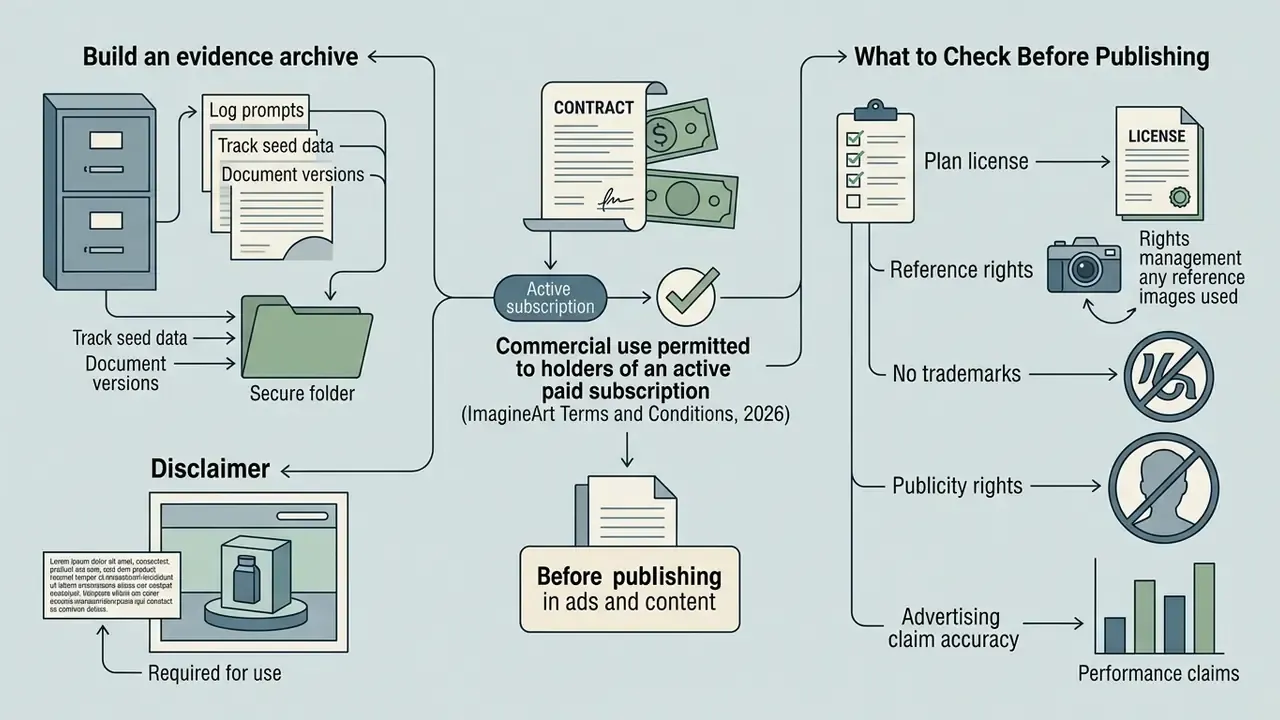
The platform's core legal rule: commercial use is permitted only to holders of an active paid subscription (ImagineArt Terms and Conditions, 2026). The licence itself is described as limited, non-exclusive, non-transferable, non-sublicensable, and revocable. In other words, the right to use an output is tied to Acceptable Use compliance and to the current status of the subscription.
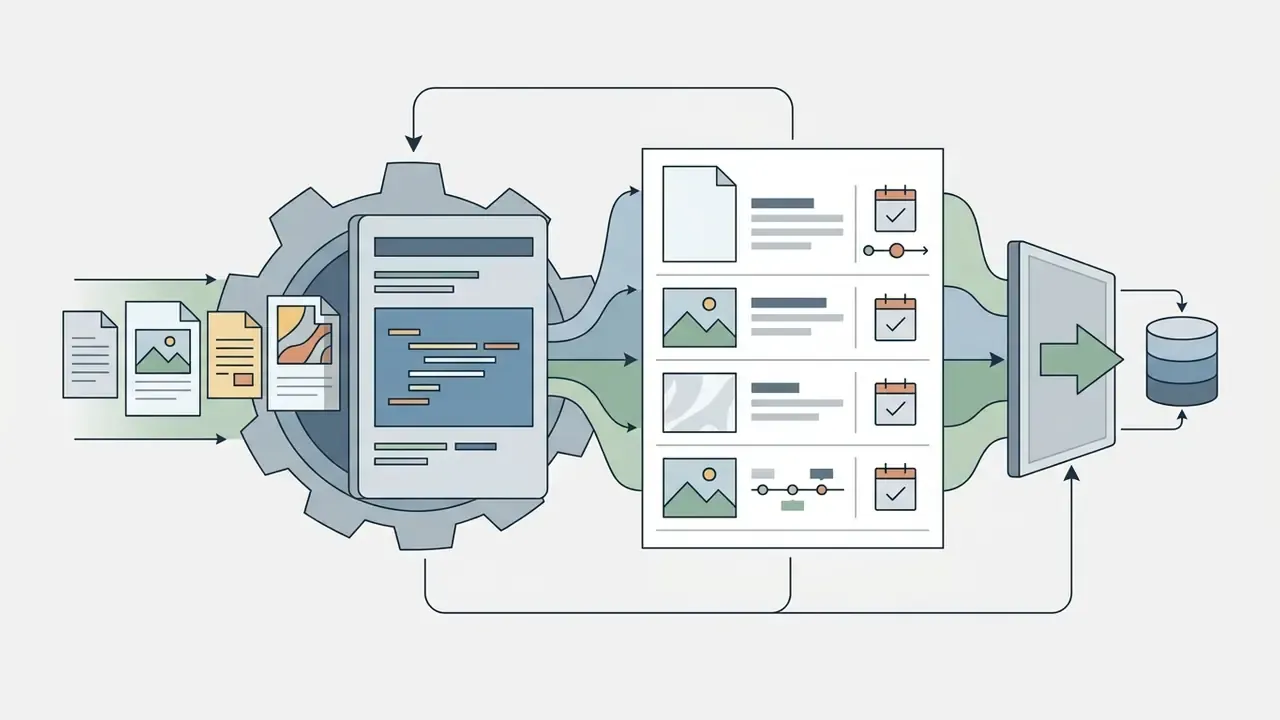
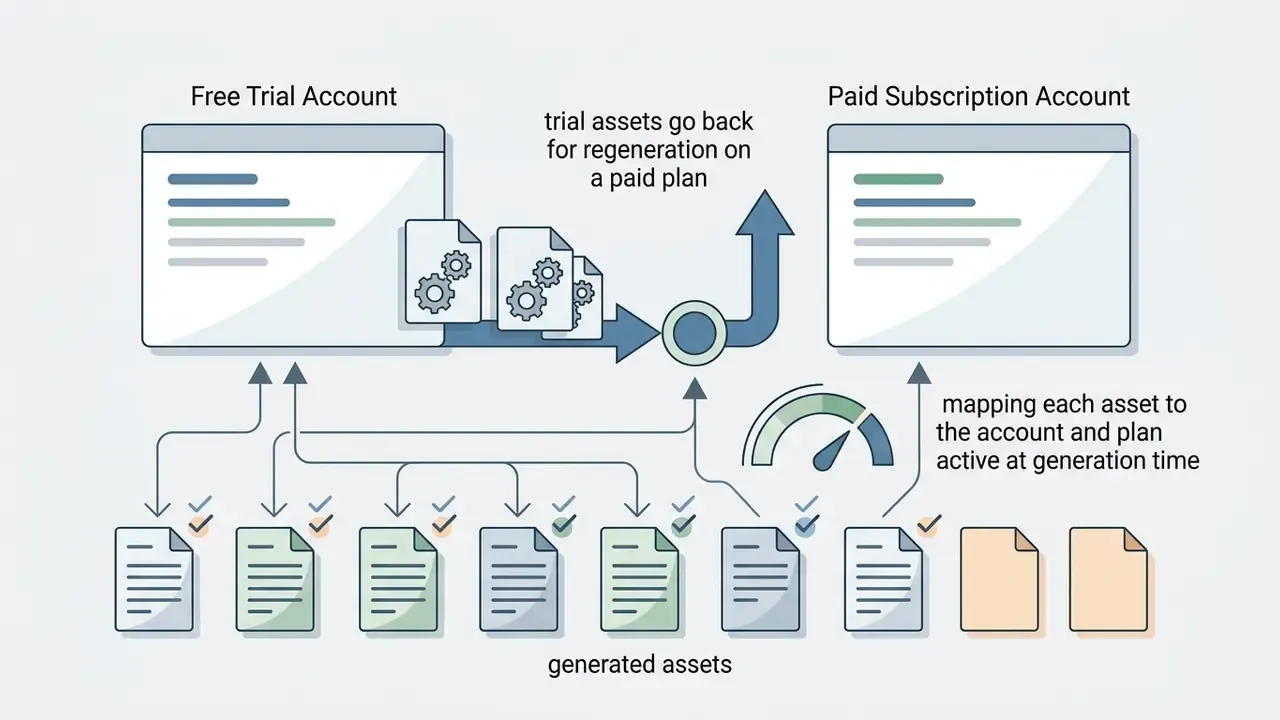
Illustrative case: auditing art assets before a campaign launch. In a hypothetical marketing asset audit, a fintech team found campaign visuals that had been generated on a trial account, which put the launch at risk of being pulled. Legal ran a full inventory of art resources, moved generation onto the Standard plan, and documented the licence position.
«A comprehensive assessment of 11 NSFW content removal methods found that none simultaneously delivers high image quality, semantic alignment, and robustness against covert unsafe prompts.»
Practical conclusion: a paid subscription removes the licensing risk, not the moderation duty. Model-side filters give probability, not a guarantee. The sequence the team applied:
That was enough to formally approve the visuals for paid targeting and to close the legal exposure. Broader legal analysis lives in the AI Media Commercial-Use Hub.
What to Check Before Publishing AI Artwork in Ads and Content
A legal and technical cleanliness checklist before any ai artwork imagine output enters commercial circulation:
- Plan licence: confirm an active paid subscription existed at the moment of generation.
- Reference rights: with image to image, confirm you hold rights to the uploaded source.
- No trademarks: check the prompt contains no protected brand names or patented characters.
- Publicity rights
- do not generate recognisable faces of real people without written consent.
- Advertising claim accuracy
- statements inside creative must be truthful and substantiated. Advertising regulation applies to AI content in full.
- Process documentation
- store prompt, model, seed, date, and plan. That bundle is your audit trail when a claim arrives.
- Metadata and labelling
- check whether your jurisdiction requires AI disclosure, and preserve Content Credentials where they are produced.
Content Limits and AI Imagine Generator NSFW Requests
The ai imagine generator nsfw question comes up constantly, so let us be blunt: the service enforces a strict PG-13, family-values policy. Filtering automatically blocks:
- Nudity, pornographic, and sexually explicit content.
- Cruelty, violence, property destruction, and weapon displays.
- Discriminatory speech, hate speech, and material encouraging harm.
- Content promoting self-harm, suicide, terrorism, or extreme violence.
«SafeGen achieved 99.1% effectiveness in removing sexual content while preserving the quality of benign images across four datasets.»
Attempting to bypass filters through veiled prompts can get the account suspended with no refund.
«An analysis of ten popular Stable Diffusion models showed none has built-in refusal behaviour, and harmful prompts produce biased and unacceptable content.»
For corporate use the implication is narrow but firm: the platform filter is a necessary control, not a sufficient one. Any creative going to a public channel passes human review first.
How ImagineArt Differs From Other AI Image Generators
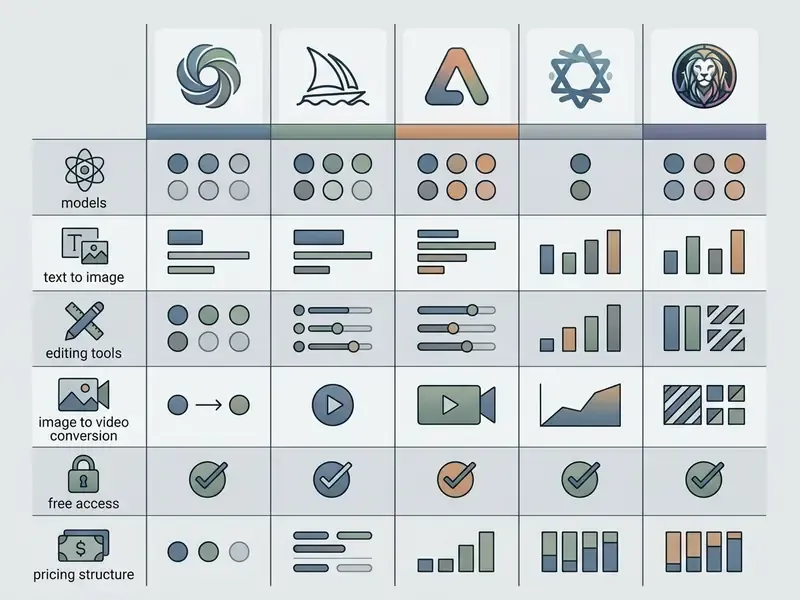
Comparing imagineart ai with competitors is the fastest way to match a tool to a task rather than to a hype cycle.
| Platform | Available models | Text to image | Editing (inpaint/upscale) | Video generation | Free access | Entry price |
|---|---|---|---|---|---|---|
| ImagineArt | Multi-model stack (Flux, Veo, Kling, Grok) | ✅ Yes | ✅ Yes (up to 4K/8K) | ✅ Yes (Seedance, Veo, Kling) | ✅ 100 credits/day | From $9 - $25/mo |
| Midjourney | Proprietary Midjourney v6 | ✅ Yes | ⚠️ Partial (Vary Region) | ⚠️ Basic (short animations) | ❌ None | From $10/mo |
| Adobe Firefly | Firefly family plus partner models (Veo, Kling, Runway, Ray3) | ✅ Yes | ✅ Yes (Photoshop integration) | ✅ Yes (Firefly Video) | ✅ Yes (generation cap) | From $9.99/mo |
| Leonardo AI | Phoenix, SDXL, custom models | ✅ Yes | ✅ Yes (Canvas) | ✅ Yes (Motion) | ✅ 150 daily credits | From $12/mo |
| DeepAI | Simple base models (Standard/Genius/Super Genius) | ✅ Yes | ⚠️ Minimal (Enhance, BG removal, Photopea) | ❌ No | ✅ Yes (basic) | From $4.99/mo |
Decision matrices and an extended comparison of leading AI art generators sit inside AI Media Comparison Matrices. Individual platform breakdowns are available for Midjourney, Google AI Image Generator, Microsoft AI Image Generator, and Bing AI Image.
One licence difference gets overlooked far too often. DeepAI publicly states that its outputs are public domain and have no owner, whereas ImagineArt builds on a paid commercial licence, and Adobe Firefly leans on dataset cleanliness plus enterprise guarantees. For a regulated industry, "no owner" is not a feature. It is an unresolved question.
When to Choose ImagineArt Over Midjourney, Adobe Firefly, or Deep AI
On feature breadth, ImagineArt looks the most balanced thanks to the all-in-one concept. That said, no single independent benchmarking methodology exists for generators, so the assessment here is editorial analysis of public vendor material, nothing stronger. You avoid paying separately for Midjourney for stills and Kling or Runway for video. If your team needs text to graphics, animation, and retouching in one window with a transparent credit pool, ImagineArt is a practical answer.
The inverse case matters just as much. If your binding requirement is contractual copyright cover and deep Creative Cloud integration, Adobe Firefly is the rational pick. If you want a single narrow tool with the highest artistic ceiling, Midjourney still holds that ground. Selection guides are collected under best ai art generator.
Imagine AI Art Generator for Android and iOS: Where to Download the App
The mobile side of the imagine ai art generator app lets you generate art straight from a phone. This block is reference material aimed mainly at individual creators. In a corporate environment, mobile access is usually constrained by MDM policy anyway.
How to Safely Download the Imagine AI Art Generator Android App
For an imagine ai art generator android download, use official stores only:
- Android: search Google Play for "AI Image Generator: ImagineArt" by developer Vyro LLC (package id
com.vyroai.aiart). Devices on Android 8.0 and newer are supported. - iOS: the App Store lists "ImagineArt: AI Video Generator" (iOS 13.0+ or iOS 18.2+, depending on region and listing edition).
Do not install modified APK files from third-party sites. That is the fastest route to leaked personal data and a swapped payment flow. If a page promises an imagine ai art generator app download link outside the two official stores, treat it as hostile by default.
What the ImagineArt Mobile App Offers
The mobile client covers the essential web functionality: prompt entry, style and model selection, reference uploads, generation of logos, posters, stickers, avatars, and video, plus image remix, generative fill, and magic expand. Account, gallery, and credit balance sync between phone and web in real time. Some advanced capabilities, above all Workflows (Imagine Flow) and several editing tools, remain optimised for the browser. For a comparison with portable retouching apps, see our reviews of photo editors and free photo editors. (Updated: this position previously pointed to a non-existent URL.)
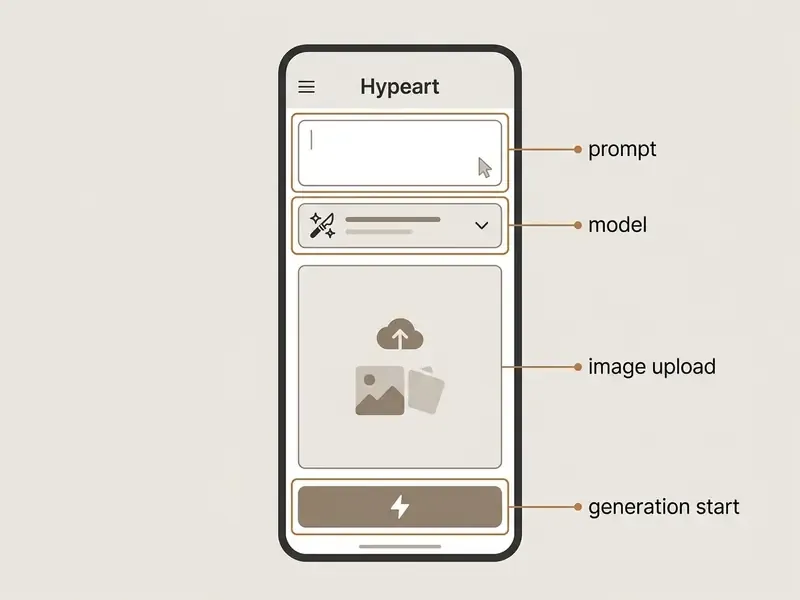
Key interface zones in the mobile app: (1) the prompt field with the "Ask anything..." hint; (2) the settings block with model choice and style parameters; (3) the reference upload area pulling from device storage; (4) the launch button, labelled Generate or Create depending on build version.
FAQ About Imagine AI Art Generator
Short answers to the recurring questions about accounts, quotas, sign-in, and confusingly similar product names.
What Is the Difference Between ImagineArt (Vyro LLC), AI Imagine (Hex Works), and Grok Imagine?
The names nearly collide, but these are three different products:
- ImagineArt (
imagine.art, Vyro LLC) is a multi-model aggregator platform combining Flux, Veo, Kling, Grok, Nano Banana, and its own models (ImagineArt 1.5 Pro / 2.0) in one dashboard with a shared credit balance, video generation, and mobile apps. - AI Imagine (Hex Works LLC) is a separate service focused on applied processing utilities: JPG/PNG/WebP converters, an image loader with previews, upscaling, background and object removal. It has its own pricing grid, from $4.99 for 100 credits to $79.99 for 3,600 credits per month, with video and audio partly marked "coming soon".
- Grok Imagine / xAI (listed on the arena as SpaceXAI) is a generative model from xAI, available through the API under
grok-imagine-image-2.0and also as one of the models inside the ImagineArt interface. So Grok Imagine is a model, not a competing aggregator.
Practical conclusion: for a single workspace covering image, video, and voice, take ImagineArt. For pinpoint converters and utilities, AI Imagine. For a direct API call to a specific model, Grok Imagine from xAI.
What to Do If Credits Run Out or Login Is Required
- If the "Out of credits" error appears:
- On the free plan, wait for the automatic grant of 100 credits, which arrives every 24 hours from the last issue. Unused credits do not roll over.
- Buy a one-off credit pack, or move up to a paid tier (Standard or Premium).
- On a subscription, check the monthly payment anniversary. Credits refresh on the charge date, not on the first of the month, and a failed payment pauses the refresh.
- Login problems:
- Use exactly the same authentication method you registered with (Sign in with Google, Facebook, Discord, or email). A mismatched method is by far the most common cause of failed sign-in.
- For Google sign-in, press the Google button, review the requested permissions, and confirm access ("Allow" or "Continue").
- When switching devices, make sure the mobile app uses the same Google or Apple ID as the desktop session. On iOS, purchase activation is tied to the Apple receipt.
How Many References Can I Upload and Which Aspect Ratios Are Available?
A single generation accepts up to 5 input images (multi-ref editing) and 9 aspect ratios: 1:2, 9:16, 2:3, 3:4, 1:1, 4:3, 3:2, 16:9, 2:1.
Can Free Generations Be Used in Advertising?
No. Free and trial tiers are limited to personal, non-commercial use, and files are watermarked. Advertising requires an active paid subscription (ImagineArt Terms and Conditions, 2026).
Appendix A: Replaced and Clarified Statements