Last updated: February 2026 | Reviewed for: creative operations, marketing teams, model risk and compliance leads
Executive Summary: The Decision Layer
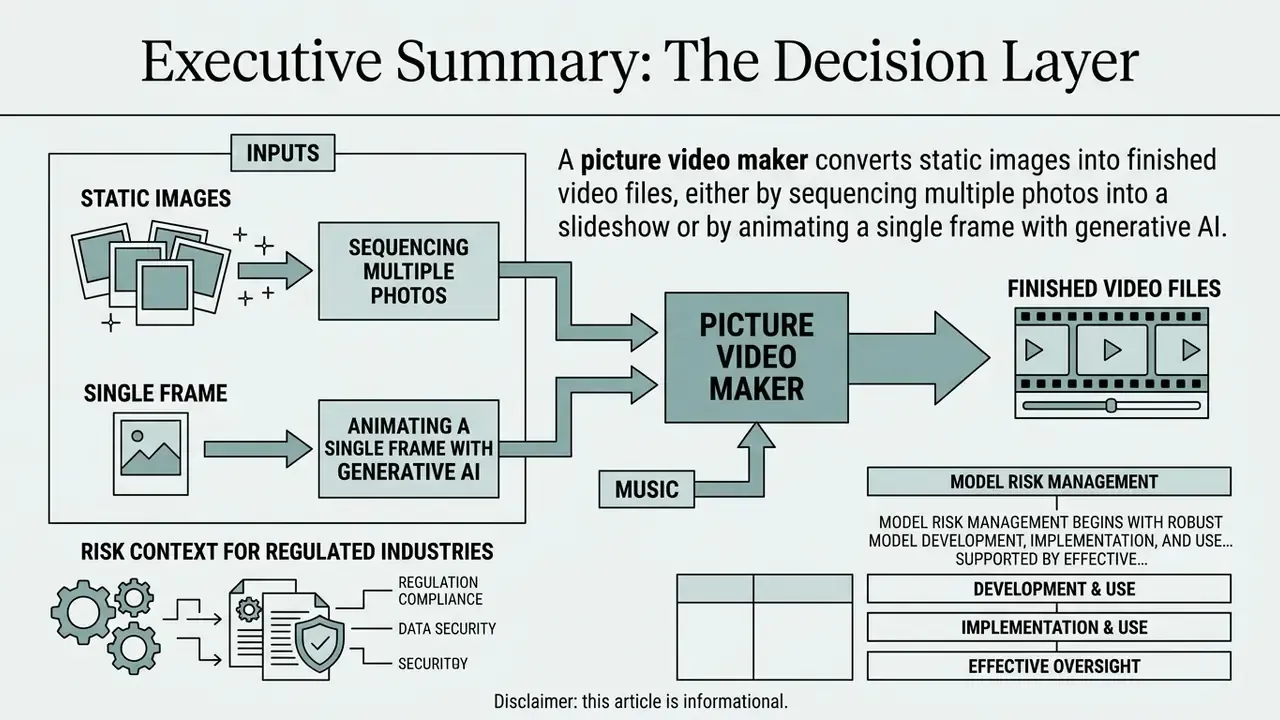
A picture video maker converts static images into finished video files, either by sequencing multiple photos into a slideshow or by animating a single frame with generative AI. Below is the compressed decision layer for creative leads, procurement owners and risk functions.
| Question | Short answer |
|---|---|
| What are the three tool categories? | Photo slideshow editors, AI image-to-video generators, and universal online video editors with mixed-media timelines. |
| How long can AI clips be? | Commercial models cap short: Seedance 2.5 renders 4–15 s, Veo 3.1 around 8 s, Kling 3.0 and Runway Gen-3 around 10 s. Longer videos are auto-split and stitched. |
| What breaks most often? | Style drift on illustrated source art, low-resolution inputs producing artifacts, and audio/visual drift on long timelines. |
| What does "free" cost you? | Watermarks, 720p/1080p export caps, restricted stock libraries, limited AI credits, and personal-use-only licensing. |
| Who owns AI output? | Only human-authored contributions are protectable; purely AI-generated output lacking human authorship cannot claim U.S. federal copyright. |
| What is the top enterprise risk? | Shadow AI: employees uploading screenshots containing PII, internal system views or confidential data into public SaaS renderers. |
| What controls are required? | Vendor data-handling attestation (SOC 2 / ISO / GDPR), no-training-on-customer-data clauses, prompt and seed logging, SSO/RBAC, retention limits, and human-in-the-loop sign-off. |
Risk context for regulated industries. Picture video makers look like harmless consumer utilities, which is exactly why they spread through organizations without review. In practice each upload is a data transfer to a third-party cloud renderer, and each generative render is a model inference whose output is non-deterministic. For banks, insurers and healthcare organizations, that combination touches three existing control domains at once: third-party risk management, data protection, and model risk management. Institutions already applying the Federal Reserve's model risk guidance (SR 11-7) and the NIST AI Risk Management Framework 1.0 can extend those frameworks to generative video rather than inventing new ones.
«AI risk management should be integrated and incorporated into broader enterprise risk management strategies and processes.»
«Model risk management begins with robust model development, implementation, and use… supported by effective validation.» Source: Supervisory Guidance on Model Risk Management (SR 11-7), Board of Governors of the Federal Reserve System (2011). https://www.federalreserve.gov/supervisionreg/srletters/sr1107.htm
How to Use This Guide
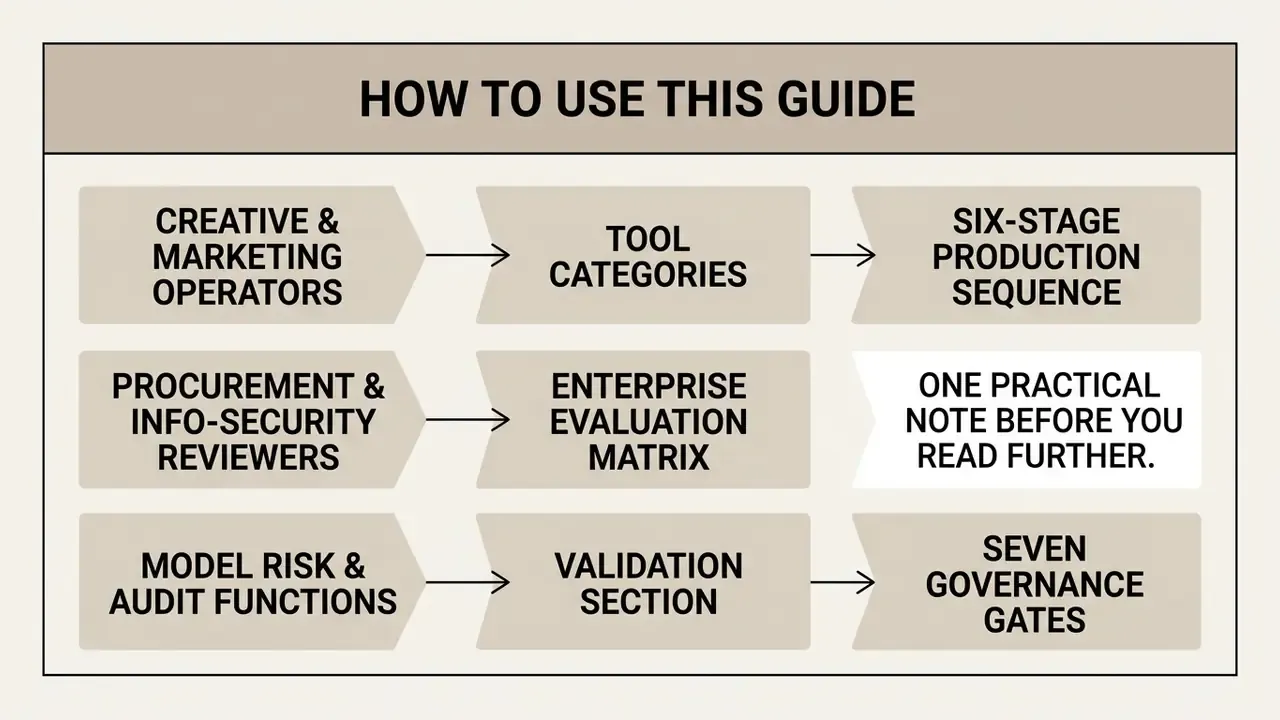
The material below serves three different readers, and they rarely need the same pages.
- Creative and marketing operators should start with the tool categories, the six-stage production sequence, and the prompting section. That is where throughput and output quality live: framing, scene duration, beat sync, transitions, export presets.
- Procurement and information-security reviewers should go straight to the enterprise evaluation matrix, the shadow-AI mitigations, and the compliance checklist. Those pages translate consumer feature grids into control language: residency, retention, SSO, exportable logs.
- Model risk and audit functions should read the validation section and the seven governance gates. Generative video has no numeric backtest, so the evidence you retain during production becomes the only validation artifact you will ever have.
One practical note before you read further. Almost every disappointment with this software category comes from a category mismatch, not from a bad product. A team that needs batch slideshow throughput buys a full editing suite, or a team that needs multi-track composition buys a template-driven slideshow app. Diagnose the job first. Everything else follows from that.
What Is a Picture Video Maker and Which Video Can You Create?
A picture video maker is a web-based or software application designed to compile static images into dynamic video files such as MP4 using transitions, soundtracks, and generative AI animation. It allows creators, marketers, and operational teams to create photo videos, promotional clips, and slideshows without requiring manual keyframing or complex desktop video editing suites. Modern platforms operate as an online video editor accessible directly in the browser, accepting JPEG, PNG, or WEBP inputs to generate full-motion media assets.
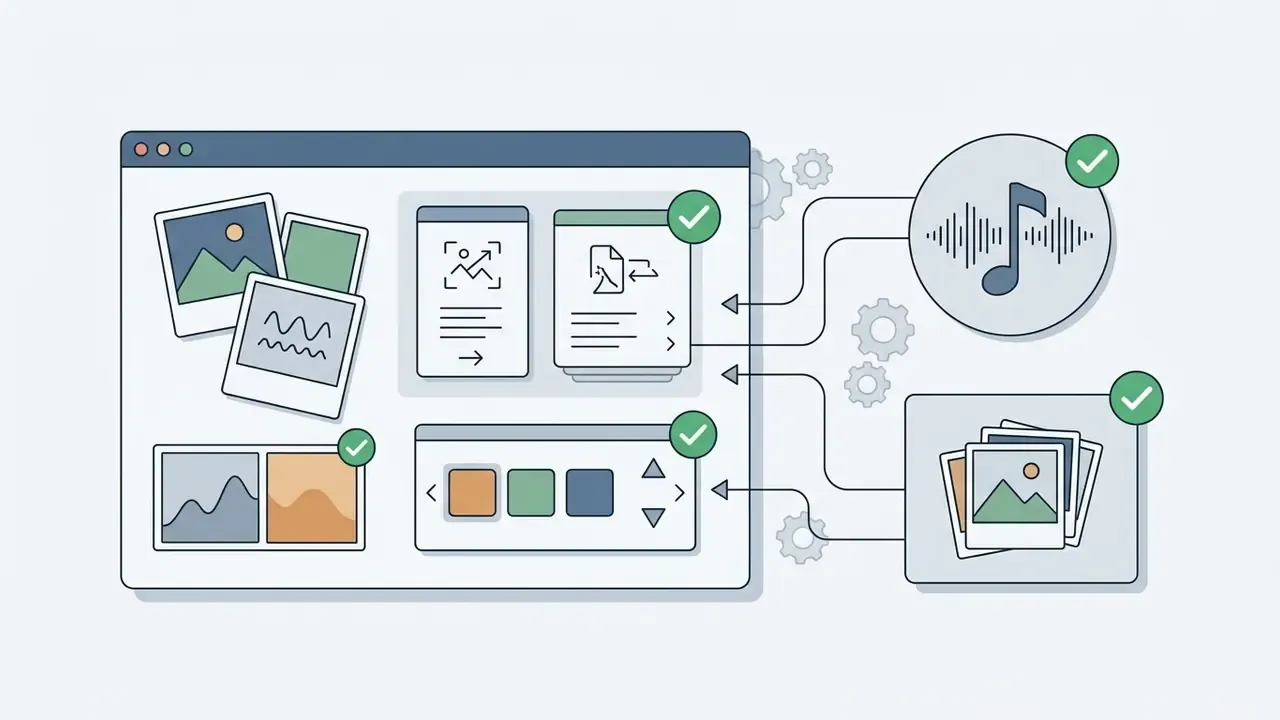
The capabilities of modern picture video tools fall into three distinct functional categories:
- Multi-Image Photo SlideshowsSequential assembly of photo series featuring background music, captions, slide transitions, and global frame styling.
- Generative AI Image-to-VideoGenerative synthesis converting a single static picture into a short dynamic clip via neural motion prompts and diffusion models.
- Hybrid Mixed-Media ProductionComprehensive video editing combining user photos, video clips, stock footage, voiceovers, and dynamic overlay graphics.
Specialized picture video makers are engineered around one job: turning a photo set into a finished MP4 with templates, music, transitions, text and light motion. Universal online editors accept far broader source types (video files, screen recordings, audio stems, vector graphics), expose full multi-track timelines, and are optimized for mixed-media composition rather than fast slideshow assembly. Recognizing which class you are buying prevents the most common procurement mistake: paying for an editing suite when the actual requirement is batch slideshow throughput, or the reverse.
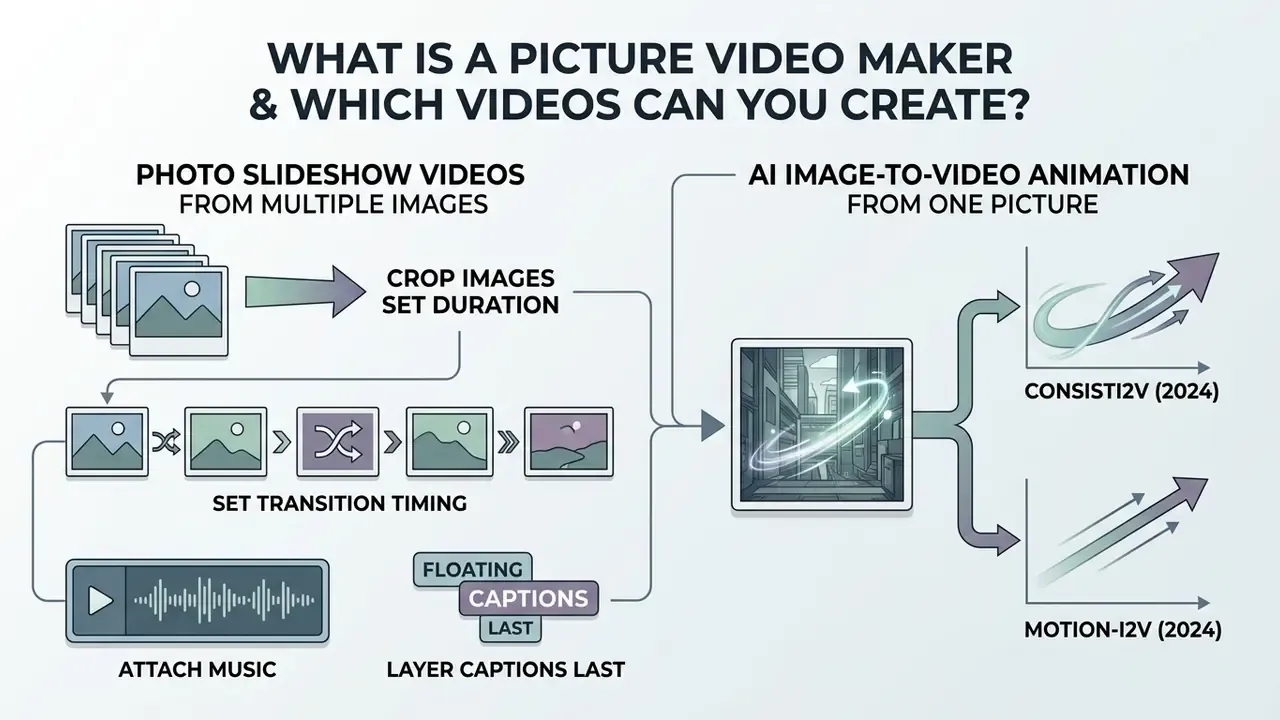
Photo Slideshow Videos from Multiple Images
Photo slideshow creation relies on sequencing multiple photos and images into a structured temporal order. Users upload a collection of still pictures, establish custom slide durations, and insert visual transitions such as crossfades, directional slides, or zoom effects. Adding background music, text captions, and branding elements transforms static collections into shareable digital presentations.
Classic slideshow methodology follows a reproducible order of operations, mirrored across professional tools:
- Crop before sequencing. Normalize framing first; a 16:9 crop is the standard baseline for widescreen slideshows, while 9:16 is the baseline for short-form vertical output.
- Set slide duration and transition timing separately. Professional modules expose slide duration and fade length as independent values in seconds, which is what prevents "pumping" pacing.
- Attach music from a dedicated audio panel. An exported MP4 retains transitions and audio; PDF-style exports drop music entirely, which matters when the same deck is repurposed for documentation.
- Layer captions last. Text is applied over the settled sequence so contrast can be checked against final frames rather than placeholders.
Organizations frequently compile a video album online free to package event photography, institutional announcements, or visual catalog updates. Teams that need to create video with images online at volume often template the whole thing: fixed crop, fixed 3-second timing, one approved soundtrack. For workflows requiring advanced pre-rendering photo touch-ups, creators often prepare assets using an ai photoshop generator prior to compiling their final sequence, and teams standardizing source quality across large batches benchmark options in our guide to online photo editors.
AI Image-to-Video Animation from One Picture
AI image-to-video technology transforms a single static picture into a dynamic moving scene using generative AI models. Rather than relying on simple pan-and-zoom keyframes, these tools analyze visual semantics to synthesize new frames, generating realistic motion for subjects, background elements, and virtual camera angles.
Research into generative architectures demonstrates how AI models preserve frame identity while introducing dynamic movement:
- ConsistI2V (2024): Employs spatiotemporal attention over the initial reference frame and low-frequency noise initialization to preserve subject identity and structural layout throughout the animation cycle.
«ConsistI2V applies spatiotemporal attention over the first frame and low-frequency noise initialization, preserving subject identity across the full animation.»
- Motion-I2V (2024): Utilizes a two-stage pipeline that first predicts dense pixel trajectories before applying temporal attention, enabling controlled motion while preventing visual degradation.
«Motion-I2V predicts dense pixel trajectories in stage one, then applies motion-augmented temporal attention, delivering controllable motion while retaining visual integrity.»
Both papers matter operationally, not just academically: they define the two levers that determine whether an animated brand asset stays on-brand. Reference-frame attention governs identity retention, and trajectory prediction governs motion controllability. Every commercial platform you evaluate is implementing some variant of these two mechanisms behind its UI.
For developers and content teams evaluating automated asset pipelines, testing an ai picture to video workflow demonstrates how generative diffusion replaces manual keyframing across visual asset inventories. Teams comparing available tooling can review current image-to-video AI tools before committing to a vendor.
How to Choose the Best Free Online Photo to Video Maker
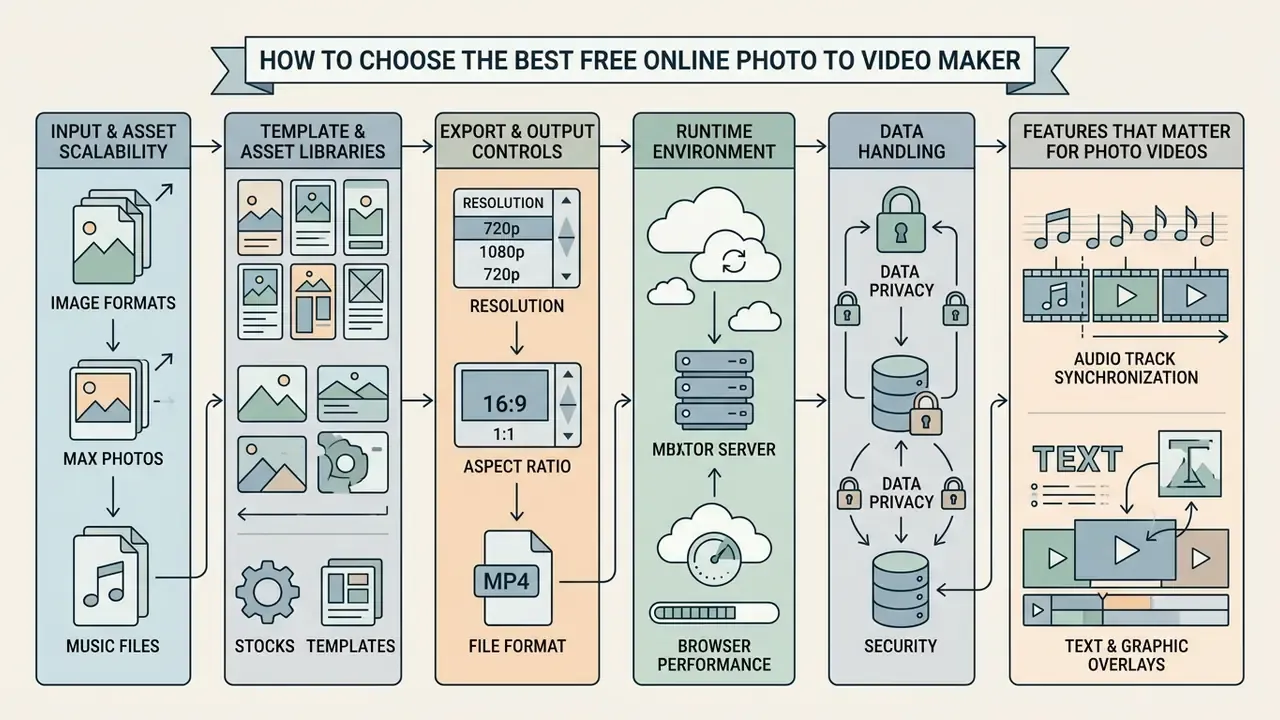
Selecting the best free online photo to video maker requires evaluating functional capabilities, technical constraints, export parameters, and vendor licensing models. Search phrasing gives away the split: someone looking for the best software to create video from images usually wants a desktop render engine, while someone looking for a create video from images online tool wants zero installation and a shareable link. Teams must determine whether their primary operational goal is simple multi-photo sequence assembly, generative single-image animation, or full timeline video editing. Side-by-side breakdowns of current AI video generators shorten this triage considerably.
Key selection parameters include:

Comparative Analysis of Picture Video Maker Architectural Types
| Parameter | Photo Slideshow Editor | AI Image-to-Video Generator | Universal Online Video Editor |
|---|---|---|---|
| Primary Input | Multiple static photos (JPG, PNG, HEIC) | Single reference photo + text/motion prompt | Multi-format (Images, video clips, audio, graphics) |
| Motion Synthesis | 2D movement (Ken Burns, pans, zooms, cuts) | Generative neural frame synthesis & 3D depth camera movement | Keyframe animation, overlays, multi-layer timelines |
| Audio Capabilities | Single background soundtrack, basic trimming | Silent export by default; optional secondary audio track | Multi-track audio mixing, voiceover recording, beat-sync |
| Processing Location | Client-side browser engine or basic server render | Cloud GPU clusters running generative diffusion pipelines | Hybrid client-side WebAssembly & cloud rendering |
| Typical Output Ceiling | Up to 30 photos per project; 480p–4K export tiers | 4–15 second clips per generation; 720p–1080p typical | Projects of 10–30 minutes; 1080p–4K export |
| Best Use Case | Family archives, photo albums, event summaries | Creative concept animation, dynamic social media visual teasers | Commercial video ads, tutorials, multi-scene product showcases |
In plain text, the same comparison reads like this: slideshow editors take many photos and give you 2D movement plus one music bed; AI generators take one picture and a prompt and give you a few seconds of synthesized motion; universal editors take everything and give you a timeline. Choosing between platforms is not only a feature question, it is a measurement question. Standardized benchmarks now exist specifically to score image-to-video systems, and they are the closest thing to an objective procurement yardstick.
«AIGCBench defines eleven metrics across four dimensions: control-video alignment, motion effects, temporal consistency and video quality, correlating with human judgement.»
Practically, that means a vendor demo should be judged on four axes rather than one impression: does the output follow the control signal, is the motion plausible, does identity hold frame-to-frame, and is the raw image quality acceptable at your delivery resolution. Ask the vendor to run your images, not their showreel.
Features That Matter for Photo Videos
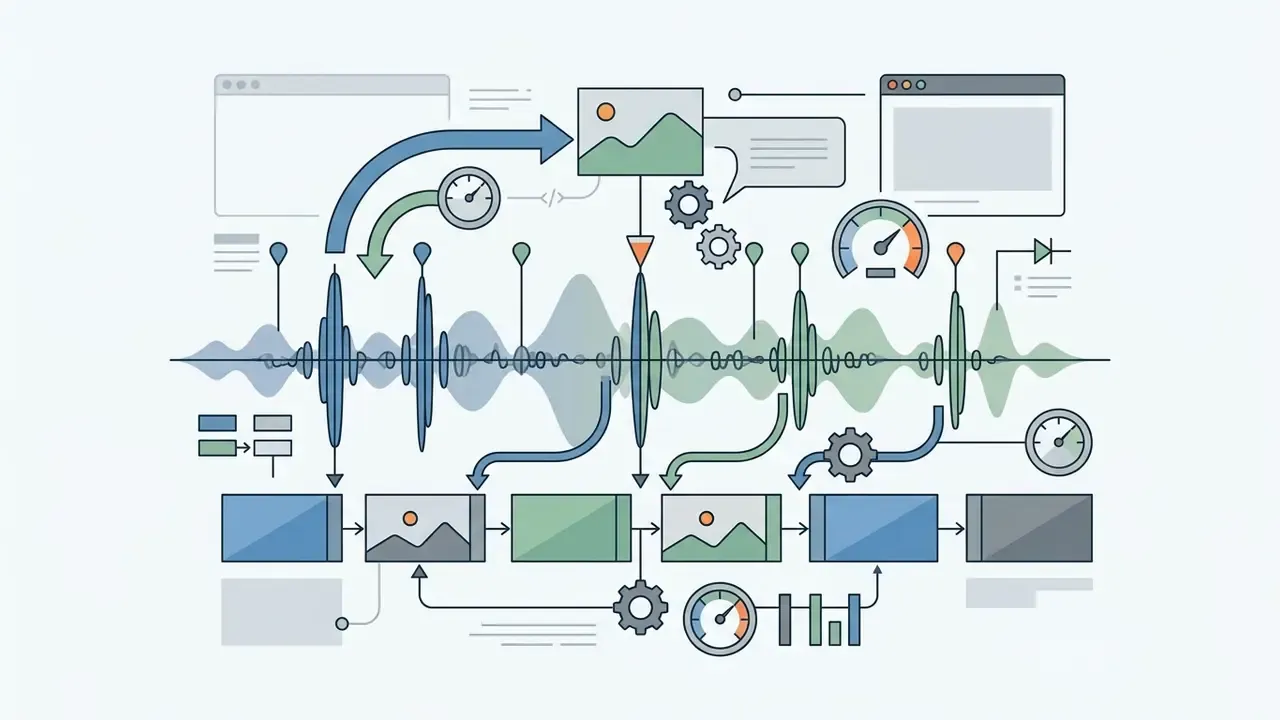
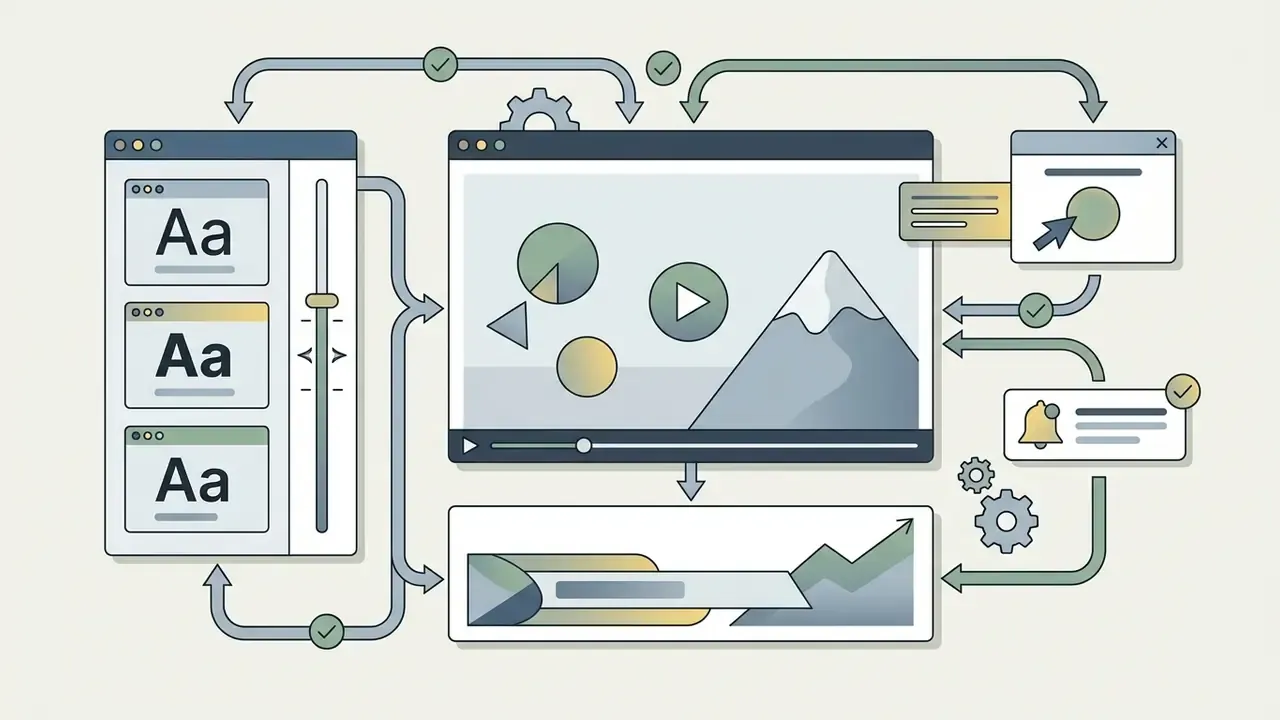
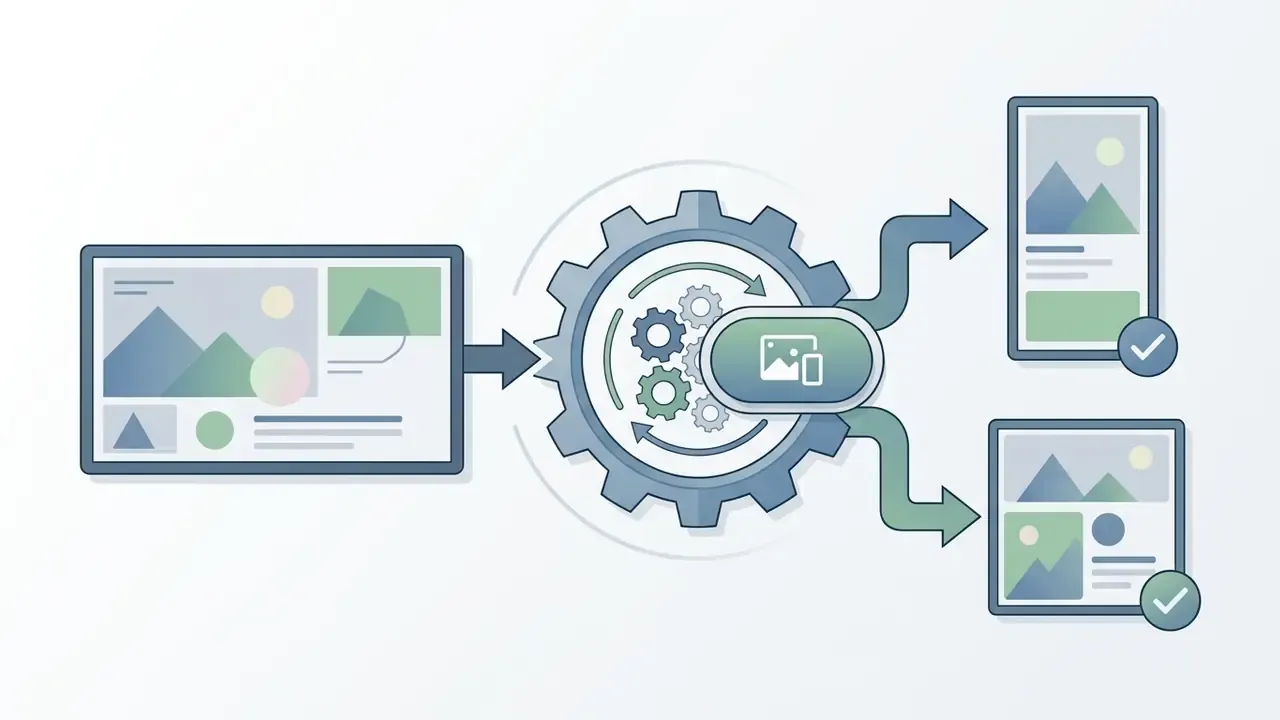
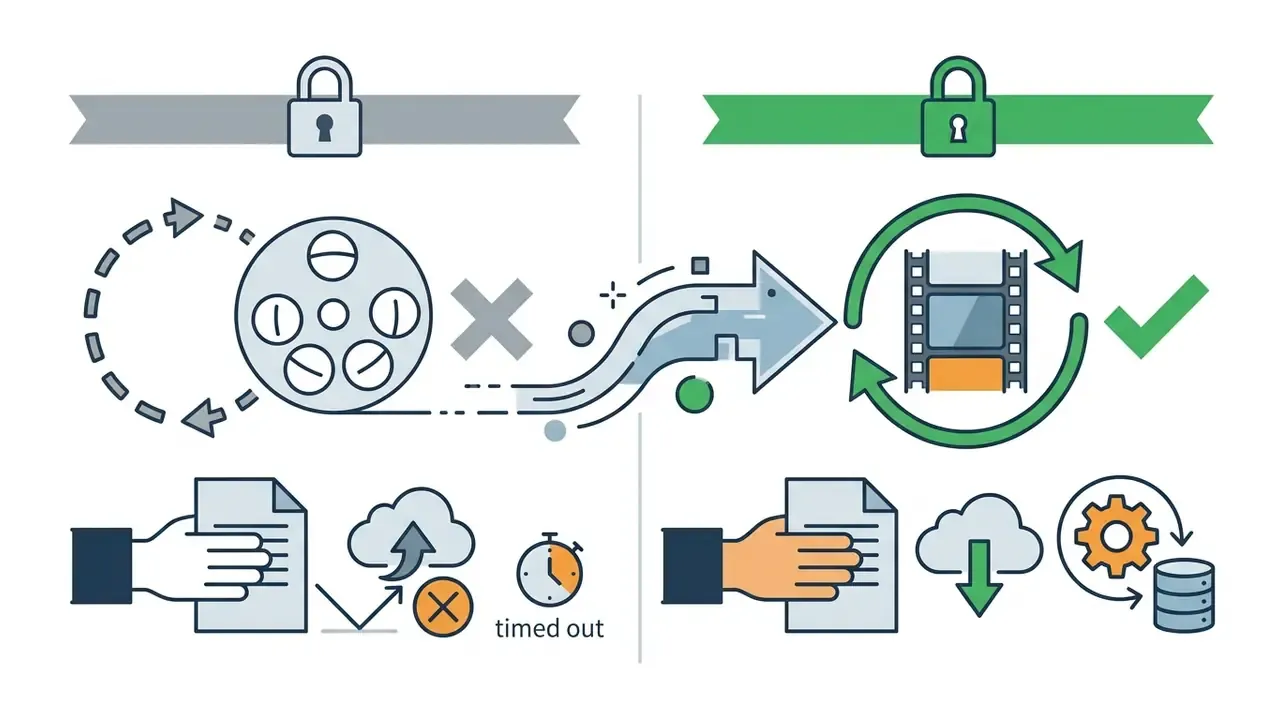
Core editing features directly determine how efficiently a team can turn still pictures into finished promotional material. A high-performing online tool should offer intuitive timeline controls, allowing users to trim scene duration, rotate visuals, and adjust scale without distortion. Teams weighing zero-cost options against paid suites can compare shortlists of free video editing software before standardizing on one tool.
Essential features include:
When conducting platform procurement assessments, governance leads refer to AI Media Comparison Matrices to audit functional capabilities across web-based content platforms.

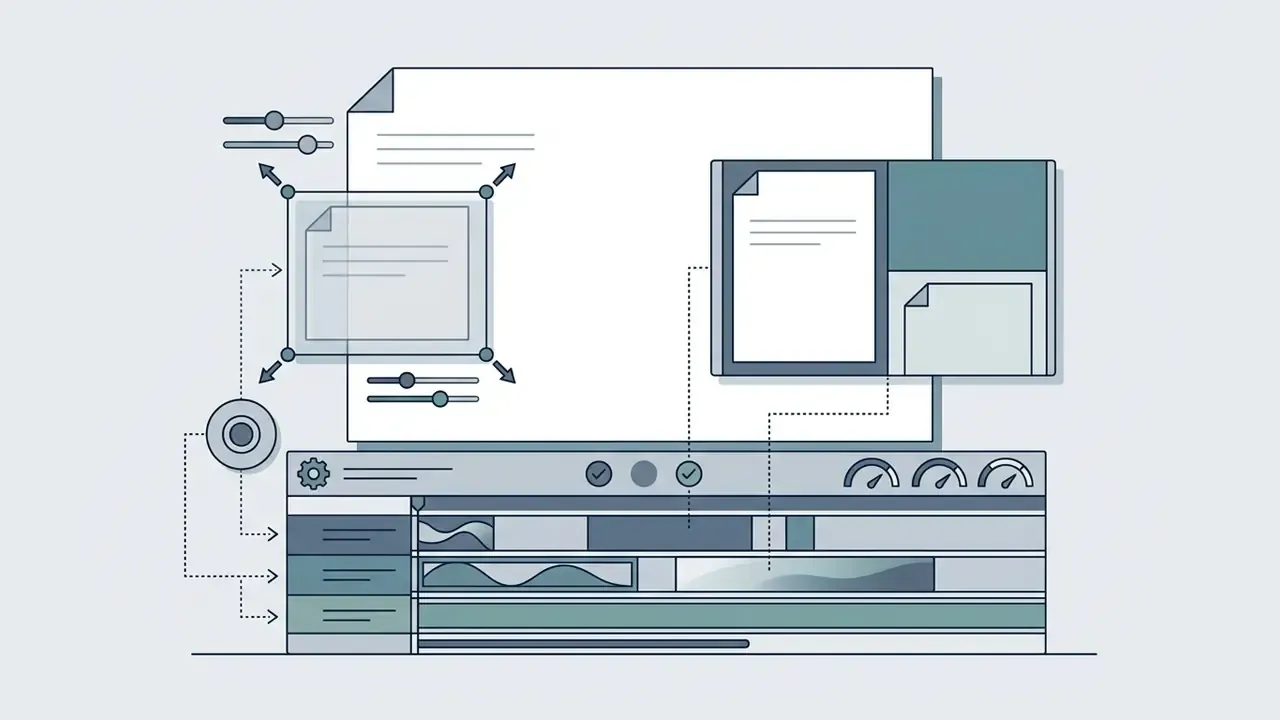
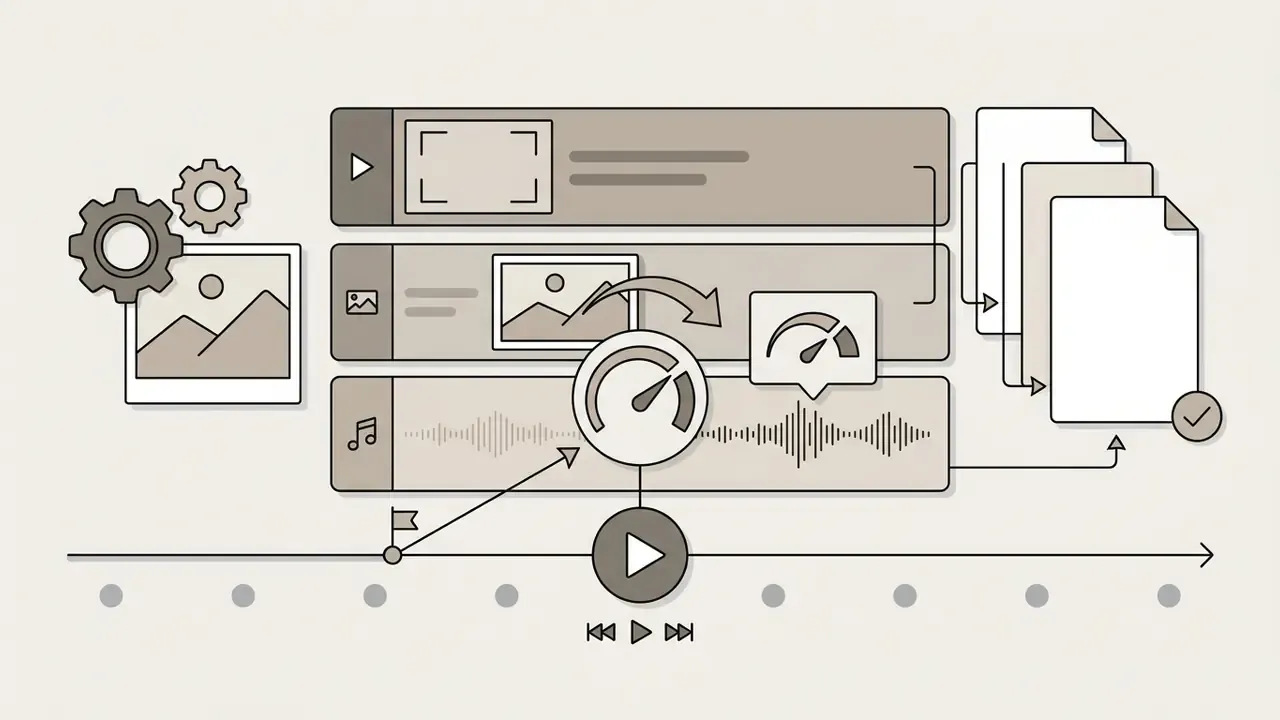
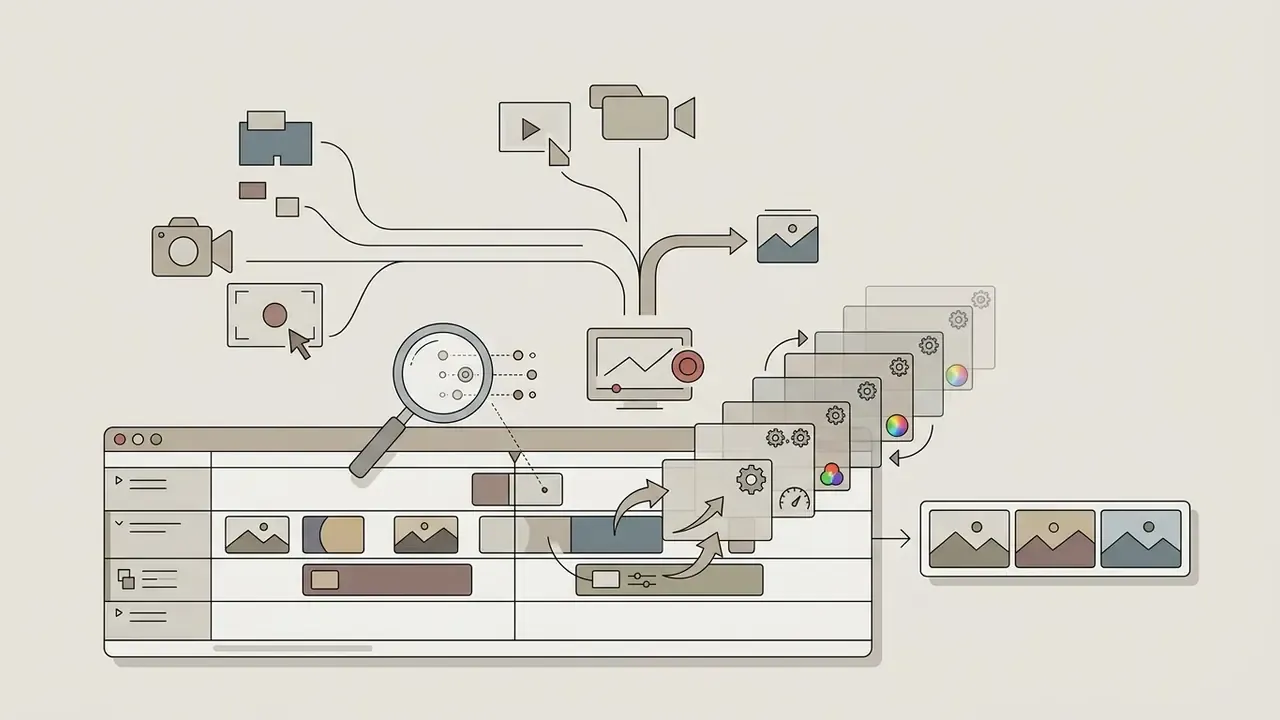
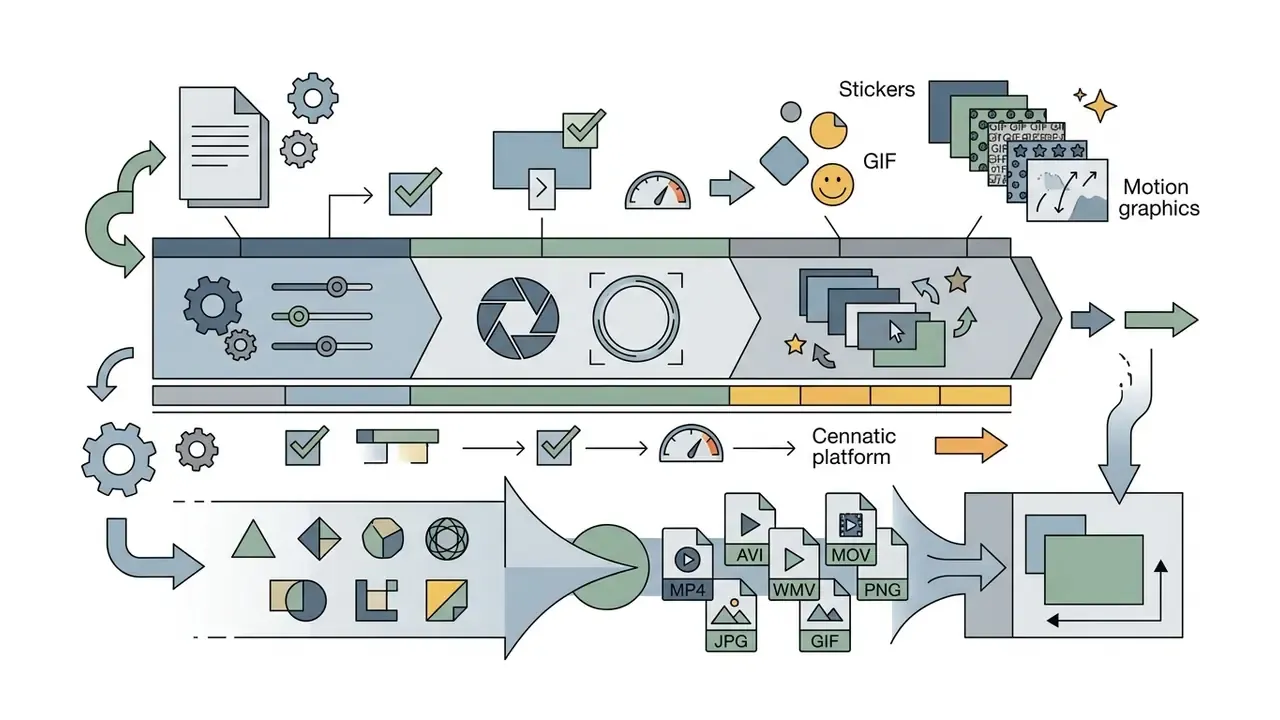
Advanced Timeline Controls, Screen Recording, and Multi-Layer Effects
Beyond standard photo sequencing, modern web platforms act as full-suite production environments by incorporating advanced capture and editing options:


Browser, App and Device Compatibility
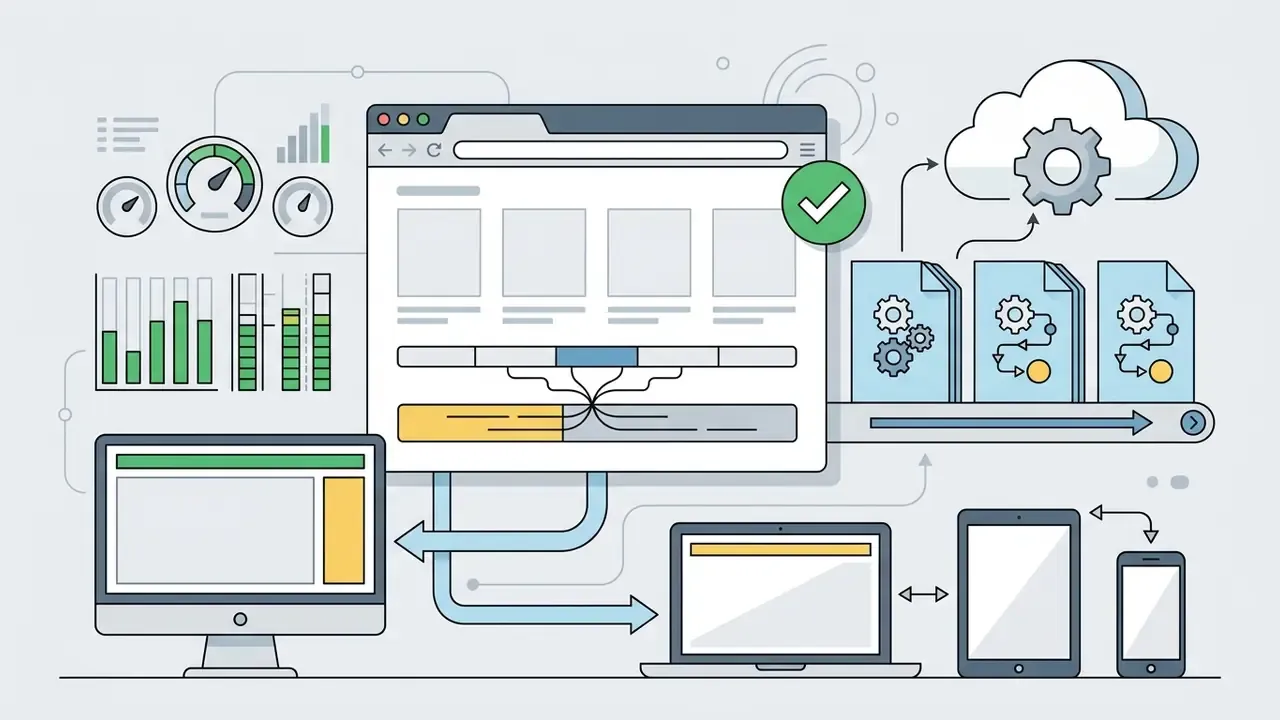
Modern web-based video editors operate across desktop and mobile devices without requiring localized software installation. Updated: rather than asserting a single mandated standard, the accurate framing is that browser-based media applications are built against the APIs common to the major engines, as catalogued by W3C.
«Supported web APIs are those common to Chrome, Edge, Firefox and Safari; target devices include televisions, game machines, set-top boxes, mobile devices and personal computers.»
In other words, cross-platform reach is broad but engine-dependent: heavy in-browser rendering relies on the maturity of WebAssembly and WebGL in each browser, which is why the same editor can feel fast in one browser and sluggish in another on identical hardware. Real-time capture and browser-to-browser video workflows additionally lean on WebRTC processing requirements defined in RFC 7742.
Browser-based editors offer zero-installation deployment and centralized project storage, enabling multi-device access across Windows, macOS, ChromeOS, and mobile operating systems. A free image to video maker app on a phone covers the field-capture case; the browser covers the review case. Native desktop applications retain advantages for offline operation and intensive local hardware utilization during high-bitrate rendering. The trade-off is straightforward:
| Criterion | Browser-based editor | Installed desktop / mobile app |
|---|---|---|
| Setup | Zero install, instant access | Download, install, update cycles |
| Offline work | Limited or inconsistent | Full offline capability |
| Heavy renders | Constrained by connection and queue | Uses local CPU/GPU directly |
| Collaboration | Native multi-user sessions | Usually file-handoff based |
| Data control | Assets leave the endpoint | Assets can stay on-device |
For regulated environments, that last row is decisive: a locally installed editor keeps sensitive frames inside the managed endpoint, whereas a browser editor moves them to vendor infrastructure. Teams also frequently pair editors with a video compressor to keep exports within platform upload limits.
Enterprise Deployment, Data Residency and Audit Criteria
Consumer feature grids, watermarks, template counts, sticker packs, say nothing about whether a tool can be approved for use inside a bank, insurer or healthcare provider. The table below reframes the same market through enterprise architecture and control requirements.
Enterprise Evaluation Matrix for Picture Video Platforms
| Control Domain | Public SaaS (consumer tier) | Enterprise SaaS / API Integration | Private Cloud / Self-Hosted Models |
|---|---|---|---|
| Data Residency | Vendor-selected regions; often undisclosed | Contractual region pinning available | Fully controlled by the institution |
| Training on Customer Content | Frequently permitted by default terms | Opt-out or contractual prohibition | Not applicable; weights are local |
| Identity & Access | Email/password, shared logins common | SSO (SAML/OIDC), RBAC, provisioning | Integrated with internal IAM |
| Audit Trail | Minimal; no exportable logs | Project, prompt and export event logs | Full logging incl. seeds and model versions |
| Attestations | Often none published | SOC 2 Type II, ISO 27001, GDPR DPA | Inherits internal control environment |
| Retention & Deletion | Indefinite or unclear | Configurable retention, verified deletion | Institution-defined lifecycle |
| Commercial Rights | Personal / non-commercial restrictions | Full commercial licence, indemnity options | Governed by model licence terms |
| Model Reproducibility | Model silently upgraded; no version pinning | Version pinning and changelogs via API | Frozen weights, fully reproducible renders |
Read the matrix as a ladder rather than a menu. Consumer tiers are acceptable for public-domain marketing imagery. Enterprise tiers become mandatory the moment source frames are internal. Self-hosted models are justified when reproducibility itself is the deliverable.
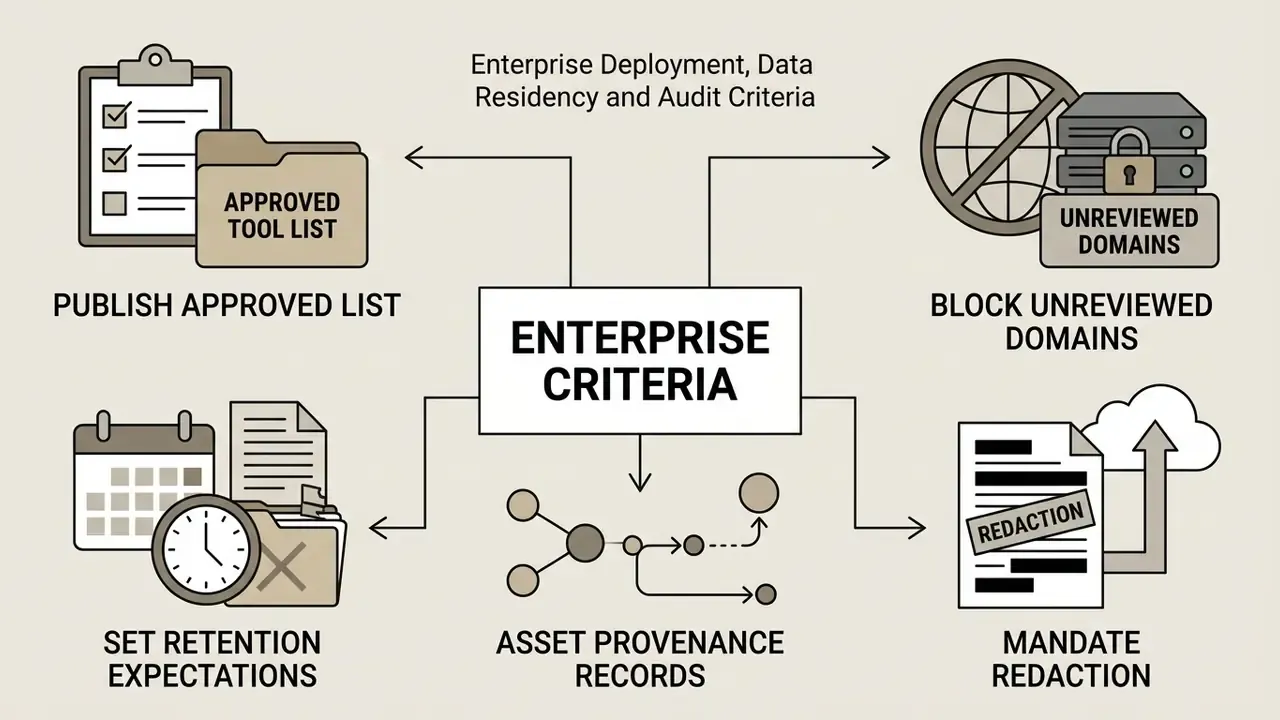
Shadow AI: the Unmanaged Upload Problem
How to Create a Video with Pictures and Music Online
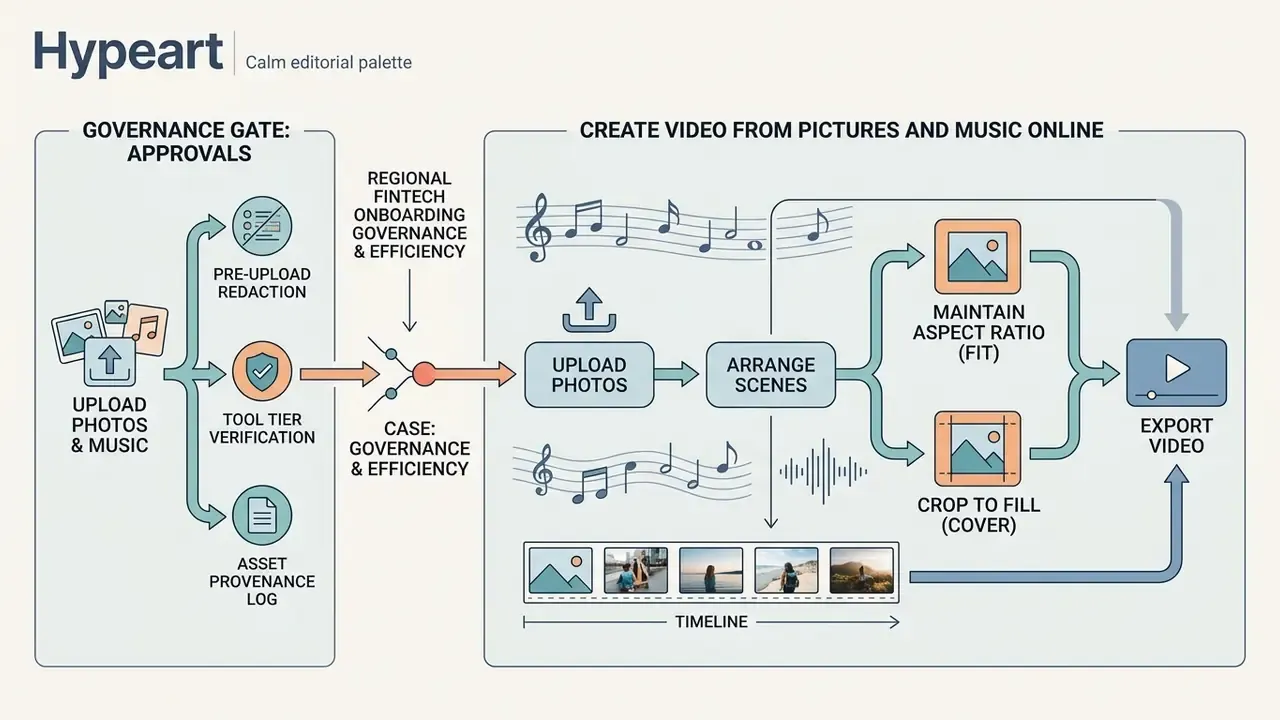
Creating a polished video from static photography follows a standardized six-stage production sequence. Following a structured editing process ensures visual consistency, audio alignment, and optimal file export settings. This is also the shortest path to create video with photos and music free online, since every stage below exists on most free tiers.
[Upload Photos] > [Arrange Scenes & Set Duration] > [Add Music & Sync Audio]
                                                             |
[Download / Share MP4] < [Preview Timeline] < [Add Text, Transitions & Effects]
Motion quality is not a cosmetic detail. Measurable dynamics correlate with how viewers rate the finished video, which is why scene duration and motion intensity deserve deliberate tuning rather than defaults.
- Upload PhotosImport high-resolution source images into the project media bin.
- Arrange ScenesPlace images onto the timeline and establish individual scene durations.
- Add Music & AudioImport audio files or select royalty-free tracks, setting volume and fade levels.
- Apply Text & Visual EffectsLayer titles, captions, scene transitions, and graphical filters.
- Preview ProductionScrub through the timeline preview to verify frame timing and audio synchronization.
- Render & ExportGenerate the final MP4 file for direct download or automated platform distribution.
«The DEVIL protocol reports Pearson correlation above 90% between dynamics metrics and human ratings, confirming that motion controllability is central to video quality.»
Governance Gate: Approvals Before the Timeline
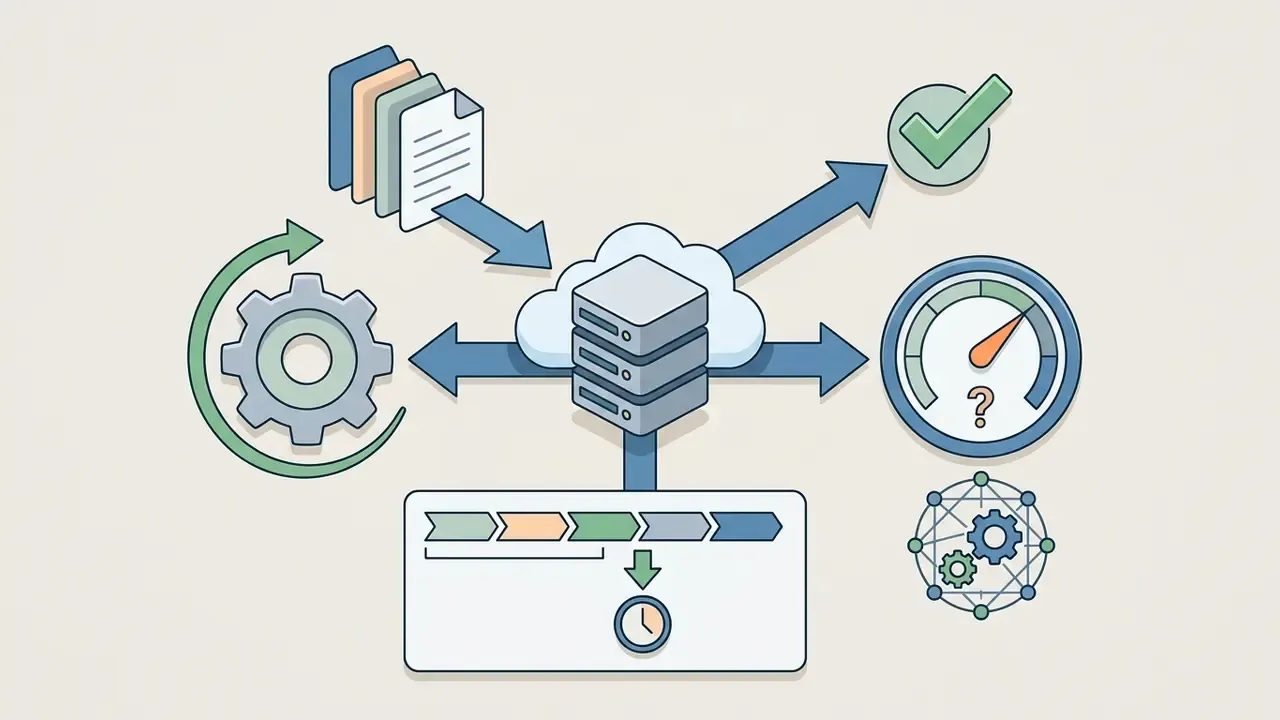
For regulated teams, the six creative steps above sit inside a seven-gate control sequence. Auditors do not ask whether the transition was a crossfade; they ask who approved the source material and whether the render can be reproduced.
[G1 Data Classification] > [G2 Rights & Licence Check] > [G3 Tool Approval]
        |                                                        |
[G7 Retention & Archive] < [G6 Human Sign-off] < [G5 Prompt/Seed Logging] < [G4 Render]
| Gate | Control question | Evidence retained |
|---|---|---|
| G1 Data Classification | Do any source frames contain PII, confidential or system data? | Classification tag per asset batch |
| G2 Rights & Licence Check | Is every photo, font, logo and audio track cleared for the intended channel? | Licence IDs, model releases |
| G3 Tool Approval | Is the platform on the approved list at the required tier? | Vendor review record, DPA reference |
| G4 Render | Which model version and parameters produced the output? | Model name, version, resolution, fps |
| G5 Prompt/Seed Logging | Can the render be reproduced on demand? | Prompt text, seed, negative constraints |
| G6 Human Sign-off | Which named human reviewed and edited the output? | Reviewer identity, timestamp, change notes |
| G7 Retention & Archive | Where do source, project and export files live, and for how long? | Storage location, retention period, deletion proof |
Ownership matters as much as the gates themselves. A workable split assigns G1 and G2 to the content owner, G3 to procurement and information security jointly, G4 and G5 to the production or platform team, G6 to the accountable business reviewer, and G7 to records management.
Upload Photos and Arrange Scenes
Production begins by importing source photos into the online video maker platform. Standard web editors support drag-and-drop batch uploads for formats such as JPEG, PNG, WEBP, and HEIC. Once loaded into the asset repository, users position images on the visual timeline to establish narrative structure. Where source frames are soft, noisy or inconsistently exposed, running them through an AI photo editor before upload materially improves the final render.
When fitting images into standardized video frames, editors apply two primary scaling modes:
- Maintain Aspect Ratio (Fit) Scales the photo to fit within frame limits without cropping, placing neutral background bars where aspect ratios diverge.
- Crop to Fill (Cover) Expands the image to fill the entire frame canvas, eliminating borders while trimming peripheral pixel edge data.
Rotation is typically restricted to fixed 90° increments (0°, 90°, 180°, 270°), and proportional resizing is achieved by dragging corner handles while holding a modifier key to lock the original ratio. Stretching to fill a zone without that lock is the most common source of distorted faces and warped product shots in amateur slideshows. Small thing. Very visible.
Governance & Operational Efficiency Case: Regional Fintech Onboarding Series
Add Music, Audio and Voice Elements
Audio layers establish the tone and pacing of photo videos. Creators can upload custom sound files (MP3, WAV, M4A) or choose tracks from pre-cleared stock audio libraries. Automated beat-synchronization features detect musical tempo markers, adjusting slide display times to match rhythmic changes in the background track.
Updated formulation. Audio and video alignment operates on two distinct layers, and conflating them is a common source of confusion:
- Technical clock synchronisation keeping audio sample clocks locked to the video reference so that lip-sync and beat alignment do not drift across long timelines. This layer is addressed by published standards work on audio/video synchronisation, including IEC TS 62312-2:2018, which defines synchronisation methods and a system model for audio and video systems, and ITU-R BS.2032, which specifies methods for synchronising interconnected digital audio equipment and sample clocks to a video reference signal.
- Musical timing synchronisation aligning transitions to beat, tempo and phase. This is the layer beat-sync features in consumer editors actually implement, comparable in concept to inter-application tempo and phase sync protocols such as Ableton Link.
Licensing constraints on narration deserve equal attention. Royalty-free library terms commonly permit a track to sit under spoken word only when the narration covers a defined proportion of the music duration. One 2024 licence example requires narration across at least one-third of the track, while separately prohibiting the addition of new instrumental performance or singing over the licensed recording.
For projects requiring background music management alongside spoken prompts, creators evaluate asset choices through an ai playlist generator tool, and teams producing narration at scale compare synthetic voice options in our guide to AI voice generators.
Add Text, Transitions and Effects
Visual enhancements maintain viewer attention while conveying contextual details. Text overlays deliver key messaging, captions, or call-to-action prompts directly on screen. To maintain readability, text elements must follow accessibility standards such as WCAG 2.1, which requires a minimum color contrast ratio of 4.5:1 against underlying video frames.
«WCAG 2.1 sets a minimum contrast ratio of 4.5:1 for normal text and 3:1 for large text against its background, ensuring access for users with visual impairments.»
Two further accessibility constraints apply specifically to animated photo videos: colour cannot be the only means of conveying information, and moving, blinking or scrolling content that starts automatically and runs longer than five seconds must offer a mechanism to pause, stop or hide it. Content flashing more than three times per second is disallowed outright, a real constraint on aggressive strobe transitions in social edits.
Transitions connect adjacent photo scenes:
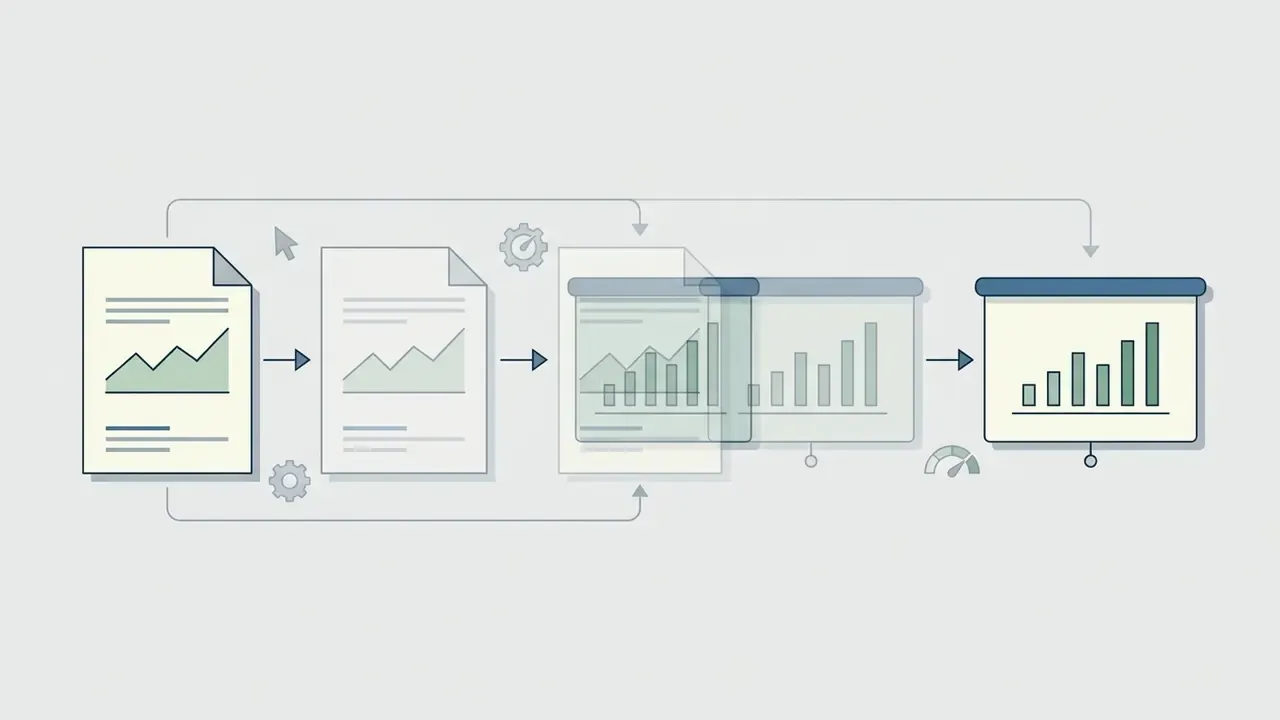

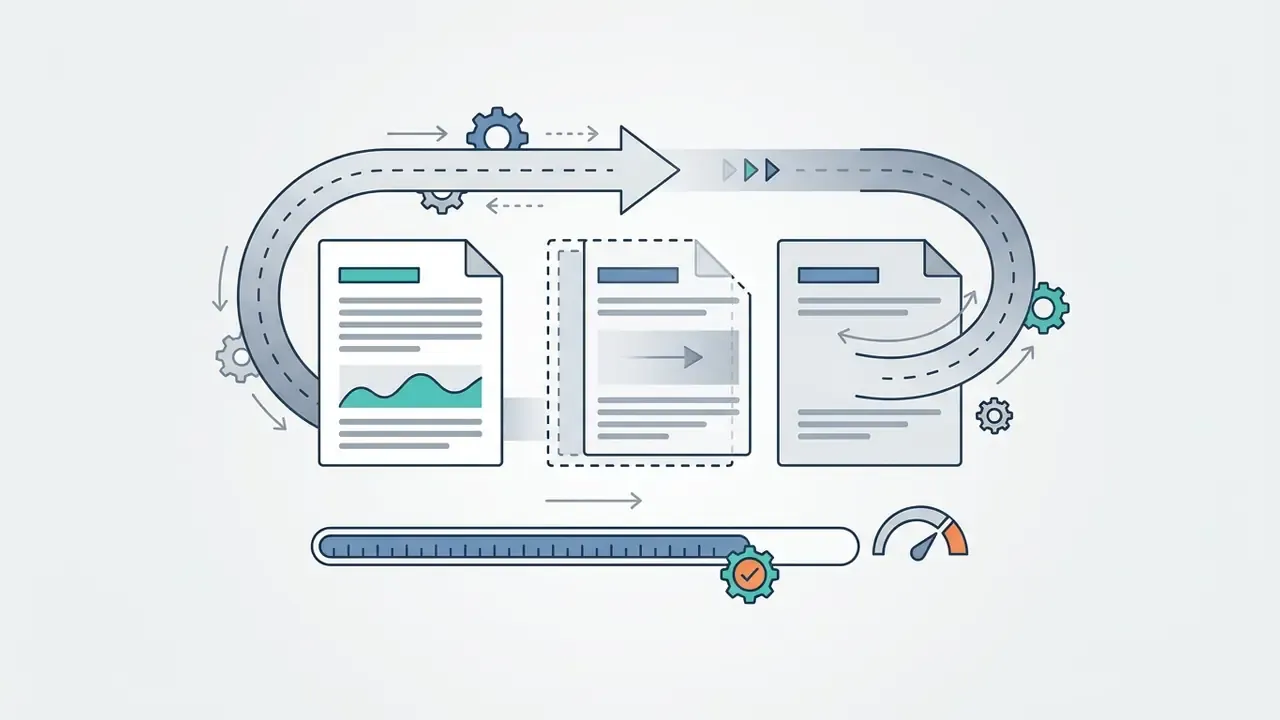

Graphic filters in browser editors are image-based effects applied before compositing. W3C's Filter Effects Module Level 1 specifies how filter values interpolate, and notes that when filter lists do not match, interpolation becomes discrete, which is precisely why some animated filter transitions "snap" instead of easing.
When working with stylized visual assets, creators leverage an ai pixel art generator to build dynamic graphic overlays and retro transition elements, while motion-heavy title sequences are often prototyped with an animation maker.
How AI Image to Video Makers Animate Photos
AI image-to-video systems move beyond simple pan-and-zoom techniques by using neural diffusion models to synthesize realistic frame-by-frame motion. By analyzing spatial semantics, depth cues, and structural boundaries within a static picture, these engines generate natural movement across human subjects, background environments, and virtual camera angles. Readers new to the category can start with our AI video generator primer for architecture-level context.
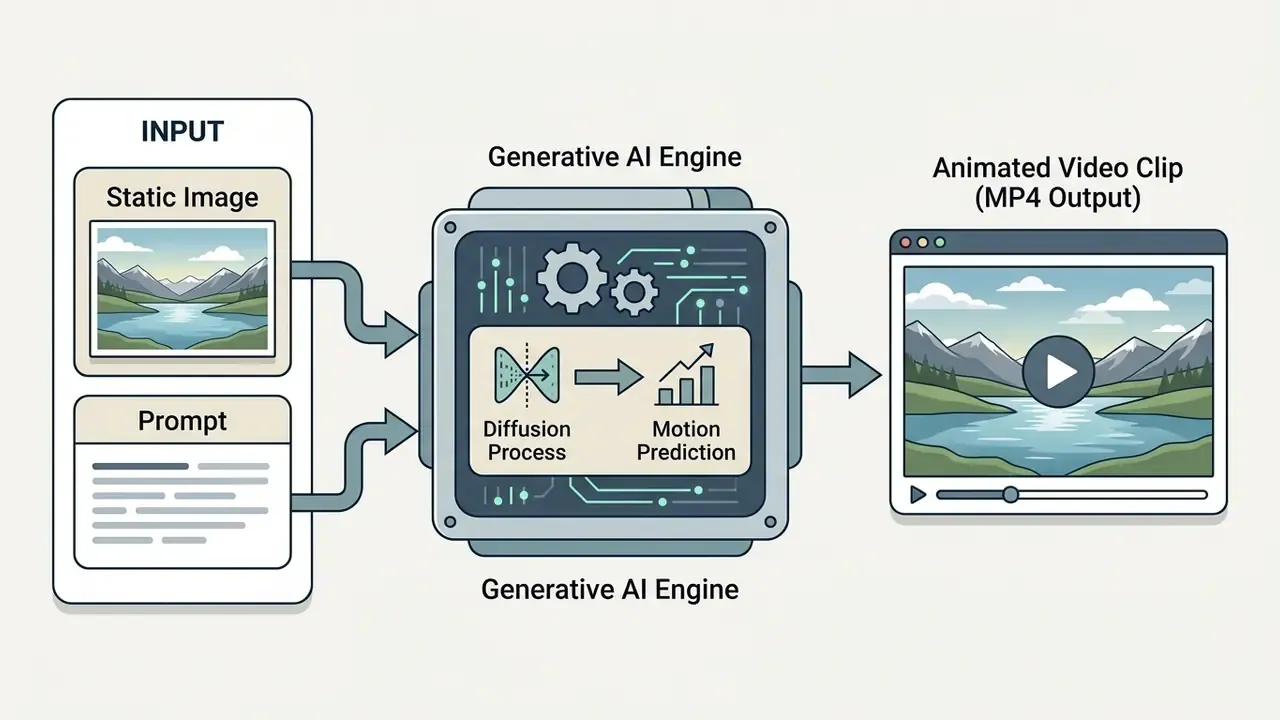
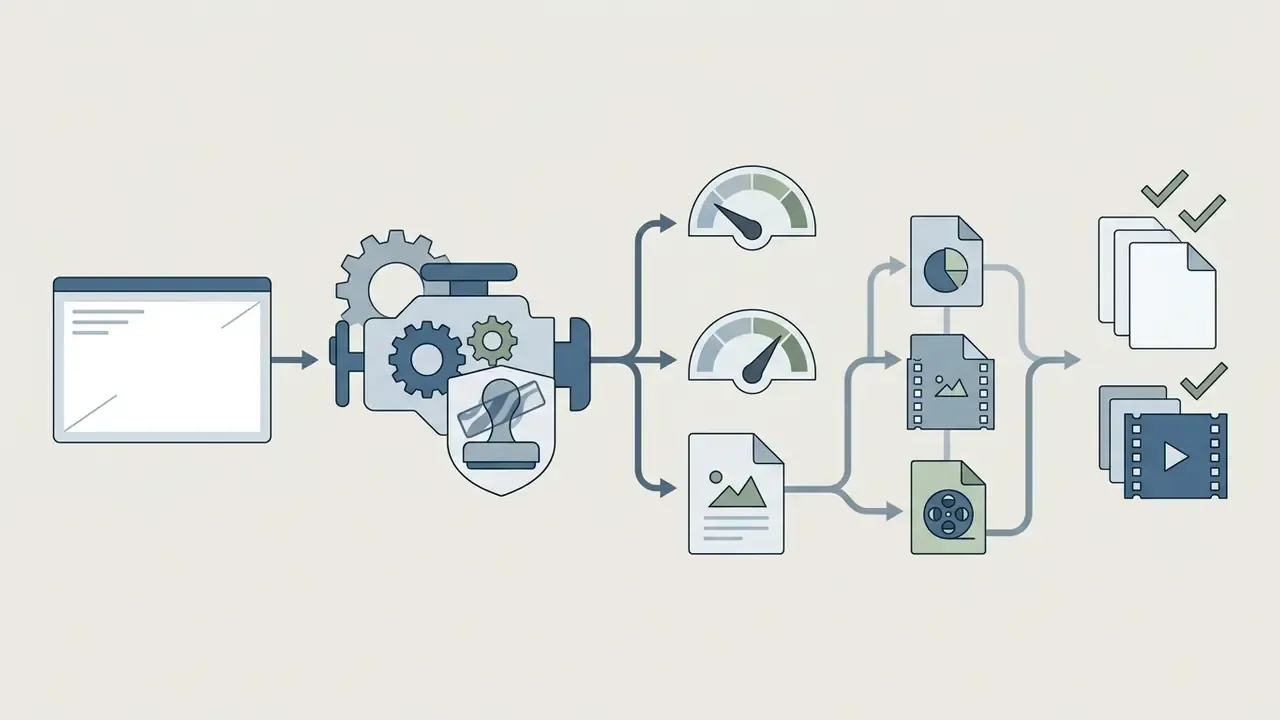
Under the hood, most production pipelines follow a consistent four-stage sequence: accept a single input frame, estimate metric depth or 3D structure, convert requested camera or subject motion into trajectories, and inject those trajectories as conditioning signals into the video diffusion model. Systems that lift pixels into a point cloud and re-project them into new views produce more predictable camera behaviour; systems that shift latents directly inside the generator are faster but offer coarser control.
Commercial AI Models, Video Length Caps, and Style Drift
While research diffusion architectures focus on frame identity, production workflows operate on commercial AI models with strict generation limits and specific rendering behaviors:
- Commercial Model Ceiling Caps Current flagship models run on short time windows. Seedance 2.5 generates 4–15 second clips, Veo 3.1 caps around 8 seconds, while Kling 3.0 and Runway Gen-3 cap at 10 seconds. Documented API variants of Veo additionally accept input video up to 141 seconds at 720p in 9:16 or 16:9, but do not support multi-video prompting.
- Automated Script Splitting & Stitching To produce 30-to-60-second commercial sequences, modern AI engines automatically segment long text scripts into individual shots, execute parallel model calls within generation caps, and stitch the resulting clips into a continuous timeline, so a 30-second ad plays as one take even though several generations sit underneath it.
- Mitigating Style Drift in Illustrated Art Non-photorealistic source images (hand-drawn sketches, vector art, 3D renders) often drift toward unwanted photorealism during neural motion synthesis, because most models render in a photorealistic style by default. To maintain visual integrity, explicitly define palette, texture, line-weight and lighting details within the prompt rather than relying solely on the input frame. Photographic sources rarely exhibit this problem, since the model is already operating in its native domain.
- Reference-to-Video vs. Single-Frame I2V Single-image animation anchors only to the starting frame and stays faithful to those exact pixels and nothing beyond them. For multi-shot consistency across brand assets or recurring characters, use Reference-to-Video pipelines: upload multi-angle reference photos (front, side, back, close-up) to lock model context across sequential renders. For packaged goods, include one shot of the product held in a hand so the model infers true scale rather than guessing it.
- Start/End Frame Chaining and Its Limits Chaining an opening and closing frame works for a single self-contained clip. Beyond one clip it degrades, because chaining sees only the last still frame and re-derives lighting, camera and geometry from scratch each time. Reference-conditioned pipelines read the whole prior clip plus locked references, so identity and atmosphere carry forward instead of resetting.
| Requirement | Use Image-to-Video | Use Reference-to-Video |
|---|---|---|
| One clip from one approved photo | Yes | No |
| Recurring character across a campaign | No | Yes |
| Exact pixel fidelity to a signed-off frame | Yes | No |
| Packaging consistency across 6 shots | No | Yes |
| Illustrated/hand-drawn source art | Yes, with explicit style prompt | Yes, with style plus reference set |
Developers integrating these caps into automated pipelines can review parameter limits and cost structures in our Google Veo implementation guide.
Describe Motion with Prompts and AI Models
Guiding generative motion requires structuring textual prompts or defining trajectory vectors that instruct the underlying AI model. Advanced playbooks, such as the WAN 2.2 Image-to-Video Prompting Playbook (2026), recommend structuring prompts around subject action, camera movement, and atmospheric style: style first, then setting, camera and subject actions, with roughly one to two actions and one to two camera moves per six-second clip.
Key prompting principles for AI motion include:
- Action Verbs
- Use explicit motion descriptions ("walks forward", "wind blows through hair") rather than static adjective descriptors.
- Camera Dynamics
- Specify explicit camera operations such as "slow pan right", "cinematic zoom in", or "drone tilt up".
- Reference Anchoring
- Instruct the model to maintain fidelity to the source image, defining only newly introduced motion paths.
- Positive Phrasing
- Describe what should happen, not what should not; vendor guides converge on positive motion phrasing and referring to the animated element as "the subject".
- Stability Constraints
- State explicitly which elements must remain unchanged, such as logo geometry, packaging text or facial structure, because unstated elements are treated as free variables.
- Shot Grammar Templates
- A reliable single-shot pattern is Shot Type + Subject + Action + Location + Aesthetic, optionally followed by a short "avoid" line.
«AtomoVideo injects multi-granularity image features into different layers of the diffusion model, preserving detail fidelity even under high motion intensity.»
That mechanism explains a practical rule: when a render loses fine detail such as fabric weave, engraved logos or small type, the fix is usually a higher-fidelity input frame and tighter style description, not a more elaborate motion instruction.
For model risk purposes, the prompt is a model input and must be logged as one. Capture prompt text, negative constraints, seed, model name and version, resolution and frame rate for every accepted render. Without those five fields, the output is not reproducible, and a non-reproducible output cannot be validated.
When developing pitch materials and dynamic presentation decks, creators integrate generated visuals via an ai pitch deck generator to combine animated slides with structured business data.
Improve Image Quality and Final Video Output
Generative motion quality depends heavily on the visual fidelity of the initial source image. Low-resolution or heavily compressed source photos cause AI diffusion models to generate visual artifacts, structural jitter, or motion distortion.
To optimize final video output quality:
- Pre-Render UpscalingEnhance source image resolution to 2K or 4K using neural upscaling tools prior to generating AI motion. Avoid jumping from 360p straight to 4K; step to 1080p or 1440p first when the source is very weak. Specific tooling options are compared in our AI image upscaler overview.
- Frame Rate SelectionChoose appropriate frame rates based on delivery requirements: 24 fps for cinematic motion, 25 fps for PAL broadcast, 30 fps for web video, or 60 fps for ultra-smooth product demonstrations.
- Multi-Pass RefinementApply spatial denoising and temporal smoothing passes post-generation to stabilize fine detail regions.
- Edit First, Upscale LastColour, crop and composition decisions should precede upscaling so the upscaler is not amplifying artifacts you intend to remove.
- Match Resolution to Delivery SurfaceTarget 4K only where it will be seen, meaning 4K displays, large-format screens, broadcast workflows or projection; otherwise 1080p reduces render time and cost without perceptible loss.
«PhysGen (ECCV 2024) couples rigid-body simulation with diffusion models: the system infers geometry and physical parameters from a single image to generate realistic motion.»
Physics-grounded generation is the emerging answer to the most damaging failure class in commercial work: objects that move in ways the viewer registers as impossible. When a product tips, pours or falls in a generated clip, physical implausibility reads as low production quality even to audiences who cannot articulate why.
Engineers and pipeline architects access technical implementation specs via AI Media API Guides to integrate automated upscale and rendering pipelines into enterprise asset workflows.
Validating Generative Video Models Under SR 11-7 and NIST AI RMF
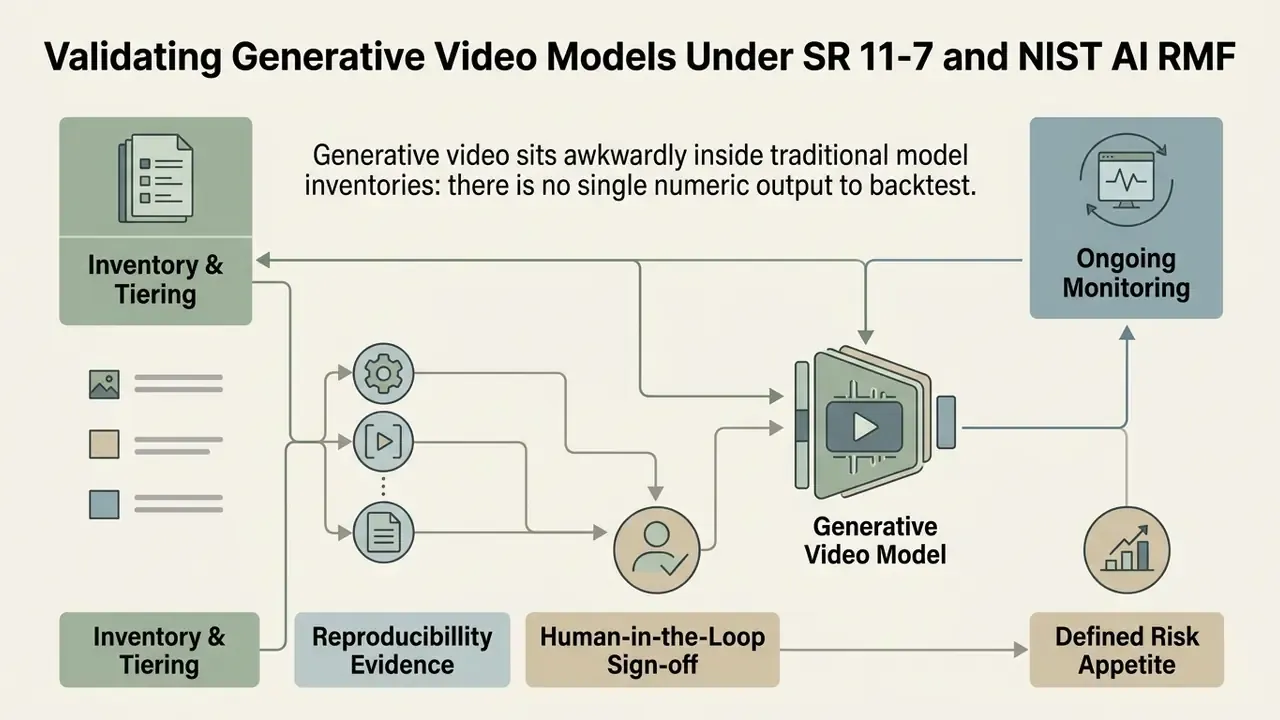
Generative video sits awkwardly inside traditional model inventories: there is no single numeric output to backtest. The workable approach is to treat the render pipeline as a model whose "output" is an asset judged against defined acceptance criteria, and to validate it along four dimensions borrowed directly from published benchmarks.
| Validation dimension | Test procedure | Failure signal |
|---|---|---|
| Control alignment | Run a fixed prompt set against a fixed image set; score whether requested motion occurred | Model ignores or inverts instructions |
| Temporal consistency | Frame-by-frame identity review of faces, logos, packaging text | Warping, morphing, drifting typography |
| Motion plausibility | Physical review of gravity, contact, occlusion and scale | Objects float, pass through, change size |
| Output quality | Artifact and resolution inspection at delivery resolution | Banding, flicker, smeared fine detail |
Additional controls that map onto existing MRM expectations:
- Inventory and tiering. Register each approved generative pipeline with a risk tier based on use: internal training video, customer-facing advertising, or anything touching disclosures.
- Reproducibility evidence. Store prompt, seed, model version and parameters so any published asset can be regenerated. Version pinning via API is the difference between a reproducible control and an anecdote, since consumer tiers silently upgrade models between renders.
- Human-in-the-loop sign-off. No generated asset publishes without a named human reviewer, which simultaneously satisfies risk expectations and establishes the human authorship needed for copyright.
- Ongoing monitoring. Re-run the fixed prompt and image test set after any vendor model update, and record deltas. A "free upgrade" is a model change event.
- Defined risk appetite. State explicitly where generative video is prohibited, for example anything depicting real customers, real employees, regulated product performance, or figures that could read as a projection or guarantee.
Benchmark research supports scoring assets on multiple aspects rather than a single impression of quality.
«Aigve-Bench 2 comprises 2,500 videos with 22,500 human annotations across nine aspects: technical quality, dynamics, consistency, physics, element presence and overall rating.»
One honest limitation. None of these benchmarks was designed for compliance evidence, and no supervisor has endorsed them as validation standards. They are the best available proxies, not settled practice, and that gap should be documented rather than papered over.
Create Photo Videos for Social Media, Products and Memories
Customizing photo videos for specific publishing channels requires adjusting aspect ratios, scene durations, audio levels, and visual formatting to align with platform specifications and user expectations.
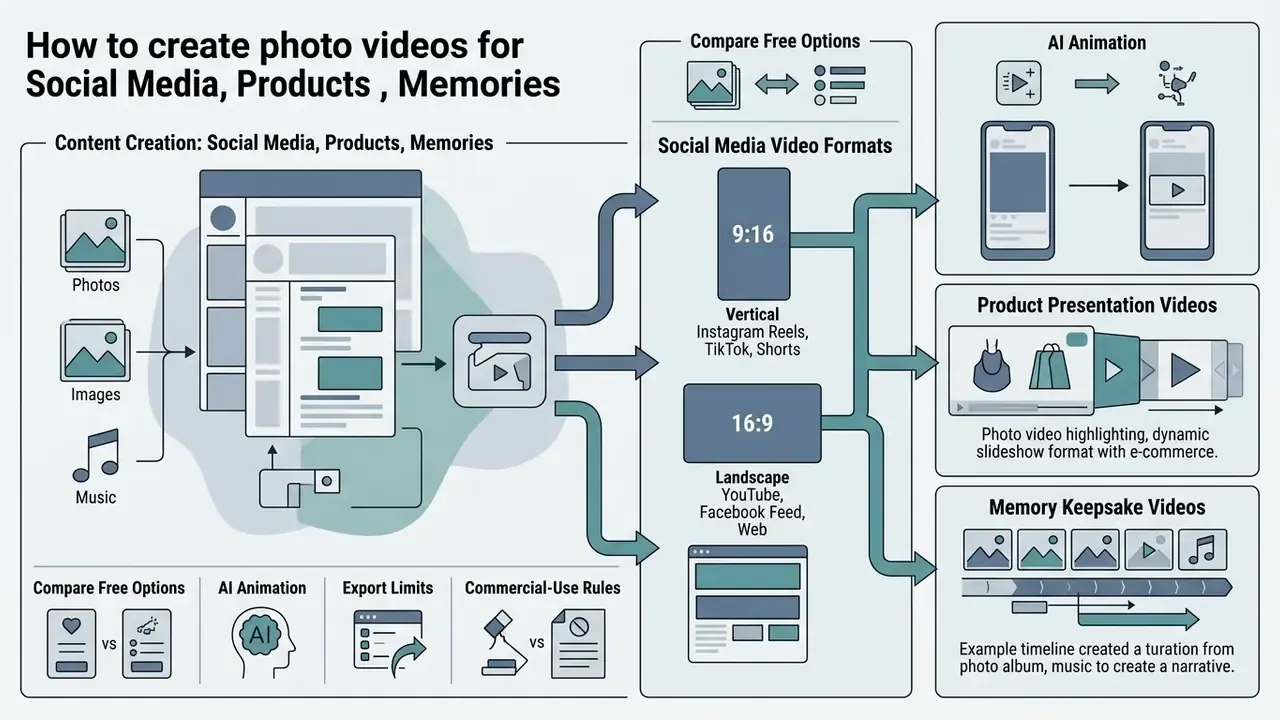
Photo Videos for Instagram, YouTube, TikTok and Facebook
Social video channels operate under distinct technical guidelines governing video aspect ratios, file sizes, and duration limits:
- Instagram Reels & TikTok Native vertical format (9:16 ratio, 1080×1920 pixels). Production focuses on fast pacing, immediate visual hooks, and bold text captions. Instagram feed placements additionally accept 1:1, 4:5 and 16:9.
- YouTube Shorts Vertical orientation (9:16 ratio, 1080×1920 pixels) capped at 60 seconds duration; square 1:1 uploads also qualify in practice, while 16:9 is treated as standard video rather than a Short.
- Facebook & YouTube Main Feeds Widescreen standard (16:9 ratio, 1920×1080 pixels) or square formats (1:1 ratio, 1080×1080 pixels) suitable for desktop and feed scrolling; Facebook full-screen vertical placements use 9:16, with 4:5 available in some ad placements.
| Platform | Primary ratio | Pixel target | Duration note |
|---|---|---|---|
| Instagram Reels | 9:16 | 1080×1920 | Short-form; hook within first 2 s |
| TikTok | 9:16 | 1080×1920 | 1:1 and 16:9 accepted, not native |
| YouTube Shorts | 9:16 | 1080×1920 | Capped at 60 s |
| YouTube main | 16:9 | 1920×1080 | No short-form cap |
| Facebook feed | 1:1 / 16:9 / 4:5 | 1080×1080 / 1920×1080 | Vertical placements use 9:16 |
Creators building targeted multi-channel campaigns utilize specialized assets like stylized ai pixel art graphics to engage niche digital audiences. Marketers hunting for a free online photography video maker for facebook select tools offering pre-configured canvas presets, which prevents manual re-keying across placements. If you regularly create video from pictures online for three or four channels at once, presets save more time than any AI feature on the page.
Image-to-Video Content for Products and Personal Stories
In e-commerce, transforming static product photography into dynamic video demonstrations increases buyer engagement. Video content lets consumers inspect item details, observe scale, and view product functionality in action. Updated: rather than asserting an unquantified conversion lift, the defensible statement is a format standard. Practitioner guidance for e-commerce product video specifies a 30-to-90-second runtime, built around showing the product in use, narrating the action, and demonstrating how it resolves a specific customer problem, with a three-stage process of shoot, edit and publish on the product page, followed by ROI tracking (Guide to Ecommerce Product Videos, Volusion, 2025). Conversion impact should be measured on your own product pages via A/B testing rather than inherited from third-party claims.
For personal memory archives and digital storytelling, photo videos compile family albums, historical photography, and event records into preserved digital narratives. Archival guidance from the Library of Congress stresses applying descriptive metadata tags, clear folder structures, and standardized MP4 exports to maintain digital accessibility across long-term storage media.
«Identify your files, make multiple copies, add descriptive captions and tags, organize folders, and check files and media each year.»
Personal narrative formats have their own conventions: keep runtime to 90 seconds or less, open with brief background context, use plain language, and preserve authenticity over polish. Documented digital-storytelling workflows run storyboard, film and record, finalize, publish and share, then evaluate. Same gate structure as commercial production, lighter documentation.
Free Plans, Downloads and Commercial Use of Photo Video Makers
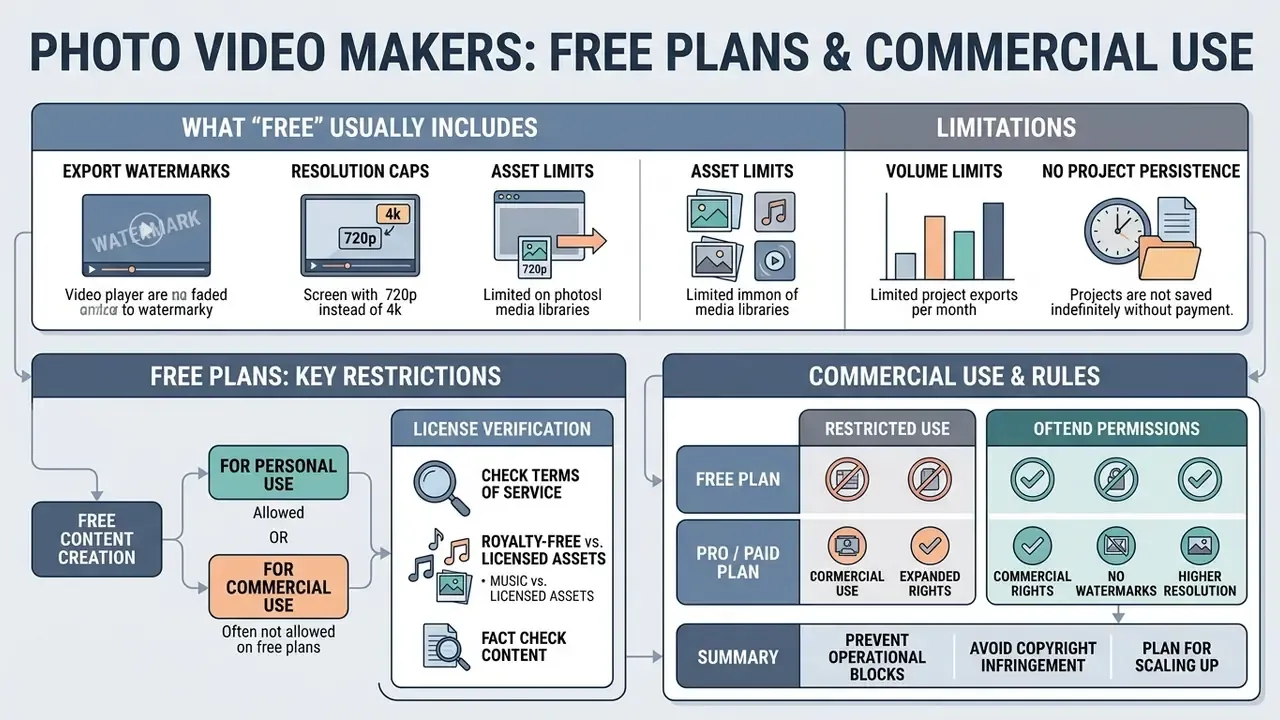
Understanding the financial and legal frameworks supporting online video tools prevents unexpected operational blocks and copyright infringement liabilities. Platforms offer freemium tiers alongside paid subscription plans, with varying access to assets, export capabilities, and commercial usage rights.
Tiered Feature and Usage Comparison across Video Creation Tools
| Feature Category | Free Tier Access | Paid Subscription Tier |
|---|---|---|
| Export Resolution | Standard Definition (480p/720p) or Basic HD (1080p) | Full HD (1080p), 4K UHD, high-bitrate render |
| Watermarking | Vendor brand watermark applied to exports | Unbranded, watermark-free video downloads |
| Stock Media Library | Limited selection of free photos, audio, and templates | Full access to premium stock media libraries |
| AI Generation Credits | Trial allocation (e.g., 3–5 clips per month) | Expanded monthly credit allocations or priority rendering |
| Project Saving | Often session-only; unregistered users must finish in one pass | Persistent, re-editable projects and version history |
| Collaboration & Admin | Single-user, shared-login risk | SSO, roles, seats, comment and approval workflows |
| Commercial Rights | Personal / non-commercial usage restrictions | Full commercial license for marketing and client distribution |
Readers scoping cost before committing can review current limits across free AI video generators and cross-check duration caps and watermark policies in our comparison of free AI video generators. Anyone shortlisting the best free photo to video maker should verify these rows against the vendor's own pricing page on the day of purchase, because tiers change quietly.
What "Free" Usually Includes in an Online Video Maker
Free web-based video platforms provide functional tools for simple editing projects. Users can upload source media, edit scene timelines, apply standard transitions, add basic text, and export standard-definition files. Some vendors go further on the free tier, including core editing, AI subtitles, voiceover generation and silence removal with 1080p watermark-free export, while others gate 4K, premium stock and premium effects behind subscription.
However, free plans typically enforce specific operational restrictions:
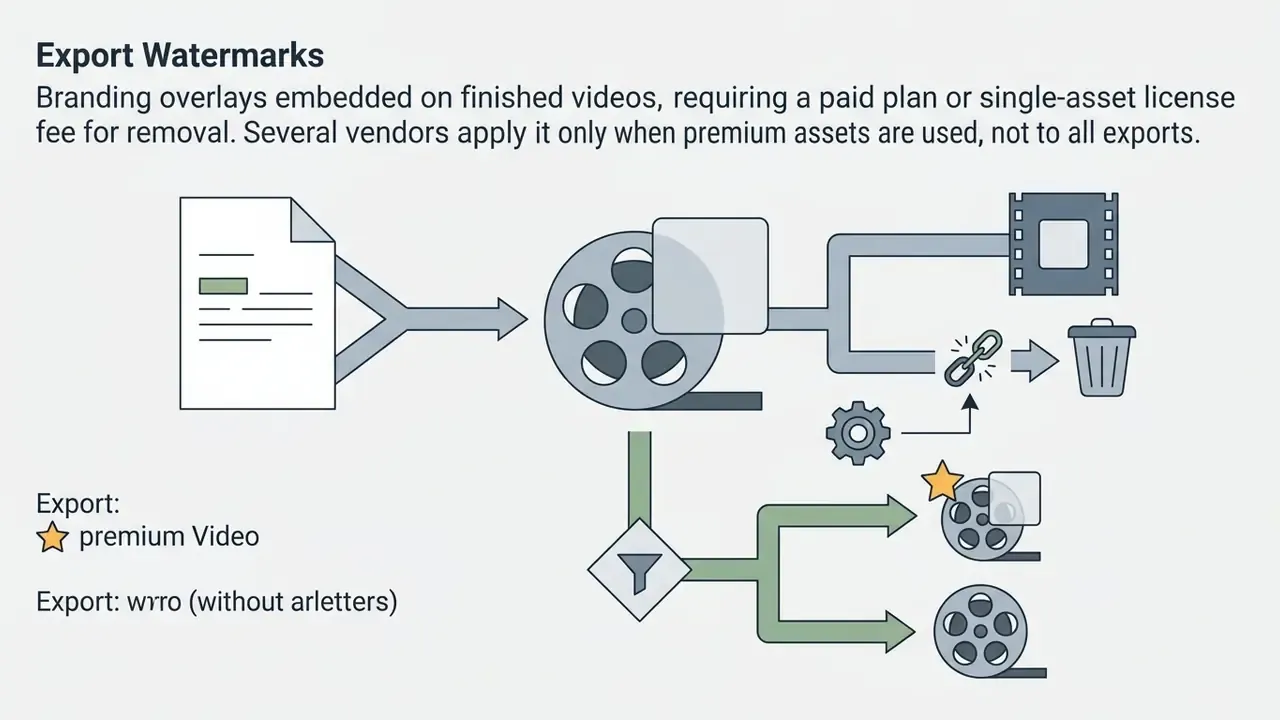
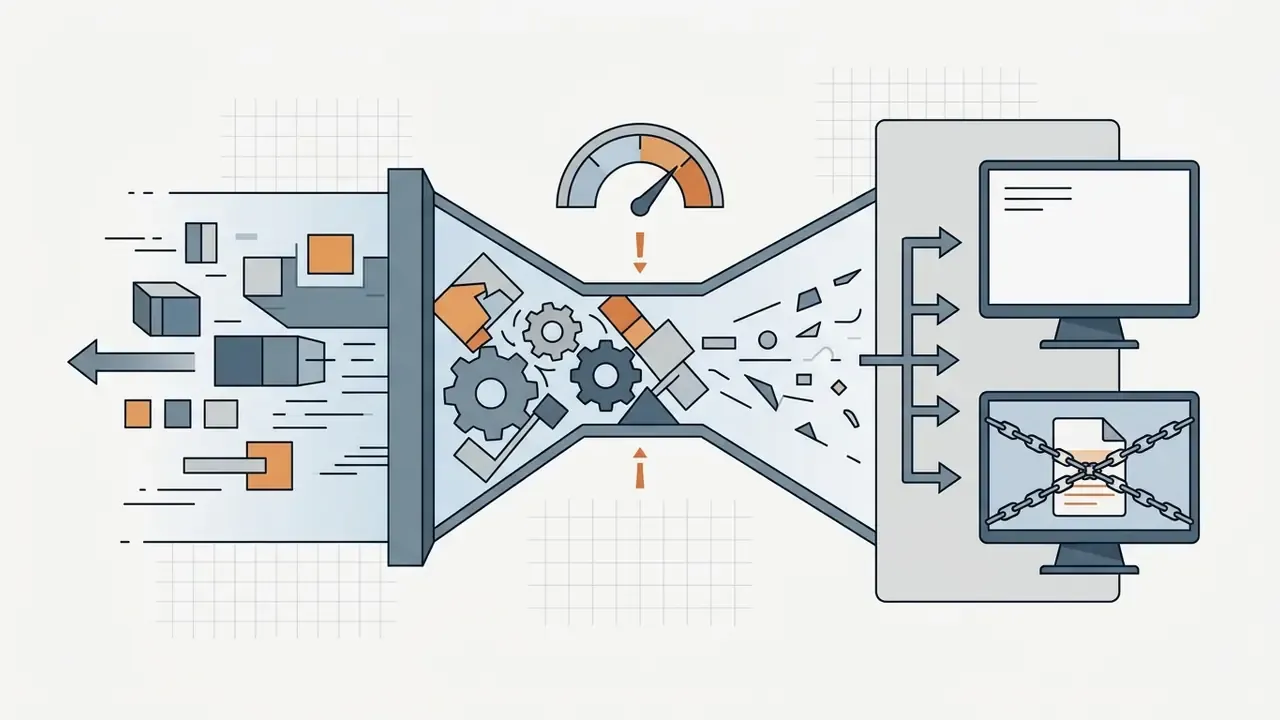
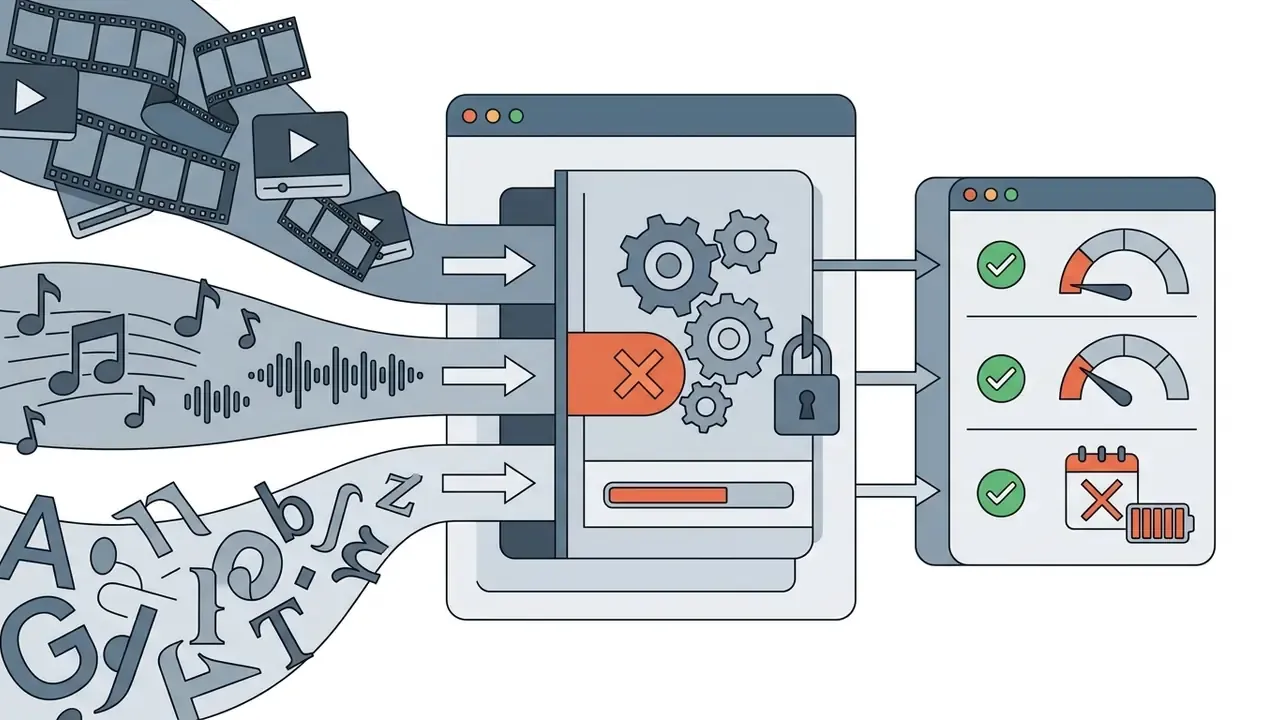
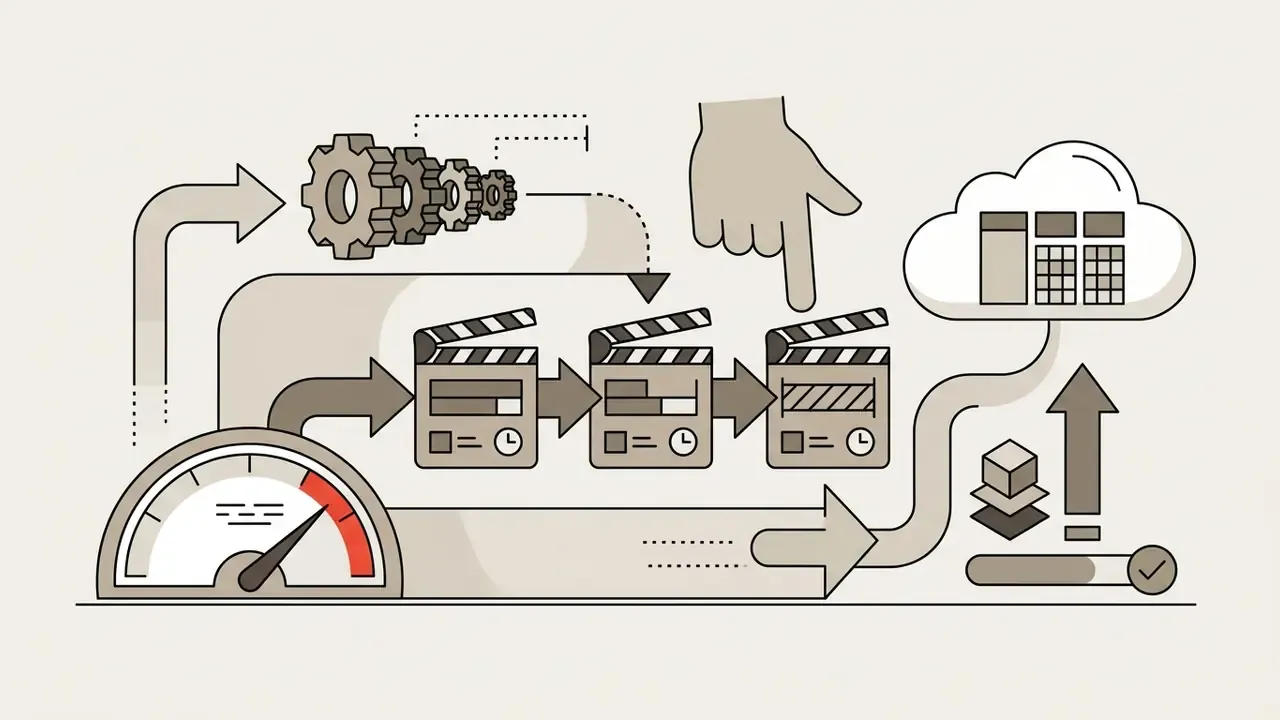
Users searching for the best photo to video maker app free should audit vendor pricing documentation to confirm that export parameters align with their distribution requirements. Reviewing updated AI Media Pricing Guides provides clear cost breakdowns across leading online media creation tools, and teams working purely with still assets can compare limits in our free photo editor guide.
Check Licensing Before Commercial Publishing
«VQAScore and GenAI-Bench, with over 15,000 human ratings, show that alignment between a text prompt and visual output is measurable and correlates with human perception.»
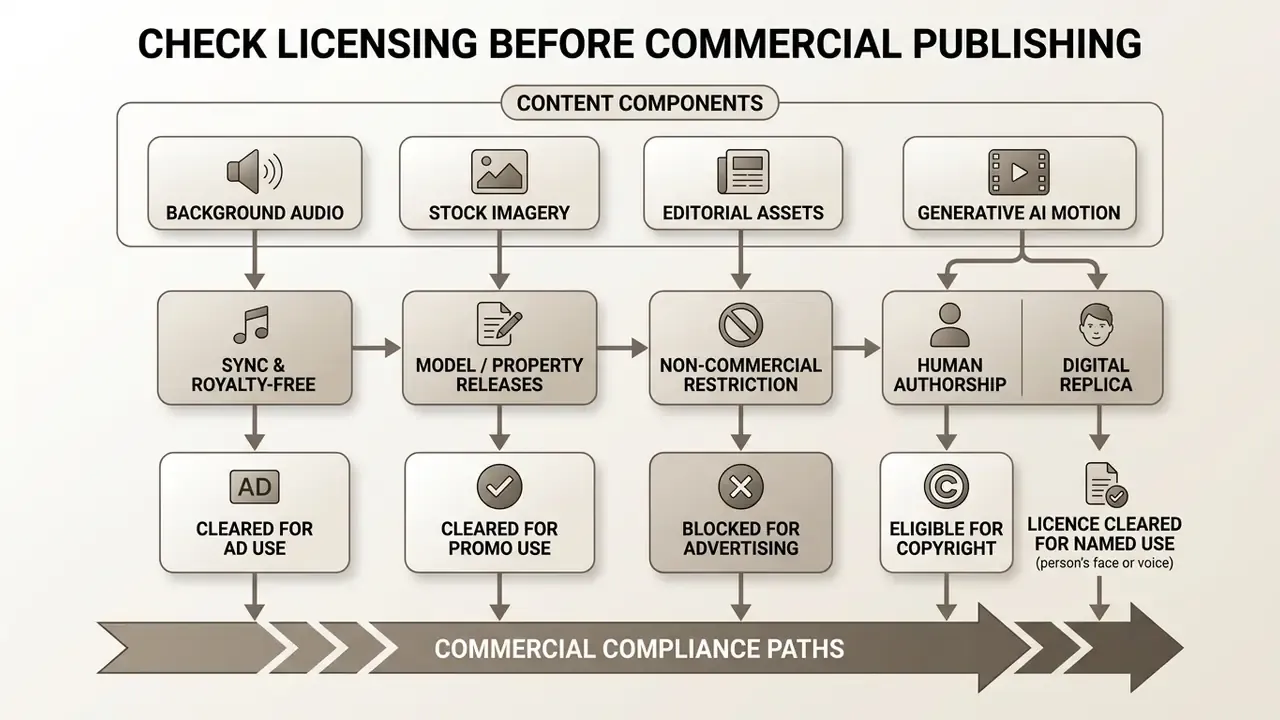
Corporate legal teams monitor legal precedents through the AI Litigation and Case Timelines portal, while operational teams verify enterprise licensing terms via the AI Media Commercial-Use Hub.
Fact Check / License Verification Summary:
Enterprise Security and IP Compliance Checklist
Run this before a picture video maker touches corporate media assets. Each line is a pass/fail question with a named owner.
Checklist0 / 23
A safe next step, if this is new territory: approve one tool, for one asset class, with one named owner, and run the checklist end to end on a single campaign before scaling anything.
Picture Video Maker FAQ
Which Image Formats Can You Upload?
Most online picture video makers support common image formats including JPEG (.jpg, .jpeg), PNG (.png), WEBP (.webp), and HEIC (.heic), with several also accepting GIF, TIFF, BMP and PDF. Images should have a minimum resolution of 1024×768 pixels to prevent visible pixelation when scaled or cropped to fit 1080p widescreen frames. Platform-level ceilings also apply, for example per-file size caps around 50 MB and total pixel limits in the hundreds of millions, with WEBP sometimes restricted to static images only.
Do You Need Software to Create a Video from Photos?
No local software installation is required. Modern web-based video editors execute video composition, timeline editing, audio mixing, and file rendering directly within browsers such as Chrome, Safari or Edge using WebAssembly engines, which is how you create online photo video projects with nothing installed. Installed desktop applications remain preferable for offline work and heavy local renders, while browser tools win on setup speed, cross-device access and collaboration. For troubleshooting technical rendering issues or evaluating calculation tools, creators consult AI Media Support and Troubleshooting alongside AI Media Calculators to estimate file sizes and processing times.
How Long Does AI Image-to-Video Generation Take?
Generating a short AI video clip from a static photo typically takes between 1.5 and 4 minutes, depending on the complexity of the requested motion prompt, model parameters, server queue load, and requested video resolution; optimized 2026 benchmarks report 10-second clips in under 7 seconds on dedicated hardware. Traditional photo slideshow rendering without generative AI motion completes significantly faster, usually within 20 to 60 seconds for a standard 10-slide project, extending to 3 or 4 minutes when AI-generated imagery is added mid-pipeline. Readers exploring adjacent generation methods can review text-to-video AI tooling.
What Is the Maximum Length of an AI-Generated Clip?
Per generation, the ceiling is short: roughly 4–15 seconds on Seedance 2.5, about 8 seconds on Veo 3.1, and about 10 seconds on Kling 3.0 and Runway Gen-3. Longer deliverables are produced by splitting the script into shot-sized segments, generating each within the model's cap, and stitching them into one timeline. Conventional slideshow editors are far less constrained: some platforms allow projects up to 30 minutes, and others impose no hard cap while recommending 10 minutes or less for performance.
Why Does My Illustrated Photo Turn Photorealistic When Animated?
Because most video models render in a photorealistic style by default, an illustrated or hand-drawn reference can drift into a hybrid that matches neither your style nor a clean photograph. Fix it at the prompt layer: describe palette, texture, line weight and lighting explicitly instead of relying on the input frame alone, and state which stylistic properties must remain unchanged. Photographic sources rarely show this behaviour.
How Do I Keep a Product or Character Consistent Across Multiple Clips?
Switch from single-frame image-to-video to a reference-conditioned pipeline. Upload multi-angle references, meaning front, side, back and a close-up, so the model reads identity rather than pixels, and include one shot of the product held in a hand so scale is inferred rather than guessed. Start and end frame chaining is adequate for one self-contained clip but drifts across a sequence, because it only sees the last still frame.
Can I Record My Screen and Webcam Inside the Editor?
Yes. Several browser platforms include integrated recorders for audio, webcam, browser tab or full screen, with recordings editable immediately in the same timeline and typically capped around 30 minutes per take. Combine them with picture-in-picture or split-screen layouts for tutorial and onboarding content. In regulated environments, treat screen capture as a data-handling event and apply redaction before upload.
What Export Resolutions Are Available?
Common tiers are 480p, 720p, 1080p and 4K UHD, with 4K generally restricted to paid plans. Choose 4K only when the delivery surface justifies it, such as 4K displays, large-format screens, broadcast workflows or projection, since higher resolution increases render time, storage and bandwidth without perceptible benefit on mobile feeds.
Does the Vendor Train Its Models on Our Uploaded Photos?
It depends entirely on the tier and the contract. Consumer terms frequently permit content use for service improvement by default, while enterprise agreements can prohibit training on customer content outright. Do not infer the answer from marketing copy. Locate the clause in the terms of service or DPA, and require a written prohibition before uploading anything classified as confidential or containing personal data.
Is This Tool Category in Scope for GDPR and Similar Regimes?
If uploaded frames contain personal data, such as faces, names or account identifiers visible in screenshots, then yes, processing obligations apply. That means a lawful basis, a data-processing agreement with the vendor as processor, documented transfer mechanisms for cross-border processing, and defined retention. The practical control is upstream: prevent personal data from entering the render pipeline through synthetic test data and mandatory redaction. This is general information, not legal advice.
Who Owns the Copyright in an AI-Generated Video?
Only human-authored contributions are protectable. U.S. Copyright Office guidance requires disclosure of non-de minimis AI-generated content and limits any claim to the human contribution: scriptwriting, scene selection, timeline assembly, caption copy and editorial judgement. To preserve a claim, document who made those decisions and when. Purely AI-generated output with no meaningful human authorship is not registerable.
How Do We Integrate This Into a GRC or Model Inventory?
Register the render pipeline as a tool or model entry with an assigned risk tier, owner and approved use cases. Feed three artifacts into the GRC system per published asset: the render log (model, version, parameters, seed, prompt), the licence log (every third-party element with its licence reference), and the sign-off record (named reviewer, timestamp, approved channel). Schedule re-validation against a fixed test set whenever the vendor updates the underlying model.
Can We Publish Directly to Social Platforms From the Editor?
Yes. Many platforms offer native schedulers for Instagram Reels, TikTok, Facebook Stories and YouTube Shorts, plus metadata fields for titles, descriptions, tags and hashtags at export. Because direct publishing removes the manual export checkpoint, separate publish permissions from edit permissions so that approval remains a distinct, logged step.
Appendix A: Revised Statements and Verification Notes
This appendix preserves the original phrasing of statements that were refined during editorial review, alongside the reason for the update. It exists so readers can see what changed and why.
| Original statement | Status | Revision rationale |
|---|---|---|
| "Standards established in the W3C Web Media API specifications ensure that browser engines like Google Chrome, Apple Safari, Microsoft Edge, and Mozilla Firefox execute complex canvas rendering natively via WebAssembly and WebGL." | Rephrased | The W3C Web Media API Snapshot describes APIs common to those engines and the device classes targeted; it does not mandate rendering behaviour. Revised text now attributes the snapshot correctly and notes engine-dependent WebAssembly and WebGL maturity. |
| "Technical audio alignment standards, such as IEC TS 62312-2, emphasize system clock synchronization between visual frame pipelines and audio sample rates to prevent drift during extended playback." | Expanded and sourced | IEC TS 62312-2:2018 does define synchronisation methods and a system model for audio and video systems. The revised passage separates technical clock synchronisation (IEC TS 62312-2, ITU-R BS.2032) from musical beat, tempo and phase synchronisation, which is what consumer beat-sync features implement. |
| "Research from e-commerce video studies confirms that short 30-to-90-second product showcases significantly improve conversion rates compared to static image galleries alone." | Replaced | The 30–90 second runtime is a documented practitioner standard (Volusion, 2025); the conversion-lift claim lacked a source with stated methodology. Revised text keeps the format standard and directs readers to measure lift via their own A/B tests. |
| "Archival guidance from the Library of Congress stresses applying descriptive metadata tags, clear folder structures, and standardized MP4 exports..." | Sourced | Retained and supported with the Library of Congress personal archiving programme guidance (identify files, make multiple copies, add captions and tags, organise folders, check annually). |
| "ConsistI2V (2024)" and "Motion-I2V (2024)" bullet descriptions | Sourced | Both descriptions were accurate but unattributed; direct arXiv references (2402.04324 and 2401.15977) are now cited inline. |
| "WAN 2.2 Image-to-Video Prompting Playbook (2026)" | Retained, flagged | Consistent with current prompt-playbook conventions (style-first ordering, one to two actions and one to two camera moves per six-second clip). Treated as vendor or community guidance rather than a peer-reviewed source. |
| Free-tier resolution described as "720p or Basic HD" | Updated | Broadened to 480p, 720p and 1080p, since documented free tiers range from 480p exports to watermark-free 1080p depending on vendor. |
| Regional fintech onboarding example | Labelled | Marcus Hale, author. |
Footer Navigation & Resources
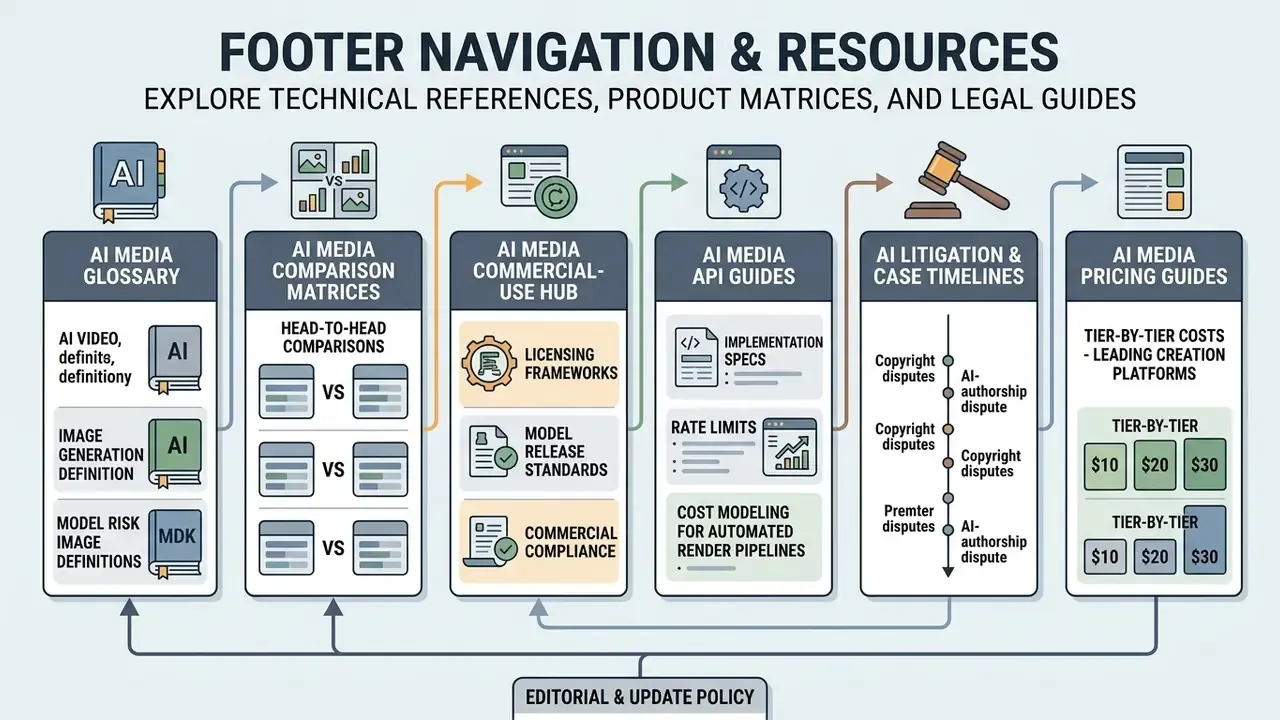
Explore additional technical references, product matrices, and legal guides in our comprehensive directory:
- AI Media Glossary: complete technical definitions for AI video, image generation, and model risk terminology.
- AI Media Comparison Matrices: detailed head-to-head comparisons of commercial media generation platforms.
- AI Media Commercial-Use Hub: licensing frameworks, model release standards, and commercial compliance guidelines.
- AI Media API Guides: implementation specs, rate limits and cost modelling for automated render pipelines.
- AI Litigation and Case Timelines: tracking copyright and AI-authorship disputes relevant to generated media.
- AI Media Pricing Guides: tier-by-tier cost breakdowns across leading creation platforms.
Editorial and update policy. Pricing tiers, model length caps and licence terms in this category change on short notice, sometimes within weeks. Every vendor-specific claim above carries a source link so it can be re-verified at the point of purchase, and the page is reviewed on a quarterly cycle. Where evidence was thin, we said so rather than rounding it into confidence. If a statement here conflicts with a vendor's current terms, treat the vendor's terms as controlling and tell us, so the record can be corrected.