Author note: Marcus Hale writes about AI governance and model risk for this publication.
An AI doll generator uses neural models to convert text descriptions or uploaded portraits into digital dolls, 3D figurines, and character assets. These platforms let creators design custom avatars for social channels, mock up collectible toy concepts, and build character sheets without touching specialized 3D software. Understanding how an ai doll creator actually works helps individuals and digital teams pick the right tool, write precise prompts, and weigh intellectual property exposure before anything gets published.
An ai doll generator online gives you a browser interface for turning ordinary images and text prompts into customized doll graphics. Using diffusion architectures, an ai doll maker reads visual features and descriptive text, then outputs high-resolution graphics across very different aesthetic styles. Same input, wildly different look. That variability is the point.
Executive Summary at a Glance
| Question | Short answer |
|---|---|
| What is it? | A diffusion- or GAN-based web tool that converts a text prompt or an uploaded portrait into a stylized doll, figurine, or character avatar. |
| How does it work? | Four steps: upload a photo or write a prompt, select style, outfit, accessories and scene, generate and preview, then download or animate into a short video. |
| Which styles are supported? | Barbie-inspired fashion glam, Bratz, Blythe, anime and chibi, knitted and plush, Matryoshka folk art, porcelain and Victorian, ball-jointed dolls, plus realistic action figures. |
| What is the biggest prompt lever? | Ordered syntax (subject, style, outfit, accessories, scene, lighting and framing) plus a negative prompt to suppress extra fingers, distorted eyes, and blurry textures. |
| Can I sell the output? | Only with caution. Prompt-only outputs generally lack human authorship and are not copyrightable in the U.S.; branded prompts (Barbie, Bratz, Jellycat) also carry trademark exposure. Human editing plus a documented commercial licence are required. |
| What must security and procurement check? | Zero retention of uploaded facial biometrics, a signed DPA, no training on customer photos, SOC 2 or ISO 27001 attestation, auto-renewal terms, and AI-labeling compliance (EU AI Act, in force 2 August 2026). |
| Main enterprise risk? | Shadow AI: employees uploading customer or staff photographs to unvetted consumer generators, creating biometric exposure outside any DPA. |
Nothing in this article constitutes legal advice. See the disclaimers in the commercial-use and privacy sections.
What Is an AI Doll Generator and What Can It Create?
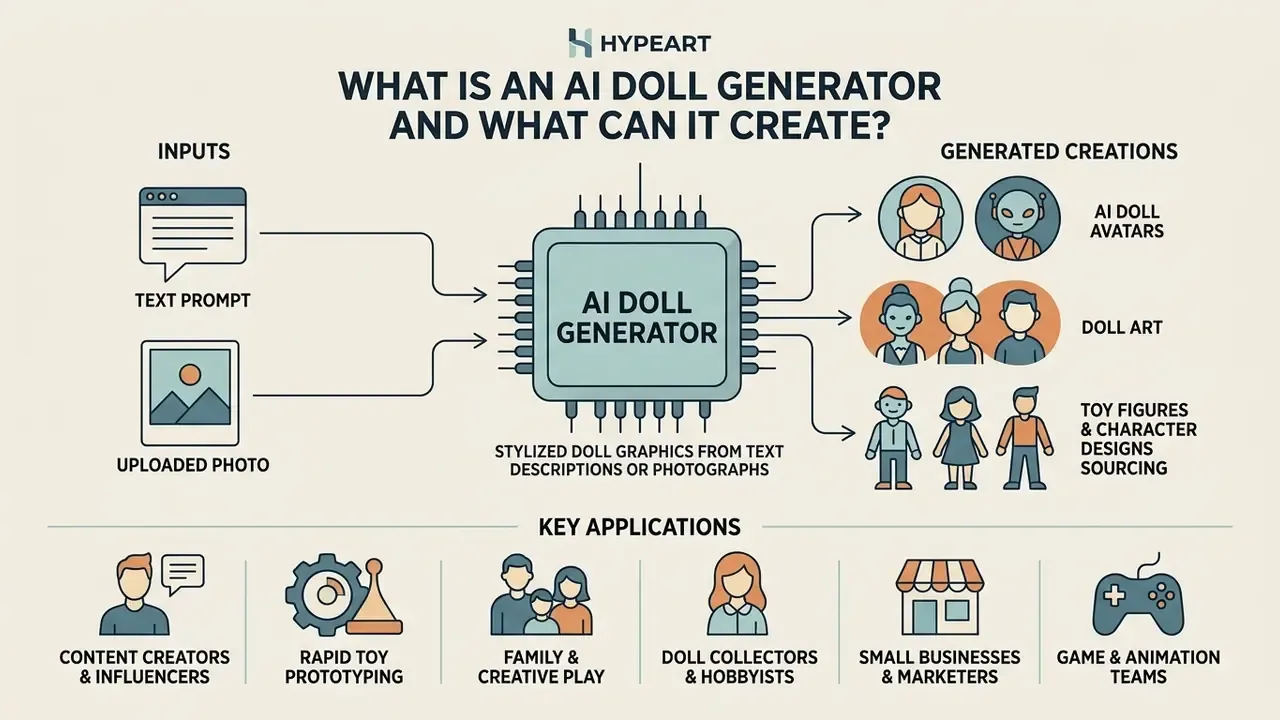
An ai doll generator is a software application driven by neural network models that produces stylized doll graphics from text descriptions or uploaded photographs. It creates digital doll avatars, fashion concepts, 3D toy figures, and custom character art across styles ranging from Barbie-inspired glam to anime and realistic action figures.
The underlying technology leans on diffusion models and generative adversarial networks (GANs).
Technical basis. Incremental super-resolution GAN research shows how one model can migrate a photographic face into a stylized cartoon or doll domain without collapsing on its original photographic task:
«Incremental learning with knowledge distillation lets a GAN adapt to cartoon faces while preserving quality on realistic portraits.»
Why does that matter in practice? Because the same network gets evaluated on both photographic benchmarks (CelebA-type portrait sets) and stylized cartoon-face datasets (iCartoonFace-type sets) using PSNR and SSIM fidelity metrics. That two-domain balance is exactly what keeps a photo-to-doll pipeline visually stable instead of mushy. This architecture is what allows a doll generator ai to deliver precise character rendering across creative applications, from a single profile picture to a full character sheet.
Product-level examples confirm the breadth of the category. Adobe Firefly generates prompt-based AI characters. HeyGen builds avatars from footage, a single photo, or a text prompt. Convai attaches personalities and voices to generated characters. Neural4D exports fully rigged 3D humanoid characters as FBX or GLB files for game engines. Different vendors, one shared pattern: describe a figure, get a figure.
AI doll avatars, doll art, toy figures and character designs
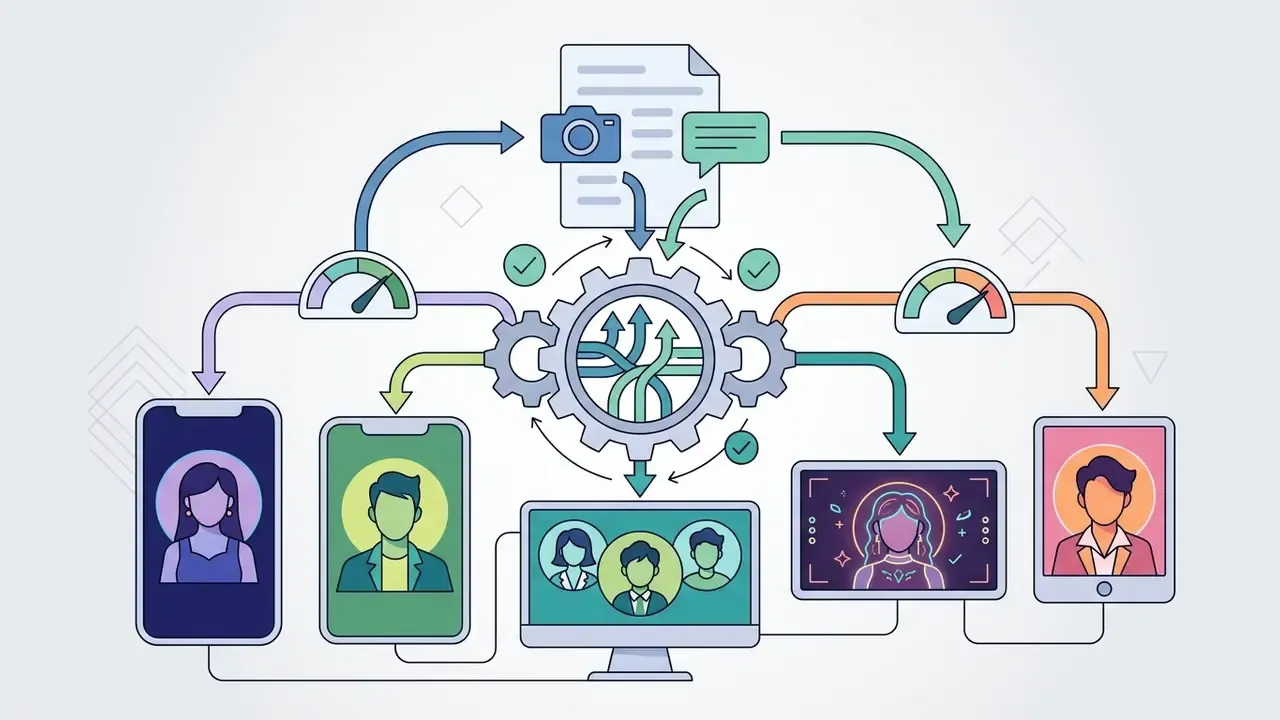
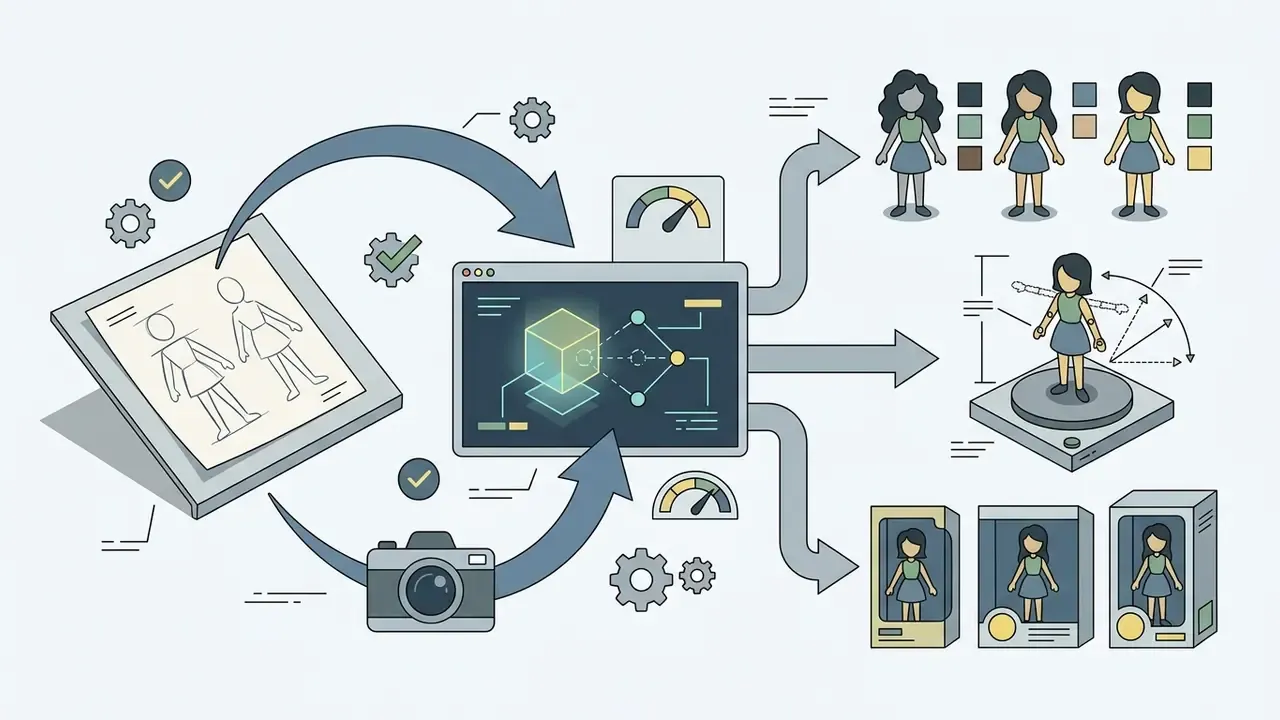
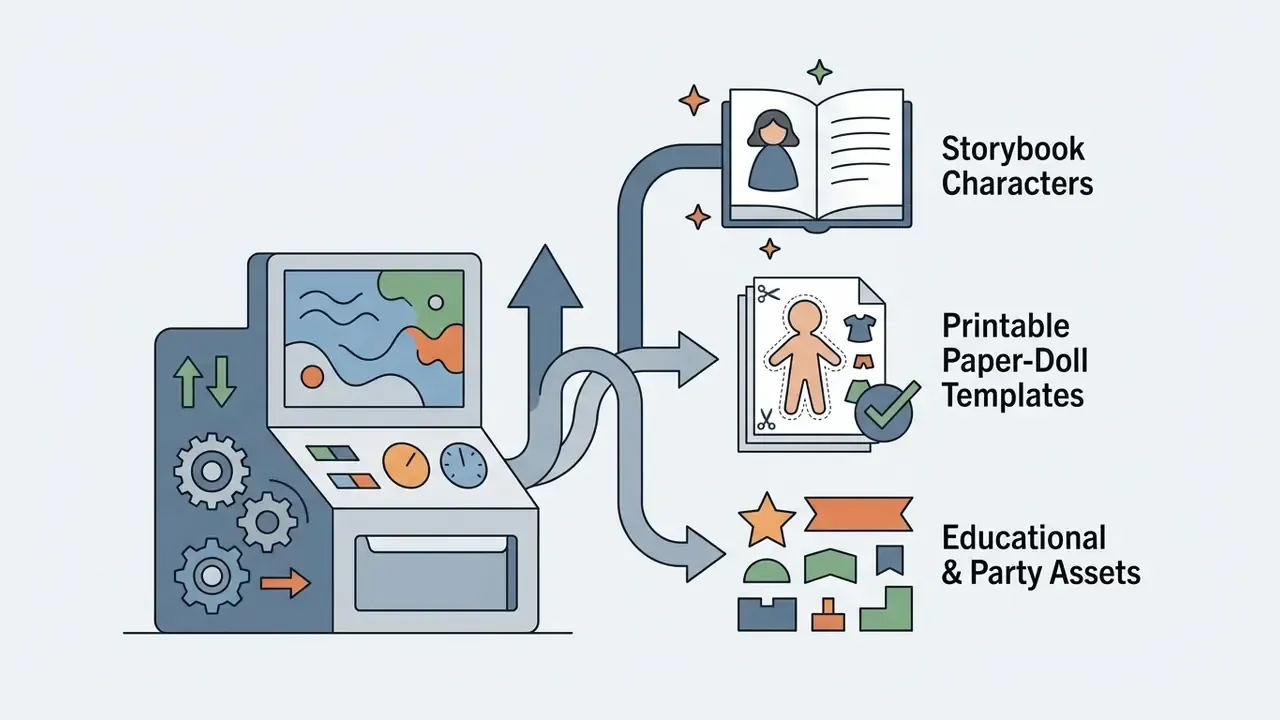
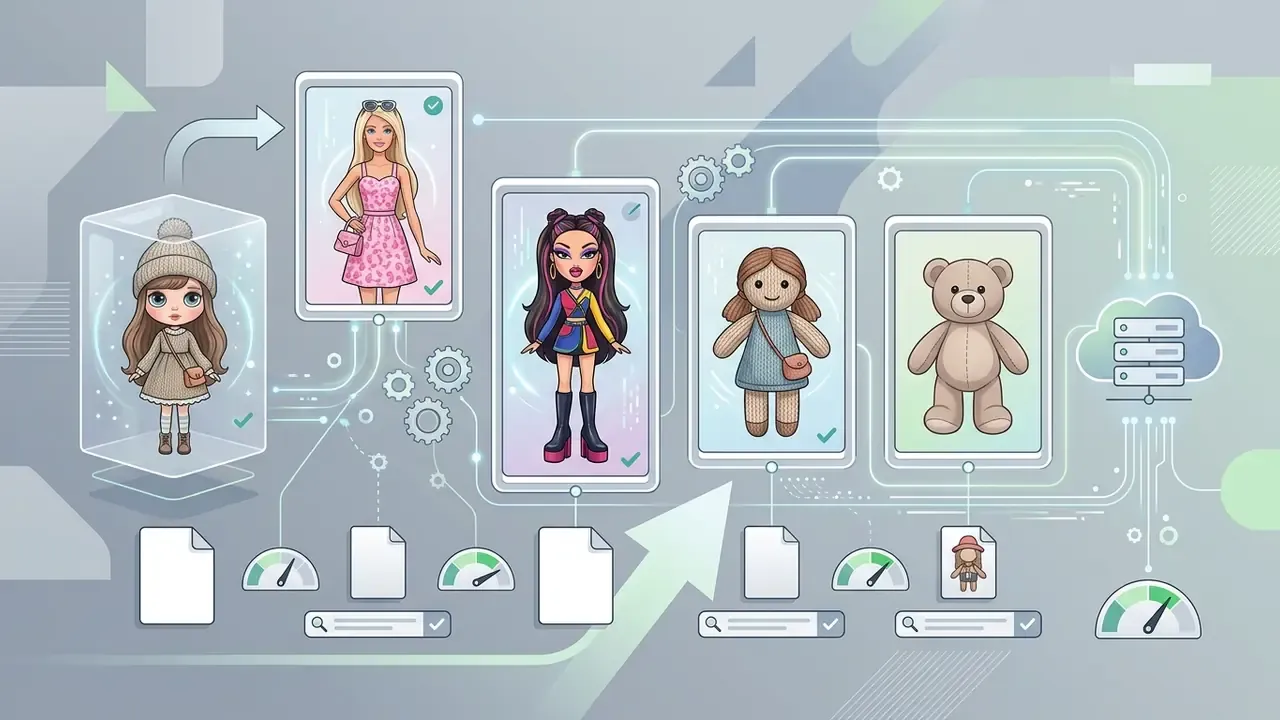
Text-to-doll generation versus AI doll generator from photo
Text-to-doll generation builds figures purely from written description. An ai doll generator from photo instead uses an uploaded portrait to map real facial geometry onto a stylized doll frame. Text models remove the privacy risk of uploading facial data. Photo-based generators buy you identity preservation, which is the whole appeal of a personal avatar.
Text-based avatar creation needs no input media at all, so biometric processing never enters the pipeline. HeyGen's own documentation says prompt-based avatars require "no photo or video." By contrast, an ai doll photo generator processes source facial pixels to build a stylized digital twin, and that pushes the workflow squarely into consent territory. The photo route captures a real person's likeness; the text route does not. Teams assessing portrait quality often study a related tool first, such as an AI headshot generator, to judge facial alignment behaviour before adopting a consumer-facing ai doll avatar generator.
| Dimension | Text-to-doll | Photo-to-doll |
|---|---|---|
| Required input | Text prompt only | PNG or JPEG portrait plus optional prompt |
| Likeness accuracy | Generic or invented character | Preserves recognizable facial structure |
| Biometric exposure | None | Facial data processed, possibly stored |
| Consent requirement | Not applicable | Written consent needed for third-party likeness |
| Best for | Concept art, mascots, fiction characters | Personal avatars, gifts, digital twin profiles |
How to Use an AI Doll Generator Online
Running an ai doll generator online means choosing an input method, customizing visual characteristics, triggering the diffusion process, and exporting the asset. The workflow lets non-technical creators produce high-resolution digital dolls in seconds without manual graphic editing. Anyone who wants to refine the render afterwards can layer changes with dedicated AI photo editors.
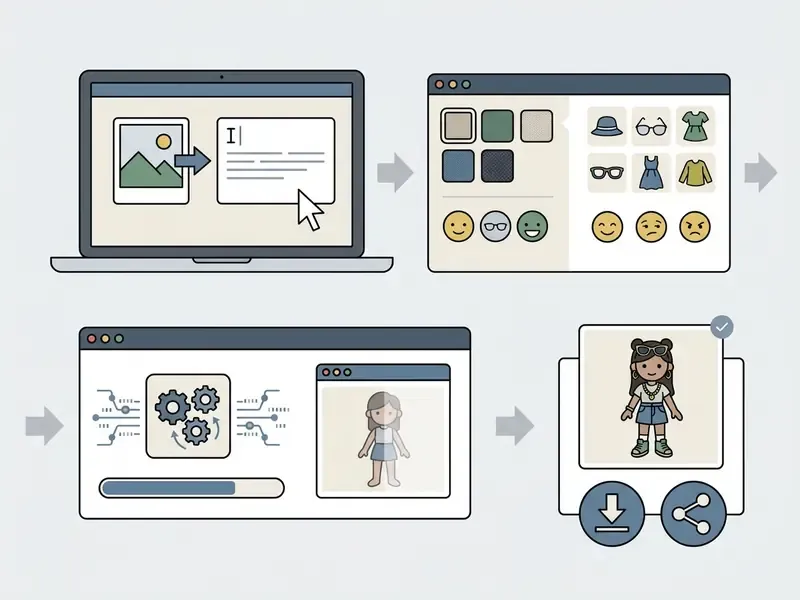
Upload a photo or describe the doll concept
Start by uploading an unedited portrait or typing a structured description that specifies character features, outfit details, accessories, and scene context. High-resolution inputs with clear, even lighting produce noticeably better facial mapping in photo-to-doll workflows.
Standard image input guidelines, including those published by the U.S. State Department, stress unedited, sharp source photographs with uniform lighting and accurate colour, captured at the highest available camera quality, so processing does not introduce pixelation or grain. Public-sector captioning standards, for example U.S. Department of Defense guidance, add a discipline worth borrowing for prompt writing: name who or what appears in the frame first, then the action, then the context. When using a text-based ai image generator doll, explicit subject and background descriptors kill most ambiguity before it reaches the model. Creators who want tighter phrasing can consult an ai art prompt guide to structure descriptive tags.
Customize the style, outfit, accessories and background
Customization panels let you configure aesthetics, garments, colour palettes, companion accessories, and environments through prompt parameters or interface presets. Editable inputs typically include silhouette, fabric, palette, era, accessories, and background, alongside presets such as streetwear, classic couture, kawaii, athleisure, and fantasy. Urban jacket or gothic lace? Both are one dropdown apart.
«Prompts that include both a subject and a style produce more predictable images; missing style terms yield incoherent outputs.»
That structuring effect explains why explicit style and subject keywords improve coherence across generative models. Ethnographic work on prompt-sharing communities backs it up with a concrete taxonomy:
«Practitioners rely on six modifier families: subject terms, style, quality boosters, repeated terms, magic words, and image prompts.»
Combining specific clothing attributes, say a pink satin dress, with clear environmental modifiers, say a minimalist studio backdrop, delivers reliable output. Tooling documentation confirms the same field structure: garment type, style, colour, material, era, and accessories can be described separately, then exported as costume sheets with outfit variants and scene assignments.
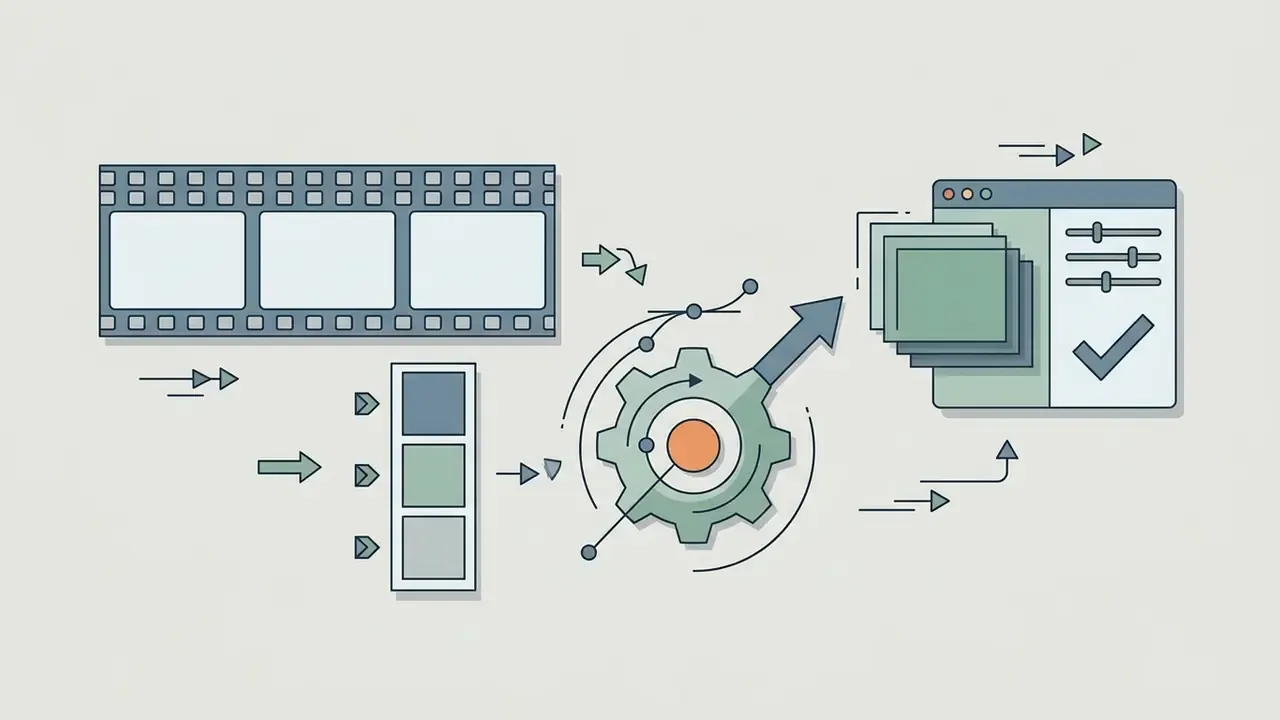
Converting static AI dolls into dynamic videos
After generating a high-resolution doll image, you can extend the pipeline by converting the static render into a video clip with image-to-video models. Current tools apply subtle facial animation, eye blinks, hair movement, or slow camera pans to figures and fashion dolls, which turns one render into a scroll-stopping clip.
Practical guidance for this stage:
- Keep motion minimal. One or two motion cues, a blink plus a slow dolly-in, preserve facial structure; aggressive motion prompts distort doll geometry and plastic textures.
- Choose a vertical ratio early. Generate the source still at 9:16 so the animation model never has to crop the figure's head or packaging.
- Export for the destination. MP4 for feed and Shorts placements, GIF for chat and forum sharing, and one retained still frame as the thumbnail.
- Match audio separately. Short-form platforms weight audio completion heavily, so add trending audio or a voiceover in the editor rather than in the generation step.
Exporting these assets as MP4 or GIF lifts engagement across TikTok, Instagram Reels, and YouTube Shorts. Teams comparing motion models can review free AI video generators, study implementation details in the Google Veo implementation guide, or follow a YouTube video editing workflow when finishing clips for a channel.
AI Doll Styles You Can Generate
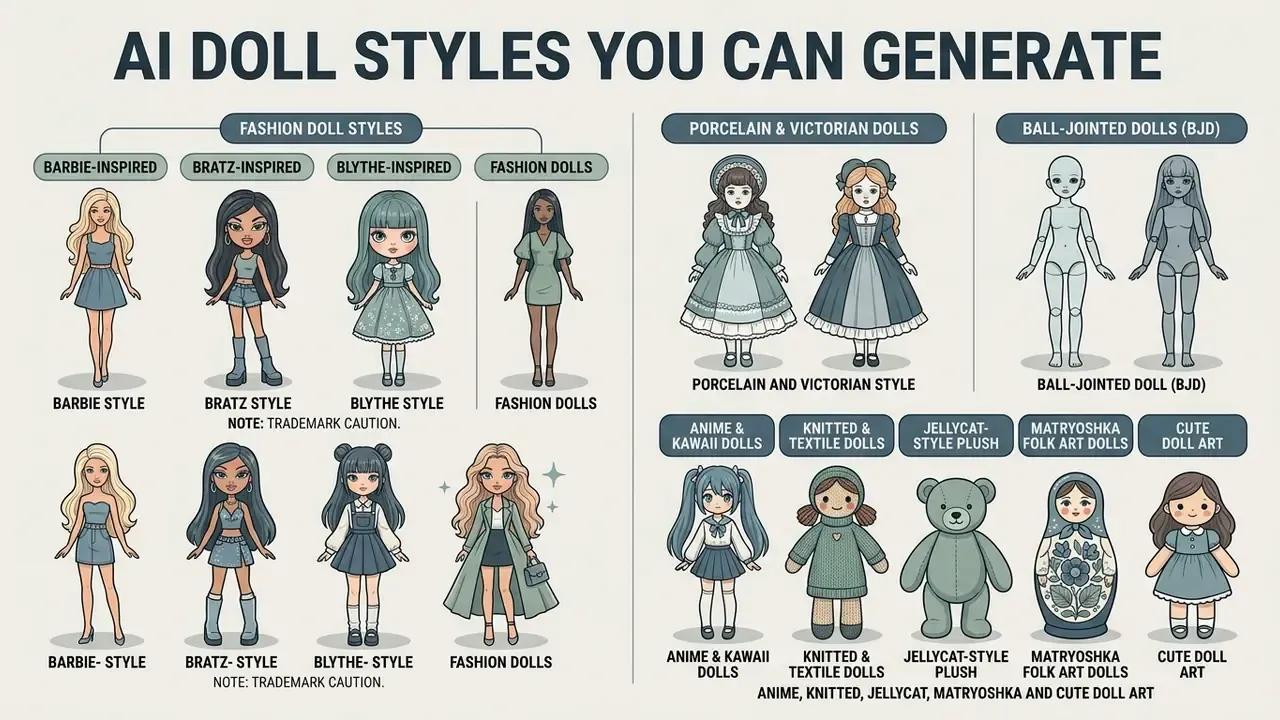
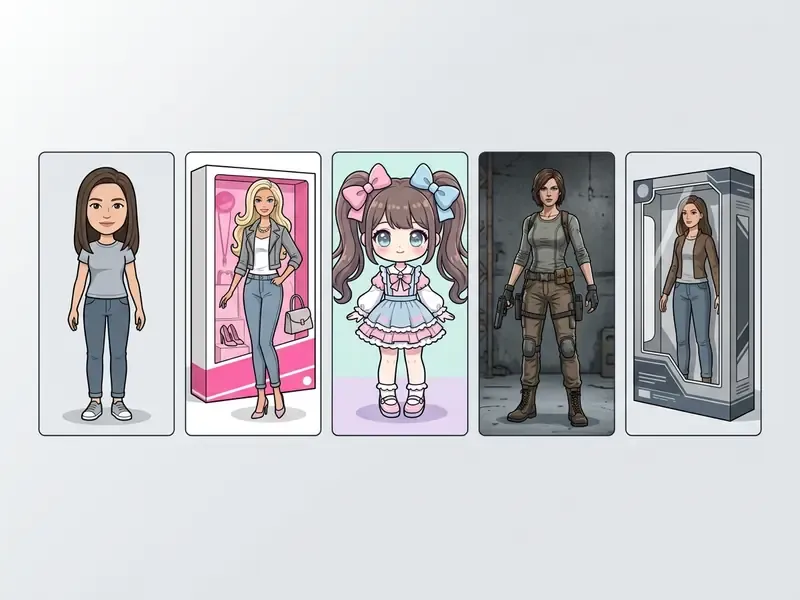
An ai generator doll system can synthesize a wide aesthetic range: fashion dolls, kawaii anime, handcrafted textiles, traditional folk art, porcelain and Victorian collectibles, ball-jointed dolls (BJD), vintage retro toys, and realistic action figures. Each style enforces its own proportions, surface textures, and lighting behaviour.
Barbie-inspired, Bratz, Blythe and fashion doll styles
Fashion doll styles combine sleek silhouettes, high-contrast editorial lighting, and glamorous attire modelled on iconic global toy aesthetics. Barbie styling favours polished pink palettes, Bratz prompts emphasize oversized lips and Y2K streetwear, and Blythe options push exaggerated head-to-body ratios.
Analysis of fashion doll prompting shows distinct visual markers per category:
- Barbie style elongated proportions, slim waist, long legs, pastel-to-bright pink palettes, high-fashion dresses, heels, glossy studio packaging.
- Bratz style oversized almond eyes, thick lashes, plump glossy lips, small nose, low-rise streetwear, sparkly accessories, bold Y2K makeup.
- Blythe style disproportionately large head, glassy oversized eyes, small petite body, matte plastic finish, a cute-quirky toy-like face.
- Porcelain and Victorian style pale ceramic skin, delicate features, antique lace dresses, fragile collectible presentation.
- Ball-jointed doll (BJD) visible articulated joints, collector-toy realism, posed studio lighting.
Anime, knitted, Jellycat, Matryoshka and cute doll art
Cute doll art covers vibrant anime visuals, textured knitted dolls, plush soft toys, and traditional Matryoshka nesting designs. Knitted styles render visible yarn loops and hand-stitched seams; plush prompts yield soft fabric texture and rounded silhouettes.
Research into textile rendering notes that knitted doll aesthetics depend on visible stitch patterns, yarn surface, and small handcrafted irregularities. Traditional Matryoshka designs rely on standardized folk elements: an oval face, decorative headscarf, floral apron patterns, painted ornament, and nested wooden geometry. Museum descriptions usually characterize the classic form as a smiling figure in traditional dress, turned from birch or linden wood with smaller figures nested inside. Anime doll aesthetics prioritize large expressive eyes, simplified facial contours, a small nose and mouth, and vibrant hair tones, while cute doll art in general leans on rounded silhouettes, simplified anatomy, and pastel or candy palettes. Plush styling, with its soft fur texture, rounded body, and subdued colour, overlaps heavily with mochi-doll aesthetics. It is also the safest of these families for original commercial work, provided no specific brand character is copied.
Ready-to-copy prompt block for a knitted doll:
handmade knitted doll, chunky wool yarn with visible stitch loops and hand-sewn
seams, soft cream and sage colour palette, embroidered smiling face, tiny
knitted scarf and mittens, sitting on a wooden table, natural window light,
shallow depth of field, cosy craft photography, high detail
Realistic dolls, action figures and character concepts
Realistic dolls and action figures combine accurate anatomy, articulated joints, detailed costume fabrics, and plastic display packaging. Character concepts usually rely on neutral full-body turnarounds, which help game designers and toy developers prototype physical collectibles.
According to character design specifications from SCAD, a professional character sheet needs a full-body neutral pose, one or two secondary action poses, three to six expressions, and front, side, and back turnarounds to lock proportion and detail. Action figure prompts frequently specify a clear plastic blister pack, colourful cardboard backing, preserved figure silhouette, and thematic accessories, while realistic doll prompts emphasize facial features, body proportions, skin tone, material texture, and a high-fidelity collectible finish. Projects layering audio or atmospheric elements may also reference an ai asmr generator workflow for interactive multimedia presentations.
How to Write Better AI Doll Prompts
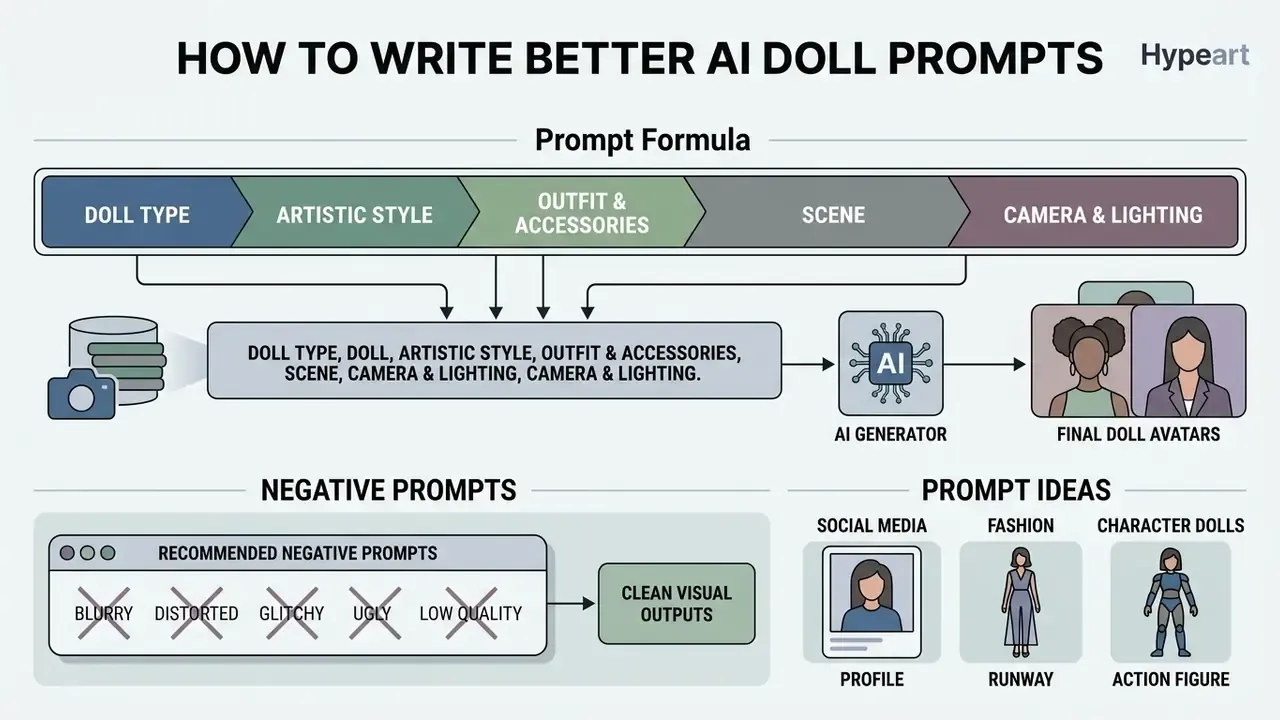
Writing effective prompts for an ai doll image generator takes a structured formula covering subject type, artistic style, clothing, accessories, background, and camera composition. Order those descriptors logically and the diffusion model has far less room to improvise.
So prompt length and specificity are not cosmetic. Automatically expanded prompts measurably beat terse ones on aesthetic metrics, which is why the templates below are verbose on purpose.
Prompt formula: doll type, style, outfit, accessories and scene
The optimal prompt structure follows a standard sequence:
[Subject & Doll Type] + [Visual Style] + [Outfit & Hair] + [Accessories] + [Background & Scene] + [Lighting & Framing]
«Across 5,493 generations spanning 51 subjects and 51 styles, prompts containing both subject and style keywords produced the most predictable results.»
Official prompting guides from OpenAI and Google Vertex AI describe the same discipline operationally: write in a consistent order (background and scene, subject, key details, constraints) and state framing, viewpoint, and lighting explicitly. Google's Imagen guidance recommends the subject plus context plus style pattern, while Adobe Firefly's guidance stresses meaningful subject and style keywords over filler wording, plus multiple seeds when iterating. Explicit constraints, such as "centered composition, studio lighting, no text watermark," stop the generator from adding clutter nobody asked for. (These vendor guides are documentation, not peer-reviewed studies; the quantitative support above comes from the Liu & Chilton experiment.)
Using negative prompts for clean visual outputs.
To remove structural distortion, meaning extra digits, blurry fabric seams, duplicated limbs, or misaligned eyes, add a negative prompt in your generation panel. Negative prompts remain the single fastest fix for the artefacts that make doll renders unusable at full resolution.
Recommended negative prompt:
extra fingers, distorted hands, asymmetrical eyes, blurry textures, low
resolution, unwanted text watermarks, duplicate limbs, overexposed lighting,
melted plastic seams, deformed face, cropped head, jpeg artifacts
Add task-specific exclusions as needed: no visible brand logos, no trademarked packaging text for commercial work, no adult content for family-facing assets, and no background clutter for e-commerce style product shots.
Treat seed, guidance scale (CFG), sampler, and step count as first-class controls too. Prompt-engineering research on diffusion models reports that specific words and phrases measurably shift outputs, and recommends systematic prompt construction with seed tracking for repeatable results. Community prompt documentation confirms the mechanics: a fixed seed with fixed parameters reproduces an image, while a random seed is the default. For any governed workflow, log the seed. It is your only cheap route back to the same render.
Choosing an AI Doll Maker: Quality, Customization and Pricing
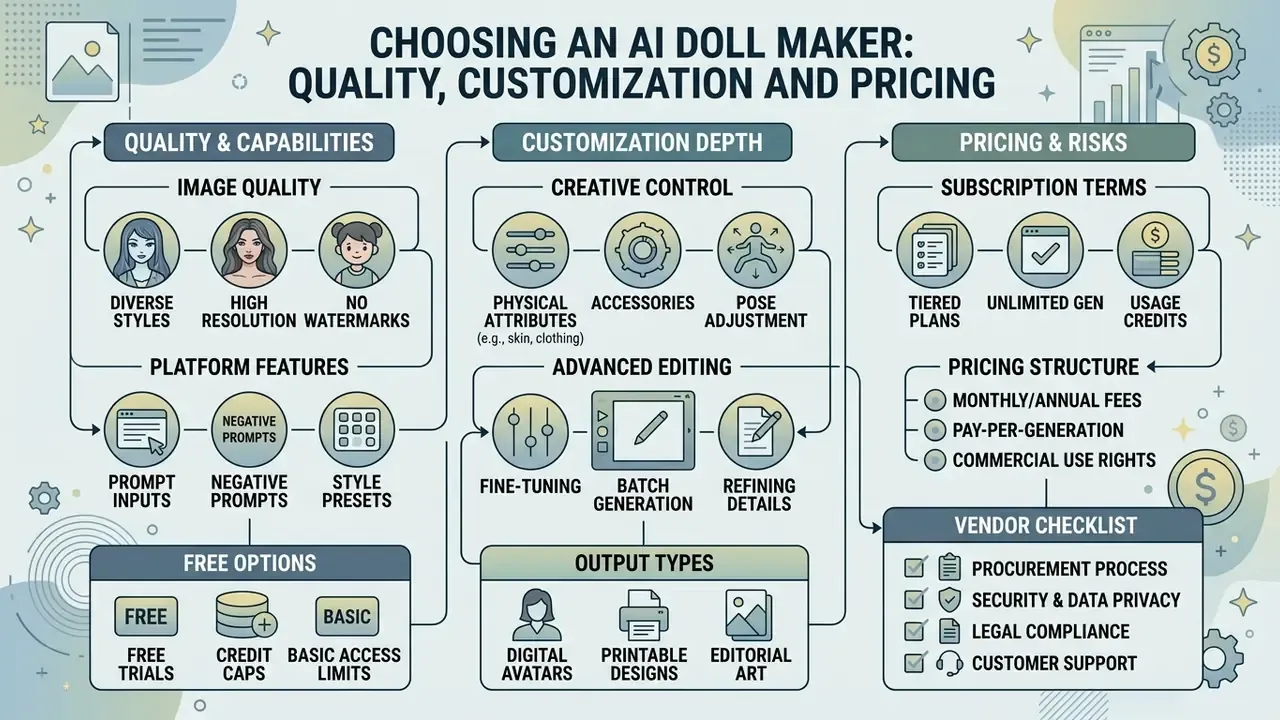
Selecting a doll maker ai platform means comparing credit caps, output resolution, customization depth, watermark policy, and subscription terms. Weigh free-tier limits against paid plans that include commercial licences and high-resolution downloads. Across the market, three payment models dominate: recurring subscriptions (roughly $8 to $30 per month for 40 to 1,000 generations), one-time credit packs (for example $5, $40, or $100 for 10, 200, or 1,000 credits), and freemium tiers where HD or Ultra HD output, priority queueing, and commercial rights sit behind the paywall.
Free AI doll generator options and common access limits
Free doll generator ai plans usually impose daily credit caps, cap resolution at web quality, and stamp exports with a watermark. Allowances vary a lot:
Creators comparing broader categories can read our guide to the best free AI art generator or the wider set of free AI image generators to benchmark a doll ai generator against general-purpose platforms. For simple retouching, compare free photo editors.
Features that affect doll image quality and creative control
Core technical features that drive visual fidelity include 4K processing, selectable aspect ratios (1:1, 3:4, 4:3, 9:16, 16:9), seed controls, and character history tracking. Diffusion models supporting high-resolution processing, for instance 3840 px on the long edge with 2K and 4K presets, largely prevent facial distortion and blurred fabric texture.
API documentation from OpenAI (GPT Image 2) and Google (Imagen in the Gemini API) confirms that native aspect ratio selection and high-fidelity input processing matter for character continuity. Midjourney documents aspect ratio as a core image setting with 1:1 as default, and multi-model gateways note that some models expose width and height while others expose aspect_ratio plus 1K, 2K, and 4K presets. That detail directly affects framing and detail in production pipelines. Platforms that store generation history let you reuse seed values and prompt parameters, which is how a doll creator ai keeps a whole series visually consistent.
«Iterative clustering and diffusion-model personalization substantially improve character identity consistency compared with naive text-to-image generation.»
Developers seeking programmatic generation can explore the hub for implementation specifications, and anyone needing to widen a tight doll render for a banner placement can review AI outpainting tools.
What to check before paying for an AI doll creator
Before subscribing to an ai doll maker online tool, audit renewal terms, commercial usage rights, data protection policy, and credit consumption. Confirming that the vendor explicitly grants commercial rights is the cheapest insurance against a licensing dispute later.
Vendor risk checklist for procurement, security and legal
| # | Control | What to demand in writing | Why it matters |
|---|---|---|---|
| 1 | Data Processing Agreement (DPA) | A signed DPA naming sub-processors, transfer mechanism and retention period | Facial images are personal data; several vendors state inputs may be shared with third-party model providers and transferred to the United States |
| 2 | No-training commitment | Explicit contractual statement that uploaded photos and prompts are not used to train or fine-tune foundation models | Regulators treat training on personal images without a lawful basis as a compliance failure |
| 3 | Retention & deletion | Zero retention or a defined TTL, plus a deletion API or self-service purge | Limits breach blast radius for biometric-adjacent data |
| 4 | Security attestation | Current SOC 2 Type II or ISO/IEC 27001 certificate, plus a pen-test summary | Consumer image tools frequently have none; absence should block enterprise use |
| 5 | Commercial licence scope | Named right to reproduce, modify, distribute and sublicense outputs, worldwide and perpetual | Some vendor terms explicitly withhold commercial rights to brand features |
| 6 | Indemnity | IP indemnity for outputs, with cap and exclusions disclosed | Transfers part of the infringement risk back to the provider |
| 7 | AI transparency features | Machine-readable provenance marks, C2PA-style metadata, and visible labels | EU AI Act transparency obligations apply from 2 August 2026; NIST synthetic-content guidance (2026) covers detection, labelling and provenance |
| 8 | Content moderation & age policy | Documented NSFW and minor-protection controls | Non-consensual and child-related synthetic imagery is the dominant enforcement theme in 2026 |
| 9 | Commercial terms | Price, auto-renewal, cancellation, seat count, storage, API call and generation quotas | Subscriptions typically auto-renew until cancelled; quotas may not be circumvented via multiple accounts |
| 10 | Shadow-AI controls | SSO and SCIM support, admin audit log, allow-list compatibility with DLP tooling | Prevents unmanaged uploads of staff or customer photos to consumer endpoints |
To review pricing models across generative media tools, explore the hub and compare subscription tiers against usage allowances. For side-by-side tool reviews, you can also open the hub.
Can You Use AI Doll Images for Social Media, Brands and Commercial Content?
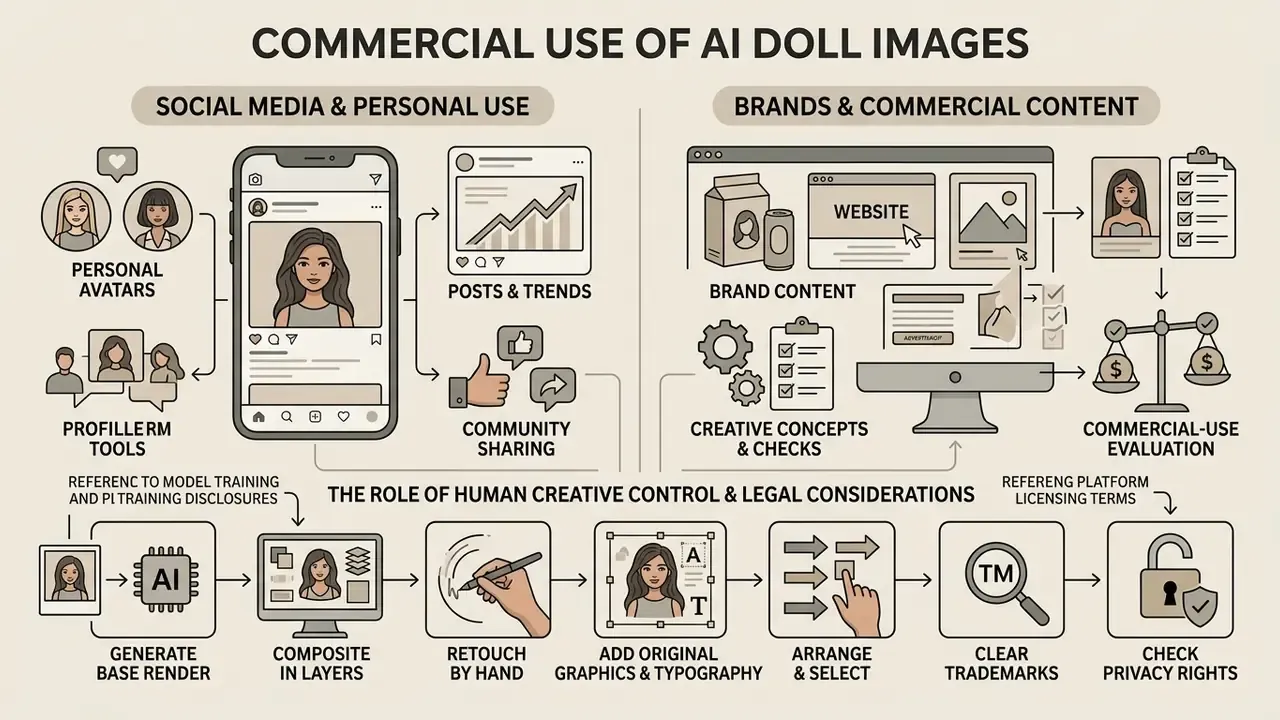
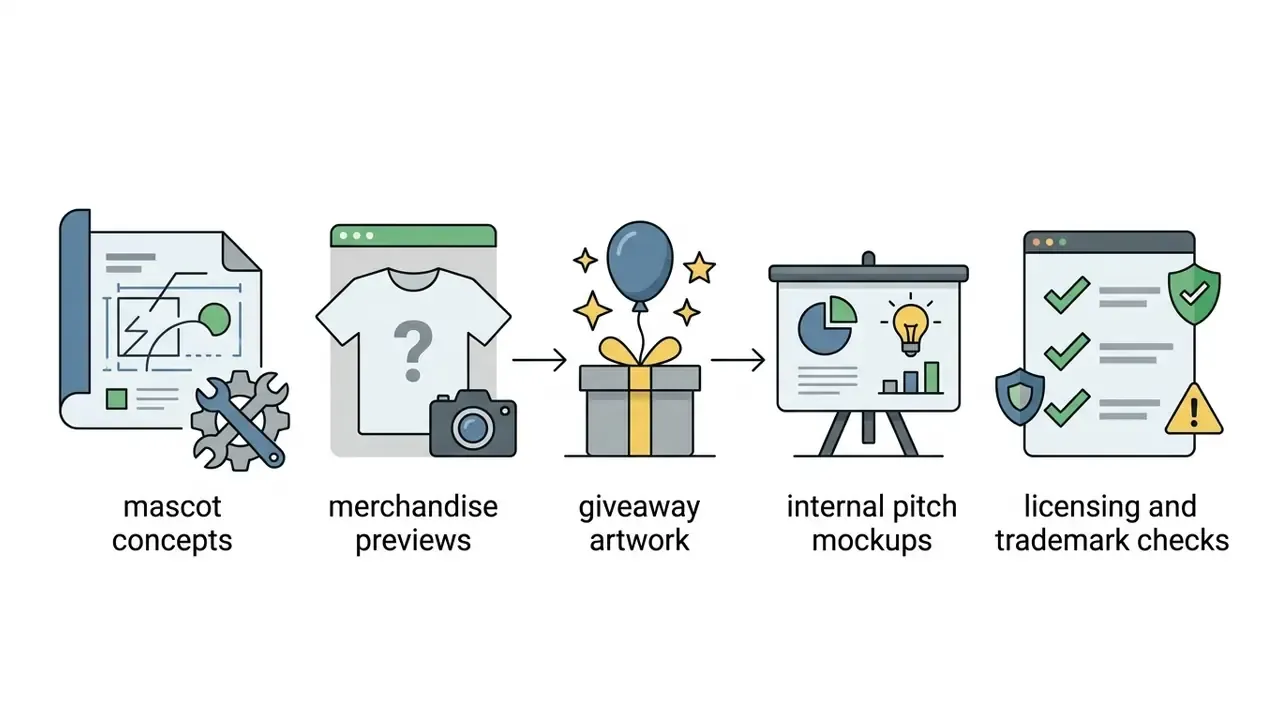
Commercial use of AI doll images depends on human creative control, model training disclosures, platform licensing terms, trademark clearance, and privacy rights. Personal posting is generally unrestricted. Commercial branding is where the checks begin.
Brand content, creative concepts and commercial-use checks
Deploying AI doll assets in enterprise branding or marketing means verifying platform commercial licences and clearing both copyright and trademark exposure.
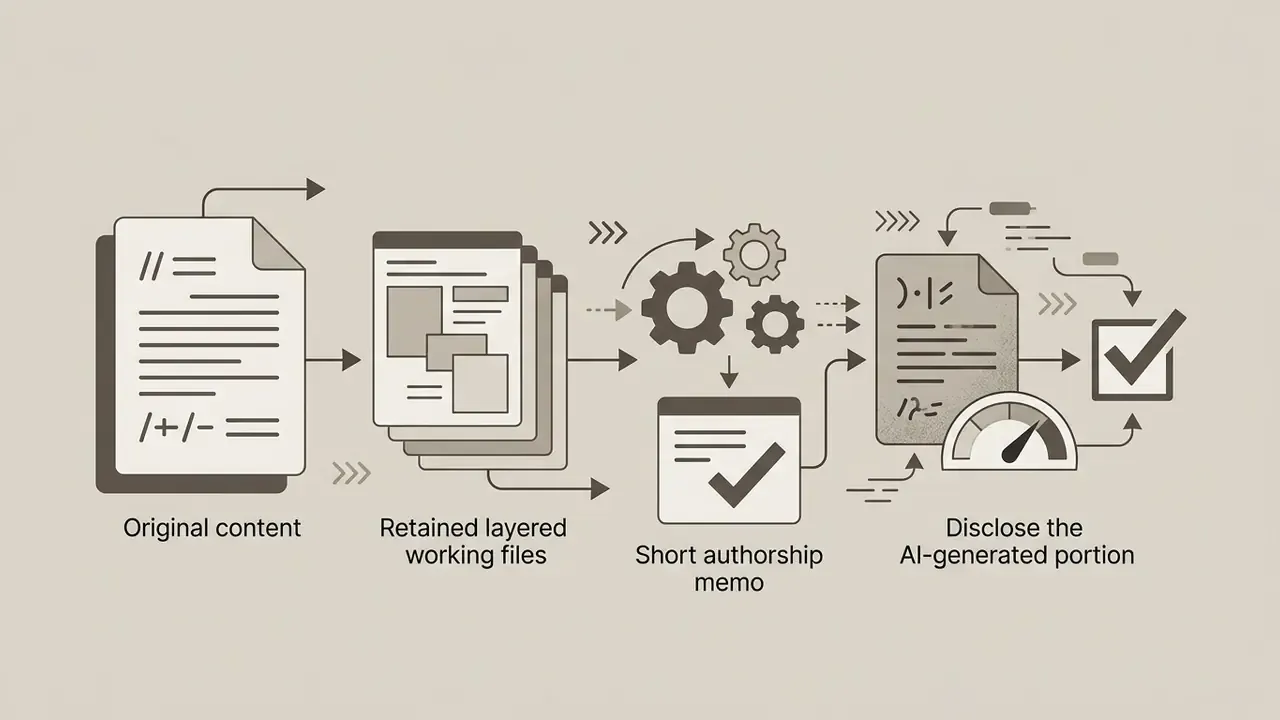
Under that guidance, outputs created solely from prompts lack human authorship and cannot be registered. Applicants must disclose AI-generated material and explain the human contribution when registering mixed works.
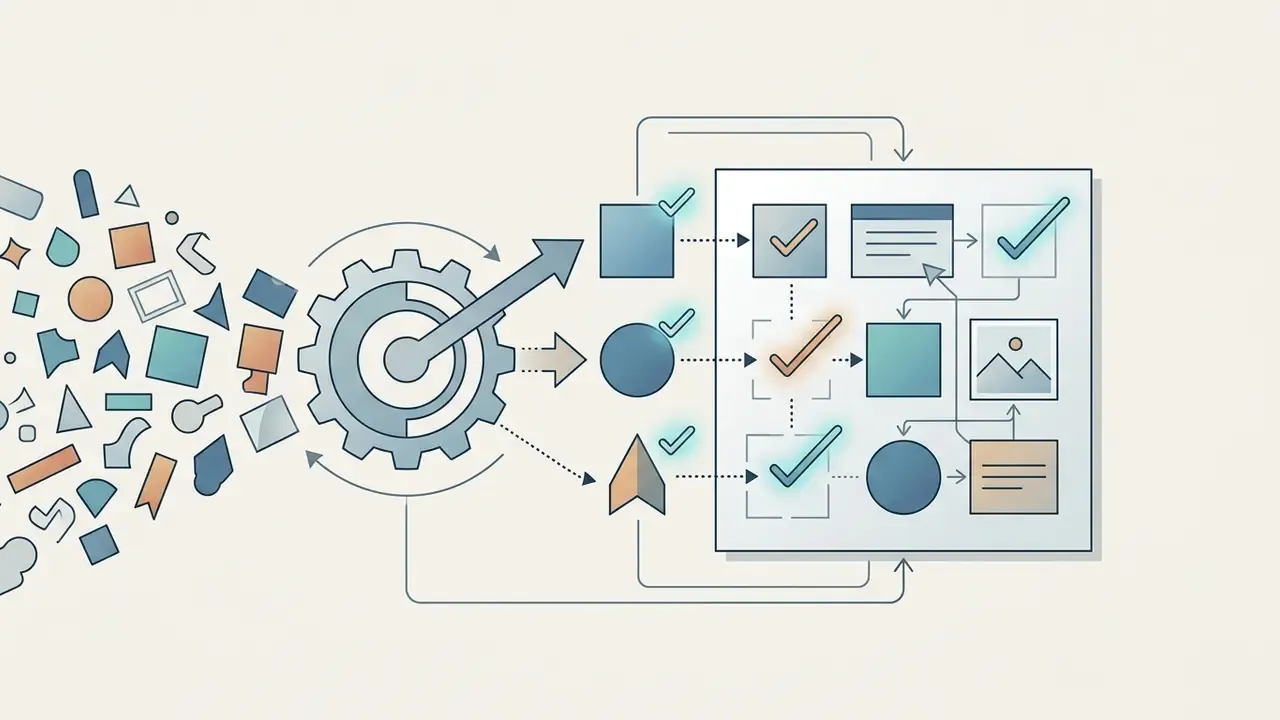
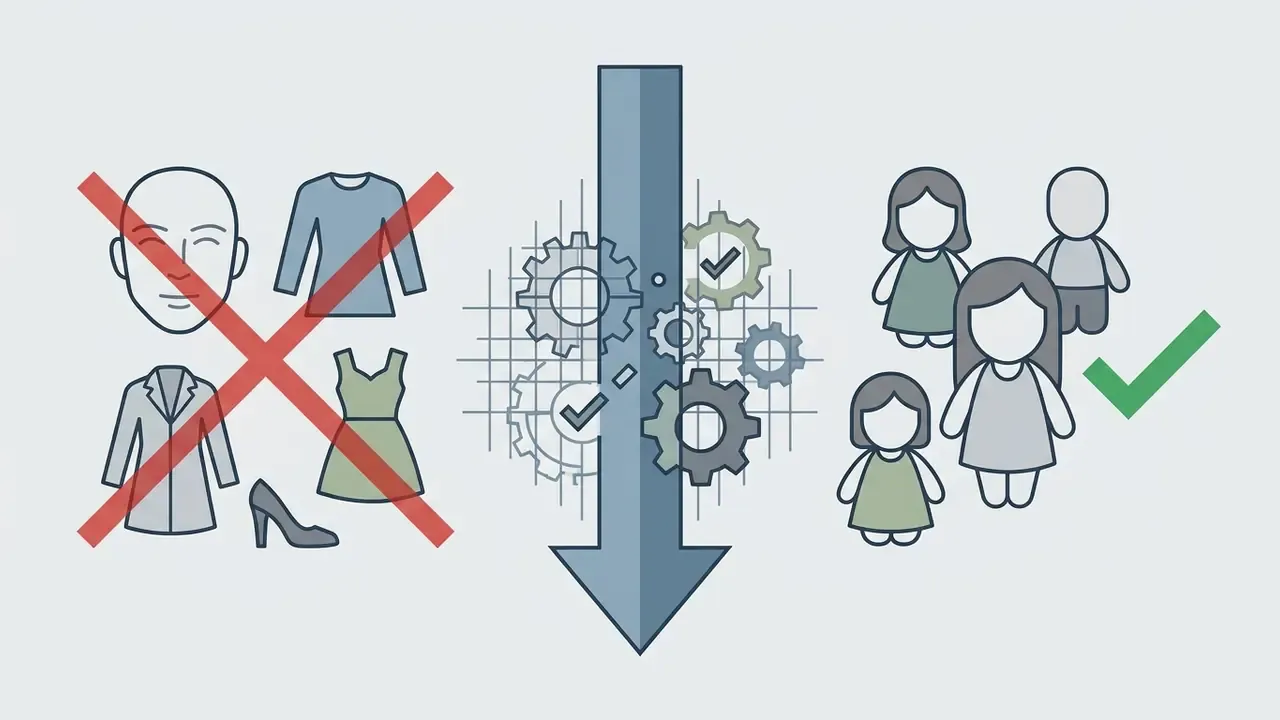
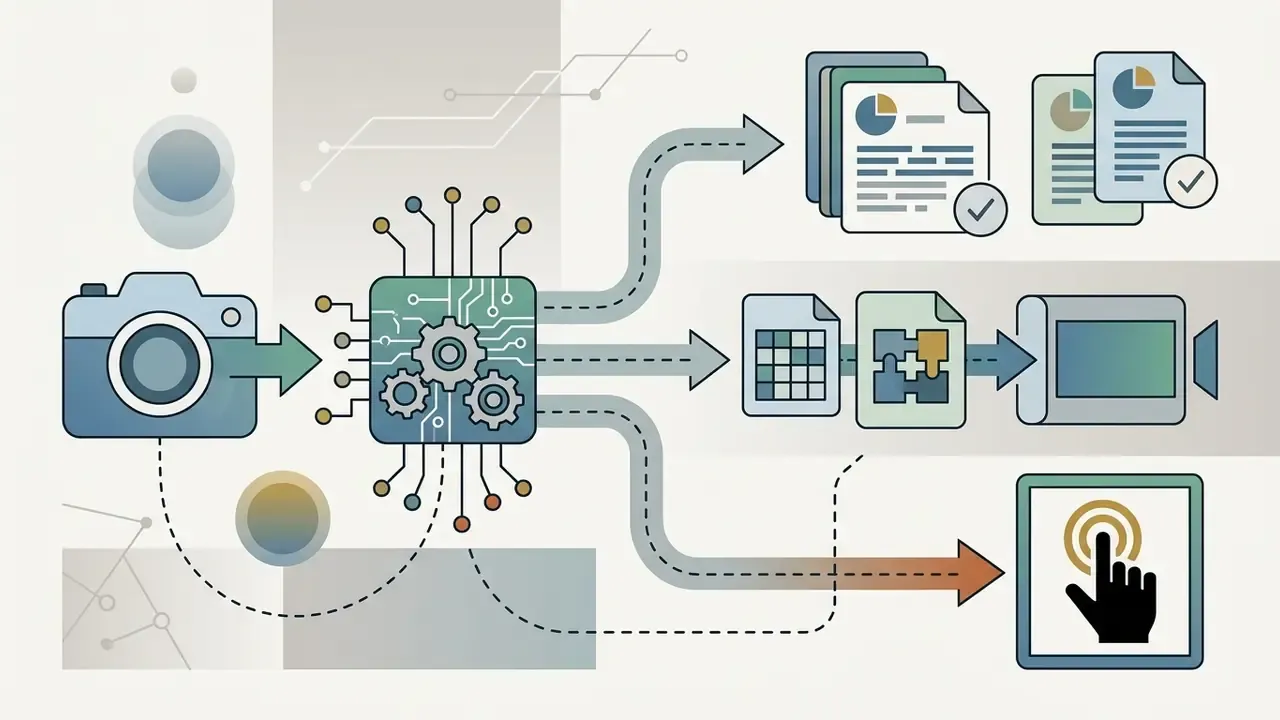
How to build defensible authorship, step by step. To establish protection over brand assets, human designers must contribute significant creative edits, selection, and arrangement, and then document all of it:
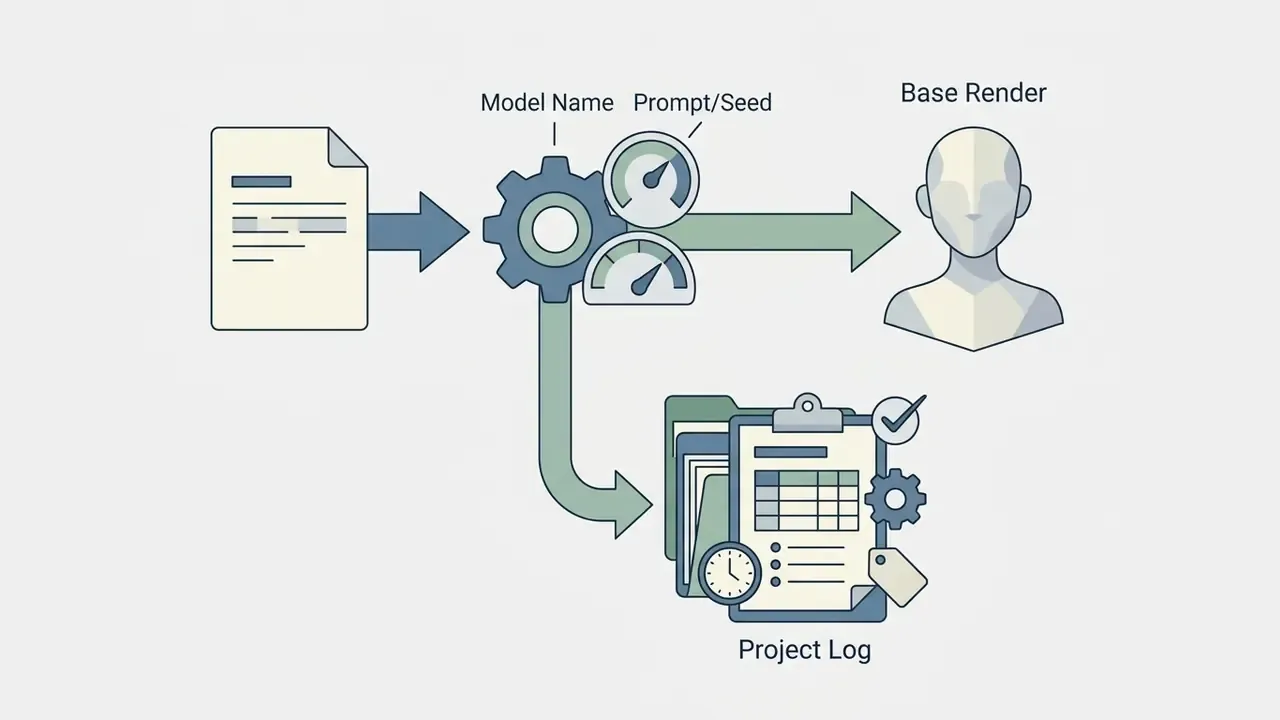
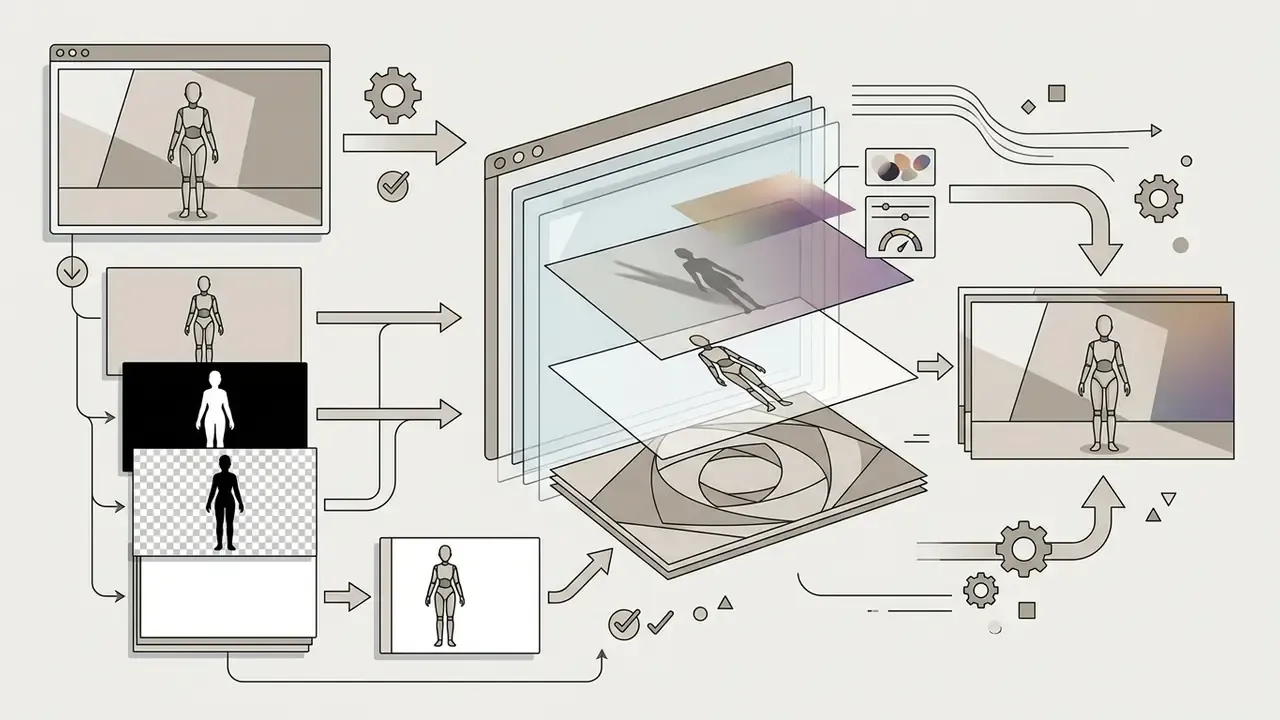
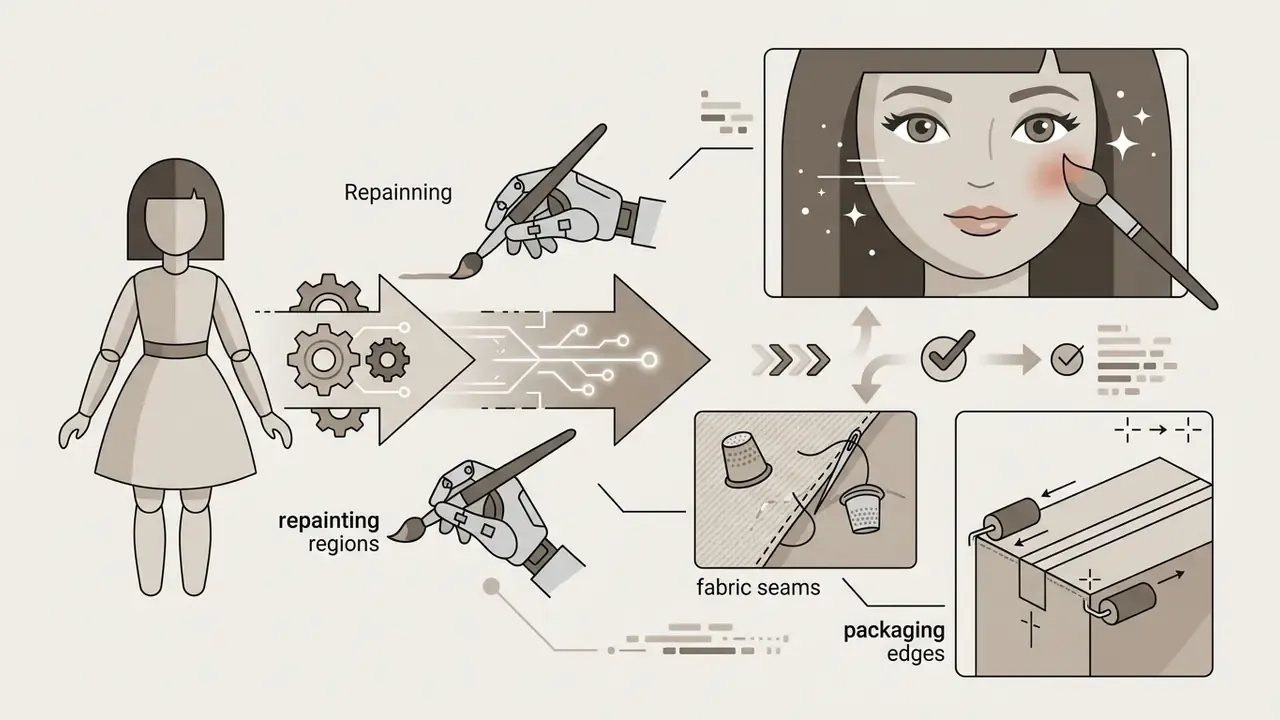
That distinction matters commercially. The legality of model training is analysed separately from the protectability of your output, and separately again from trademark exposure in the depicted content. Three different questions, three different answers. Meanwhile the labelling rules are converging: the EU AI Act, enforced from 2 August 2026, requires AI-generated commercial media to carry machine-readable watermarks and synthetic content labels, and the European Commission's enforcement note adds that users must be told when they interact with an AI system. China's 2025 labelling rules require explicit and embedded labels on AI-generated text, image, audio, video, and immersive content distributed online. WIPO guidance (2024 to 2026) advises firms using AI for brand names, logos, and campaign assets to check ownership terms, document the human role, and expect jurisdictional variation. Russian practice, per 2025 commentary, does not treat AI-only images as protectable works, while Article 152.1 of the Civil Code restricts commercial use of a recognizable person's image without consent.
Organizations planning commercial campaigns should consult our AI Media Commercial-Use Hub for licensing frameworks, and can open the hub to follow regulatory and case-law updates.
AI Doll Generator FAQ
Short answers on output uniqueness, upload security, mobile support, corporate policy, and processing speed when using online doll creation tools.
Are AI-generated dolls unique?
AI-generated dolls are probabilistically unique compositions produced by a specific combination of prompt, seed, sampler settings, and model noise. Changing phrasing or seed values creates genuinely distinct variations, yet raw outputs still carry no exclusive copyright without human creative additions.
«Generative models learn statistical patterns and produce new combinations of features rather than copying specific images from training data.» - Building and Using Generative Models Under US Copyright Law (2023 to 2025).
Because these models sample from broad training distributions, two users typing identical prompts may land on very similar doll concepts. A fixed seed with identical parameters can even reproduce a near-identical image on demand, which is useful for series consistency but fatal to any claim of exclusivity. Uniqueness comes from your inputs and your post-generation editing, not from the model.
Is it safe to upload a photo to an AI doll generator?
Photo uploads carry privacy and security risk unless the platform enforces strict deletion and zero retention for facial biometrics. Regulators internationally advise against uploading sensitive personal photographs into public AI tools that lack an explicit consent framework.
A joint statement by 61 global data protection authorities (2026) warned that personal images uploaded to generative AI tools can enable unauthorized identification, non-consensual intimate imagery, defamation, cyberbullying, and harm to children and other vulnerable groups. Australia's OAIC guidance (2024) is blunter: do not enter personal information, especially sensitive information, into publicly available generative AI tools, and obtain consent where sensitive information is generated or inferred. Korea's PIPC published a dedicated generative-AI personal-data guide in 2025, and a 2026 Canadian investigation into non-consensual sexualized deepfakes found consent and safeguards missing at the tool level.
Practical mitigations: prefer text-to-doll for anything work-related, never upload third-party or minors' photographs without documented consent, strip EXIF and location metadata before upload, use a low-resolution crop where identity preservation is unnecessary, and confirm the deletion policy before the first upload. Read the vendor privacy terms to check that uploaded selfies are deleted right after generation. For privacy questions or technical support, open the hub to reach our governance team.
Disclaimer: This information is general in nature and does not replace reading a specific provider's privacy policy or consulting a qualified data-protection specialist.
Can I create AI dolls on iOS and Android mobile devices?
Yes. Most online generators ship mobile-optimized web interfaces or dedicated iOS and Android apps. Mobile workflows support direct camera uploads, real-time prompt generation, and instant downloads to the camera roll. A few practical notes: generate at 9:16 for vertical placements, expect slightly longer queues on free tiers, verify that the mobile export path removes watermarks on your plan, and check whether the app requests full photo-library access rather than single-image selection. Single-image pickers minimize data exposure. Anyone who prefers finishing on a larger screen can move the render into a desktop photo editor for layered retouching.
How should companies handle Shadow AI and employee use of public doll generators?
Treat consumer doll generators as unmanaged SaaS. Recommended controls: publish an explicit rule that customer, employee, patient, or minor photographs must never be uploaded to non-approved generative tools; configure DLP and secure web gateway rules to block or warn on image uploads to unvetted AI endpoints; maintain an allow-list of vendors that have signed a DPA and provide a no-training commitment; route marketing requests for doll-style assets through the approved vendor with SSO and audit logging; require AI-content labelling and provenance metadata on published assets; and log prompts, seeds, models, and human edits so authorship and disclosure obligations can be evidenced later. Reported vendor scale figures, for example one provider claiming 50k+ AI doll creations per day in 2026, show how fast informal usage spreads once nobody is watching.
How long does generation take, and how many credits does it consume?
A single image on current models usually completes in seconds, rarely more than a minute, with paid tiers offering priority queueing. Credit consumption scales with resolution and features: standard or web-quality renders cost one credit, HD and Ultra HD cost more, and image-to-video conversion is normally billed separately per second of output. Check the per-feature credit table before purchase, since monthly caps range widely, roughly 40 to 1,000 generations across the subscription tiers observed in 2026, with some plans advertising unlimited creation subject to fair-use throttling.
Appendix A: Editorial Corrections and Superseded Claims
For transparency, the formulations below appeared in an earlier version of this guide and have since been revised or retired. They stay on the page so readers can see exactly what changed, and why.