Executive Summary: What Matters Before Approval
- Cost structure: DeepAI Pro costs $9.99/month (or $89.99/year) and includes 25 standard HD video seconds plus 8 seconds of 2K Hollywood Mode per month. Overages bill at $0.20/sec (HD) and $0.30/sec (Hollywood 2K), drawn from a prepaid wallet with a $5 minimum billing threshold.
- Primary governance risk: DeepAI's documentation confirms that assets uploaded to the public generator may be hosted publicly by the platform, and purely machine-generated output cannot be registered for U.S. copyright protection. Both facts make the tool unsuitable for confidential intellectual property without compensating controls.
- Best-fit use case: rapid visual drafting. Storyboards, dynamic backgrounds, concept clips of 3 to 10 seconds, where cost per iteration matters more than narrative continuity or character identity locking.
- Technical ceiling: standard HD renders at 1080p/24 fps; Hollywood Mode reaches 2K. There is no multi-track timeline, no native lip-sync, and no cross-scene identity lock, so downstream editing stays mandatory for finished production assets.
- Integration model: a three-endpoint asynchronous REST API (
text2video,img2video,status/) that supports logging and reproducible audit trails when wrapped in an internal job registry.
This analysis covers what the tool actually is, its three generation formats, both production workflows, the interface controls that drive spend, output quality and upscaling paths, corporate data security and Shadow AI exposure, pricing with a worked total-cost example, commercial rights, alternative engines, and the questions still unanswered by public documentation.
What DeepAI Video Generator Is and What Tasks It Serves
DeepAI Video Generator is a cloud-hosted, subscription-based AI tool that turns natural language text prompts and static images into short video clips at up to 1080p or 2K resolution. Access runs mainly through DeepAI Pro, via a browser interface and a REST API. Typical jobs: rapid concept visualization, marketing storyboards, social media assets, educational explainers.
The system uses conditional generative models to synthesize visual motion from input prompts or seed graphics. Unlike a full post-production suite, the deepai video generator optimizes for operational speed and accessibility. Organizations use it to build visual drafts, test dynamic backgrounds, or produce short video assets without the upfront cost of a traditional shoot. Teams new to this software category can review how the tool class is defined across the wider market of AI video generators before committing budget.
«The service supports both text-to-video and image-to-video modes, with native audio generation and output up to 1080p at 24 frames per second.»
Architecturally, early iterations of DeepAI's text-to-video synthesis used a hybrid framework coupling Variational Autoencoders (VAE) with Generative Adversarial Networks (GAN). Static "gist" features established background color and object layout, while dynamic text-derived image filters generated frame-by-frame movement vectors, evaluated through an adapted Inception Score. That lineage, documented in DeepAI's own 2017 publication Video Generation From Text, explains why the platform historically excelled at short, atmospheric motion rather than long-form narrative continuity. Modern production endpoints have shifted toward diffusion-based synthesis, so treat the VAE/GAN description as model-level background, not a confirmed current specification.
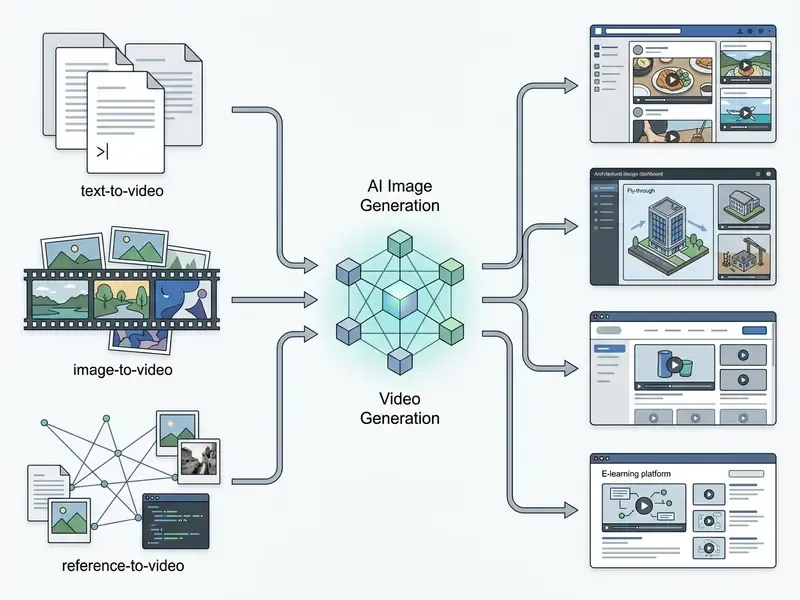
- Text-to-Video Input
- direct natural language text prompts (
text2video). - Image-to-Video Input
- static graphic upload paired with motion prompts (
img2video). - Reference-to-Video Input
- up to four reference source graphics that condition style, subject, or composition.
- AI Image Generation Integration
- synthetic image creation via
text2imgbefore video conversion, so one image generator feeds the video stage. - Primary Use Cases
- educational video explainers, concept prototyping, marketing storyboards, dynamic social media assets.
Which Video Generation Formats Are Available in DeepAI
Who Can Benefit From the DeepAI AI Video Generator
The video generator serves content creators, digital marketing managers, visual designers, and educators who need fast visual assets. It lets non-technical team members assemble short animated sequences without frame-by-frame editing skills.
Digital marketers build promotional clips and campaign drafts. Educators translate abstract concepts into short visual demonstrations. Visual artists convert static illustrations into motion graphics, using the video AI image path rather than manual keyframing. When shortlisting platforms, teams frequently consult AI Media Comparison Matrices to weigh DeepAI's output constraints against other generative utilities.
Text-to-Video in DeepAI: How to Turn Text Descriptions into Video
Text-to-video in DeepAI generates clips directly from textual descriptions of up to 3,000 characters. Requests go to the text2video API endpoint or through the web dashboard, and structured prompts come back as synthetic short-form video. Prompts above the 3,000-character ceiling return an HTTP 400 error, so prompt discipline is a hard technical constraint, not a stylistic preference.
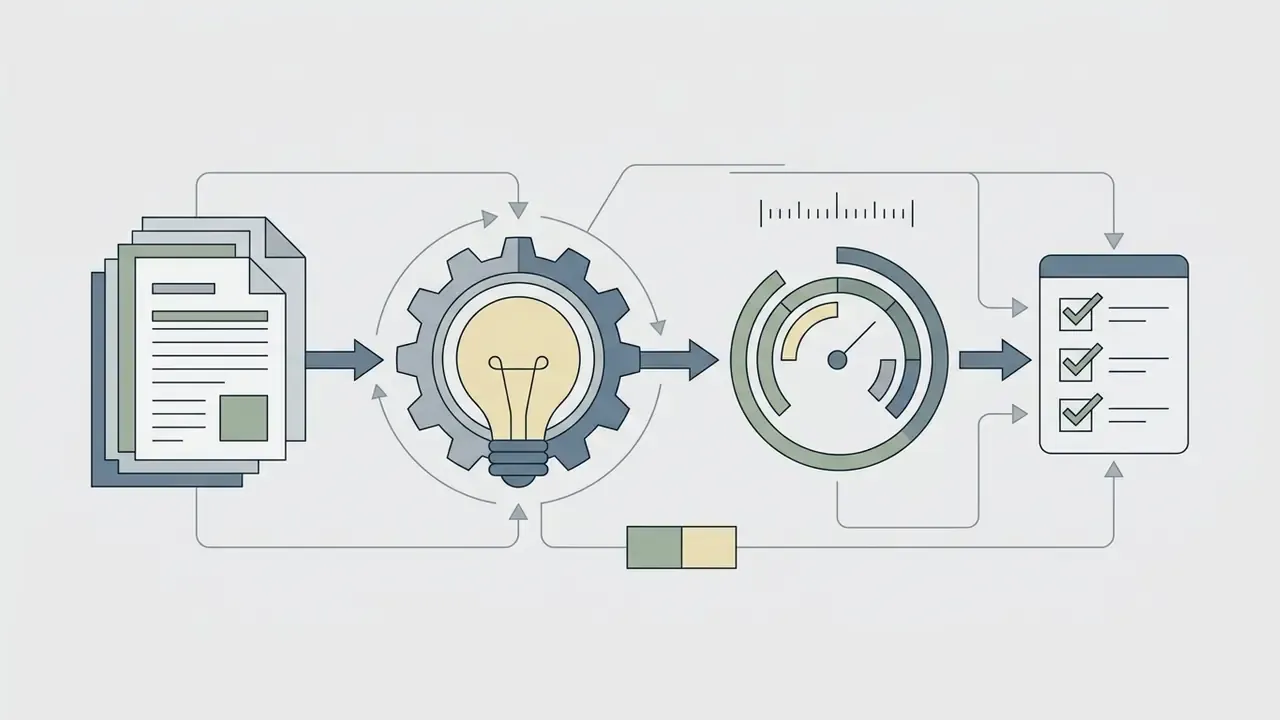
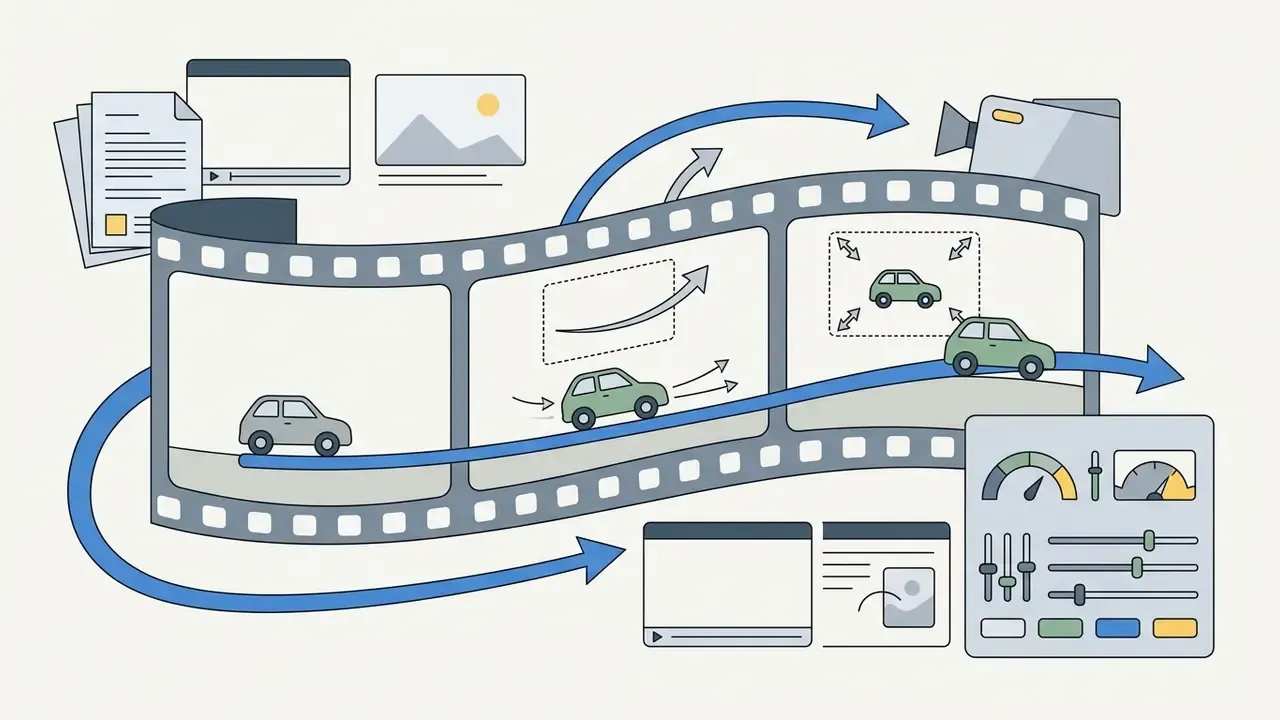
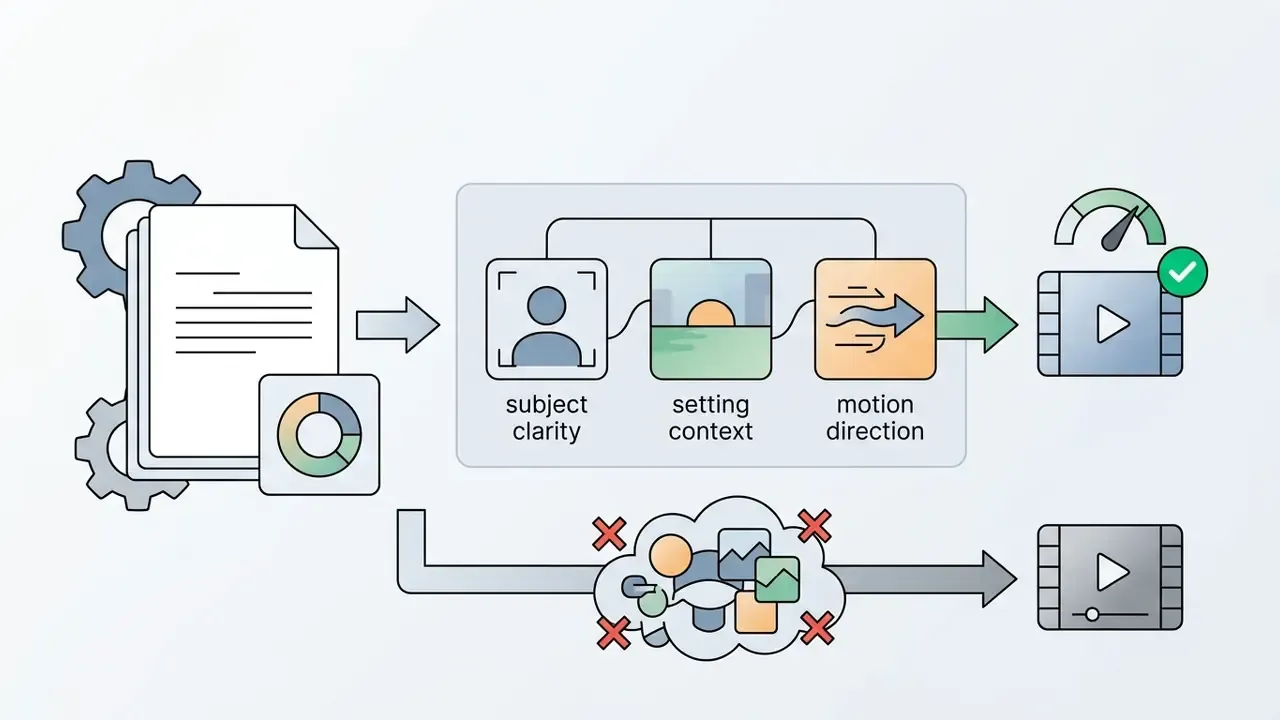
The processing engine reads prompt semantics to construct coherent visual elements, lighting, and movement across consecutive frames. Independent benchmarking explains why prompt balance, meaning subject clarity, setting context, and one dominant motion direction, beats prompts stuffed with contradictory constraints.
«GenAI-Bench evaluates 1,600 compositional prompts and shows leading generative models systematically fail on attribute binding, spatial relations, and logical operators.»
How to Draft an Effective Prompt for Video Generation
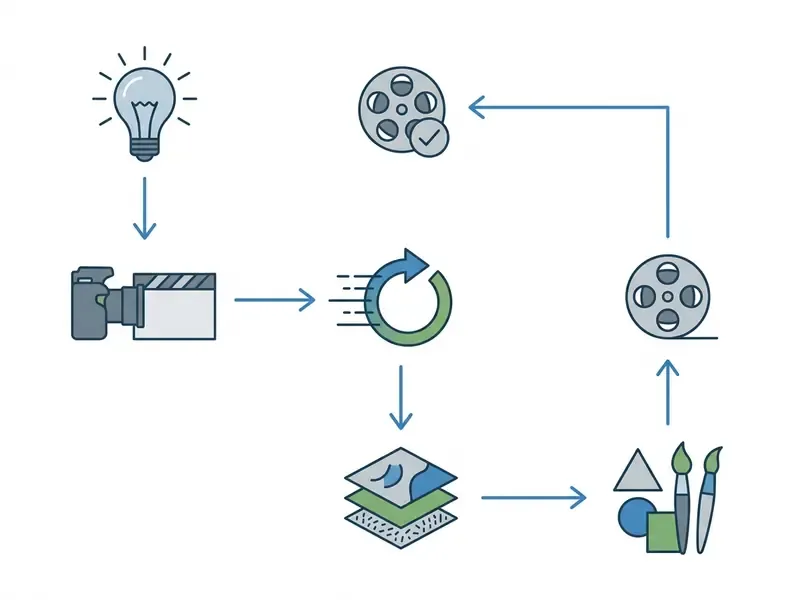
Writing an effective prompt for the deepai video generator text to video engine means establishing a visual hierarchy: primary subject, background environment, camera movement, aesthetic style. Specific visual language yields higher consistency than broad abstractions. Vague briefs produce vague motion.
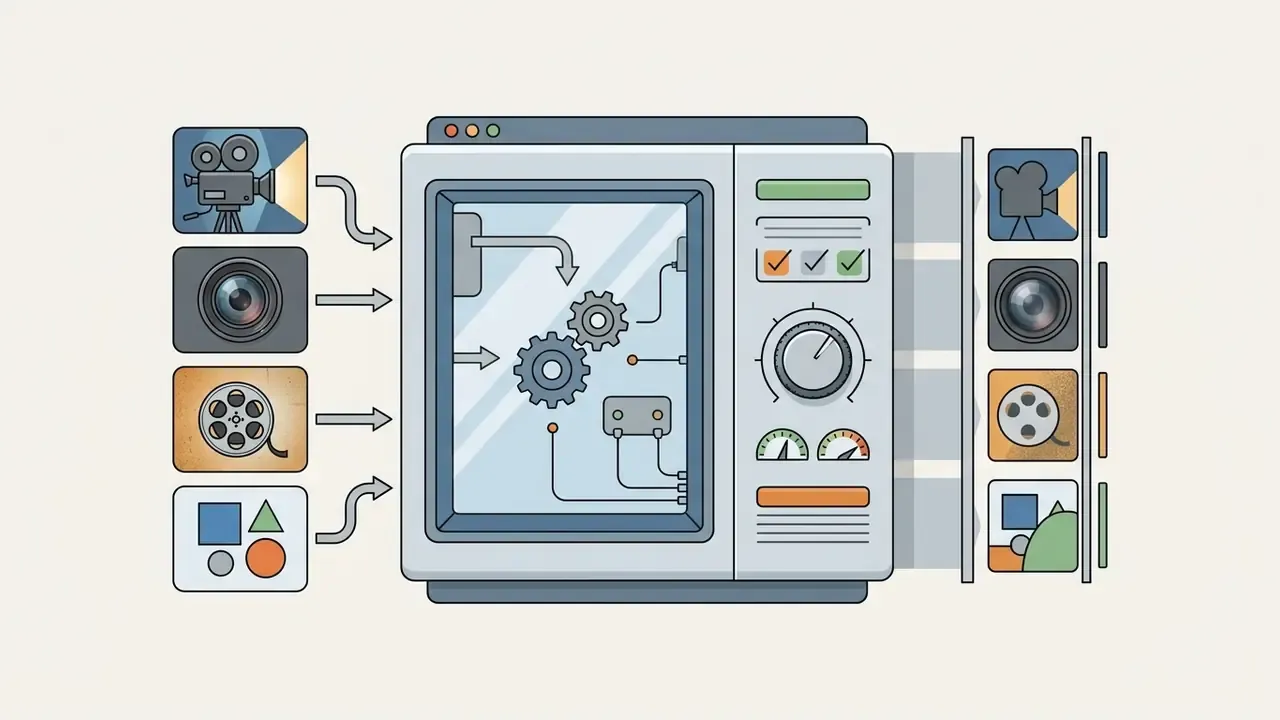
To improve generation accuracy in an ai video generator deep ai workflow, keep the prompt sequence consistent:
- Subject: define the central entity (for example, "a silver robotic arm").
- Action/Motion: describe explicit movement ("slowly picking up a glass vial").
- Setting/Background: detail the surrounding scene ("in a dimly lit cleanroom laboratory").
- Lighting & Style: specify rendering parameters ("cinematic blue LED lighting, photorealistic, 2K").

What Results to Expect from Text-to-Video
Outputs arrive as short clips: usually 5-second standard HD segments, or 8 to 15 seconds in Hollywood Mode. Visual fidelity tracks prompt clarity, resolution setting, and scene complexity.
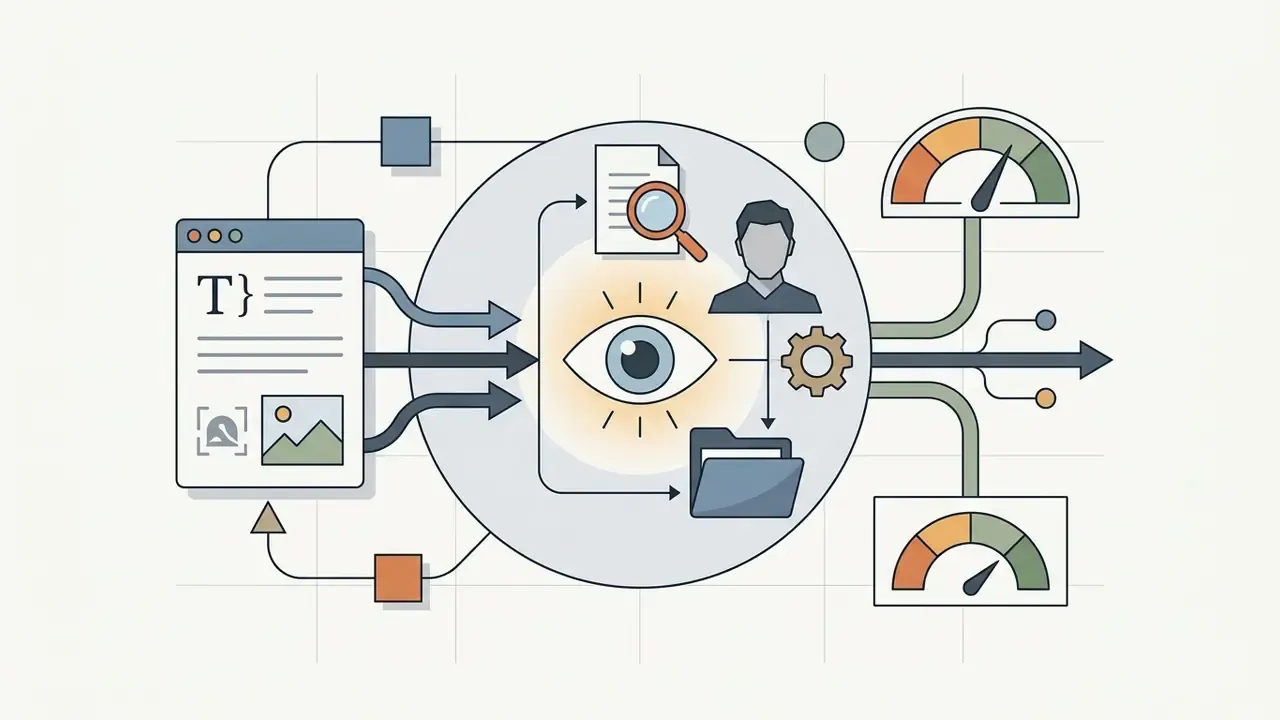
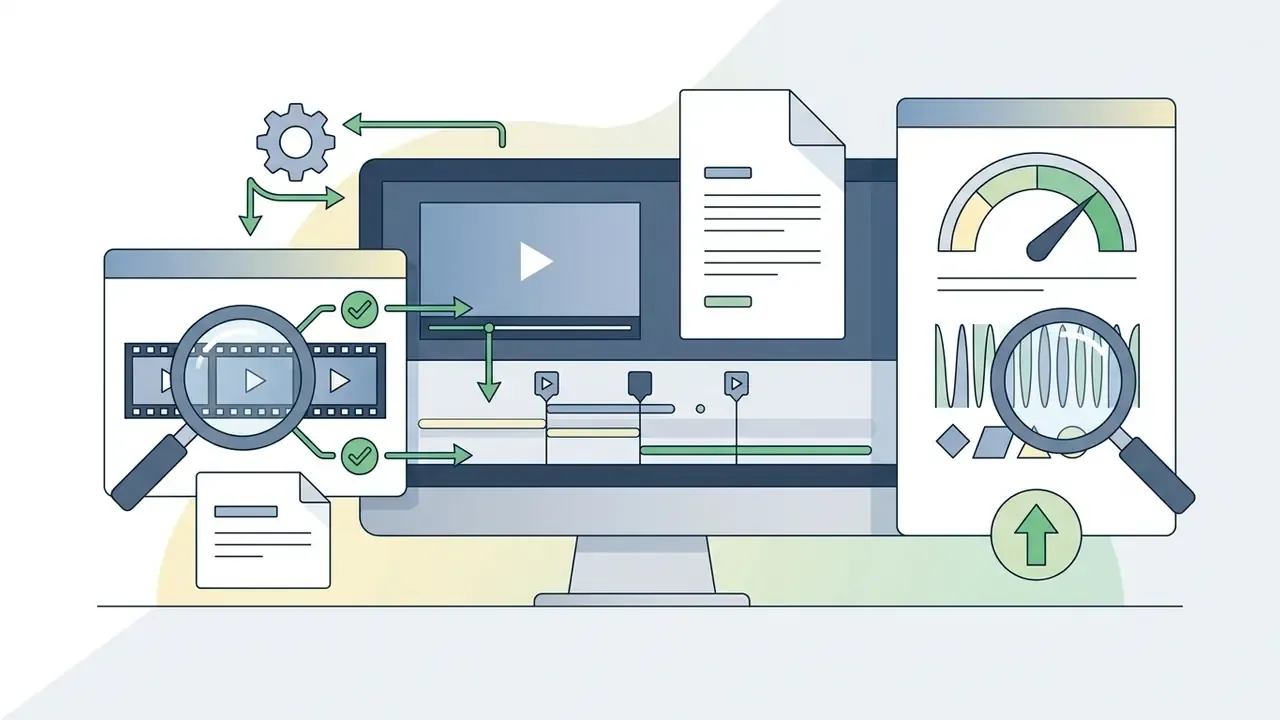
Opening frames often show strong detail. Complex multi-object interaction is where the video creates flicker, object morphing, or limbs that quietly change count. Benchmark evidence confirms that no single architecture dominates every compositional dimension, which is why practitioners running a comparison of leading AI video generators route different shot types to different engines.
«T2V-CompBench evaluates 23 models across 7 categories, including attribute binding, spatial relations, motion binding, and object interaction, with no model leading in all categories.»
Marketers reformatting existing assets often pair generation with editing utilities, checking how long video to short-form tools complement a raw text-to-video generator.
DeepAI Image-to-Video: Animating Static Visuals
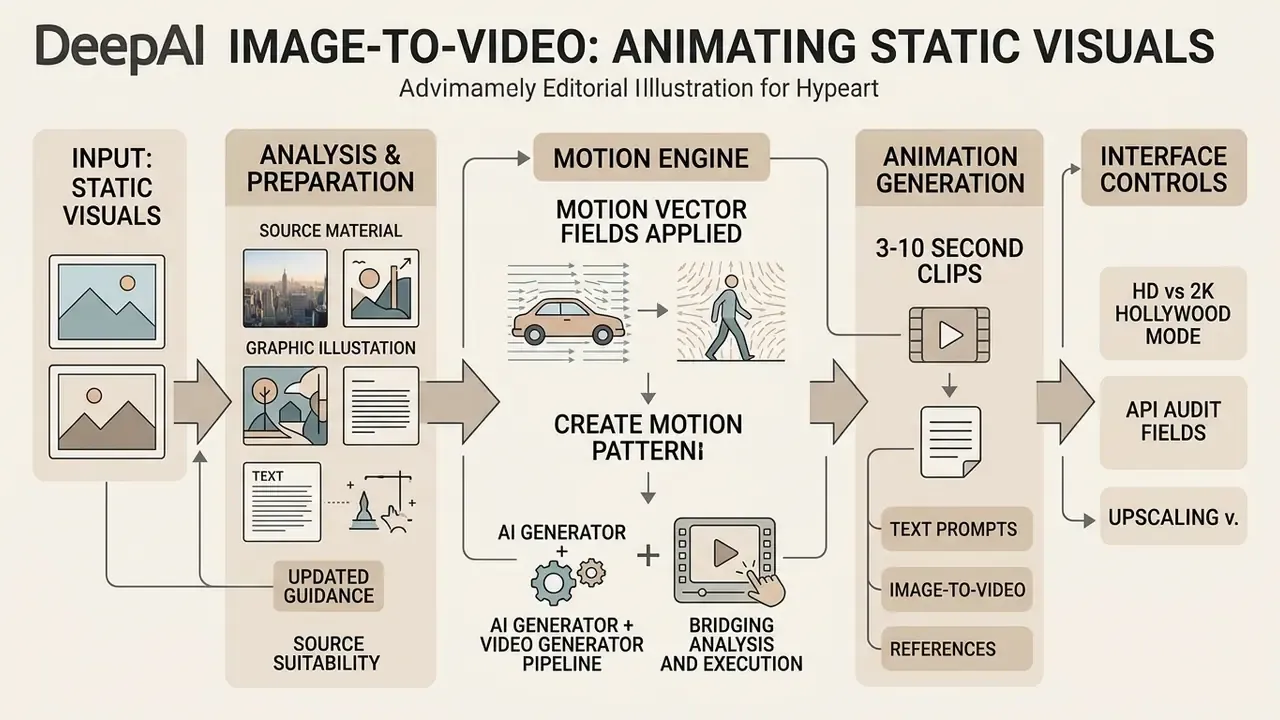
The deep ai image to video engine animates existing static material by applying motion vector fields to uploaded graphics or photos. Users submit an image file or URL along with a descriptive motion prompt that guides the transformation.
This mode lets teams preserve brand marks, graphic layouts, or photo subjects while introducing controlled movement. The underlying algorithm evaluates keypoint positions across the source frame, then projects motion trajectories aligned with the text prompt.
Which Images Are Suitable for Image-to-Video
High-contrast, high-resolution stills with clearly separated foreground subjects produce the best results in deepai video generator image to video workflows. Source graphics matching the target aspect ratio (16:9 or 9:16, for instance) minimize unwanted cropping and warping artifacts.
Updated guidance on source preparation. As a practical rule drawn from standard digital-imaging practice, the source graphic should already match the intended output frame size, for example 1920×1080 for HD delivery or 3840×2160 for a 4K master, instead of relying on artificial upscaling. Scaling a still beyond 100% introduces pixel stair-stepping and edge artifacts that the animation model then amplifies across every frame. Digitisation baselines commonly cited in archival practice use 300 dpi as a minimum and 600 dpi where fine detail matters; those are industry conventions, not DeepAI requirements, and institutional thresholds vary. Foreground-to-background contrast should be clearly perceptible, and accessibility standards use a 3:1 ratio for non-text graphical elements as a sensible floor. Low-contrast or heavily compressed images tend to produce motion blur and edge distortion once animation starts.
«AIGVQA-DB shows static frame quality and dynamic degree are independent dimensions: high source resolution does not guarantee temporal consistency in animation.»
Creators building looping background graphics often finish the job with a utility to loop video online from animated static frames.
Combining AI Image Generator and Video Generator
A structured pipeline pairs DeepAI's AI Image Generator (text2img) with the Video Generator (img2video) for tighter control over output. Generate and refine the still first with precise prompts, lock the composition, then trigger animation. Teams selecting an upstream still-image engine can compare options among AI image generators and evaluate style-specific tools such as those covered in our Ghibli-style AI image generator comparison.
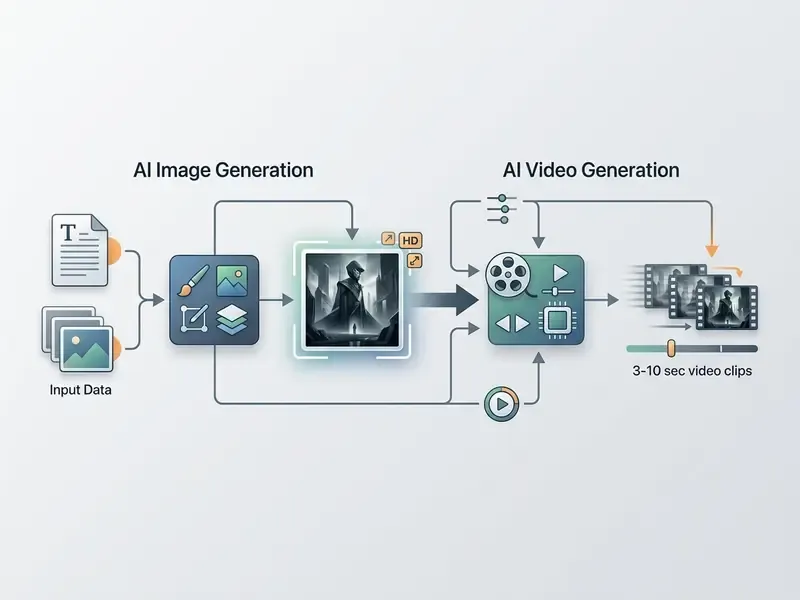
Illustrative pipeline pattern (not a verified client case). A typical enterprise marketing sequence for an educational campaign on algorithmic compliance runs like this: the team generates roughly fifteen high-resolution static diagrams of data-flow architectures through the ai image generator endpoint, selects the three strongest compositions, then passes only those approved assets into the image-to-video pipeline with subtle camera-zoom prompts to produce 5-second broadcast-ready clips. The governance value here is arithmetic rather than anecdotal. At $0.20 per standard second, rejecting a weak composition at the still-image stage costs about $0.01, while rejecting it after a 5-second render costs $1.00. That is a 100× difference in waste per discarded iteration.
Bridging analysis and execution. These economics hold only if the operator sets duration, aspect ratio, and quality mode deliberately instead of accepting defaults. The next section maps those choices to the exact controls exposed in the dashboard.
DeepAI Video Generator Interface: Creating and Downloading Videos
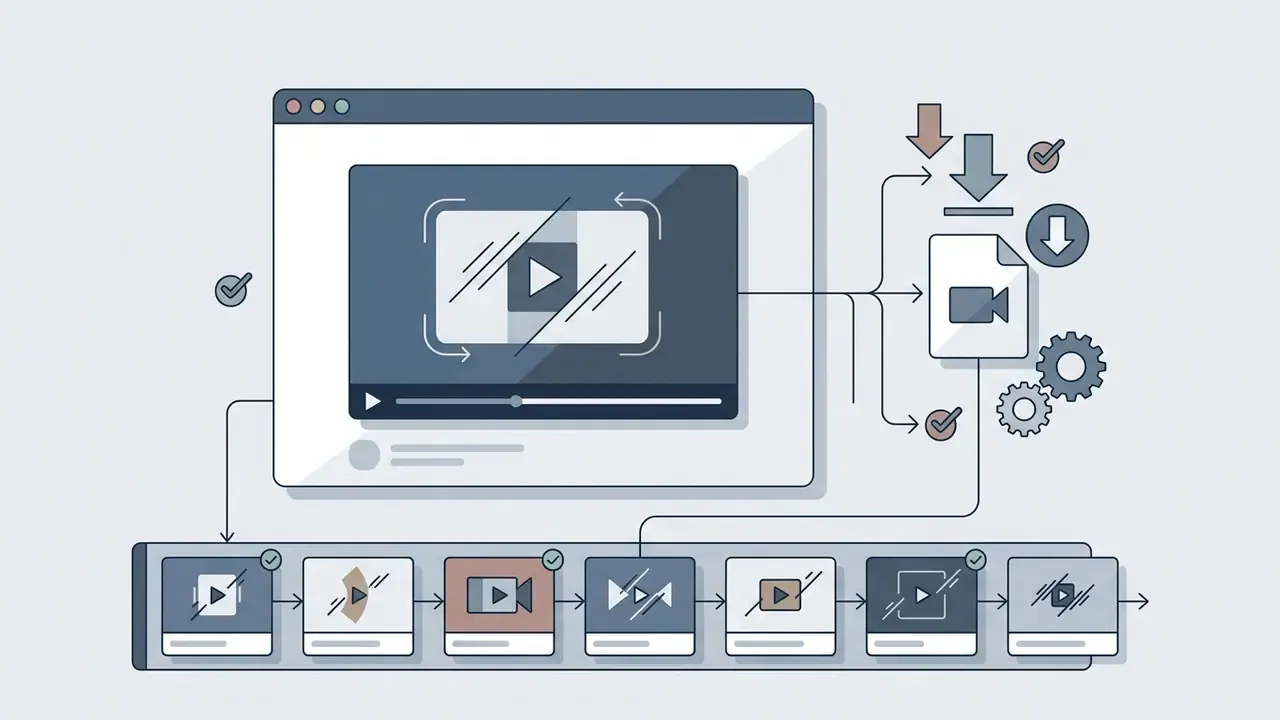
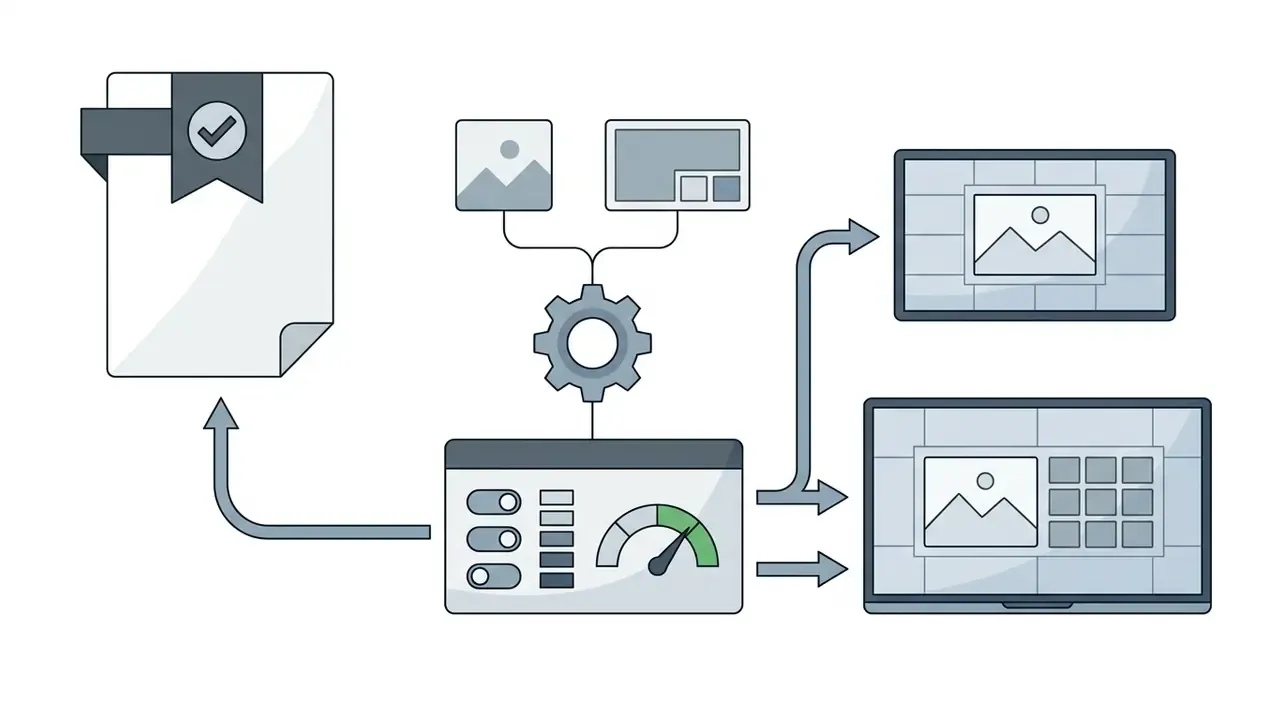
The deepai video generator interface is a web dashboard where users manage inputs, configure rendering parameters, preview results, and export finished files. Configuration friction is deliberately low, for browser users and API developers alike.
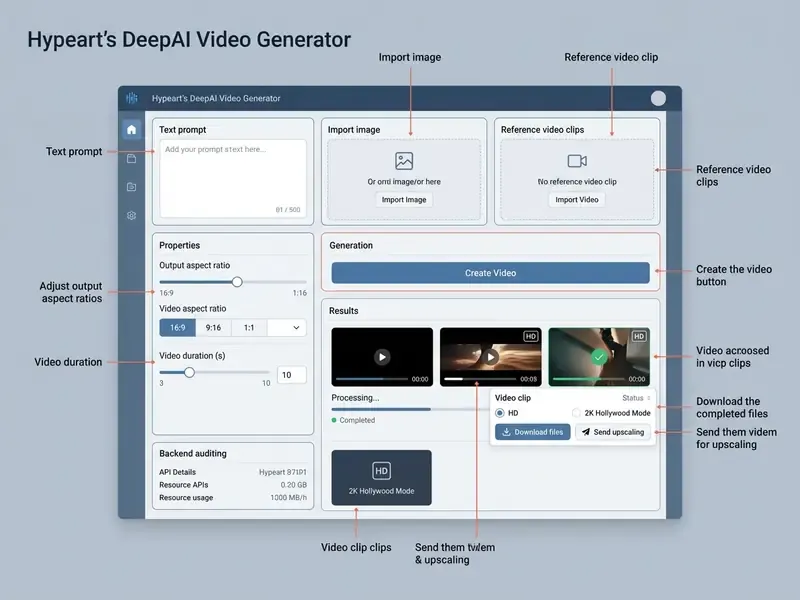
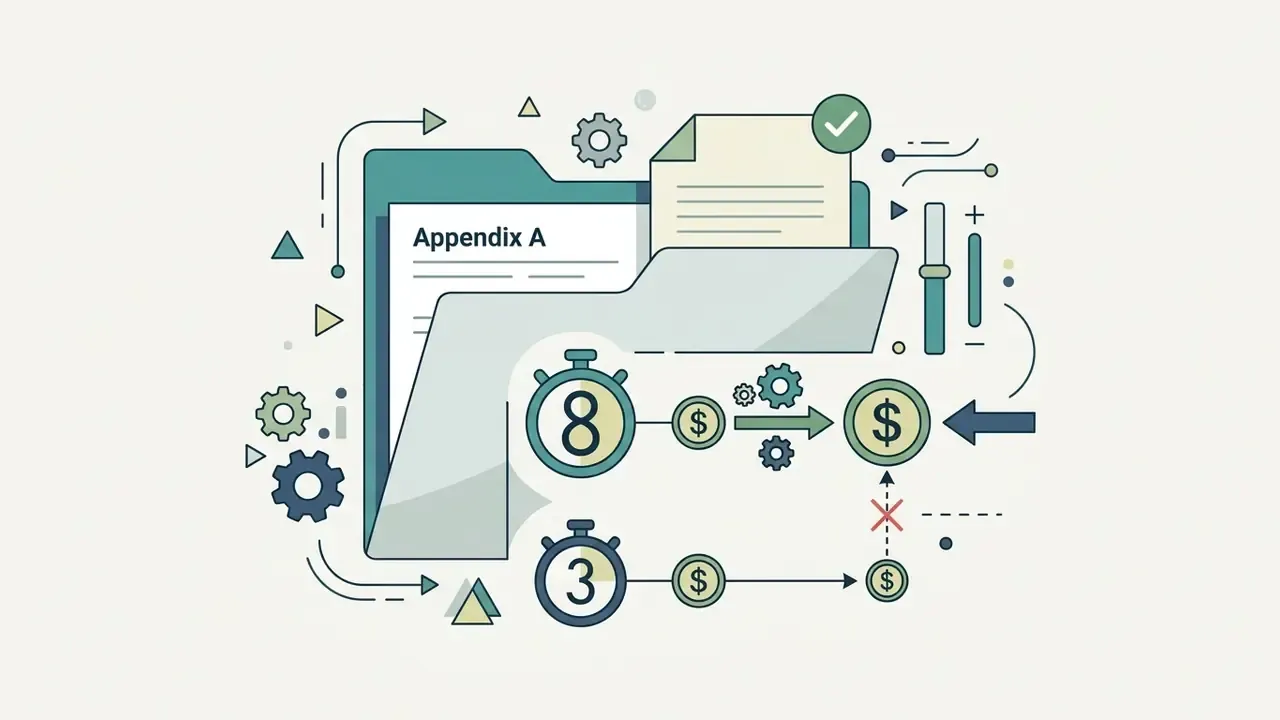
Budget planning depends on two of those controls more than the rest. Since billing is per second, the gap between the 8s default and a deliberate 3s draft is $1.60 versus $0.60 in HD, or $2.40 versus $0.90 in Hollywood Mode. Multiply that by dozens of campaign variants and the default setting quietly becomes a cost decision.
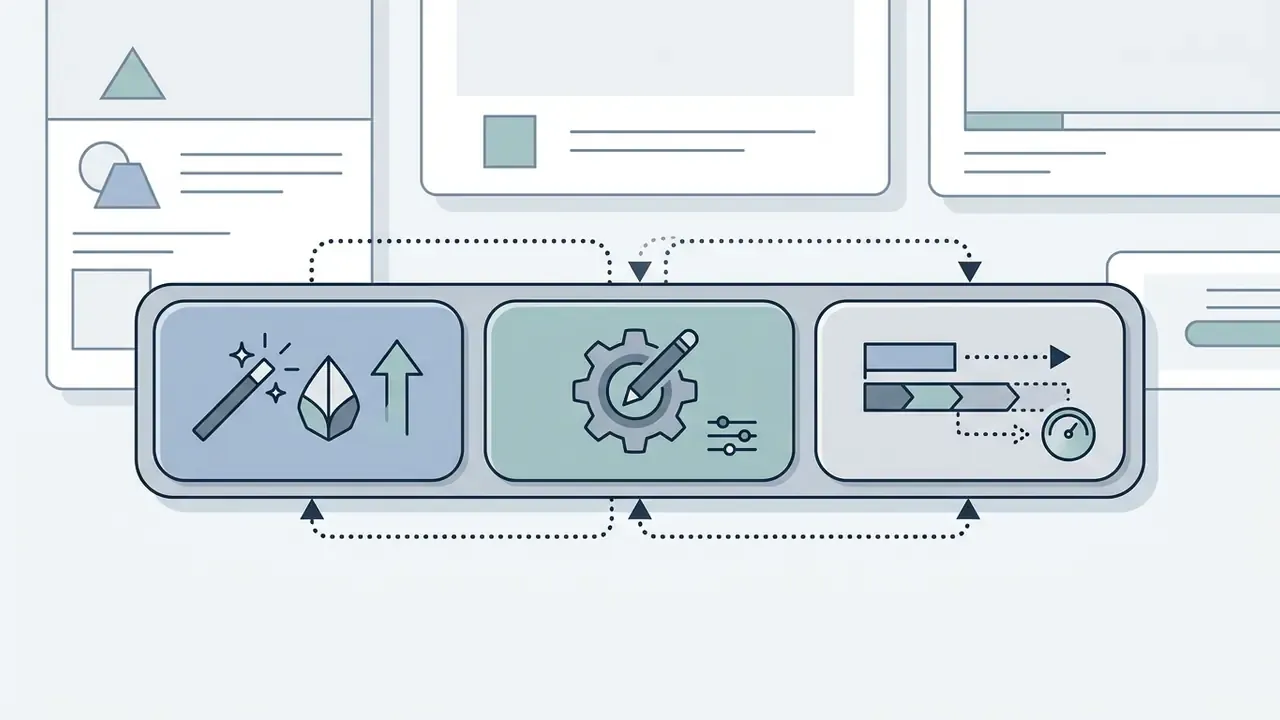
Create, Edit, and Extend workflows.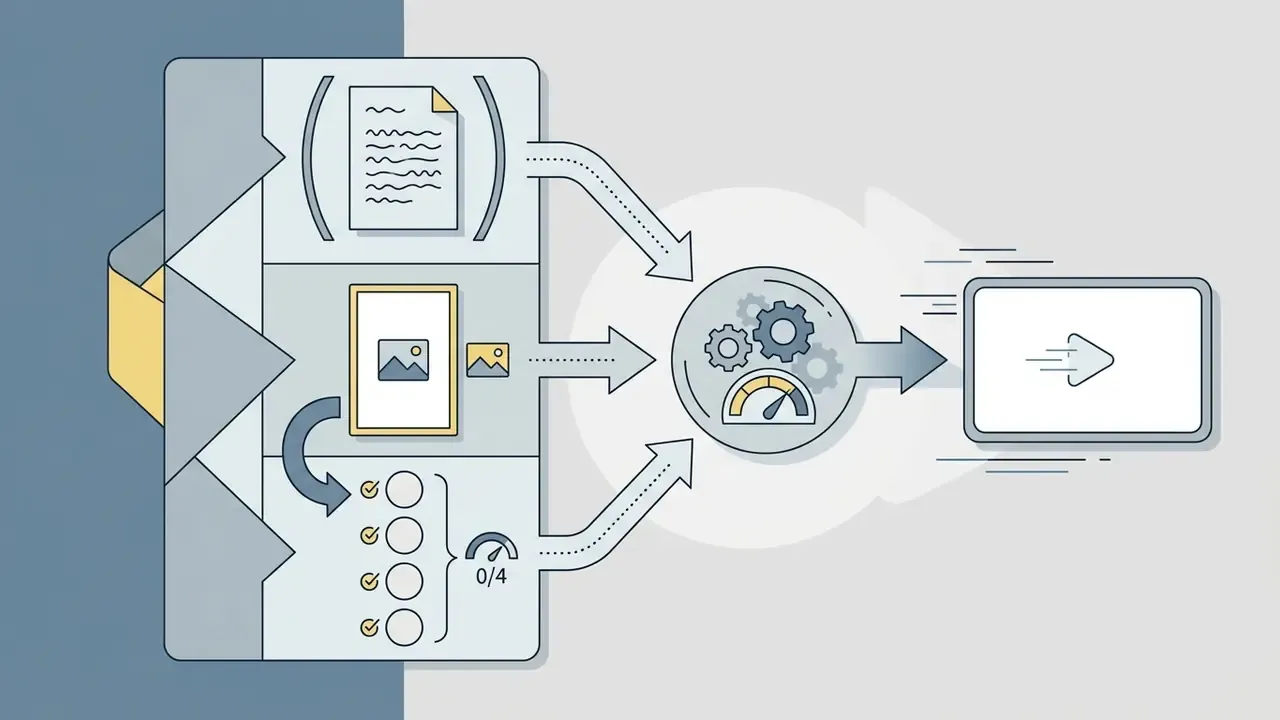
Text to Video, Image to Video, or Reference to Video (up to 4 reference graphics via the Reference Images 0/4 control).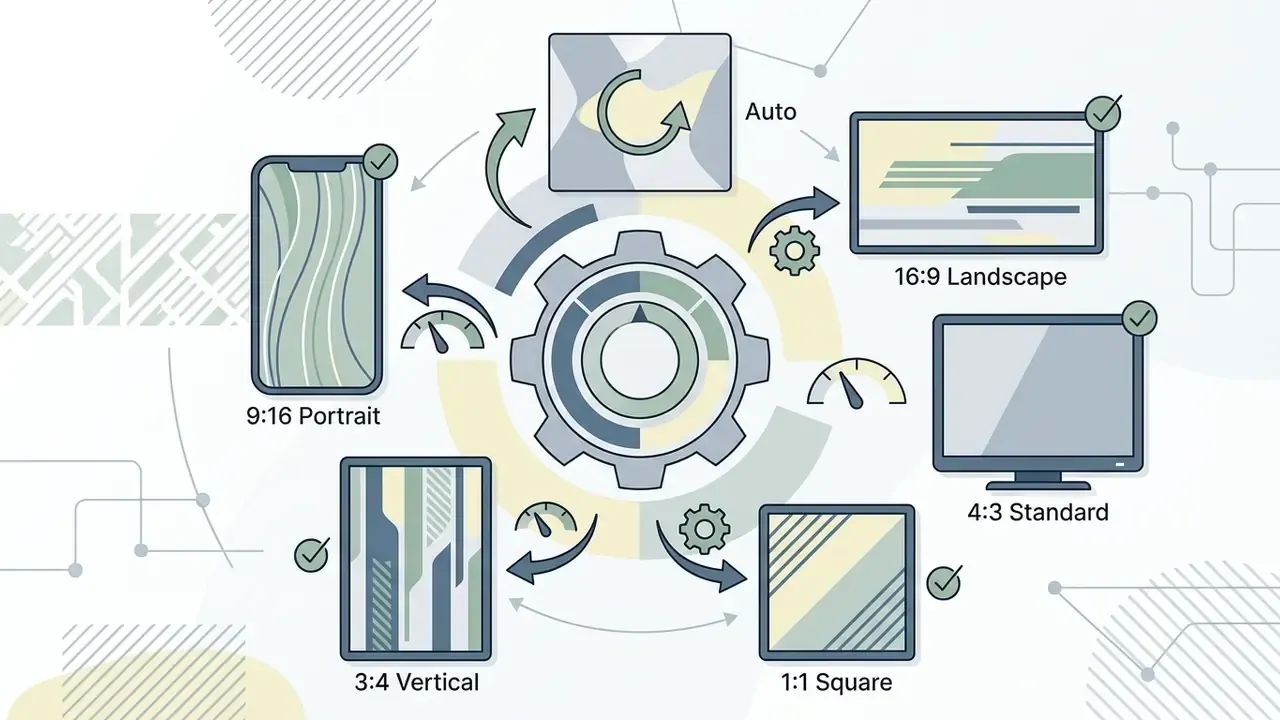
Auto, 16:9 Landscape, 4:3 Standard, 1:1 Square, 3:4 Vertical, or 9:16 Portrait.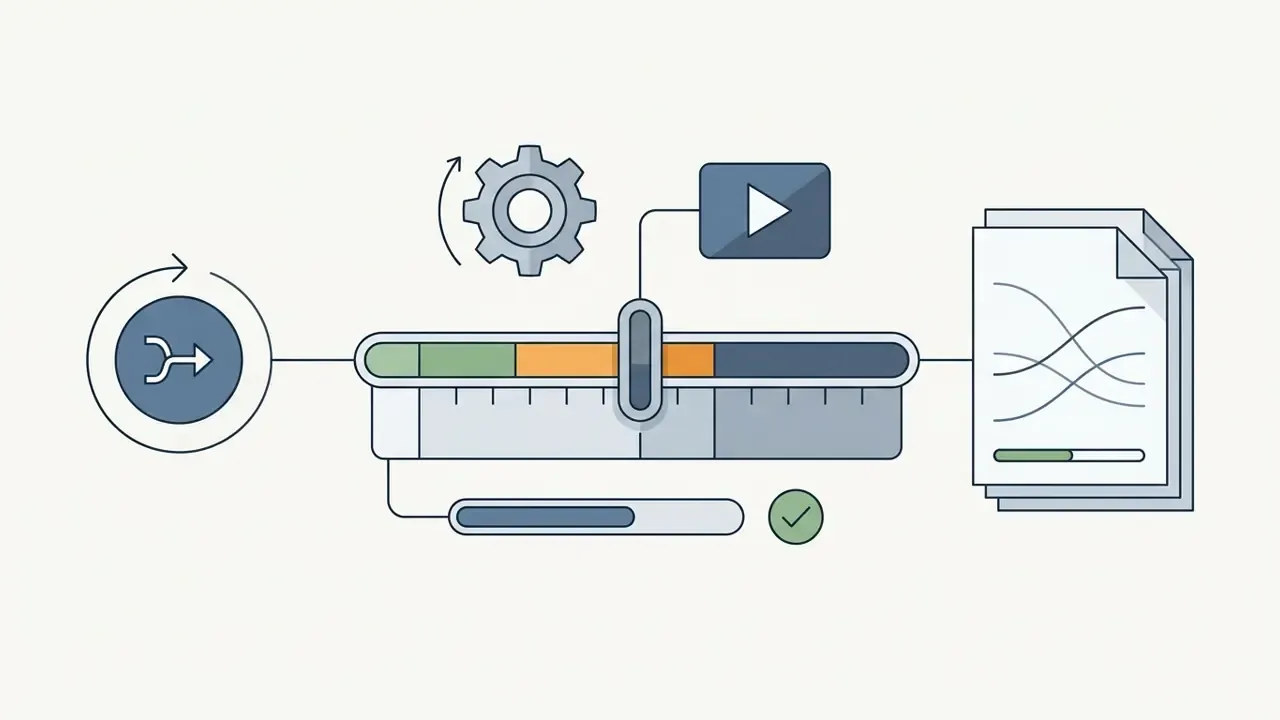
3 to 10 seconds (default preset 8s).
HD ($0.20/sec) and 2K Hollywood Mode ($0.30/sec).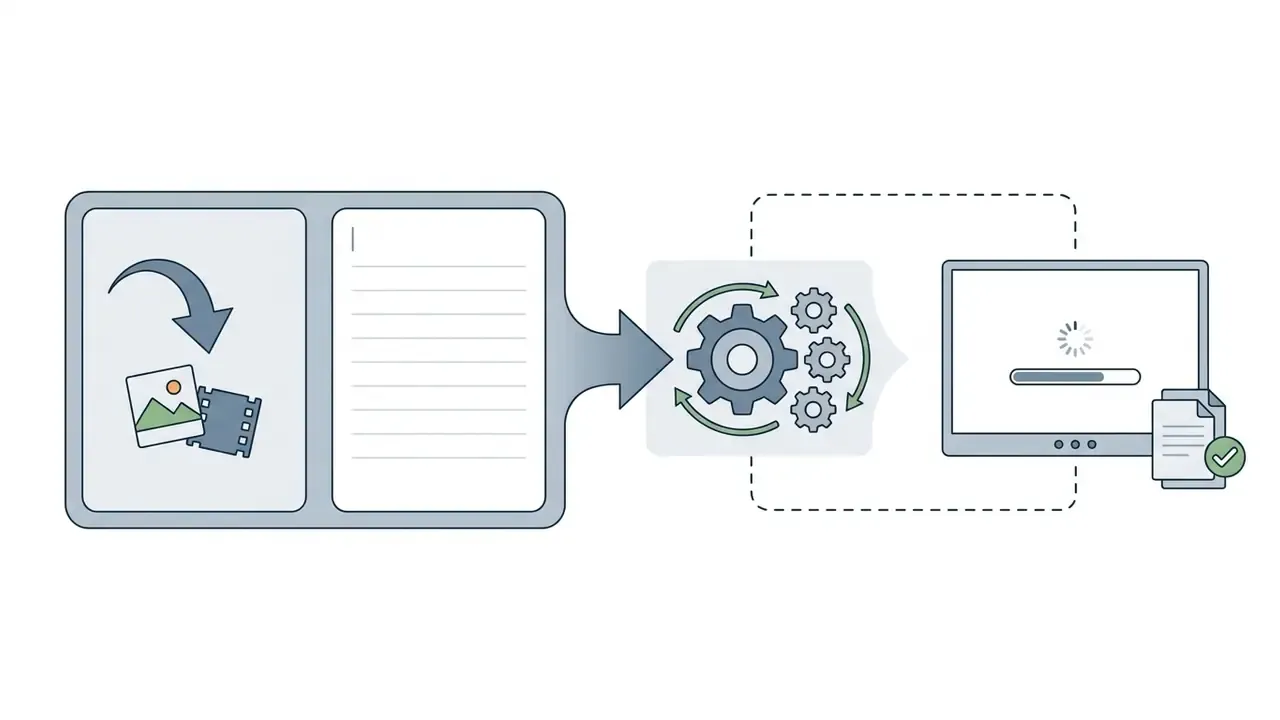
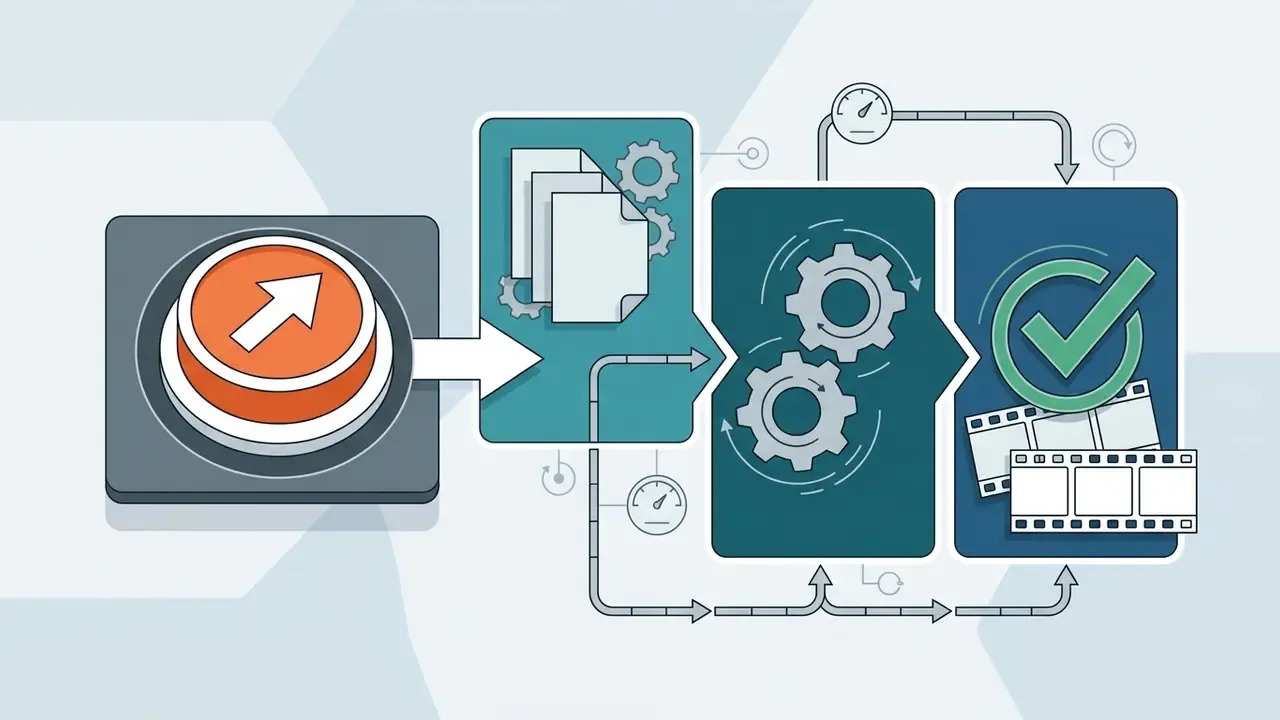
Entering Text or Uploading Images
Users start creation through the deepai video generator link on the platform dashboard, then choose text-based creation, graphic file submission, or reference-image conditioning. The interface accepts JPEG and PNG uploads, direct web URLs for image-to-video generation, and an existing video file when Extend is selected.
With image inputs, the uploaded visual appears alongside a supplementary prompt field for movement speed and direction. Developers comparing platform interfaces often test tools such as luma ai video to benchmark UI responsiveness against DeepAI's minimalist workflow.
Reviewing Results and Regenerating Content
DeepAI Video Quality: Resolution, Models, and Generation Limits
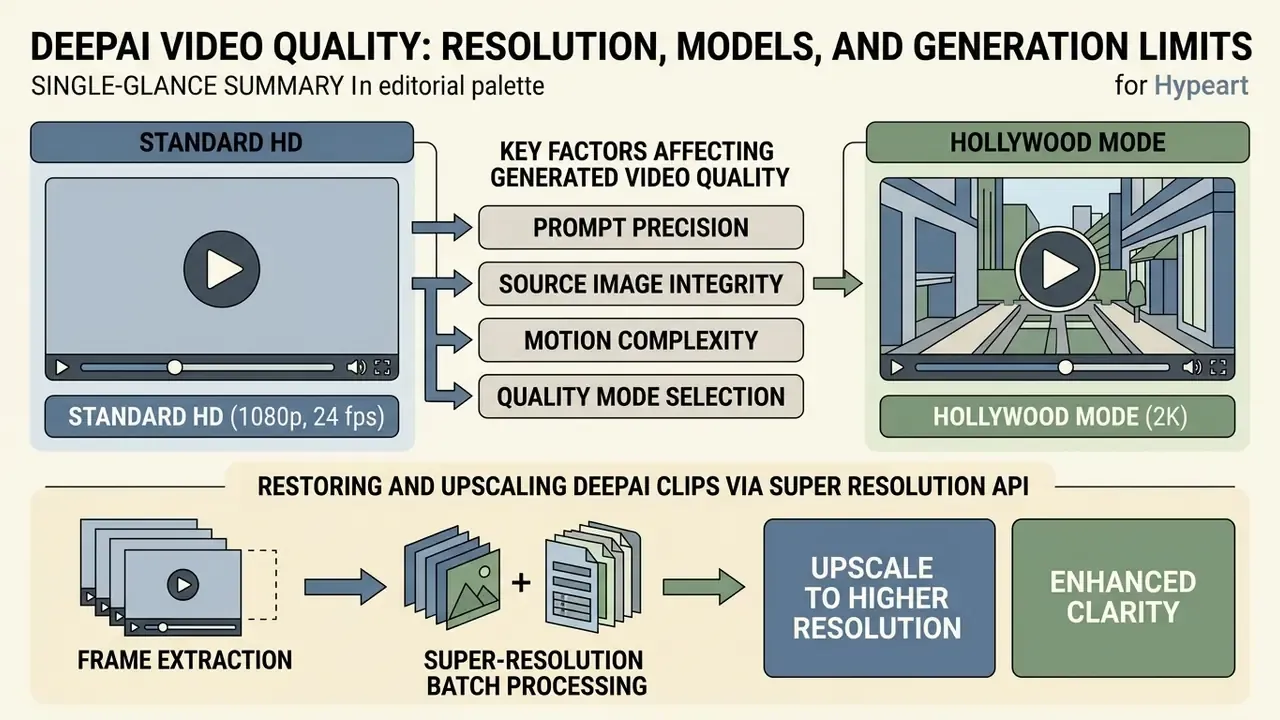
Quality falls into two operational tiers: Standard HD (1080p, 24 fps) and Hollywood Mode (2K). Output depends on mode selection, motion complexity, and the generative constraints underneath.
Hollywood Mode delivers higher frame fidelity and less noise. Even so, generative models stay bounded by physical realism limits, and perceptual research is blunt about resolution not predicting perceived quality.
«AIGVQA-DB collected roughly 370,000 expert ratings across four dimensions: static quality, temporal smoothness, dynamic degree, and text-video correspondence, none of which correlates automatically with resolution.»
DeepAI's public documentation exposes only tiered quality labels (hd, hollywood) and duration allowances. It does not name the underlying video model family, so any claim about a specific backbone architecture is unverified. Independent reviews describe the output as competent for drafts and "basic" for finished rendering, which is consistent with a short-clip diffusion pipeline tuned for cost.
Key Factors Affecting Generated Video Quality
Four variables set the technical fidelity of clips from the deepai – ai video generator:
- Prompt Precision: concrete descriptions reduce model ambiguity and lower frame distortion rates.
- Source Image Integrity: high-resolution, uncompressed inputs prevent artifact propagation during animation.
- Motion Complexity: simple camera pans hold frame stability far better than multi-subject interaction.
- Quality Mode Selection: Hollywood Mode lifts output to 2K and sharpens fine detail.
«The DEVIL metric reaches above 0.90 correlation with human judgement, separating dynamics range, controllability, and quality under motion as three independent aspects of video realism.»
Restoring and Upscaling DeepAI Clips via Super Resolution API
When a standard HD generation looks soft or noisy at the edges, technical teams can run frame-by-frame super-resolution using DeepAI's image enhancement endpoints plus local video utilities:
- Frame Extraction: split the MP4 into uncompressed PNG frames with CLI tools such as FFmpeg (
ffmpeg -i input.mp4 -qscale:v 1 frames/%004d.png) or a Python script built on OpenCV. - Super-Resolution Batch Processing: send each frame to the
POST /api/waifu2xorPOST /api/torch-srganendpoints to reconstruct missing pixel data and push spatial resolution toward 4K. - Video Reassembly: re-encode the enhanced sequence back into a container with FFmpeg (
ffmpeg -framerate 24 -i frames/%004d.png -c:v libx264 -pix_fmt yuv420p output_upscaled.mp4), preserving the original pacing while restoring sharpness.
Two cautions apply here. First, per-frame API billing scales linearly: a 5-second clip at 24 fps yields 120 frames, so model the batch cost before running full sequences. Second, frame-independent upscaling can introduce temporal shimmer, since each frame is enhanced with no knowledge of its neighbours. That is exactly the temporal-smoothness dimension AIGVQA-DB measures separately from static quality. Teams needing steady motion after upscaling usually pass the reassembled file through a dedicated temporal enhancer, and anyone optimising delivery formats can consult our guide to video compressors before final export.
When the Generator Cannot Replace Full Video Editing
The deepai video generator produces raw clips. It does not replace non-linear editing software. There is no multi-track timeline, no precise audio-visual synchronization, no advanced color grading, and no serious clip-to-clip transition toolkit.
Projects that need character continuity across scenes or synchronized voiceover must export into external suites. See our overview of video editing tools and the comparison of free video editing software for the immediate next step after generation. Voice work typically moves to a separate stack too, covered in the guide to AI voice generators, while publishing workflows for creators sit in our YouTube video editor guide. Independent testing has reported that DeepAI alone could not deliver a complete, ready-to-share marketing video without a traditional editor to assemble clips, add branding, and finish the sequence. Teams looking for live interactive streaming or browser-based communication features should evaluate specialized solutions for a live video call instead of an offline generation utility.
Corporate Data Security, Shadow AI, and Governance Controls
This information is general in nature and does not replace advice from a qualified specialist.
Before a regulated organization lets this tool near a production workflow, three security questions decide whether it is admissible, restricted, or blocked.
1. Public hosting of uploaded assets. DeepAI's documentation states that uploading material to the public generator grants the platform rights to host that material publicly. For a bank, insurer, or fintech, that single clause is a showstopper for anything containing customer data, unreleased product design, internal architecture diagrams, or employee likeness. The control is a hard rule: upload only assets already cleared for public release, and push confidential visuals to a contracted private pipeline.
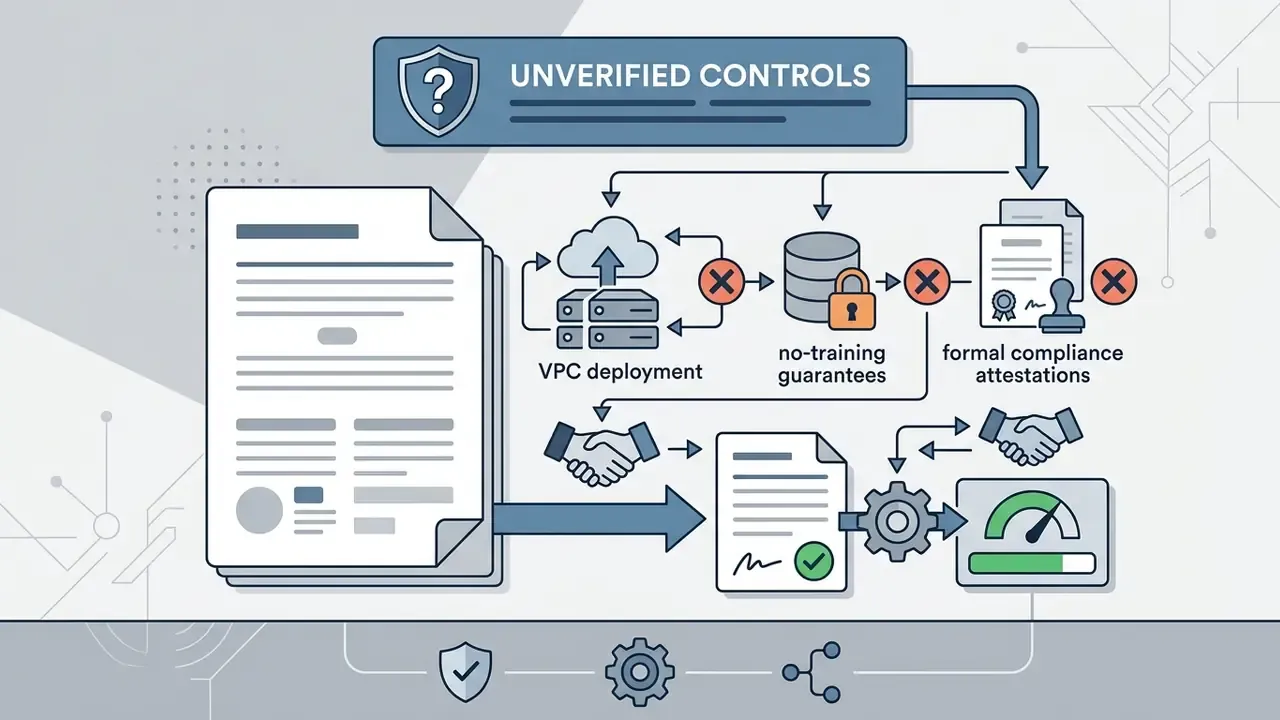
2. Absence of documented enterprise isolation. The public DeepAI materials reviewed for this article do not describe a dedicated VPC deployment, an on-premise option, customer-managed encryption keys, or formal compliance attestations for the video endpoints. They also do not state whether user submissions are excluded from model training. These controls are unstated, not confirmed absent, so governance teams should treat them as unverified and require written confirmation from the vendor before onboarding. Do not infer their existence from general SaaS norms. Organizations that require guaranteed data isolation usually evaluate a local AI video generator or an enterprise API with contractual no-training terms.
3. Shadow AI exposure. Because the service is browser-accessible and priced at consumer level ($9.99/month on a personal card), it is a textbook Shadow AI vector. An employee can start uploading branded material within minutes, outside procurement and outside logging. Recommended compensating controls:
- DLP egress rules that inspect and block image or video uploads to the generator's domains from managed endpoints, with an allow-list for the marketing team's sanctioned account.
- CASB categorisation of the service as "generative AI, unsanctioned" until formally approved, with user coaching pages instead of silent blocks.
- A single sanctioned account with API keys in a secrets manager, so all generation flows through a logged service account rather than personal logins.
- AI inventory registration, treating each generation endpoint as a third-party model entry with an owner, purpose, data classification, and review date.
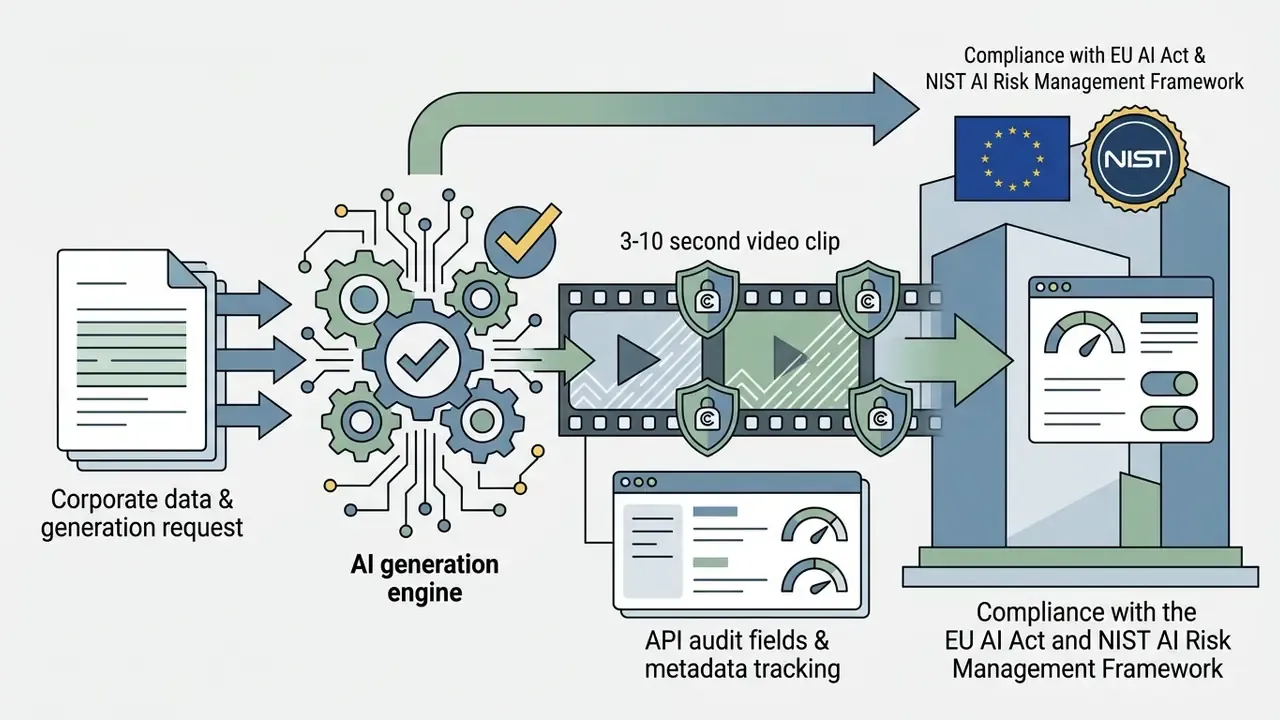
A safe, non-aggressive next step for most institutions: approve the tool for a single, explicitly public-marketing data class, log every job in the model inventory for 60 days, then review actual spend, rejection rate, and any data-classification exceptions before widening access. Nothing dramatic, just evidence first.
Vendor-independence note: DeepAI is a third-party SaaS provider and is not affiliated with, nor a client of, the editorial team producing this analysis. No commercial relationship influenced the assessment above.
DeepAI Video Generator Free, Pro, and Commercial Use
DeepAI runs a hybrid commercial model that separates restricted public access from paid DeepAI Pro subscriptions. Full access to the video generator, API keys, and commercial deployment rights requires an active Pro subscription or wallet balance. Budget-constrained teams routinely benchmark this against free AI video generators before paying for a tier.
This information is general in nature and does not replace advice from a qualified specialist.
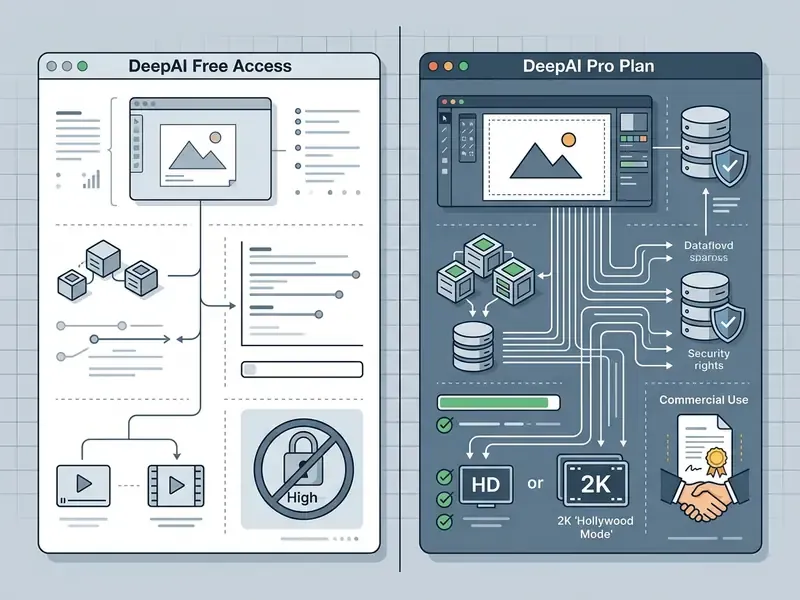
| Feature / Capability | Free Access | DeepAI Pro Plan ($9.99/mo or $89.99/yr) |
|---|---|---|
| Video Generator Access | Promotional / restricted preview | Full web and API access (text2video, img2video, Extend) |
| Monthly Video Allowance | None / trial clips only | 25 standard HD seconds + 8 Hollywood Mode (2K) seconds |
| Additional Video Rates | Not available | $0.20/sec (Standard HD) / $0.30/sec (Hollywood 2K) |
| Clip Duration Range | Preview only | 3 to 10 seconds per render (default 8s) |
| Aspect Ratio Options | Preview only | Auto, 16:9, 4:3, 1:1, 3:4, 9:16 |
| Image Quota (Workflow support) | 4 standard credits | 500 HD images/month ($0.01/extra image) |
| REST API Access | No API key access | Full REST API access via account dashboard |
| Commercial Rights | Subject to review | Worldwide commercial usage rights under terms |
What to Verify in Free Access and DeepAI Pro Plans
Anyone testing the service on a deepai video generator free promotional tier should know that stable API access and consistent high-resolution output are Pro-only. The Pro tier charges a $9.99/month base fee that includes the starting quotas; readers weighing that fee against zero-cost options can consult the comparison of free AI video generators. Note also that searches for deep ai video generator free usually land on the restricted preview rather than the full generator.
Once monthly allowances run out, usage moves to a prepaid wallet. Overages accumulate until they reach the $5 billing threshold. Teams budgeting media production costs can consult AI Media Pricing Guides to compare this credit model against competing generative tools.
Top-ups are purchased in the dashboard in fixed tiers: $5.00, $10.00, $20.00, $50.00, $100.00, $200.00, $500.00, or $1000.00 USD. To keep automated rendering jobs from stalling, account holders can enable Auto Top-Up, which charges the stored payment method whenever the wallet drops below the configured threshold. From a controls perspective, enable Auto Top-Up only on a corporate card with a monthly cap. An unattended retry loop in a pipeline can otherwise escalate spend with no human approval gate anywhere in the chain.
Worked TCO example (including rejected renders). Assume a campaign needs 12 delivered clips of 8 seconds in Standard HD, at a realistic 3:1 rejection ratio (three renders per accepted clip):
| Line item | Calculation | Cost |
|---|---|---|
| Total renders | 12 delivered × 3 attempts | 36 renders |
| Total seconds | 36 × 8 sec | 288 sec |
| Included allowance | Pro plan | −25 sec |
| Billable seconds | 288 − 25 | 263 sec |
| Overage cost | 263 × $0.20 | $52.60 |
| Subscription | 1 month | $9.99 |
| Effective total | ≈ $62.59 |
The same brief in Hollywood Mode (2K) leaves 280 billable seconds after the 8-second allowance, or $84.00 in overage, before any post-processing or upscaling API calls. So the hidden cost driver is the rejection ratio, not the headline per-second rate. Cutting rejections from 3:1 to 1.5:1 halves the largest line item on the invoice.
Evaluating Commercial Use Rights for Video Content
This information is general in nature and does not replace advice from a qualified specialist.
DeepAI's Terms of Service state that users retain commercial rights to outputs generated through paid accounts, and that generated content comes free of copyright restrictions from the platform. Commercial deployment still has to navigate federal legal frameworks on AI-generated media.
Under formal guidance from the U.S. Copyright Office ("Copyright Registration Guidance: Works Containing Material Generated by Artificial Intelligence"), purely machine-generated visual content lacking human authorship cannot be registered for copyright protection.
«Works created by a machine without creative human input are not registrable as subject matter of copyright.»
So commercial usage is permitted by the platform, yet a business cannot claim exclusive copyright over raw generated clips without adding creative human contribution: custom editing, scriptwriting, composite design. The practical implication is a documentation duty. To argue human authorship later, retain prompt logs, selection rationale, and the editing decisions applied after generation.
DeepAI's documentation also notes that uploading assets to the public generator grants the platform rights to host that material publicly, which is why sensitive intellectual property belongs in a private enterprise pipeline. Safety exposure runs parallel for any brand-facing deployment.
«T2VSafetyBench found no single text-to-video model outperforms others across all 12 safety aspects, revealing a fundamental trade-off between usability and protection.»
When to Choose DeepAI for Video Creation vs. Alternative Tools
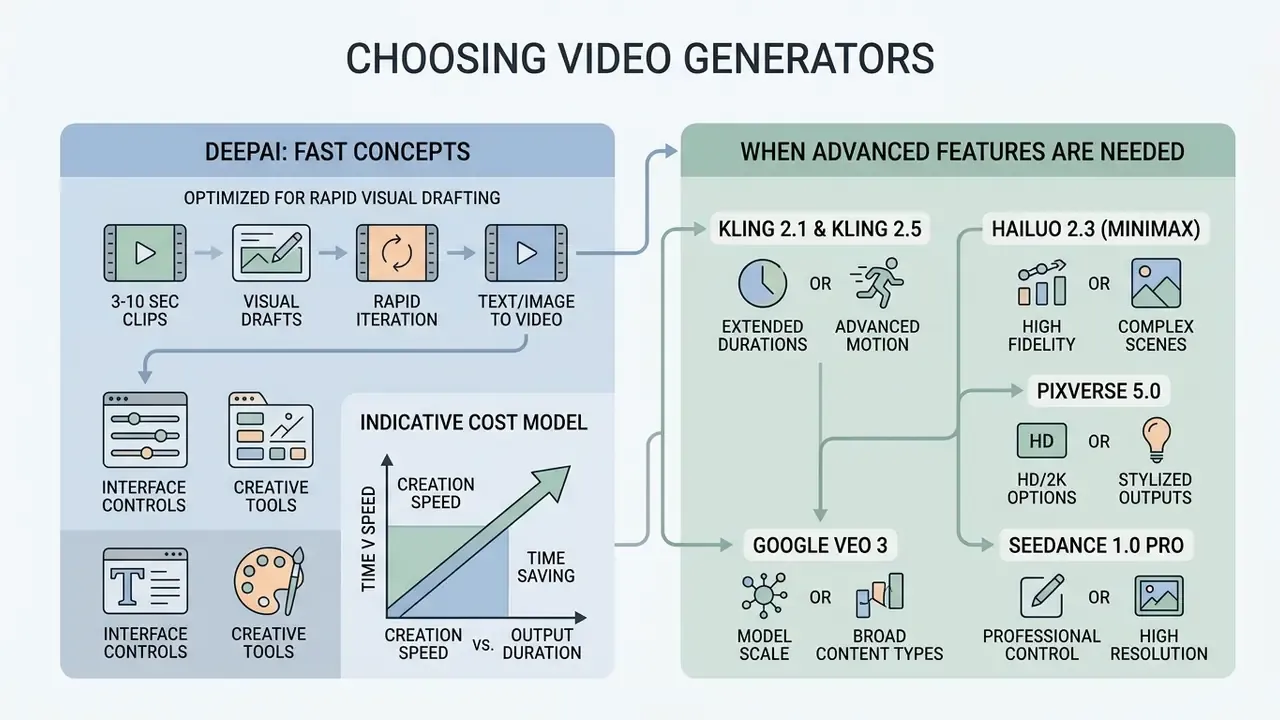
Choosing this platform over other engines comes down to operational priorities. Cost efficiency, rapid prototyping, and multi-modal tool integration favour DeepAI. Complex narrative consistency does not.
The deepai ai video generator works best as an agile utility for short-form visual assets. Teams that want to quantify quality differences between candidate platforms should note that traditional Fréchet Video Distance is sample-hungry and poorly aligned with human judgement.
«JEDi requires only 16% of the samples needed by FVD to reach a stable value and improves alignment with human evaluation by 34% on average.»
When a production brief demands character identity locking across scenes or extended video-to-video style transfer, enterprise teams supplement the video generator DeepAI provides with dedicated specialized platforms.
DeepAI Is Suited for Fast Creative Concepts and Visual Drafts
The tool earns its place in rapid concept ideation, storyboarding, and draft generation. Creative teams can test visual ideas without committing serious rendering budget, which also makes it a low-friction entry point for anyone comparing it against conventional animation creation tools.
Illustrative cost model (indicative, not an audited case). Take an agency producing 20 dynamic background variants for a client pitch. At 5 seconds per clip, the brief consumes 100 seconds of standard HD rendering: 25 seconds sit inside the Pro allowance, 75 seconds bill at $0.20, giving roughly $15.00 in overage plus the $9.99 subscription. Because the API is asynchronous and jobs queue in parallel, wall-clock time for that batch is usually tens of minutes rather than days. The operational argument at the concept stage is throughput per dollar, not final polish. These figures are arithmetic projections from published rates, not a verified client engagement.
When Advanced Features of Other AI Video Generators Are Needed
Alternative enterprise platforms become necessary once requirements exceed DeepAI's lightweight diffusion boundaries. Where DeepAI gives you 3 to 10 second drafts, competing commercial models offer specialised capability:
Avatar-focused generators additionally provide structured lip-sync and facial tracking that general diffusion models like this one do not natively support. A broader comparison of leading AI video generators maps which engine wins each shot type. Where narrative continuity across extended scenes is mandatory, teams pick tools with explicit identity-locking, usually driven by reference sheets or multi-shot feature sharing.
In practice, many enterprise pipelines use DeepAI for low-cost storyboarding at $0.20/sec, then render approved shots through a high-tier model such as Kling or VEO 3. A two-tier strategy keeps iteration cheap and reserves premium credits for what survives review.
FAQ on DeepAI Video Generator
{
"job_id": "vid_9f2c41ab",
"endpoint": "video-api/text2video",
"submitted_at": "2026-03-04T09:12:44Z",
"completed_at": "2026-03-04T09:15:02Z",
"latency_sec": 138,
"mode": "hollywood",
"duration_sec": 8,
"shape": "16:9",
"prompt_hash": "sha256:7b1e…",
"prompt_text_retained": true,
"reference_assets": 0,
"data_classification": "public-marketing",
"requested_by": "svc-media-gen@company",
"billed_seconds": 8,
"estimated_cost_usd": 2.40,
"output_uri": "s3://media-drafts/vid_9f2c41ab.mp4",
"human_review_status": "approved_with_edits"
}
Is API Access Available for DeepAI Video AI
Yes. Programmatic API access to the Video Generator is available to DeepAI Pro subscribers. Integration runs over HTTP REST, authenticated with an API key retrieved from the account dashboard. Keys are secrets: never embed them in client-side code.
Developers issue POST requests to https://api.deepai.org/video-api/text2video or https://api.deepai.org/video-api/img2video using multipart/form-data, with parameters such as prompt, mode=hd|hollywood, duration=3..10, and shape=landscape|portrait|square. Rendering is asynchronous, so the API returns a job id that you poll via GET https://api.deepai.org/video-api/status/ until the render completes.
Audit-trail fields to persist for an AI inventory. For reproducibility in a model-risk register, capture at least the following per job:
Persisting prompt_hash, mode, duration_sec, and human_review_status is what later supports a human-authorship argument and a defensible change log. Independent evaluation infrastructure now exists at a scale that makes such logging comparable across vendors.
«AIGVE-60K contains 58,500 videos from 30 text-to-video models and 2.6 million human annotations, the largest public AI-video quality assessment base published so far.» Source: AIGVE-60K / LOVE Project (2025). https://arxiv.org/abs/2503.15590
Endpoint schemas and implementation notes are maintained in our AI Media API Guides. For connection errors or polling timeouts, developers consult AI Media Support and Troubleshooting.
Where to Find DeepAI Video Generator and Is Login Required
The official deep ai video generator is reachable at deepai.org/video or through the tool navigation menu on the platform. Registration and login are required for full generation features and API key management; sign-in supports email credentials and Google account federation.
Browser demos may offer limited promotional previews, but full functionality requires a DeepAI Pro login. Public sources do not document a dedicated mobile application for the video generator, so mobile use goes through the responsive web interface. Teams projecting rendering costs and quota consumption can use our AI Media Calculators to estimate monthly API spend.
How Long Can a Single DeepAI Clip Be
The dashboard permits 3 to 10 seconds per render, preset to 8 seconds. Longer sequences are assembled either by chaining the Extend workflow or by stitching multiple renders in an external editor. There is no single-request path to a minute-long clip.
Can DeepAI Keep the Same Character Across Several Clips
Not reliably. Reference-to-Video conditioning with up to four reference images improves style and subject similarity, but identity-locking across sequential shots is not documented. Projects that need a recognisable recurring character should route final renders through a model with explicit consistency controls.
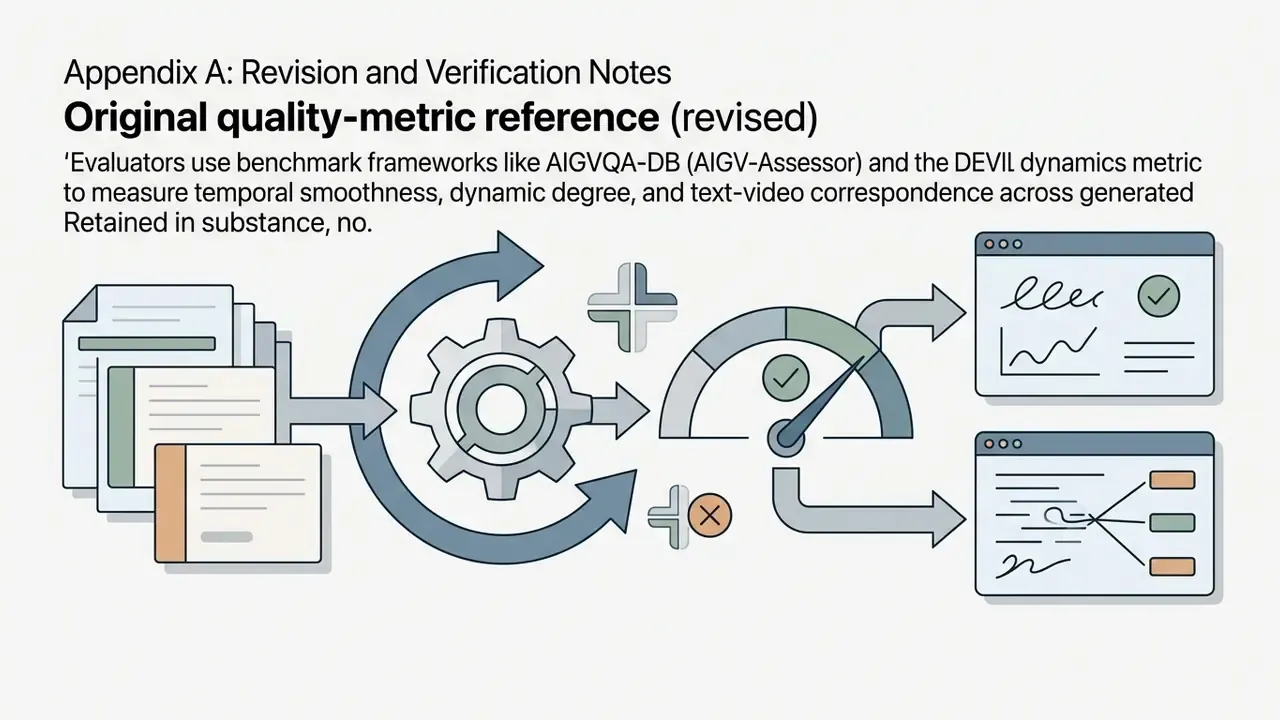
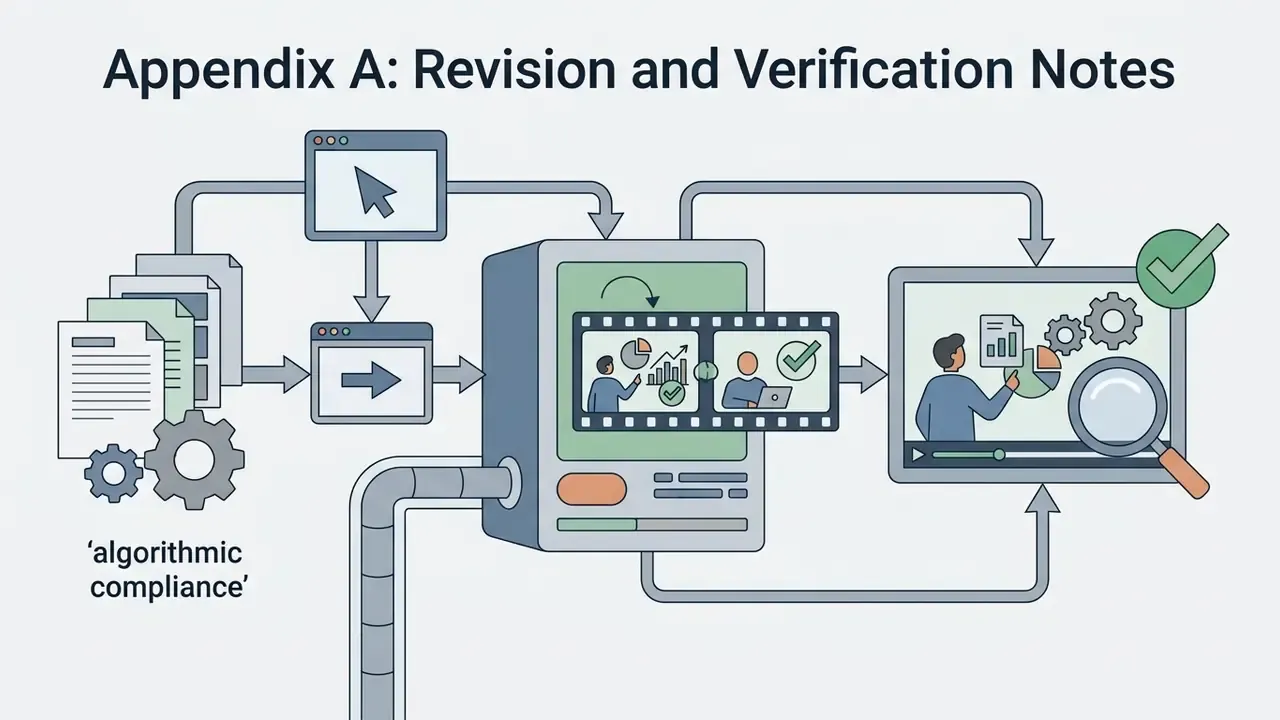
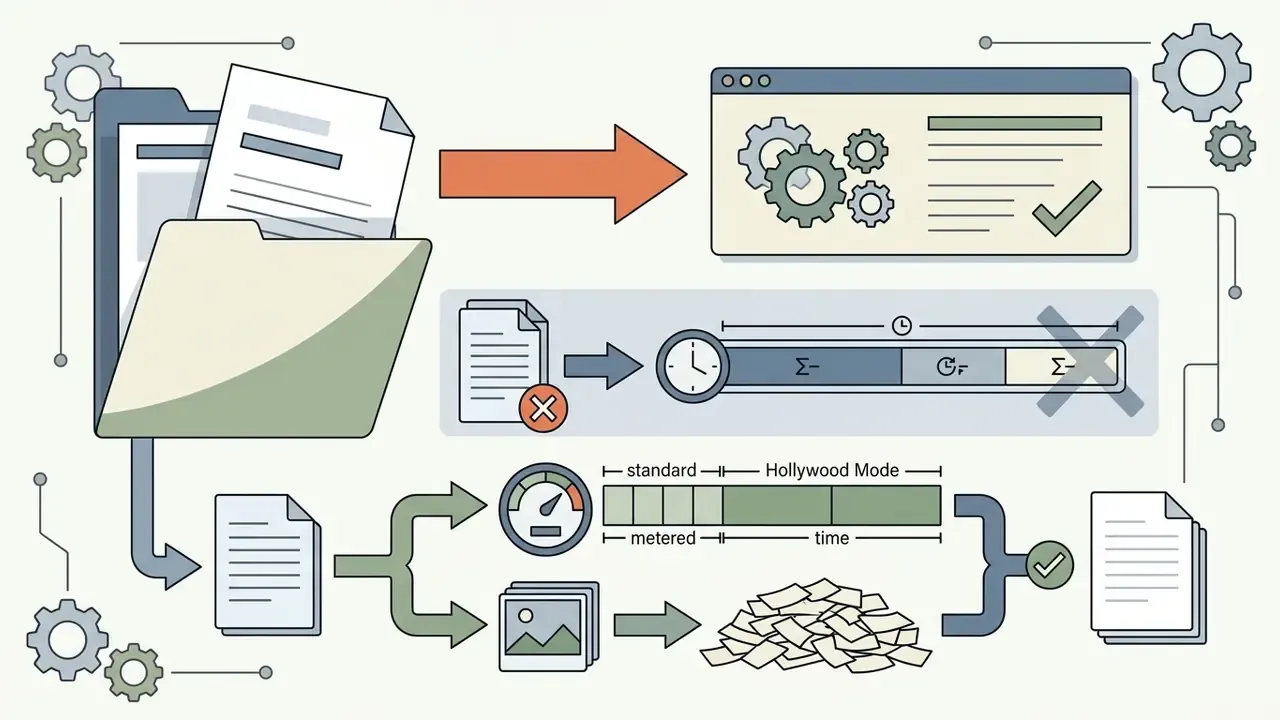
Appendix A: Revision and Verification Notes
This appendix preserves the original phrasing of statements revised during editorial review, so readers and auditors can trace what changed and why.
General disclaimer: this article summarises publicly documented platform behaviour, pricing, and published research as of 2026. Pricing, quotas, and terms change without notice. Nothing here constitutes legal, financial, or compliance advice; consult qualified counsel before deploying generative media in regulated environments.


Open Questions to Put to the Vendor Before Approval
Use this as the written request list during due diligence. Anything unanswered stays a documented residual risk, not an assumption.
- Are prompts, uploaded images, and rendered outputs excluded from model training, and is that exclusion contractual?
- What is the retention period for uploaded assets and generated files, and can deletion be verified?
- Is a private deployment option available (VPC, dedicated tenancy, customer-managed keys) for the video endpoints?
- Which compliance attestations exist (SOC 2 Type II, ISO 27001), and do they cover the generation endpoints specifically?
- Where are rendering workloads processed geographically, and are cross-border transfer terms documented?
- Does the platform apply provenance signing to output, or must labelling happen downstream?
- What are the documented rate limits, uptime commitments, and incident notification timelines for API consumers?
- Which indemnities, if any, apply to third-party intellectual property claims arising from generated clips?