Author note: Marcus Hale writes about AI governance and model risk for this publication.
Turning static images into dynamic video clips represents a major advancement in generative media. In 2026, modern generative AI platforms let creators, marketers, and financial communications teams convert static images into high-quality video content using image-conditioned diffusion models and multimodal transformers. The practical question is rarely «can the model do it». It is «who approved the asset, on which licence tier, and can we reproduce it next quarter».
«STIV, an 8.7B-parameter model, reaches a VBench image-to-video score of 90.1, surpassing Pika, Kling and Gen-3.»
Auditability starts with the basics. Before any governance framework can control a generative pipeline, the team has to understand exactly which pixels the model preserves, which ones it invents, and which parameters are reproducible. The sections below move from that technical foundation to the practical workflow, the platform comparison, the post-production layer, and finally the legal and licensing checks.
Four Takeaways Before You Start
- Image-to-video is conditioned generation, not editing.A still photo becomes the first latent frame; the model synthesizes every subsequent frame. That is why the source image quality sets the ceiling for output quality.
- Model choice is the biggest quality lever in 2026.Diffusion-Transformer families (STIV-class, Veo 3.1, Wan 3.0, Seedance 2.5, MiniMax H3 Max, Kling, Sora-class, Runway Gen-4) differ more in prompt adherence and temporal stability than in raw resolution.
- Generation is the start, not the finish.Captions, audio mixing, artifact removal, and upscaling turn a raw 5-second MP4 into a publishable asset.
- Free tiers are test environments, not production licences.Expect watermarks, capped resolution, non-commercial terms, and, critically, model-training rights over anything uploaded.
What Is AI Image-to-Video and How Does It Animate Photos?
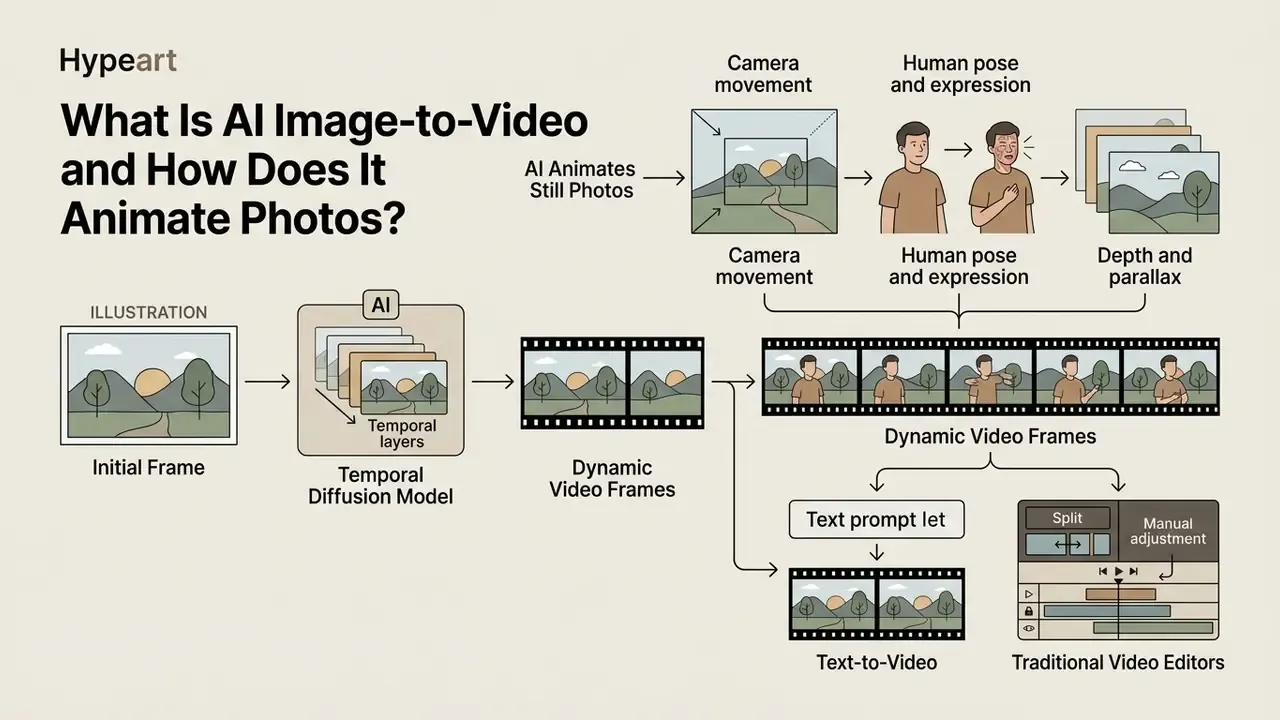
An AI image-to-video generator converts a static photo into a dynamic video clip by conditioning a temporal diffusion model on an initial frame. The model predicts frame-to-frame motion trajectories while preserving the core visual elements of the original image.
«SVD generates a sequence of N frames, where temporal layers enforce consistency and the diffusion process delivers high resolution.»
Modern platforms use latent video diffusion models and Diffusion Transformers (DiT). Systems such as Stable Video Diffusion (SVD) and Scalable Text and Image Conditioned Video Generation (STIV) process the source photo in a compressed latent space. The neural network retains the visual details from the initial frame and denoises subsequent latent frames.
«STIV, an 8.7B-parameter unified model, achieves a VBench image-to-video score of 90.1, outperforming Pika, Kling and Gen-3.»
This process applies motion, lighting shifts, and camera changes based on text prompts and physical parameters. If you are new to the category as a whole, the overview of AI video generators explains how image-conditioned, text-conditioned, and avatar-based systems relate to one another. One vocabulary note worth fixing early: an image generator produces a single frame, while a video generator produces a frame sequence with a temporal model on top. Same prompt, very different failure modes.
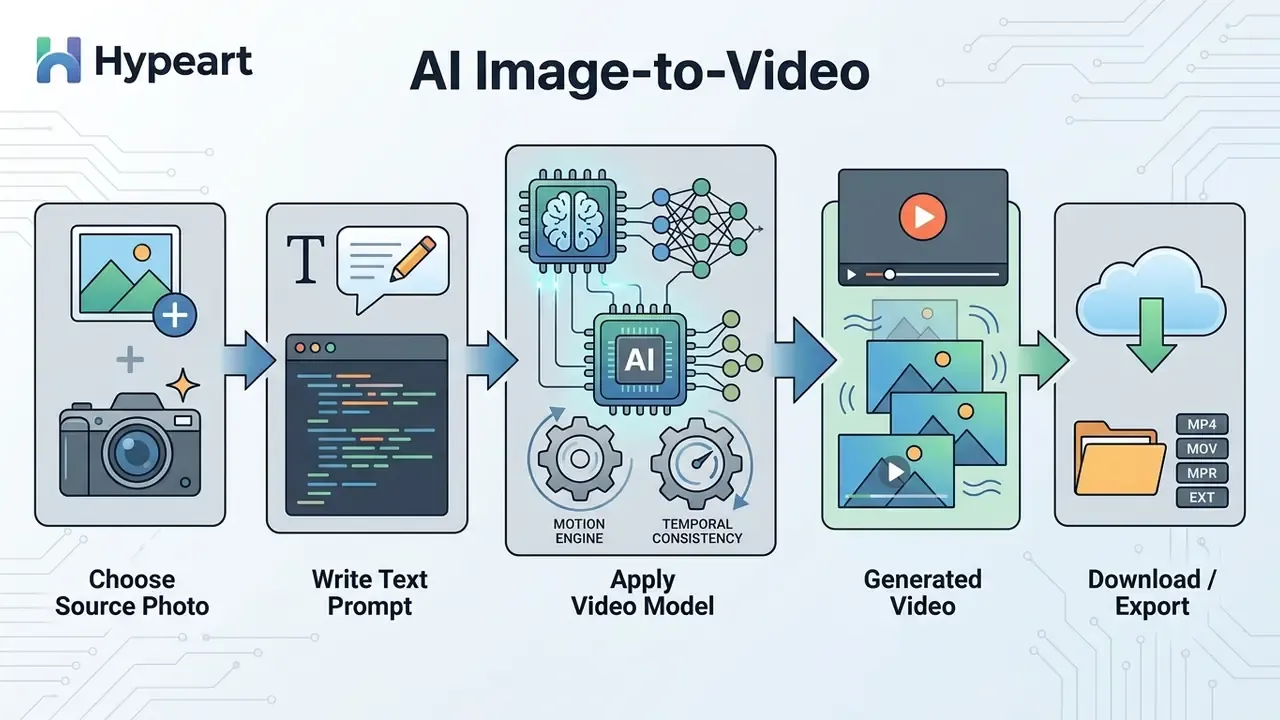
Key Visual Elements AI Animates in Still Photos
AI image-to-video tools animate subject motion, background environment dynamics, lighting shifts, and camera movements while retaining the underlying visual identity of the source photo.
Advanced frameworks isolate specific image layers to apply targeted movement:
- Subject motion: Rigid-body physics models (such as PhysGen) calculate forces to animate characters, objects, or vehicles realistically.
«PhysGen infers geometry and material properties from a single image, simulates motion under applied forces, and renders the result through video diffusion.» — Liu et al., PhysGen: Rigid-Body Physics-Grounded Image-to-Video Generation, ECCV (2024). https://arxiv.org/abs/2409.18964
- Lighting dynamics: Systems like GenLit process a 5D light vector to simulate point-light movement, producing realistic cast shadows across static surfaces.
«GenLit fine-tunes Stable Video Diffusion on 270 objects and generalizes to real photographs, synthesizing correct shadows without 3D reconstruction.» — Bharadwaj et al., GenLit: Reformulating Single-Image Relighting as Video Generation (2024). https://arxiv.org/abs/2412.11224
The practical payoff is smooth motion that reads as cinematic video rather than a warped GIF. The practical limit: anything outside the frame was never photographed, so the model invents it.
- Camera movement
- Neural networks simulate pan, tilt, zoom, dolly, and pedestal tracking while keeping background depth consistent. Google's video prompt documentation names static, pan, tilt, dolly, truck, and pedestal as explicitly controllable motions.
- Human pose and expression
- Spatially conditioned inpainting models generate body turns and facial expressions without distorting clothing or facial identity. Research on animating still images shows the pipeline typically segments the subject, inpaints the background, then animates only the selected motion area. That separation is what lets you keep a background frozen while a person moves.
- Depth and parallax
- Depth-aware animation adds a sense of volume to flat archival photography, moving foreground planes faster than background planes to simulate a real camera dolly.
Image-to-Video vs Text-to-Video vs Traditional Video Editors
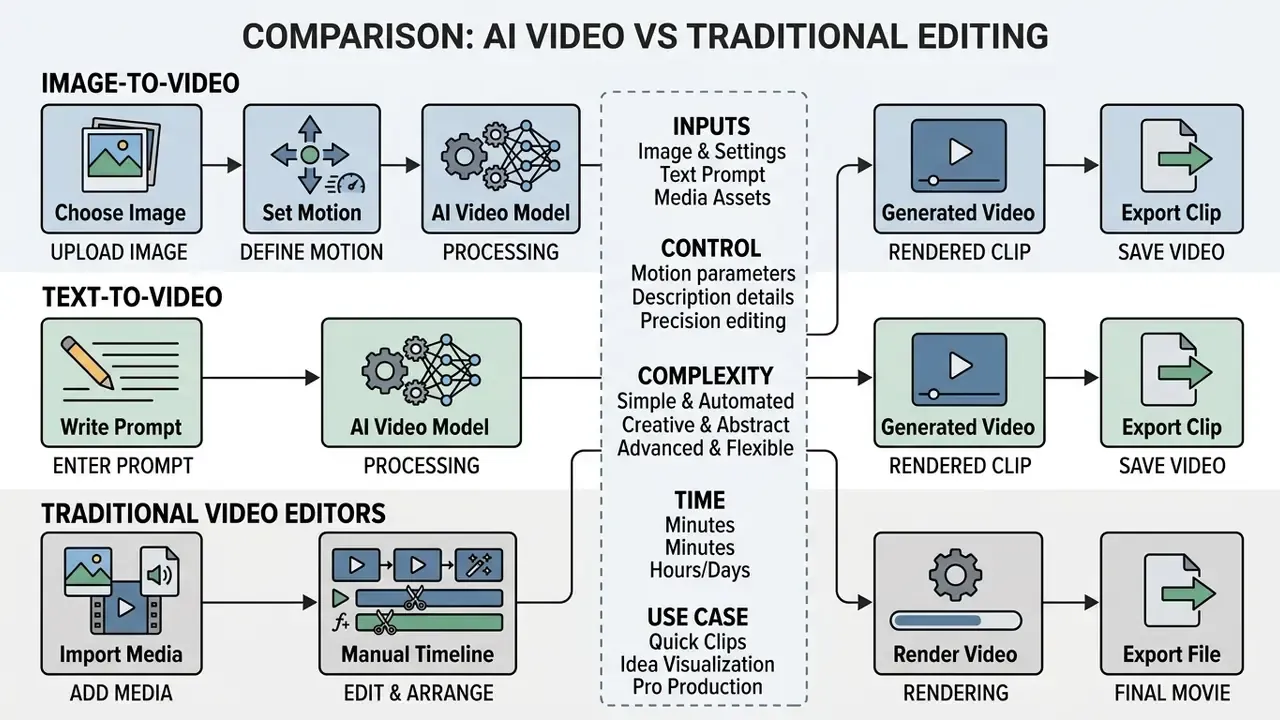
Image-to-video relies on an uploaded reference frame to set composition and subject identity. Text-to-video creates frames strictly from textual descriptions. Traditional video editors manually adjust pre-recorded footage along a timeline.
| Operational Feature | Image-to-Video AI | Text-to-Video AI | Traditional Video Editor |
|---|---|---|---|
| Primary Input | Still photo + optional text prompt | Text prompt only | Recorded video clips / timelines |
| Character Consistency | High (anchored to source photo) | Variable (differs per generation) | Exact (uses real source footage) |
| Workflow Speed | Fast (automated generation) | Fast (automated generation) | Manual (cutting, trimming, grading) |
| Camera Control | Constrained by starting image geometry | Free-form spatial generation | Precise manual keyframing |
| Reproducibility | High with pinned seed + fixed source frame | Moderate (prompt-only anchoring) | Deterministic (project file) |
| Typical Cost Driver | Credits per second of output | Credits per second of output | Human editing hours |
Text-to-video tools generate entirely new visuals, which can cause subject drift between generations.
«Most video generators complete fewer than 20% of the intended compositional transitions in complex, multi-step scenes.»
Image-to-video, by contrast, uses the input photo as a visual anchor. When converting complex graphics or specialized illustrations created via an ai illustration generator, image conditioning maintains the style across all generated frames. Traditional editors alter existing timing and colour; generative video models synthesize new pixels for every frame.
One practical trade-off is documented by Adobe: supplying a starting image can disable shot-size and camera-angle presets, because the uploaded frame already fixes the geometry of the shot. You gain identity control and lose framing freedom. Readers evaluating the prompt-only route can compare capabilities in the guide to text-to-video AI tools.
Step-by-Step Guide: How to Turn a Photo into Video with AI
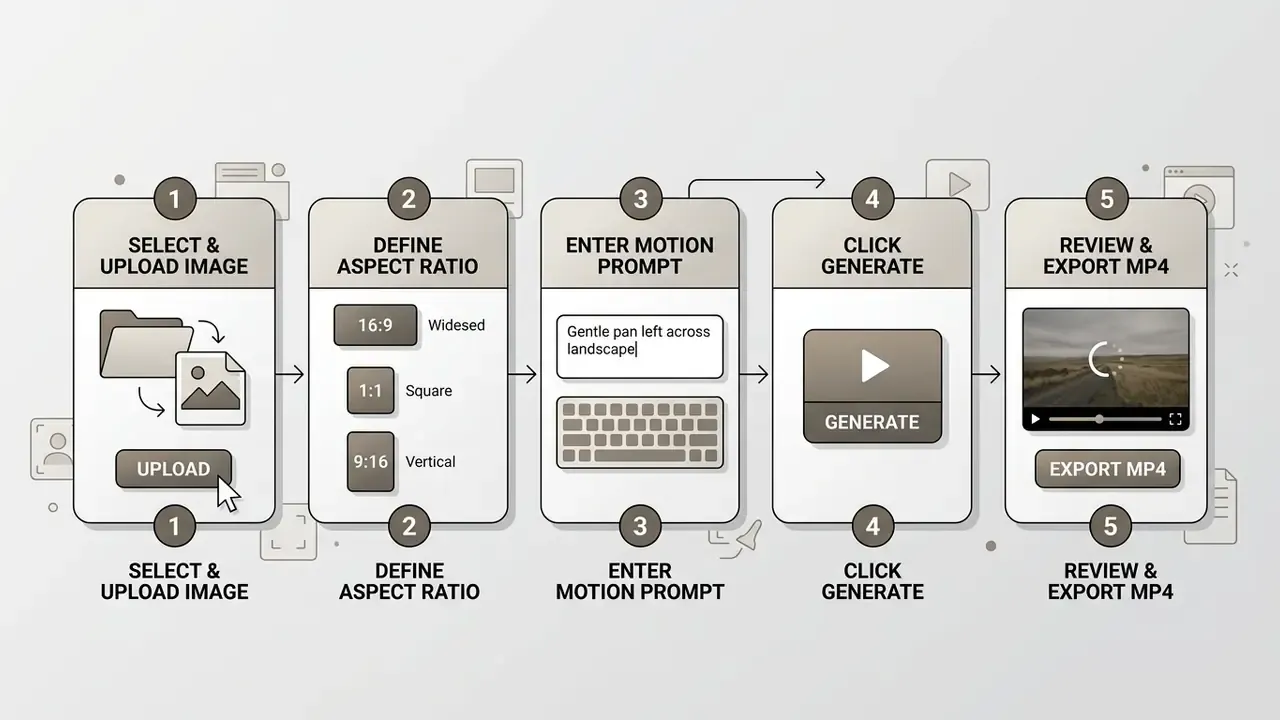
Turning a photo into a video with AI involves a five-step workflow: selecting a clear reference image, uploading the initial frame, configuring motion text prompts, generating the clip, and reviewing output quality prior to export.
This structured approach produces predictable, high-quality dynamic clips with no editing skills and no manual keyframing.
Upload Your Photo and Pick the Right Source Image
High-quality video generation requires a source image with clear lighting, sharp focus, minimal compression artifacts, and a subject resolution of at least 1024×1024 pixels.
«Images with ambiguous spatial relations and overlapping objects reduce animation accuracy for image-to-video models.»
When preparing images for image-to-video tools:
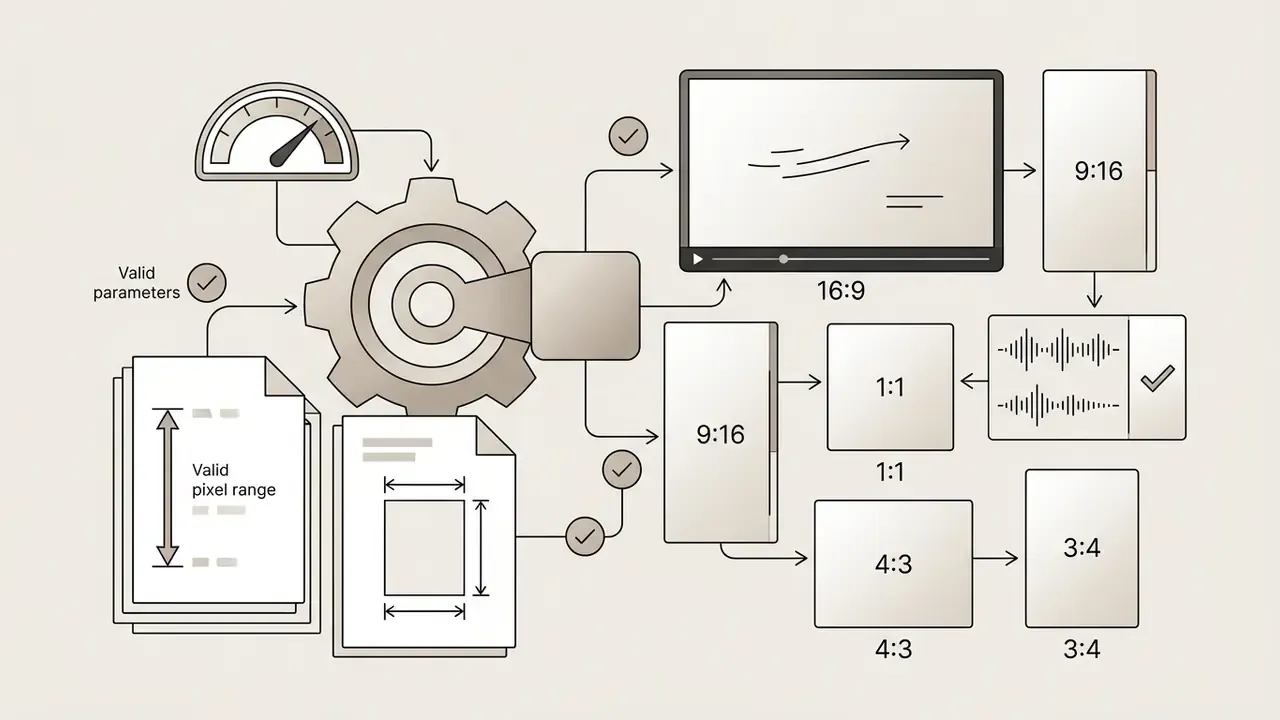
- Resolution Use image dimensions between 300 px and 6000 px per side, staying within a 0.4 to 2.5 aspect ratio window. Vendor documentation for Seedance-class models also caps single uploads at roughly 30 MB and accepts JPEG, PNG, WebP, BMP, TIFF, and GIF.
- Product shot clarity For e-commerce items or studio assets, ensure bright lighting and high foreground-to-background contrast. If the original file is noisy, underexposed, or over-compressed, clean it first with an AI photo editor. Retouching before generation is far cheaper than re-rendering afterwards.
- Portraits Choose front-facing photos with clear facial details and uniform lighting. Avoid heavy occlusions or motion blur. When generating human representations from scratch, a specialized model such as an ai human generator produces clean base inputs for video animation.
- Rights check Confirm you hold a licence for the photo before uploading it. Some vendor documentation (Seedance/Volcengine) restricts real human-face reference images unless they come from an authorized material library.
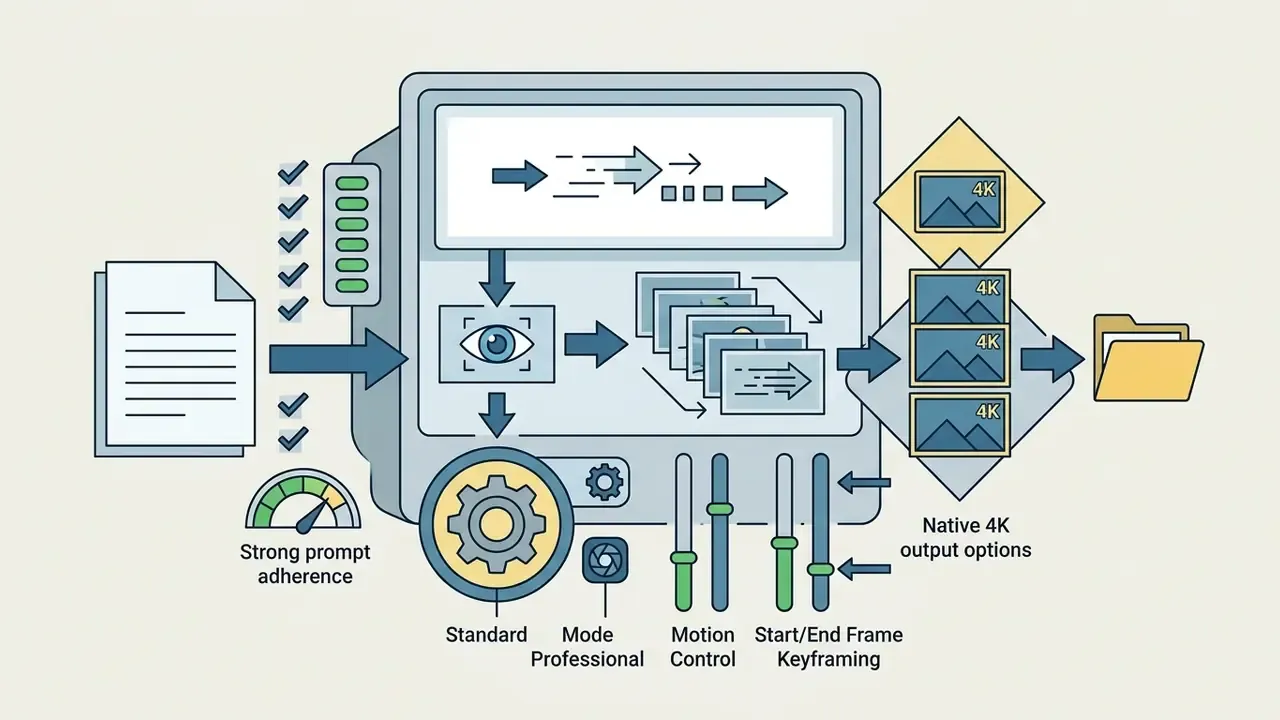
Keyframing workflow, start frame and end frame. Most 2026 generators accept two conditioning images instead of one. The Start Frame establishes the setting, subject identity, and lighting. The End Frame defines where the motion must land. The model then interpolates the trajectory across all intermediate frames, which is the single most reliable way to control a shot without a motion brush.
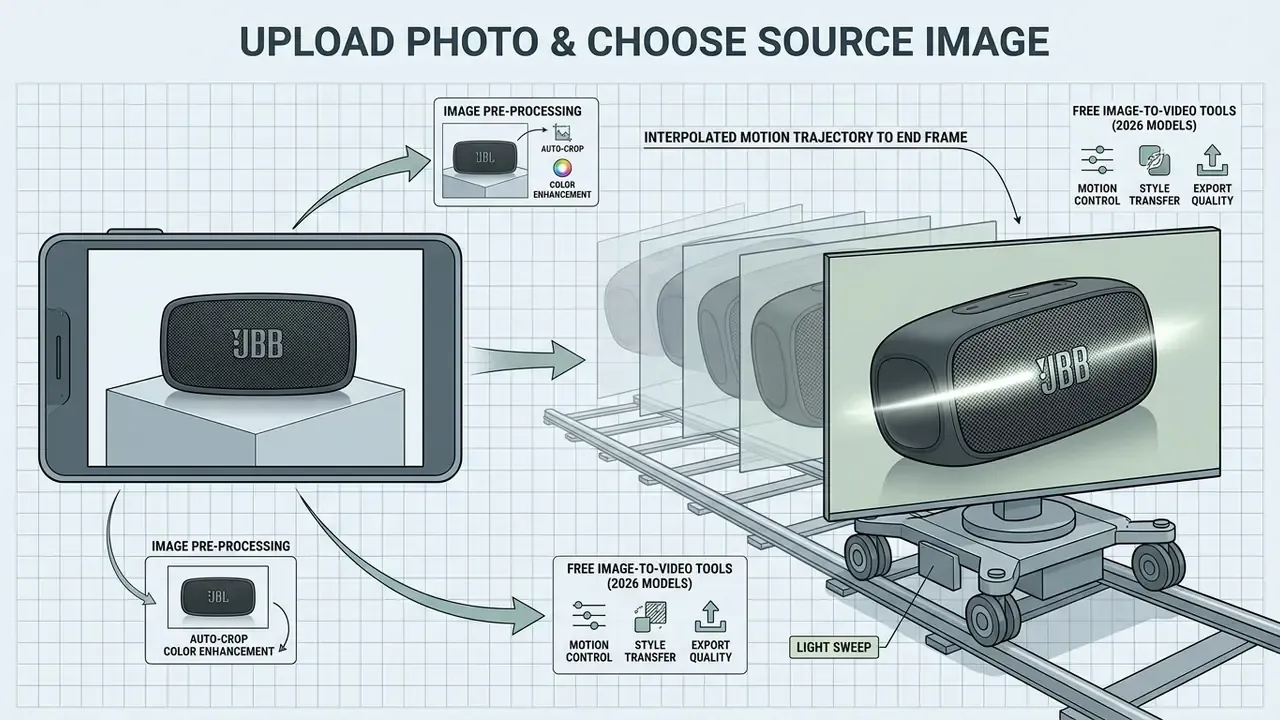
Practical rules for two-frame generation:
- Keep both frames at the same resolution and aspect ratio; mismatched dimensions cause cropping or stretching.
- Keep the same subject and lighting scheme in both frames. A different shirt colour or a new background in the End Frame forces the model to invent an unnatural cut.
- Runway's Gen-3 Alpha accepts one image as first or last frame, while Gen-3 Alpha Turbo accepts up to three images (first, middle, last) and vertical 768×1280 output.
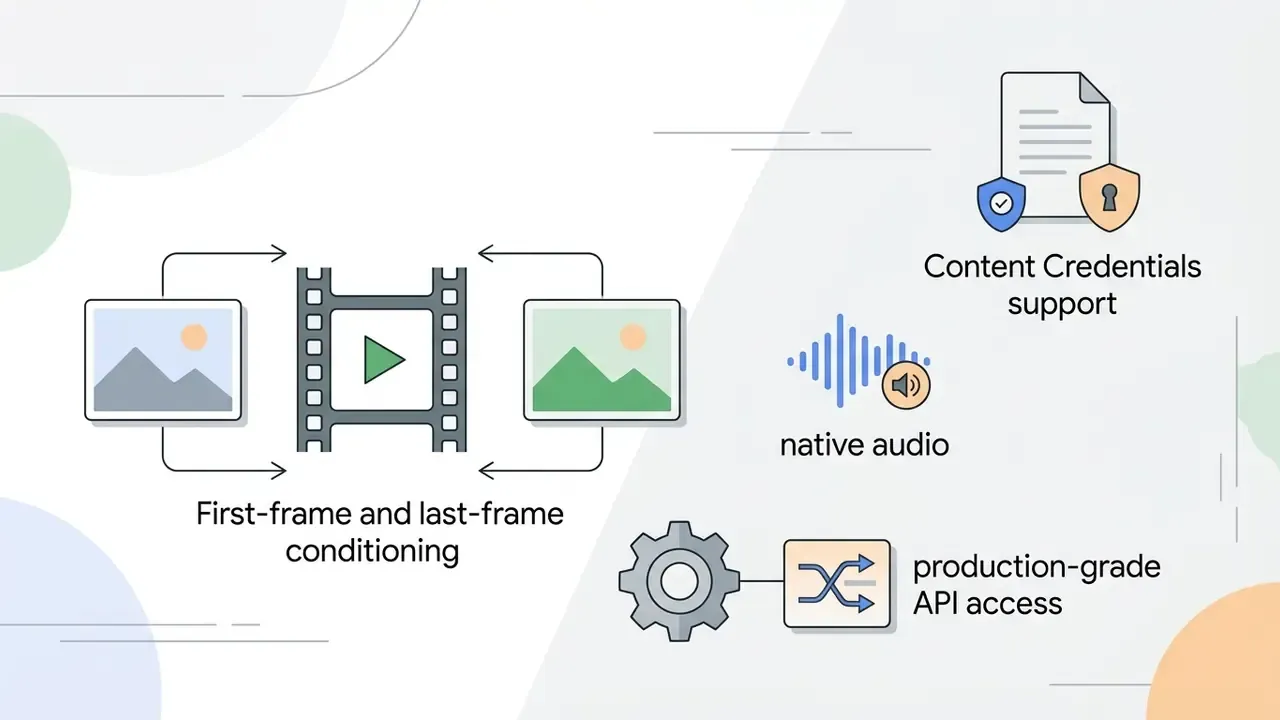
- Kling AI exposes explicit start and end frames for a defined transition, and Google's Veo 3.1 workflow supports first-frame and last-frame inputs in Media Studio, Vertex AI, and the Gemini API.
- Some workflows do not support an end frame at all. ElevenLabs documentation states plainly that «End frame is not currently supported» in its video mode. Always verify per model.
Describe Motion and Scene in the Text Prompt
An effective video motion prompt specifies shot framing, camera movement direction, subject actions, and environmental atmosphere in a structured sentence.
To guide video models reliably, structure your prompt using this pattern:
[Shot Size & Angle] + [Camera Motion] + [Subject Action] + [Lighting & Atmosphere]
Worked examples by genre:
| Genre | Prompt built on the formula |
|---|---|
| Product / e-commerce | «Close-up front view, slow 180° orbit right, the watch face catches a moving specular highlight, soft studio key light, seamless loop.» |
| Fashion portrait | «Medium studio shot, smooth slow pan right, the model turns slightly toward the light, subtle background bokeh, cinematic lighting.» |
| Real estate / interior | «Wide eye-level shot, steady forward dolly through the doorway, curtains drifting in a light breeze, warm afternoon sunlight, natural shadows.» |
| Archival / documentary | «Medium static shot with slow parallax push-in, depth-aware background separation, dust motes in the air, soft diffuse window light.» |
| Food | «Overhead 45° shot, gentle pedestal down, steam rising from the cup, warm rim light, shallow depth of field.» |
Avoid contradictory instructions or multi-stage narratives. One action per clip is the safest default.
«TC-Bench evaluates 817 videos across 150 prompts and finds most generators fulfill under 20% of the planned scene transitions.»
Runway's own camera-prompt guidance recommends ordering a prompt as shot size, angle, movement (with direction and speed), subject action, lens or look, lighting or mood, and what the shot reveals. For dramatic motion, describe what becomes visible at each phase of the move. For broader prompt inspiration across media formats, reviewing ideas generated by an ai idea generator helps structure concise camera commands.
Generate, Review, and Download the Video
Click generate to launch the asynchronous rendering job, then evaluate the returned clip for motion artifacts, subject distortion, or frame flickering before exporting the final MP4 file. Nearly every 2026 API, including Google Gemini/Veo, OpenAI Sora, xAI Imagine, and MiniMax, follows the same asynchronous pattern: submit the image plus prompt, receive a task_id, then poll until the render completes.
During evaluation, check three specific areas:
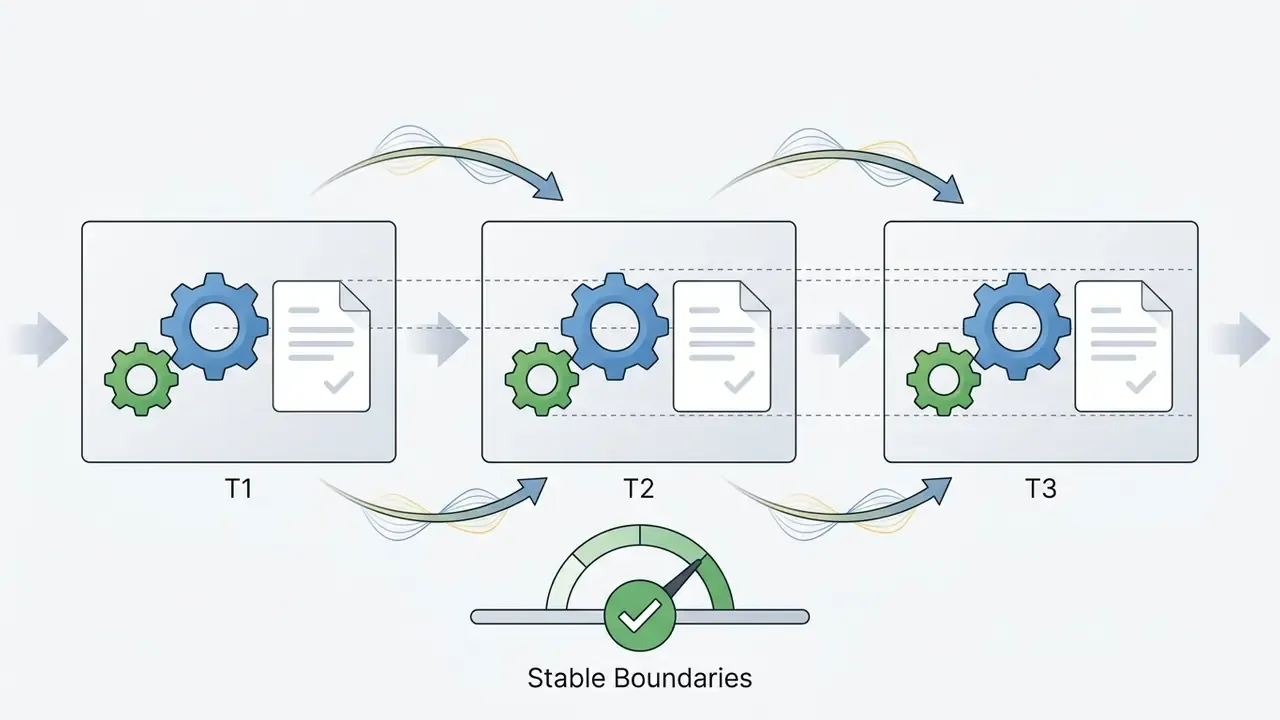
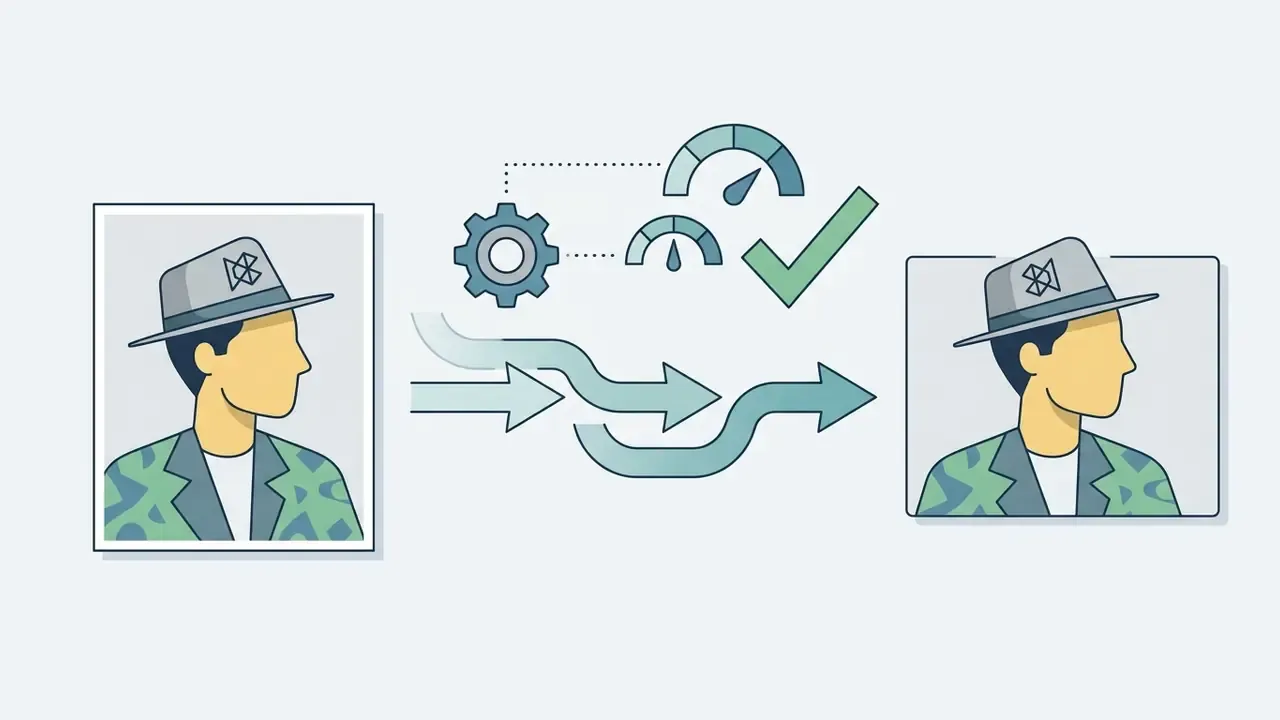
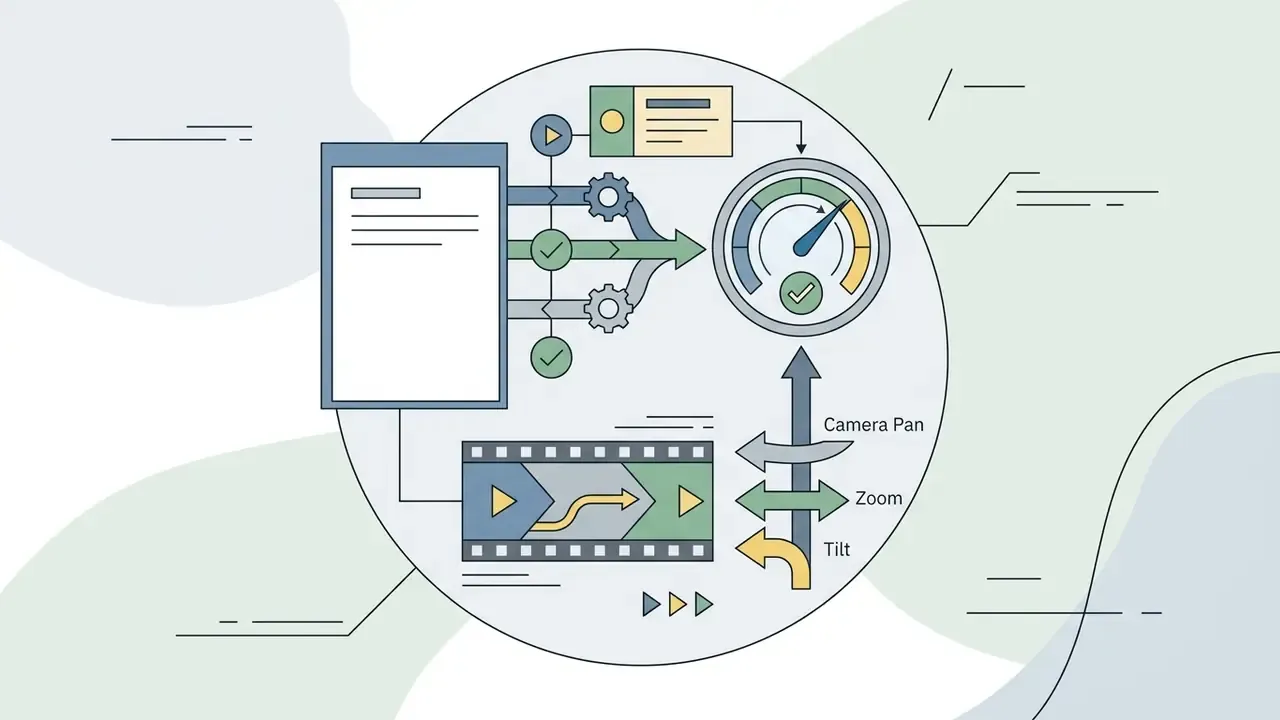
«VBench measures subject consistency with DINO similarity, motion smoothness with interpolation priors, and dynamic degree with RAFT optical flow.»
Human-rater frameworks add a practical artifact taxonomy: flicker, blur, noise, geometric distortion, speckles, black patches, and overexposure. Benchmarks such as Video-Bench define «very poor quality» as severe visual artifacts with obvious distortion or extreme blur, which makes a useful and explicit trigger for a rerun rather than a manual fix.
If significant visual distortion occurs, adjust prompt parameters or refine source lighting before rerunning the generation process. Before you burn credits on a blind retry, read the section on improving results in repeat generations further down. Seed pinning belongs to this review step, not to a separate tuning phase. If technical glitches persist, check the AI Media Support and Troubleshooting documentation for platform-specific guidance.
Post-Processing: Refining Your AI-Generated Video
Generative AI output is raw material rather than a finished asset. The clip that leaves the model is usually 5 to 10 seconds long, silent or roughly scored, and framed for a single platform. Six post-production steps make it production-ready:
- Audio layering and SFX sync.Merge the generated video with custom sound effects or a 24-bit / 48 kHz background track on a timeline. Broadcast-standard audio export is 48.0 kHz, 16-bit, mono or stereo. Where a voice-over is needed, an AI voice generator fills the gap without a studio booking.
- Auto-captions and subtitles.Generate open or closed captions for social feeds, where a large share of viewers watch with the sound off. Burned-in captions also survive re-uploads and platform re-encoding.
- Generative object removal.Use brush-based erasers and generative fill to delete artifacts, stray limbs, or unexpected background distortions instead of re-rendering the whole clip. Far cheaper than a full regeneration when only one region failed.
- Resolution upscaling and delivery encoding.Pass 720p or 1080p free-tier exports through a spatial AI upscaler to reach 4K for advertising display networks, then compress for delivery. A video compressor keeps file size inside platform ad-spec limits without visible banding.
- Clip extension and assembly.Adobe Premiere's Generative Extend adds up to 2 seconds of video and up to 10 seconds of audio to a clip's head or tail, which is often enough to bridge two generated shots. Stitching several clips with transitions, overlays, and speed ramps turns a set of 5-second renders into a 30-second spot. For channel-specific delivery, the YouTube video editor workflow covers publishing formats and thumbnails.
- Brand pass.Add logo lockups, on-brand colour grading, and lower thirds so the final asset reads as your brand, not as a generic model output. Reusable animated elements can be produced once in an animation maker and dropped onto every clip.
Figure note, numbered checklist: an ordered list running from image upload to final download, with each step stating the action and the expected result. Keep the text in the DOM rather than inside an image.
How to Choose an AI Image-to-Video Generator: Free Tools, Models, and Capabilities
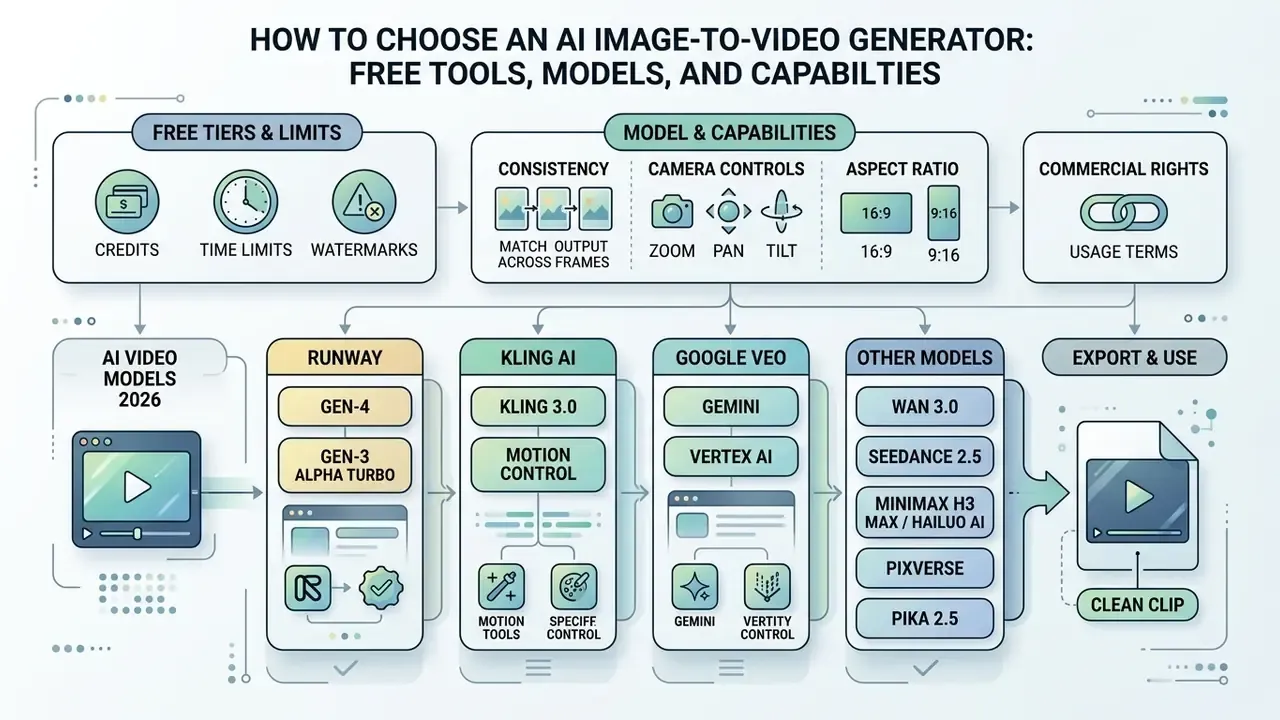
Selecting an AI image-to-video generator requires evaluating free tier limits, model rendering consistency, available camera controls, aspect ratio options, and commercial usage rights.
Different video generation platforms serve distinct production needs in 2026. A side-by-side comparison of AI video generators is useful once the shortlist grows beyond three tools:



What to Check in a Free AI Image-to-Video Tool
Evaluating a free AI image-to-video platform involves checking initial credit allocations, daily usage caps, export resolution limits, mandatory watermarks, and usage rights. The deeper breakdown of free AI video generators covers plan-by-plan mechanics.
Free plans enforce specific operational limits:
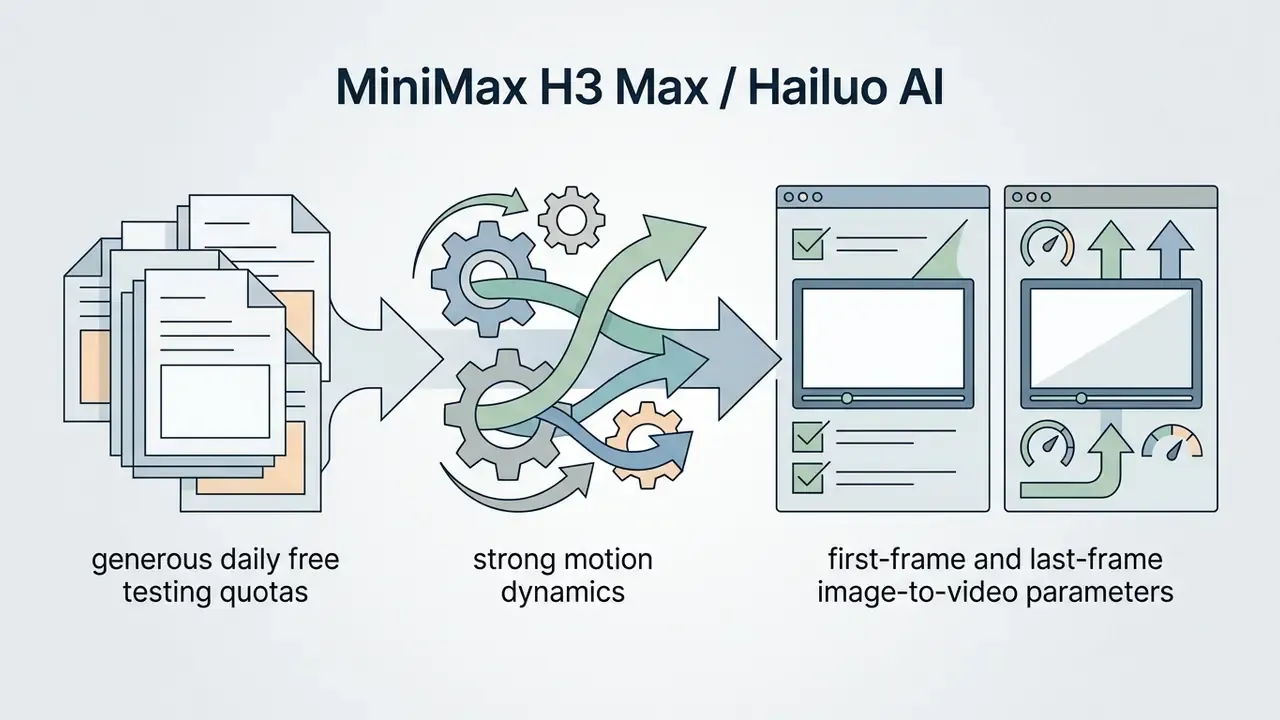
- Credit structures: Platforms offer either a non-replenishing initial pool (for example Runway's 125 credits) or a daily or monthly refreshing quota (Pika's 80 monthly credits, Kling's roughly 66 daily credits, Hailuo's roughly 100 daily credits, Luma's 5 daily generations, Google Flow's 50 daily credits). EaseMate-class tools hand out a fixed welcome pool, around 30 credits, with top-ups for check-ins or referrals.
- Watermarks: Most free tiers insert a visible platform watermark on exported videos; a minority advertise watermark-free HD downloads. Sora-class launches additionally embed a moving visible watermark plus C2PA provenance, with watermark-free download reserved for higher tiers and restricted content types.
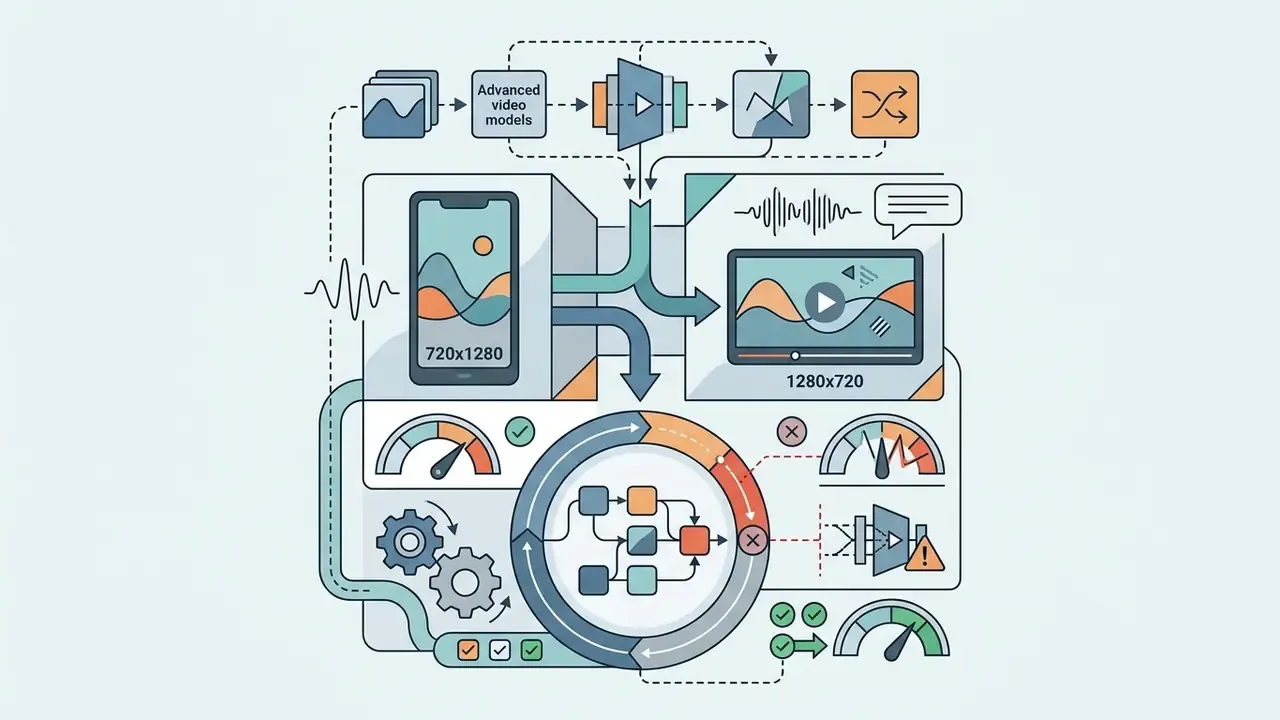
- Resolution limits: (Updated) Vendor documentation for 2026 free plans commonly reports caps in the 480p to 720p range. Pika Basic generates at 480p, and several free tiers deliver 720p. These numbers change with each release, so verify the current pricing page before planning a campaign. Independent verification is required for any specific figure quoted here.
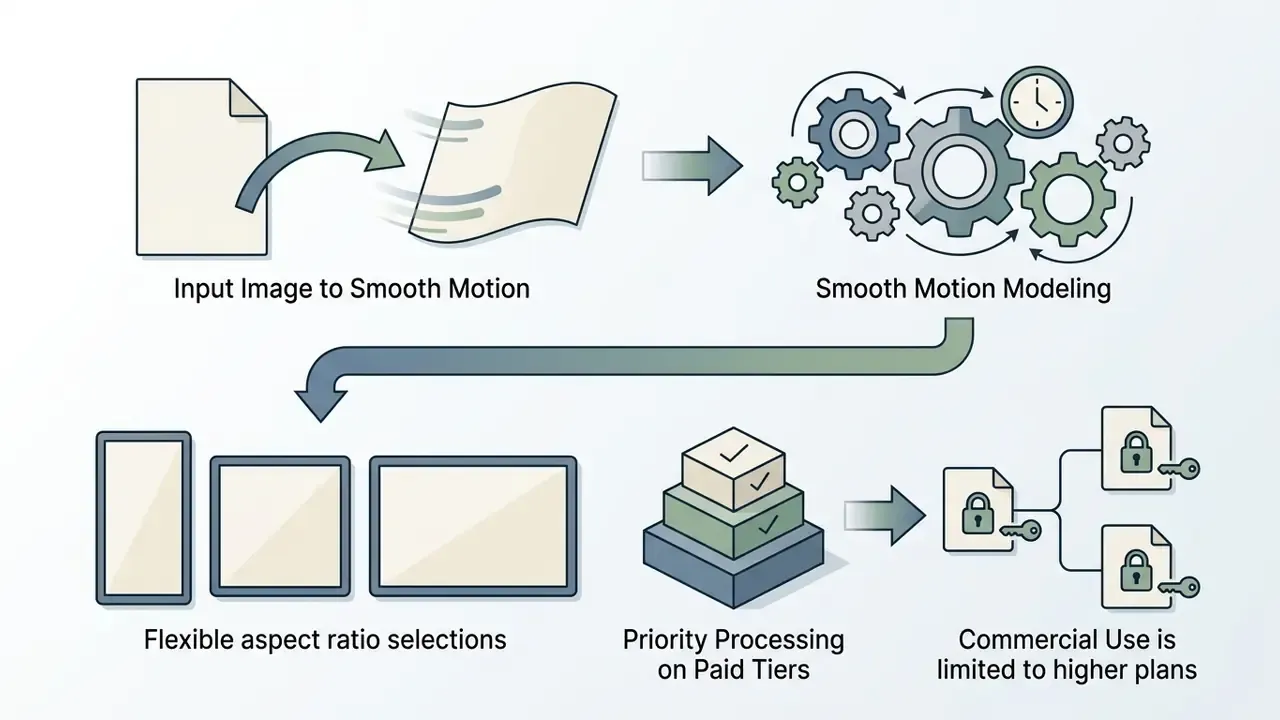
- Commercial restrictions: Outputs generated on free accounts are generally restricted to personal, non-commercial use; Luma states this explicitly for Free and Lite plans.
- Daily throughput: A 5-second clip typically costs 12 credits on Pika 2.5 at 480p and roughly 40 to 50 credits on Hailuo, which translates to only one or two usable free renders per day on some platforms.
To compare feature matrix structures across leading creative tools, refer to the AI Media Comparison Matrices overview.
Why Available Video Models Produce Different Results
Video models generate different visual results because their underlying architectures, such as Diffusion Transformers or temporal latent diffusion, vary in how they handle spatial attributes, prompt adherence, and motion smoothness.
Model architectures handle visual data differently:
- Diffusion Transformers (DiT): Unified models like STIV achieve high image-to-video benchmark scores by combining frame replacement with joint image and text classifier-free guidance.
«STIV uses frame replacement and joint image–text classifier-free guidance, which drives its advantage over CogVideoX-5B and Gen-3 on VBench.» — Lin et al., STIV (2024/2025). https://arxiv.org/abs/2412.07730 (Updated citation, see Appendix A.)
- Latent Diffusion Models (LDM): Models like Stable Video Diffusion scale spatial image priors into time via temporal attention layers, offering smooth motion but requiring careful prompt tuning to avoid spatial drift.
«SVD generates N frames with temporal layers enforcing consistency across the diffusion process.» — Blattmann et al., Stable Video Diffusion (2023). https://arxiv.org/abs/2311.15127
- Two-stage GAN lineage: Earlier image-to-video GANs encoded appearance from the first frame, then predicted motion and refined in-between frames. Recent surveys report diffusion architectures steadily replacing GAN and autoregressive approaches for video synthesis, which explains the sharp quality jump between 2023-era and 2026-era tools.
- Evaluation axes differ from marketing claims: Benchmarks such as EvalCrafter and VGIF-Score score prompt correctness, motion correctness, and cinematography separately. A model can lead on visual fidelity and still lose on instruction following.
For specialized creative concepts, such as generating relational motion between two subjects, dedicated tools like an ai hug generator or an ai hug video generator free apply motion priors designed for close physical interactions.
Features That Matter for Video Creation
Key features for professional video creation include custom aspect ratio presets, start and end frame keyframing, synchronized sound effects generation, and built-in timeline clip extension.
- Aspect ratio support Native support for 21:9, 16:9, 4:3, 1:1, 3:4, and 9:16 ensures clips fit various distribution channels without cropping.
- End frame control Setting both a start and end image allows the AI model to interpolate motion smoothly between two keyframes.
- Audio generation Advanced models (Sora-class systems, Seedance 2.5, Veo 3.1) generate synchronized sound effects, ambience, and dialogue layers directly alongside video output.
- Clip extension Built-in video editors allow extending clips by 2-second increments to build longer narrative sequences.
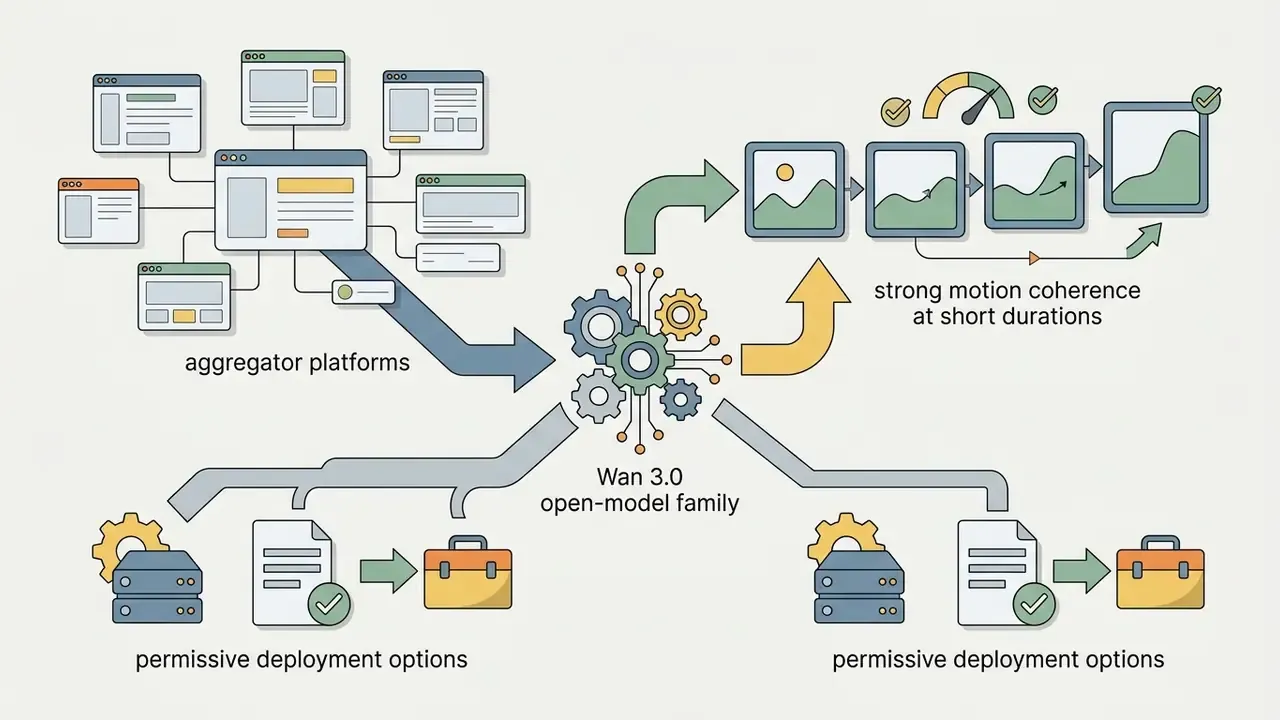
- Multi-model access Aggregator platforms expose several flagship models behind one credit wallet, so you can test five models in one place instead of maintaining five subscriptions.
- Built-in editor A timeline with captions, magic eraser, speed control, and licensed audio libraries turns a generator into an end-to-end pipeline.
When planning production budgets for advanced generation capabilities, review the AI Media Calculators to estimate credit costs and compute requirements.
| Platform / Tool | Free Tier Limit | Base Video Model | Aspect Ratios | Audio Support | Commercial Use Rights |
|---|---|---|---|---|---|
| Runway | 125 one-time credits | Gen-4 / Gen-3 Alpha (Turbo) | 16:9, 9:16, 1:1 | No (video only) | Paid plans only |
| Pika | 80 credits / month | Pika 2.5 | 16:9, 9:16, 1:1, 4:5 | Sound effects | Paid plans only |
| Kling AI | ~66 credits / day | Kling Large Model / Kling 3.0 Motion Control | 16:9, 9:16, 1:1 | No (video only) | Paid plans only |
| Luma Dream Machine | 5 generations / day | Dream Machine | 16:9, 9:16, 1:1, 21:9 | No (video only) | Plus / Unlimited / Enterprise only |
| OpenAI Sora-class | Varies by tier | Sora 2 / Sora 2 Pro | 16:9, 9:16 (720p/1080p) | Synchronized audio | Tier dependent |
| Google Veo (Gemini / Vertex) | Flow: 50 credits / day | Veo 3.1 | 16:9, 9:16 | Native audio | Tier dependent; SynthID marking |
| Multi-model aggregators (Pollo-class) | Credit trial | Wan 3.0, Veo 3.1, MiniMax H3 Max, Seedance 2.5, Kling | 16:9, 9:16, 1:1 | Native SFX & BGM | Tier dependent |
| EaseMate-class tools | ~30 free credits | Seedance 2.5, Sora-class, PixVerse | 16:9, 9:16, 1:1, 4:3, 3:4 | Optional audio | Watermark-free HD on supported plans |
| Hailuo AI (MiniMax) | ~100 credits / day | MiniMax H3 / H3 Max | 16:9, 9:16, 1:1 | Model dependent | Paid plans only |
Figure note, comparison table: render as a semantic table with a caption, header row, and body rows; never as a screenshot. All values must be readable in the text DOM.
Settings That Affect AI-Generated Video Quality
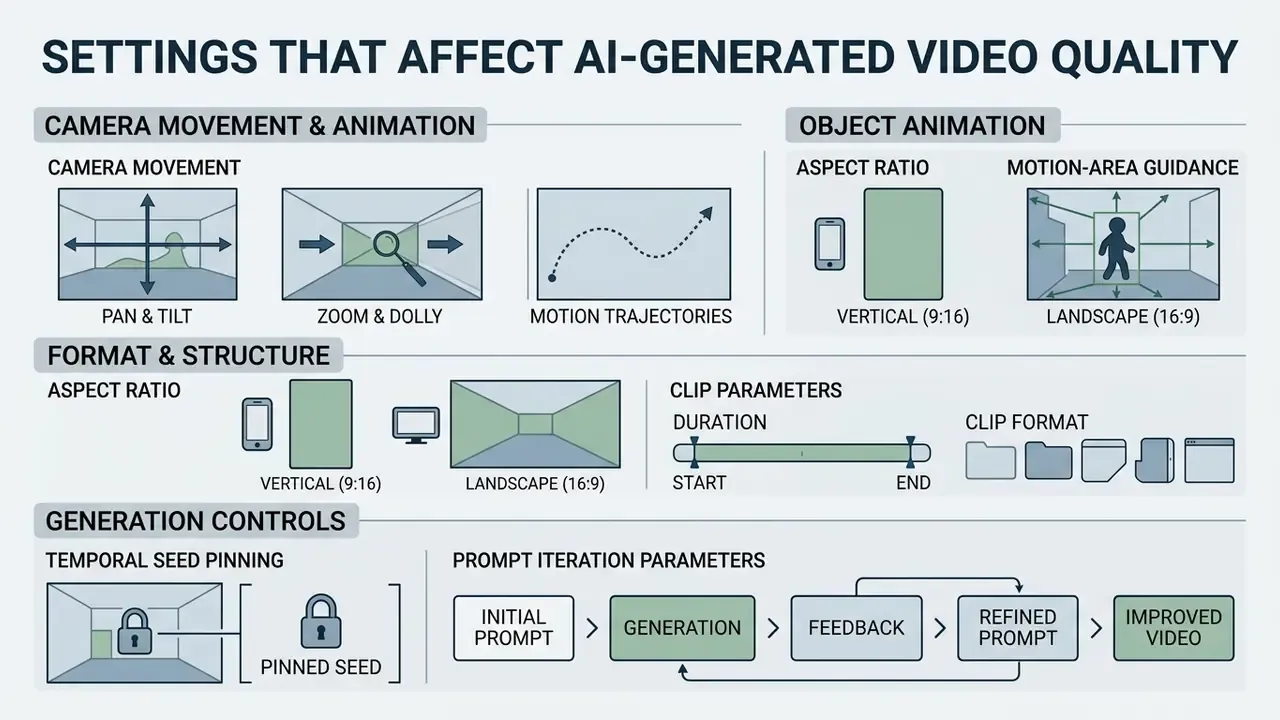
The technical quality of AI-generated videos depends on precise camera motion settings, selected aspect ratios, temporal seed pinning, and prompt iteration parameters.
Understanding these parameters lets creators maximize visual consistency while minimizing distortion during rendering. Research on perceived realism points to a consistent set of drivers: natural lighting, saturation and colour accuracy, correct perspective and shadows, focus, texture fidelity, and physically plausible motion.
Camera Movement and Object Animation
Controlling camera movement and object motion requires balancing pan, tilt, and zoom parameters with background motion-compensation models.
To maintain clean separation between moving subjects and static backgrounds:
- Pan and tilt Horizontal and vertical camera movements use affine registration models to keep background geometry stable. If you need frame-exact control instead of a generated approximation, a conventional video editor still offers deterministic keyframing.
- Zoom and dolly Forward and backward camera motion requires precise depth-map estimation to prevent background warping. Plane-plus-parallax decomposition removes camera rotation and zoom so that the residual signal maps to genuine foreground motion.
- Motion trajectories Specifying motion direction in text prompts guides optical flow vectors, so foreground objects move independently from the background plane.
Aspect Ratio, Duration, and Clip Format
Choosing the correct aspect ratio prior to rendering prevents cropping artifacts and ensures compatibility with social media and digital advertising platforms.

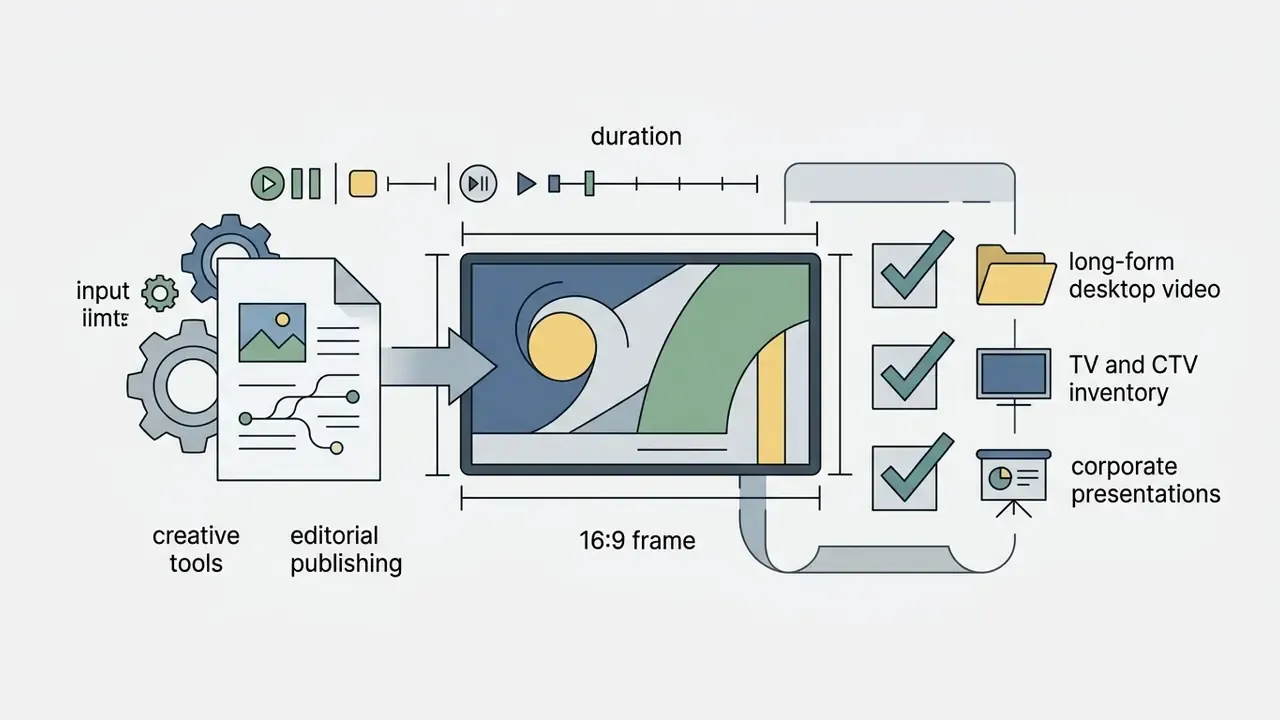

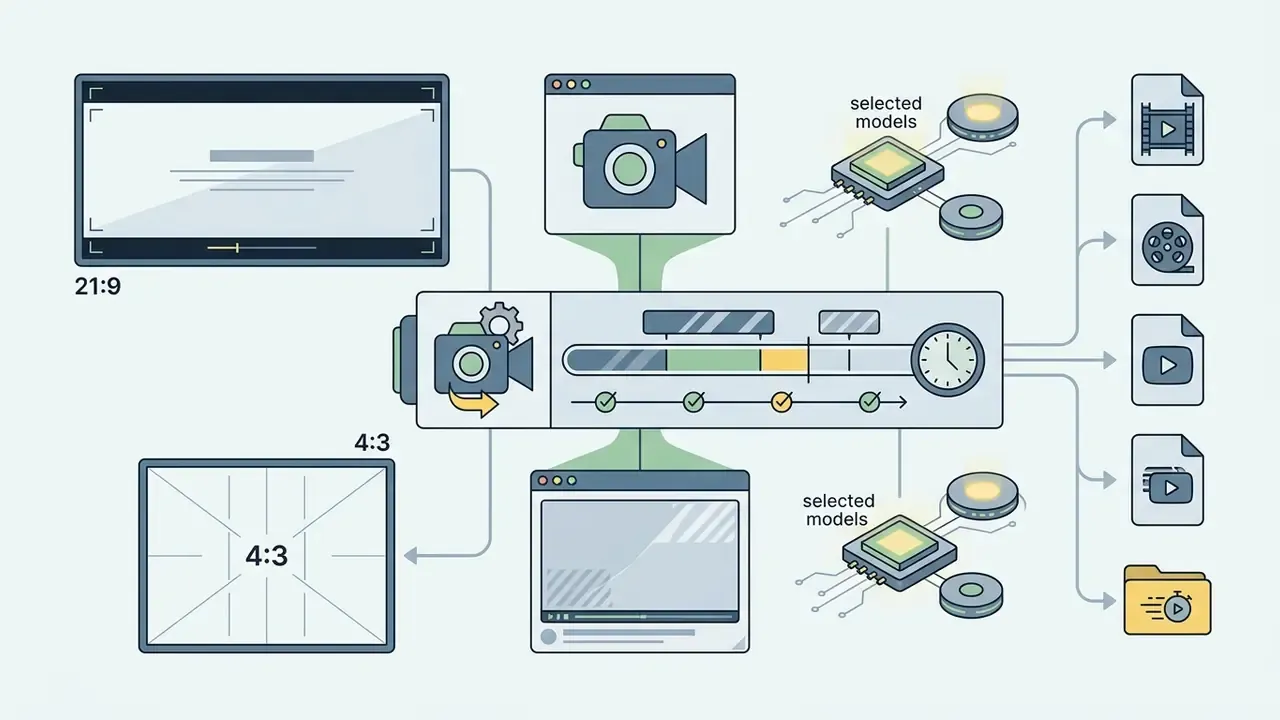
Most platforms generate initial clips at 5 or 10 seconds in length at 24 frames per second.
| Target Platform | Recommended Aspect Ratio | Optimal Resolution | Target Clip Duration |
|---|---|---|---|
| TikTok / Reels / Shorts | 9:16 vertical | 1080 × 1920 px | 5 to 10 seconds |
| YouTube main feed / CTV | 16:9 landscape | 1920 × 1080 px (or 4K) | 10 to 15 seconds (extended) |
| E-commerce product cards | 1:1 square | 1080 × 1080 px | 3 to 5 seconds (seamless loop) |
| Display / programmatic ads | 16:9 and 9:16 pair | 1920 × 1080 + 1080 × 1920 px | 6 seconds (bumper) |
| Email / website hero | 16:9 or 21:9 | 1920 × 1080 px, compressed MP4 | 4 to 8 seconds, autoplay loop |
Apple's advertising specifications list exactly three video variants: vertical 9:16 (1080×1920), square 1:1 (1080×1080), horizontal 16:9 (1920×1080). The Trade Desk publishes resolutions for 16:9 and 9:16. Generating a matched pair therefore covers most paid inventory in one pass.
How to Improve Results on Repeat Generations
Improving generated video quality during retries without losing visual consistency requires pinning the generation seed, reusing the core prompt structure, and keeping the original photo as an anchor reference. This is the direct continuation of the review step described in the workflow above: review identifies the defect, seed pinning isolates the cause.
Reproducibility and audit-trail template. Model-risk and validation teams need the same clip to be re-creatable months later. Log these fields per asset:
- Pin the generation seed
- Fix the numerical seed value in your settings to preserve identical baseline motion dynamics across prompt adjustments. Save the seed or job ID alongside the exported file.
- Maintain the source reference
- Keep the initial reference photo pinned as the starting frame rather than feeding generated video output back into the pipeline, which causes generation decay.
- Refine incremental terms
- Adjust a single prompt descriptor at a time, for example «fast camera zoom» to «slow camera zoom», to isolate variables effectively. Peer-reviewed work on quantifying diffusion-model consistency treats repeatability as a measurable property, which is why single-variable iteration beats wholesale prompt rewrites.
- Escalate only on severe artifacts
- Reserve full reruns for severe distortion, extreme blur, or identity loss. Fix localized defects in post with generative erase instead.
| Field | Example value | Why it matters |
|---|---|---|
| Asset ID | PRD-2026-0142-v3 | Links the clip to the campaign and approval record |
| Source image hash (SHA-256) | 9f2c…a71b | Proves which input frame was used |
| Source image licence / origin | Internal studio shoot, release on file | Establishes upstream rights |
| Model + version | Veo 3.1 / Kling 3.0 / Wan 3.0 | Outputs are not portable across versions |
| Prompt text + prompt hash | full string + c41e… | Detects silent prompt edits |
| Seed / job ID | seed=774311, task_id=… | Core reproducibility key |
| Resolution, aspect ratio, duration, fps | 1080×1920, 9:16, 10 s, 24 fps | Delivery-spec compliance |
| Credits / compute cost | 40 credits | Feeds the ROI calculation |
| Artifact review result | Pass, flicker 0, distortion 0 | Documents human QA |
| Reviewer / approver | Name, date | Human accountability |
| Licence tier at generation time | Enterprise, training opt-out ON | Proves commercial-use basis |
| Provenance markers | C2PA / SynthID present | Supports platform disclosure duties |
Use Cases: What to Use an AI Photo-to-Video Creator For
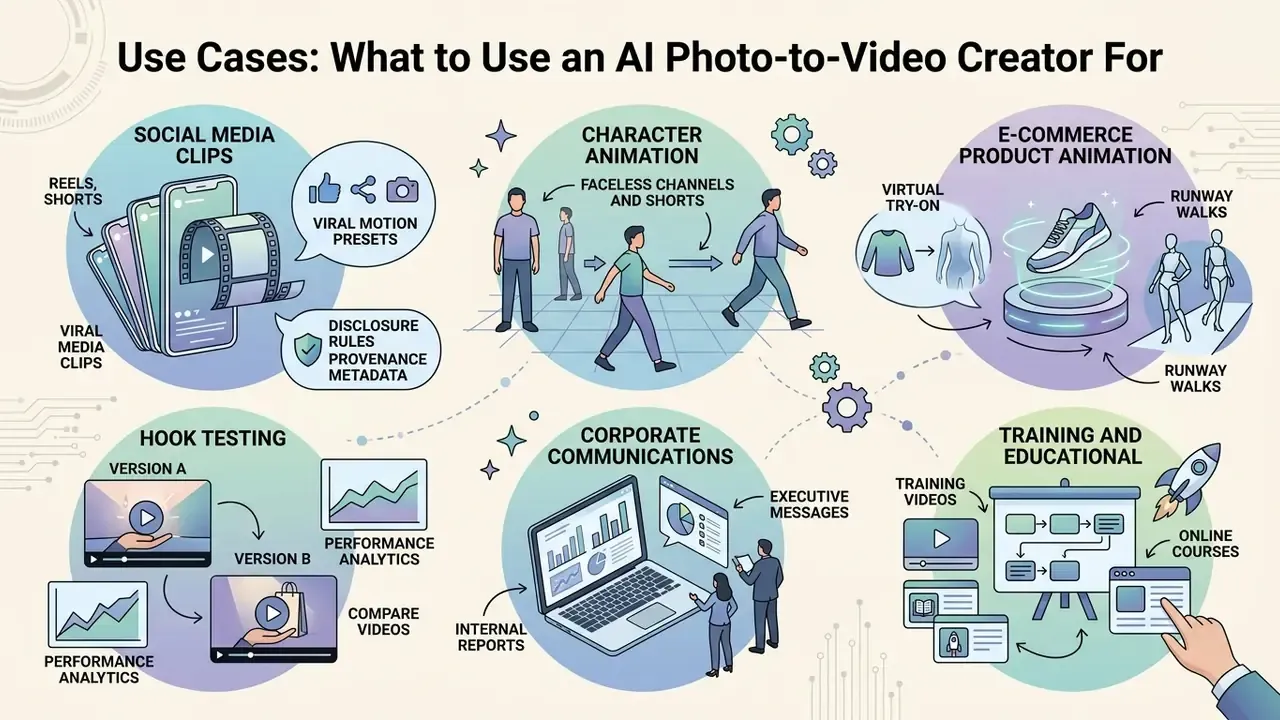
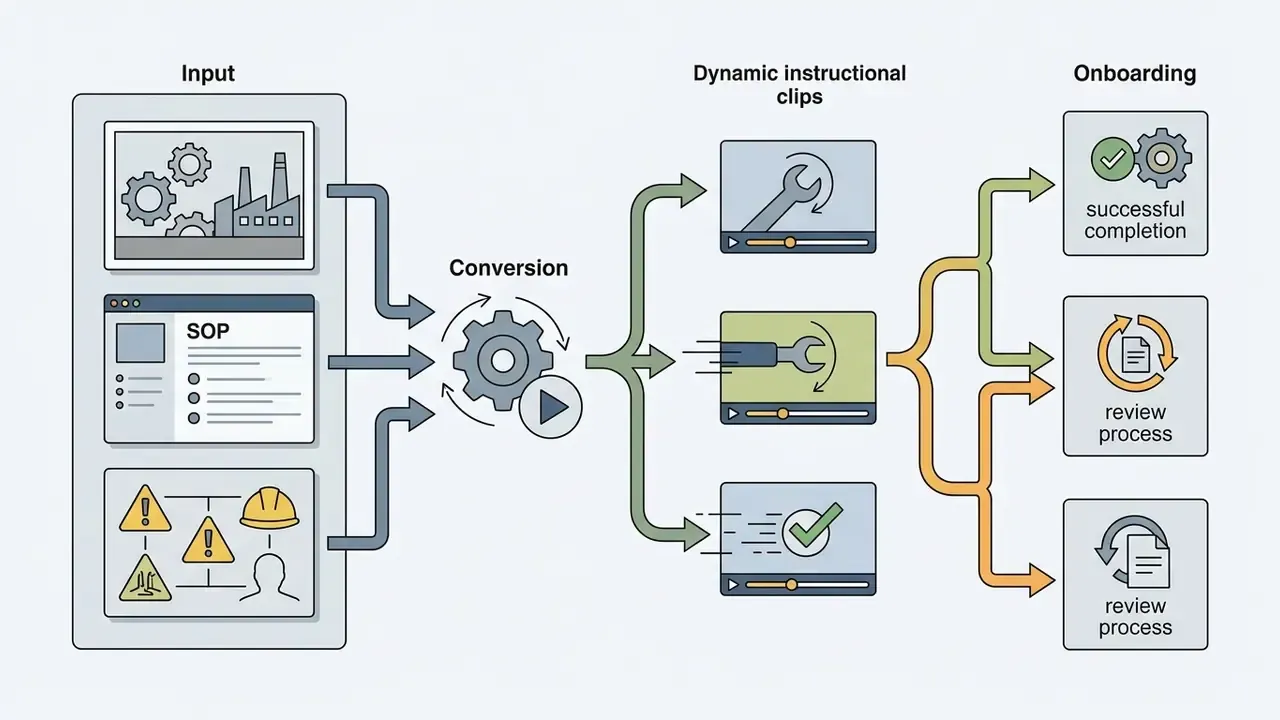
AI photo-to-video creation tools serve key applications across social media marketing, e-commerce product animation, corporate communications, training, and educational storytelling.
Converting static visual assets into dynamic video clips lets organizations increase content output without scaling traditional production budgets. Teams choosing a tool per use case can start from the roundup of best free AI video generators.
Animating Product Photos for E-Commerce and Ads
Animating product photography for e-commerce listings and ad campaigns is used to improve customer attention, brand recall, and purchase intent compared with static product images. (Note: the frequently cited GfK 2017 comparison of animated versus static ad formats reports gains in engagement, recall, attention, and brand favourability. The underlying dataset is not openly published, so treat the directional finding as indicative and validate with your own A/B test.)
In e-commerce implementations, image-to-video diffusion models apply subtle motion, such as light reflections sliding across a wristwatch or steam rising from a coffee mug, while keeping the main product geometry stable.
«Diffusion models apply subtle motion, highlights on a watch, steam above a mug, while keeping product geometry stable.»
Standard product catalogs adhere to official multi-view photography standards (GS1 Product Image Specification Standard), which define a primary image plus front, left, right, top, back, and bottom views, and describe 360° imaging as 24 to 360 frames captured on a single axis. Animated generative clips therefore belong in top-of-funnel promotional placements rather than in the compliant listing image set. Before rolling anything into paid media, confirm the licensing position described in the guide to commercial use of AI image generators.
Risk-adjusted ROI formula. Finance and transformation leaders rarely approve a generative pipeline on «time saved» alone. Use:
Risk-Adjusted ROI (%) =
  [ (Hours saved × blended hourly rate)
    + Incremental revenue attributable to video assets
    − Licence & credit cost
    − QA / moderation / legal review cost
    − Rework cost (failed renders × cost per render)
    − Residual risk provision ]
  ÷ ( Licence & credit cost + QA cost + Residual risk provision )
  × 100
Where residual risk provision equals the estimated probability of an incident (rights dispute, disclosure failure, brand-safety escalation) multiplied by the estimated cost of that incident. Worked illustration for the 50-product catalog scenario above: 50 clips that would have taken roughly 60 designer-hours at a $60 blended rate represent $3,600 of avoided labour. Against, say, $200 of credits and licence allocation, $400 of QA and legal review, $100 of rework, and a $300 residual risk provision, the risk-adjusted return is (3,600 − 200 − 400 − 100 − 300) ÷ (200 + 400 + 300) × 100 ≈ 289%. Substitute your own rates. The point of the formula is that the denominator must include control costs, not only licence fees.
Businesses reviewing commercial integration workflows can explore the AI Media Commercial-Use resources for licensing guidelines.
Photo Stories, Educational and Creative Videos
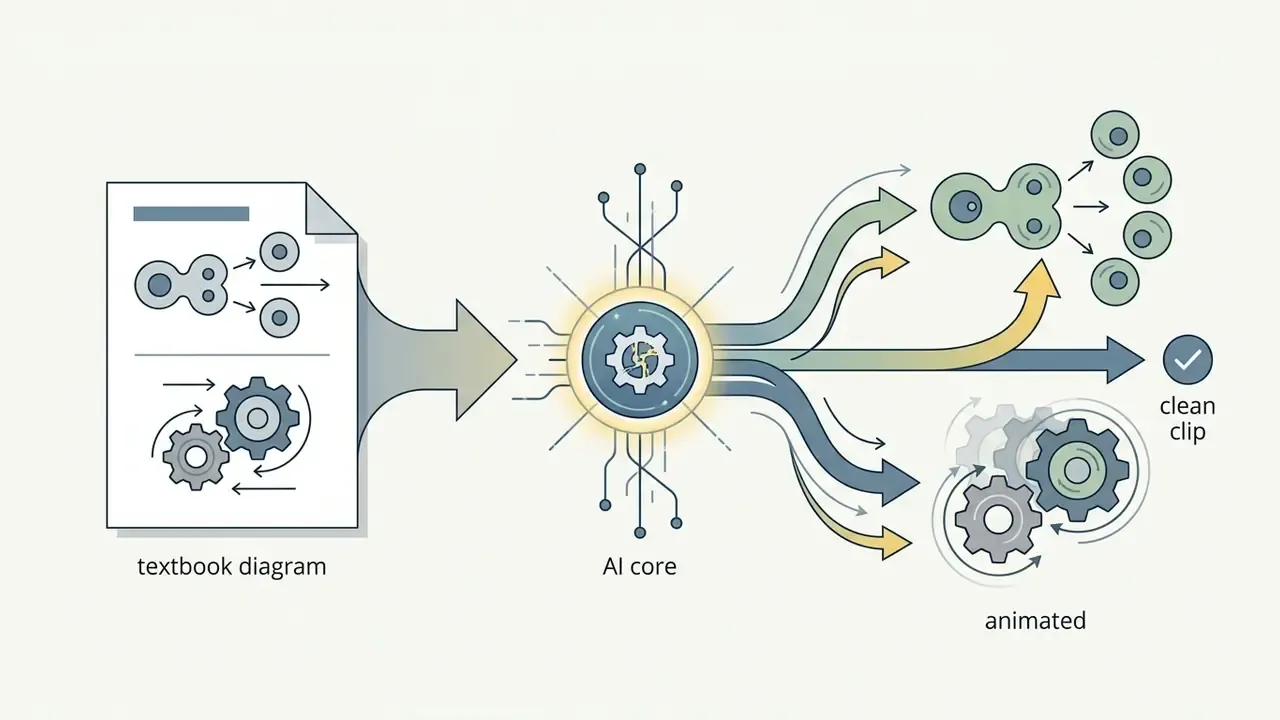
Transforming historical archives, textbook diagrams, and book illustrations into animated video clips is used to increase learner attention and to support digital storytelling. (Note: published work in this area is qualitative, for example research on AI-driven animation of cultural-heritage archives and on semantic, depth-aware storytelling videos generated from a single still. Engagement gains should be validated locally rather than assumed. Independent effect-size data is still required.)
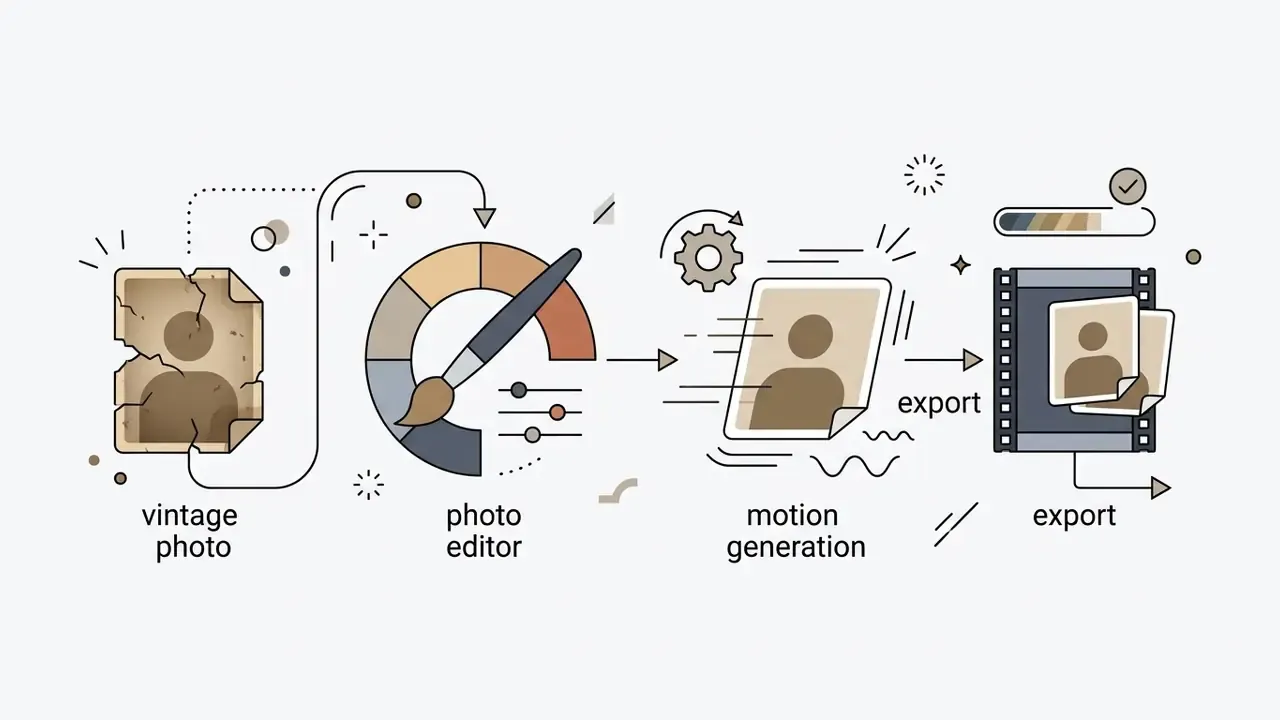
Educational institutions and cultural heritage projects use photo-to-video models to add subtle depth-aware movement to archival photography. Documented applications include:
A practical constraint for education and heritage work: keep the motion subtle and disclose the animation. Generative motion invents content that was never photographed, so archival integrity depends on clear labelling.


Free Generation, Watermarks, and Commercial Use
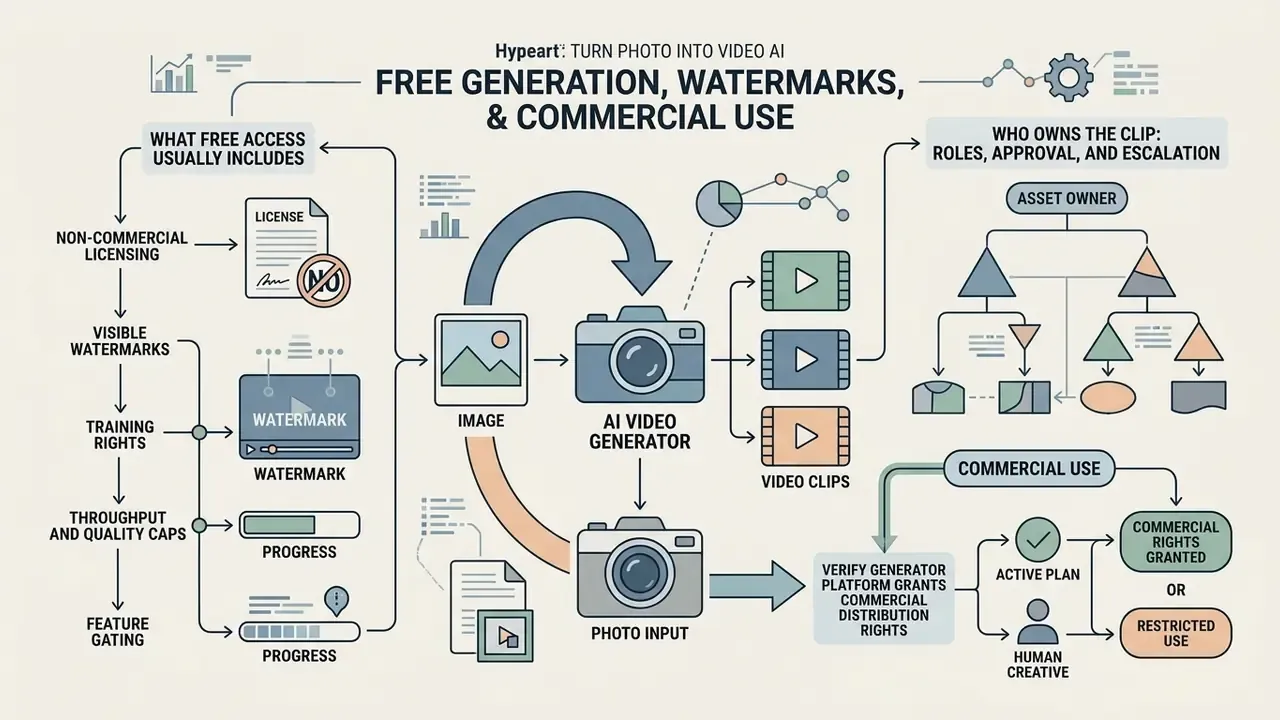
Using AI-generated video commercially requires verifying that the generator platform grants commercial distribution rights under your active plan, and ensuring human creative contribution for copyright protection.
Commercial rights vary significantly between free and paid platform tiers.
What Free Access Usually Includes
Free access tiers across generative video platforms are designed primarily for testing and personal evaluation, with non-commercial licence terms and technical caps.
Standard free tier parameters include:
For detailed plan breakdowns across creative platforms, review the AI Media Pricing Guides. If the free plan is your permanent tier, the comparison of free photo editors shows how similar limits play out in adjacent tooling.
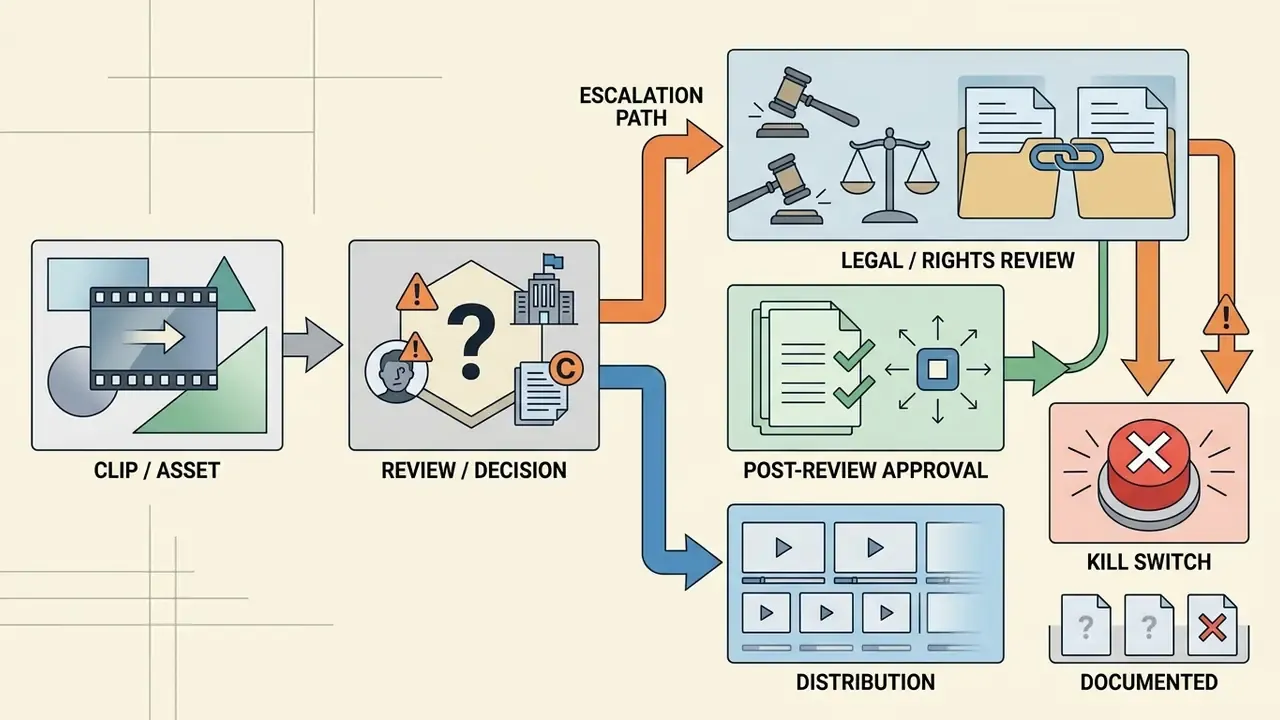
Who Owns the Clip: Roles, Approval, and Escalation
This block replaces the on-page navigation list that earlier versions of this article carried. Search engines index headings well enough; ownership of the asset is the harder problem.
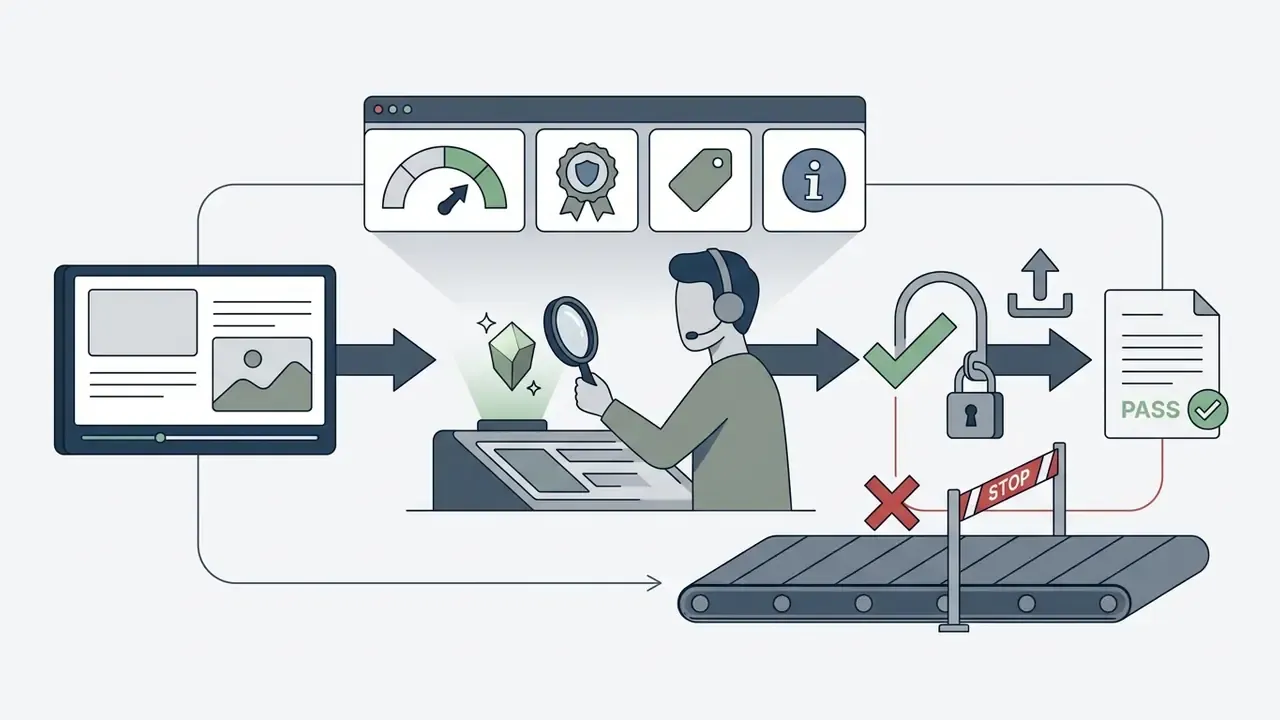
A workable, illustrative model for a regulated organization keeps four roles distinct:
Two thresholds are worth writing down in advance. First, which content types never enter a generative pipeline at all (customer imagery, KYC documents, employee portraits without consent). Second, which content types require dual review rather than single review, typically anything showing a real person, a regulated product claim, or a branded financial offer. These are hypotheses to calibrate against your own risk appetite, not a standard.


How to Verify Commercial Use Rights Before Publishing
Verifying commercial usage rights before launching a campaign requires reviewing platform licensing terms, confirming permissions for underlying source photos, and verifying human creative involvement.
To maintain commercial compliance:
- Check subscription rights: Confirm that your active paid subscription explicitly grants commercial distribution rights for generated outputs, and record the tier in your audit trail at the moment of generation.
- Verify source asset rights: Ensure you own or hold an appropriate commercial licence for all uploaded reference images before generating video derivatives. When provenance is unclear, run the file through an AI image detector and a reverse-image check before it enters the pipeline. A video built from a third-party or stock photo inherits that asset's licence, not the generator's.
- Understand copyright eligibility: Under U.S. copyright law, purely AI-generated video outputs lacking human expressive authorship cannot be copyrighted. Protection applies only to human-authored elements, such as custom scripts, complex sequence editing, or original input imagery.
«Copyright protection extends only to the elements reflecting human creative contribution.» — U.S. Copyright Office, Copyright and Artificial Intelligence Report (2025). https://www.copyright.gov/ai/
- Check jurisdiction: Outcomes differ by country. The U.S. rejects protection for purely machine-generated output, while UK law retains a separate computer-generated-works regime with a 50-year term from creation, so client ownership clauses need to name the governing law.
- Respect platform disclosure duties: Realistic AI-generated or significantly AI-edited media must be labelled on TikTok, Meta, and YouTube. Keep provenance metadata intact through post-production and export.
- Document the human contribution: Retain prompts, iteration history, edit decision lists, and post-production project files. That record is the practical evidence of human authorship if ownership is ever questioned.
- Check platform-specific terms: Vendor positions differ. For example, the Canva AI generator terms explain a model where the platform makes no copyright claim over user output while still not warranting that the output is clear of third-party similarity claims.
Organizations facing copyright or licensing questions should consult the AI Litigation and Case Timelines tracker for legal context.
Trust note, alert box: verify the generator's licence terms, the rights covering any product images used, and the permissions attached to every source photograph before commercial publication or client delivery.
FAQ About AI Image-to-Video Generators
Common technical questions about AI image-to-video generation cover sound effect integration, multi-image sequences, download formats, batch rendering workflows, and privacy. The full image-to-video AI glossary expands on the terminology used in these answers.
Short version: modern AI video platforms support audio overlay generation, multi-image keyframing, and direct MP4 clip downloads.
Can I generate sound effects alongside the animated video clip?
Yes. Sora-class models, Seedance 2.5, Veo 3.1, and Pika 2.5 generate synchronized audio, sound effects, and ambient layers that match the motion in the clip. Alternatively, add audio tracks manually in an editor before export. Overlay documentation for studio tools lists MP3 for audio overlays and MP4, MOV, or WebM for video layers.
«VBench-2.0 adds audio-video synchronization as a distinct quality dimension for generative video models.» — VBench-2.0: Advancing Video Generation Benchmark (2025). https://arxiv.org/abs/2503.21755
Can I use multiple images to create a single video sequence?
Yes. Platforms that support start and end keyframing, such as Kling AI, Veo 3.1, MiniMax, and Runway Gen-3 Alpha Turbo, accept two or three reference frames. The model interpolates intermediate frames to create a smooth transition between images. Gen-3 Alpha Turbo documents up to three keyframes: first, middle, and last. Keep all frames at identical resolution and aspect ratio, and note that multi-file uploads are usually one-by-one rather than a single batch import.
What video file formats are supported for downloading generated clips?
Most AI video generators export completed clips as standard MP4 files using the H.264 codec. Higher-tier plans and studio tools also support MOV (without HEVC), WebM, or GIF exports, plus MP3 for audio-only tracks and JPG or PNG for extracted stills.
What are the file requirements for the source image?
JPG, JPEG, PNG, and WebP are universally accepted; some models add BMP, TIFF, and GIF. Typical size ceilings run from 20 MB on consumer tools to 30 or 64 MB on API tiers. Dimensions should sit between 300 px and 6000 px per side within a 0.4 to 2.5 aspect-ratio window, with 1024×1024 px or larger recommended for product and portrait work.
How long are generated clips, and can I extend them?
Base durations are typically 5 or 10 seconds at 24 fps. Extensions are handled either by the generator's own «extend» function in 2-second increments, or in an editor. Adobe Premiere's Generative Extend adds up to 2 seconds of video and up to 10 seconds of audio per clip. Longer narratives are normally assembled from several short renders stitched on a timeline.
Are uploaded photos used to train public AI models?
On free tiers, many platforms reserve the right to use uploaded images and generated clips to train future AI models, and opt-out settings frequently apply only to content submitted after the change. Paid enterprise subscriptions usually offer opt-out controls or contractually exclude customer data from model training. Never upload confidential, regulated, or NDA-covered imagery to a consumer free tier.
Do I need filming or editing experience?
No. The core workflow is: upload an image, write a motion prompt, click generate, review, export. Editing skills become useful only in post-production, for captions, audio mixing, artifact clean-up, and multi-clip assembly, and even those steps are largely automated in modern browser editors.
Can I remove the watermark from a free export?
Only by using a plan that grants watermark-free export. Some tools advertise watermark-free HD downloads on their free tier; others reserve it for paid tiers, and certain launches embed a moving visible watermark plus C2PA provenance regardless of plan. Stripping a watermark you are not licensed to remove breaches the platform terms.
Why does my clip look distorted or flicker?
The usual causes are a low-resolution or heavily compressed source image, an overloaded prompt containing several sequential actions, a mismatch between start and end frames, or a model whose motion prior does not suit the subject. Fix the input first, simplify the prompt to one action, pin the seed, then change one descriptor at a time.
Figure note, FAQ accordion: implement as an expandable question list; the full answer text must remain in the page DOM rather than being injected by JavaScript only.
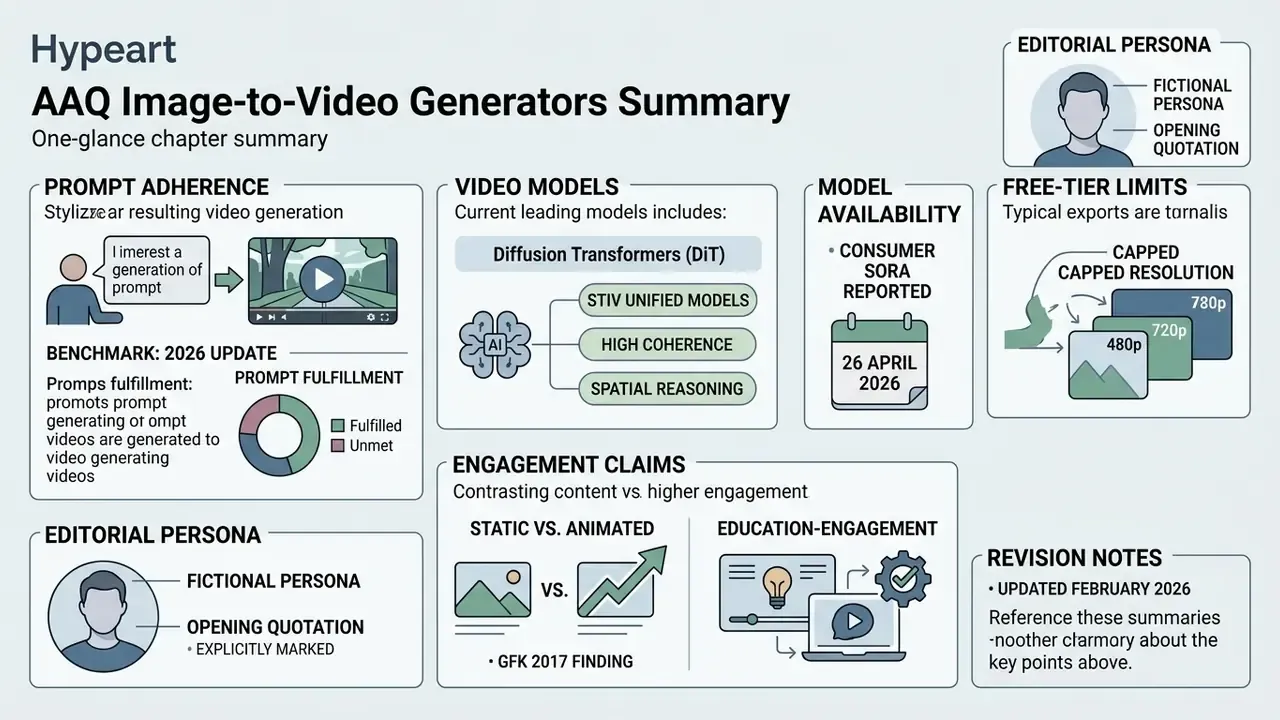
Appendix A: Revision Notes
Social Media Clips, Reels, Shorts, and Viral Motion Presets
Creating short videos for TikTok, Instagram Reels, and YouTube Shorts from static images increases audience engagement while complying with platform disclosure standards.
Features like TikTok's AI Alive let users convert a single photo into an animated Story clip using text prompts. TikTok states the output is moderated before the creator sees it, then labelled as AI-generated and tagged with C2PA metadata. When publishing AI-generated or modified videos to major social platforms: