If you sit in a control function, this article is not really about pretty pictures. It is about which generative media vendor you can put in front of legal, security, and internal audit without flinching. Selecting the best ai image generation tools 2025 requires evaluating specific performance dimensions rather than trusting subjective visual appeal. Enterprise operators, creative teams, and risk managers have to balance rendering quality, prompt adherence, control interfaces, commercial licensing, and the real operating cost of each pipeline.
The market itself has stopped consolidating around a single "best" model. By 2025 and into 2026, the AI image generation segment, valued somewhere between $4.8B and $12.4B depending on whether analysts count standalone tools or embedded features, has fractured into five durable specializations: Midjourney for branded aesthetics, DALL·E and GPT-image for conversational chat workflows, Stable Diffusion (and increasingly FLUX) for self-hosting and customization, Ideogram for text-on-image design, and FLUX or Krea for production-grade photorealism.
One practical consequence for buyers: a single-vendor standard is now the expensive option, not the safe one.
Top Picks by Enterprise Need
| If your primary constraint is… | Pick this | Why it wins |
|---|---|---|
| Aesthetic quality and branded art direction | Midjourney v7 | Highest lighting, texture, and compositional fidelity; deep --sref / --sw style control |
| Accurate text, logos, and typography | Ideogram 3.0 | Publication-ready kerning and spelling without Photoshop post-processing |
| Legal safety and IP indemnification | Adobe Firefly | Licensed Adobe Stock training data plus formal indemnification for non-beta outputs |
| Prompt adherence and iterative editing | ChatGPT Image (GPT-4o) | Autoregressive instruction parsing and multi-turn conversational edits |
| Data residency, self-hosting, and Shadow AI control | Stable Diffusion 3.5 / FLUX.1 | Open weights, on-prem or VPC deployment, zero third-party prompt retention |
| Game assets, characters, and 3D concepting | Leonardo AI | Fine-tuned checkpoints, seed locking, LoRA trainability for consistent characters |
| Zero-budget everyday generation | Bing Image Creator | 15 daily fast boosts, unlimited slow generations, no visible watermark |
How We Evaluate AI Image Generation Tools in 2025 and Early 2026
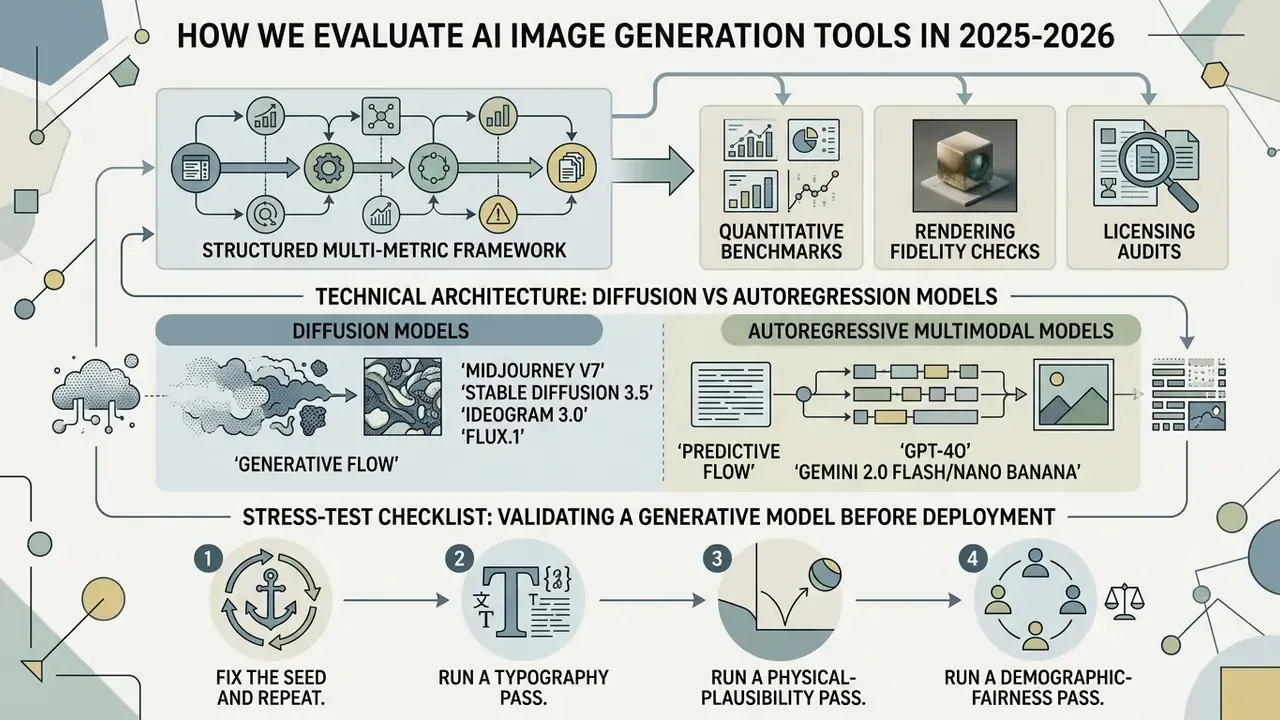
Evaluating ai image generation tools involves a structured multi-metric framework: quantitative benchmarks, rendering fidelity checks, and licensing audits in one pass. We score each platform on objective prompt adherence, typography legibility, system availability, pricing transparency, and commercial indemnity guarantees. Our ai art generator reviews 2025 methodology deliberately separates taste from evidence, because taste does not survive an audit meeting.
To keep comparisons reliable, the testing protocol aligns with NIST AI RMF 2024 standards and the ISO/IEC TS 25058:2024 quality framework for generative AI systems. We execute standard benchmark prompts across varying seed conditions to measure output stability, latency, and instruction compliance.
This matters for institutional buyers because ISO/IEC TS 25058:2024 defines an AI system quality model rather than a single score, while NIST's 2025 GenAI pilot evaluation plans operationalize task-level scoring (AUC, Brier scores, validation rule files). Translated into practice: prompt adherence, render fidelity, and text legibility each need their own measurement. Neither standard covers commercial-rights hygiene or pricing. Those you read directly from vendor terms, line by line.
Technical Architecture: Diffusion vs Autoregression Models
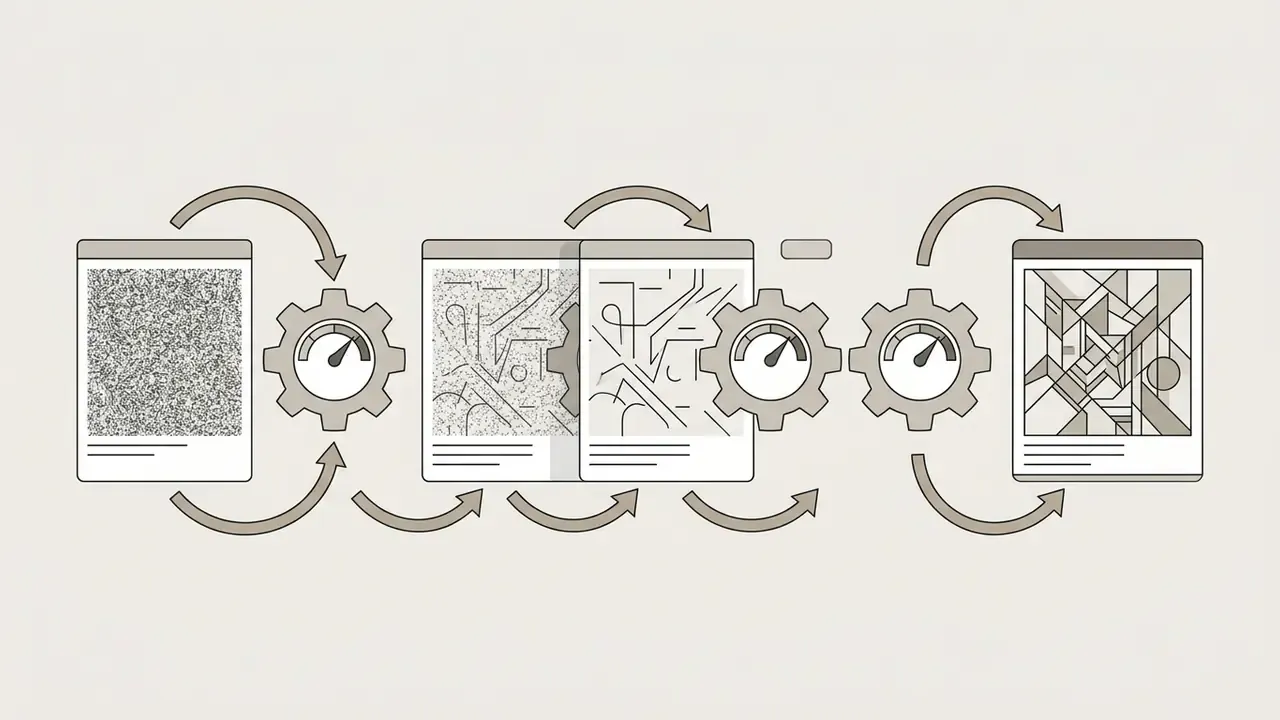
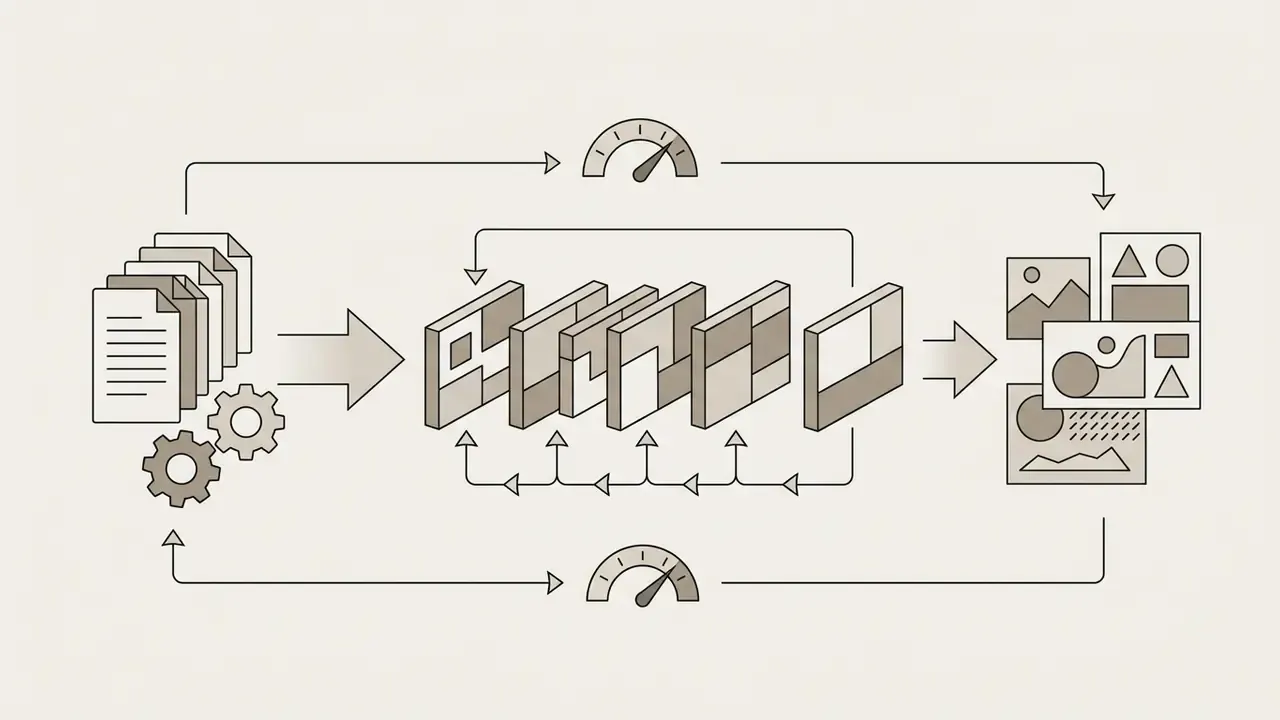
Modern generators convert text prompts into visuals through two primary algorithmic pathways. Both rest on neural networks trained with machine learning on paired image and caption data, but their failure modes differ sharply.
Knowing which architecture a platform uses predicts where it will break. Diffusion systems drift on long instruction chains. Autoregressive systems drift on fine-grained texture and micro-detail.
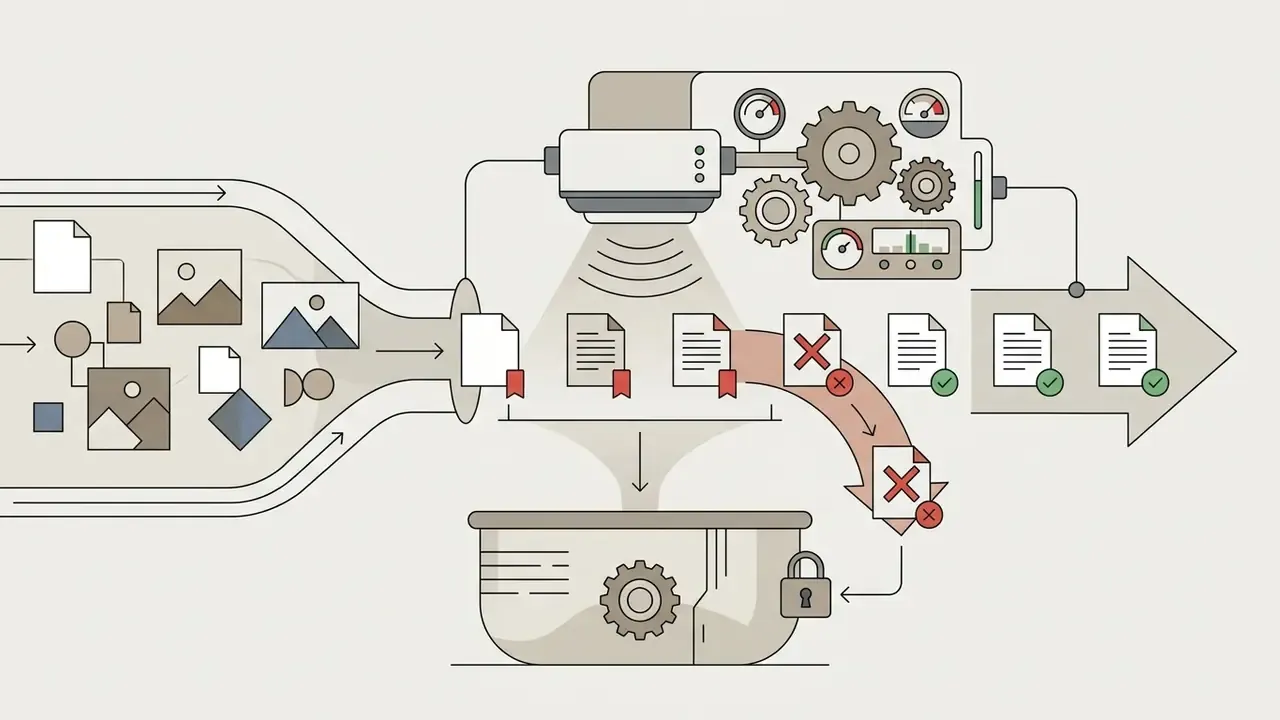
Stress-Test Checklist: Validating a Generative Model Before Deployment
Before approving any generator for production, risk and model-validation teams can run this five-step internal protocol. It takes an afternoon, not a quarter.
- Fix the seed and repeat.Run the identical prompt 10 times with a locked seed to measure output determinism and version drift.
- Run a typography pass.Generate 20 images containing 4 to 8 word strings; score character accuracy, word accuracy, and kerning defects separately.
- Run a physical-plausibility pass.Test reflections, liquid behavior, shadow direction, and object occlusion; log systematic violations.
- Run a demographic-fairness pass.Generate identical occupational prompts across 50 samples and score gender, age, and skin-tone distribution.
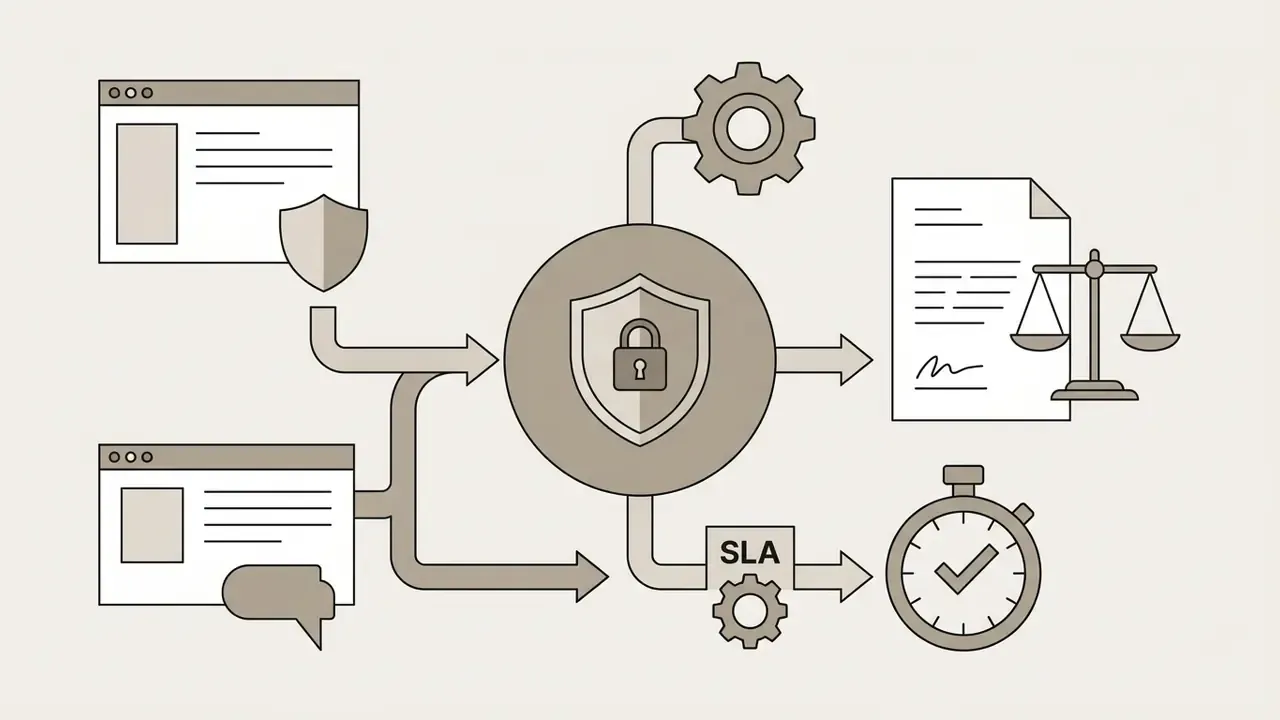
- Run a rights pass.Confirm in writing whether the vendor trains on your prompts, whether outputs are indemnified, and whether your plan tier actually grants commercial usage.
Output Quality, Prompt Accuracy, and Text Rendering
Assessing output quality means measuring spatial coherence, texture detail, and exact text rendering. Empirical benchmarks indicate that specialized commercial multimodal models lead on typography legibility, while diffusion architectures lead on structural quality metrics such as Fréchet Inception Distance (FID).
"Stable Diffusion consistently achieves the lowest FID values (21.70 for faces, 28.90 for motion on COCO) and the highest R-Precision scores among compared models."
Research from the STRICT Stress-Test Benchmark (2025) shows that GPT-4o and Gemini 2.0 significantly outperform open-source diffusion models on character accuracy and long-range text legibility inside generated images.
"STRICT scores character accuracy, word accuracy, and instruction adherence on multilingual prompts; GPT-4o and Gemini 2.0 substantially outperform open diffusion models across all three axes."
Meanwhile, benchmarks such as PhyBench (2024) and R2I-Bench (2025) show that even top-tier models still fail systematically on physical commonsense and multi-object spatial relationships. Reflections in glass remain a reliable tell.
"PhyBench tests 700 prompts across mechanics, optics, thermodynamics, and material properties; even DALL·E 3 and Gemini systematically violate physical laws in most scenarios."
To go deeper on measurement, team members can view the guide on quantitative performance tracking, or study how the leading AI image generators rank against each other on raw output quality.
Pricing, Free Credits, Commercial Rights, and Ease of Use
Judging subscription value means analyzing free credit renewal rates, resolution caps, commercial usage rights, and interface accessibility. Most platforms ship some mix of web interface, API endpoint, or chat-based workflow with tiered credit allocations, and the credits per month figure is rarely comparable across vendors.
Licensing structures vary widely. Some platforms grant full commercial ownership across all tiers. Others restrict commercial rights strictly to paid plans, or set gross revenue thresholds for larger users. Decision-makers sizing an enterprise deployment can compare options across model tier structures.
Two cost realities separate consumer pricing from institutional pricing. Consumer subscriptions cluster at $8 to $20 per month per seat. API-based deployment is billed per token or per image instead: OpenAI's 2026 pricing lists image input at $8.00 per 1M tokens and image output at $30.00 per 1M tokens, so total spend follows input and output mix plus monthly volume, not headcount. Budget modeling for a 50-person marketing org therefore looks nothing like a 50-seat license calculation. Worth checking before you present a number to the CFO.
Best AI Image Generators at a Glance: Features, Pricing, and Use Cases
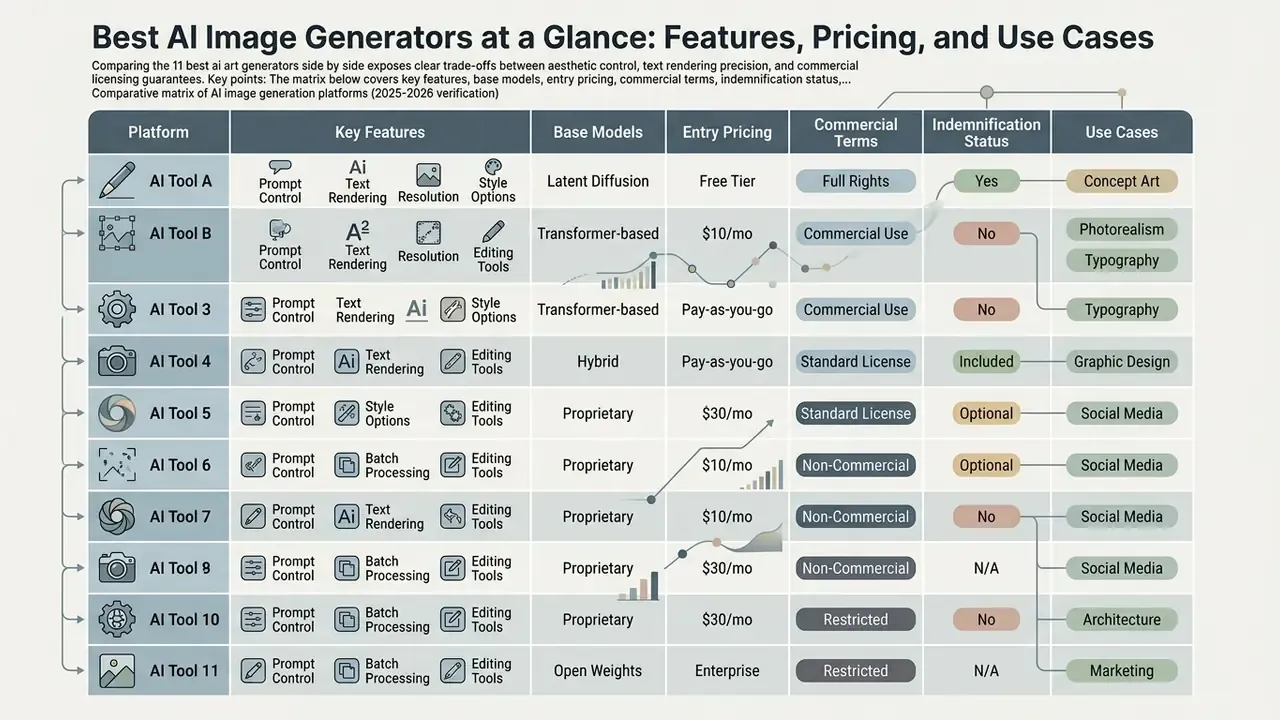
Comparing the 11 best ai art generators side by side exposes clear trade-offs between aesthetic control, text rendering precision, and commercial licensing guarantees. Organizations should align platform selection with their primary operational requirement, whether that is marketing assets, photorealistic rendering, or batch content generation.
The matrix below covers key features, base models, entry pricing, commercial terms, indemnification status, and data-privacy posture across the main ai art generation platforms 2025. Read it as an ai art generation platforms comparison, not a leaderboard.
Comparative matrix of AI image generation platforms (2025-2026 verification)
| Platform | Primary use case | Free tier / trial | Paid plans start at | Commercial rights | IP indemnification | Training-data opt-out / privacy | Text rendering | Aspect ratio controls |
|---|---|---|---|---|---|---|---|---|
| Midjourney (v7) | Artistic aesthetics, digital art, style exploration | No free tier (occasional promos) | $10/month (Basic) | Included on paid plans (Pro/Mega required above $1M revenue) | No (ToS caps liability at prior 12 months of fees) | Stealth Mode on Pro/Mega only; broad content license granted to vendor | Moderate (v7 improvements) | Advanced parameters (--ar) |
| ChatGPT Image (GPT-4o) | Conversational creation, prompt refinement, mixed text and image | Free access available (2 images per day on DALL·E 3) | $20/month (Plus) | Full user ownership of generated outputs | Yes on API and enterprise service terms (exclusions apply) | Yes: Enterprise/Team and API default to no training on business data | High accuracy and instruction adherence | Standard presets (1:1, 16:9, 9:16) |
| Ideogram (3.0) | Graphic typography, logos, posters, clear text | 10 slow credits per week | $15/month (Plus) | Included on paid plans | No formal indemnity published | Private generation on paid tiers; free-tier outputs are public | Industry-leading text precision and kerning | Canvas presets and custom aspect ratios |
| Adobe Firefly | Commercially safe design, Photoshop integration | Free daily generative credits | $4.99/month or CC bundles | Fully indemnified commercial license (non-beta) | Yes: explicit IP indemnification for eligible output | Adobe states it does not train current Firefly models on subscriber personal content | Moderate | Preset ratios in Express and Photoshop |
| Canva Magic Media | Social media creatives, marketing templates | 50 lifetime uses (Free) | $15/month (Canva Pro) | Commercial rights included, watermark-free | No published output indemnity | Enterprise admin controls; opt-out settings at account level | Moderate (via integrated design editor) | Standard social media format presets |
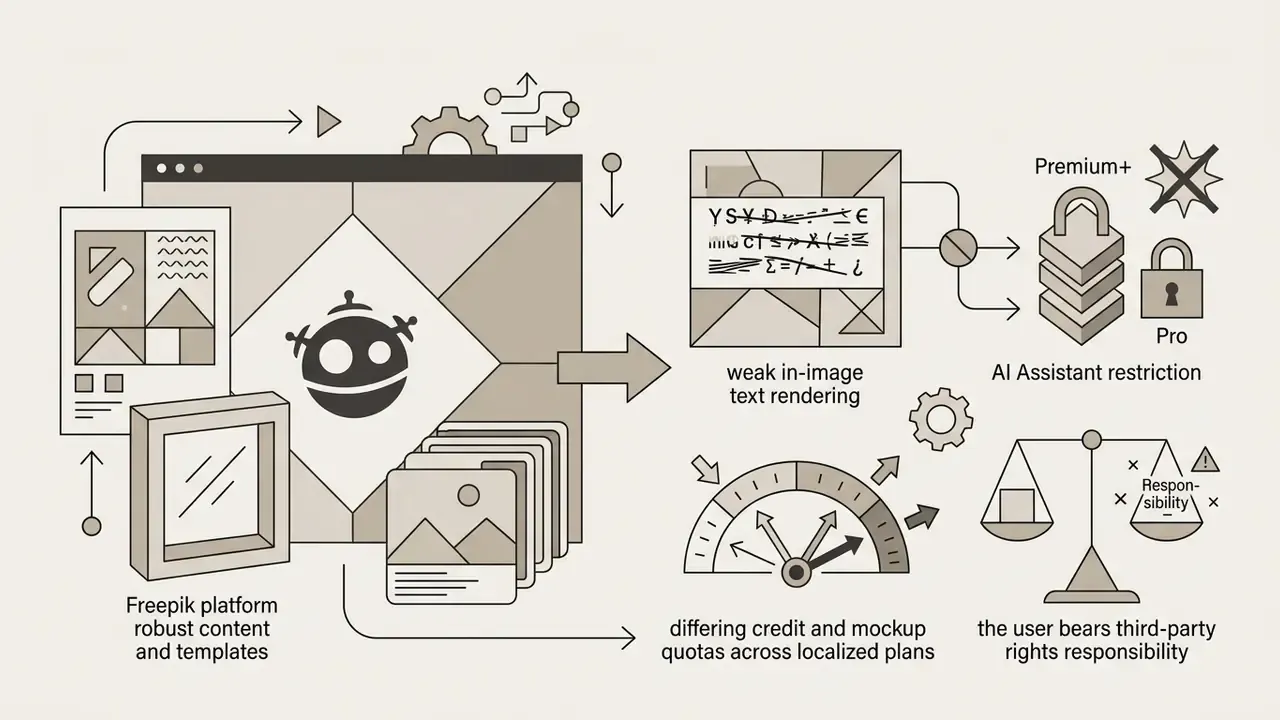
| Freepik (Pikaso) | Product mockups, vector assets, design libraries | Limited free trial access | Tiered paid plans (8,000 to 20,000 AI credits per month) | Included on Premium+/Pro tiers | No (user bears third-party rights responsibility) | Standard SaaS terms; no dedicated zero-retention tier | Basic | Preset canvas dimensions |
| Stable Diffusion (SD 3.5) | Custom workflows, self-hosting, LoRA control | Free open weights (self-hosted) | Free (custom infrastructure costs) | Community License free under $1M gross revenue | No (open-weights license, as-is) | Full control: on-prem or VPC, zero external prompt transmission | Variable by model checkpoint | Fully customizable via UI or pipeline |
| DreamStudio | Cloud-hosted Stable Diffusion control | Pay-as-you-go credit system | ~$10 for 1,000 credits | Full commercial usage allowed | No | Cloud-hosted; standard Stability AI terms apply | Moderate | Slider-based aspect ratio controls |
| Leonardo AI | Gaming assets, character design, 3D concept art | 150 daily fast tokens | ~$10/month (8,500 fast tokens) | Included on paid plans | No published output indemnity | Private mode on paid tiers; free generations are public by default | Moderate (model-dependent) | Preset and custom dimensions |
| Playground AI | Layered editing, side-by-side model testing | 10 images per 3-hour window | $15/month (Pro) | Pro plans include worldwide royalty-free rights | No | Commercial use and privacy features gated to Pro tiers | Supported via multi-model canvas | Flexible aspect ratio tools |
| Bing Image Creator | Everyday free generation (GPT-4o / DALL·E 3) | 15 fast boosts per day (unlimited slow) | Free with Microsoft Account | Personal, non-commercial by default | Only via commercial Microsoft 365 Copilot licensing | Consumer MSA terms; commercial data protection requires M365 Copilot | High (GPT-4o powered) | Square 1:1 default |
Pricing and limits re-verified December 2025. Vendor pages change without notice; confirm before purchase.
Commercial rights in four lines (full legal detail in the commercial use section below):
For infrastructure testing, technical leads can open the hub to examine developer REST integrations and custom endpoints. Buyers reviewing platform-specific vendor terms can also read the Microsoft AI image generator and Canva AI generator overviews.
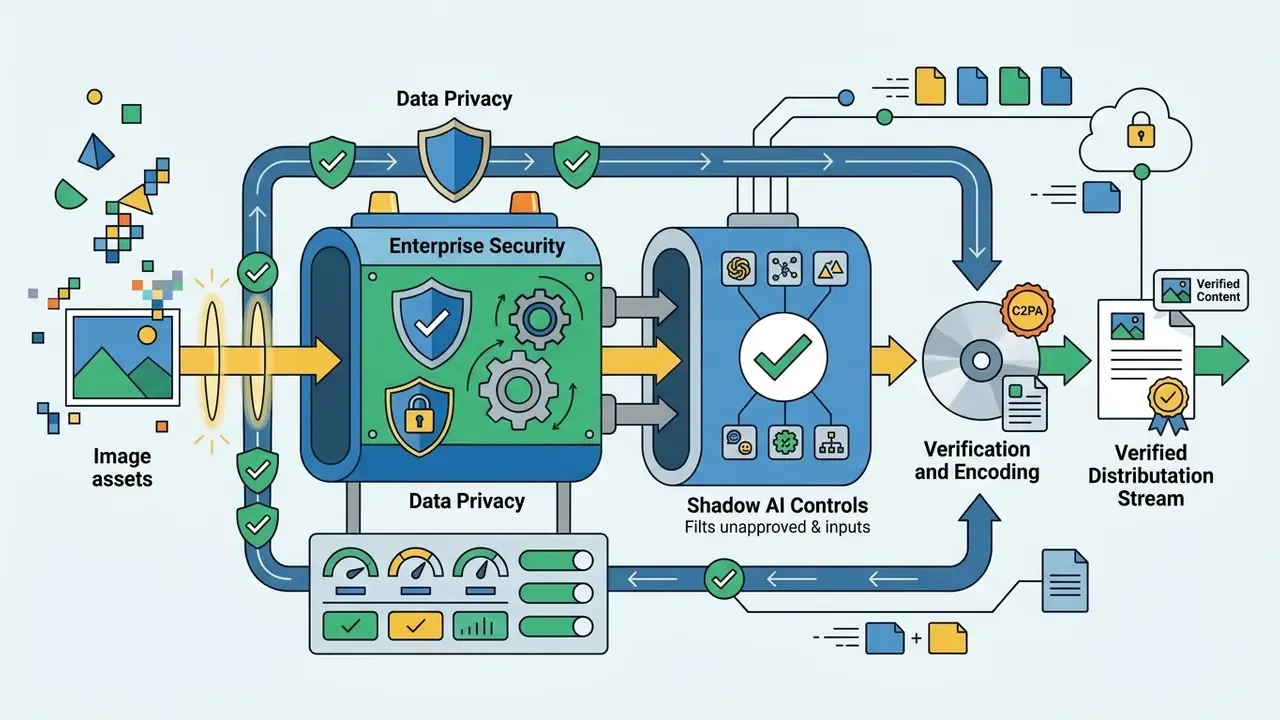
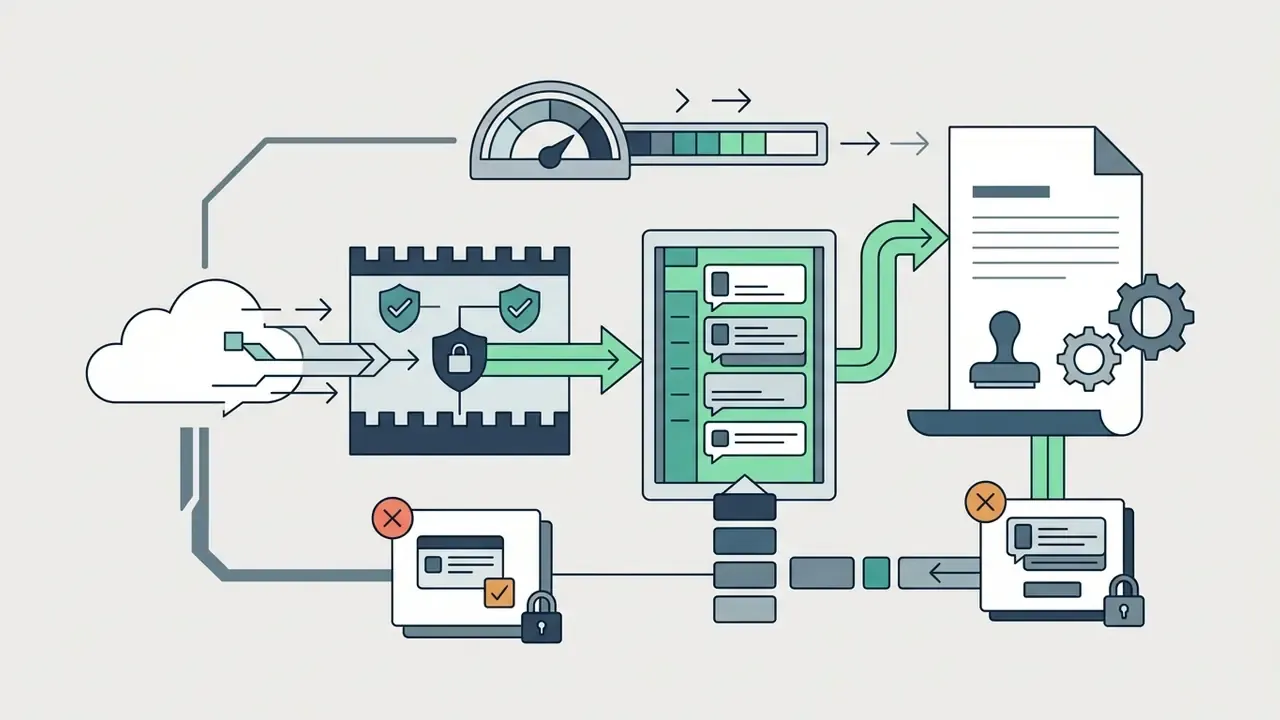
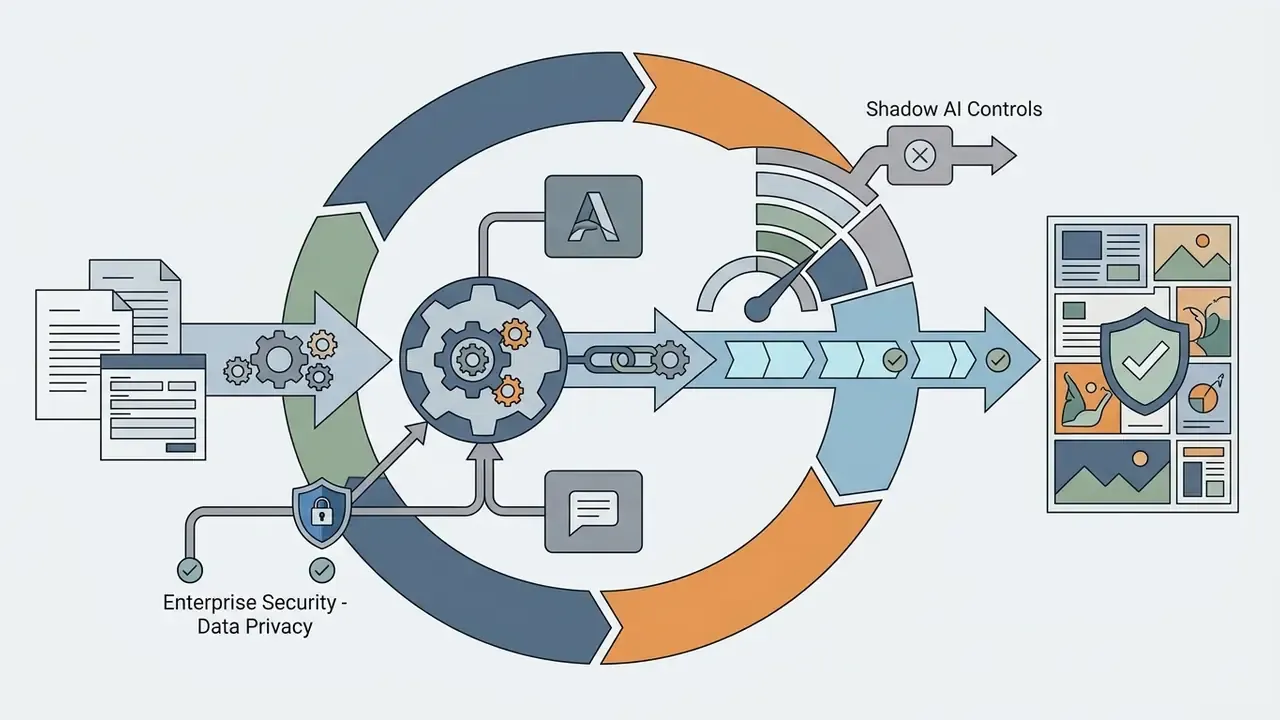
Enterprise Security, Data Privacy, and Shadow AI Controls
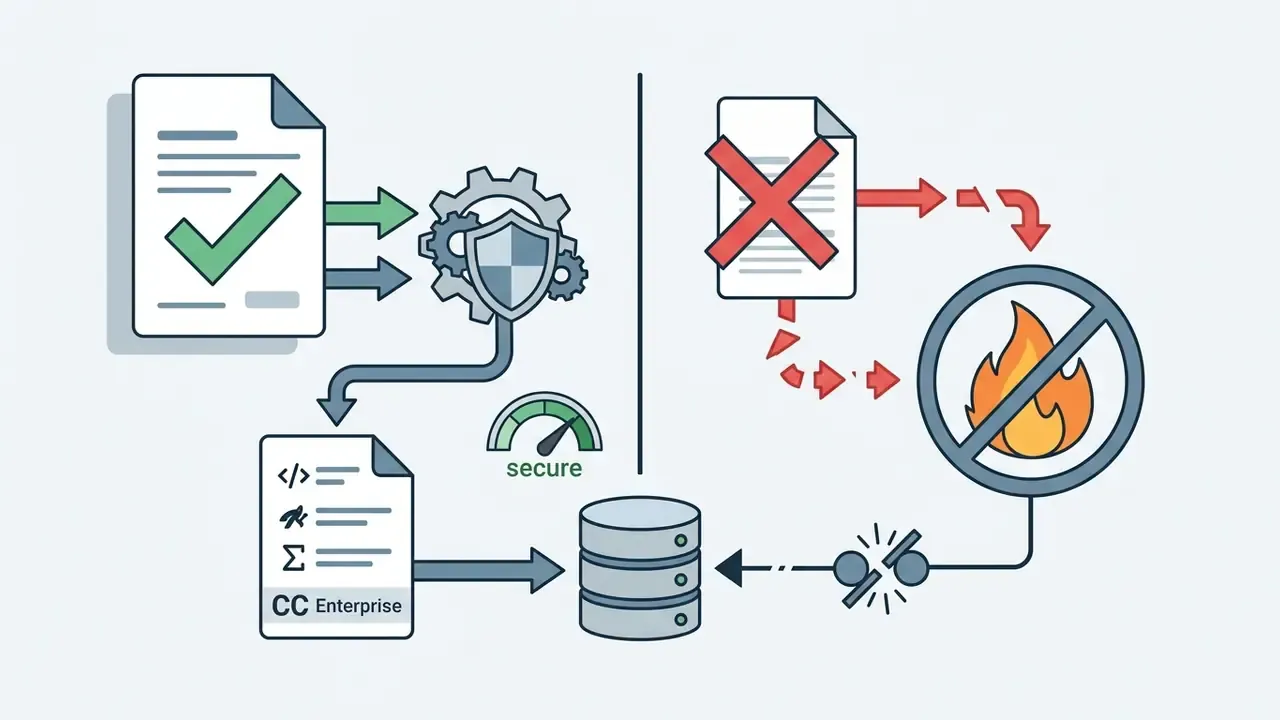
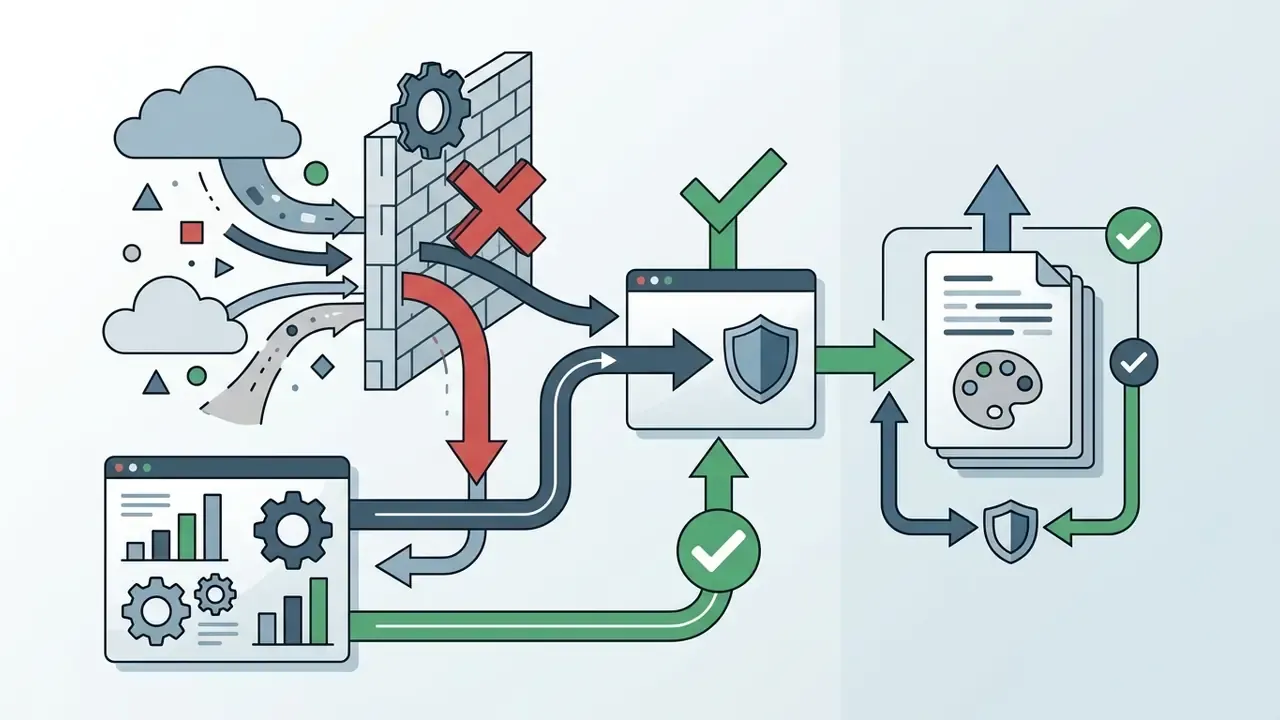
For regulated industries (banking, insurance, healthcare, public sector) output quality is the second question. The first is whether prompts, reference images, and brand assets leave the security perimeter, and whether the vendor trains on them.
Three controls decide whether a generator is deployable inside a governed environment:
- Training-data posture. Does the vendor train on customer inputs by default, and can that be contractually disabled? OpenAI's business and API tiers default to not training on business data; consumer tiers behave differently. Midjourney's Terms of Service grant the vendor a "perpetual, worldwide, non-exclusive, sublicensable, royalty-free, irrevocable copyright license" over input and generated assets, which is material for confidential campaign work.
- Retention and residency. Zero-retention or short-retention configurations are typically available only on enterprise API agreements, not consumer subscriptions. Self-hosted Stable Diffusion 3.5 or FLUX.1 inside a VPC or on-premise GPU cluster removes third-party retention entirely, at the cost of infrastructure and MLOps overhead.
- Certification and attestation. Request SOC 2 Type II and ISO/IEC 27001 evidence before procurement, and map vendor claims against NIST AI RMF (AI 600-1, 2024), which expects assurance criteria to be demonstrated with qualitative or quantitative evidence rather than asserted in a deck.
Best AI Tools for Photorealistic Images, Art, and Accurate Prompts
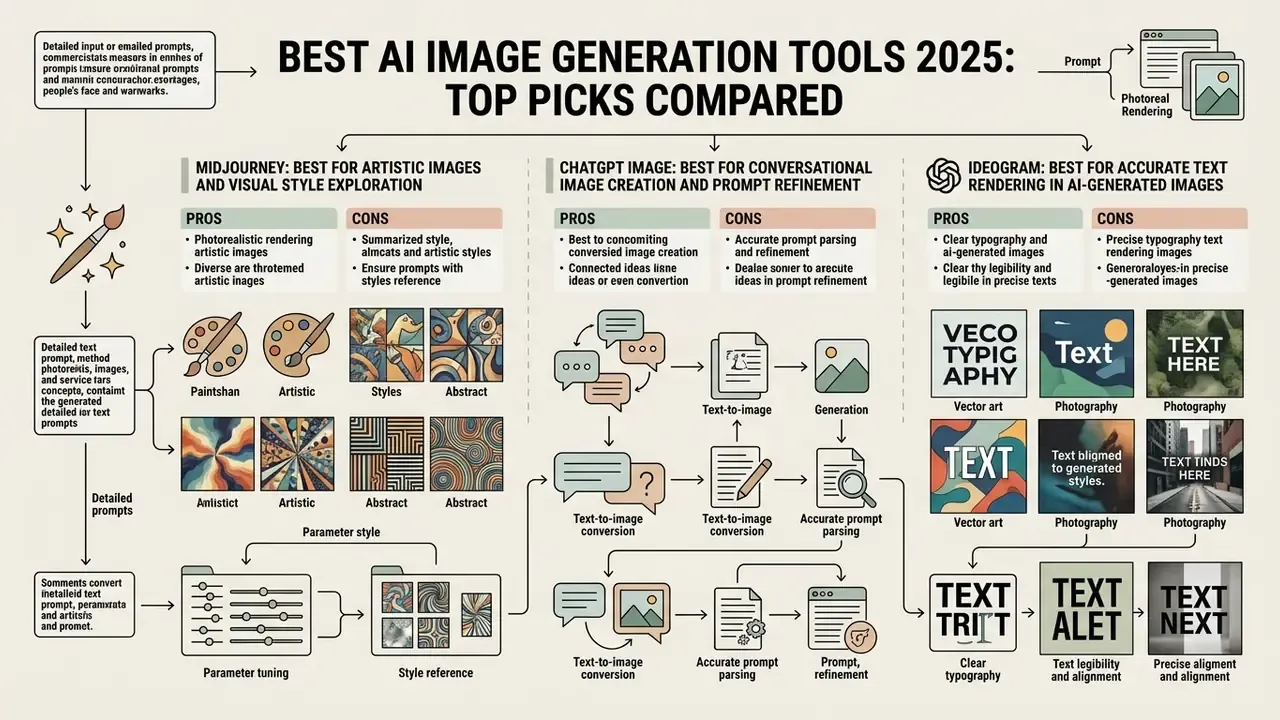
Choosing a tool for photorealistic rendering or artistic concept exploration depends on parameter tuning, style reference features, and prompt parsing mechanics. Diffusion and multimodal transformer architectures produce drastically different visual results from identical text prompts, which is why an ai art generator comparison 2025 without side-by-side prompts is close to useless.
Vendor prompting guidance converges on two operating modes. For photorealism, OpenAI's 2026 prompting guide recommends explicit camera language, real texture description, and quality="high". Recraft's documentation notes that lowering artistic variance improves prompt comprehension. For artistic graphics, style controls and reference images do the work instead.
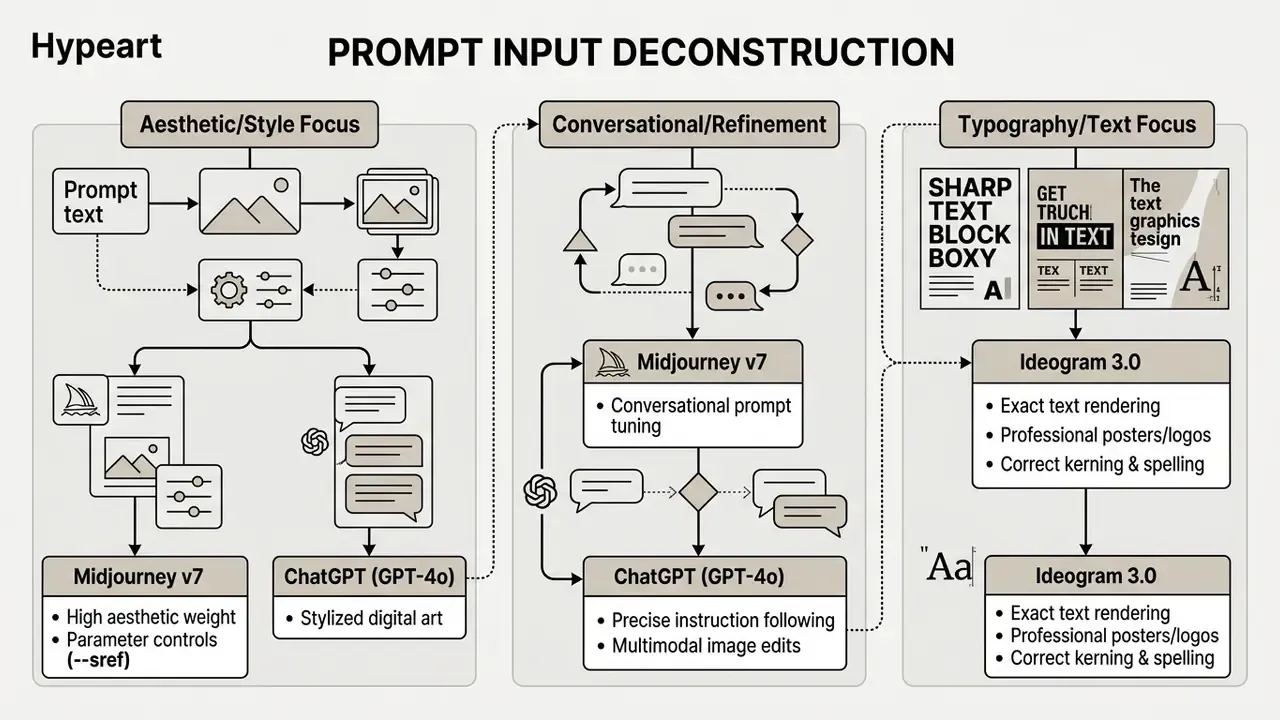
Prompt input deconstruction (mobile-friendly view):
- Aesthetic and style focus → Midjourney v7
- High aesthetic weight by default
- Parameter controls (
--sref,--sw,--ar) - Stylized digital art and painterly composition
- Conversational and refinement focus → ChatGPT (GPT-4o)
- Conversational prompt tuning across turns
- Precise instruction following and numeric or positional reasoning
- Multimodal image edits from uploaded references
- Typography and text focus → Ideogram 3.0
- Exact text rendering inside the image
- Professional posters, logos, packaging
- Correct kerning, weight, and spelling
(The full-width ASCII version of this diagram is preserved in Appendix A for desktop readers.)
Midjourney: Best for Artistic Images and Visual Style Exploration
Midjourney v7 remains the leading ai art generator 2025 for rich aesthetic exploration, digital art concepts, and complex style transfer. Running through both its web interface and Discord, it excels at lighting consistency, texture depth, and painterly composition across very different art styles.
Version 7 (released April 2025) added Draft Mode and Omni Reference alongside established parameters such as Style Reference (--sref) and Style Weight (--sw, range 0 to 1000, default 100). Official documentation reports improved prompt precision, texture richness, and coherence in bodies, hands, and objects; at launch, upscaling, editing, and retexture still fell back to V6 models. Midjourney produces unmatched visual realism and stylized output, yet cluster research shows a measurable default look that brand teams have to fight.
"Analysis of more than 750,000 images identified 4,715 clusters of visually similar outputs from dissimilar prompts, 4.84% of the dataset, indicating systematic aesthetic bias."
On our standardized benchmark prompt, Midjourney delivered the most convincing glass refraction and morning light falloff of any platform tested. It rendered the neon string "AI 2025" correctly in only a minority of samples without parameter intervention. Beautiful, and wrong.
Analysts comparing commercial platforms can explore the hub for licensing breakdowns, or read the head-to-head evaluation of Midjourney versus competing image generators.
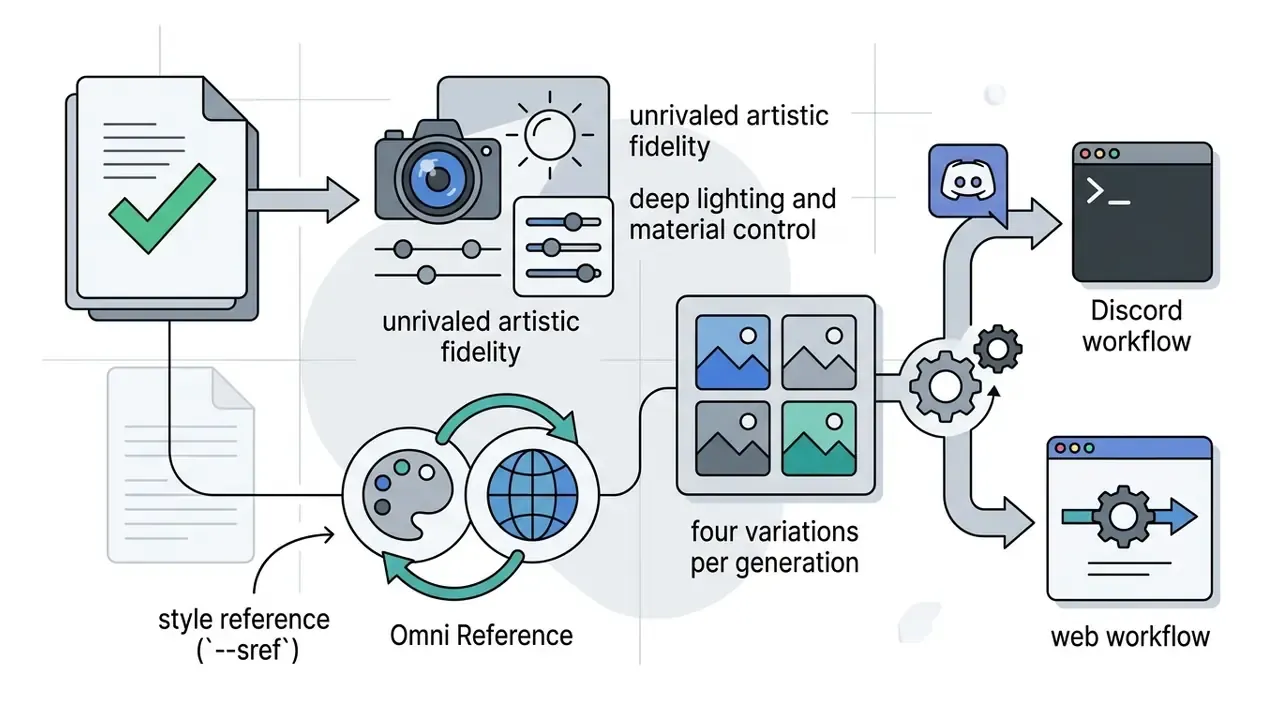
--sref) and Omni Reference; four variations per generation; both Discord and web workflows supported.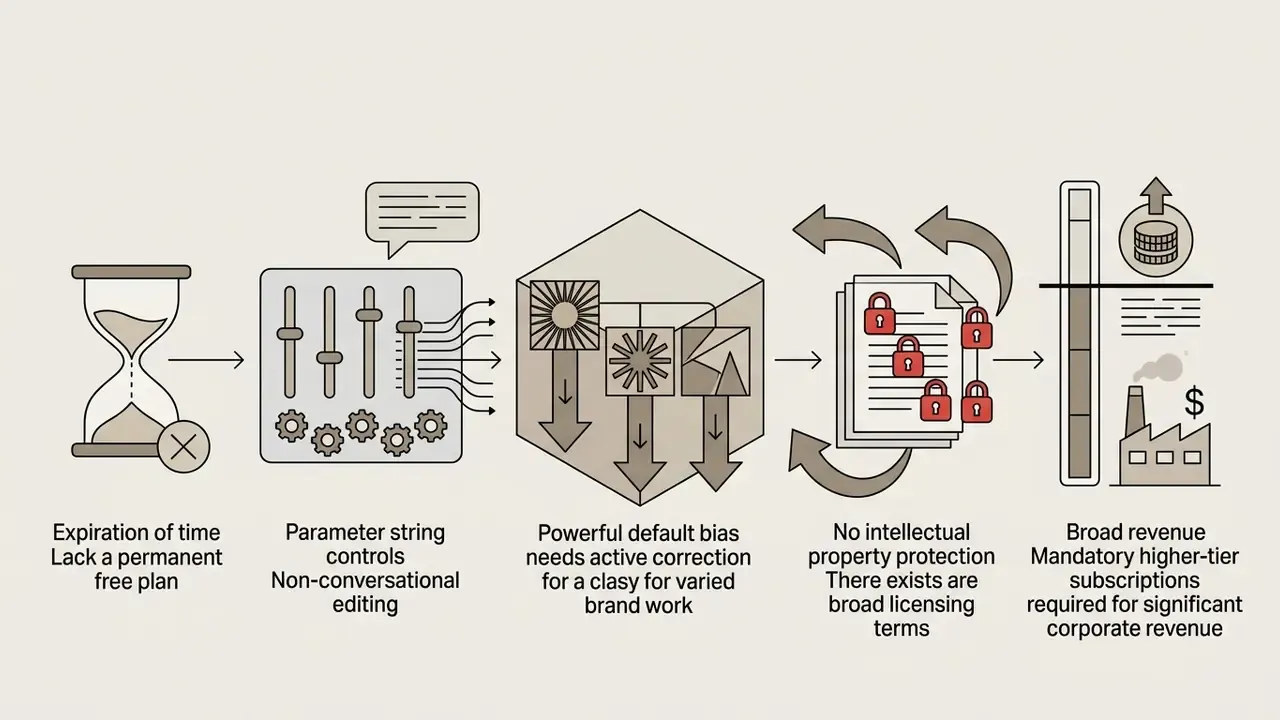
ChatGPT Image: Best for Conversational Image Creation and Prompt Refinement
ChatGPT Image, powered by native GPT-4o multimodal generation, offers the most intuitive conversational workflow available today. Instead of rigid parameter strings, users refine outputs iteratively through natural language feedback and region-specific edits. Since March 2025, 4o image generation has been the default engine in ChatGPT for Free, Plus, Pro, and Team accounts, replacing DALL·E 3's prompt-rewriting approach.
"Across 1,891 participants, DALL·E 3 users produced images on average 0.20 standard deviations closer to targets than DALL·E 2 users (ΔCoSim = 0.0164, p < 10⁻⁷)."
GPT-4o handles complex multi-part instructions efficiently, which makes it a strong ai app for generating images during fast brainstorming sessions. It was also the most reliable platform in our run at rendering the exact string "AI 2025" with correct character order, the practical payoff of autoregressive token prediction.
Creative leads who want side-by-side features can compare options across alternative chat platforms, including a dedicated breakdown of ChatGPT picture generation versus alternatives.
Ideogram: Best for Accurate Text Rendering in AI-Generated Images
"IGenBench reports that the best model reaches question-level accuracy of 0.90 but infographic-level accuracy of only 0.49, with data completeness at just 0.21."
In plain terms: short headline text is solved, multi-field infographics and charts are not.
- Pros industry-leading in-image typography and kerning; strong logo, poster, and t-shirt mockup output; "Describe" and remix workflows; style reference from prior generations; free weekly credits.
- Cons free tier limited to 10 slow credits per week with public generations; PNG export requires an upgrade; stylistic range narrower than Midjourney; no formal IP indemnification; unreliable for dense infographic or chart data.
Best AI Image Tools for Graphic Design, Marketing, and Social Media
Adobe Firefly: Best for Commercial Designs and Adobe Workflows
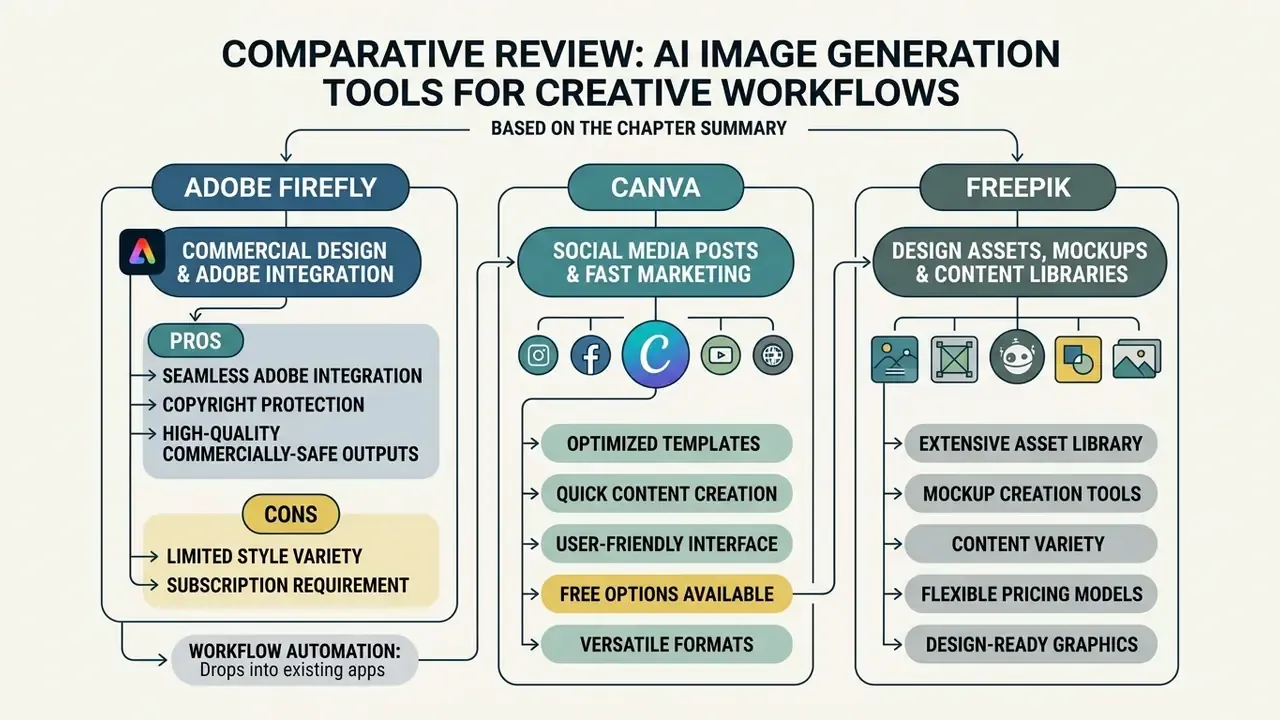
Adobe Firefly is the default choice for enterprise design teams that need commercial safety guarantees and direct Creative Cloud integration. Trained on licensed Adobe Stock assets and public-domain content, Firefly provides commercial IP indemnification for eligible outputs from non-beta features. Adobe also states that it does not train current Firefly models on subscribers' personal content, arguably the single most important sentence in this article for regulated buyers.
Firefly sits inside Photoshop and Illustrator through Generative Fill and Generative Expand, and uses a Generative Credits system to manage usage across enterprise subscriptions, with monthly allocations tied to plan level and credits shared across Photoshop, Illustrator, Express, and firefly.adobe.com.
Marketing organizations looking for scalable commercial solutions can explore the hub to review corporate deployment frameworks, or extend campaign assets with AI outpainting tools for expanding images.
Freepik: Best for Design Assets, Mockups, and Content Libraries
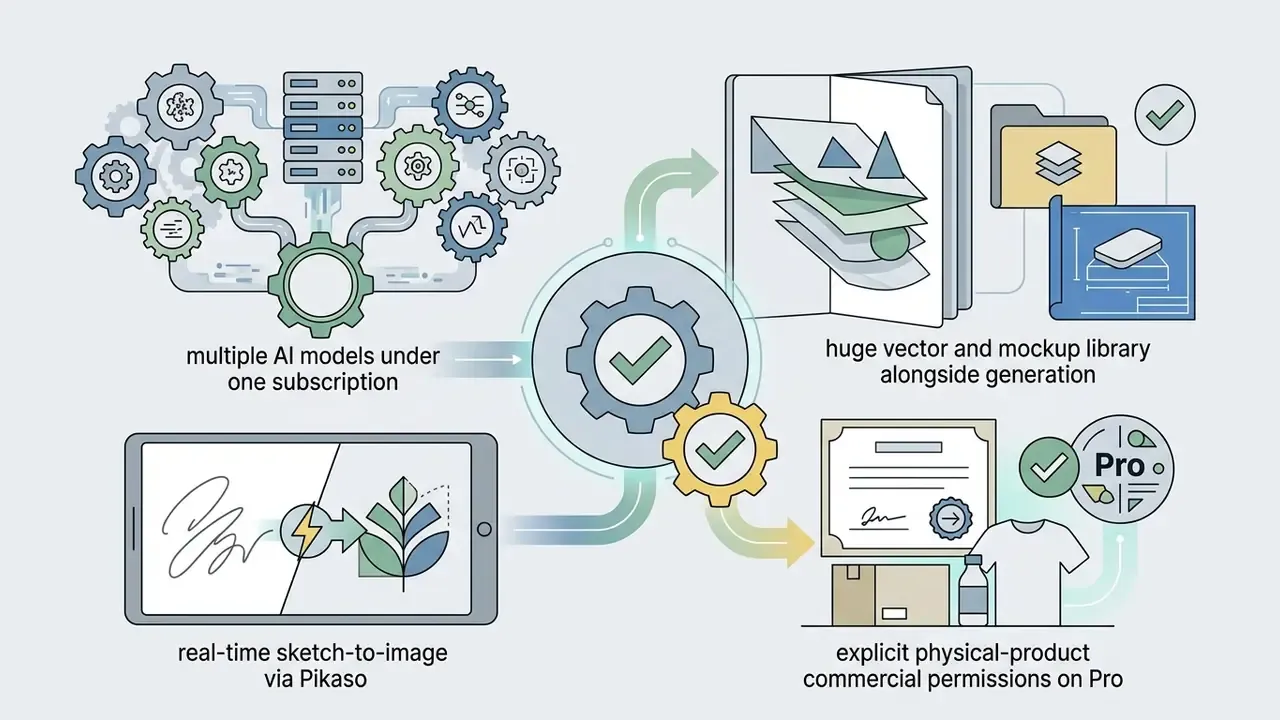
Freepik AI (Pikaso) combines real-time image creation with a large stock library of vectors, PSDs, icons, 3D models, and product mockup templates. Built for commercial mockups and asset generation, it turns real-time sketches into high-resolution assets, and its AI Assistant runs multiple engines behind one conversational interface, Imagen, GPT, Mystic, and Flux among them.
Paid tiers include commercial usage rights, with AI credit allocations roughly between 8,000 and 20,000 per month depending on plan. Pro plans extend commercial permissions for physical product packaging up to defined volume caps, reported at up to 100,000 units per non-AI Premium asset with no additional royalties inside that limit.
Best AI Art Generators for Customization and Stable Diffusion Workflows
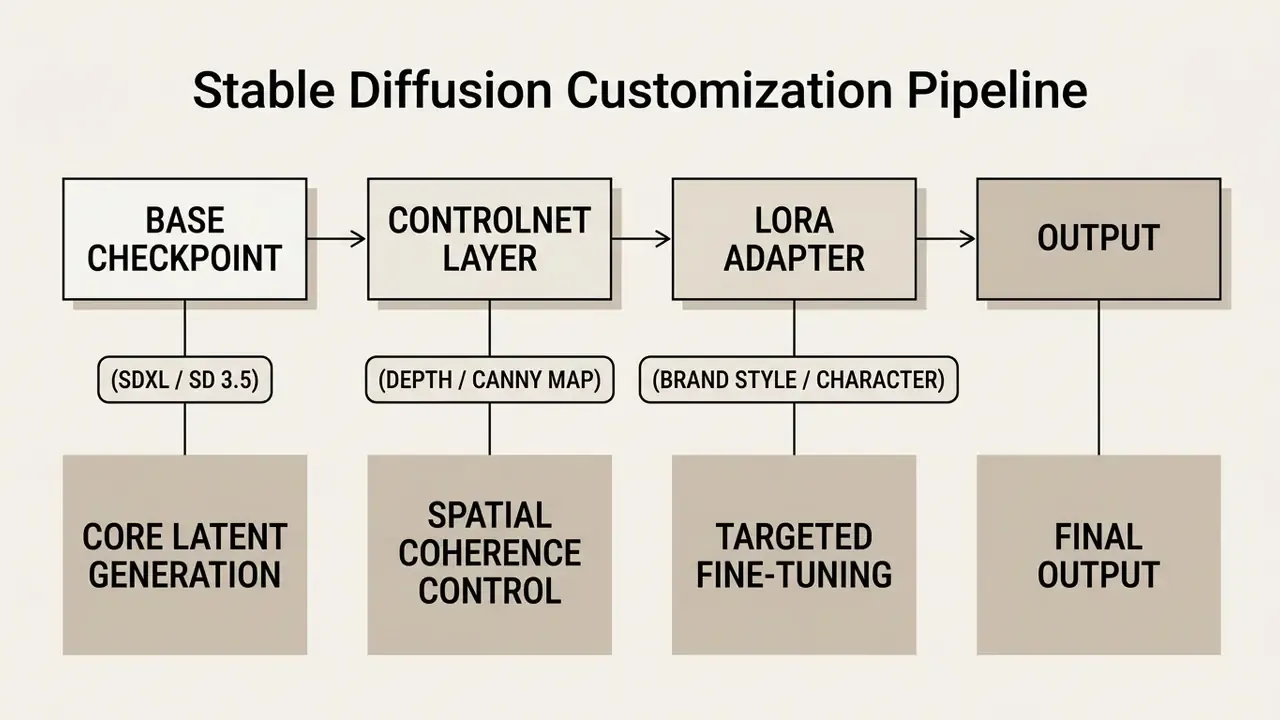
Advanced creative engineering needs fine-grained control over checkpoints, LoRA adapters, ControlNet spatial conditioning, and local execution. Open-source diffusion ecosystems let developers and technical artists customize inference parameters well beyond what commercial web UIs expose.
Stable Diffusion customization pipeline (mobile-friendly view):
- Base checkpoint(SDXL, SD 3.5, or FLUX.1) → core latent generation
- ControlNet layer(depth, canny, or pose map) → spatial coherence and composition lock
- LoRA adapter(brand style or character weights) → targeted fine-tuning from as few as one reference image
- Sampler and parameter pass(CFG scale, steps, seed, negative prompt) → reproducibility control
- Output→ upscaling, inpainting, and export
Research context matters here. ICLR 2024 work shows personalized concepts can be learned from as little as one image per concept, while CVPR 2024 material documents Custom Diffusion updating only cross-attention Key and Value matrices (typically around 500 training steps), versus LoRA training cross-attention layers and textual inversion optimizing text embeddings. Each method trades compute for fidelity differently, so pick the one your GPU budget can sustain.
(The full-width ASCII pipeline diagram is preserved in Appendix A.)
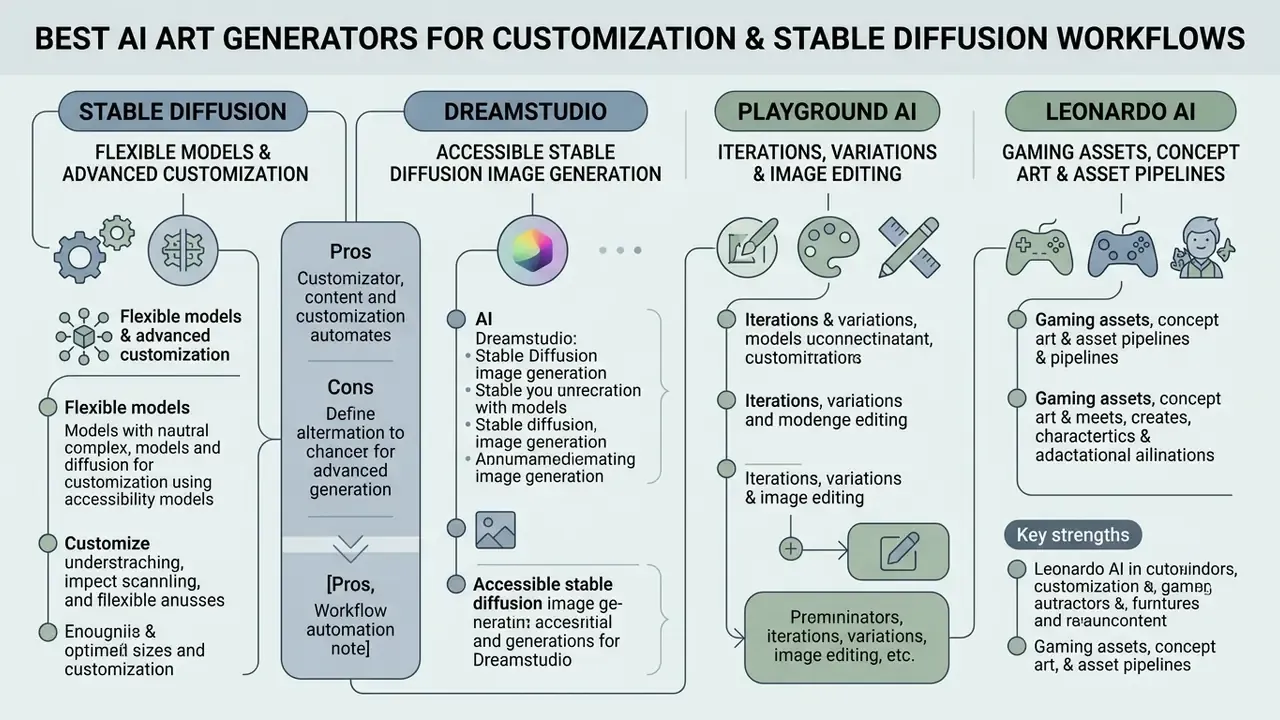
Stable Diffusion: Best for Flexible Models and Advanced Customization
Stable Diffusion (SDXL and SD 3.5) remains the primary open-source foundation for custom fine-tuning, private hosting, and local GPU generation. SD 3.5 uses a Multimodal Diffusion Transformer architecture, runs on consumer hardware, and under the Stability AI Community License commercial usage is free for organizations under $1M in annual gross revenue. Above that threshold, registration or an Enterprise License applies.
Through Hugging Face Diffusers, ComfyUI, or AUTOMATIC1111, technical teams apply LoRA weights and ControlNet maps to lock compositions or enforce character consistency. Research by Wu et al. (ACM CCS 2024) notes that while model updates reduce unsafe content, customized fine-tuning still needs ongoing fairness auditing to prevent demographic skew.
Note: alongside SD 3.5, open-weights architectures such as FLUX.1 (Black Forest Labs) and Krea 1 have become top alternatives for ultra-realistic skin texture and complex spatial prompt adherence. By 2026, several market reviews report FLUX displacing Stable Diffusion as the default for photorealism, while SD stays the base layer for local deployment and LoRA or ControlNet control.
Teams evaluating self-hosted models can browse the hub to analyze local host alternatives, and verify published output authenticity with AI image detectors.
DreamStudio: Best for Accessible Stable Diffusion Image Generation
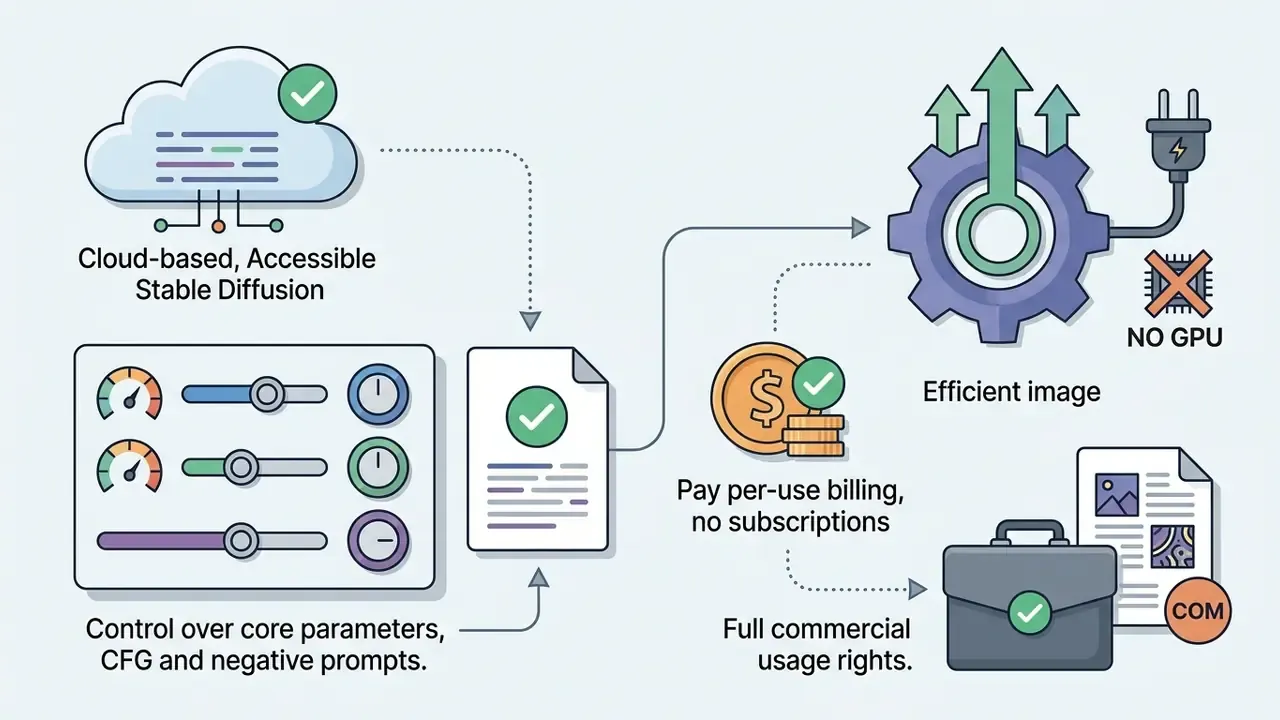
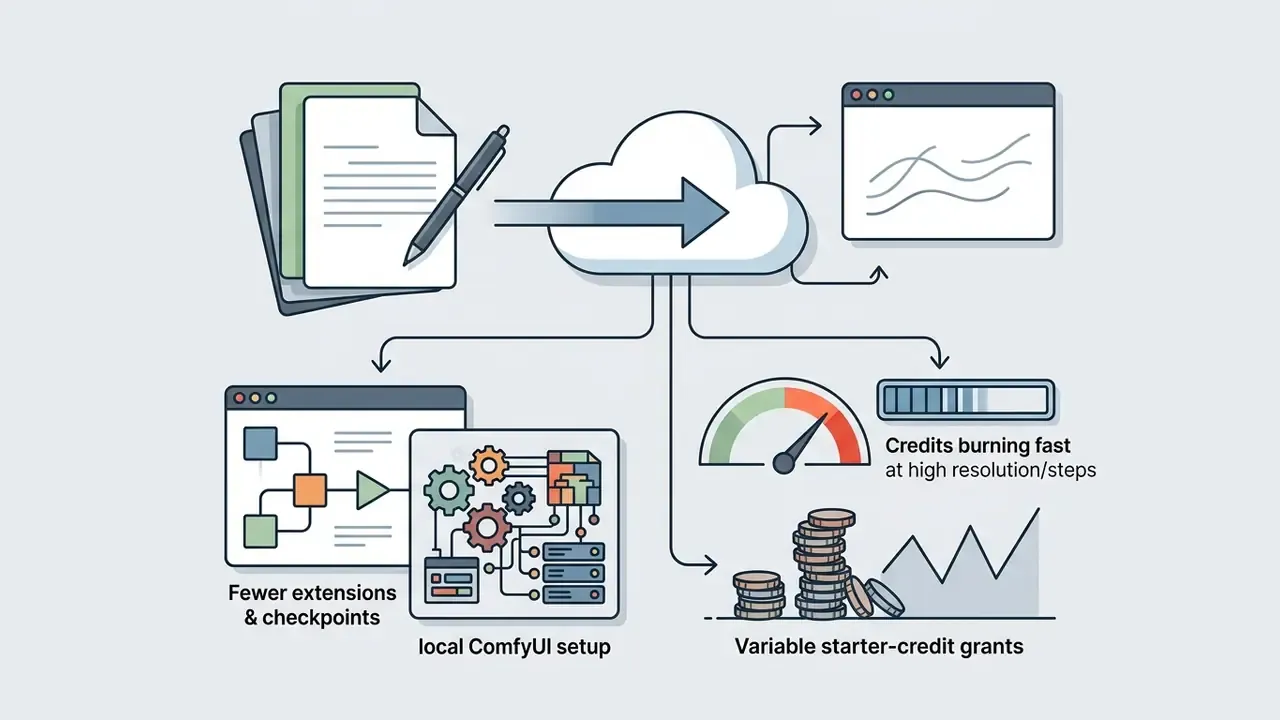
DreamStudio is Stability AI's official browser interface, giving immediate access to Stable Diffusion models with no local GPU install and no environment configuration. It runs on pay-as-you-go credits (around $10 per 1,000 credits), and cost per image varies with model, resolution, and step count.
The interface exposes CFG Scale (guidance scale), negative prompts, seed lock for reproducibility, and precise aspect ratio dimensions. Creative teams can test base Stable Diffusion behavior quickly before committing resources to local deployment.
Playground AI: Best for Iterations, Variations, and Image Editing
Playground AI offers a layered design canvas where users edit, erase, and compare multiple AI models side by side in one workspace. Its Smart Layers technology decomposes generated images into editable elements, enabling batch adjustments to individual background objects or text overlays in a single generation pass.
The platform supports Playground v3, GPT Image 2, Nano Banana Pro, and Seedream on a single canvas. Free accounts get 10 generations per 3-hour window plus a small monthly allowance of premium-model edits and 2 daily downloads. Pro and Pro Plus lift usage limits and include worldwide royalty-free commercial licenses.
- Pros Smart Layers object and text editing after generation; multi-model side-by-side comparison on one canvas; full canvas and editing tools even on Free; batch edits in one generation; royalty-free worldwide license on Pro.
- Cons commercial rights require a paid plan; free downloads capped at 2 per day; premium model edits severely limited on Free; interface depth adds a learning curve.
Leonardo AI: Best for Gaming Assets, Concept Art, and Asset Pipelines
Leonardo AI stands out for production-grade visual design, gaming assets, and 3D texture concepting. Running on custom fine-tuned checkpoints (Phoenix, Leonardo Diffusion, Lucid Realism, Anime, and Flux among them), it lets creators lock seeds, apply Alchemy style multipliers, and generate consistent 2D and 3D sprite sheets. Generation settings expose model, style (Dynamic, Cinematic, 3D Render, Illustration, Portrait, Macro), mode (Fast, Quality, Ultra), dimensions, and output count, with advanced toggles for negative prompts, transparency, tiling, and fixed seed.
- Key strengths integrated canvas editing; fast asset generation (150 daily tokens on the free plan); direct LoRA trainability for custom brand characters; best-in-class game asset, character, and concept-art output; granular advanced controls.
- Trade-offs interface complexity can overwhelm non-technical designers; premium modes consume tokens quickly (the free plan is Fast mode only); JPG-only export on free tier; free generations are public by default; no published output indemnity.
For teams pairing static assets with motion work, the Google Veo implementation guide covers API access, costs, and developer limits for video generation.
Affordable and Free AI Art Generator Alternatives for 2025
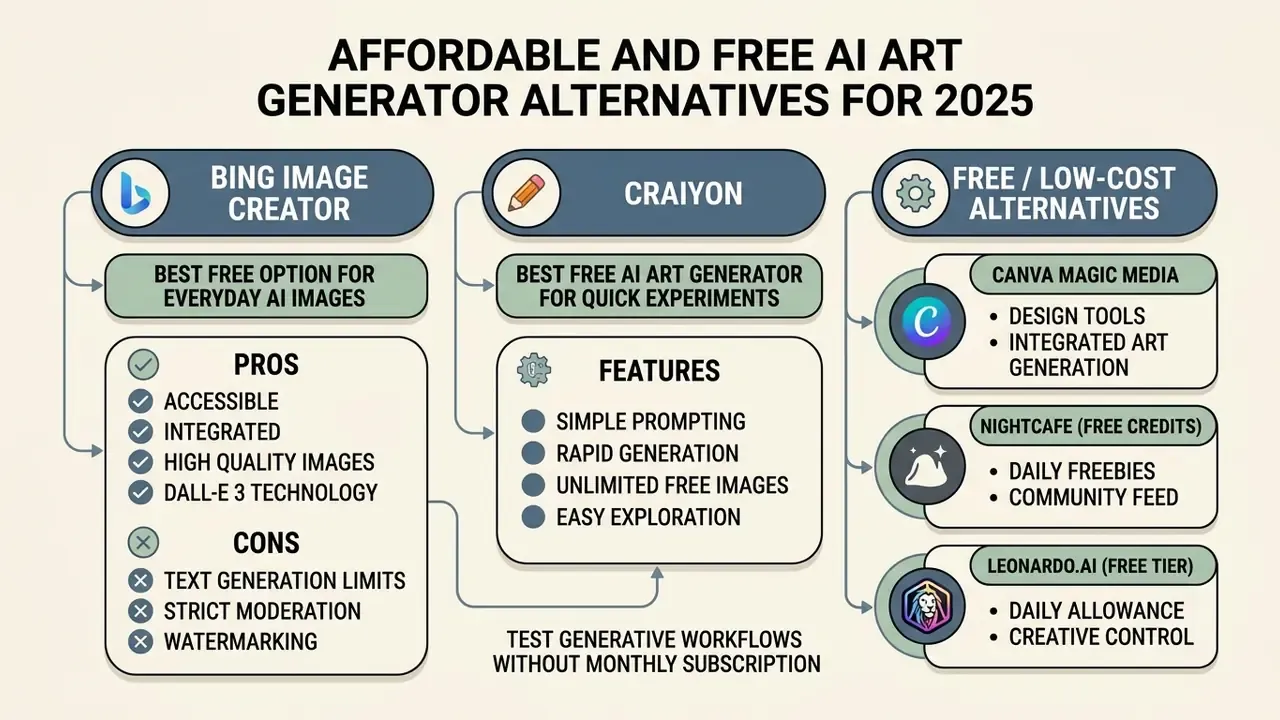
Affordable ai art generators 2025 let users test generative workflows without committing to a monthly subscription. Free tools enforce trade-offs, though: processing speed, daily credit allocations, export resolution caps, visible watermarks, and commercial usage restrictions. Readers who want to skip account creation entirely can review free AI image generators without sign-up.
When comparing ai art generator alternatives, separate personal non-commercial licenses from commercially clear terms. Documented low-cost routes in 2025 and 2026 include Adobe Firefly's free daily generations, Google AI Studio's free Gemini image access with daily caps, marketing-oriented suites such as Jasper Art bundled inside content platforms, and budget APIs priced from roughly $0.002 to $0.25 per image depending on model quality. Teams exploring affordable ai photo generator alternatives for adjacent media can also scan the best free ai voice generator guide for complementary audio workflows, or the best free ai video generator roundup for motion assets.
Bing Image Creator: Best Free Option for Everyday AI Images
Bing Image Creator, powered by Microsoft Copilot with DALL·E 3 and GPT-4o architectures, is the strongest free option for daily high-resolution visuals. With a standard Microsoft Account, users get 15 daily boosted generations that refresh automatically, and standard-speed generations stay unlimited on personal accounts. Extra boosts can be redeemed through Microsoft Rewards. Note that work and school accounts cannot create once boosts are exhausted, while personal accounts continue at slower speed. Access requirements and limitations are covered in our Bing AI image creation guide.
Outputs are personal and non-commercial by default, with commercial rights tied strictly to enterprise Microsoft 365 Copilot subscriptions.
Creators managing video formats alongside static images can consult the best free ai video generator 2025 overview to compare platform capabilities.
Craiyon: Best Free AI Art Generator for Quick Experiments
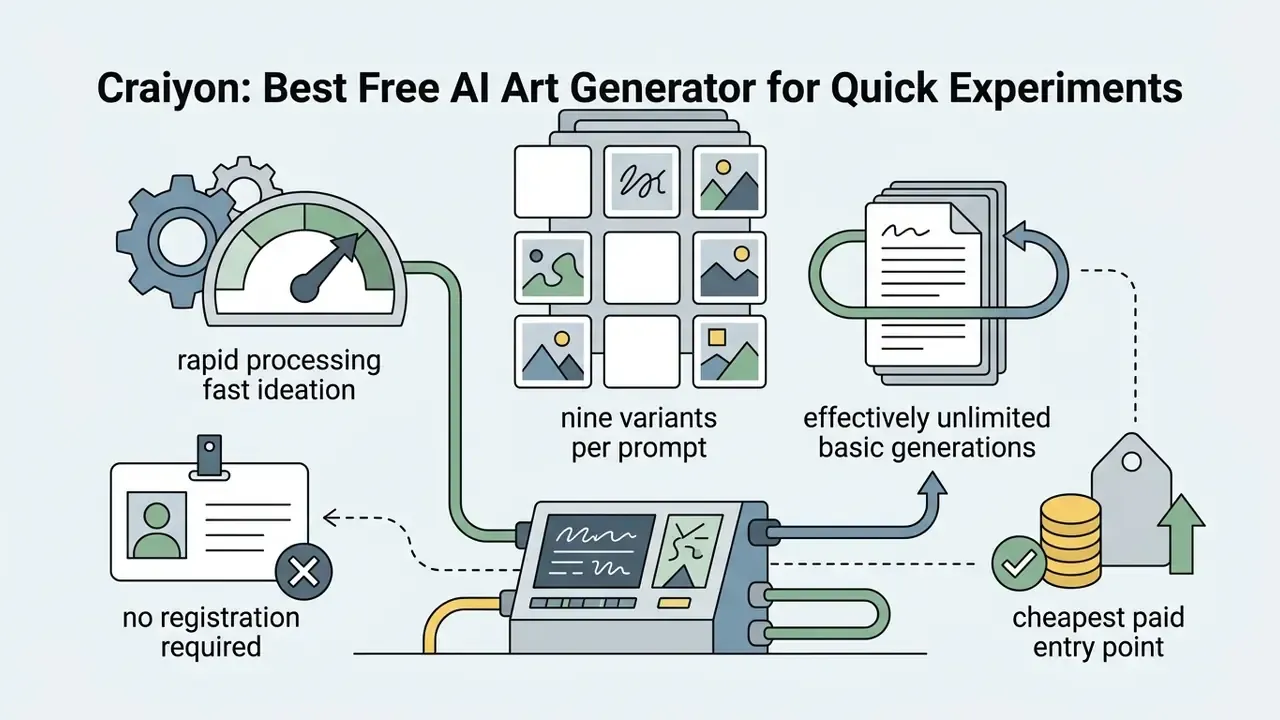
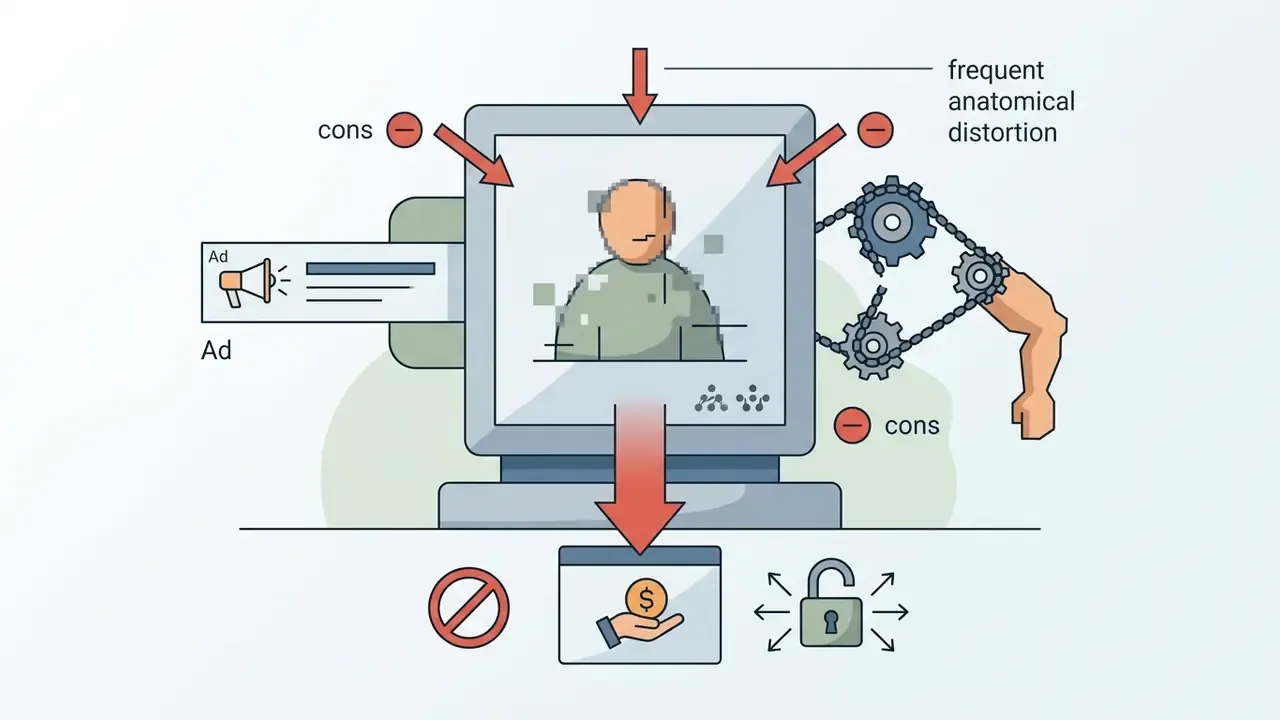
Craiyon (formerly DALL-E Mini) is an ad-supported browser tool for casual generation with no account registration. Fine for rapid concept testing. Output quality shows lower detail resolution and frequent structural distortion compared with modern diffusion models, and faces, hands, and complex scenes are the usual failure points.
The free version includes visible watermarks, slower queues (roughly 45 seconds per batch of 9 images), and ad banners, and free outputs may be publicly discoverable on the platform. Upgrading to Supporter ($5 per month billed annually) or Professional ($20 per month billed annually) removes watermarks and ads, speeds up generation (reported under 20 seconds on Professional), and grants commercial usage permissions.
The table below details free credit limits, renewal schedules, watermark terms, and commercial license policies across entry-level tools.
Tier limits and commercial rights summary for free and budget AI generators (verified December 2025)
| Tool / platform | Free tier allocation | Renewal period | Watermark on free export | Commercial rights on free tier | Entry paid subscription |
|---|---|---|---|---|---|
| Bing Image Creator | 15 boosted credits (unlimited slow) | Daily | No (embedded metadata tag) | No (personal use only) | Free (tied to M365 Copilot for business) |
| Craiyon | Unlimited basic generations (ad-supported) | Continuous | Yes | No | $5/month (Supporter, billed annually) |
| Pixelcut | Free access with standard resolution export | Continuous | No (720p limit) | Yes (worldwide royalty-free) | $10/month (Pro, 4K export) |
| ChatGPT Image (free tier) | 2 images per day (DALL·E 3 engine) | 24 hours | No | Yes (user owns generated output) | $20/month (ChatGPT Plus) |
| Playground AI | 10 images per 3-hour window | Rolling 3 hours | No | No (commercial rights require Pro) | $15/month (Pro) |
| Leonardo AI | 150 fast tokens (Fast mode only) | Daily | No (JPG export only) | No (paid plans required) | ~$10/month (8,500 fast tokens) |
| Adobe Firefly | Free daily generative credits | Daily or monthly by plan | No | Limited (paid tiers recommended for commercial work) | $4.99/month (Firefly Standard) |
Text summary of the table: Bing and Craiyon give the highest raw volume but no commercial rights; ChatGPT Free and Pixelcut are the only entries here where free output is commercially usable; Leonardo and Playground reserve commercial permissions for paid plans; Firefly offers the cheapest indemnified paid entry at $4.99 per month.
For mobile-first setups, creators can review the best free mobile video editing apps 2025 guide to build a portable workflow, or compare general-purpose online photo editors for post-generation retouching.
How to Choose the Best AI Image Generator for Your Use Case
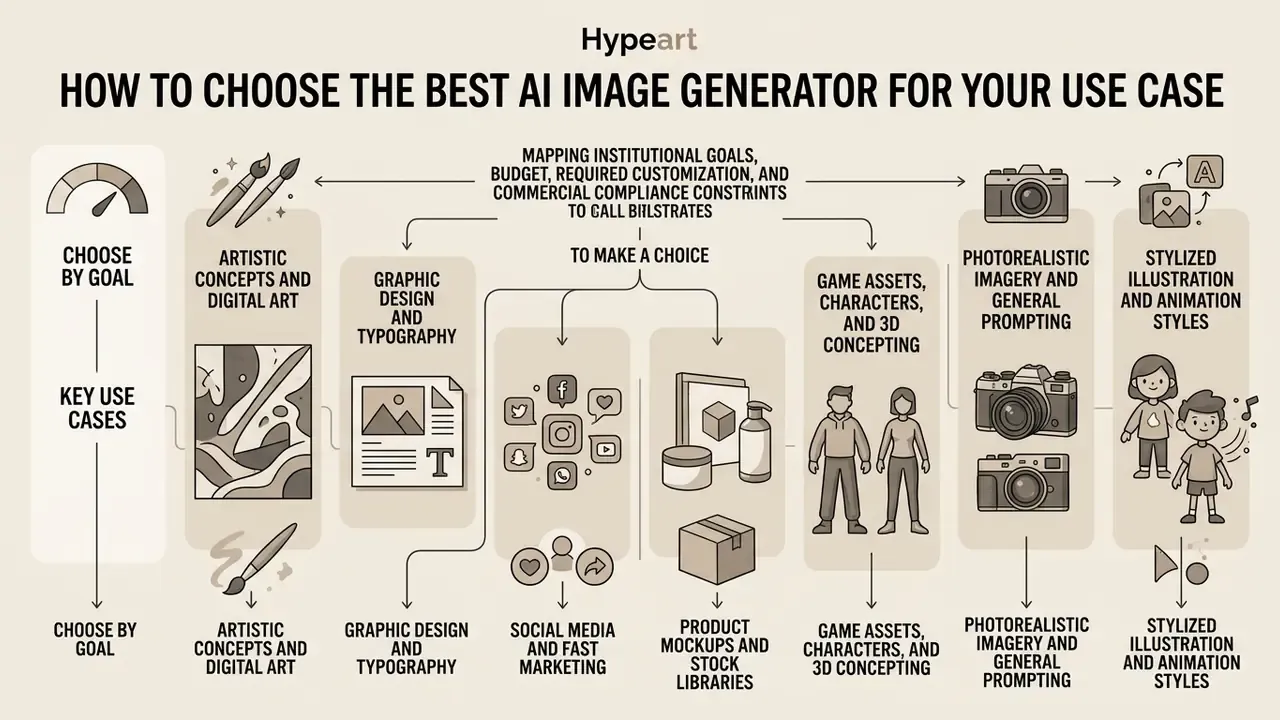
Choosing the right generator means mapping institutional goals, budget, required customization, and commercial compliance constraints. Rather than hunting for one universal tool, pick per production requirement. The U.S. GAO's 2025 generative AI guidance frames selection around business considerations, AI requirements, deployment models, and procurement fit, not model leaderboards.
Automated quality scoring cannot replace human judgment here:
Choose by Budget, Control, and Experience Level
Matching technical capability to budget prevents cost overruns and internal friction:
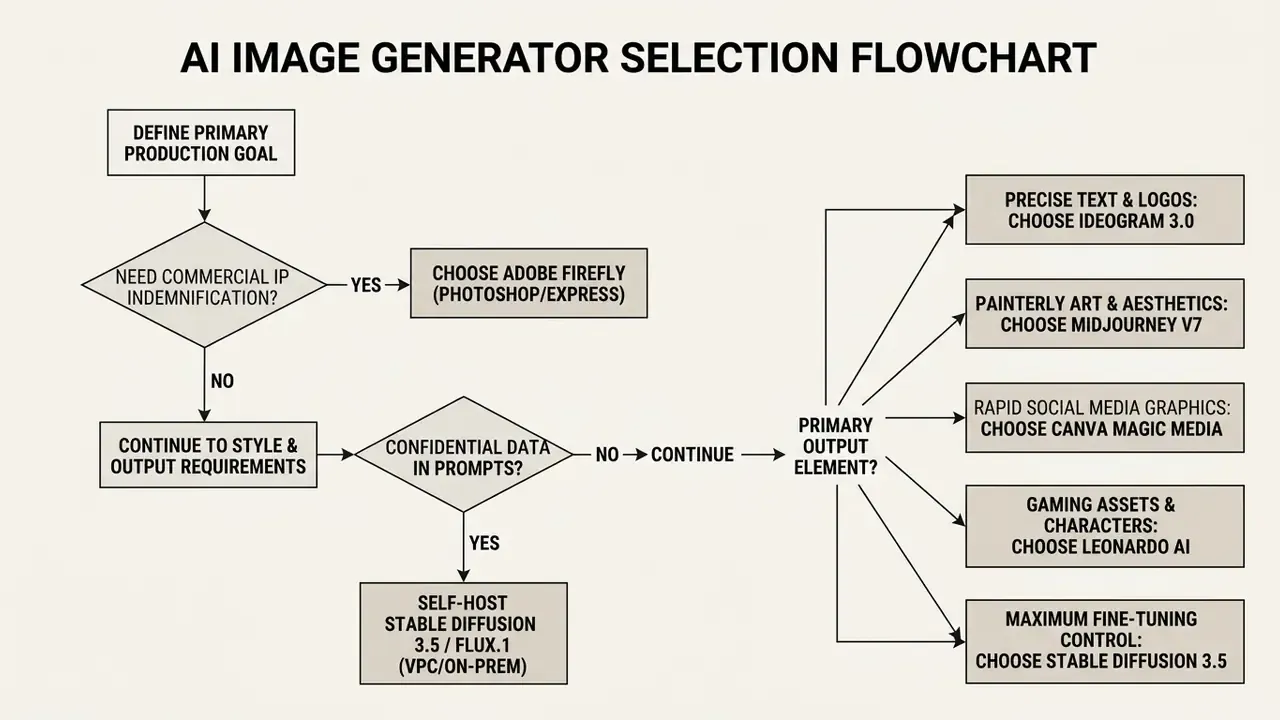
AI image generator selection flow (mobile-friendly view):
- Yes → Adobe Firefly (Photoshop, Express, or Firefly web)
- No → continue
- Yes → self-hosted Stable Diffusion 3.5 or FLUX.1 in VPC or on-prem
- No → continue
- Precise text and logos → Ideogram 3.0
- Painterly art and aesthetics → Midjourney v7
- Rapid social media graphics → Canva Magic Media
- Game assets and characters → Leonardo AI
- Maximum fine-tuning control → Stable Diffusion 3.5
(The full-width ASCII flowchart is preserved in Appendix A.)
For broader multi-format software evaluation, administrators can explore the hub to model tool operational costs.
Commercial Use, Copyright, and Ethical Considerations for AI-Generated Images
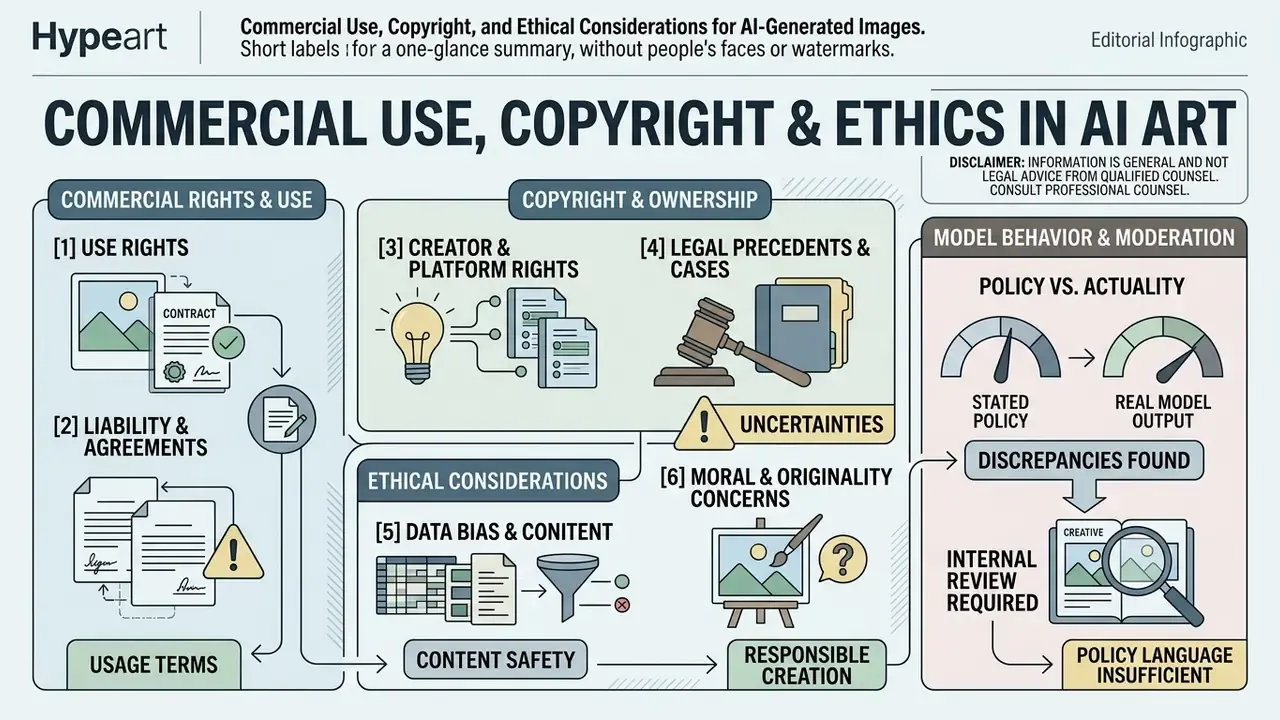
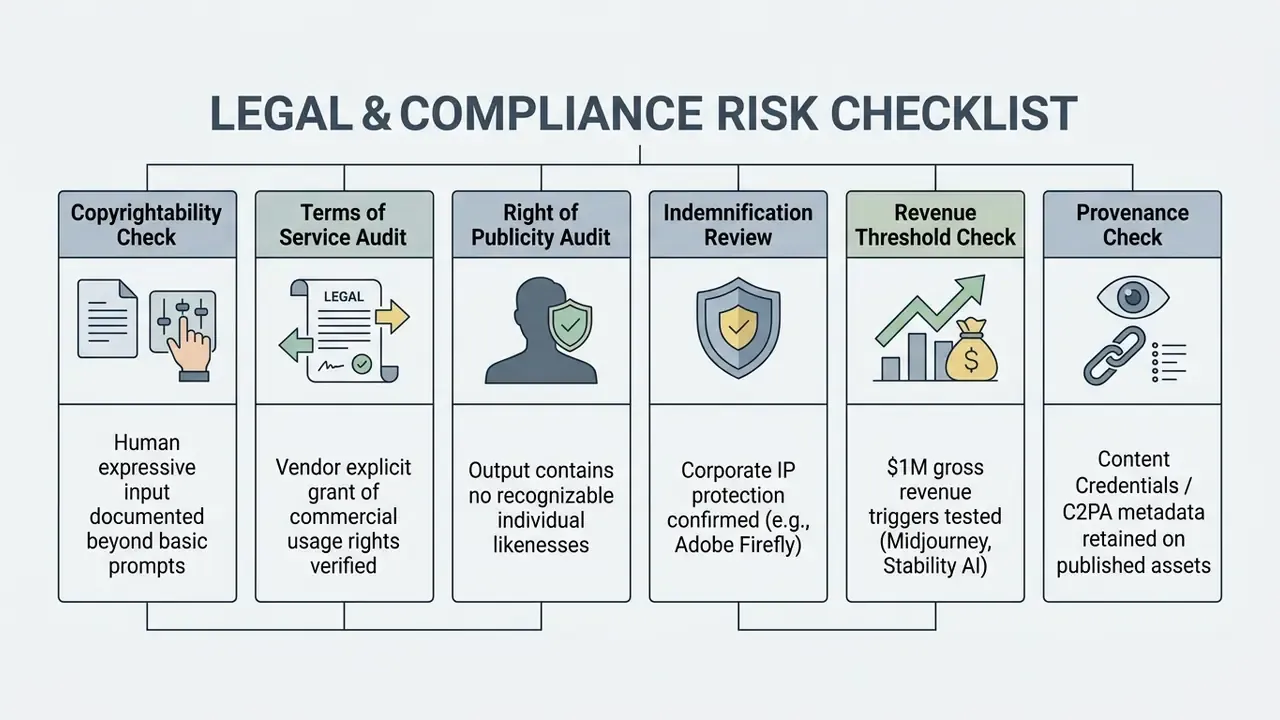
Using ai generated images in commercial products, ad campaigns, and client deliverables means navigating copyright law, right-of-publicity risk, and platform terms of service. Under current U.S. Copyright Office guidance (2024-2025), purely machine-generated outputs created from simple text prompts are not eligible for federal registration without a human authorship contribution. Registration guidance also requires applicants to disclose AI-generated material and describe human contributions whenever the AI content is more than de minimis.
Checklist0 / 7
(The full-width ASCII checklist is preserved in Appendix A.)
Verify vendor terms of service directly, every renewal cycle. The same discipline applies to derivative tools such as image-to-image generators, where uploaded source material adds a second rights layer. OpenAI grants users ownership of generated outputs on both free and paid plans, and its service terms commit to indemnify and defend enterprise customers against third-party IP claims arising from Services or Output, subject to exclusions for modified output or disallowed use. Others explicitly withhold commercial rights on free tiers. Midjourney's terms, by contrast, cap aggregate liability at fees paid in the prior 12 months and disclaim indirect or consequential damages.
Using recognizable human likenesses without explicit written consent creates substantial right-of-publicity exposure under state law, regardless of platform licensing. The Congressional Research Service notes that publicity rights are not comprehensively covered by federal law, which means exposure varies state by state, and your national campaign inherits the strictest one.
Do not assume built-in safety filters are adequate controls:
"The Single-Turn Crescendo Attack (STCA) shows that carefully constructed prompts can bypass DALL·E 3 safeguards, producing results comparable to the uncensored Flux Schnell model."
"An audit of five T2I platforms found discrepancies between stated safety policies and actual model behavior when generating images of people in stigmatizing contexts." Content Moderation Boundaries in T2I Models (2024).
Practically, moderation policy language cannot substitute for internal review of published creative. Editors evaluating standalone tools can review the best free app for video editing guide to align media editing compliance protocols, and verify published assets with AI image detectors or AI reverse-image-search tools before campaign launch.
FAQ About AI Art Generators and AI Image Generation Tools
How do AI image generators actually work?
Billions of image and text pairs train a neural network to associate language with visual concepts. Rendering then follows one of two paths. Diffusion models (Midjourney, Stable Diffusion, Ideogram, FLUX) begin with random noise and edit it across 20 to 50 steps until it matches the prompt. Autoregressive models (GPT-4o, Gemini) generate the image in chunks, predicting each chunk from what already exists, which improves instruction following and text accuracy but is generally slower and returns fewer images per request.
Which AI image generator produces the highest resolution outputs?
Stable Diffusion 3.5, Playground AI, and Midjourney v7 provide native high-resolution generation up to 2048x2048 pixels, with integrated upscaling extending output to 4K. On the ai art generator best resolution 2025 question, Pixelcut and Freepik Pro also support direct 4K exports for commercial print formats. For print-grade enlargement beyond native output, dedicated AI image upscalers preserve edge detail better than in-platform upscaling.
Can I use AI-generated images commercially without copyright infringement risks?
Yes, provided you use platforms that explicitly grant commercial usage rights on their paid plans (Adobe Firefly, Midjourney Pro, or Ideogram Plus, for example). Adobe Firefly offers formal IP indemnification for non-beta features. Simple prompt outputs still cannot be copyrighted by the user under current U.S. Copyright Office rules. Take particular care with images of people: research on human image synthesis found systematic gender, race, and age bias plus localized defects that global metrics like FID do not capture (Chen et al., Evaluating Text-to-Image Generative Models: An Empirical Study on Human Image Synthesis, arXiv:2403.05125, 2024, https://arxiv.org/abs/2403.05125).
Do AI image generators train on my prompts and uploaded images?
It depends on the tier. OpenAI's business, Team, and API tiers default to not training on customer data; consumer tiers differ. Adobe states it does not train current Firefly models on subscribers' personal content. Midjourney's Terms of Service grant the vendor a broad, perpetual, sublicensable copyright license over input and generated assets. Self-hosted Stable Diffusion 3.5 or FLUX.1 keeps prompts entirely inside your own infrastructure, the only configuration that fully eliminates third-party retention. Request SOC 2 Type II and ISO/IEC 27001 documentation before procurement.
What is the best free AI image generator with no watermarks?
Bing Image Creator and Pixelcut deliver high quality free exports without visual branding. Bing Image Creator provides 15 daily boosted generations powered by DALL·E 3 and GPT-4o, while Pixelcut offers free 720p exports with no watermark. Broader free image generation options are compared in our free AI art generators roundup. One caution: "no watermark" does not mean "commercially licensed", so check the rights column before publishing.
Which AI art generator is best for accurate text and typography?
Ideogram 3.0 leads on in-image text rendering, producing clear typography, proper letter kerning, and correct spelling inside logos, signs, and posters with no post-processing. GPT-4o-based tools (ChatGPT Image, Bing Image Creator) are the strongest alternatives for short strings. For dense infographics and charts, expect failure: benchmark data shows infographic-level accuracy around 0.49 and data completeness near 0.21 even on leading models.
Are there mobile AI art generator apps for iOS and Android?
Yes. On the ai art generator apps 2025 question, ChatGPT, Canva, Pixelcut, PixelBin, and Freepik all ship dedicated iOS and Android applications. Mobile creators can generate images, remove backgrounds, export transparent PNGs, and apply AI upscaling directly on device. Feature availability is usually gated by plan; Kapwing, for instance, watermarks free mobile exports.
How do I generate AI images with transparent PNG backgrounds?
Pixelcut, Playground AI, PixelBin, and Freepik include one-click background removal that exports clean transparent PNG files. Leonardo AI exposes a transparency toggle in advanced settings. Alternatively, instruct ChatGPT or Ideogram to render subjects on isolated solid-color backdrops for easy alpha-channel selection in your design tool.
Which tools suit a governed enterprise pilot rather than individual creators?
Start with two lanes. Lane one: an indemnified commercial vendor (Firefly) for anything published externally. Lane two: self-hosted open weights inside a VPC for confidential or regulated material. Assign a named owner per lane, log prompts, and review output monthly. Anything outside those two lanes should be treated as shadow usage until it passes the rights and retention checks above.
Appendix A: Full-Width Reference Diagrams (Desktop View)
These fixed-width diagrams reproduce the mobile-friendly lists above for readers on wide screens.
A1. Prompt input deconstruction
A2. Stable Diffusion customization pipeline
A3. Selection flowchart
A4. Legal and compliance risk checklist
Limitations, Open Questions, and What We Could Not Verify
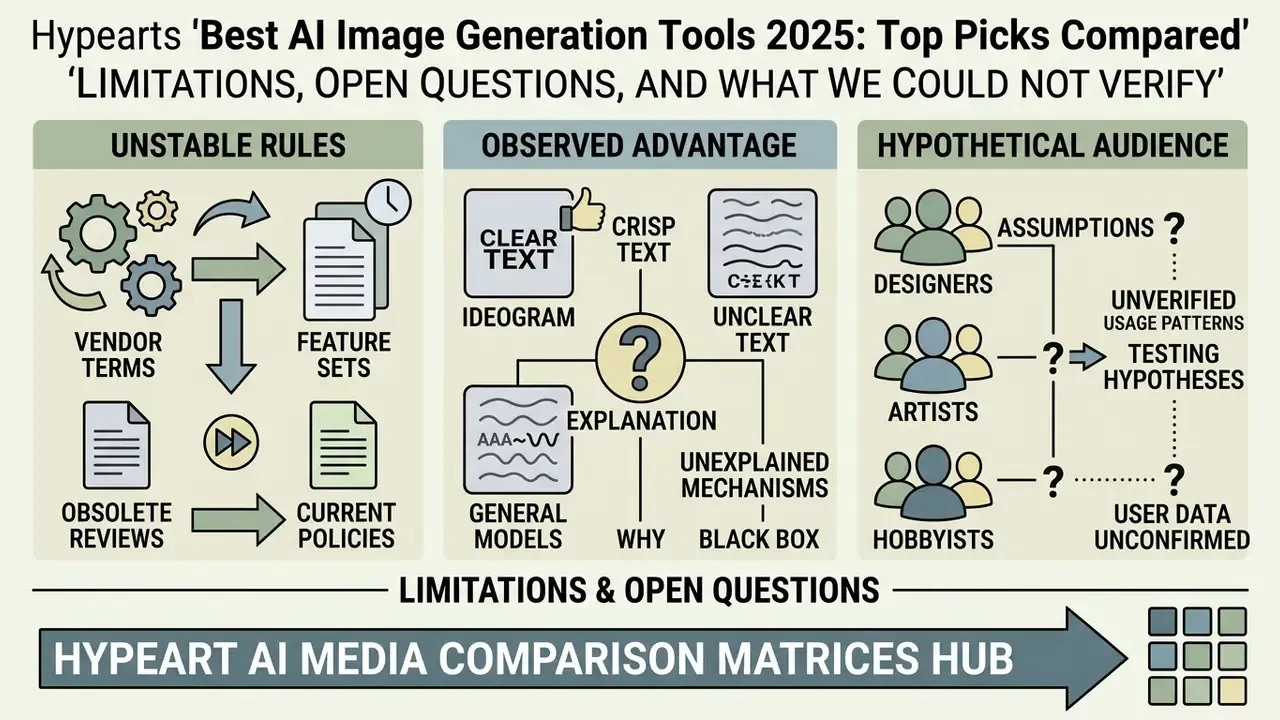
Three honest caveats, because a comparison that claims certainty everywhere is not worth much.
- Vendor terms move faster than reviews. Credit allocations, indemnity scope, and revenue thresholds changed at least twice on several platforms during 2025. Our verification date is December 2025; treat every figure as a prompt to check the source page, not as a contract.
- Ideogram's text advantage is observed, not explained. We can reproduce it in blind tests. We cannot cite a peer-reviewed architectural explanation, so we label it empirical.
- Audience assumptions remain hypotheses. Statements about how risk and finance leaders buy these tools are working assumptions until confirmed by interviews, analytics, or documented procurement records.
For comprehensive platform comparative evaluations, access our AI Media Comparison Matrices hub.