What Is an AI Design Generator?
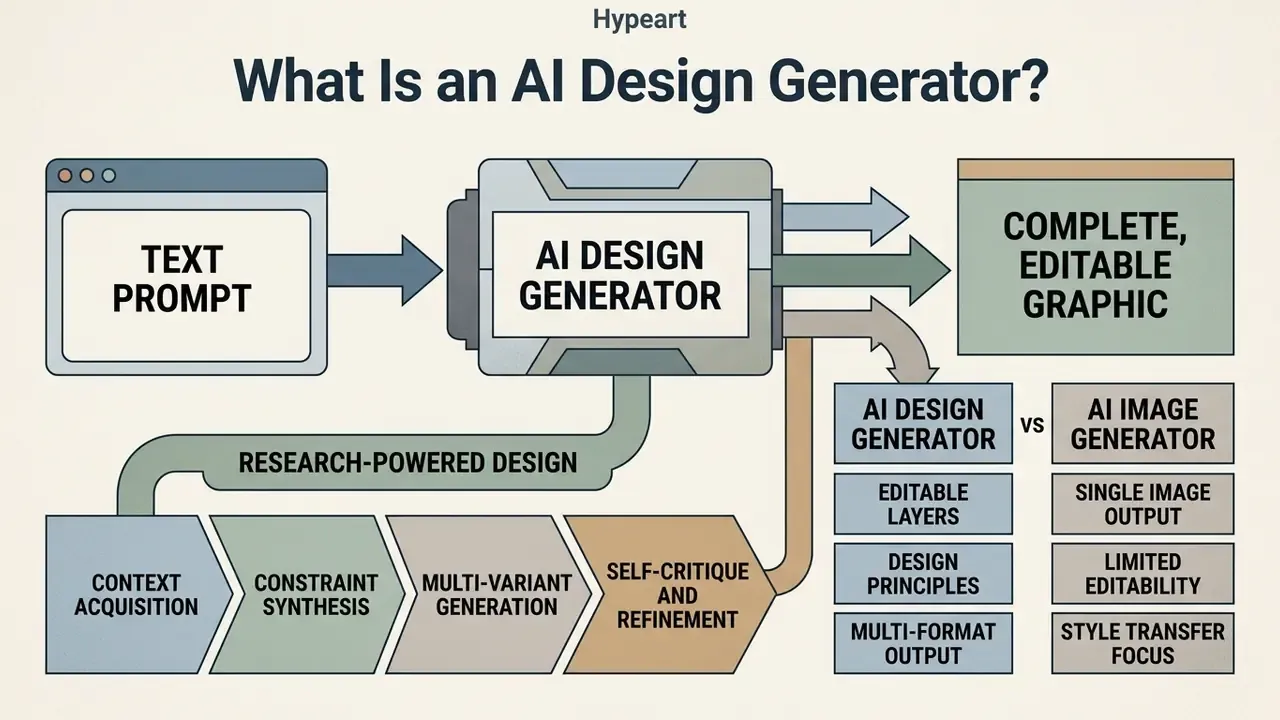
An AI design generator is a software application that converts natural language descriptions into complete, editable graphic designs and visual assets. Unlike basic image tools, an ai design generator combines neural image synthesis with layout engines, typography rules, and multi-layer vector editing to produce production-ready visual assets. In practical terms, AI design generators handle layout, typography, SVG structure, and animation, precisely the task families where general-purpose image models systematically underperform.
«AI design generators handle layout, typography, SVG and animation tasks, areas where generic image generators systematically fail». Deganutti et al., GraphicDesignBench (2026). https://arxiv.org/abs/2604.04192
To ai create a design, the platform interprets the user's intent, combining subjects, visual styles, color palettes, and structural constraints, then outputs customized visual content. Recent research in design automation shows that enterprise design workflows rely on an ai custom design generator mainly for rapid ideation, visual exploration, and repetitive asset scaling. See Tang et al., "AI-Assisted Design Practice", arXiv:2406.13436 (2024), https://arxiv.org/abs/2406.13436. Integrated ai design tools let teams move from raw prompt generation to high-precision asset refinement inside one creative workspace, without exporting files three times along the way.
How AI Creates a Design from Text
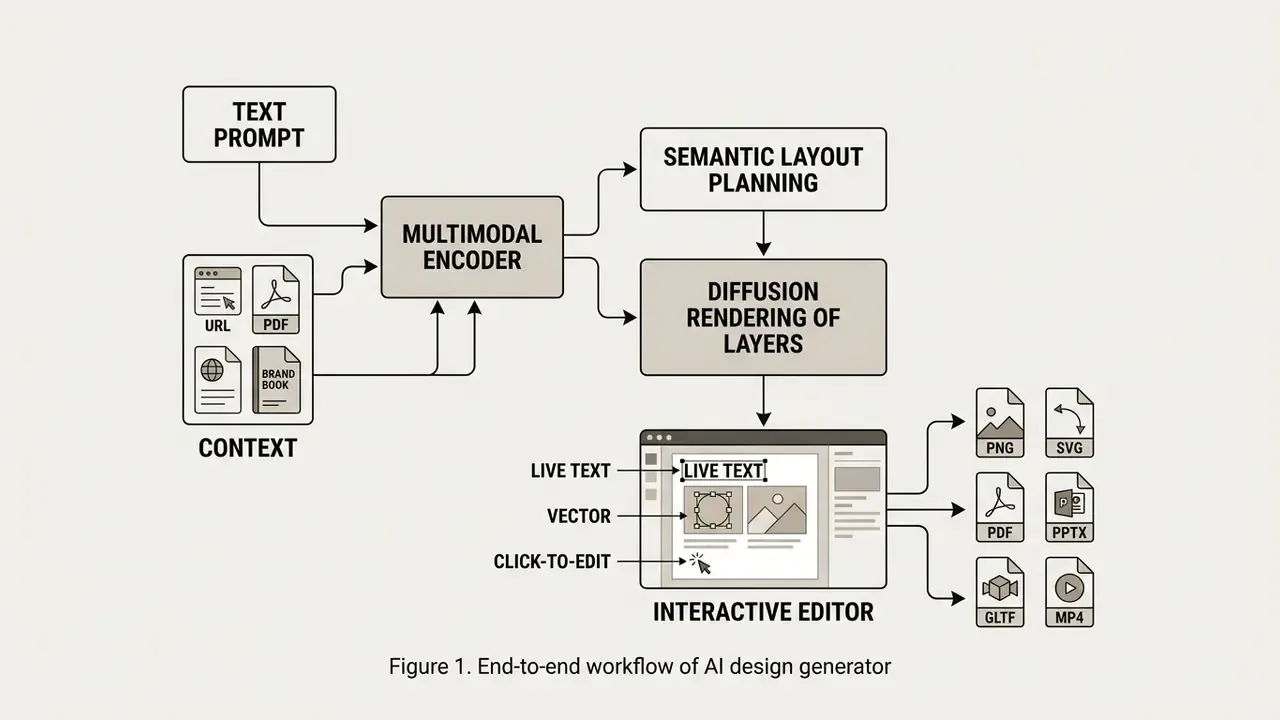
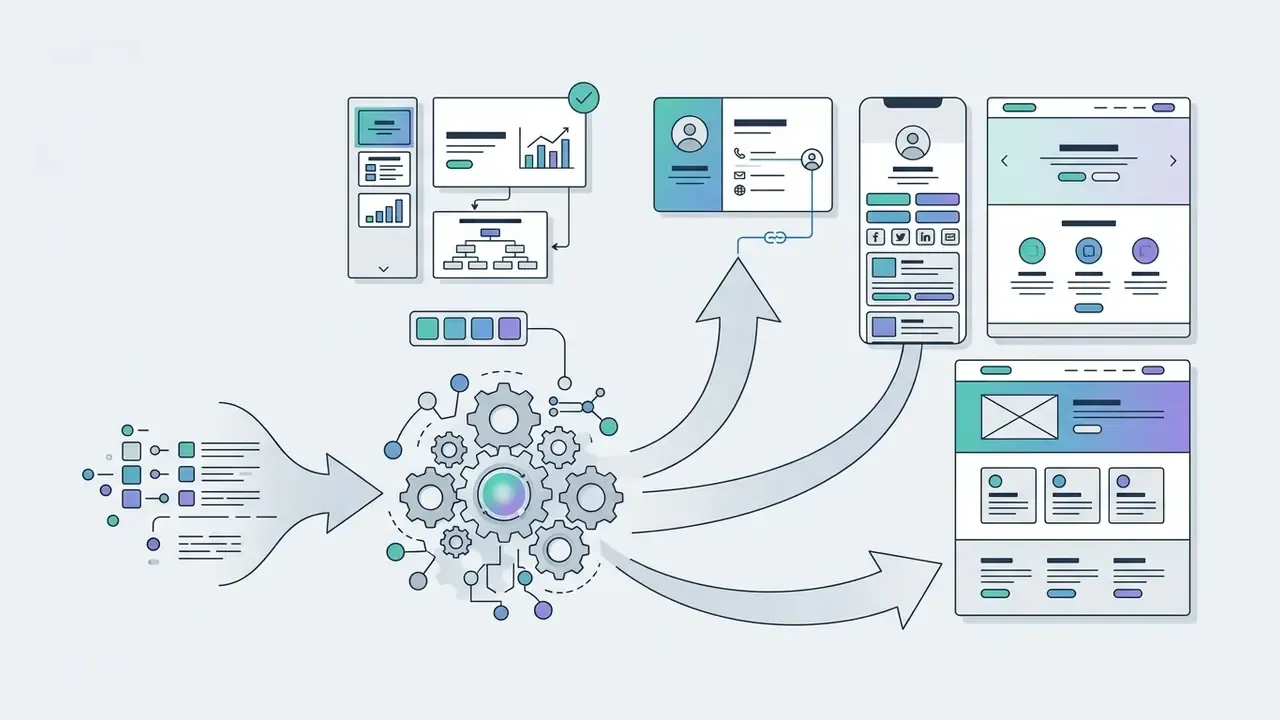
AI creates a design from text through a multi-stage process. A multimodal transformer or text encoder parses the prompt into high-level visual semantic tokens, and a latent diffusion backbone renders those tokens into structured graphical layers. Modern neural pipelines separate semantic layout planning, meaning the decision about what elements to draw and where, from detailed rendering. That separation significantly improves typographic accuracy and spatial composition.
When a user submits a prompt, the ai creative design generator processes the text alongside explicit constraints such as canvas aspect ratio, brand colors, and required text overlays. Models such as Layout Constraint Diffusion Models (LACE) optimize differentiable aesthetic functions during generation, so element balance, alignment, and visual hierarchy conform to established graphic design standards. See Chen et al., "Towards Aligned Layout Generation via Diffusion Models", ICLR (2024). The result is an editable design composition that respects both the prompt and the underlying design geometry.
Architecturally, three families now dominate published text-to-design research: end-to-end diffusion frameworks that render image content and embedded visual text simultaneously (DesignDiffusion, CVPR 2025), text-conditioned diffusion transformers (GenTron, CVPR 2024), and unified multimodal backbones that model text and image in a single network (UniDiffuser, ICML 2023). For design leaders, the practical takeaway is simple. Typography is no longer a post-processing patch. Leading pipelines plan glyph placement inside the generative pass, which is why live-text editability became a purchasing criterion rather than a bonus feature.
Research-Powered Design: How AI Agents Analyze Context Before Generation
Modern enterprise AI design generators have moved from passive prompt renderers to autonomous creative agents. Instead of asking users to specify every style constraint by hand, research-powered agents crawl brand websites, parse uploaded PDF brand guidelines, watch reference videos, and analyze competitor visuals before rendering anything.
For example, a marketing lead can prompt: "Analyze competitor site X.com and generate three alternative landing page hero banners aligned with our brand palette and typography scale." The agent extracts compositional patterns, visual density metrics, dominant color ratios, and typography pairings, then produces drafts grounded in real competitive context rather than generic aesthetic priors.
A research-powered generation cycle usually runs four internal stages:
- Context acquisition browsing supplied URLs, reading uploaded PDFs, DOCX briefs, or brand books, and extracting logos, palettes, and font stacks.
- Constraint synthesis converting harvested context into machine-readable design constraints (hex values, grid spacing, tone-of-voice notes for headline copy).
- Multi-variant generation producing several editable layouts that satisfy those constraints instead of one unconstrained image.
- Self-critique and refinement evaluating contrast, hierarchy, and text legibility, then regenerating only the failing layers.
Because these agents ingest external documents, context acquisition is also the highest-risk stage from a data governance perspective. Any confidential brief uploaded "for research" becomes training or logging surface unless the vendor contractually guarantees a no-train and zero-retention policy. The enterprise framework further down covers the controls that close this gap.
AI Design Generator vs AI Image Generator
The fundamental difference between an AI image generator and an ai graphic design generator lies in output structure. Image generators produce flat, single-layer raster images such as JPEGs. Design generators produce multi-layered, editable files with live typography, independent vector objects, and adjustable layout structures. Readers comparing individual rendering engines can review our roundup of the best AI image generators before committing to a design platform.
| Feature / Dimension | AI Image Generator | AI Design Generator |
|---|---|---|
| Primary Output | Flat raster image (PNG/JPEG) | Multi-layer editable file (SVG/PDF/Canvas) |
| Text Handling | Baked-in text pixels, prone to spelling errors | Live editable text boxes and typography layers |
| Layout Control | Unstructured spatial rendering | Layer-aware positioning, alignment, and resizability |
| Editing Capabilities | Inpainting/outpainting over pixels | Object-level vector editing, font swap, and magic resize |
| Workflow Fit | Mood boards, raw illustrations, photo concepting | Marketing banners, brand identity, UI layout, social posts |
According to benchmark studies from GraphicDesignBench, generic ai image models frequently struggle with spatial element placement, typography fidelity, and vector file validity.
«Of 49 benchmark tasks, only 2 are largely solved, 25 are partially solved, and 22 remain unsolved». Deganutti et al., GraphicDesignBench (2026). https://arxiv.org/abs/2604.04192
Specialized ai designs generator platforms, by contrast, integrate interactive canvas controls. Designers can modify text boxes, replace backgrounds, and adjust vector paths without re-rendering the whole asset from scratch. That single behavior saves more review time than any prompt trick.
The gap widens further when you compare single-shot text-to-image services with autonomous design agents that keep project context across an entire campaign:
| Dimension / Capability | Traditional Text-to-Image (Midjourney, DALL·E) | Autonomous AI Design Agent |
|---|---|---|
| Context Awareness | Generates in isolation without external knowledge | Crawls URLs, reads brand PDFs, analyzes competitor assets |
| Text Editing & Control | Text is baked into raster pixels (garbled, static) | Generates live vector text nodes with font replacement |
| Canvas Interaction | Re-generates the entire frame for minor adjustments | Click-to-edit object manipulation via natural language |
| Multi-Modal Output | Limited to a single static raster output | Outputs layered SVG, interactive UI, 3D assets, and video |
| Multi-Format Export | Manual resizing per platform | One-click adaptive layout kit (social, web, print) |
| Workflow Continuity | Disconnected research, copywriting, and design steps | Integrated agent that researches, writes copy, and designs |
What Can You Create with an AI Graphic Design Generator?
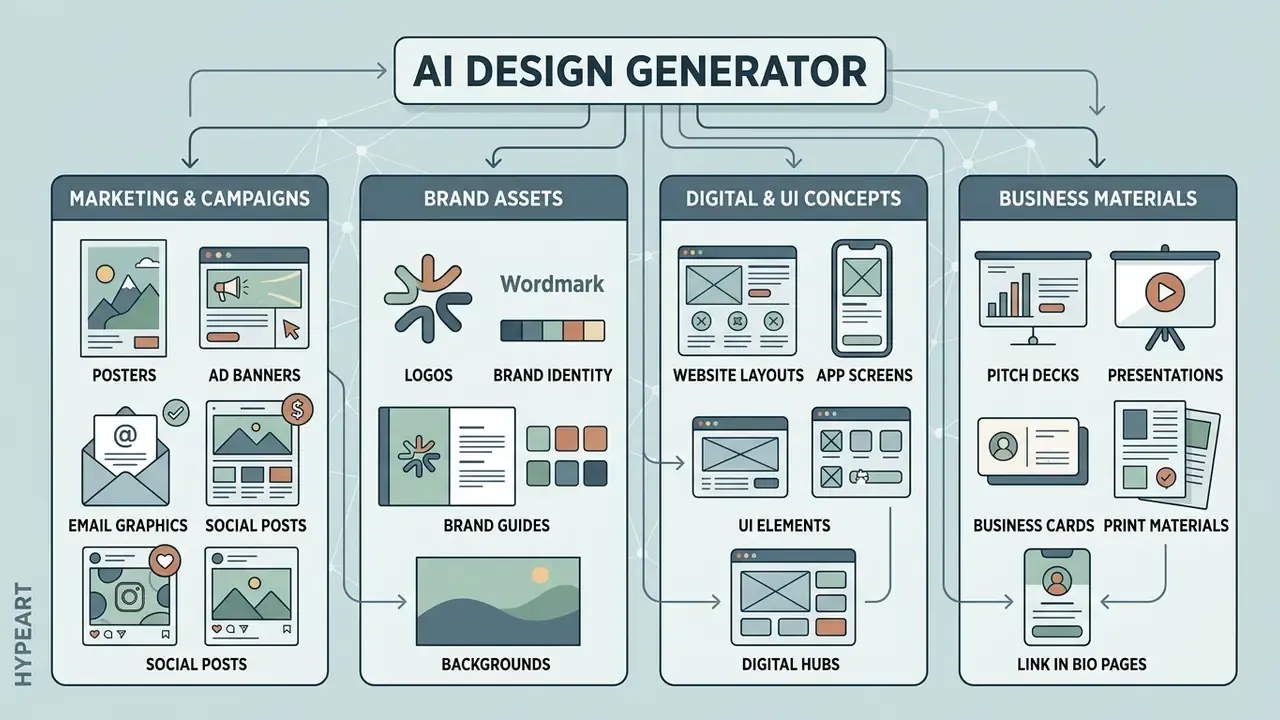
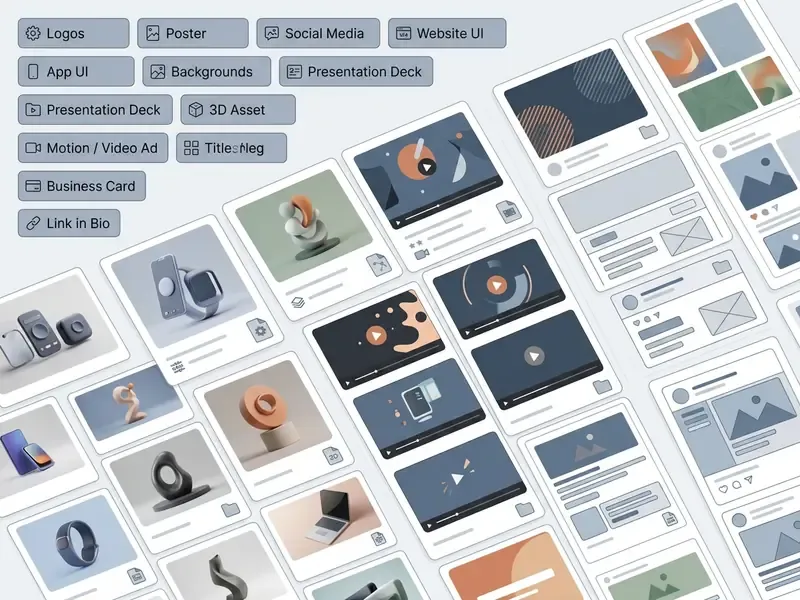
An ai generator for design can produce a broad spectrum of visual content: digital marketing collateral, AI art generators style illustrations, social media assets, corporate brand identities, vector marks, website wireframes, and UI concept prototypes. Modern platforms act as a complete ai design maker, streamlining asset creation across print, digital, and interactive formats.
By leveraging an ai generator design engine, organizations can scale marketing output while holding brand alignment steady. Empirical studies show that synthetic marketing content created with an ai design creater can match or exceed traditional stock imagery in perceptual quality, visual realism, and click-through performance.
«Researchers compared 10,320 AI images against 2,400 human-made counterparts across 254,400 ratings; AI outperformed humans on quality, realism and aesthetics». International Journal of Research in Marketing (2025). https://ideas.repec.org/a/eee/ijrema/v42y2025i1p13-31.html
Logos, Posters, Backgrounds and Brand Assets
Organizations deploy ai for graphic design free tools and professional systems to prototype logos, custom brand backgrounds, event posters, and typography guidelines. To ai create graphics that genuinely represent a brand, the system generates cohesive color schemes, iconography sets, and visual motifs tied to strategic identity.
An ai free graphic design tool can generate logo concepts and backgrounds fast. Yet research indicates that interactive explainability and human oversight matter for trust and adoption.
«A moderate level of interface explainability produced the highest trust, aesthetic evaluation and intention to use AI-generated logos». Journal of Digital Contents Society (2025). http://journal.dcs.or.kr/xml/48832/48832.pdf
Designers typically use AI logo generators for preliminary exploration and motif generation, then move the raw vector outputs into specialized editors to refine geometry, kerning, and trademark compliance. Documented limitations remain real. Academic evaluations report weak text typesetting, inconsistent symmetry, and low structural novelty in machine-generated marks, and current branding toolchains stay fragmented across naming, palette, logo, and identity-system tasks. That fragmentation is exactly why the final trademark-grade file still comes from a human designer.
Website, App and UI Design Concepts
Digital product teams use an ai create a graphic workflow to generate high-fidelity UI wireframes, mobile app concepts, landing page hero sections, and interactive component sets before front-end work starts. Tools such as PrototypeFlow use large language models to interpret requirements and generate structured UI layouts with theme consistency and component-level hierarchy. See "LLM-Driven UI Prototyping", arXiv:2412.20071 (2025), https://arxiv.org/abs/2412.20071.
In empirical user experience testing, participants rated AI-generated UI concepts on par with human-designed interfaces for pragmatic usability, and significantly higher for hedonic appeal and visual engagement.
«32 participants scored interfaces with UEQ-S: pragmatic quality was statistically indistinguishable, while AI hedonic quality scored significantly higher». Ergonomics (2025). https://publications.ergonomics.org.uk/uploads/How-well-can-generative-AI-design-and-evaluate-user-interfaces.pdf
Product managers and UX leads generate several UI directions to validate workflows during early discovery, which saves weeks of manual wireframing. Published AI-assisted UI methods follow a six-step loop: scope the requirements, generate a feature and user-story backlog with an LLM, run AI-supported ideation, write detailed generation prompts, add team critique, then implement and test the surviving concept.
Specialized Business Assets: Presentations, Digital Cards, and Link in Bio Pages
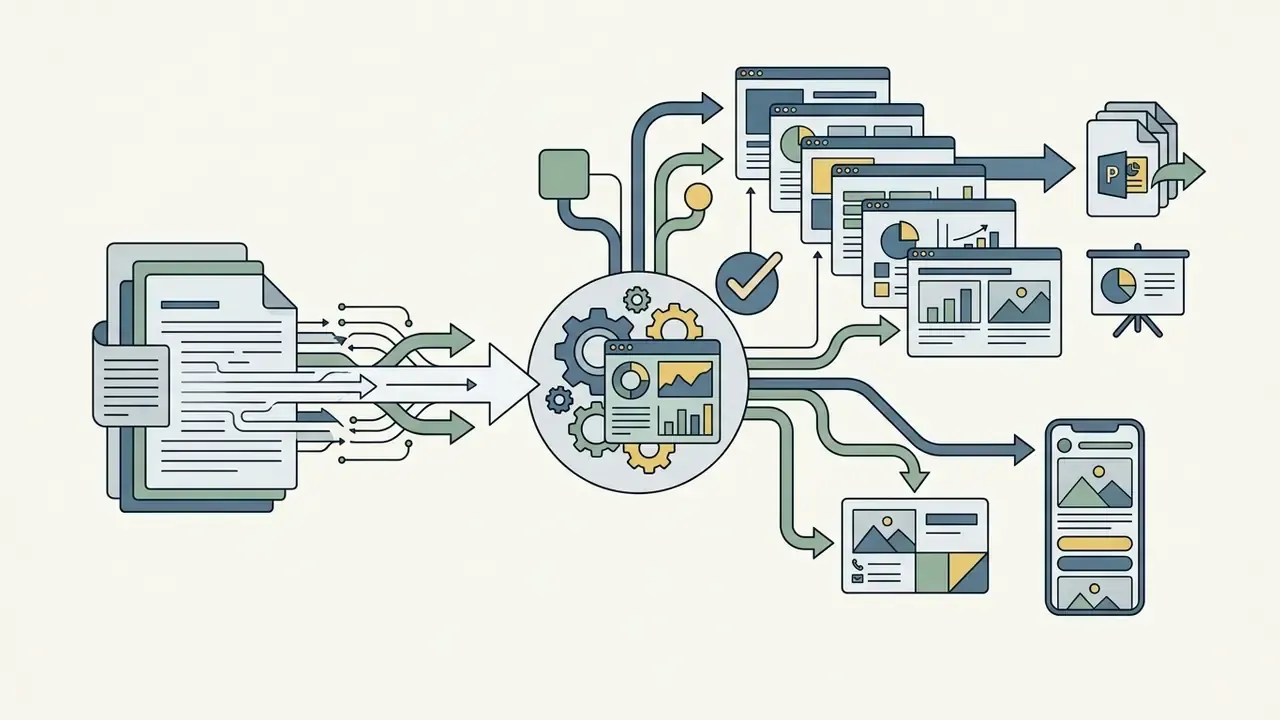
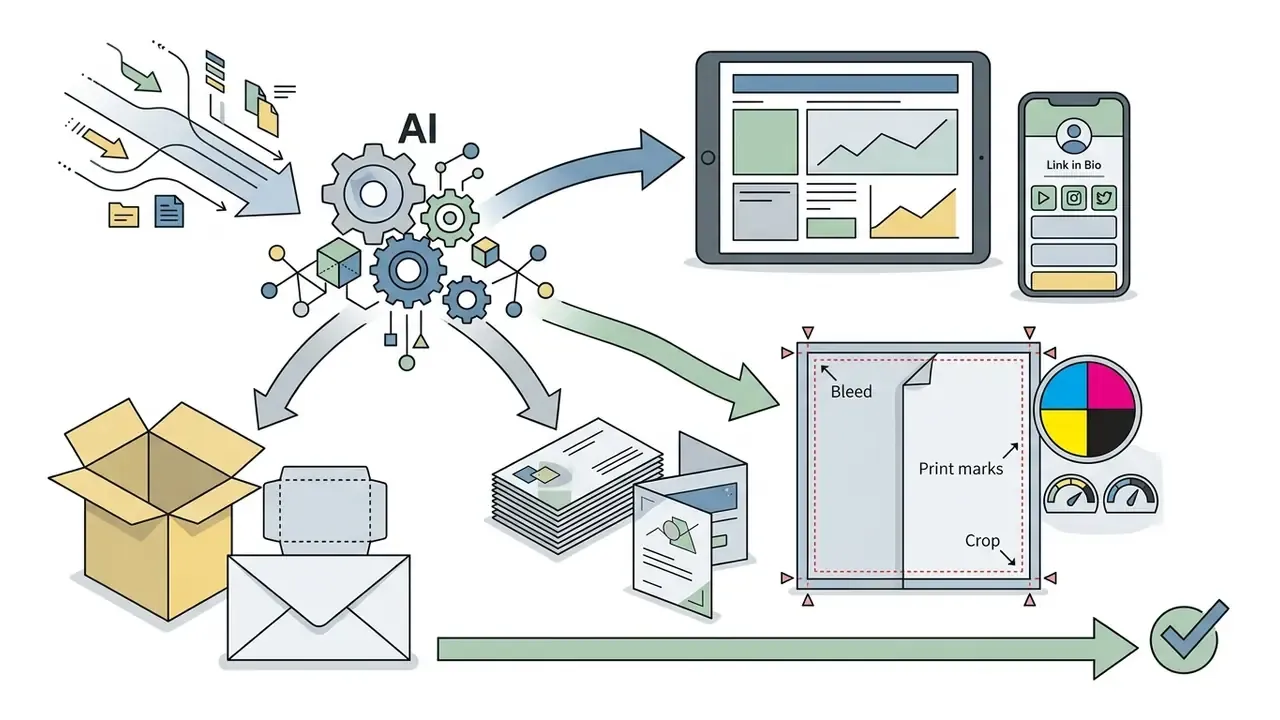
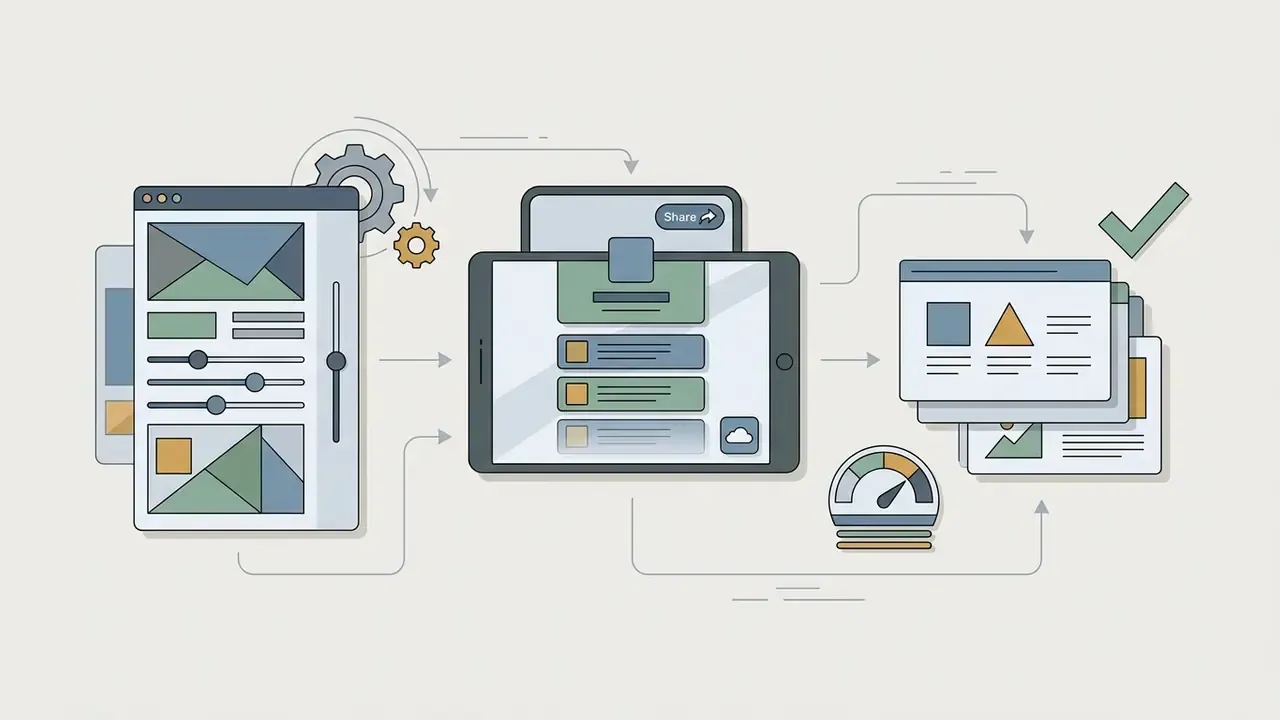
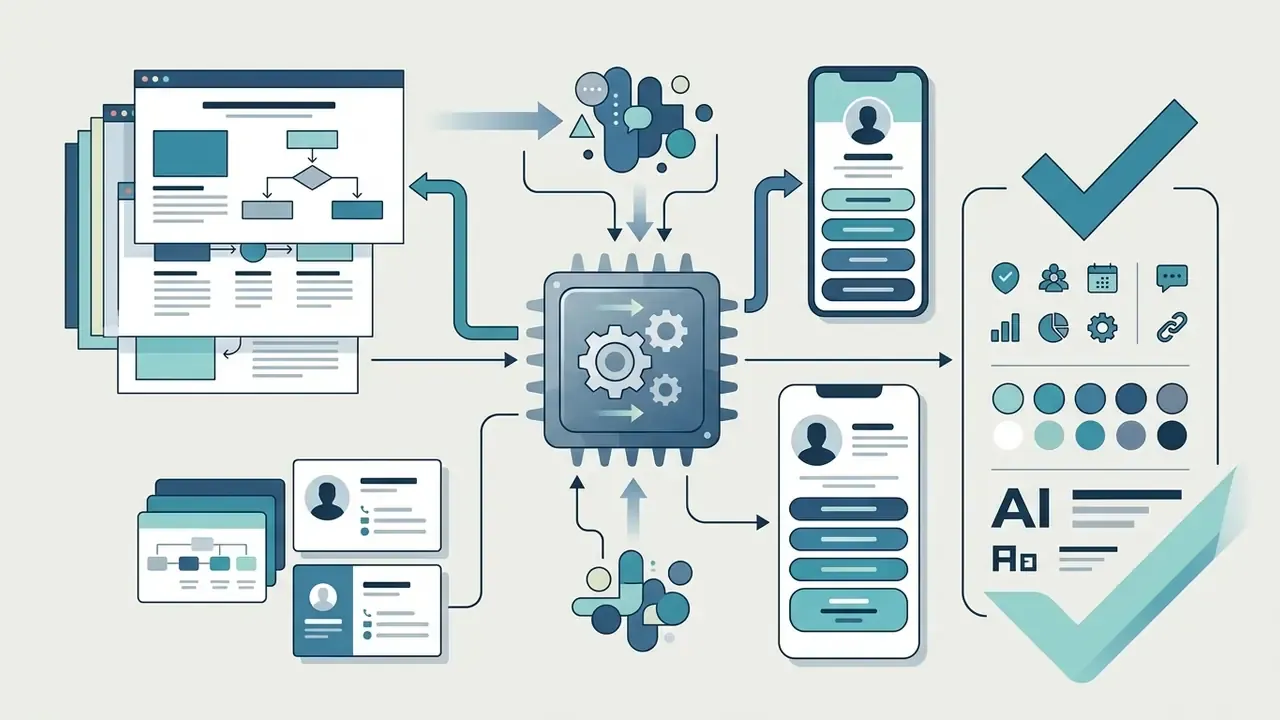
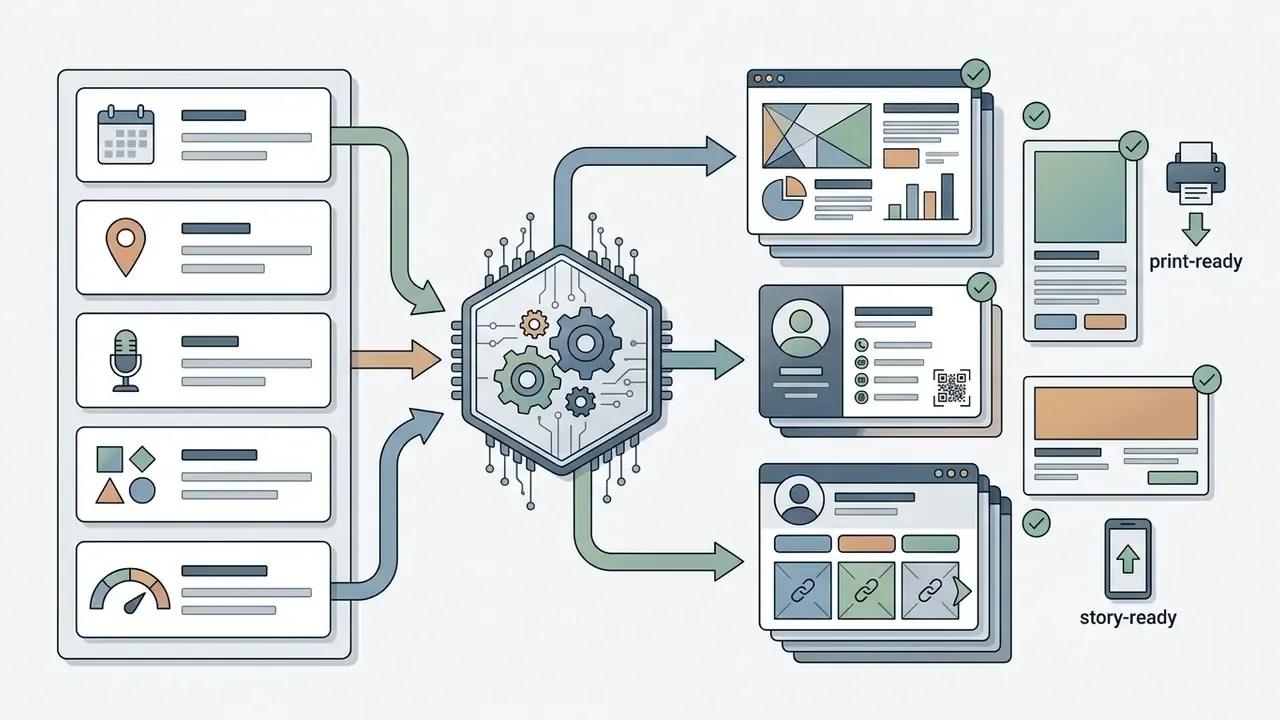
Beyond banners, an ai generator design engine builds functional collateral that maps directly to commercial demand:
Multi-Modal Design Assets: 3D Elements and Motion Graphics
Modern generative design engines now reach past two-dimensional graphics into 3D asset generation and motion design. Integrated multimodal backbones accept text prompts to build editable 3D mesh objects (GLTF/OBJ) with PBR materials, or convert a static marketing layout into a dynamic 15-second social video ad with automated camera moves and text transitions.
Documented capabilities in 2026 include text-to-3D and image-to-3D conversion for characters, props, and product objects that stay editable inside a standard DCC pipeline (Autodesk Flow Studio), plus text-to-video generation for short-form spots and animated banners. Practically, one campaign brief can now yield a layered key visual, a rotating 3D product render for a landing page, and a vertical video cutdown, all from a shared prompt and brand kit. Teams reviewing video-side implementation details, quotas, and API pricing can consult our Google Veo implementation guide, while motion-first workflows sit in our animation maker guide. If the volume of motion output starts to justify a dedicated hire, our video editor overview and video editor jobs breakdown outline the role, and the video editor salary guide covers current US compensation ranges.
How to Create a Design with AI
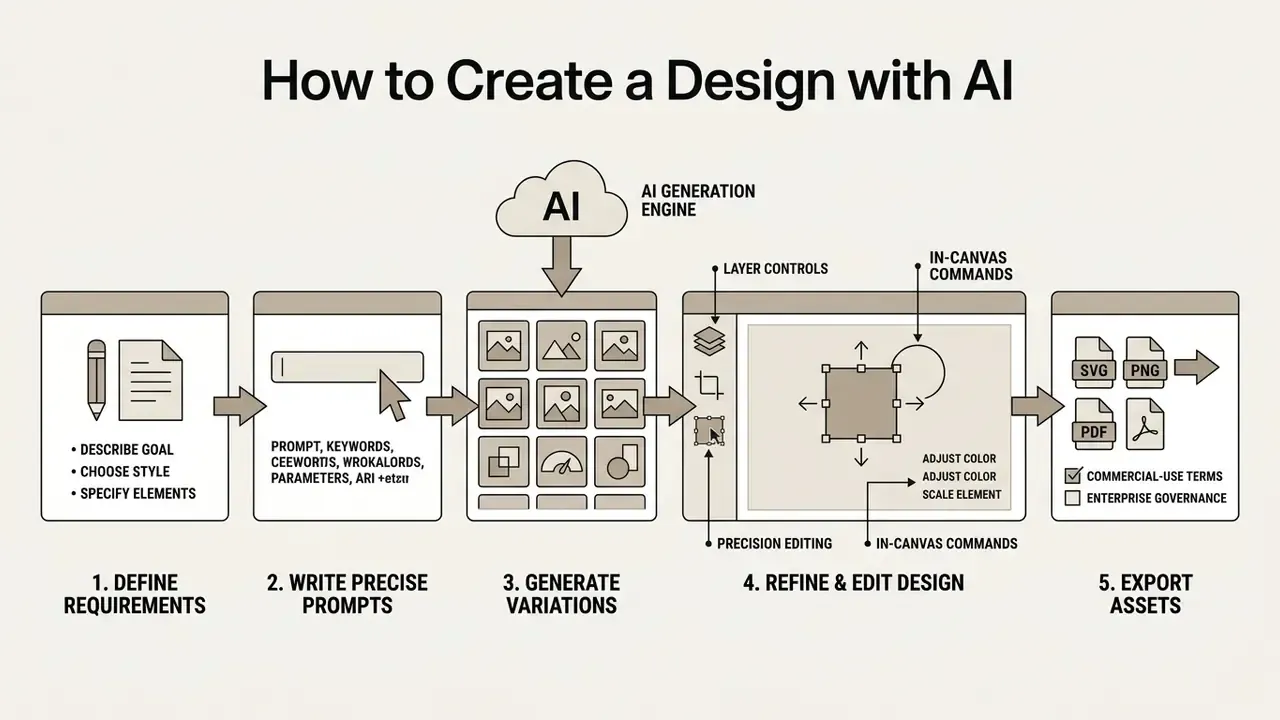
Creating a professional layout with an ai design creation platform takes a structured, step-by-step workflow: define clear visual requirements, write precise prompts, generate layout variations, refine elements inside an editor, and export final assets in production-ready formats.
A disciplined sequence keeps generated graphics inside brand guidelines and technical specs. The sequence mirrors the govern, map, measure, manage logic of the NIST AI Risk Management Framework and its 2024 Generative AI Profile: set the goal and constraints, generate multiple drafts, evaluate against brand and quality criteria, then finalize and document. Dedicated workflows such as automated editing pipelines or graphic layout engines help teams hold consistency across multi-channel creative operations.
Describe the Goal, Style and Visual Elements
To begin the ai create design process, write a structured prompt that states the design goal, visual style, color palette, visual hierarchy, and composition constraints. A complete prompt structure follows the formula: [Subject/Goal] + [Style/Genre] + [Color Palette] + [Composition/Layout] + [Typography Specs].
For example, when asking an ai design ideas generator for a marketing visual, specify: "Minimalist product banner for a fintech app, modern flat vector style, slate blue and mint green palette, headline centered at top, phone mockup on the right, ample negative space for text overlays." Clear specifications prevent visual clutter and steer the model's spatial layout planning.
Useful vocabulary blocks for each prompt field:
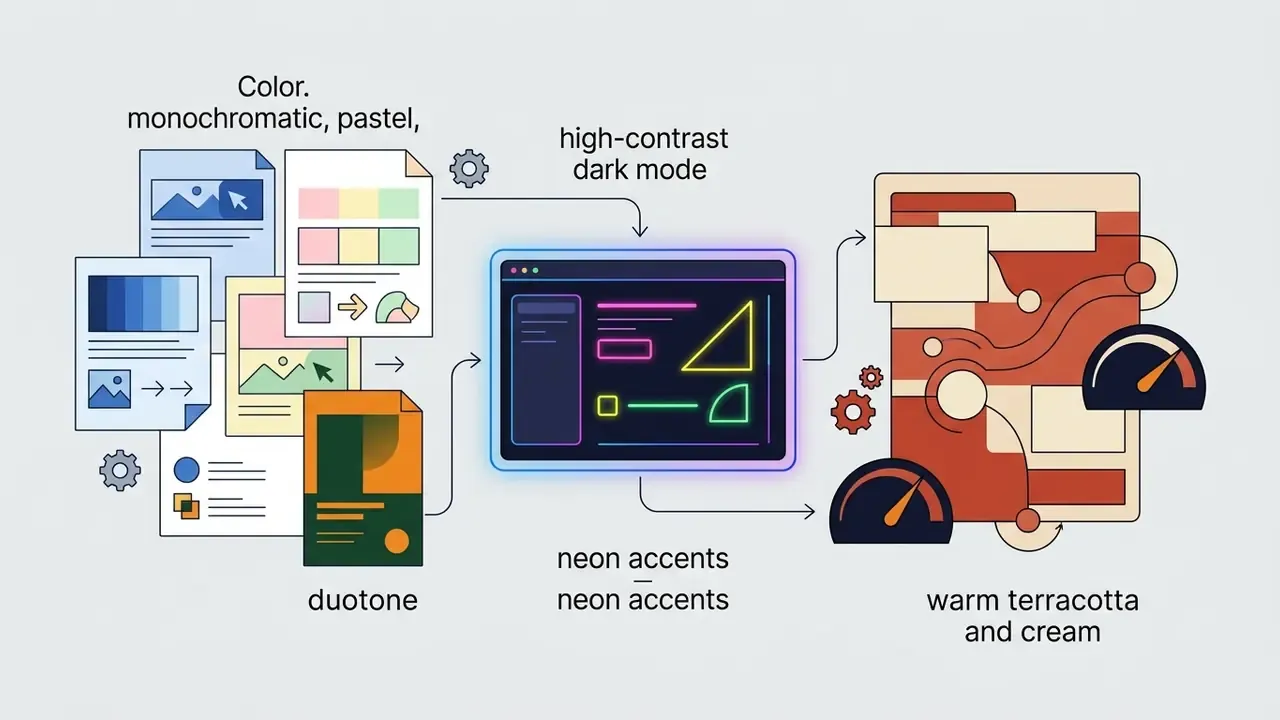
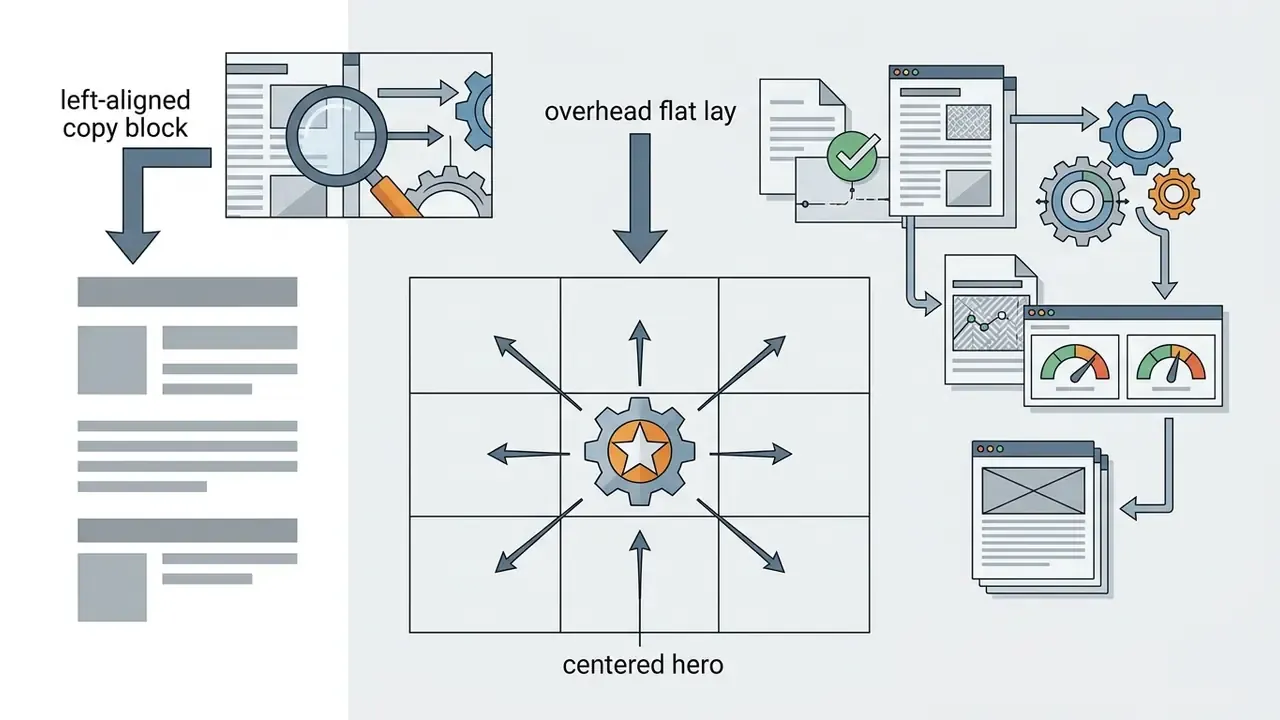
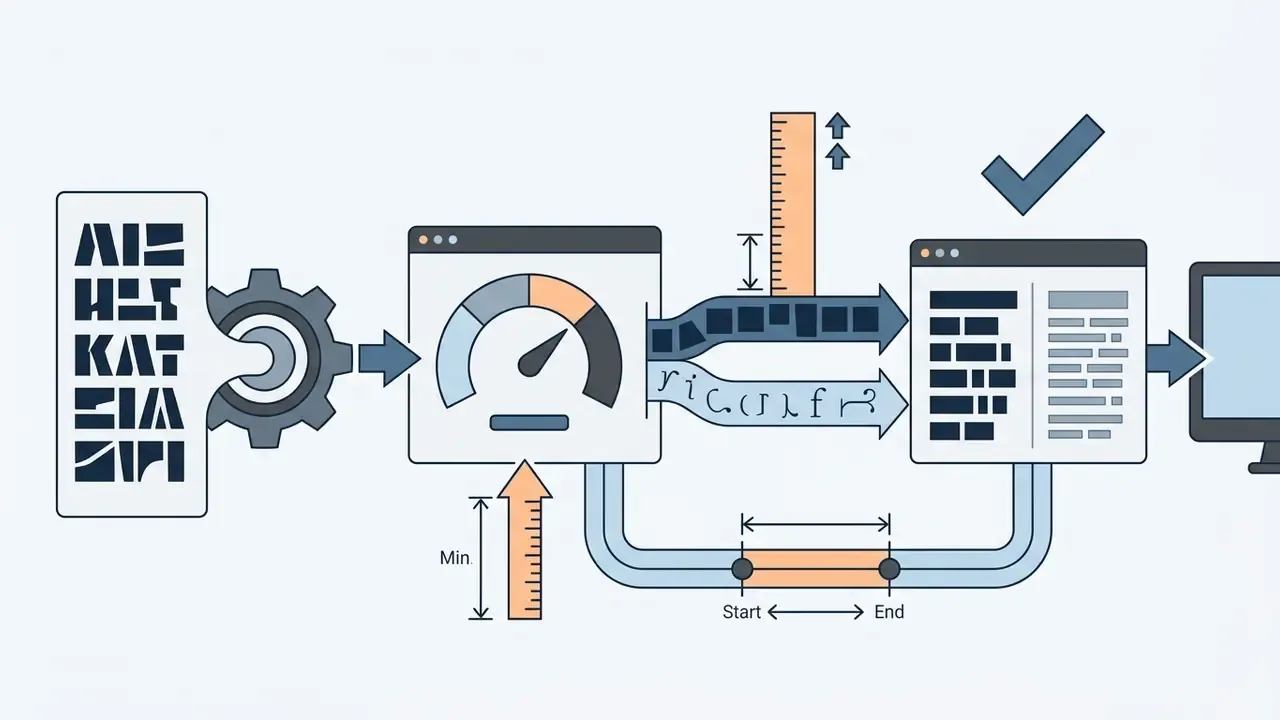
Generate Multiple Design Variations
Once the initial prompt is submitted, use the ai free design generator or an enterprise tool to output three to five variations. Iterating across secondary dimensions such as color distribution, background texture, and object placement lets creative teams judge several directions quickly. Published iteration research recommends resolving structural issues first (grid, hierarchy, silhouette) and refining details such as internal texture and micro-typography only in later cycles.
During a digital transformation project at a regional financial institution (illustrative composite, not a named client), marketing teams folded an ai design generator free tier into initial banner ideation. By generating four distinct directions per brief, the team cut conceptual review cycles from five business days to under four hours, then passed selected concepts to senior designers for brand polish. Worth noting: the savings appeared in review time, not in final production time.
«Across 14 interviewed designers, AI's contribution peaked at the ideation stage, averaging 21.8%, the highest of any project phase». Designers as Co-Creators, USC Research (2025). https://bpb-us-w1.wpmucdn.com/sites.usc.edu/dist/9/1196/files/2025/11/Designers_as_Co-Creators_Reconfiguring_Workflows_and_Creative_Agency_in_AI-Augmented_Design.pdf
Refine the Result and Export Assets
After choosing the strongest draft, open the built-in precision editor to adjust typography, replace background elements, fine-tune alignment, and run magic resizes for different platforms. Professional ai design tools provide object-level selection, background removal, vector conversion, and image upscaling, the same capability set found in dedicated AI photo editors, to prepare raw outputs for commercial distribution. For very large formats, dedicated AI image upscalers rebuild detail at 2x to 16x while preserving structure and color fidelity.
Finally, export in the required format: transparent PNG for web overlays, vector SVG for scalable brand icons, high-resolution PDF for print collateral, or editable PPTX for client presentations. Set format, DPI, color space, and compression deliberately. Many platforms officially support sRGB only, and browser-canvas exports can introduce roughly 8% quality loss when routed through canvas.toDataURL('image/jpeg'). Small detail, visible on a billboard. Teams building end-to-end production pipelines can compare platform capabilities in our photo editor guide and our YouTube video editor workflow breakdown; for headcount and outsourcing math, our calculators section offers see the overview estimators.
6 steps to create a design with AI
Checklist0 / 6
How to Choose AI Design Generator Tools
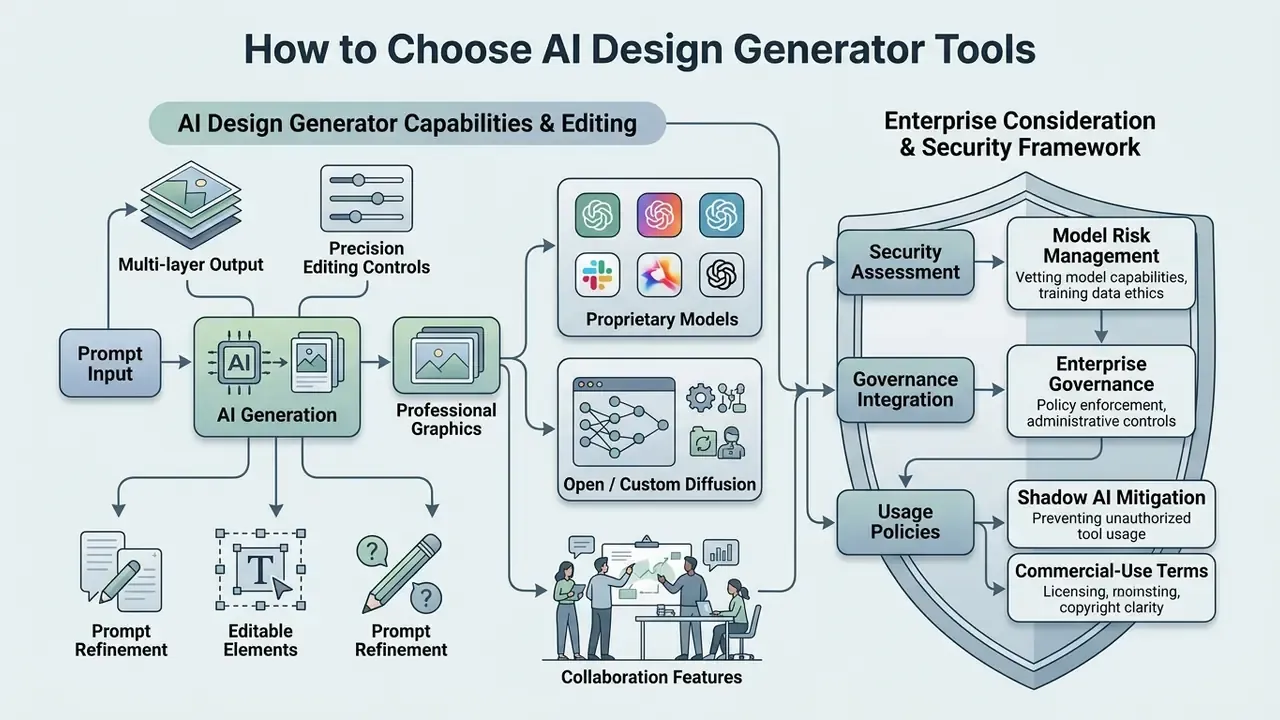
Selecting the right ai generator for design means evaluating technical capabilities, supported models, precision editing controls, collaboration features, and enterprise governance standards. Organizations pick between lightweight consumer apps and robust design suites based on operational scale, and the wrong choice usually shows up later as an audit gap rather than a design flaw.
Decision-makers should check whether a tool is a standalone wrapper or integrates into existing GRC, MRM, and asset management infrastructure. NIST's Generative AI Profile (2024) treats documented content provenance, testing, and validation metrics as lifecycle requirements, and its 2026 evaluation guidance explicitly favors systems that contribute orchestration, retrieval, or local computation over thin foundation-model wrappers. For complex enterprise technical requirements, teams can compare options on developer pricing and API tiers before committing to a scalable integration path.
Enterprise Risk and Security Framework for AI Design Tools
Before comparing creative features, regulated organizations should screen candidate platforms against a security and model-risk baseline. The framework below maps procurement questions to the control that actually mitigates the exposure.
| Risk Domain | Procurement Question | Required Control / Evidence |
|---|---|---|
| Data confidentiality | Are prompts, uploaded briefs, and brand assets used for model training? | Contractual no-train clause; zero data retention (ZDR) endpoint; documented retention window |
| Access control | Can access be federated and scoped by role? | Enterprise SSO/SAML or OIDC, SCIM provisioning, role-based access control (RBAC) |
| Auditability | Can we reconstruct who generated which asset, with which prompt and model version? | Immutable audit log export, prompt/version capture, asset-level provenance metadata |
| Dataset provenance | What was the generative model trained on? | Vendor training-data statement, licensed/public-domain attestation, indemnification terms |
| Shadow AI | Are staff using unsanctioned public generators for brand work? | Network/SaaS discovery, DLP rules on design-file uploads, approved-tool allowlist |
| Output integrity | Is synthetic content marked and traceable downstream? | Content credentials / provenance metadata, machine-readable output marking |
| Third-party chain | Which partner models sit behind the interface? | Model inventory disclosure per feature, sub-processor list, regional processing options |
Models, Creative Controls and Editing Features
A professional ai design generator tools platform should offer model selection (Firefly, GPT Image, or custom diffusion backbones, compared in our AI image generators comparison), vector path editing, precision text alignment, multi-resolution upscaling, and continuous canvas interaction.
Leading enterprise design workspaces combine several underlying models inside one interactive canvas:
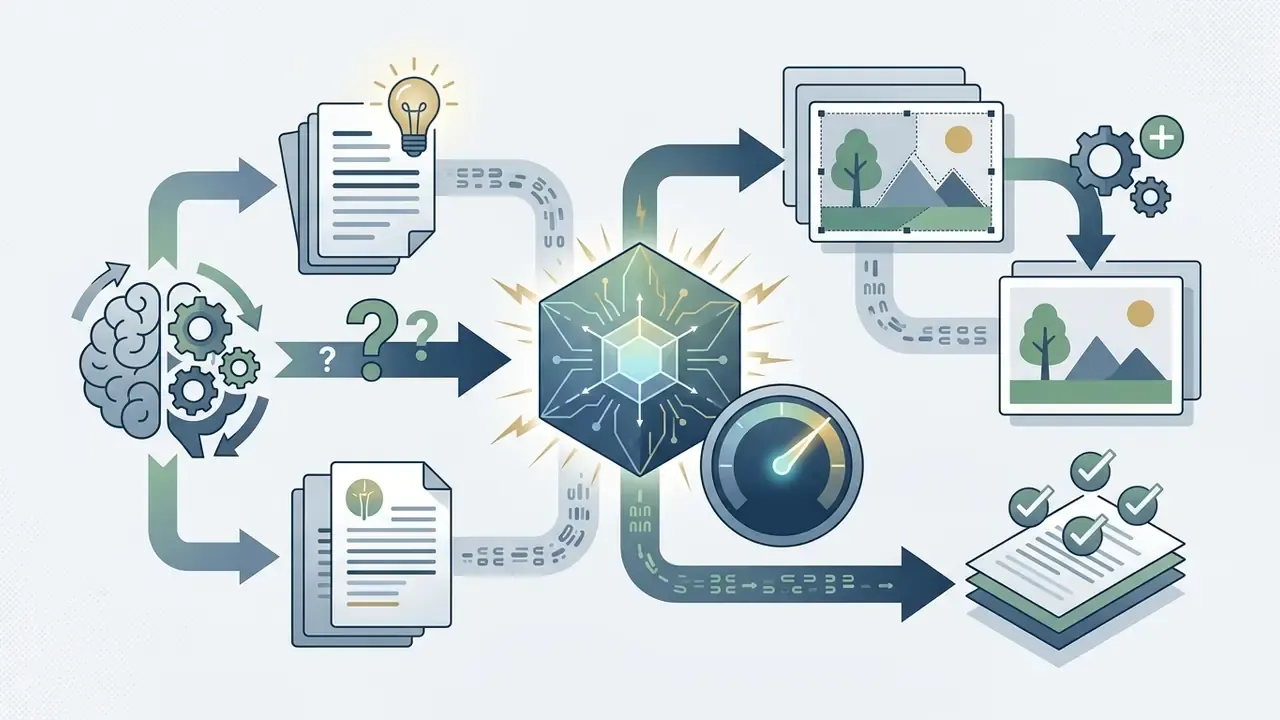
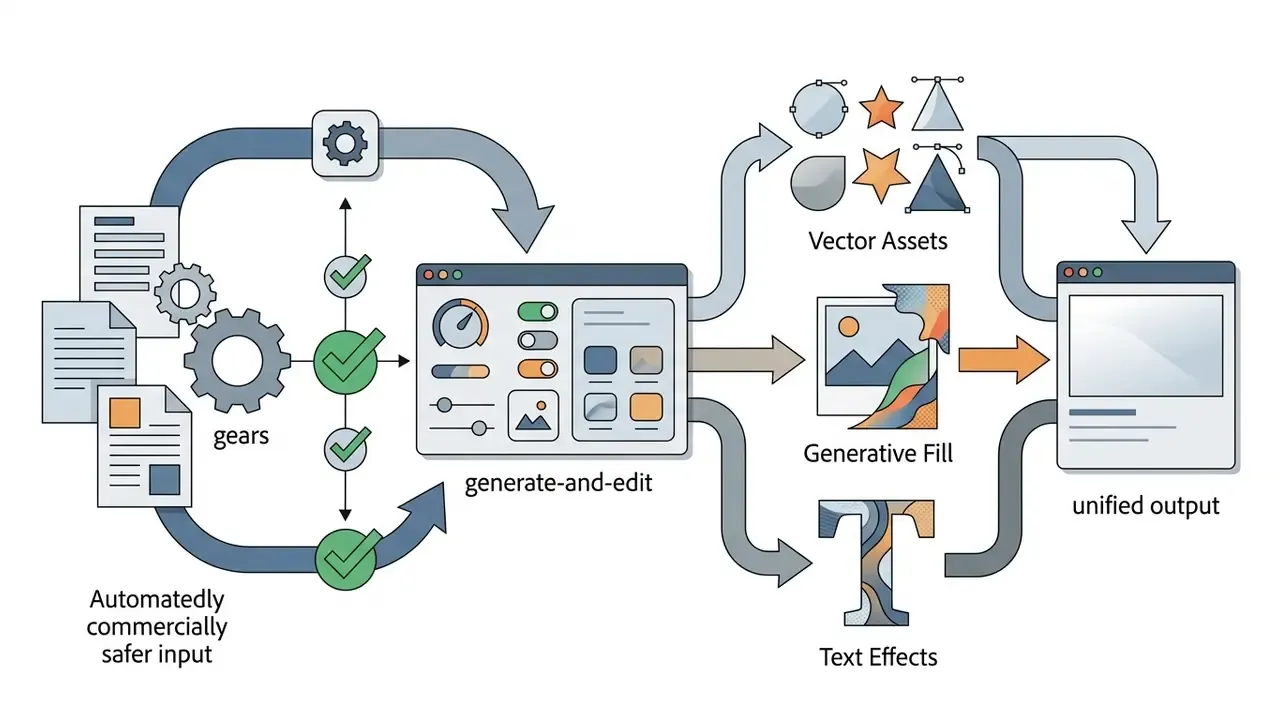
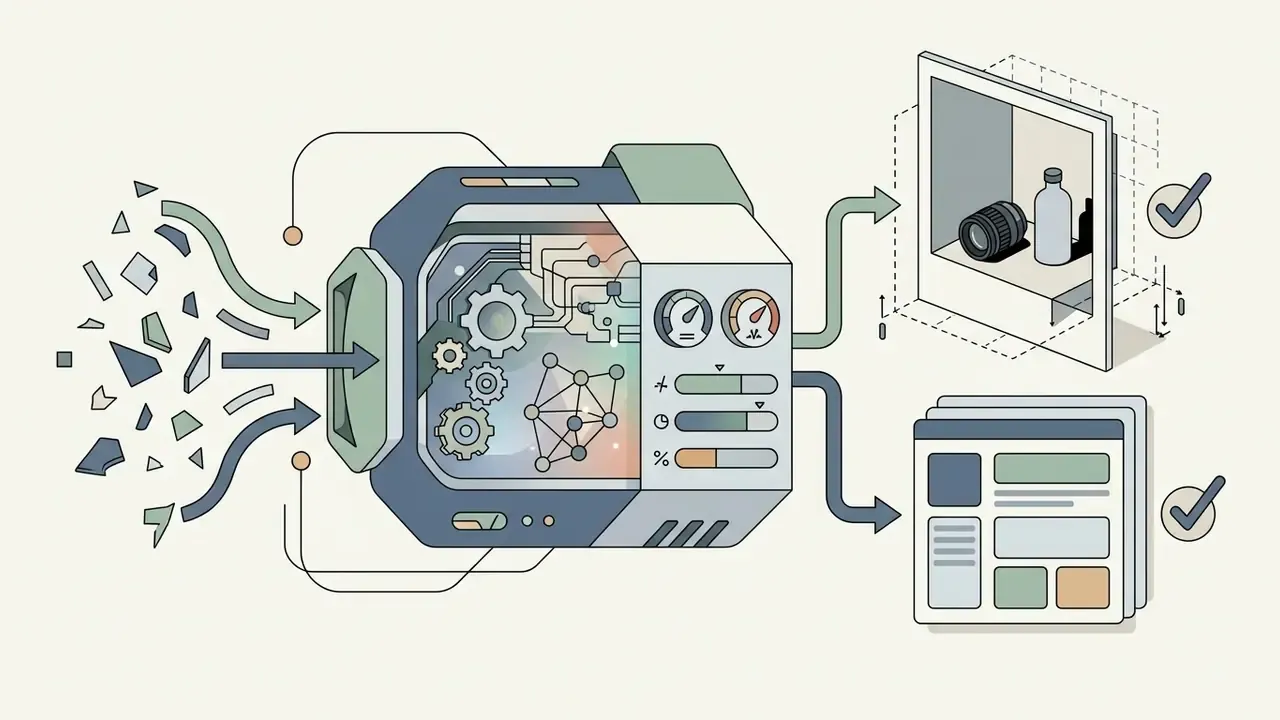
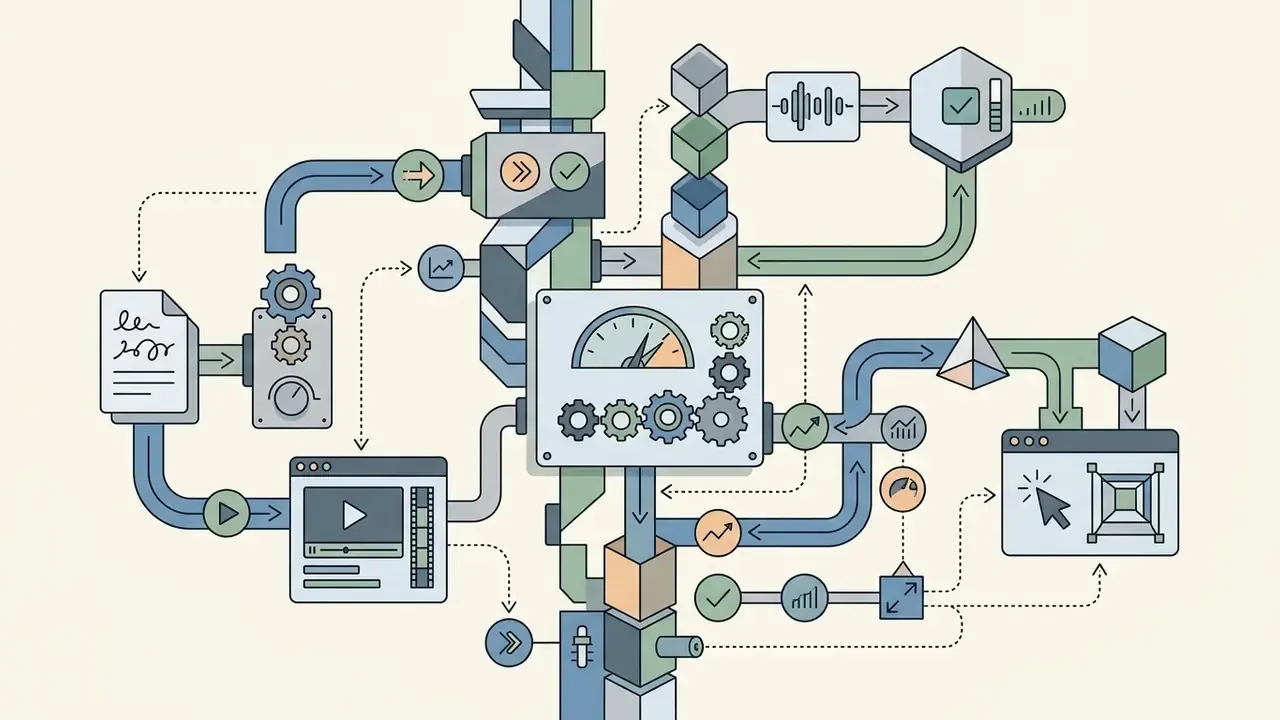
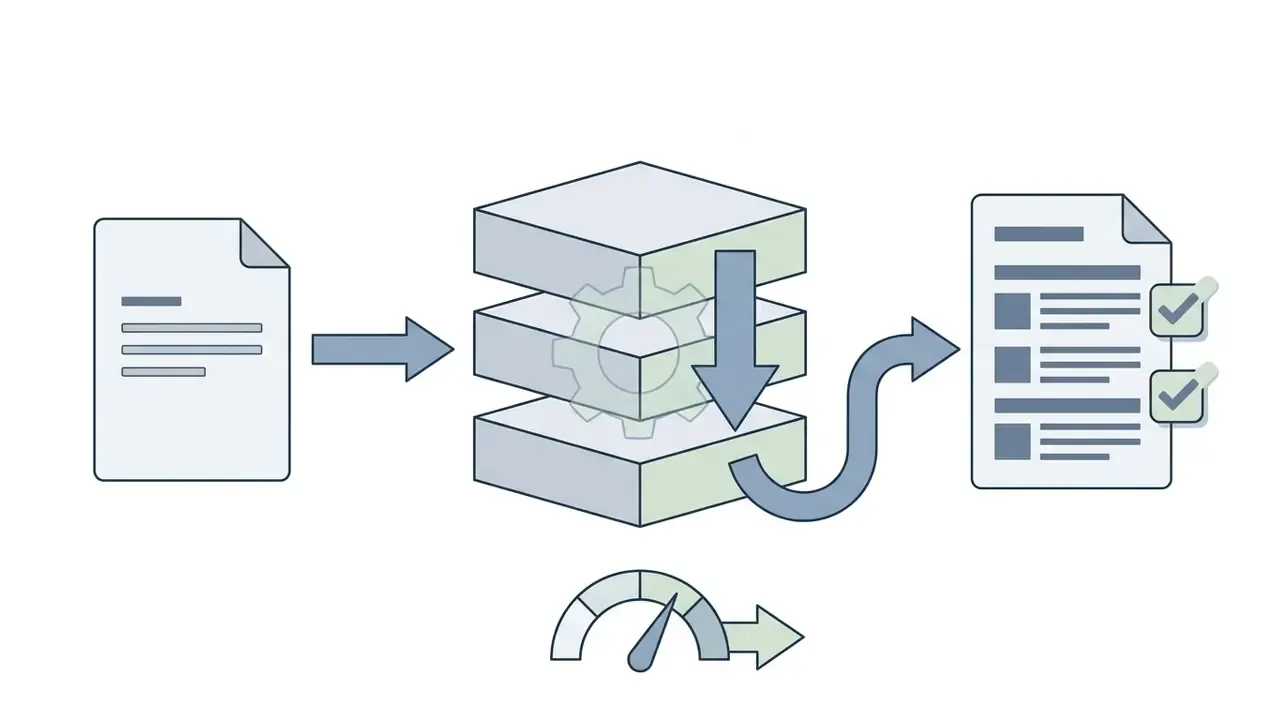
Modern design benchmarks stress that models offering precise spatial control and layer separation outperform raw text-to-image generators on real graphic design tasks (GraphicDesignBench, 2026, https://arxiv.org/abs/2604.04192). High-precision features matter here: automatic vector conversion, cutout alpha channels, non-destructive layer editing, and asynchronous upscale endpoints that preserve original detail and color fidelity. Teams weighing specific vendor engines can also review our comparisons of Midjourney, Microsoft AI Image Generator, and Google AI Image Generator, or browse the full comparison hub.
Brand Assets, Collaboration and Workflow
Enterprise teams need an ai custom design generator that supports centralized brand kits (logos, approved typography, primary and secondary palettes), multi-user role-based permissions, asset versioning, and real-time collaborative editing.
Centralizing brand assets in a shared cloud library keeps visual output consistent across distributed teams. When a creative director updates an asset or typography rule in the central hub, the change propagates across active team templates, so off-brand files rarely reach publication. Rarely, not never. Local downloads still escape governance, which is why export logging belongs in the same control set.
«61% of designers said AI affected their income in 2024, for most positively, while 76% flagged unresolved copyright and ethics concerns». 99designs by Vista Survey (2024), reported by designboom. https://www.designboom.com/design/99designs-survey-freelance-designers-ai-artificial-intelligence-10-24-2024/
| Feature / Criteria | Canva AI | Adobe Express / Firefly | Figma AI | Microsoft Designer |
|---|---|---|---|---|
| Text-to-Image / Layout | Yes (Magic Design) | Yes (Firefly Studio) | Yes (Prompt-to-UI) | Yes (Design Generator) |
| Graphic Layer Editor | Full multi-layer canvas | Precision layer editor | Full vector/UI canvas | Lightweight layout editor |
| Underlying AI Models | Proprietary + Partner | Adobe Firefly + Partners | Figma AI + Partner models | DALL·E / Designer models |
| Brand Kit Support | Advanced (Pro/Enterprise) | Enterprise CC Libraries | Design Tokens & Systems | Basic Brand Kit (M365) |
| Export Formats | PNG, JPG, PDF, SVG, PPTX | PNG, JPG, PDF, SVG, MP4 | SVG, PNG, PDF, FIG | PNG, JPG, PDF |
| Team Workflow | Real-time collaboration | Creative Cloud Teams | Real-time multiplayer UI | M365 sharing & team hubs |
| Data Privacy (No-Train on Customer Data) | Enterprise-tier commitments; verify per plan | Firefly models trained on licensed/public-domain content; enterprise terms apply | Enterprise controls; verify AI-feature opt-out | Governed by M365 tenant data commitments |
| Enterprise SSO / SAML | Available on Enterprise | Available via Adobe Admin Console | Available on Organization/Enterprise | Entra ID (Azure AD) native |
| Audit Log & RBAC | Enterprise audit + roles | Admin Console logs + roles | Org-level permissions + activity logs | M365 audit log + roles |
| Free Access Tier | Free tier with caps | Free tier with daily credits | Free Starter plan | Free with MS account |
Verify the security and privacy columns against the vendor's current enterprise agreement and Data Processing Addendum before deployment. Plan-level entitlements change frequently, sometimes quarterly.
Is There a Free AI Design Generator?
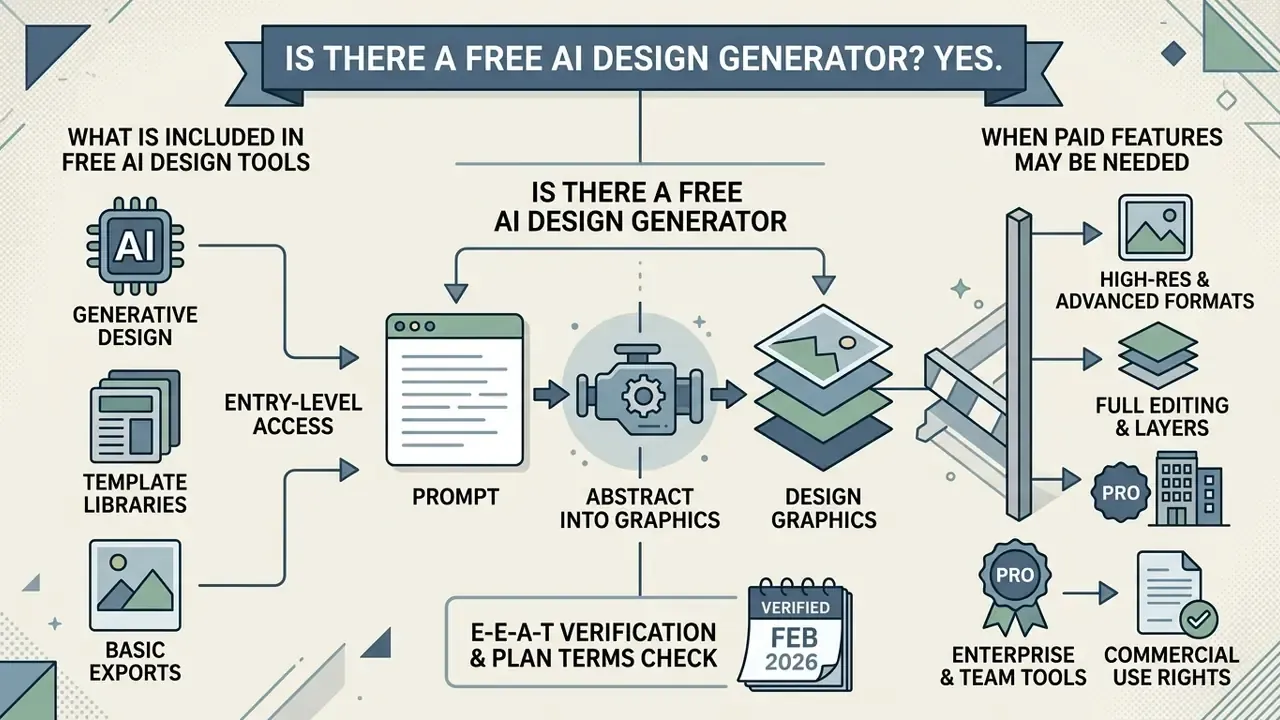
Yes. Numerous platforms offer a free ai design generator model, giving entry-level access to generative design features, template libraries, and basic export options without an upfront subscription.
Free plans still enforce operational constraints: monthly credit quotas, resolution caps, watermarked downloads, or restrictions on commercial usage rights. Users looking for capable tools without initial software spend can explore our guide to free photo editor platforms and our comparison of free AI image generators, plus the wider free AI art generators roundup.
What Is Included in Free AI Design Tools
An ai design creator free plan typically includes standard text-to-image generation, basic template editing, preset design dimensions, and standard web-resolution raster exports such as 72 DPI JPEGs or PNGs.
«Cost remains one of the three most cited concerns among users of AI design tools, alongside image quality and copyright». Tang et al., arXiv:2406.10640 (2024). https://arxiv.org/abs/2406.10640
For casual creators, an ai design generator free tier provides enough functionality for personal social graphics, blog thumbnails, and quick prototypes. Advanced controls such as background removal, SVG vector exports, and high-resolution print formats are frequently restricted or metered under daily allowances. Also common, and easy to miss: some free tiers grant usage rights that stop at "personal projects only".
When Paid Features May Be Needed
Professional creators and commercial enterprises need paid plans once requirements include unlimited generation, 4K or vector exports, custom brand kit integration, and full commercial usage indemnification.
Enterprise workflows also need models with higher prompt adherence, transparent background cutouts, batch processing, and governance features such as SSO, RBAC, and audit logging. Upgrading removes watermarks and unlocks the contractual protections required for client-facing ad campaigns and product packaging. For regulated buyers, indemnity language is often the deciding line item, not the render quality.
E-E-A-T verification and plan terms check (verified February 2026):
Can You Use AI-Generated Designs for Commercial Projects?
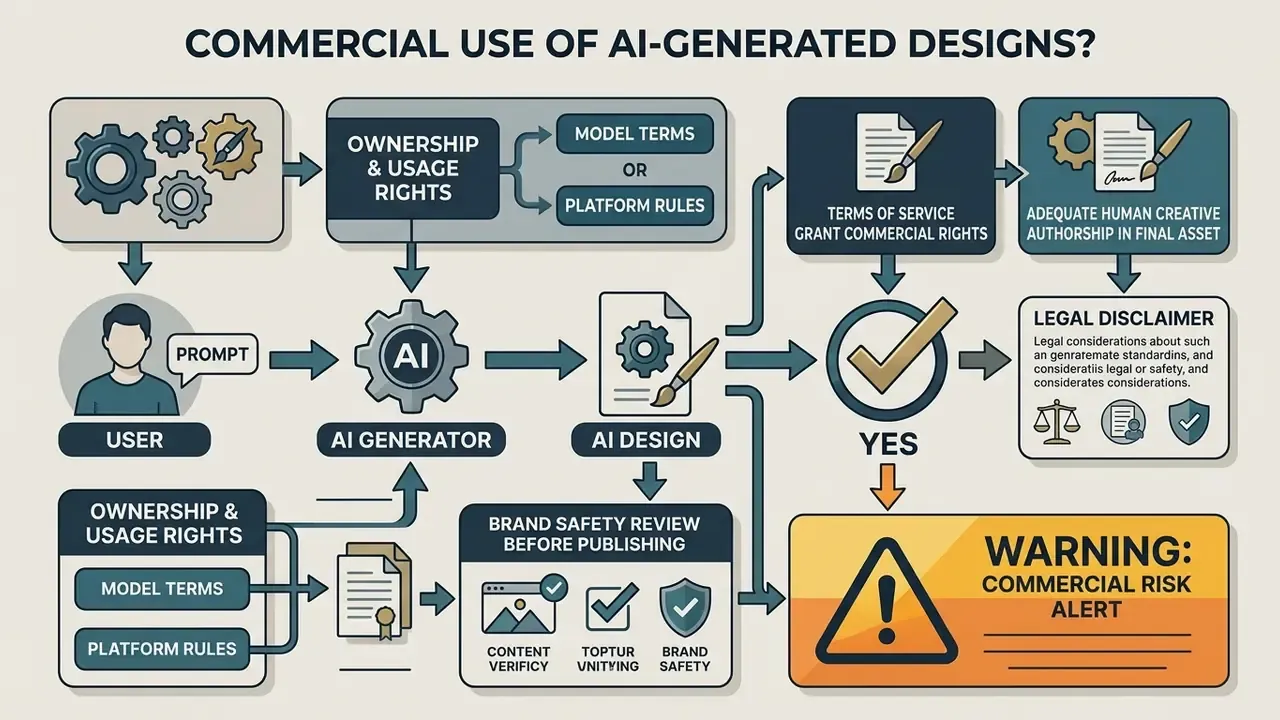
Yes, you can use AI-generated designs commercially, provided the platform's Terms of Service grant commercial rights and the final asset carries enough human creative authorship to satisfy the relevant legal standard.
Intellectual property rules matter here more than most buyers expect. In the United States, pure AI outputs generated without human creative input cannot be registered for copyright protection (U.S. Copyright Office, Copyright and Artificial Intelligence, 2025).
«In 2023 a U.S. federal court confirmed that a work created solely by AI, without human involvement, is not eligible for copyright protection». Preprint on AI and Copyright, arXiv:2509.07029 (2025). https://arxiv.org/pdf/2509.07029.pdf
To secure protection and limit infringement risk, creative teams should combine AI outputs with human selection, arrangement, vector editing, and original copy. Jurisdictional tests differ. U.S. practice centers on human authorship and mandatory disclosure of AI-generated material in registrations. U.K. consultation material frames infringement around reproduction of a substantial part of a protected work. The EU AI Act adds copyright-policy publication, training-data summaries, and machine-readable marking of synthetic outputs.
Ownership, Usage Rights and Model Terms
Platform terms govern commercial rights. Adobe states that Firefly outputs are customer content that the user owns and controls. OpenAI's services agreement assigns the customer all right, title, and interest in output to the extent permitted by law. Midjourney grants commercial use on paid plans but requires Pro or Mega tiers for companies grossing over $1,000,000 USD per year, while taking a broad license over prompts and produced assets. Other tools bar commercial use on free tiers entirely.
When deploying assets commercially, verify whether the generative model was trained on licensed, brand-safe datasets. Reviewing licensing terms reduces the chance that a marketing asset triggers an infringement claim from a third-party rights holder.
«Copyright liability may be distributed across model developers, platforms and users depending on how the generative AI supply chain is configured». Lee, Cooper & Grimmelmann, arXiv:2309.08133 (2024). https://arxiv.org/abs/2309.08133
Enterprise buyers should also confirm whether commercial indemnification covers their subscription tier, since indemnity is usually reserved for enterprise contracts rather than self-serve plans. For a deeper breakdown of licensing and legal frameworks across visual media, see our guide on commercial use rights and our dedicated analysis of commercial use of AI image generators.
Brand Safety and Review Before Publishing
Before publishing AI-generated graphics in public campaigns or print media, run a mandatory brand safety review: verify textual accuracy, inspect visual details for AI artifacts, confirm trademark compliance, and check alignment with corporate brand standards.
A publication-grade gate follows four steps. Disclose the AI tool and purpose. Review imagery, language, and tone against brand values and current news context. Verify that no copyrighted or proprietary content was copied or imitated. Approve with a named human sign-off. Charts and data visualizations generated by AI need a verifiable underlying dataset and subject-matter expert review before release.
During a commercial ad rollout, a digital agency produced social assets through an ai for designing images workflow (illustrative example). The internal review team caught distorted text rendering on a product packaging mockup during final pre-press checks. They corrected the typography layer inside an editing suite, avoided a costly misprint, and shipped on schedule. Catching it one day later would have meant reprinting. For governance and litigation considerations around digital assets, consult our litigation risk guide, or see the overview of documented disputes; provenance checks can be supported with AI reverse image search tools, and identity-related edits such as video face swap online free demand an extra consent review before any public use.
Warning: commercial risk alert
How to Make AI Designs Look Professional
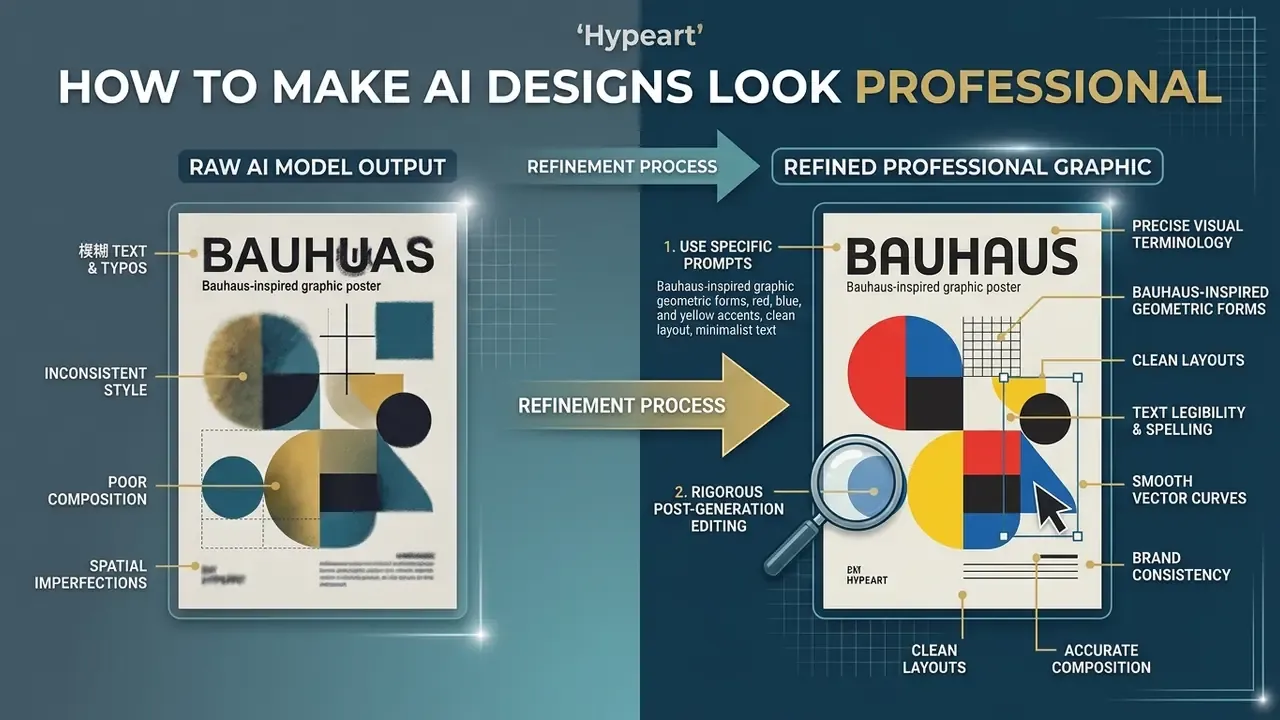
To make AI designs look professional, pair specific prompt engineering (style, lighting, color palette, composition) with rigorous post-generation editing that refines typography, corrects artifacts, and enforces brand consistency.
Raw model outputs often carry minor spatial or textual imperfections. Applying core design principles turns those drafts into polished assets: keep typography readable, enforce grid alignment, and limit each document to two or three typefaces. Documentation discipline helps too. NIST's Generative AI Profile recommends maintaining transparency artifacts such as model and system cards, which in a creative context means recording which model, version, and prompt produced each approved asset.
Use Specific Prompts for Style, Color and Composition
Write prompts with precise visual terminology, for example: "Bauhaus-inspired graphic poster, geometric composition, flat vector art, isometric perspective, warm terracotta and cream color palette, strong visual hierarchy."
Recognized design vocabulary guides the model's latent spatial planning, which produces cleaner layouts and better negative space. Avoid negative prompting where possible. Instead, state positively where key subjects and elements belong (Runway Gen-4 Image Prompting Guidelines, 2025). A reusable template is [Style Cues] + [Color Scheme] + [Lighting and Composition] + [Typography] + [Output Format], which keeps every prompt auditable and repeatable across a campaign. Auditable prompts also make creative review defensible when someone asks how an asset was made.
Check Text, Details and Brand Consistency
Inspect every generated layer for text legibility, correct spelling, smooth vector curves, and accurate color values before export.
«Typographic accuracy and text recognition remain among the least-solved tasks: models frequently produce misspellings and inconsistent font styles». Deganutti et al., GraphicDesignBench (2026). https://arxiv.org/abs/2604.04192
Accessibility standards set the floor. Body text on digital graphics should hold appropriate contrast ratios, at least 4.5:1 against backgrounds for normal text and 3:1 for large text, with effective font sizes of at least 16px and most lines running 45 to 90 characters (W3C WCAG 2.1/3.0; U.S. Web Design System). WCAG 3.0 additionally restricts flashing and pseudo-motion effects longer than five seconds, which matters for animated banners built from static layouts. Correcting AI-generated text overlays inside a dedicated text editor guarantees legibility across client touchpoints, and AI image enhancers help clear residual artifacts such as smeared edges or malformed glyph fragments before final export.
FAQ About AI Design Generators
Do I need prior design experience to use an AI design generator?
No. Prior graphic design experience is not required to create basic visuals with an ai design maker free tool. Natural language interfaces let non-designers submit prompts and receive complete layouts, and prompt-enhancement features expand short instructions into structured briefs. Professional designers still use these tools differently: they accelerate ideation and asset scaling, then apply editing skill to typography, composition, and brand alignment.
How long does it take for AI to generate a complete graphic design?
Most modern AI design generators return preliminary layouts within 5 to 15 seconds. Multi-object layouts on an interactive canvas commonly land in the 10 to 30 second range. Complex multi-page presentation templates, research-integrated agent workflows, vector conversions, or high-resolution 4K upscaling can take 30 to 60 seconds or longer, depending on server capacity and model complexity.
Will AI design generators replace professional graphic designers?
No. Research shows AI design tools act as creative co-creators rather than replacements (Designers as Co-Creators, USC Research, 2025).
«52% of freelancers already use generative AI and another 24% plan to start, yet 76% cite unresolved copyright and ethics questions». 99designs by Vista Survey (2024). https://www.designboom.com/design/99designs-survey-freelance-designers-ai-artificial-intelligence-10-24-2024/ AI automates repetitive work such as background removal, multi-format resizes, and first-pass layout generation. Human designers stay essential for strategic brand positioning, creative direction, complex problem framing, accessibility compliance, and client communication. Adjacent roles are shifting too, which is visible in listings for video editor jobs and hybrid video editor job descriptions that now expect AI tooling fluency.
Can AI create 3D models and video designs from text prompts?
Yes. Multimodal AI design ecosystems in 2026 support text-to-3D asset creation and text-to-video generation. Platforms such as Autodesk Flow Studio support text-to-3D and image-to-3D conversion for editable assets with PBR materials, while video platforms generate short motion graphics and social spots directly from text. For technical implementation details and media capabilities, review our guide on the AI Media API.
Are AI-generated designs eligible for copyright protection?
In the United States and several other major jurisdictions, assets generated purely by AI without human creative input cannot be registered. If a human designer substantially modifies, arranges, or combines AI outputs with original elements, vector paths, and copy, the human-authored contributions may be protected on a case-by-case basis. U.S. registration filings must disclose AI-generated material and describe the human contribution.
Can I upload my own brand kit and keep every generated asset on-brand?
Yes. Enterprise-grade platforms accept logo files, hex palettes, font stacks, and full brand-guideline PDFs, then constrain generation to those inputs. Because a central library propagates updates to every active template, one palette change can refresh an entire campaign. Brand consistency, in other words, is a workflow feature rather than a prompt trick.
What does "research-powered design" actually mean in practice?
It means the generator can browse supplied URLs, read uploaded documents, and analyze reference material before producing anything. A typical instruction: "Analyze our competitor's landing page and create three alternative hero images with a similar theme but our brand palette." The trade-off is governance. Any confidential document used as research context must fall under a no-train, limited-retention agreement.
How should regulated organizations control unsanctioned use of public AI design tools?
Combine discovery, policy, and substitution. Discover shadow usage through SaaS and network monitoring. Define an approved-tool allowlist with a fast exception path. Apply DLP rules to outbound uploads of briefs and brand files. Then provide a sanctioned internal generator fast enough to become the default. Register every approved tool in the model inventory with owner, data classification, retention settings, and audit-log location. Implementation questions can be routed through our support team; explore the hub for platform-specific guidance.
Limitations and Open Questions
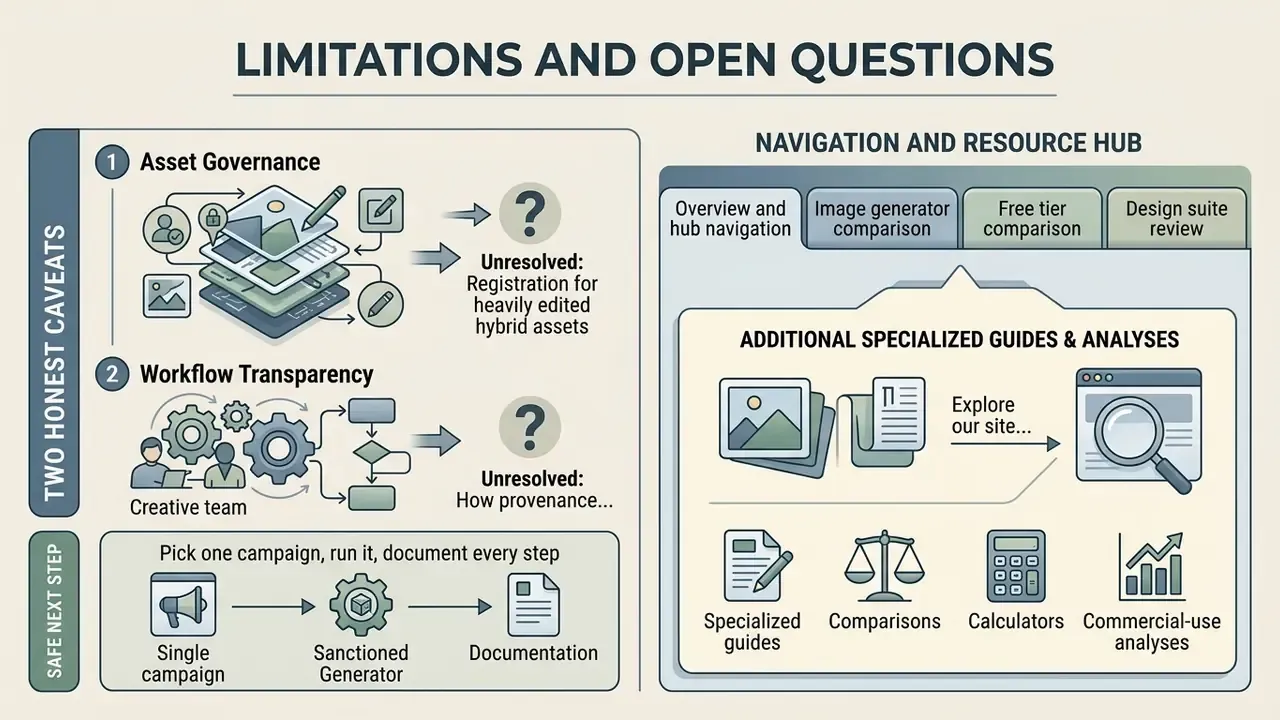
Two honest caveats before anyone signs a contract. First, benchmark performance does not equal production readiness: GraphicDesignBench still lists 22 of 49 tasks as unsolved, and typography sits near the bottom. Second, ROI figures in vendor material rarely include control costs, review labor, or residual legal risk, so a risk-adjusted model usually looks less dramatic than the headline uplift.
Unresolved for now: how registration practice will treat heavily edited hybrid assets, how provenance metadata will survive third-party ad platforms, and whether agentic design workflows can produce audit evidence that satisfies internal audit without bolt-on tooling. Treat audience assumptions and cost estimates as hypotheses until analytics, interviews, or verified customer research confirm them.
A safe next step is small: pick one campaign, run it through a sanctioned generator, and document every prompt, model version, and reviewer decision. If the evidence trail holds up, expand. If it does not, you learned that cheaply.