Viral synthetic media looks harmless until someone uploads a corporate headshot into an unvetted endpoint. That is the real reason a horror meme belongs in a governance conversation. A prominent example is the ghost face ai picture trend, which blends generative portrait synthesis with slasher horror iconography from a 1996 horror movie. Understanding how an ai ghostface picture is actually produced lets content teams judge output quality, and, more importantly, spot where model limits, intellectual property restrictions and platform rules start to bite.
Executive Summary for Creators and Risk Owners
For creators: the workflow is short. Upload a frontal selfie, apply a layered prompt (subject + environment + lighting + Ghostface placement + style tags), generate, retouch artifacts, then export at 1080×1920 (9:16) for TikTok and Reels or 1080×1080 (1:1) for feed posts. Eight ready-to-copy prompts, a parameter syntax table, and a viral hashtag pack are provided below.
For risk, compliance and governance leaders: three exposures dominate.
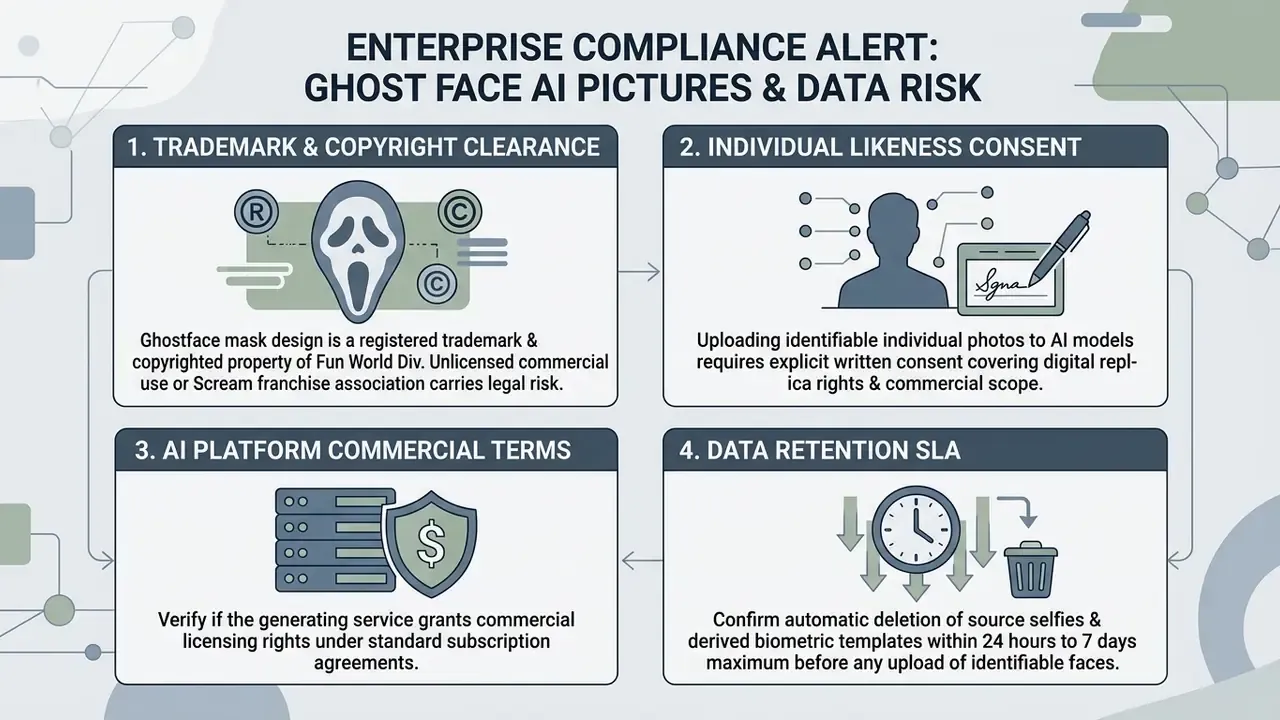
- Trademark and copyright exposure. The Ghostface mask design is an enforced property of Easter Unlimited, Inc. / Fun World Div., separately from Scream franchise rights. Unlicensed commercial reproduction is an infringement risk, and litigation history confirms enforcement.
- Biometric and likeness exposure. Uploading identifiable faces into public generative SaaS constitutes processing of personal data and, in several jurisdictions, sensitive biometric data. Consent must be informed, voluntary, current and specific.
- Shadow AI exposure. Consumer horror-filter apps are the classic vector for unsanctioned tool use. Employees upload corporate headshots into unvetted endpoints with unknown retention terms. Approved-tool inventories, retention SLAs (24 hours to a maximum of 7 days), and C2PA provenance checks are the practical controls.
Legal, privacy and compliance information in this article is general in nature and does not replace advice from qualified counsel on copyright, trademark, publicity rights, or personal-data protection.
What Is a Ghost Face AI Picture and Why the Trend Went Viral
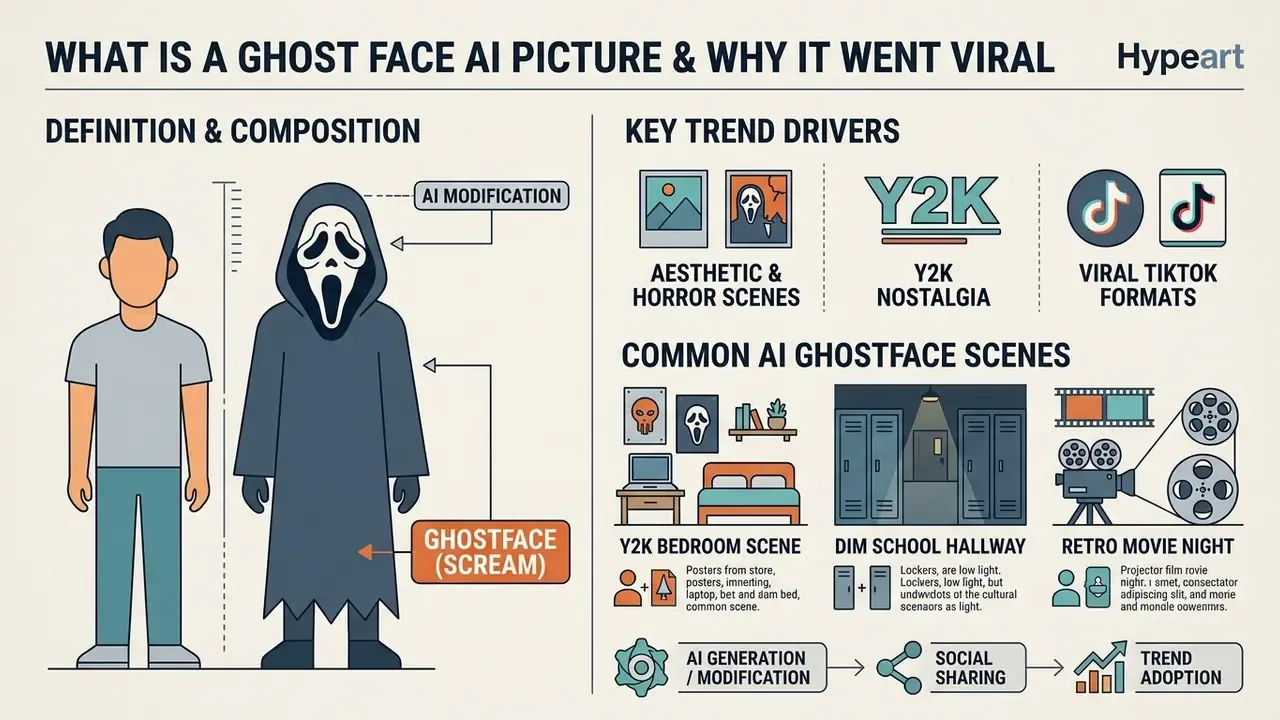
A ghost face ai picture is a synthetically generated or modified portrait featuring a person standing beside, or transformed into, the Ghostface character from the Scream franchise. The ai ghostface trend gained traction across TikTok and Instagram Reels by pairing low-friction generative tools with nostalgic 1990s horror aesthetics. Know Your Meme dates mainstream popularization to late September 2025, after which parody and remix formats spread quickly across short-form video platforms.
According to platform data and social media research, the ai trend depends on accessible AI image generators that let users place themselves inside a cinematic slasher scene without any digital art background. No Photoshop skills. Just a selfie and a paragraph of text.
«Meme format is a stronger predictor of engagement than the fact of AI generation itself: AI content without meme structure underperforms ordinary posts in reach.»
That distinction matters operationally. The recognizable silhouette of the mask works as a standardized visual anchor, a reusable meme scaffold, and it travels well across feeds. An unstructured "AI horror portrait" without that anchor rarely travels at all.
Ghostface, Scream AI, and the Aesthetics of Horror Scenes
The visual framework of scream ai outputs draws directly from the 1996 scream movie and its sequels. The core visual code pairs an elongated white mask and dark hooded robe with lighting setups borrowed from late 20th-century horror cinema. Across sequels the mask stays fixed while robe texture and construction vary, which is exactly why diffusion models reproduce the mask reliably but improvise on fabric detail.
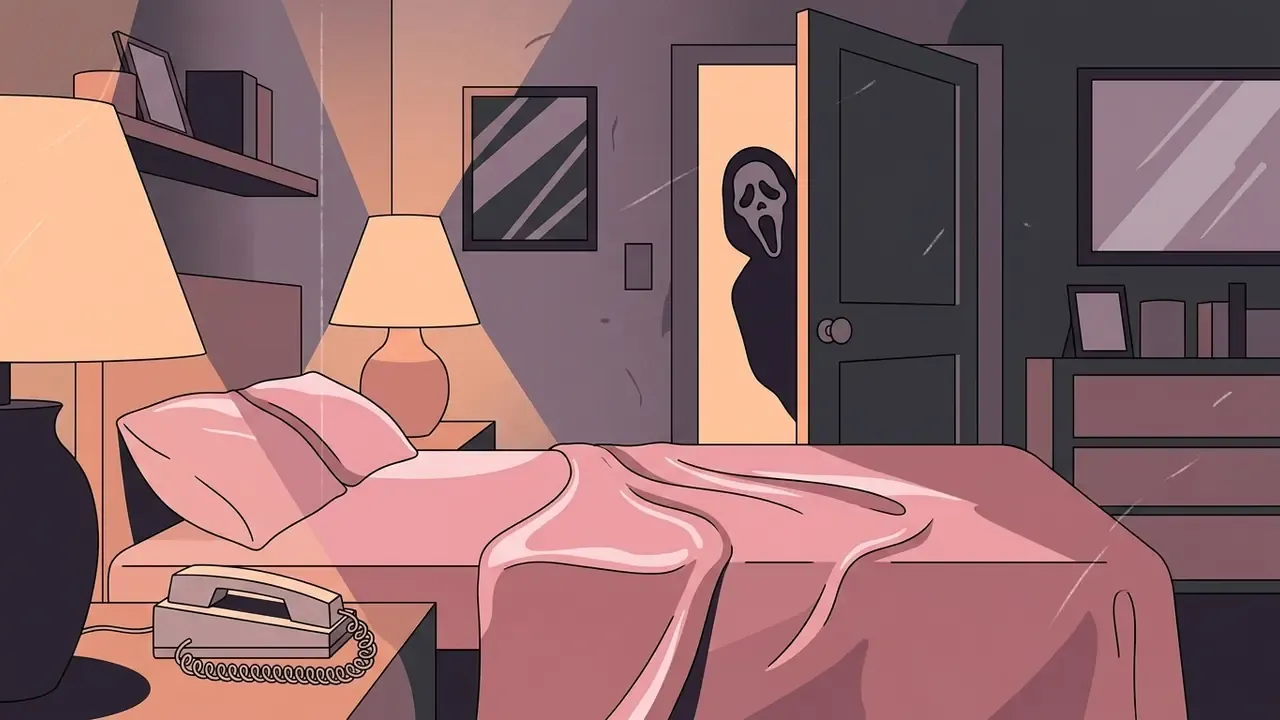
Generative models rebuild these horror scenes by rendering characteristic 90s and Y2K markers. Common atmospheric details include grainy film textures, warm tungsten lamp light, corded landline telephones, and plush bedroom interiors. Soft nostalgia plus a lurking threat: that contrast is the engine behind horror aesthetics in synthetic portraiture.
Which AI Ghostface Pictures Are Created Most Often
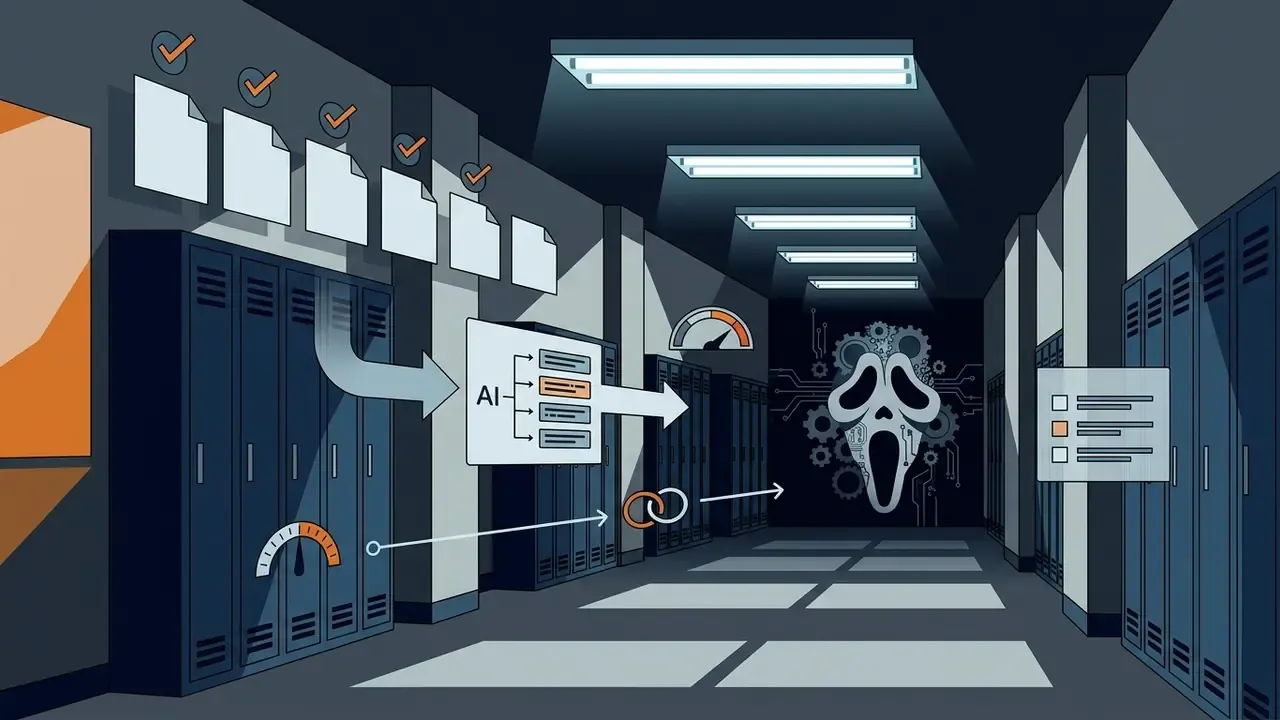
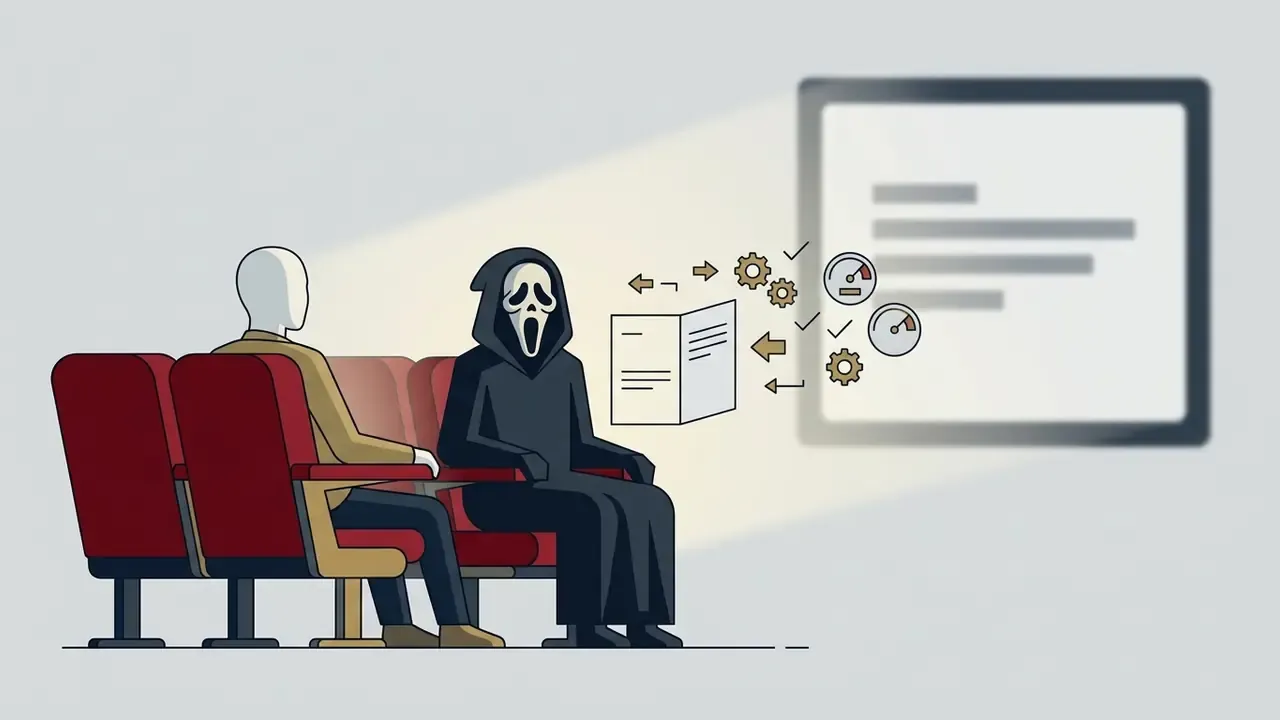
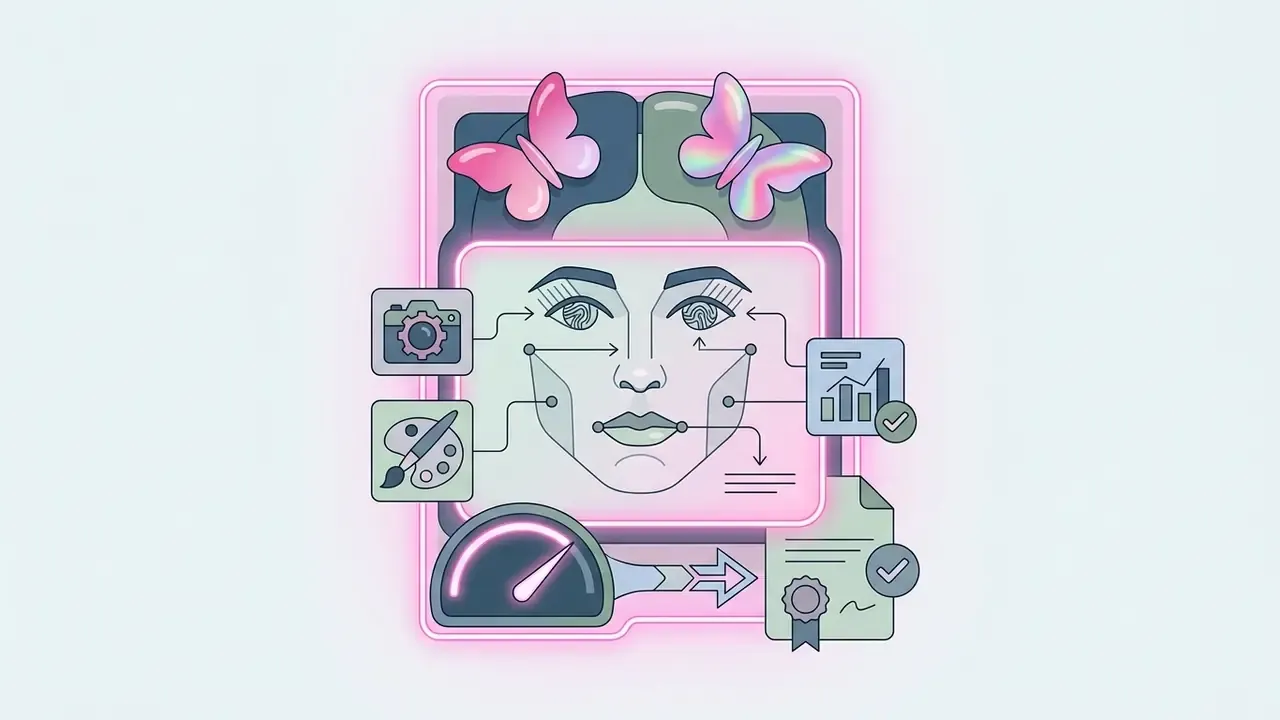
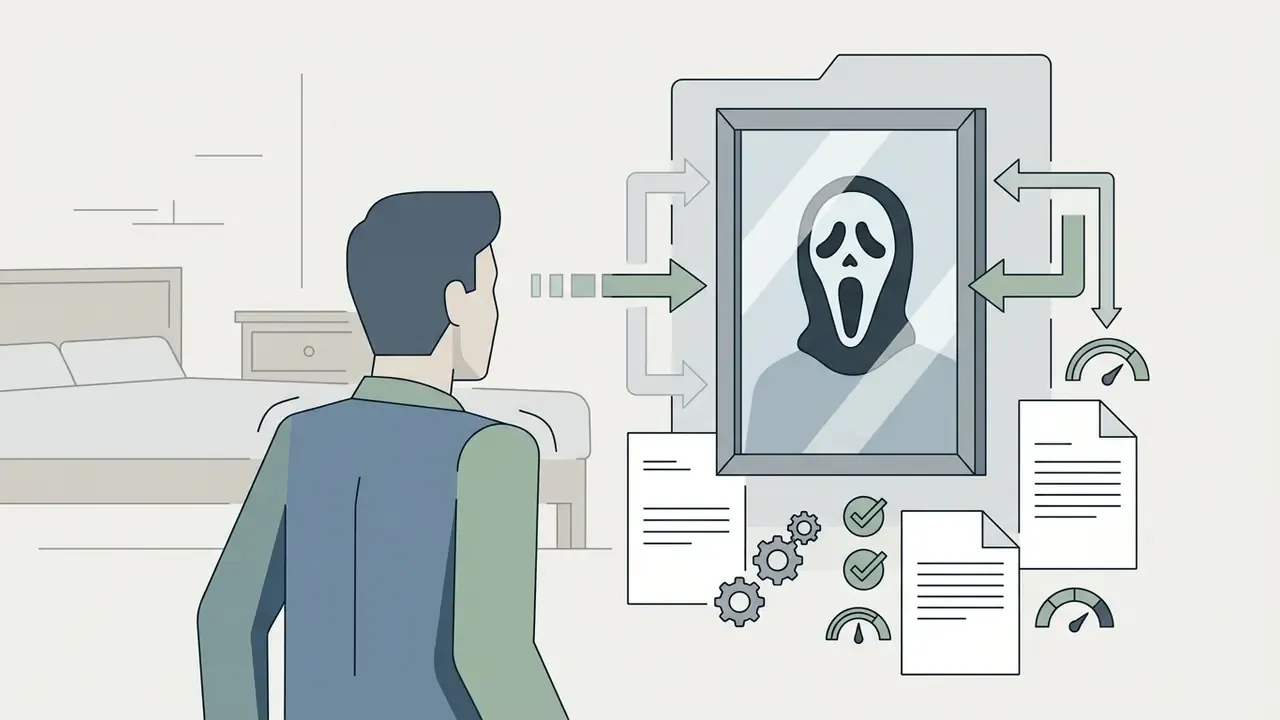
Outputs for ai ghostface pictures cluster into four spatial and thematic templates, with a fifth variant appearing on mirror-selfie accounts.
Each template uses specific cues to establish atmosphere and narrative context:
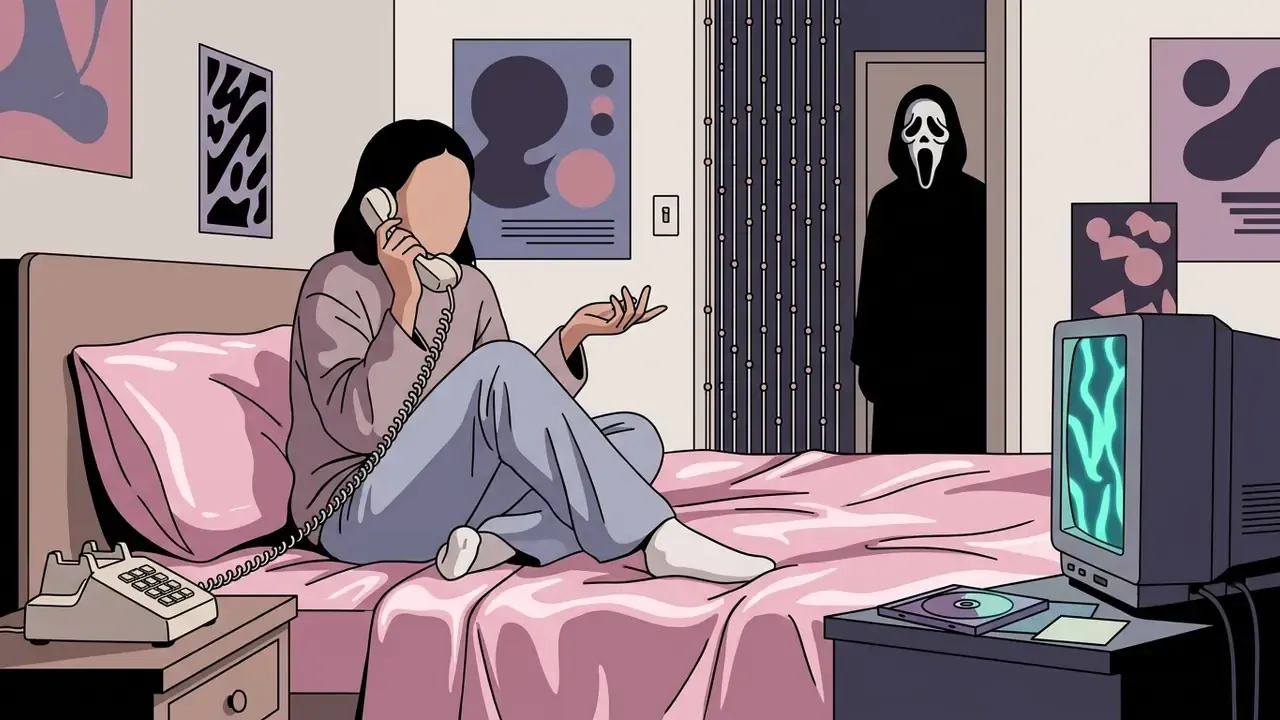
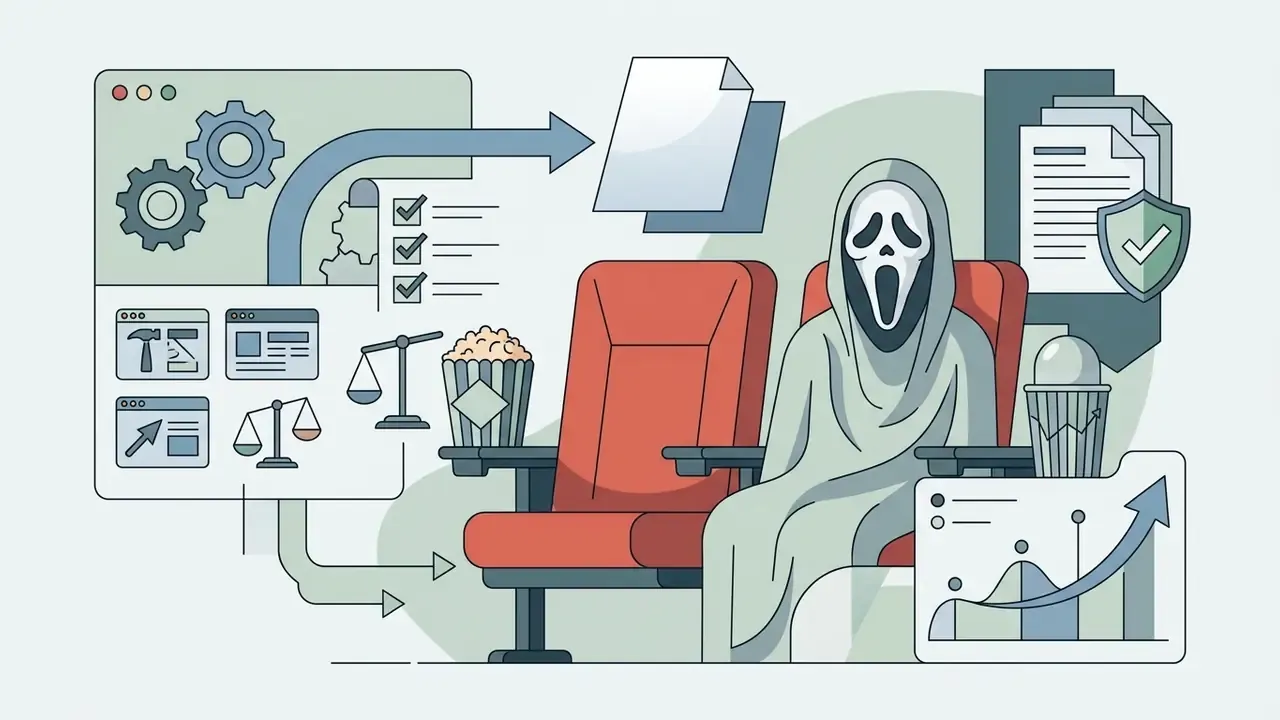
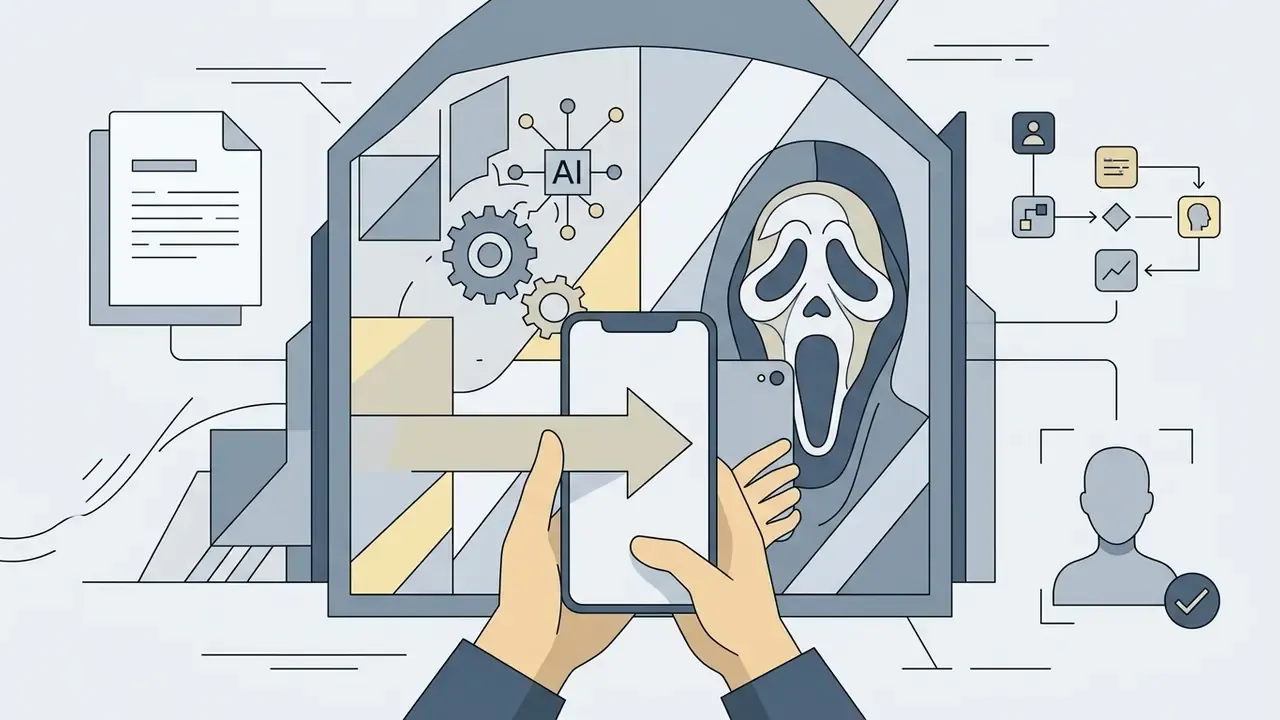
Five gallery cards, each with an image, an alt text containing the phrase "ghost face ai picture" or "ai ghostface picture", a style caption, and a text description available in the DOM:
How to Create an AI Ghostface Picture from Your Own Photo
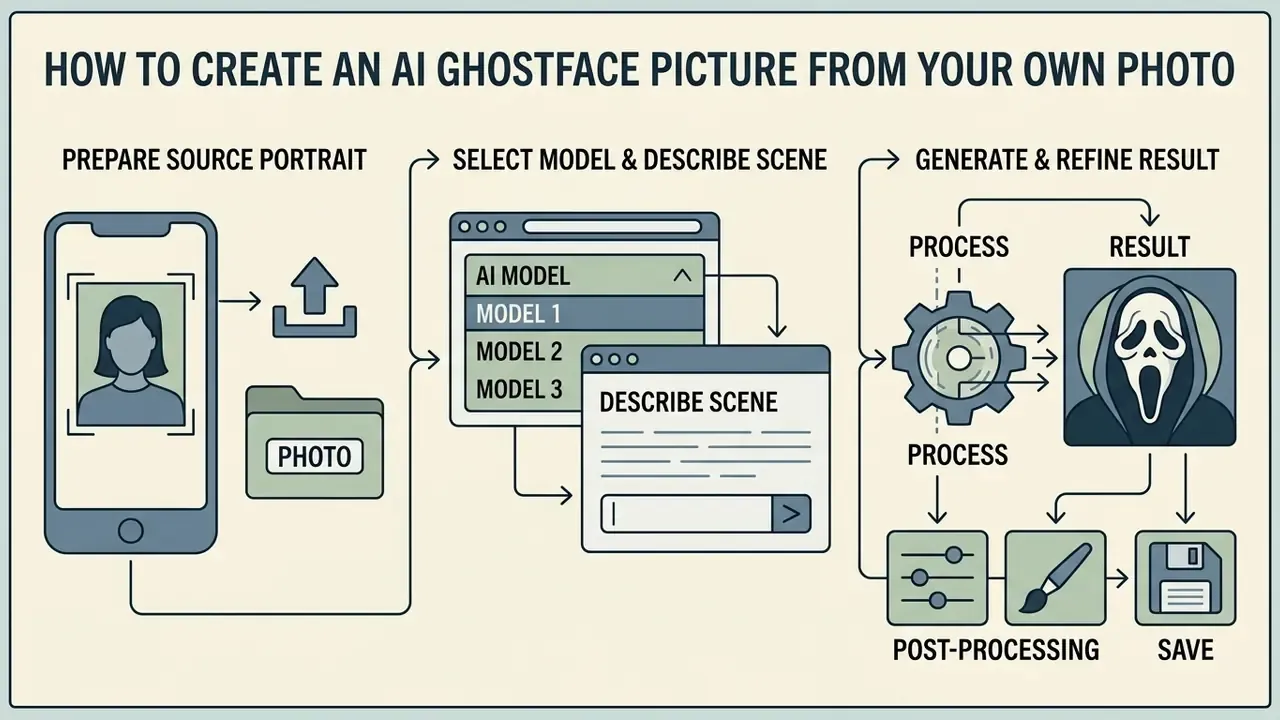
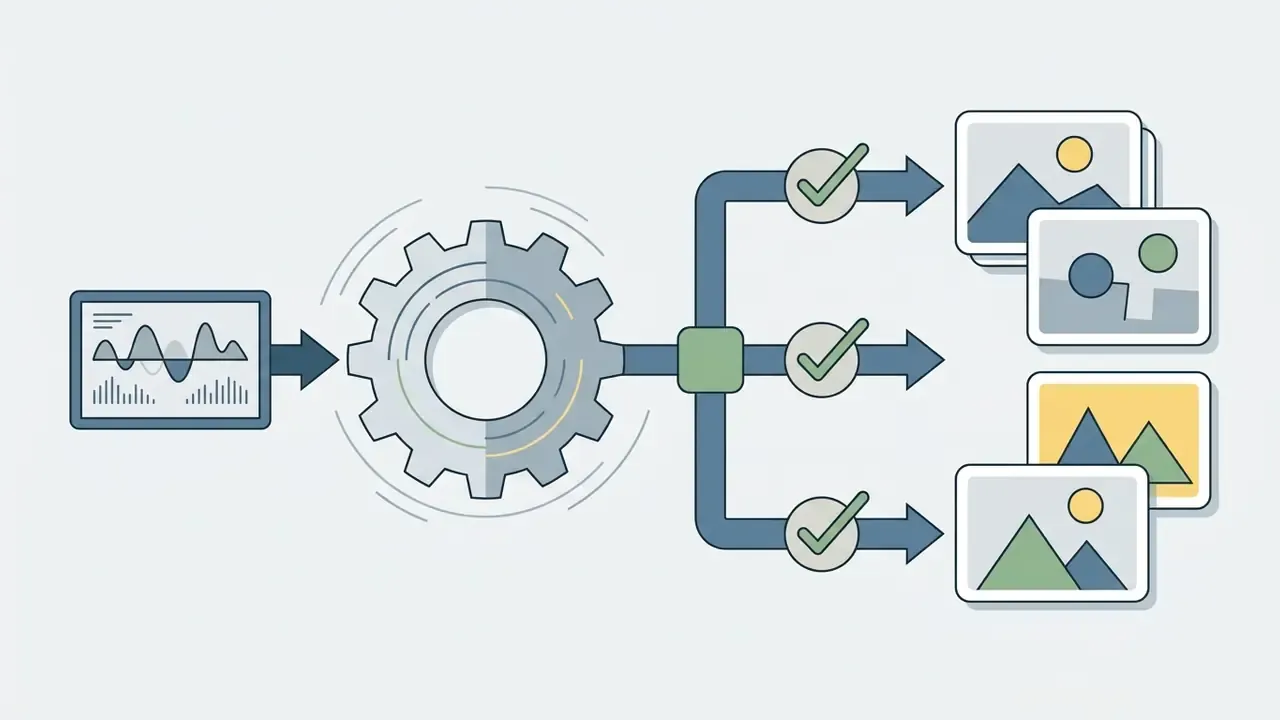
Creating a customized ghostface ai photo takes a structured image-to-image or prompt-guided diffusion workflow. A standardized process keeps facial features intact while the horror styling does its work.
Upload a Photo and Prepare the Source Portrait
To generate a convincing ai picture with ghostface, the initial photo upload has to clear a visual baseline. Good input reduces identity distortion during neural rendering. Weak input guarantees it.
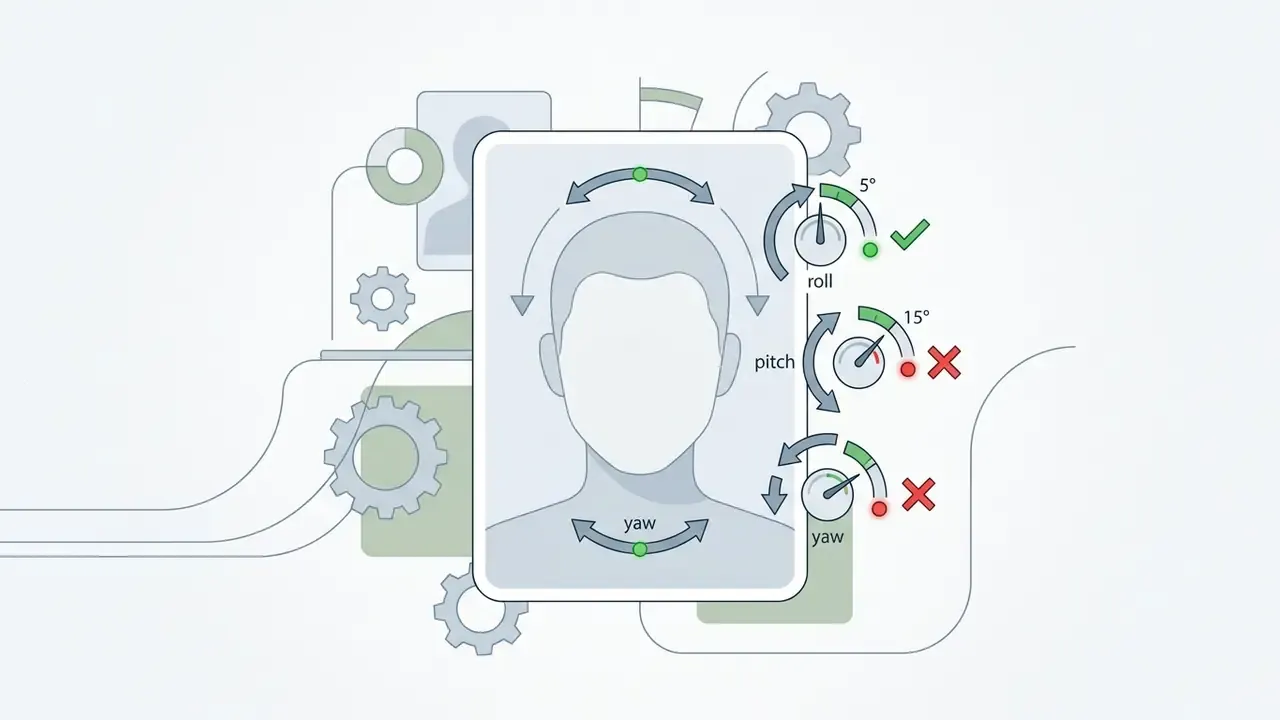
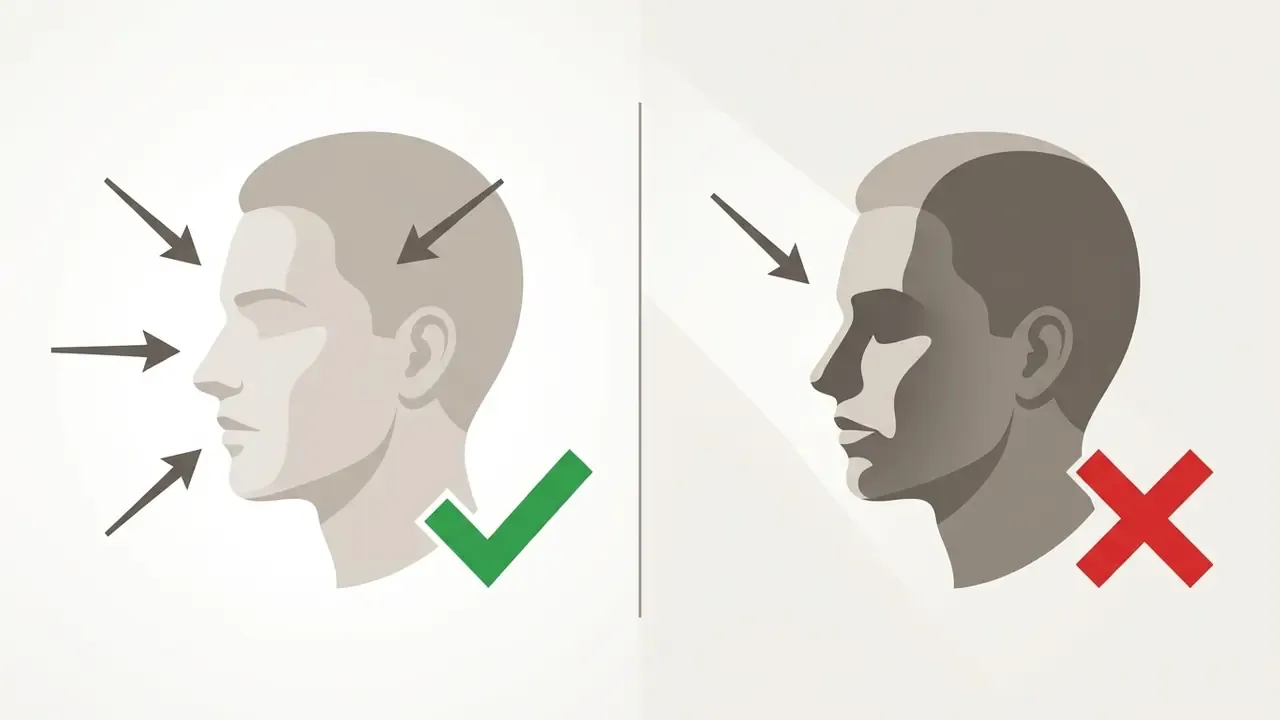
When you upload your photo, aim for a direct frontal camera angle with minimal head tilt. International face-image quality specifications, ISO/IEC 29794-5 (pose, illumination, resolution, sharpness, expression, occlusion) together with NIST's Quantifying How Lighting and Focus Affect Face Recognition Performance (NISTIR 7674), were written for biometric capture rather than generative art. The underlying physics transfers anyway: uniform, non-directional lighting and sharp focus measurably improve automated facial landmark mapping, and therefore identity retention during diffusion.
«Clear, well-lit portraits with neutral backgrounds show markedly fewer synthesis artifacts in AI face pipelines.»
Skip heavy filters, extreme angles and occluded facial regions. Your photo should read as a passport shot with better lighting. If your library is thin, generating a clean base portrait first with an AI headshot generator beats feeding the model an old low-resolution snapshot.
Choose an AI Model and Describe the Ghostface Scene
Pick a platform that supports image conditioning or image-to-image generation. Tools built on advanced diffusion backbones give you real control over environment and character placement.
In the prompt field, name both the primary subject and the secondary threat. Describe environment, light sources, colour palette and camera angle. Spatial relationships matter most: stating that Ghostface stands behind the subject stops the generator ai model from fusing mask features onto the user's own face. That single clause fixes half of all bad outputs.
Generate, Edit, and Save the Result
Run the generation and collect a small set of candidates, ideally four or more. Most modern diffusion systems return an ai image in 15 to 30 seconds, and consumer Ghostface endpoints usually advertise 10 to 30 seconds per render.
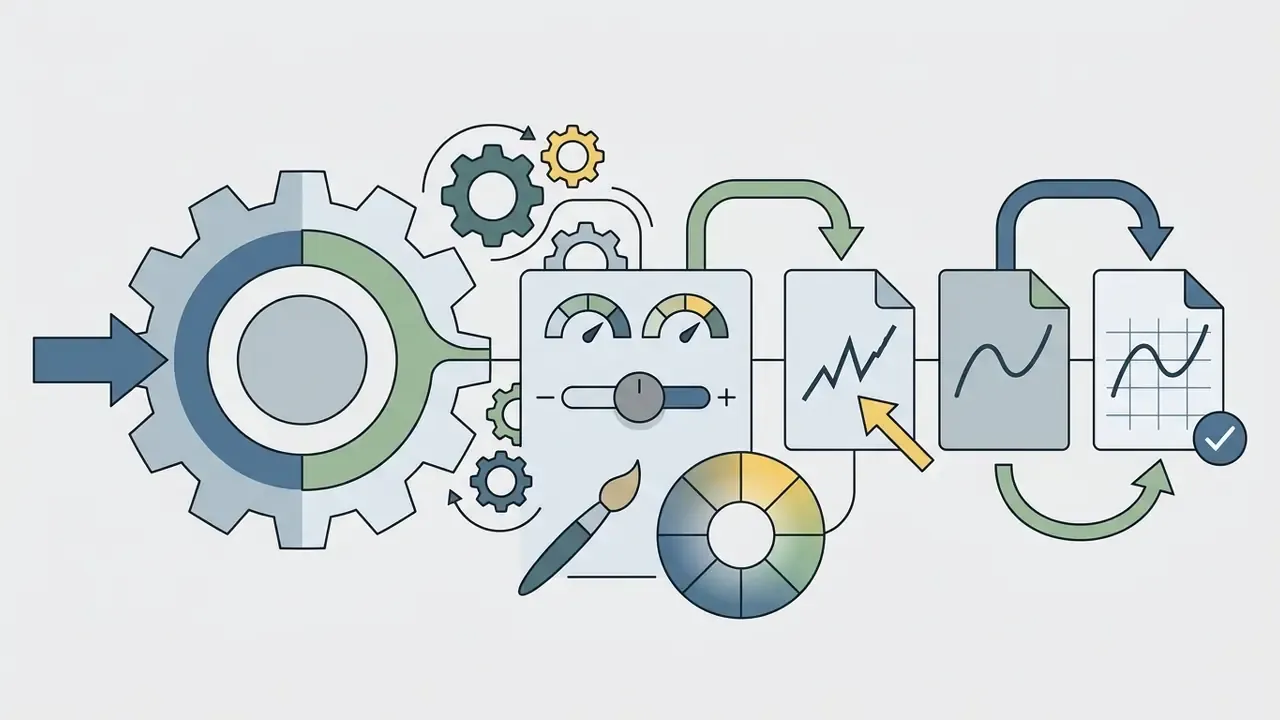
Then review. Look for distorted hands, mismatched shadows, and facial geometry shifts around the jaw. Use built-in editing features or an external retoucher to correct colour balance and sharpness. Save the finished ghost face ai pic as PNG for lossless clarity, or high-bitrate JPEG when the destination is a social feed.
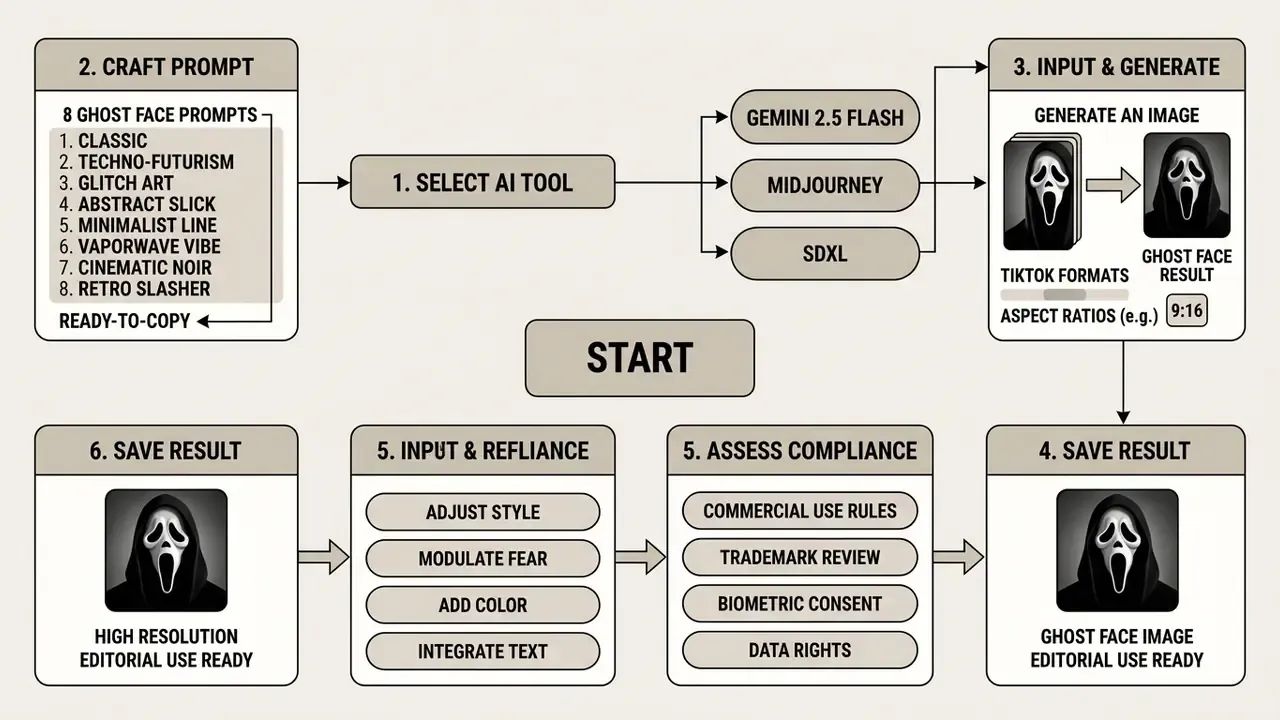

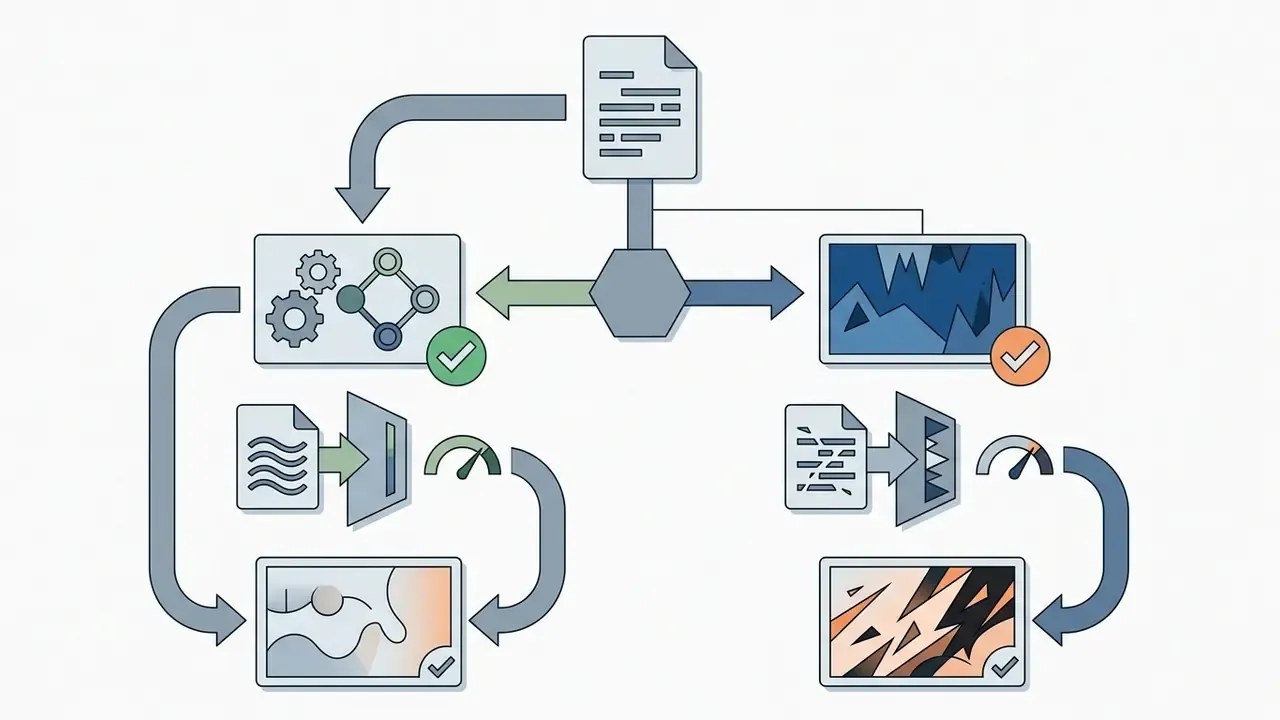
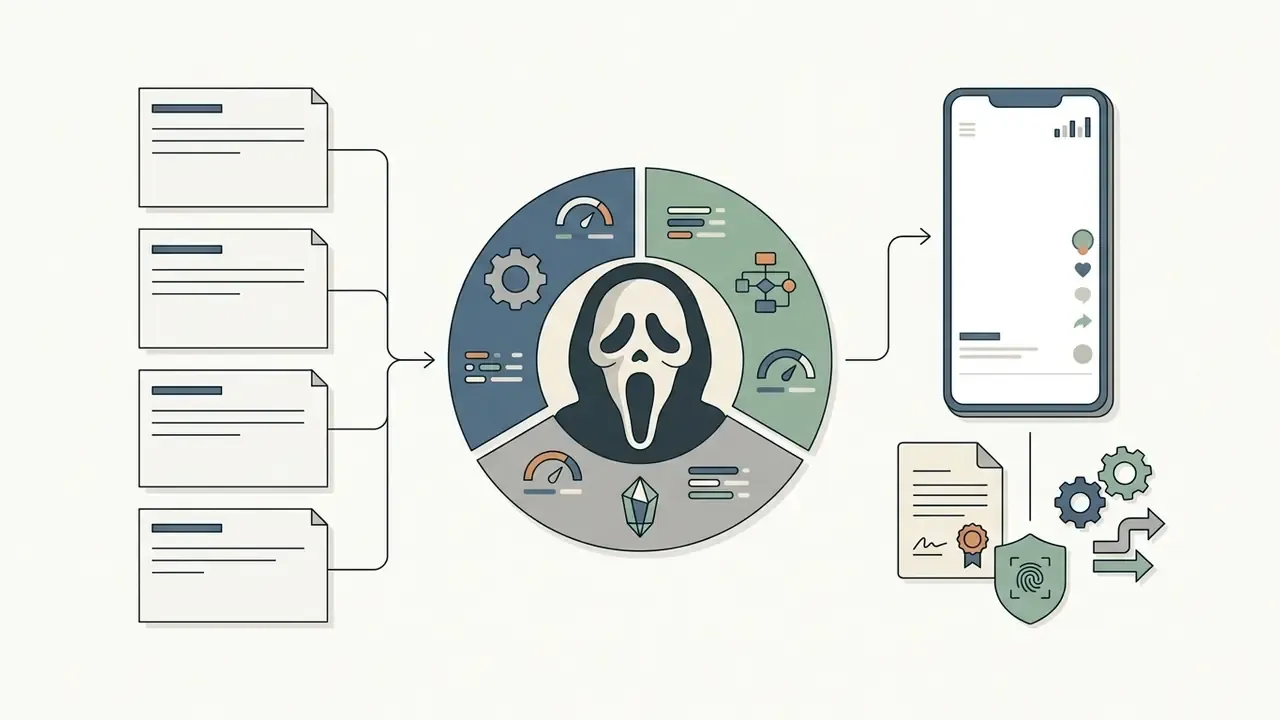

Prompts for a Realistic Ghostface AI Photo
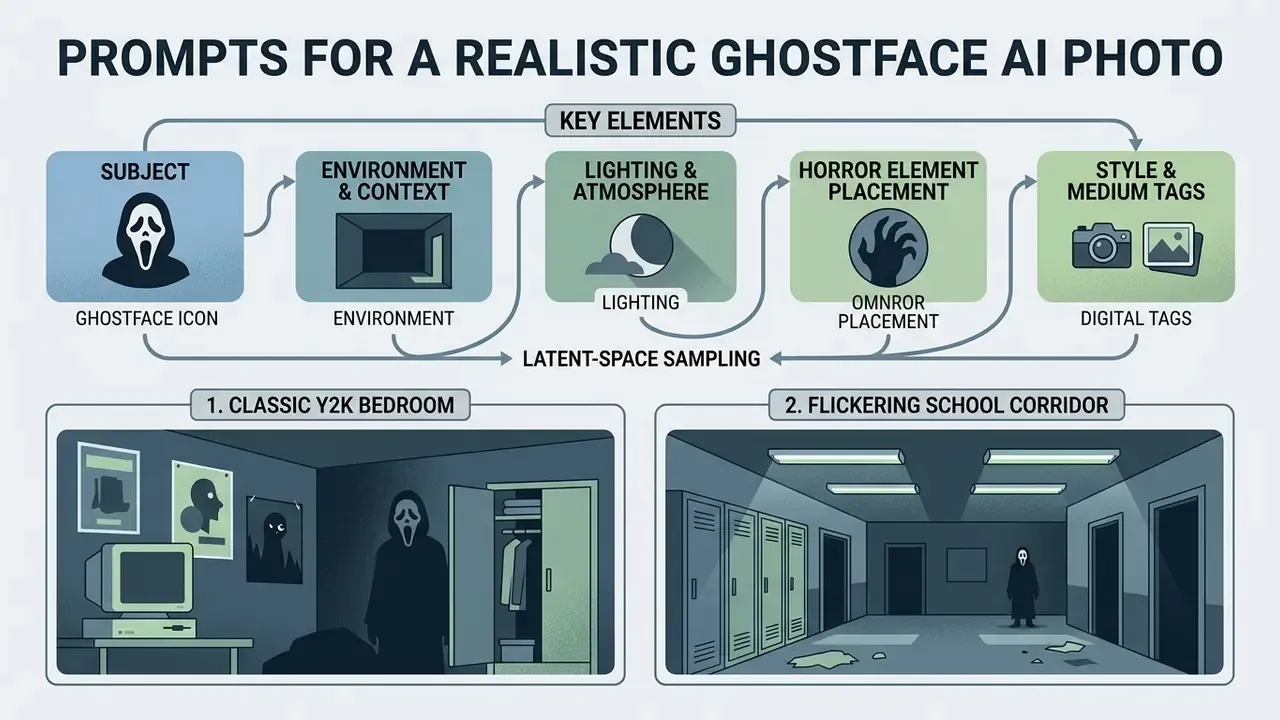
Text prompts steer latent-space sampling in a ghostface generator or any general-purpose diffusion model. Structure the text into functional layers and output consistency improves noticeably.
What a Successful Ghostface Prompt Is Made Of
An effective prompt for an ai ghostface generator has five descriptive components:
- Subject descriptionthe person, attire, pose, and emotional expression.
- Environment and contextphysical location, time period, visible props.
- Lighting and atmospherelight sources, colour temperature, shadows, volumetric fog.
- Horror element placementlocation, proximity, and visibility of Ghostface.
- Style and medium tagscamera type, film stock, resolution, rendering parameters.
This layered structure is documented in interaction-design research, not vendor marketing.
The University of Toronto's Prompt Engineering, Artificial Intelligence for Image Research guide (2023) recommends the same decomposition under seven headings: content, style, mood, composition, material, lighting and context. Columbia's CHI paper Design Guidelines for Prompt Engineering Text-to-Image Generative Models narrows the priority to subject and style when the keyword budget is tight. Both point the same way, just at different levels of detail.
Ready-Made Prompts for Bedroom, Hallway, and Retro Horror Scenes
| Target Scene | Model Framework | Core Syntax & Parameter Tags |
|---|---|---|
| Y2K Bedroom | Midjourney v6 | young woman on bed, pink satin sheets, holding 90s phone, Ghostface in dark doorway behind --ar 9:16 --style raw --v 6.0 |
| School Corridor | Stable Diffusion XL | cinematic horror photo, person in dark school hallway, flickering fluorescent light, Ghostface in background, (35mm film grain:1.2) <lora:horror_style:0.8> |
| Mirror Reflection | General Diffusion | polaroid camera flash photo, mirror selfie, person holding phone, Ghostface visible in background reflection, high contrast, dark shadows |
| Analog Horror / VHS | Stable Diffusion XL | analog horror portrait, (VHS distortion:1.3), scanlines, chromatic aberration, Ghostface blurred in background, negative prompt: clean, sharp, modern |
| Retro Cinema | Midjourney v6 | cinema seats, popcorn, red neon sign, Ghostface seated beside subject --ar 4:5 --style raw --chaos 10 --sref <polaroid_ref> |
Parameter behaviour differs by ecosystem. Midjourney's documentation places parameters at the end of the prompt string (--ar, --chaos, --no, --quality, --seed, --stylize, --raw, --sref, --oref). Stable Diffusion weighting syntax, (token:1.2) for emphasis and [token] for reduction plus separate negative prompts, varies across forks and interfaces. Identical tags can therefore produce different pictures. Annoying, but worth knowing before you blame the prompt.
How to Get a Realistic AI Ghostface Picture That Still Looks Like You
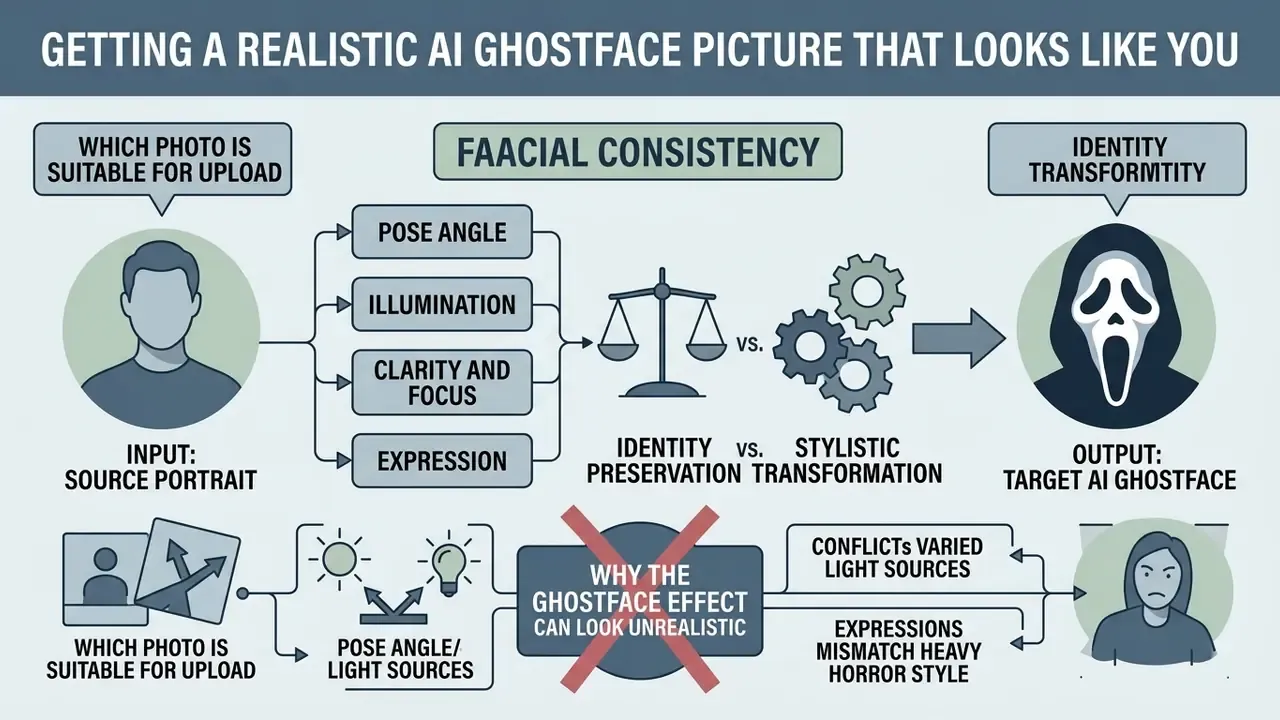
Facial consistency under a heavy horror style is a balancing act between identity preservation and stylistic transformation. Neural feature transfer drifts fast when the input is poorly prepared.
Which Photo Is Suitable for Upload
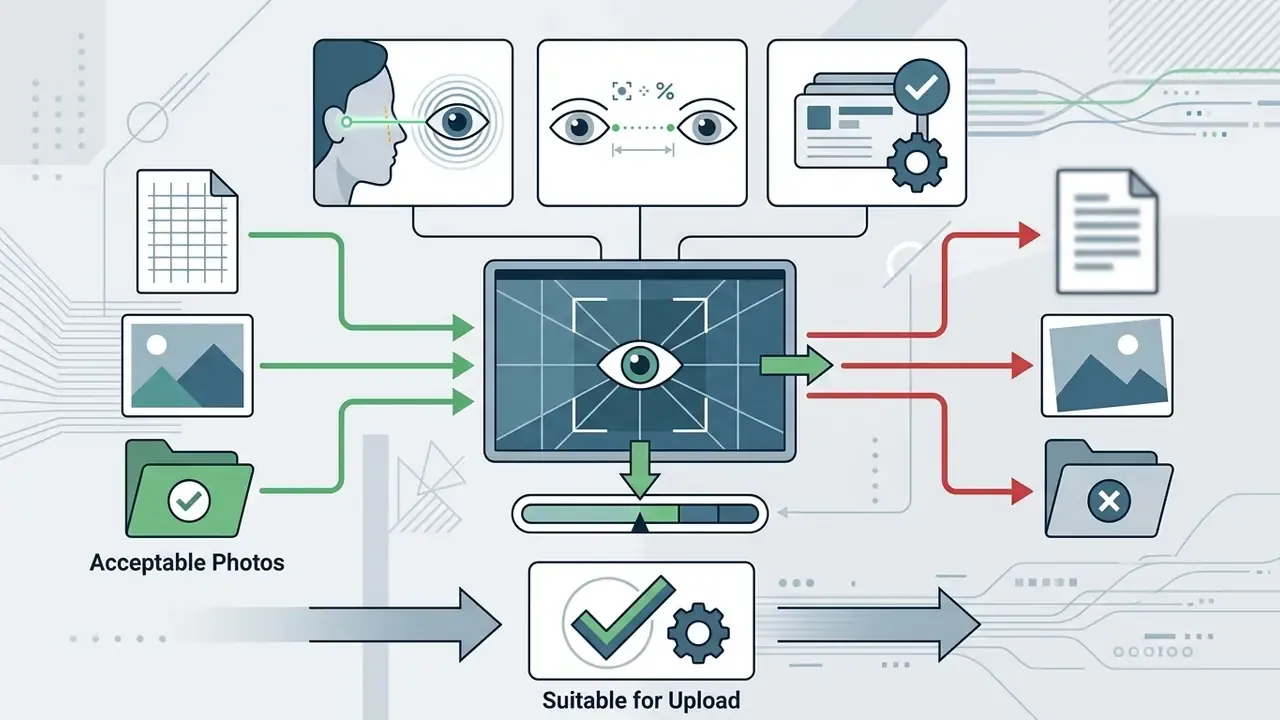
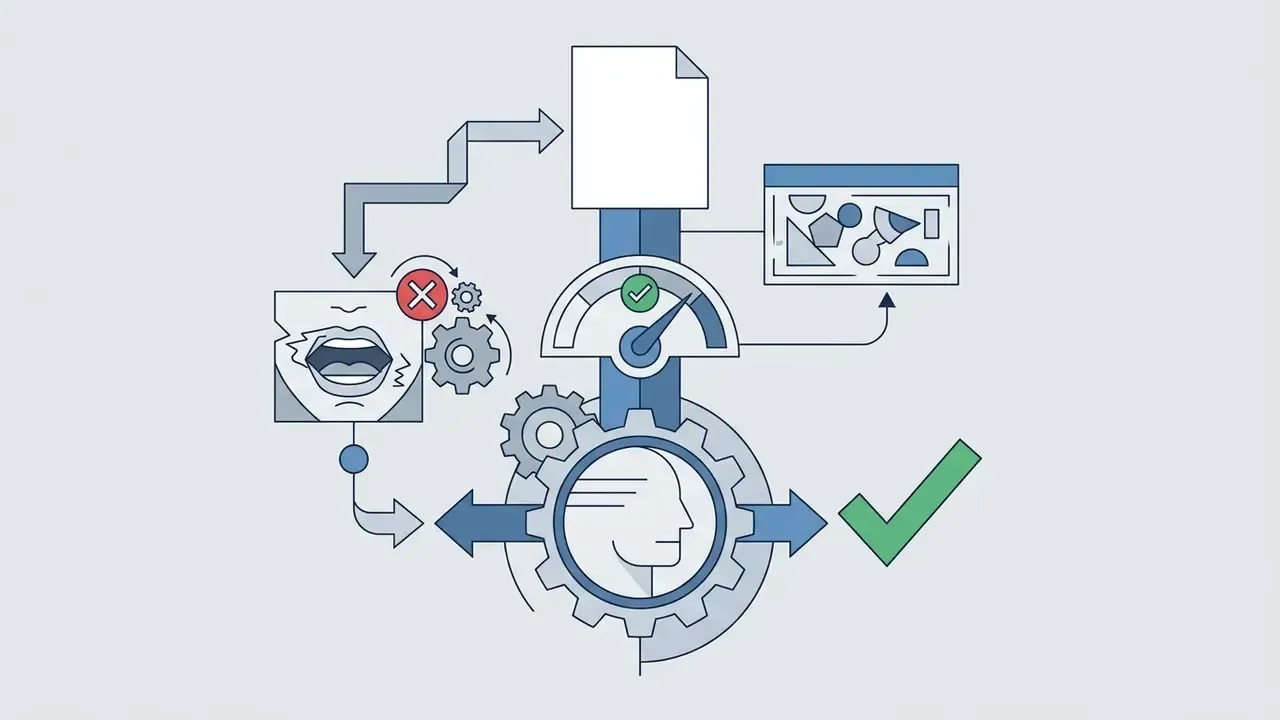
Face-swapping and image-to-image performance depends directly on source-portrait characteristics. Based on operational testing guidelines, the photo should meet four criteria:
Why the Ghostface Effect Can Look Unrealistic
Inconsistent photorealism drops synthetic imagery into the uncanny valley. Perceptual research explains the mechanism: mismatched realism across texture, geometry and rendering style increases perceived eeriness instead of reducing it (Chattopadhyay & MacDorman, Familiar Faces Rendered Strange: Why Inconsistent Realism Drives Characters into the Uncanny Valley, Journal of Vision, 2016, http://www.macdorman.com/kfm/writings/pubs/Chattopadhyay-MacDorman-2016-Familiar-Faces-Rendered-Strange-Why-Inconsistent-Realism-Drives-Characters-into-the-Uncanny-Valley-JOV.pdf).
Viewers feel the discomfort long before they can name its cause:
Related work reinforces both halves of the problem. PNAS (2022) found synthetic faces can be photorealistic and still shift perceived identity, while diffusion-artifact literature from 2024 to 2026 catalogues the recurring tells: misaligned eyes, unnatural eye gloss, teeth and mouth overlap, improbable facial proportions, and lighting that contradicts the scene.
Common failure modes in a generated ghostface ai pic include mismatched lighting direction between face and environment, unnatural blending at mask edges, and distorted anatomical proportions. Low-resolution input forces the model to hallucinate missing facial detail, and identity drift follows. Most of it is fixable with targeted inpainting and colour correction in a dedicated AI photo editor, ideally in this order: upscale, retouch, grade, then add stylistic grain. Grain first is a common mistake, and it locks in the artifacts.
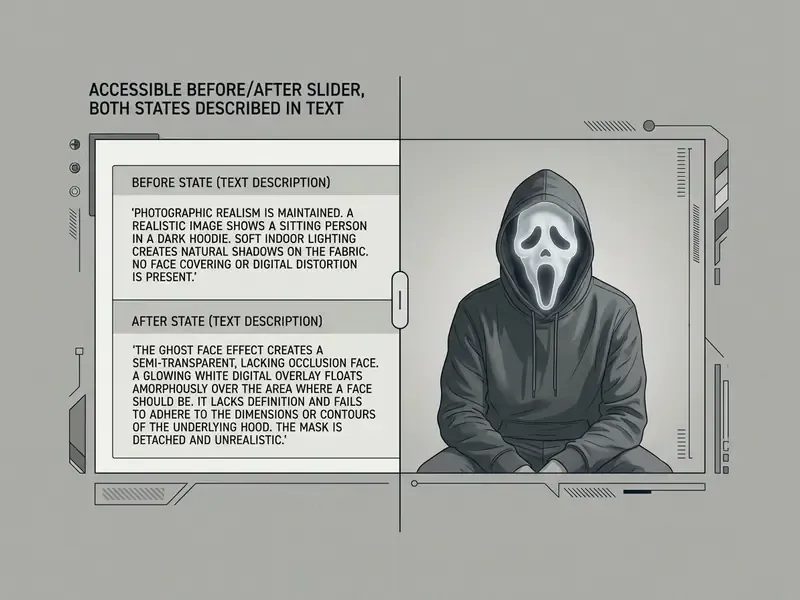
- Source portrait input. Frontal framing, uniform 5500K illumination, neutral expression, crisp focus across facial landmarks.
- Target AI ghostface output. Relit facial geometry, substituted background environment, integrated Ghostface threat, preserved facial features. Alt text on both frames should include the phrase "ai ghostface picture".
In enterprise media pipelines, operators usually review specialized technical frameworks before scaling any of this. Teams evaluating voice alongside visual assets can read our Guide to AI Voice Generators for multi-modal publishing.
Free Ghostface AI Generators, Filters, and Apps
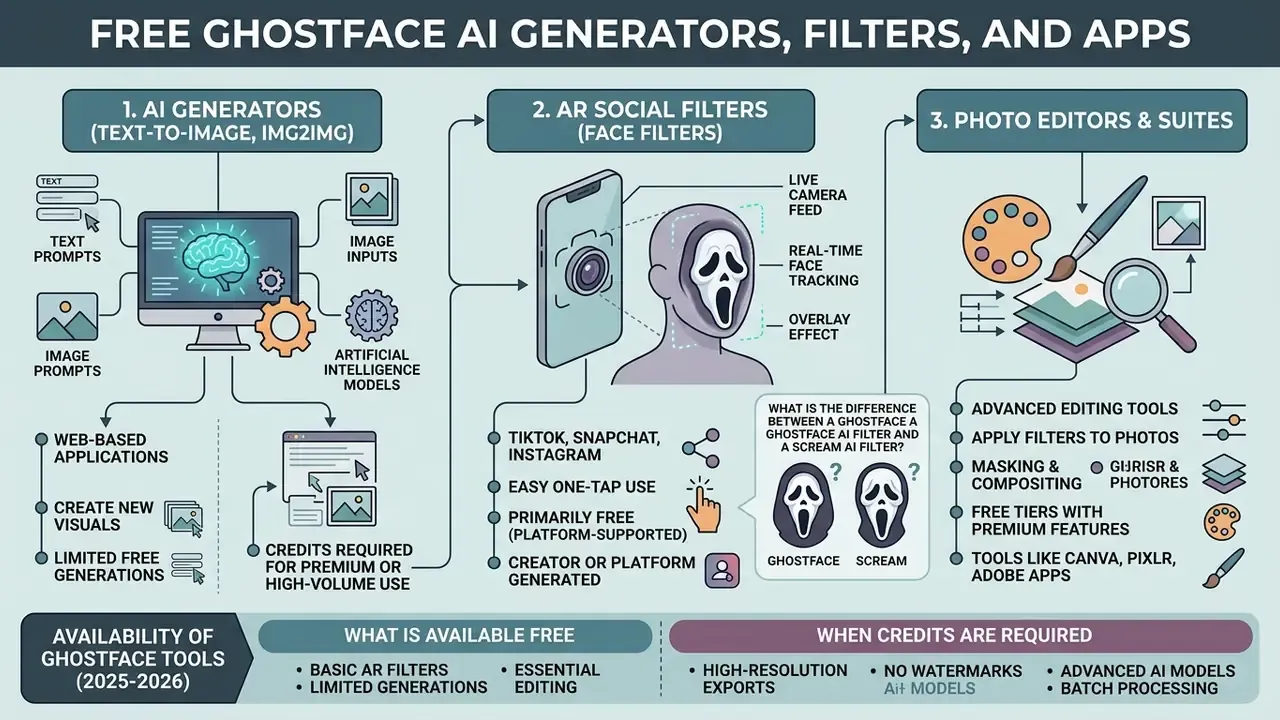
Anyone chasing a ghost face ai picture chooses between web generators, mobile filter apps, and full editing suites. Pricing structures and feature depth differ sharply between the three categories.
What Is the Difference Between a Ghostface AI Filter and a Scream AI Filter?
- Ghostface AI filter. Inserts the masked character, or the mask alone, into a user-supplied scene while preserving the surrounding environment and the subject's own facial features. This is what a ghostface ai filter app typically ships as a one-tap preset.
- Scream AI filter. A broader stylistic preset that rebuilds the cinematic atmosphere of the Scream franchise (1996-2024): warm tungsten interiors against cold green fluorescents, VHS grain, 35 mm depth of field, dramatic key-to-fill ratios.
In practice the Ghostface filter answers "put him behind me". The Scream filter answers "make my whole photo look like a frame from the movie". Most viral posts combine both.
Popular AI Models and Services for Ghostface Generation (2025-2026)
| Tool / Model | Processing Type | Ghostface Generation Characteristics | Free Allowance |
|---|---|---|---|
| Gemini 2.5 Flash Image ("Nano Banana" style) | Text-to-Image / Img2Img | Accurate lighting and shadow integration with the source photo; the default engine behind most viral Y2K bedroom outputs | Platform-dependent, frequently free tier |
| Midjourney v6.0 | Text-to-Image | Highest photorealism and cinematic optics; strongest for movie-still framing | Paid only |
| Stable Diffusion XL (SDXL) | Local / Cloud Diffusion | Custom horror LoRA support, negative prompts, full parameter control, no queue | Free when self-hosted |
| YouCam / Media.io | Web / app neural filter | One-click presets, instant animated GIF or video, mobile-first UX | 3-5 free credits typical |
| VEED.io | AI video suite | Analog-horror and VHS glitch styles plus integrated audio editing and captions | Credit-based |
Many consumer platforms open the door through free daily generation allowances or trial credits. Others sit inside general-purpose ecosystems, so licence terms differ: see our overviews of Google's AI image generator, Microsoft's AI image generator, Bing AI image creation and Canva's AI generator. Side-by-side capability views live in our AI Media Comparison Matrices.
What Is Available Free and When Credits Are Required
Continuous high-resolution processing usually needs paid credit packs or a monthly plan. Free tiers restrict output: watermarks, lower export resolution, longer queues. Premium tiers drop the watermark and unlock negative prompts, model selection and face-fidelity tuning. Published API economics show the cost floor plainly. OpenAI's image endpoint bills per token bucket (input, cached input, output), while ChatGPT's rate card prices generation in credits per message. So "unlimited free" consumer claims are almost always subsidized by ads, data terms, or resolution caps, not by zero cost. Somebody pays. Usually with data.
An ai ghostface picture generator aimed at mobile users, or a ghostface ai photo generator app on the app stores, tends to monetize the same way: three free renders, then credits.
How AI Generators, Filters, and Photo Editors Differ
Knowing the functional boundaries between categories makes tool selection much faster:
- AI generators (text-to-image, img2img) synthesize new visual data from prompts and latent embeddings. Maximum creative flexibility, but the prompt has to carry the load.
- AR social filters overlay real-time 3D masks on a live camera stream. Immediate feedback for video, minimal environment control.
- AI photo editors modify existing uploaded photos with automated neural tools such as background replacement, style transfer and face relighting.
| Service Category | Photo Upload Required | Prompt Customization | Processing Method | Typical Free Tier Terms | Output Formats |
|---|---|---|---|---|---|
| AI image generator | Optional (img2img) | High (full text control) | Asynchronous latent sampling | 5-10 daily credits; watermarked | PNG, JPEG, WebP |
| AR filter app | Live camera / photo | Low (preset selection) | Real-time camera mesh overlay | Free with ad support; watermark | MP4, video clips, JPEG |
| AI photo editor | Mandatory | Medium (inpainting, sliders) | Neural layer editing | Limited exports; lower resolution | JPEG, PNG |
«An analysis of nearly 15 million Twitter profile photos identified 7,723 AI-generated images (0.052%), so synthetic portraits are already part of everyday social identity.»
Security and Privacy Selection Criteria (Enterprise View)
For a bank or a regulated fintech, file-format tables are secondary. Procurement criteria are what matter. Use this matrix during vendor triage, before any face is uploaded.
| Evaluation Criterion | Minimum Acceptable Standard | Red Flag |
|---|---|---|
| Data retention | Automatic deletion of source and derived images within 24 hours to 7 days, stated in the privacy policy | "We may retain content indefinitely" |
| Training opt-out | Contractual guarantee that uploads are not used for model training, opt-out by default on business plans | Training rights granted by default in ToS |
| Certification | SOC 2 Type II or ISO/IEC 27001 available on request | No audit artifacts, no DPA |
| Biometric handling | Explicit statement on biometric templates and jurisdiction of processing | Silence on biometrics |
| Provenance | C2PA metadata and/or invisible watermarking preserved on export | Metadata stripped silently |
| Commercial licence | Written grant of commercial use rights for outputs | "Personal use only" buried in ToS |
Creators comparing editing utilities can consult our analysis of Free Photo Editors for export limits and privacy terms. Developers generating media assets programmatically should start with our AI Media API Guides and the Google Veo implementation guide for enterprise integration options.
How to Use Ghostface AI Photos for TikTok, Instagram, and Video
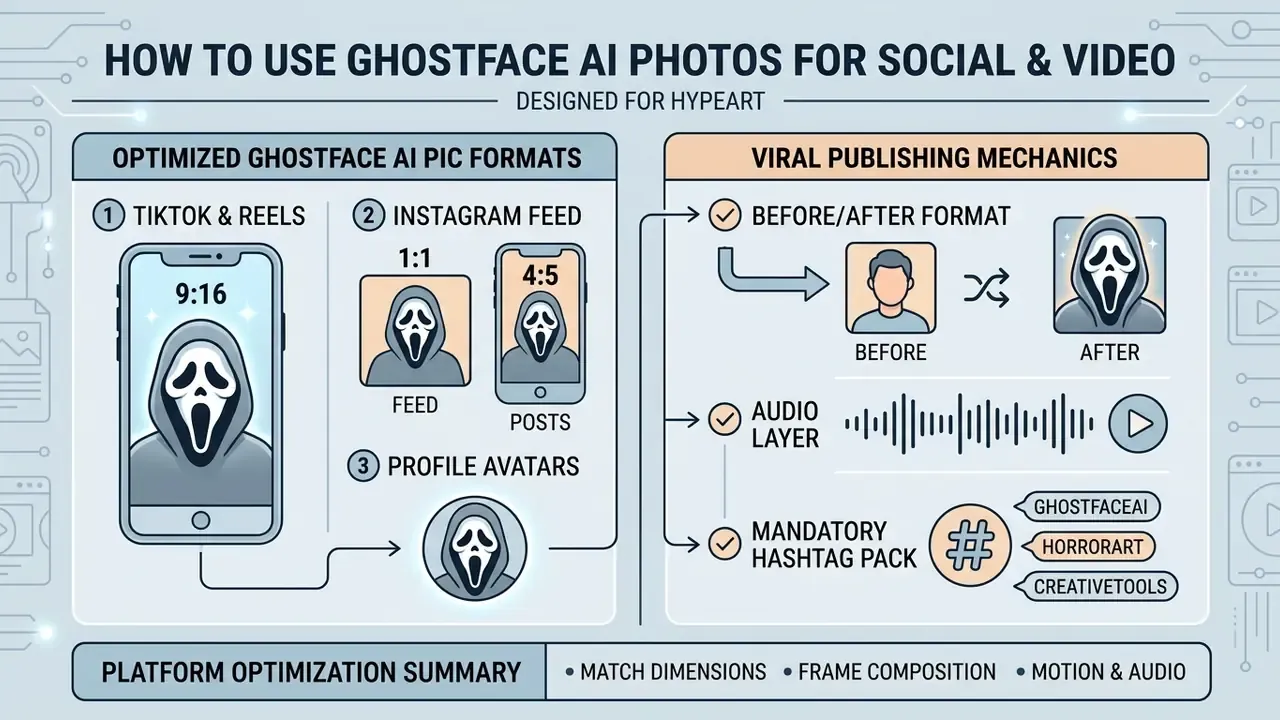
Optimizing synthetic horror imagery for social platforms means matching asset dimensions, frame composition and motion to each surface. Cropping is unforgiving.
How to Turn a Ghostface AI Image into a Short Video
Turning a static ghostface ai photo into a short video raises reach on video-first platforms. Modern image-to-video generators animate a still from a motion prompt.
Upload the generated picture to an image-to-video diffusion service. Runway's Gen-4.5 image-to-video flow treats the still as the source of composition, subject, lighting and style, while the text prompt drives motion. Pika and Kling AI both publish fixed 5-second and 10-second output options. Add camera motion such as a slow pan, a subtle zoom, or a lighting flicker. Localized movement, slow breathing or a shifting background shadow, turns a flat portrait into a clip people actually watch twice. Cost-sensitive creators can compare limits and watermark rules in our roundup of free AI video generators.
During assembly, most creators fall back on desktop or browser editors. For web-based editing, see our review of the clipchamp video editor; for long-form repurposing, our YouTube editing workflow guide. For broader synthesis options, consult our documentation on chatgpt video generation capabilities and chatgpt video generator integrations. Large exports intended for cross-posting should pass through a video compressor first, which avoids platform re-encoding artifacts.
Commercial Use of a Ghost Face AI Picture: Rights, Content, and Privacy
What to Verify Before Commercial Use of AI Images
Commercial deployment of synthetic horror images needs independent clearance across three legal vectors.
First, character rights. The physical Ghostface mask design was created in 1991 by Easter Unlimited, Inc. (Fun World Div.) as the "Peanut-Eyed Ghost" before being licensed for the film Scream. Fun World states publicly that Ghost Face is protected under worldwide copyright registration, and that "GHOST FACE", "GHOST FACE LIVES" and "THE ICON OF HALLOWEEN" are registered trademarks of Fun World Div., Easter Unlimited, Inc. The company enforces those registrations: Easter Unlimited, Inc. v. Rozier concerned copyright and trademark infringement tied to use of the mask on merchandise. Later franchise litigation, in which Paramount and Spyglass argued the mask was licensed from Fun World while a third party alleged copying, confirms that the mask and the Scream franchise are treated as separate rights chains. Clearing one does not clear the other. Using the mask image commercially without authorization invites infringement claims.
Second, copyright authorship. Under current guidance from the U.S. Copyright Office (2024-2026), fully AI-generated visual outputs lacking substantial human authorship are ineligible for registration. Registrable material is limited to human-authored contributions, and AI-generated portions must be disclosed and disclaimed where material.
Third, the generating platform's own terms. Vendor policies such as Adobe's Gen AI user guidelines expressly prohibit generating or uploading content that infringes copyright, trademarks, privacy, publicity or data-protection rights, including third-party personal information. A licence to use the tool is not a licence to use a protected character. Worth repeating, because that assumption drives most takedowns.
Organizations managing commercial media assets can review our resource hub on Commercial License for AI Media, examine broader usage scenarios at Commercial Use for, or work through structured guidance in the AI Media Commercial-Use Hub. Style-adjacent exposure, meaning aesthetic imitation of a protected look, is analyzed in our review of Ghibli-style AI image generators. For cost structures, see the AI Media Pricing Guides and the AI Media Calculators for operational overhead estimates.
What to Consider When Uploading Photos of People's Faces
Uploading images with identifiable human faces into third-party cloud tools triggers data privacy obligations under frameworks such as the GDPR and US state-level privacy statutes. Uploading photos of colleagues "just for fun" is still processing.
Processing biometric or facial data requires explicit, informed consent from the subject. Australia's OAIC guidance sets the standard precisely: consent must be adequately informed, voluntary, current and specific, and photographs of individuals can themselves constitute sensitive information that may not be used as AI input without consent. A 2026 joint statement by data-protection authorities on AI image generation notes that these systems can produce realistic images of identifiable people without their knowledge, which is exactly the harm the consent rule targets.
«Studies of fake profiles with AI-generated faces record that realistic synthetic portraits are actively used for bot networks and disinformation, which amplifies the risk of uploading other people's photos.»
Governance Controls: Shadow AI, Model Risk, and Provenance
The following control pattern is illustrative, not a named client case. The recurring enterprise failure mode is not malicious use but unsanctioned use. Marketing and internal-comms teams experiment with viral horror filters using corporate headshots, and undocumented biometric transfers land on endpoints with unknown retention terms. Nobody signed off. Nobody logged it.
The pattern that resolves it has four components:
- a centralized inventory of approved generative endpoints, with recorded data-retention and training terms;
- automated metadata and C2PA provenance capture on every generated asset;
- documented human-in-the-loop sign-off before publication;
- periodic reconciliation of published assets against the inventory, to surface Shadow AI.
Institutions applying this pattern can show an audit-ready evidence chain rather than asserting compliance after the fact. That difference is what an internal audit function actually tests.
Validation checklist for generative media models (MRM-oriented)
Checklist0 / 8
One open question remains, and it deserves honesty: no supervisor has published a settled expectation for creative generative media inside a model-risk framework. Treat the mapping above as a defensible working position, not a regulatory certainty.
FAQ About Ghostface AI Pictures
Short answers on group photos, watermarks, export formats, free access, and mixing Ghostface with other horror movie characters.
Can I create group photos featuring Ghostface using AI generators?
Yes, multi-subject image-to-image models handle group scenes. Preserving facial consistency across several people while keeping Ghostface positioned correctly takes careful prompt structuring, or localized inpainting face by face. Many one-click consumer filters openly recommend single-person inputs, and that recommendation is usually well founded.
Is it permissible to remove watermarks from generated AI images?
Only if your subscription explicitly grants watermark-free export rights.
«Algorithmic classifiers identify AI faces through diffuse backgrounds, detail asymmetry and colour artifacts, so removing a watermark does not remove these markers of synthetic origin.» - AI-Generated Faces in the Real World: A Large-Scale Case Study of Social Media Profiles, preprint (2024) Stripping digital watermarks or C2PA metadata from images you do not own, or hold no commercial rights to, may breach platform terms and digital copyright statutes. Some vendors now let you disable the visible mark while retaining invisible SynthID and C2PA metadata. That is the compliant path.
What file formats are recommended for exporting AI horror photos?
Export lossless PNG for editing and archiving, and keep one master copy at full resolution. Running the master through an AI image upscaler before downscaling for delivery usually pays off. For Instagram or TikTok, use high-bitrate JPEG at 1080×1920 (9:16) or 1080×1080 (1:1).
Can I generate short videos directly from static Ghostface pictures?
Yes. Static outputs import cleanly into image-to-video platforms such as Runway, Pika or Kling AI: see our comparison of AI video generators for duration limits and export terms. These services animate a still by applying camera motion, lighting effects and subtle atmospheric movement from text instructions.
Are Ghostface AI picture generators completely free to use?
Many consumer web generators offer basic trials or daily credit allowances. Continuous high-resolution generation, custom fine-tuning and watermark removal normally require a subscription or credit packs. Treat "100% free forever" and "full rights to post" claims sceptically. Free pricing says nothing about whether the underlying character is licensed for your intended use.
Can I combine Ghostface with other horror icons like Michael Myers or Jason Voorhees?
Diffusion models can synthesize multi-character horror prompts. Legally it is worse, not better. Michael Myers, Jason Voorhees and Ghostface are protected original characters held by different rightsholders, so stacking trademarked film characters multiplies infringement exposure for any commercial or public-facing deployment.
Which AI model produces the most realistic Ghostface integration?
For automatic light and shadow matching against a real selfie, Gemini 2.5 Flash Image (the engine behind the widely promoted "Nano Banana" style) is the current consumer default. Midjourney v6 delivers stronger cinematic optics but weaker identity retention from a reference photo. SDXL with a horror LoRA offers the most control, at the cost of setup effort. Commercial use through any of them still depends on that specific API's terms of service.
Do I need editing skills to join the trend?
No. The prompt does the composition work. Skills matter in post-processing, fixing hands, mask edges and lighting mismatches, which is where a photo editor or a single inpainting pass improves the result more than a better prompt would.
Is my selfie deleted after generation?
That depends entirely on the vendor. Look for an explicit deletion window in the privacy policy; the current benchmark is 24 hours to 7 days. If no window is stated, assume indefinite retention and keep identifiable faces off the platform.
Conclusion & Governance Checklist
Producing a ghost face ai picture is a neat demonstration of modern image synthesis: personal portraiture wrapped in iconic cinematic aesthetics. Moving that output from personal experiment to public or enterprise deployment is a different exercise, and it needs structured controls.
Content teams should confirm that input photography meets technical standards, that prompt construction follows the layered structure, and that every output passes legal clearance on character trademarks and likeness consent. Keep the evidence chain intact and creative work stays inside institutional risk tolerance instead of drifting outside it.
Pre-publication checklist: frontal source photo within ±5° and at least 150 px inter-pupillary distance, then a layered prompt with explicit Ghostface placement, then artifact review against the defect list (eyes, hands, mask edges, lighting direction), then export at 1080×1920 or 1080×1080, then the AI-content label, then rights and consent evidence filed, and finally a check that provenance metadata survived the export.
For technical guides and operational troubleshooting, visit AI Media Support and Troubleshooting.
Appendix A: Superseded Formulations (Editorial Transparency)
Retained for version transparency. The main text above contains the corrected and sourced versions.
- Original wording: "Empirical research on synthetic social media content demonstrates that visual meme formats drive higher audience engagement than raw generative media alone (Generative Memesis Study, 2026)." Superseded by the quoted Generative Memesis and AI Visuals formulation, which specifies that meme structure, not AI generation, predicts engagement.
- Original wording: "Standard face quality specifications (ISO/IEC 29794-5) show that uniform lighting without harsh directional shadows significantly improves automated feature mapping." Superseded by the clarified version noting that ISO/IEC 29794-5 and NISTIR 7674 govern biometric capture quality, with the physics transferring to generative pipelines.
- Original wording: "Research from the University of Toronto on image prompt engineering demonstrates that structured multi-layered prompts produce significantly higher user-intent alignment than single-keyword inputs (Prompt Engineering Research, 2023)." Superseded by the PromptMagician (CHI) citation plus the correctly characterized University of Toronto and Columbia guidance.
- Original wording: "A financial software provider established a centralized AI inventory system to review internal synthetic media usage… the team eliminated unauthorized model usage and ensured full audit compliance across all marketing assets." Superseded by the generalized, non-attributed control pattern in "Governance Controls: Shadow AI, Model Risk, and Provenance", since no verifiable client name, metrics, or audit artifacts were available.
Internal Reference Directory
For terminology and platform documentation, explore our central resources:
- AI Media Glossary
- complete indexing of AI media generation, governance and technical specifications.
- Best AI Art Generators Compared
- output quality, style control, pricing and licensing.
- Free AI Art Generators Compared
- limits, watermarks and export restrictions.
- ChatGPT Picture Generator Evaluation
- access, pricing and control comparison.
- AI Headshot Generators
- portrait quality, privacy and professional use.