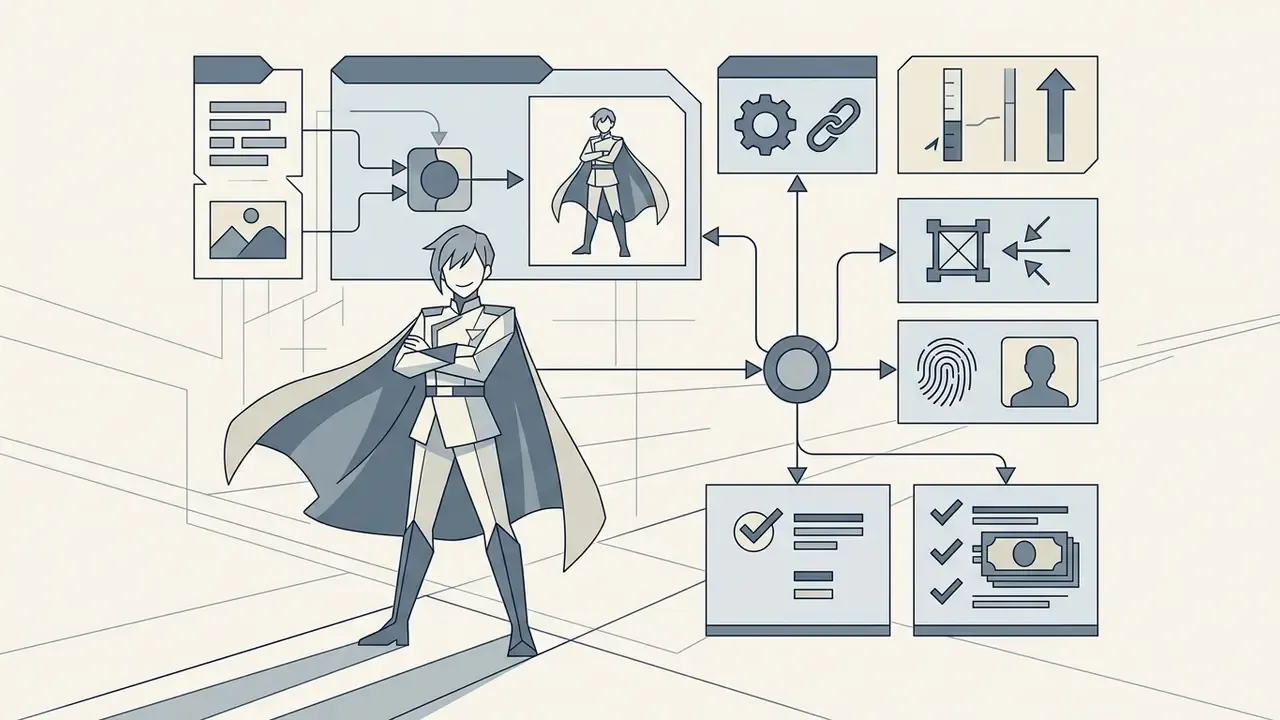
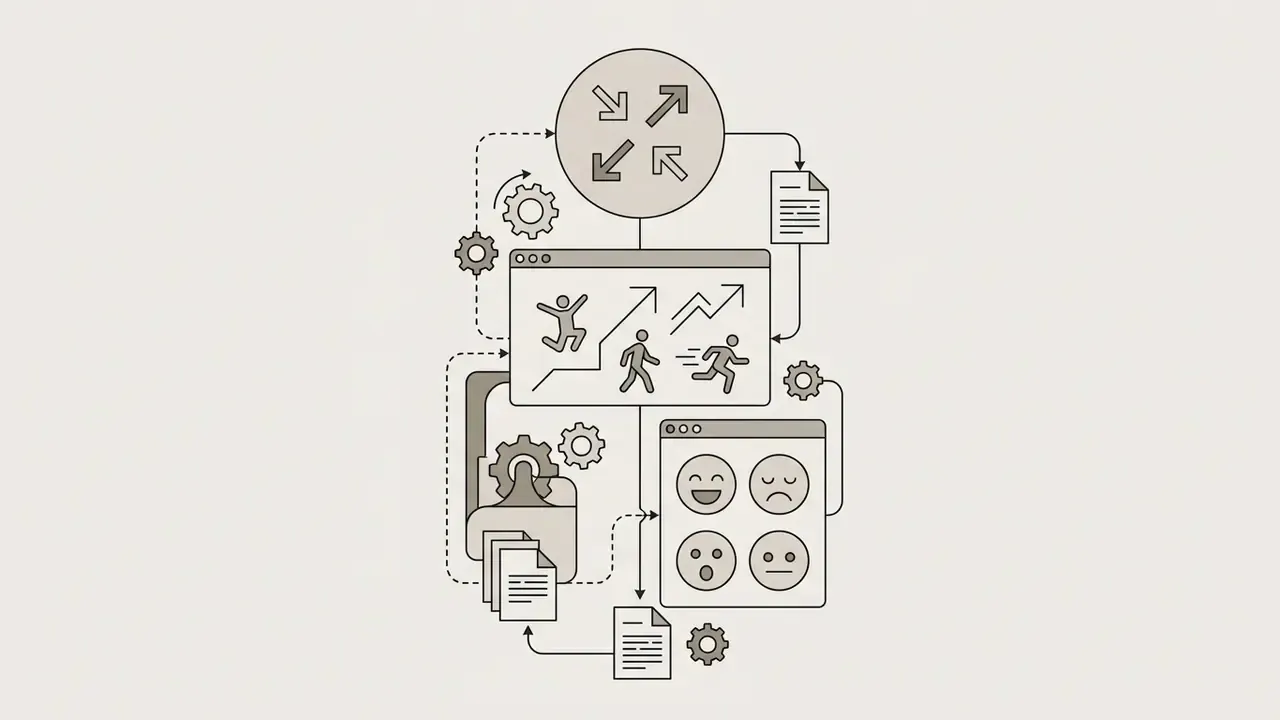
That principle transfers to anime image generation almost word for word. A character pipeline is an automation system: prompts are the inputs, model weights and adapters are the controls, and reproducible character identity is the output requirement. Teams that treat an anime generator as an unmonitored black box get inconsistent art, licensing exposure, and unusable assets. Teams that treat it as a governed pipeline get repeatable character sheets, predictable style output, and documented usage rights.
An ai anime character generator is a specialized machine learning tool that synthesizes anime-style illustrations, original characters, and avatars from natural language prompts or reference images. Unlike generic engines aimed at photorealism or a wide visual domain, an ai anime generator runs on neural architectures fine-tuned specifically on anime artwork datasets, line-art conventions, and tag-based metadata. Different training data, different failure modes, different prompt grammar.
Key Takeaways Before You Generate
- Architecture: Anime generators are latent diffusion models (or GAN derivatives) fine-tuned on tag-indexed anime corpora such as Danbooru. General-purpose models like Midjourney or DALL·E cover a broader visual domain and add character consistency as a separate control layer.
- Prompting: Use the structured formula
[Subject/Identity] + [Outfit] + [Pose] + [Environment] + [Style]with comma-separated tags (1boy,1girl,cel shading,screentone) rather than conversational prose. - Consistency: Reuse a single character across scenes with IP-Adapter (appearance conditioning), ControlNet (pose and structure), and LoRA (persistent identity weights), validated by peer-reviewed metrics such as CLIP-I, DINO, and DreamSim.
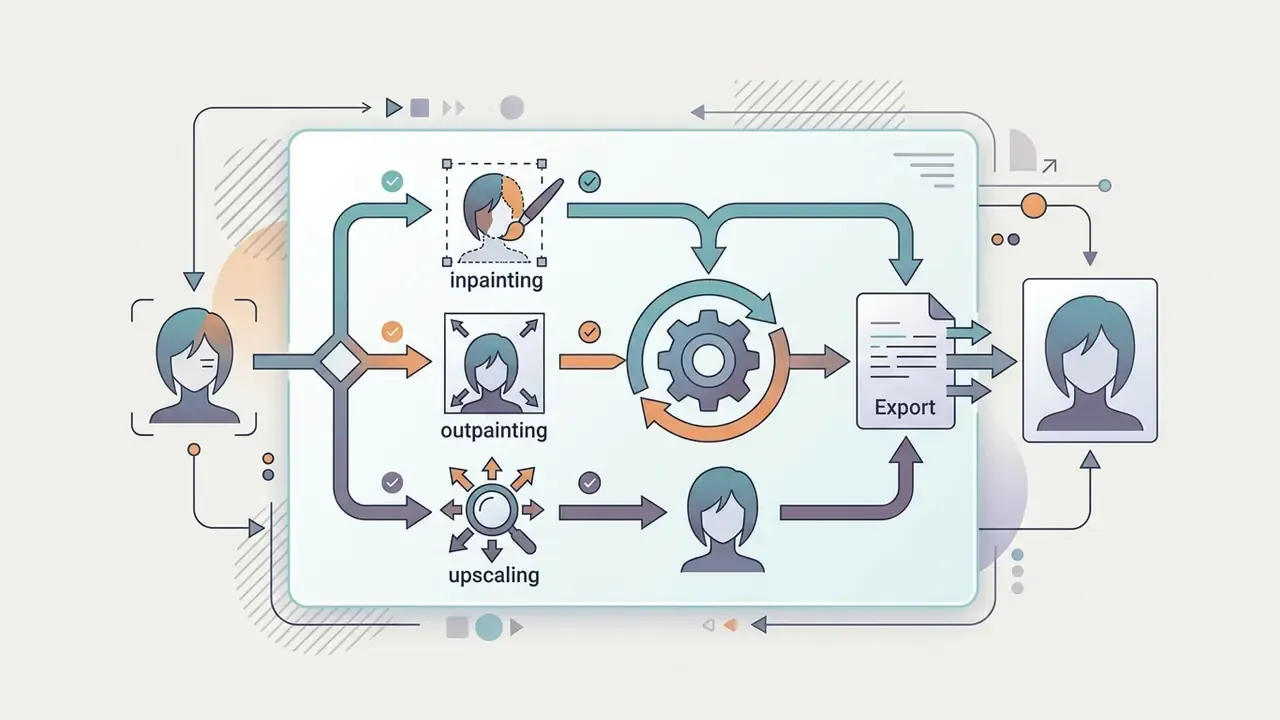
- Editing: Inpainting fixes local defects, outpainting expands the canvas, and 3D pose editors lock posture and camera angle before denoising starts.
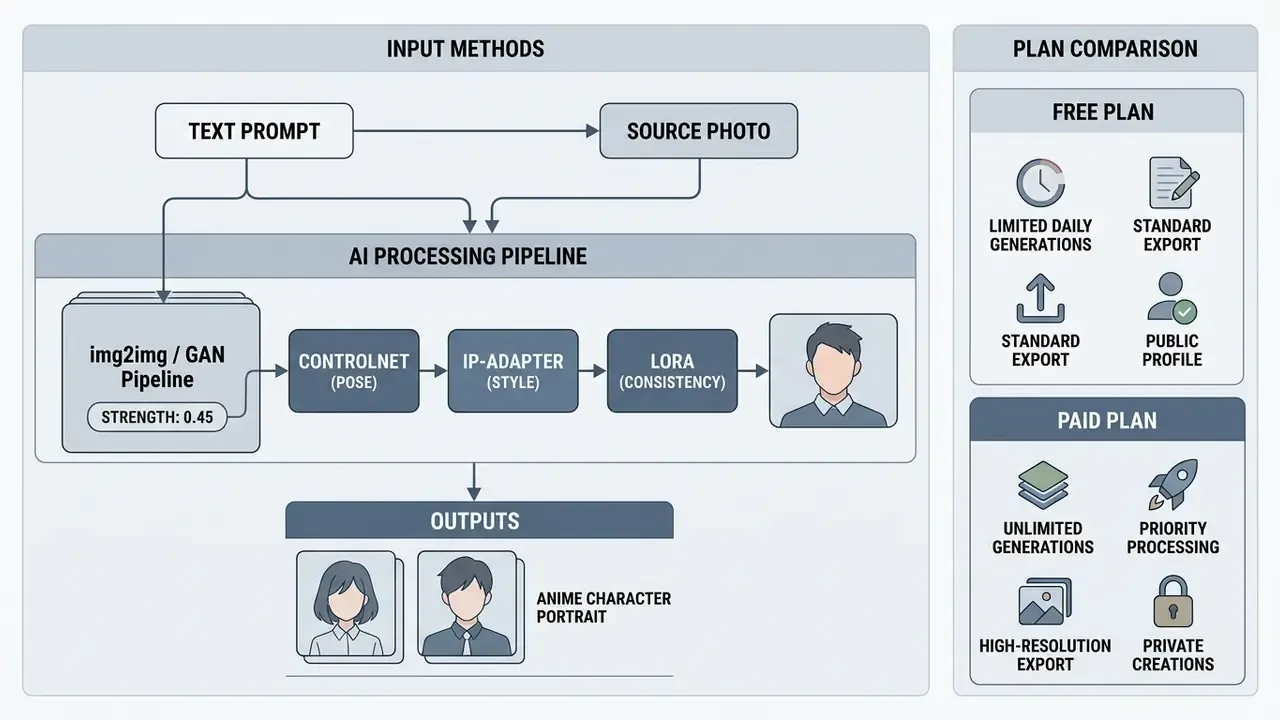
- Photo-to-anime: Denoising strength
0.30-0.45preserves identity;0.55-0.70performs a full anime redraw. ControlNet Tile/Lineart or IP-Adapter Face prevents anatomical corruption. - Pricing: Free tiers typically allow 1 to 30 generations per day at 512-768 px with watermarks and personal-use-only licensing. Paid tiers unlock 500 to 12,000 credits, 1024 px to 4K output, private generation, and contractual commercial rights.
- Legal: Under U.S. Copyright Office guidance current in 2026, purely machine-generated output is not registrable. Only human-authored contributions, edits, and arrangements are protected. Commercial permission from a platform is contractual, not copyright ownership.
How to Use This Guide
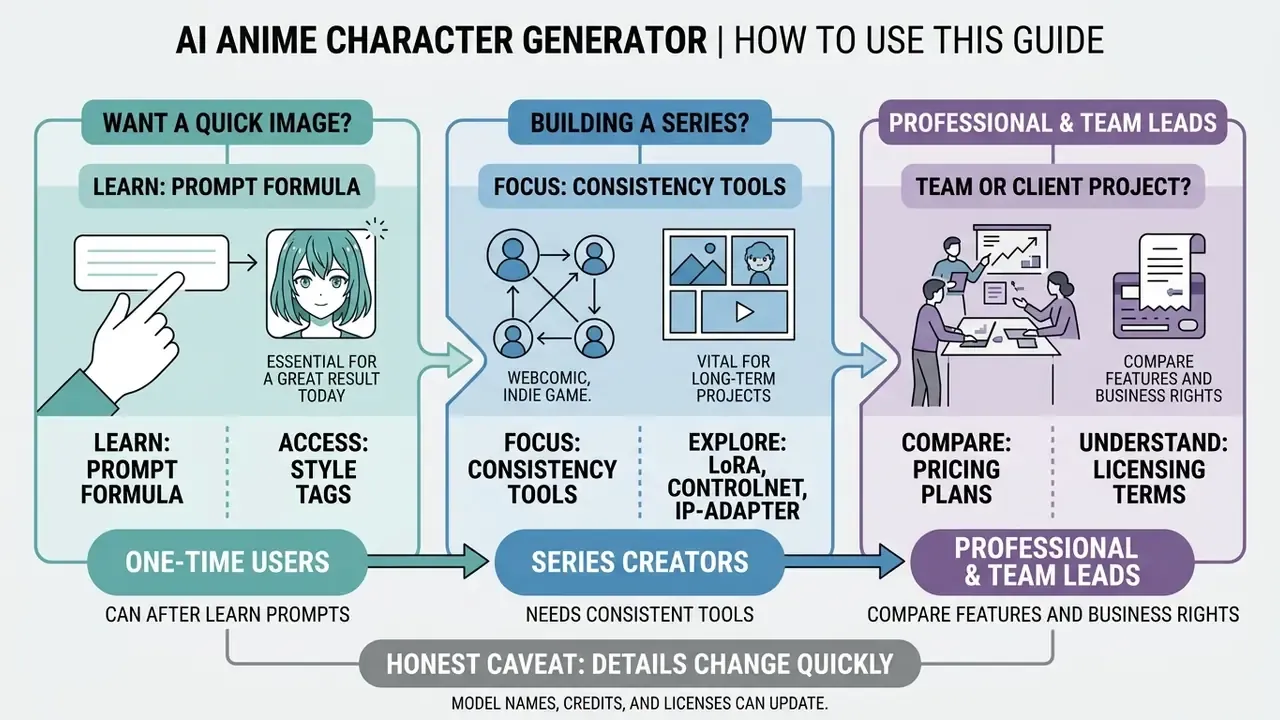
Three reader profiles come to a page like this, and they need different things.
If you only want a good picture today, the prompt formula and the style tag lists are enough. Start there, generate five variations, keep the best seed.
If you are building a series (webcomic, indie game, VTuber channel), the consistency section matters more than prompt wording. Identity is a control problem, not a phrasing problem.
If you are buying access for a team or a client project, jump to pricing and licensing. Those two sections decide whether the asset is usable at all. Everything else is craft.
One honest caveat up front: model names, credit allowances, and license texts move quickly. Treat every number here as a snapshot from early 2026 and verify on the vendor page before you pay.
What Is an AI Anime Character Generator?
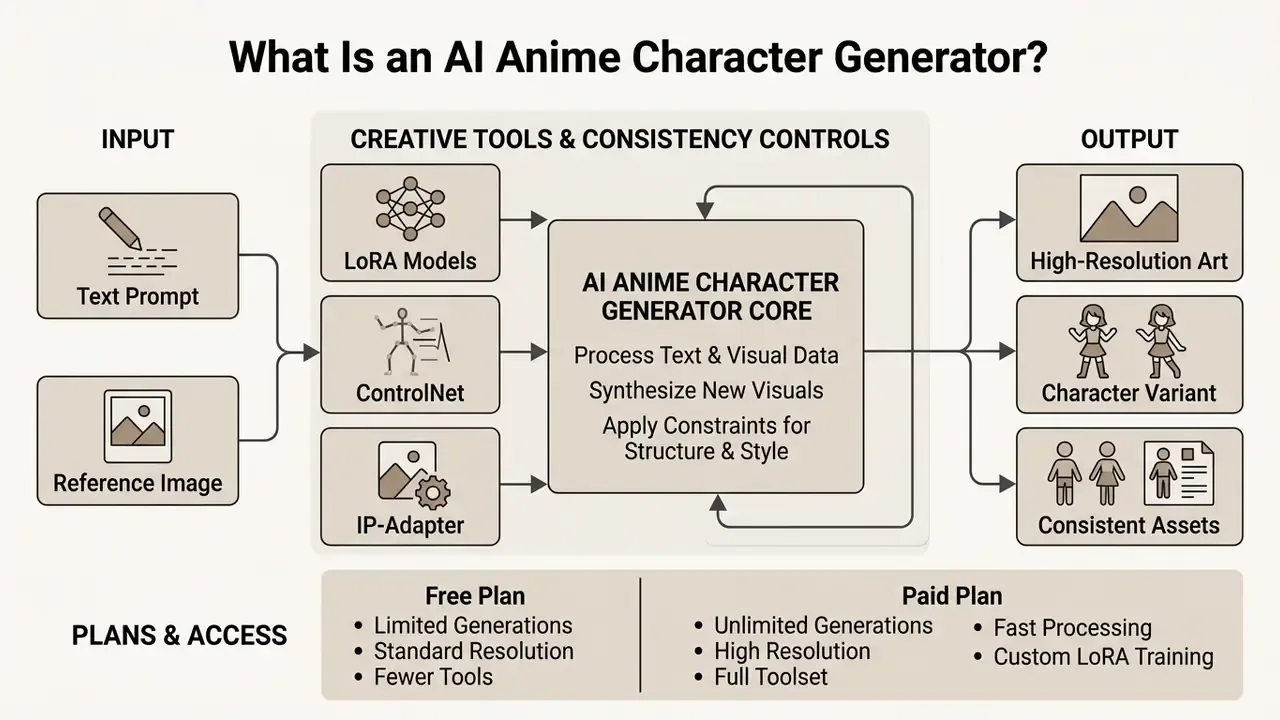
An ai anime character generator is a latent diffusion or generative adversarial model optimized to interpret anime-specific visual tags and produce illustrations that follow Japanese animation conventions. Standard general-purpose models often blur linework or misread the anatomical ratios unique to anime. By contrast, an ai anime character generator website leverages specialized training corpora to render expressive facial features, distinct hair geometry, and stylized shading.
«Illustrious is an anime-focused image generation model trained specifically on anime and illustration data, replacing general-purpose models for authentic character creation.»
This specialization is measurable in scale as well as intent. Dedicated anime checkpoints such as Anima are trained on several million anime images plus a smaller corpus of non-anime artwork, and vendors openly document that these models perform poorly on photorealism. That trade-off is the defining architectural difference between an anime generator and a general engine. You gain clean cel shading. You lose skin pores.
AI Anime Character Creator, Maker and Avatar Generator: What Is the Difference?
Industry terminology overlaps constantly, yet functional distinctions between character creators, character makers, and avatar generators are real.
- AI Anime Character Creator / Maker An ai anime character creator (or ai anime character maker) focuses on full-body or multi-angle character design. These platforms emphasize persistent visual identity: reference sheets, varied action poses, and turnarounds for original characters across comics, animation, or games. Typical output is a 3:4 full-body render plus a 16:9 reference sheet with front, three-quarter, and side views. A serious ai anime character creator tool also stores the seed and the adapter settings, because that metadata is what makes the design reusable next month.
- AI Anime Avatar Generator An ai anime avatar generator concentrates on head-and-shoulders, square, or portrait-framed output built for profile pictures. Output is optimized for facial clarity, thumbnail readability, and stylized presentation rather than production sheets.
| Tool Class | Primary Output | Framing | Consistency Requirement | Typical Use Case |
|---|---|---|---|---|
| Character Creator / Maker | Full-body render + reference sheet | 3:4, 16:9 turnaround | High: identity reused across scenes | Manga, webcomics, indie games |
| Avatar Generator | Single portrait crop | 1:1 square, 4:5 portrait | Low: one-off image | Discord, Steam, TikTok profile pictures |
| Scene / Illustration Generator | Environment + subject composite | 16:9, 21:9 cinematic | Medium: style lock over identity | Key visuals, wallpapers, covers |
To explore additional web-based editing utilities, you can compare options across modern production toolsets, or study the broader landscape of AI art generators before committing to one platform.
From Text Prompt to Anime Character Image
Text-to-image synthesis converts written character briefs into finished ai anime generated images through text encoders and latent noise reduction. Models like Stable Diffusion and specialized derivatives such as Animagine XL or Illustrious project text tokens into a joint text-image embedding space using encoders like CLIP or OpenCLIP.
«Diffusion models implement a reverse process parameterized by a neural network that removes noise step by step, guided by text embeddings through cross-attention.»
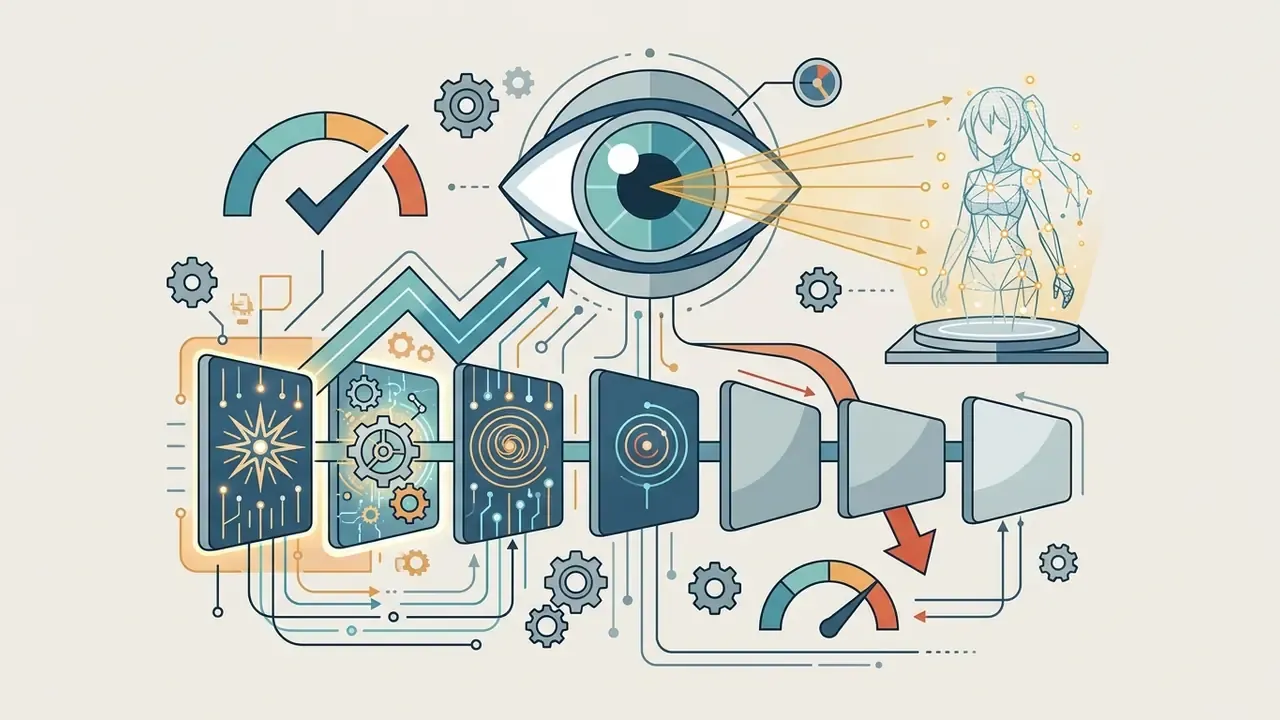
The underlying latent diffusion models then denoise random Gaussian noise across a set number of inference steps, guided by cross-attention layers that align latent features with your prompt tags. Twenty to thirty steps is usually the plateau for anime checkpoints; more steps mostly burn credits.
To generate predictable artwork, supply structured descriptions covering physical traits, garments, framing, and artistic style. Because anime models are routinely trained on tag-indexed repositories such as Danbooru, comma-separated tags yield higher semantic alignment than flowing conversational prose. Yes, "a beautiful girl standing in the rain" works. It just works less reliably, and reliability is the whole point when the same ai anime characters generator has to serve twelve panels.
How to Create Anime Art From Text
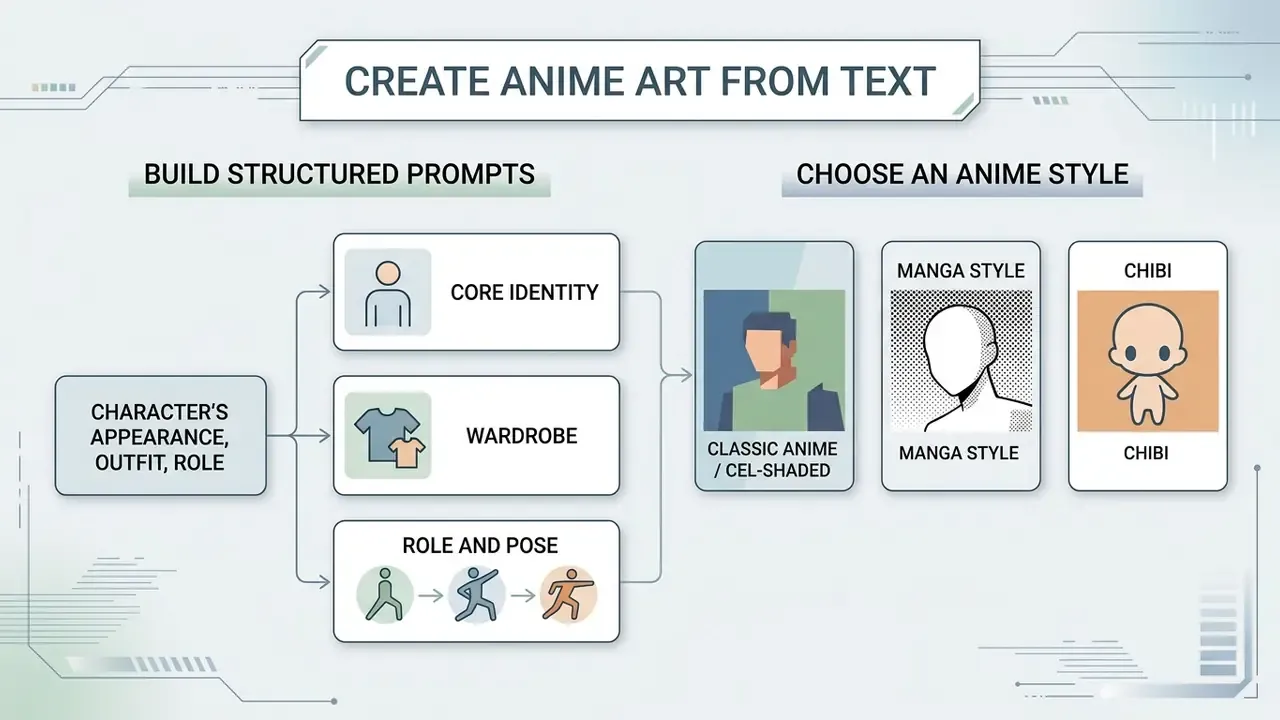
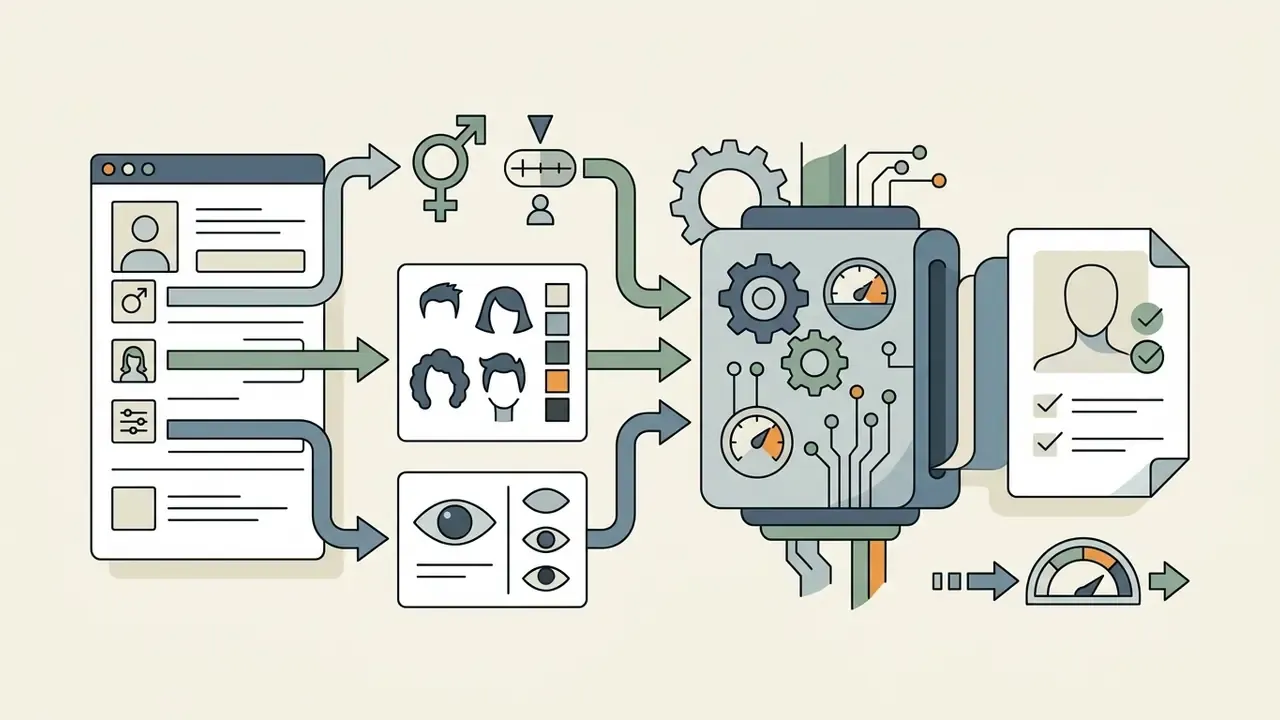
To create high-quality artwork with an ai anime art generator from text, build structured prompts that separate identity features, wardrobe details, environment parameters, and aesthetic parameters. Most tools marketed as an ai anime generator convert text to anime art engine accept exactly this grammar.
[Subject/Identity] + [Outfit & Accessories] + [Pose & Expression] + [Environment & Lighting] + [Art Style Tags]
Describe the Character's Appearance, Outfit and Role
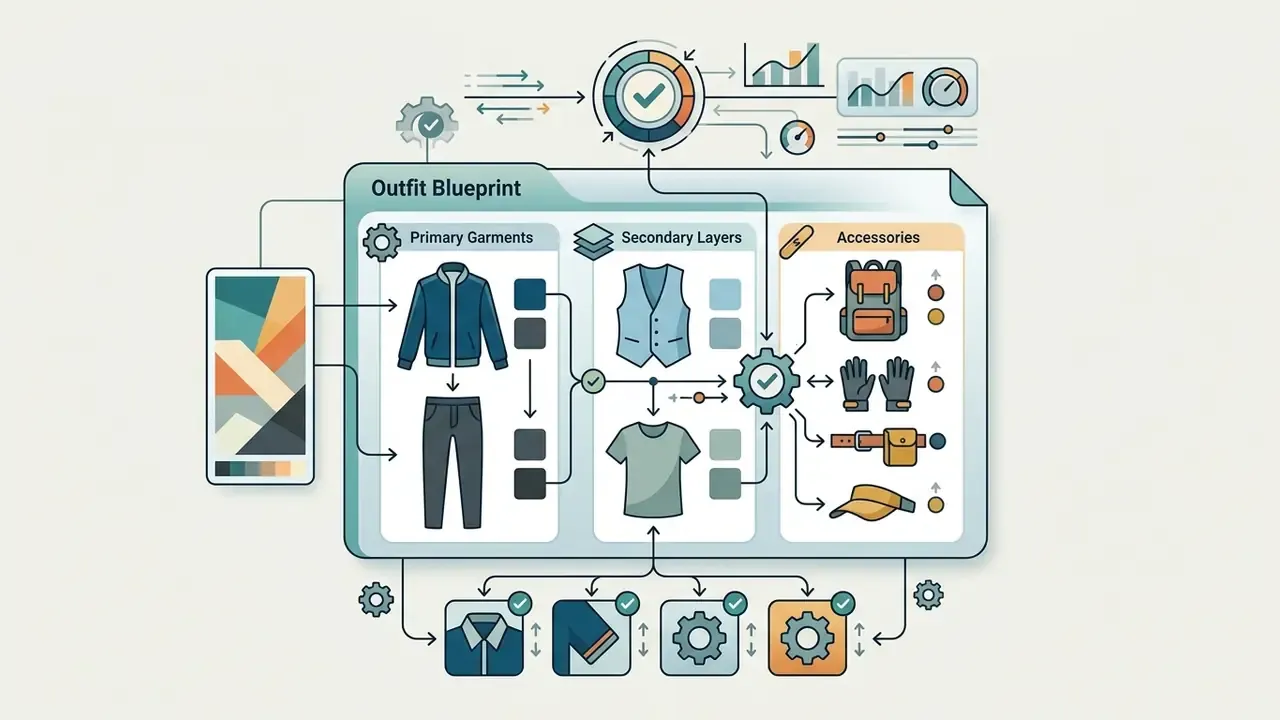
Precision prevents generative drift and cuts output randomness. When prompting an ai anime boy generator or a female character generator, break the description into discrete visual layers:
Methodology note. Decomposing a brief into structural blocks is the approach documented by vendor prompt guides. NovelAI, for instance, recommends placing style tags near the beginning of the prompt because early tokens carry greater weight. Published prompt-engineering research supports the same direction of effect:

1boy, 1girl, 1other), age range, body build, hair color, hair length, eye shape.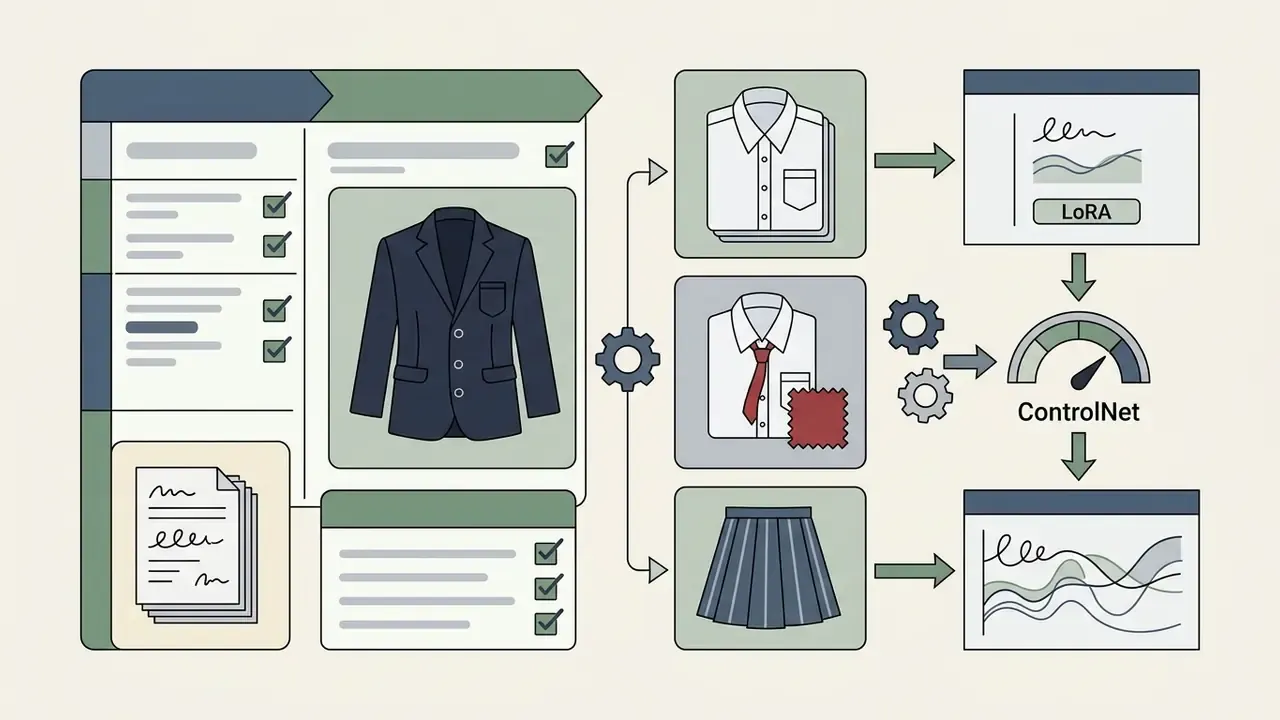
«Appending camera descriptions to prompts improves semantic consistency by 16% on average and safety metrics by 48.9% compared with alternative methods.»
Practical implication for production teams: standardize briefs into fixed fields (identity, wardrobe, pose, camera, style, negatives), because each field maps to a distinct cluster of cross-attention tokens. Fewer collisions, fewer regeneration cycles. Precise per-field metrics for one studio pipeline still require internal A/B measurement. The published data covers semantic consistency and safety, not iteration count, and pretending otherwise would be sloppy.
Choose an Anime Style for the Generated Art
Style tags steer the model toward specific animation eras, rendering techniques, or publication formats:
- Classic Anime / Cel-Shaded
cel shading,clean linework,vibrant colors,retro 90s anime aesthetic,anime screencap. - Manga Style
monochrome,screentone pattern,crosshatching,inked linework,speed lines,black and white. - Chibi
chibi,super deformed,2-head tall proportions,oversized head,pastel tone,cute sticker style. - Seinen / Dark Fantasy
seinen style,muted colors,gritty texture,dramatic shadow,realistic proportions,detailed linework. - Cinematic / Shinkai-Inspired
volumetric lighting,hyper-detailed sky,god rays,golden hour,lens flare,warm oranges and cool purples.
«StyleTokenizer, trained on 30,000 stylized images, enables style control from a single reference without additional training while preserving text alignment.»
A small observation from editing dozens of these prompt sets: mixing two era tags (retro 90s anime aesthetic plus hyper-detailed sky) usually produces a muddy hybrid. Pick one dominant style, then add at most two supporting descriptors. For studio-flavored aesthetics, creators comparing style fidelity across engines can review dedicated Ghibli-style AI image generators and their licensing terms before production use.
Generate, Review and Refine the Prompt
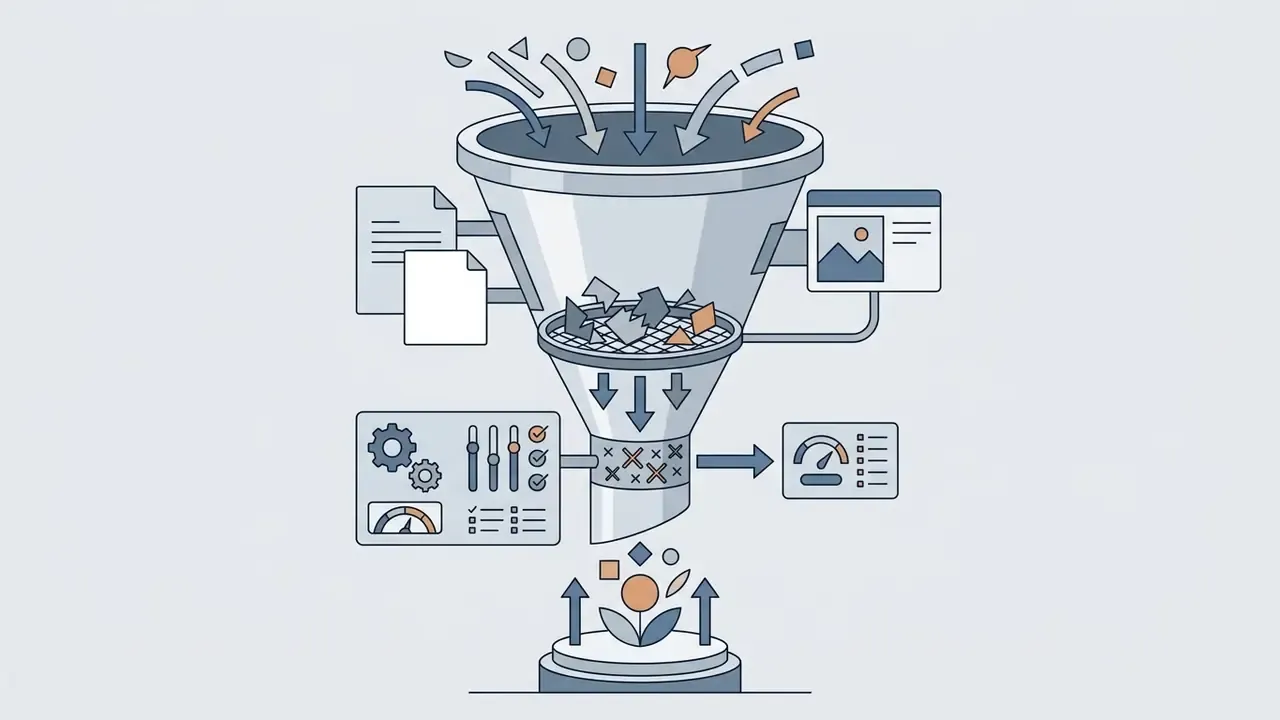
Getting a final image is a loop, not a shot. If the first outputs miss required details, edit specific tokens instead of rewriting the whole brief. Research on test-time prompt refinement shows that systematic closed-loop modification, comparing outputs against the specification and adjusting individual attribute weights, beats random re-generation.
«Iterative model tuning based on generated image sets provides a better balance between prompt alignment and identity consistency than baseline methods.»
Published closed-loop procedures, including test-time prompt optimization work presented at ICCV Workshops, formalize it as: initial generation → consistency analysis → prompt rewrite → regeneration, capped at a fixed maximum number of iterations K.
Cap K at five. Past that point you are usually fighting the checkpoint, not the prompt, and switching models costs less time.
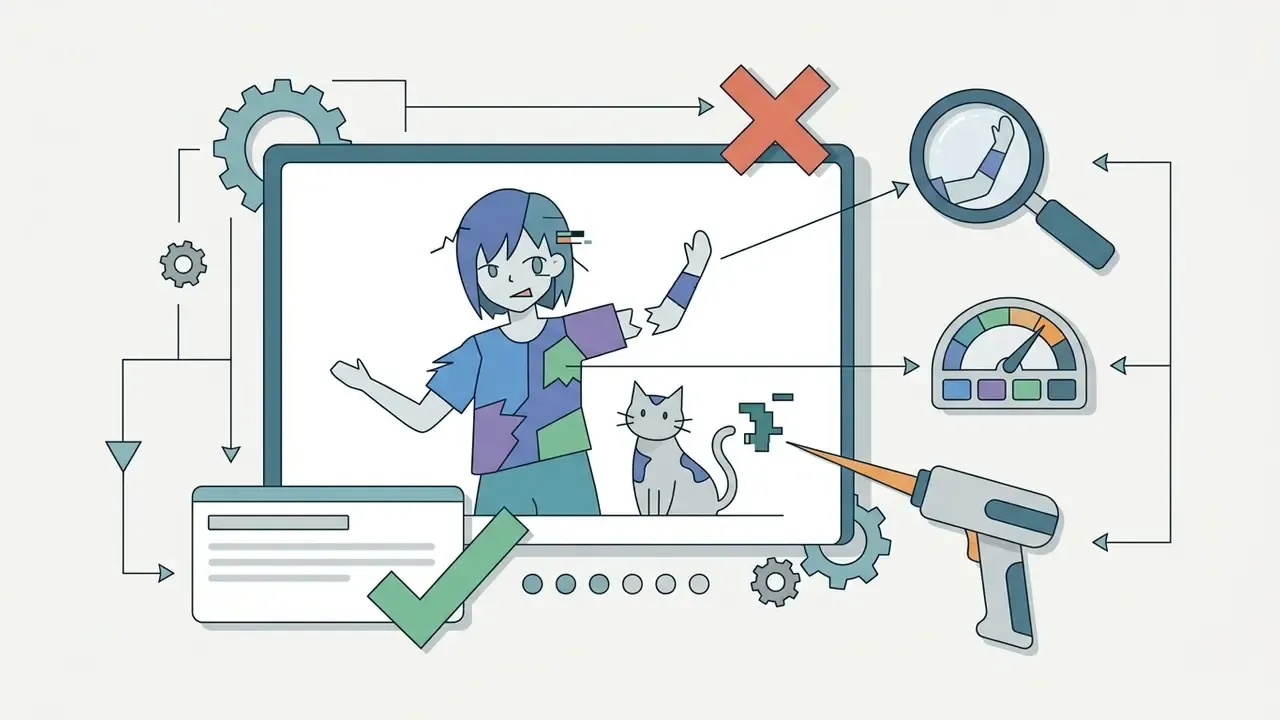
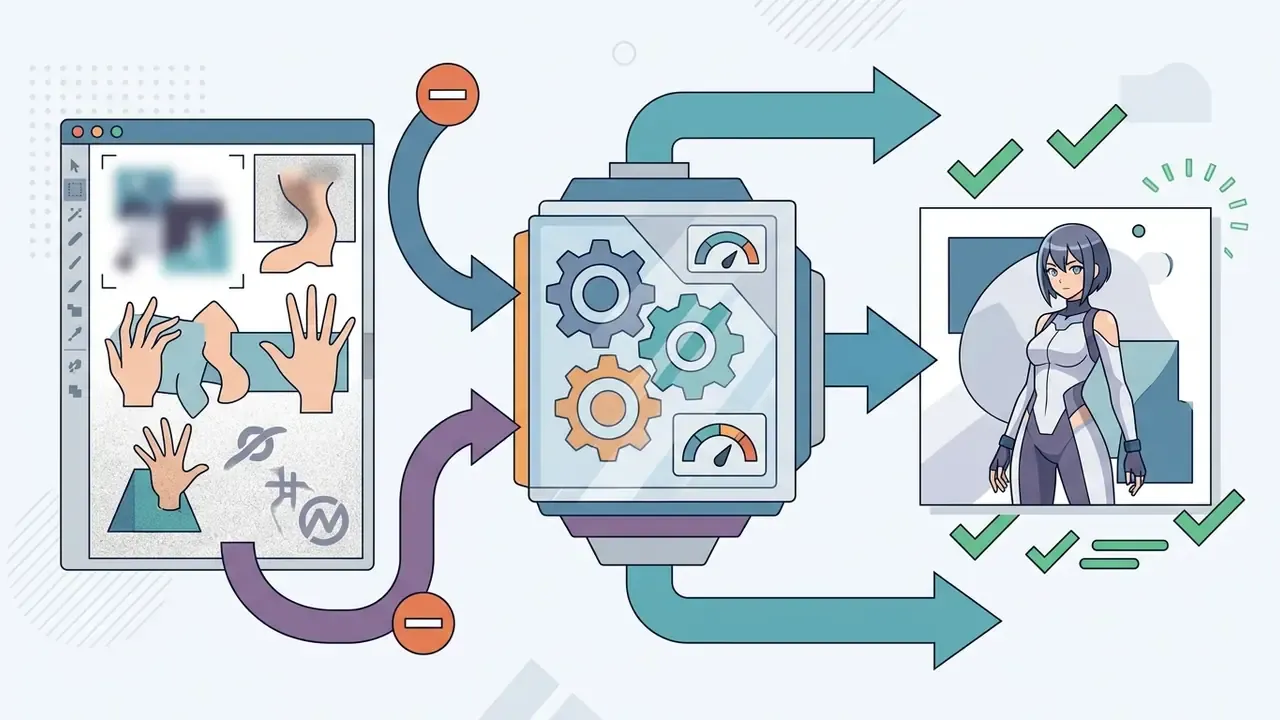
blurry, bad anatomy, extra fingers, low quality, watermark) to suppress common generative errors.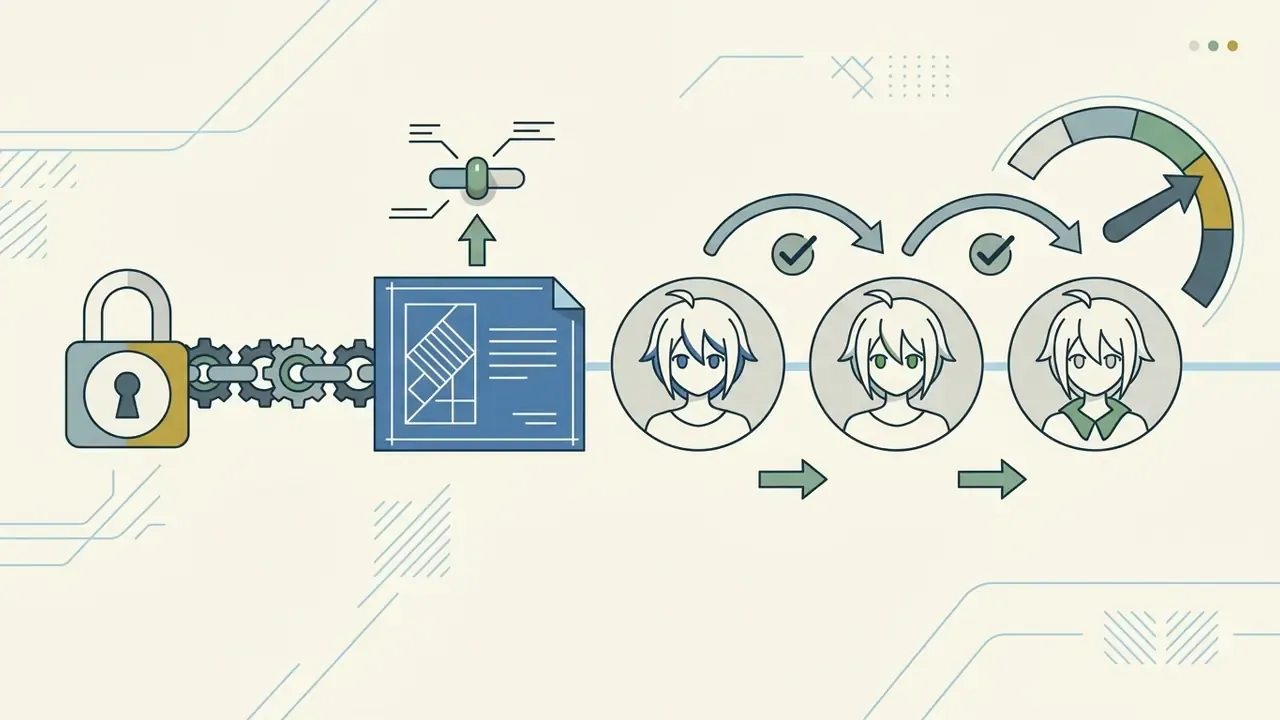
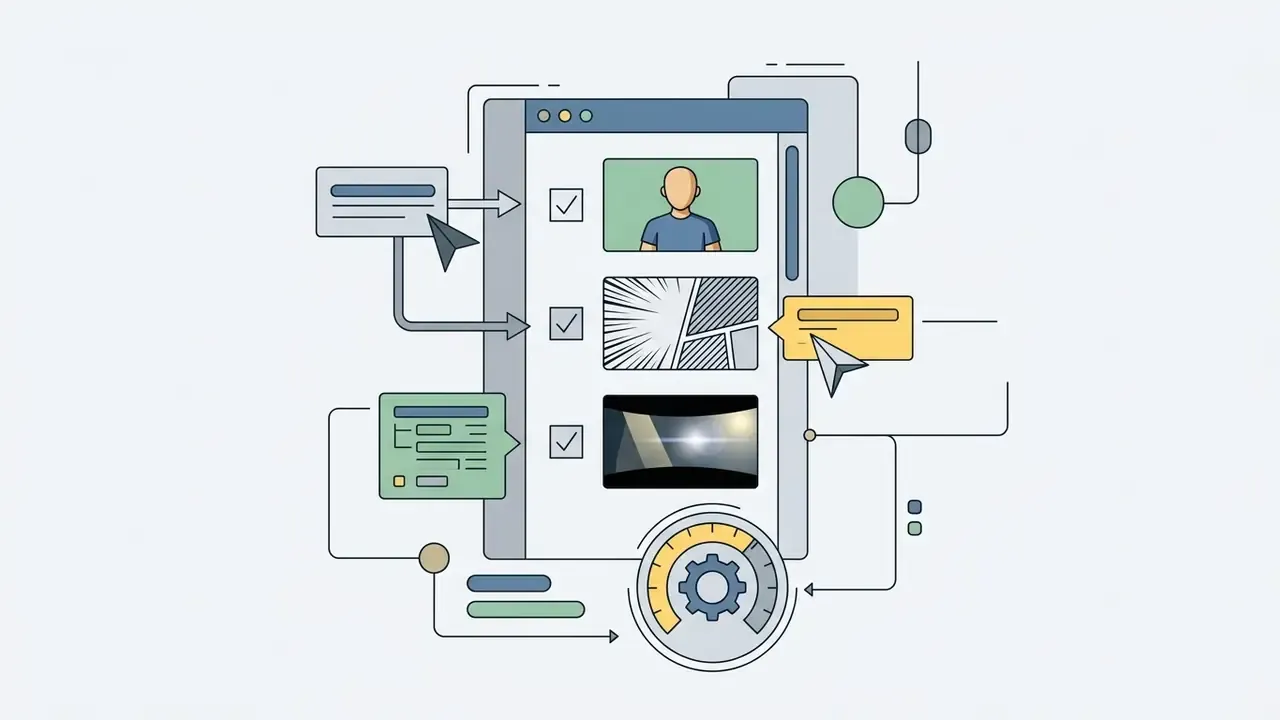
Advanced Canvas Control: Inpainting, Outpainting, and Pose Editors
Plain text-to-image runs often produce minor defects or cramped compositions. To repair output without regenerating everything:
- Inpainting (canvas masking) Isolate a region, change an eye color, adjust an expression, repair a malformed hand, swap an outfit. Paint a binary mask over the target pixels and submit a localized prompt; the model regenerates only the masked area and blends edges with the surrounding latent code. Calibration that works in practice: mask slightly beyond the defect boundary, set
Inpaint area: only masked, denoise0.5-0.75for structural changes and0.25-0.4for texture or color fixes. - Outpainting (canvas expansion) Extends borders beyond the original aspect ratio. By appending noise tensors at the outer edges, the model extrapolates backgrounds, architecture, and wide shots while keeping the subject continuous. This is how a portrait crop becomes a full-body render, or a 1:1 avatar becomes a 16:9 key visual. Creators evaluating dedicated tooling can compare AI outpainting tools for expanding images on border blending quality and pricing.
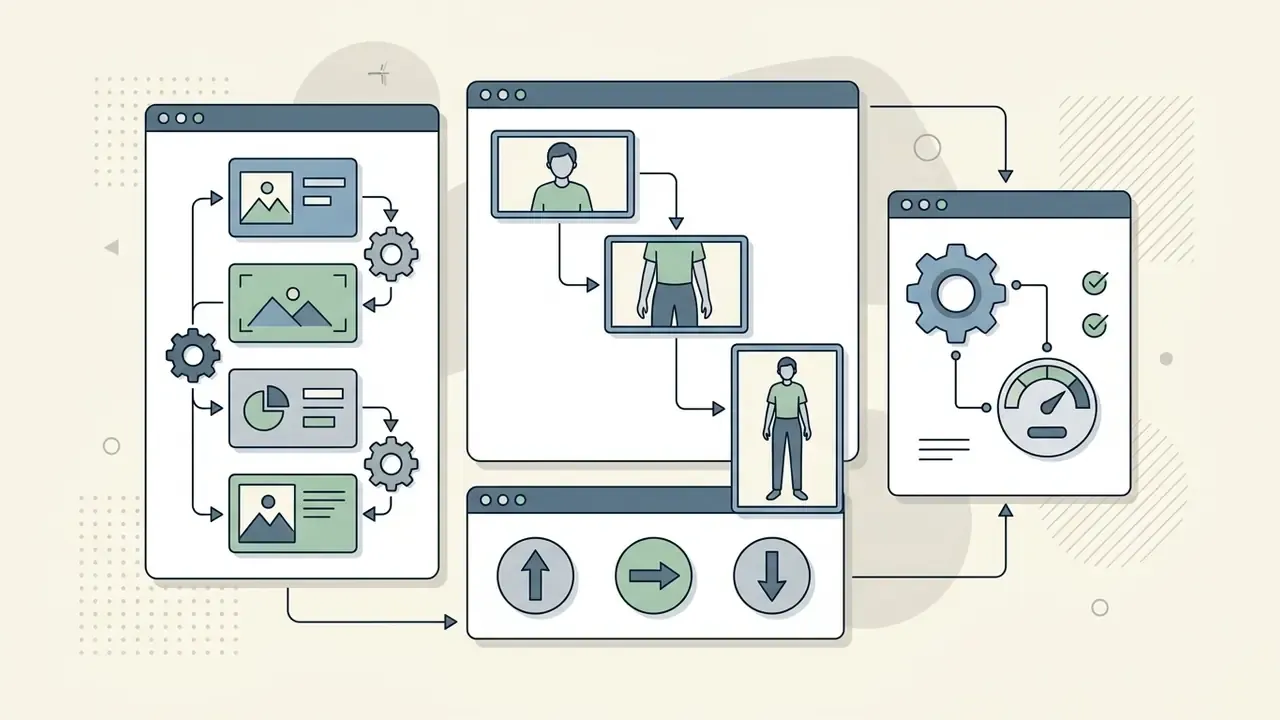
- 3D pose control (pose-to-image) Uses spatial wireframes or 3D armature rigs such as OpenPose skeletons or Blender-derived depth maps. Manipulate a mannequin's joints to define posture, camera angle, and perspective foreshortening before the denoising pass. A pose editor removes the single largest source of anime generation failure: unpredictable limb placement in dynamic action shots.
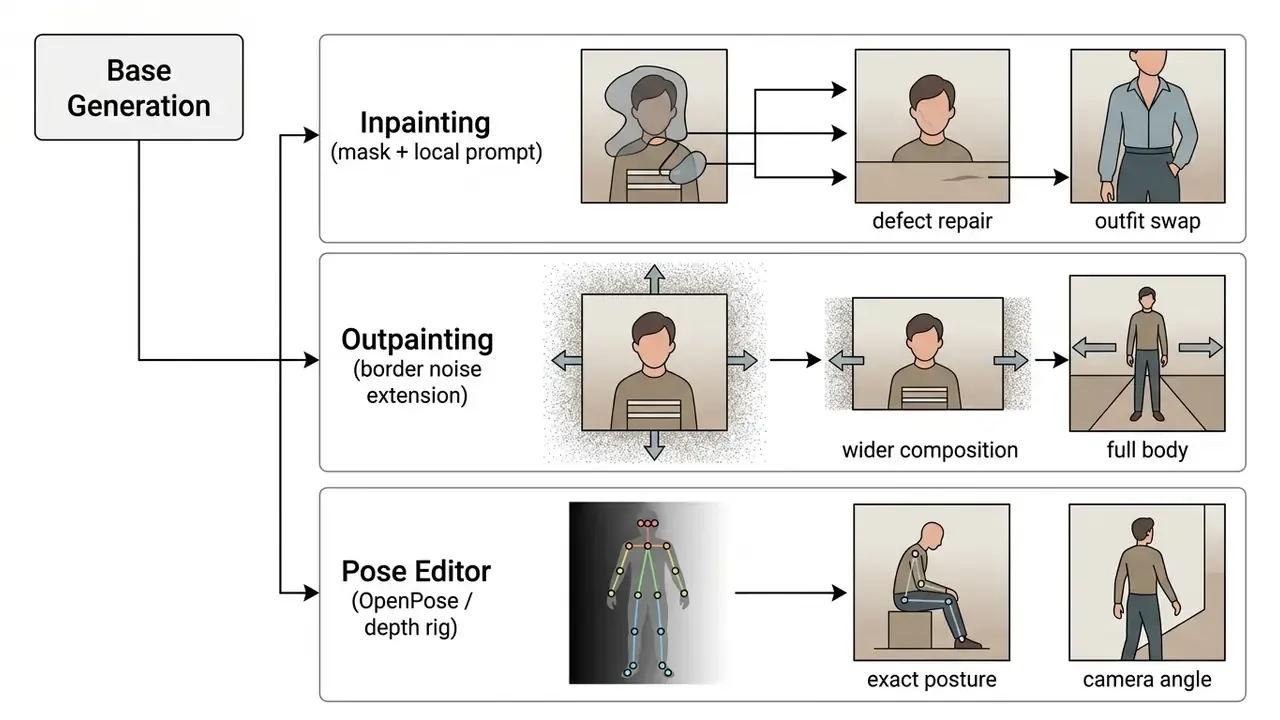
Anime inpainting and outpainting checklist: verify the mask feather value, keep the original style tags active so the aesthetic does not drift inside the mask, and finish with a low-strength img2img pass (0.2) over the whole canvas to unify grain and color grading after several local edits.
Create a Reusable Anime Character for Stories, Manga and Games
Serialized media (manga, webcomics, indie games) demands the same visual identity across poses, wardrobe changes, and environments. That is where casual prompting collapses.
Build an Anime OC or Manga Character Concept
Developing an original character starts with a written character model brief. Before running any prompt, fix canonical parameters: height, color palette, distinctive marks (scars, hair clips, emblems), personality traits. Generating 10 to 20 exploratory drafts in an ai anime character creator online helps you isolate one baseline design as the master reference. Documented manga workflows scale this to 10-25 concept images per major character before locking the final look.
Write the brief in plain language first. If you cannot describe the character in three sentences to another human, the model will not guess it either.
Keep Character Features Consistent Across Generated Images
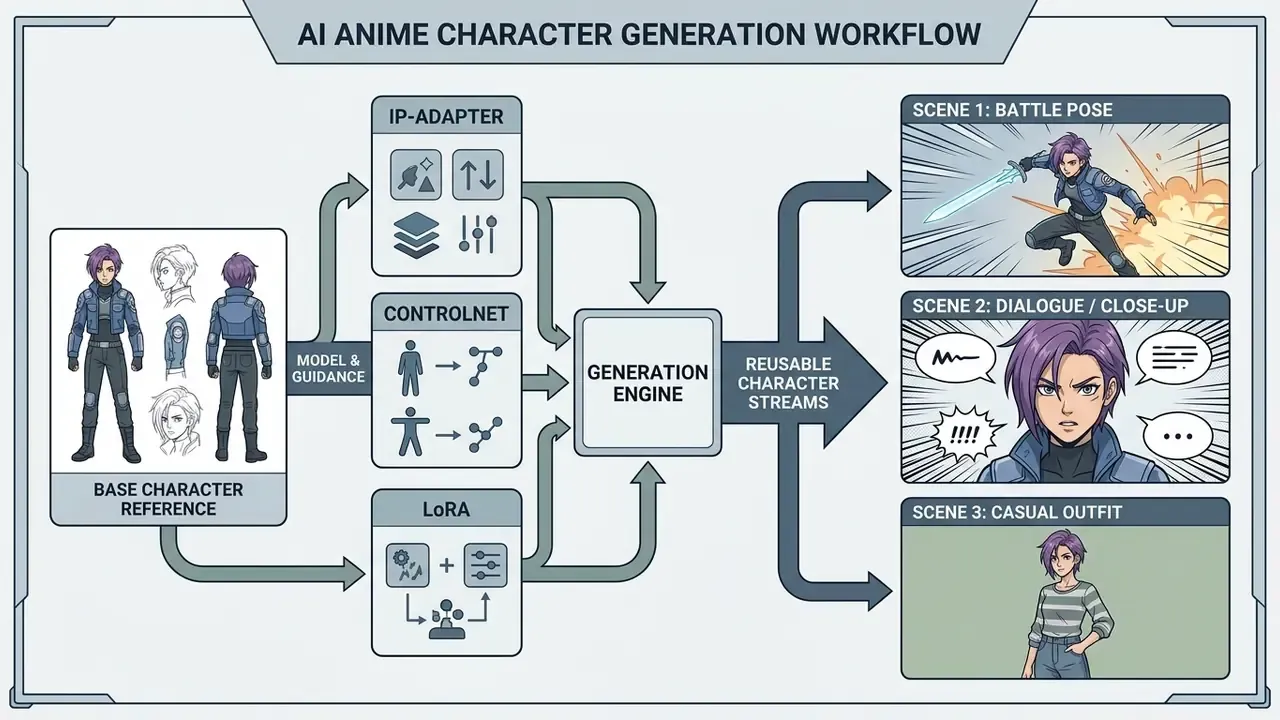
Plain text-to-image prompts invent a new person on every run. Three technical workflows fix that:
- IP-Adapter (image prompt adapter): Conditions the diffusion process on visual features from a reference image, preserving face geometry and hairstyle under new prompts (Tencent AI Lab, 2023; arXiv:2308.06721). Decoupled cross-attention layers handle text and image conditions separately, so appearance is injected without overwriting the textual instruction.
«Regional IP-Adapter outperforms StoryDiffusion on character consistency by 0.057 DreamSim and 0.047 CLIP-I across a 5,000-triplet evaluation.» Unbounded: A Generative Infinite Game of Character Life Simulation, arXiv:2410.18975 (2024). https://arxiv.org/html/2410.18975v2
- ControlNet: Locks structural composition, line art, or pose using depth maps, OpenPose skeletons, or edge detection, keeping proportions stable across frames. You can chain it with image-to-image generators to re-render an approved pose in a new style without losing the geometry underneath.
- LoRA (low-rank adaptation): Fine-tunes a lightweight adapter on a curated dataset of 10 to 20 images of your character. Studies show LoRAs encode distinct identity tokens that survive reuse across varied backgrounds (arXiv:2406.02820).
«ORACLE uses mutual information between text and image to select LoRA directions that encode character identity while preserving text controllability.» Akdemir & Yanardag, ORACLE: Leveraging Mutual Information for Consistent Character Generation with LoRAs, arXiv:2406.02820 (2024). https://arxiv.org/html/2406.02820v1
«ReMix achieves +6.7% CLIP-I and +8.2% DINO improvement over baselines through epsilon-equivariant alignment in a shared noise space.» ReMix authors, ReMix: Towards a Unified View of Consistent Character Generation and Editing, arXiv:2510.10156 (2025). https://arxiv.org/html/2510.10156v1
Selection heuristic: IP-Adapter for fast one-shot appearance transfer, ControlNet when the pose or panel layout is decided in advance, LoRA when the same character must survive dozens of poses, lighting setups, and outfits across a long-running series. They are complementary, and experienced users stack all three in one generation graph.
| Method | Training Required | Identity Strength | Pose Freedom | Best For |
|---|---|---|---|---|
| IP-Adapter | None (zero-shot) | Medium to high | High | Quick variations from one reference image |
| ControlNet | None | Low (structure only) | Locked to input | Fixed poses, panel layouts, line-art reuse |
| LoRA | 10-20 images, short fine-tune | Highest | High | Serialized manga, games, long-form projects |
Create Character Sheets, Expressions and Scene References
Character model sheets are the visual contract for everyone touching the project. A standard sheet prompt requests multi-angle turnarounds (front, three-quarter, side, back) against a neutral background.
Once the master sheet exists, generate secondary emotion grids (joy, anger, surprise, sorrow) and action reference frames. Those standardized sheets are what let later image-to-image or IP-Adapter passes keep exact facial structure inside complex scenes. Industry deliverables define the minimum viable sheet as one full-body neutral illustration, one or two secondary poses, three to six expressions, plus optional turnarounds and color swatches. The same structure appears in professional webcomic character design packages, which is a decent sign it is not arbitrary.
Anime Styles and Character Types You Can Generate
Modern models cover a wide spectrum of archetypes and genre aesthetics, so you can ai anime create a full cast rather than a single hero. Readers benchmarking engines against each other can consult our comparison of AI image generators for output quality and style-control differences.
Shonen Heroes, Shojo Leads and Villain Rivals
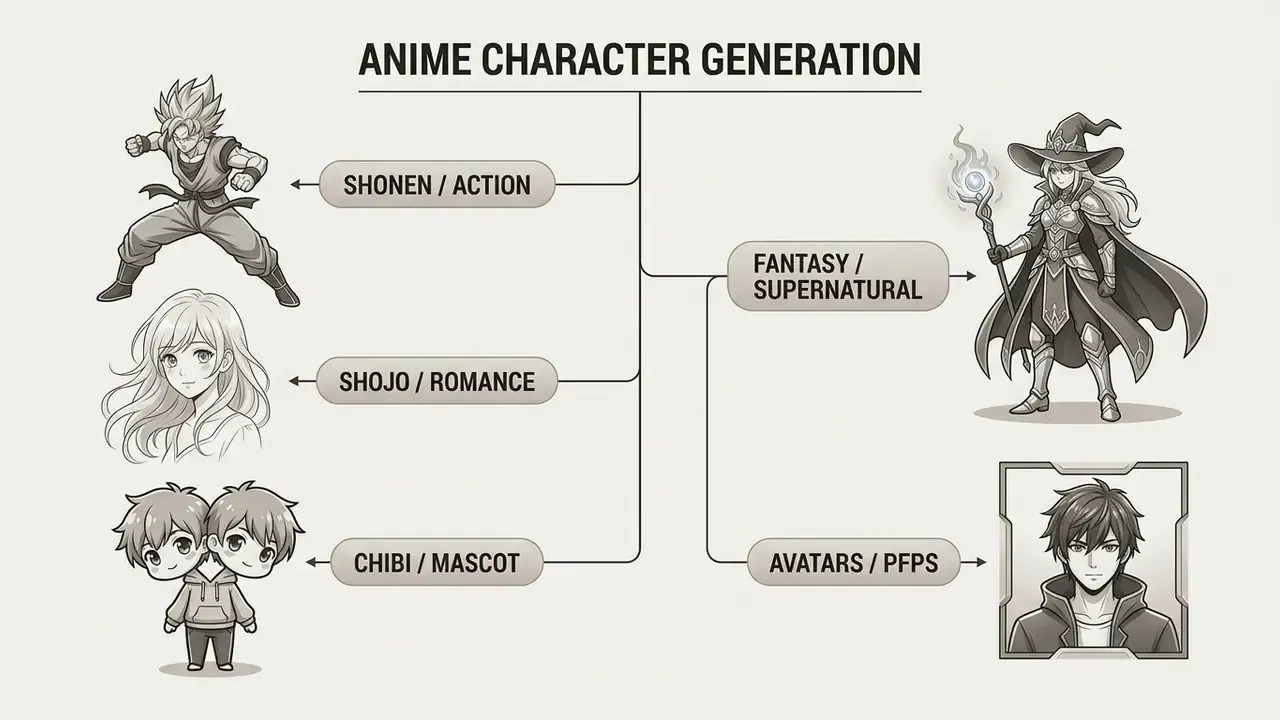
Genre archetypes lean on visual shorthand baked into the training data:
- Shonen heroes: spiky hair, dynamic action poses, determined expressions, athletic or battle-worn attire. Useful tags:
shonen hero,dynamic posture,intense glare,speed lines,battle damage. - Shojo leads: delicate linework, large expressive eyes, soft lighting, blush shading, detailed hair rendering. Common tags:
shojo style,soft focus,delicate facial features,romantic lighting. - Villain rivals: sharp facial angles, darker palettes, asymmetric costumes, sinister expressions. Tags:
sharp eyes,smirk,dark aura,dramatic shadow,asymmetrical outfit.
Fantasy Mages, Chibi Mascots and Furry Anime OCs
Specialized classes need explicit structural and accessory prompts:
- Fantasy mages ornate robes, glowing runes, staves, magical effects, layered garments. Use the standard OC workflow (role, personality, world context, outfit, accessories, pose variants), since no mage-specific standard exists in the literature.
- Chibi mascots enforce strict proportion constraints (
chibi,super deformed,big head small body) for simplified characters suited to stickers or UI icons. Mascot design frameworks specify 1 to 3 head-tall proportions, simplified edgeless shapes, and a distinctive silhouette. - Furry anime OCs combine human facial structure and posture with animal traits (ears, tails, fur patterns, snout geometry) via anthropomorphic tags, plus forward-facing ears, clothing, and emotion cues.
Specialized Workflows: VTubers, Fanart OCs, and Game Assets
Different ecosystems need different tag structures and model choices:
- VTuber avatars and asset separation 2D VTuber assets require clean separation between body components for Live2D rigging. Prompt with
white background,full body,flat lighting,symmetrical standing pose. Export high-resolution renders, then use automated layer-masking utilities to split hair, eyes, and limbs into distinct PSD layers. A complete VTuber model workflow pairs the visual asset with a synthetic voice track; see our guide to AI voice generators for licensing and language coverage. - Franchise-adjacent OCs To match a specific game or show aesthetic, load LoRA weights trained on that artistic pipeline or append strict style anchors (
elemental vision accessory,ornate anime armor,cel-shaded game render). A Genshin-style or Demon Slayer-style OC workflow is basically a style anchor plus a franchise-adjacent LoRA. Note the caveat: output that resembles a protected character design carries the IP risks described in the commercial section below. - Manga and webtoon panels For black-and-white comics, apply
screentone overlay,inked lineart,monochrome,manga panel layoutto produce print-ready sequential art. Combine with outpainting to build multi-panel spreads from one approved character render. - Game sprites and UI assets Request
transparent background,orthographic view,sprite sheet,pixel-perfect edgesfor engine-ready assets, and run a fixed-seed batch so every frame shares lighting and palette.
Free AI Anime Character Generator Tools and Pricing Options
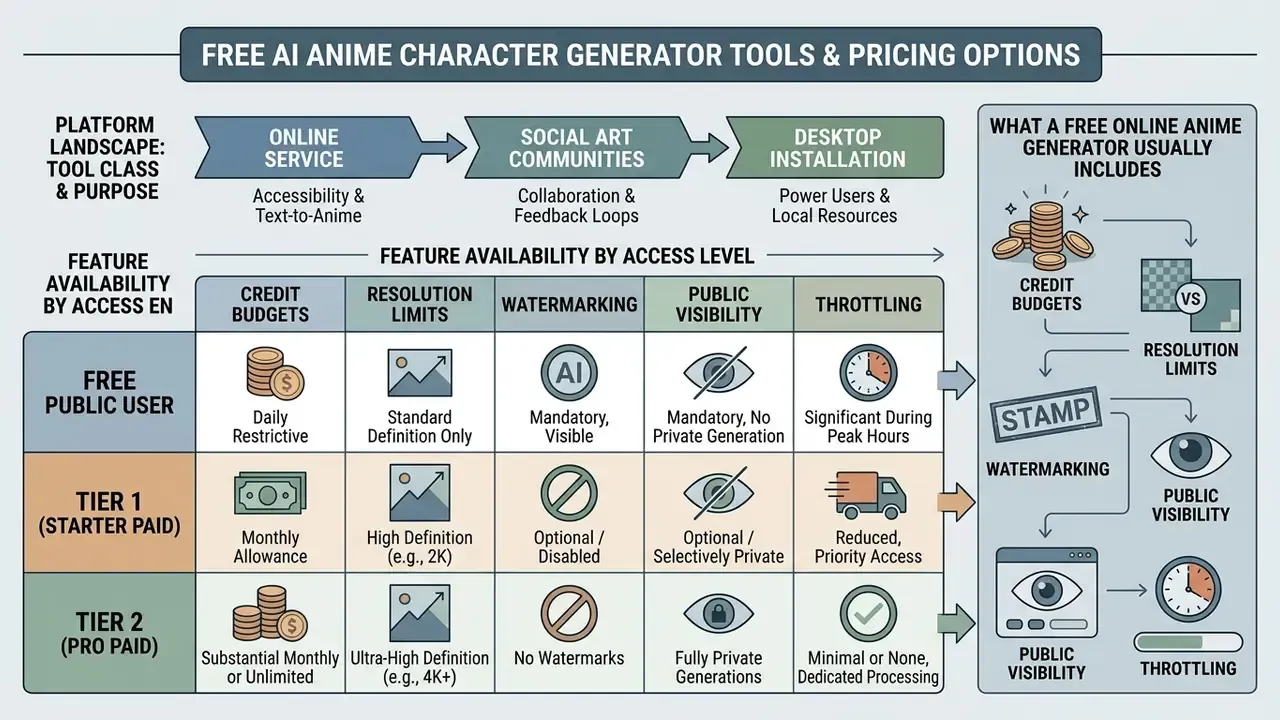
Choosing an ai anime character generator free online tool means comparing operational constraints, generation quotas, export resolution, and usage rights, in that order of practical pain. A broader survey of free AI art generators covers watermark policy and licensing differences in detail.
| Pricing Tier | Daily / Monthly Credits | Max Export Resolution | Watermark Status | Commercial Usage Rights | Priority Generation |
|---|---|---|---|---|---|
| Free tier | 3 to 30 generations / day | Standard (512×512 or 768×768) | Often included | Non-commercial, personal only | Standard, queue-based |
| Paid / credit tier | 500 to 12,000 credits / month | HD (1024×1024 to 4K) | No watermark | Commercial license included | Priority processing |
| Enterprise / pro | Unlimited or high-volume API | Custom, scaled upscaling | No watermark | Full rights plus indemnification | Dedicated compute |
The short version under the table: free access is for learning the prompt grammar, paid access is for shipping, enterprise access is for contracts that require indemnity language.
Feature Availability by Access Level
| Feature Capability | Free Online Tools | Pro Subscription Tiers | Enterprise API / Local Models |
|---|---|---|---|
| Text-to-image | Basic (512 px) | High-res (1024 px+) | Unlimited native resolution |
| Inpainting / masking | Rarely included | Standard feature | Full pipeline access |
| 3D pose / ControlNet | Unsupported | Integrated web UI | Custom model weight loading |
| Face swap / photo convert | Watermarked | Clean high-bitrate export | Batch script automation |
| Image-to-video (img2vid) | Unsupported or queue-bound | 2 to 6 second clips | Full frame-interpolation API |
Platform Landscape: Which Tool Class Fits Which Job
| Platform / Toolchain | Access Model | Anime Specialization | Consistency Controls | Notes on Pricing & Rights |
|---|---|---|---|---|
| NovelAI | Free trial (30 generations, up to 1024×1024), then paid tiers at $10 / $15 / $25 per month | High: anime-native tag prompting (1girl, 1boy, 1other) | Reference and vibe transfer, tag weighting | Documentation advises placing style tags early in the prompt |
| Niji Journey (Midjourney anime model) | Limited free trial; paid tiers at $10 / $30 / $60 per month, max 4096 px | High: dedicated anime model line | Character Reference feature for reusing a character | Commercial rights documented on Pro tier; see our Midjourney evaluation |
| Stable Diffusion WebUI / ComfyUI (local) | Free software; hardware or GPU rental cost | Depends on checkpoint (Animagine XL, Illustrious, Anima) | Full IP-Adapter, ControlNet, LoRA stack | Rights depend on the checkpoint license, not a subscription |
| Anifusion | Free tier with 100 credits; paid plans from 2,000 credits per month | Manga and comic panel oriented | Panel layout plus character reference | Official pricing states commercial license included |
| AnimeGen.ai and similar SaaS tools | $0 plan with 10 credits per month; paid plan around $12.74 per month with 100 credits | Medium to high | Style presets, img2img | Watermark-free downloads and commercial use on paid tier |
| General engines (DALL·E, Google, Bing, Canva) | Mixed free and paid | Low to medium (general-purpose) | Prompt-level only | Compare terms in our Bing AI image and Canva AI Generator reviews |
Pricing reflects vendor documentation as of early 2026 and changes often. Verify the current plan page and license text before purchase.
What a Free Online Anime Generator Usually Includes
Free tiers are fine for experimentation and honest about their limits, mostly:
An ai anime character creator free online tier is therefore a testing sandbox, not a production line. Treat it that way and it is genuinely useful. For basic adjustment after generation, test an ai photo editor app for cropping and color work, or review the feature ceilings documented in our guide to free photo editors.
Can You Use AI-Generated Anime Art Commercially?
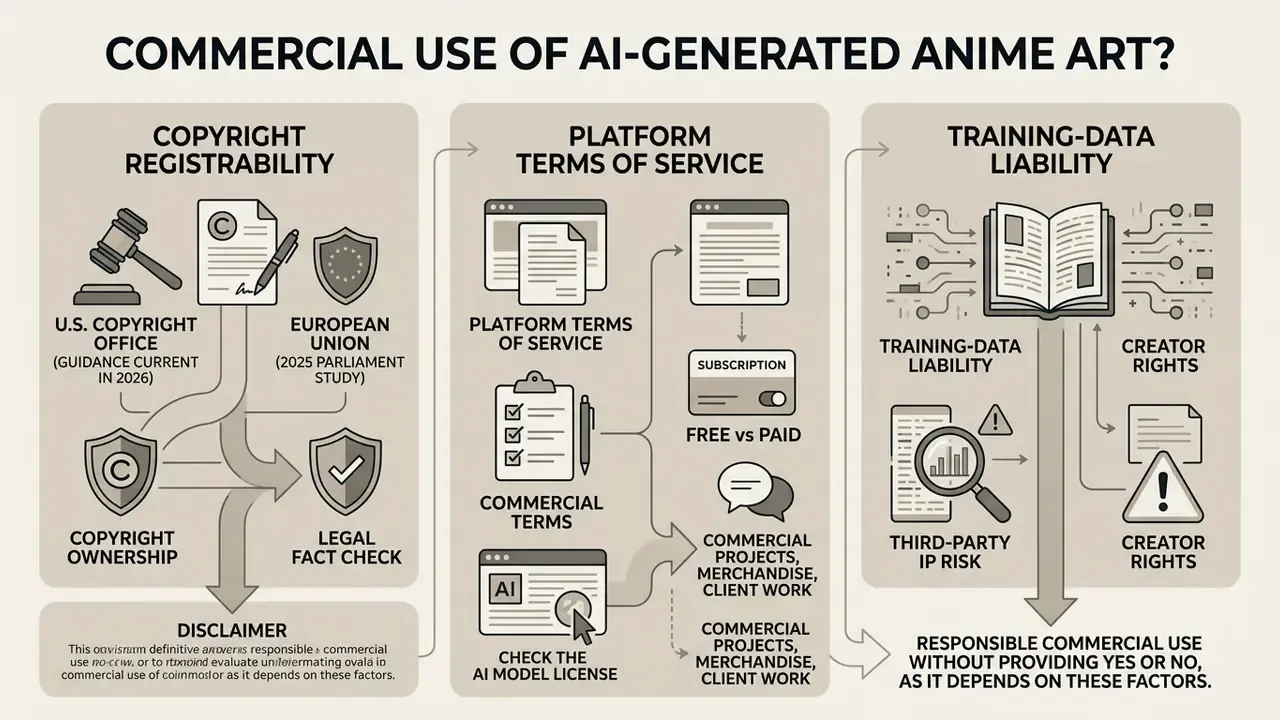
Commercial use of ai anime generated images rests on three independent questions: copyright registrability, platform terms of service, and training-data liability. They are separate, and people conflate them constantly. Readers evaluating broader deployment scenarios can review our analysis of commercial use of AI image generators.
Legal fact check: copyright ownership and commercial terms
Check the AI Model License and Creator Rights
Before publishing or monetizing, read the base license (CreativeML Open RAIL-M, the Stability AI Community License, or a vendor-specific ToS):
- Determine the model license: confirm whether the base model permits commercial distribution, resale, or use inside a commercial product.
«The study found copyright-infringing content generation to be prevalent even under prompts not explicitly referencing protected works.» Zhang et al., Investigating Copyright Issues of Diffusion Models under Practical Scenarios, arXiv:2311.12803 (2023). https://web3.arxiv.org/abs/2311.12803v1
- Verify revenue caps: some open-community licenses allow free commercial use only below an annual revenue threshold, for example the $1M USD limit in Stability AI Community Licensing.
- Check account tier permissions: confirm that your tier, not just the platform in general, grants commercial rights. The model license and the service terms are separate documents and can conflict; one may permit commercial use while the other imposes tier or revenue limits.
- Record the version: log the exact checkpoint, LoRA, and adapter versions per deliverable, so the applicable license text can be reproduced during an audit or a dispute. Boring discipline. It is also the only evidence you will have if a client asks.
For platform compliance and technical documentation, visit AI Media Support, or review legal risk frameworks and browse the hub of litigation summaries.
Commercial Projects, Merchandise and Client Work
Using AI anime art in client deliverables, indie game assets, or printed merchandise calls for structured risk management:
- Merchandise design Combining AI-generated character renders with human-authored layout, typography, and background patterns establishes protectable compilation copyright. A raw prompt-to-image output on its own receives none.
- Indie game development Raw AI graphics may not be copyrightable on their own, yet source code, mechanics, narrative scripts, and asset arrangement remain fully protectable.
- Comics and graphic novels A volume with a human-written script and AI illustrations can register the human text plus original selection and arrangement. The AI illustrations must be excluded from the claim.
- Client work Disclose generative AI use in the contract. Make sure deliverables do not infringe third-party character copyrights, and never list the tool or vendor as author or co-author in a registration.
To evaluate commercial integration options and enterprise guidelines, explore the hub for detailed usage frameworks.
FAQ About AI Anime Character Generators
Can I Turn a Photo Into an Anime Character?
Yes. Conversion runs through image-to-image (img2img) transformation, ControlNet Tile conditioning, or face-swapping models. A photo-to-anime converter keeps the source composition while replacing the rendering style. Recommended parameter calibration:
| Method | Denoising Strength | Primary ControlNet / Module | Target Output Characteristics |
|---|---|---|---|
| Subtle stylization | 0.30 - 0.45 | ControlNet SoftEdge / Tile | Preserves facial identity, hair geometry, and background structure while applying anime shading |
| Full anime redraw | 0.55 - 0.70 | IP-Adapter Face + ControlNet Depth | Reinterprets features into full anime proportions while retaining posture and facial landmarks |
| Line art extraction | Not applicable (direct lineart pass) | ControlNet Lineart / AnimeLineart | Extracts clean vector-like lineart from photo contours for full re-coloration via prompt |
| Workflow steps: |
- Upload the source photo into the img2img interface (JPEG, PNG, or WebP).
- Set denoising strength between
0.35and0.50to prevent feature warping. - Enter the target aesthetic prompt:
1girl, fine anime linework, cel shading, detailed eyes, masterpiece. - Enable ControlNet Tile or IP-Adapter Face to lock facial geometry and avoid anatomical corruption.
- Inpaint eyes and hairline separately if identity drift appears, then upscale. Beyond diffusion, purpose-built GAN architectures remain competitive for fast stylistic conversion:
«A two-stage GAN method trained on the 10,000-image CartoonFace10K dataset outperforms competing methods on FID and FISI while preserving original content.» MMLab UIT, Anime Style Face Dataset (CartoonFace10K) (2023). https://mmlab.uit.edu.vn/dataset/2023/09/25/datasets8 Related lightweight frameworks (AnimeGAN, DTGAN) and semi-supervised scene translation methods such as Scenimefy (ICCV 2023) attack the same task with different speed and fidelity trade-offs. To convert existing personal photos into stylized illustrations, apply an ai photo to anime converter, restore aged portraits with ai photo restoration online free utilities, or make manual edits in an ai photo editor or a general-purpose online photo editor.
Can an AI Anime Generator Create Video and Animation?
Yes. Current tools animate static characters through image-to-video AI tools and img2vid diffusion models such as AnimateDiff, CogVideoX, or Sora. These models read motion prompts, for example "hair blowing in wind, blinking eyes, subtle smile", and synthesize 2 to 6 second loops while preserving character identity.
«Video Storyboarding improves Multi-Shot Consistency from 63.2 to 68.8 when used with VideoCrafter2, preserving motion dynamics and text alignment.» Video Storyboarding authors, Multi-Shot Character Consistency for Text-to-Video Generation, arXiv:2412.07750 (2024). https://arxiv.org/html/2412.07750v1 Complementary research maps the surrounding capability set: CVPR 2024's Animate Anyone targets identity-consistent, controllable image-to-video character animation, MicroCinema uses a two-stage text-to-image then image-to-video pipeline, and Sora (2024) generates video from text as well as animating a still frame. Creators turning static images into short clips can use an ai photo animator, explore free AI video generators and free AI video generator comparisons, build sequences in an animation maker, or automate delivery through the AI Media API, including Google Veo API implementation for cost and quota planning.
How Many Reference Images Does a Character LoRA Need?
Published and practitioner workflows converge on 10 to 20 curated images per anime OC: varied angles and expressions, consistent outfit, clean backgrounds, no duplicated crops. Under eight images tends to overfit to a single pose. Over forty adds training time without a proportional identity gain.
Do Anime Generators Support Transparent Backgrounds and Sprite Sheets?
Local pipelines such as ComfyUI and WebUI support alpha-channel export and fixed-seed batch sprite generation. Most free web tiers flatten output to opaque PNG or JPEG, so transparency usually requires a paid tier or a separate background-removal pass.
Why Do Faces Change Between Generations Even With the Same Prompt?
In a pure text-to-image run, identity is a byproduct of the seed and prompt tokens, not a stored parameter. Locking the seed reduces drift. Only reference conditioning (IP-Adapter), structural conditioning (ControlNet), or weight-level personalization (LoRA) actually encodes identity.
Is an Online Generator Enough, or Do I Need a Local Install?
If you need occasional images and simple style presets, an ai anime character generator online service is enough, and an ai anime character generator online free tier will cover the first experiments. If you need ControlNet chains, alpha exports, custom LoRAs, or NDA-safe local processing, a local install wins. The break-even point in practice arrives around the moment you start rendering full panel sequences.
Technical Appendix and Methodological Sources
- Zhang et al. (2023): : Text-to-image Diffusion Models in Generative AI: A Survey. arXiv:2303.07909. https://arxiv.org/html/2303.07909v3
- Akdemir et al. (2024): Consistent Characters in Text-to-Image Diffusion Models. arXiv:2311.10093. https://arxiv.org/html/2311.10093v4
- Akdemir & Yanardag (2024): ORACLE: Leveraging Mutual Information for Consistent Character Generation with LoRAs. arXiv:2406.02820. https://arxiv.org/html/2406.02820v1
- Tencent AI Lab (2023): IP-Adapter: Text-Compatible Image Prompt Adapter for Text-to-Image Diffusion Models. arXiv:2308.06721.
- U.S. Copyright Office (guidance current in 2026): Copyright Registration Guidance for Works Containing Materials Generated by Artificial Intelligence. https://www.copyright.gov/ai/
- ReMix authors (2025): ReMix: Towards a Unified View of Consistent Character Generation and Editing. arXiv:2510.10156. https://arxiv.org/html/2510.10156v1
- Fantastic Copyrighted Beasts authors (2024): Fantastic Copyrighted Beasts and How (Not) to Generate Them. arXiv:2406.14526. https://arxiv.org/html/2406.14526v2
- Zhang et al. (2023): : Investigating Copyright Issues of Diffusion Models under Practical Scenarios. arXiv:2311.12803. https://web3.arxiv.org/abs/2311.12803v1
- SSP authors (2024): SSP: A Simple and Safe automatic Prompt Engineering method towards realistic image synthesis on LVM. arXiv:2401.01128. https://arxiv.org/html/2401.01128v1
- StyleTokenizer authors (2024): StyleTokenizer: Defining Image Style by a Single Instance for Controlling Diffusion Models. arXiv:2409.02543. https://arxiv.org/html/2409.02543v1
- Unbounded authors (2024): A Generative Infinite Game of Character Life Simulation. arXiv:2410.18975. https://arxiv.org/html/2410.18975v2
- Video Storyboarding authors (2024): Multi-Shot Character Consistency for Text-to-Video Generation. arXiv:2412.07750. https://arxiv.org/html/2412.07750v1
- MMLab UIT (2023): Anime Style Face Dataset (CartoonFace10K). https://mmlab.uit.edu.vn/dataset/2023/09/25/datasets8
- Morphic / OnomaAI (2024): Illustrious AI: anime-focused image generation model. https://morphic.com/ai-glossary/Illustrious
Appendix A: Superseded Passages, Retained for Transparency
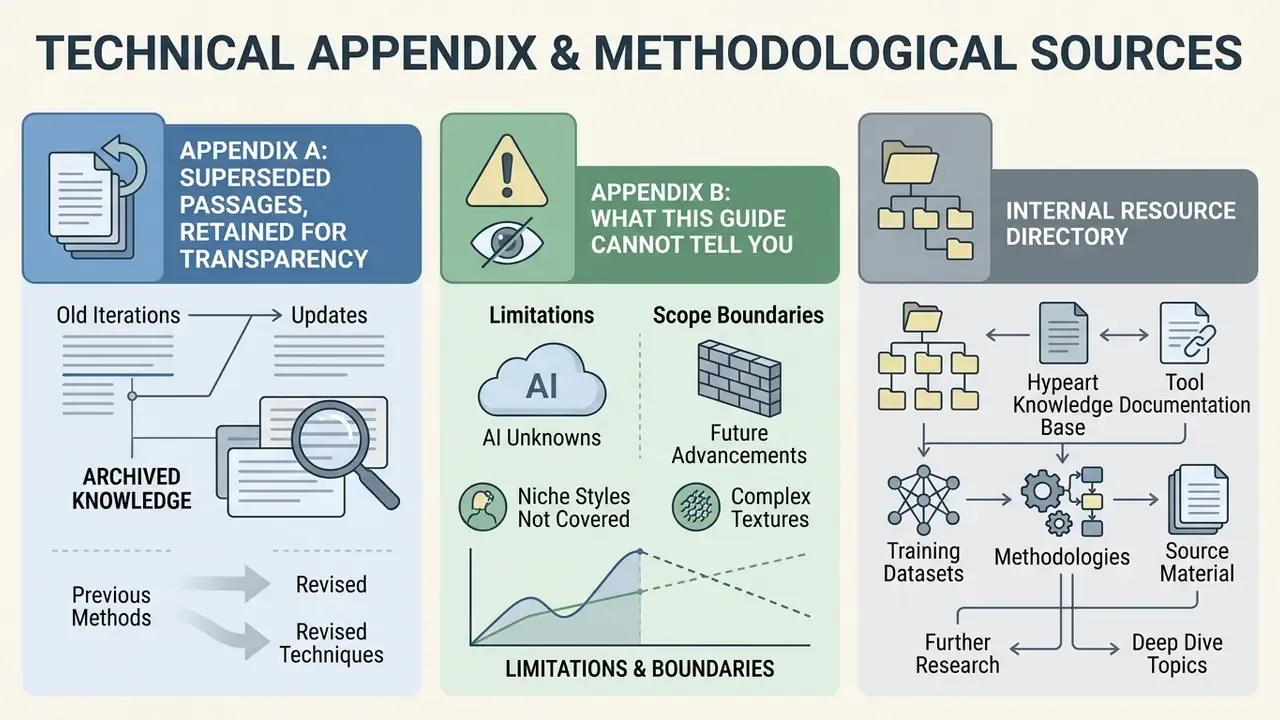
Appendix B: What This Guide Cannot Tell You
Three honest gaps, stated plainly. First, no public benchmark measures regeneration counts for a specific studio pipeline, so any iteration-savings figure has to come from your own A/B test. Second, license texts change without notice; the pricing table is a snapshot, not a warranty. Third, the boundary between "inspired by" and "substantially similar" in franchise-adjacent character art is decided case by case, and no prompt hygiene fully removes that exposure. Document your inputs, keep the version log, and get counsel involved before a commercial launch.
Internal Resource Directory
For complete documentation across generative media categories, see the overview in our central hub directory, or review adjacent production tooling such as video compressors and YouTube video editors for publishing anime content at scale.